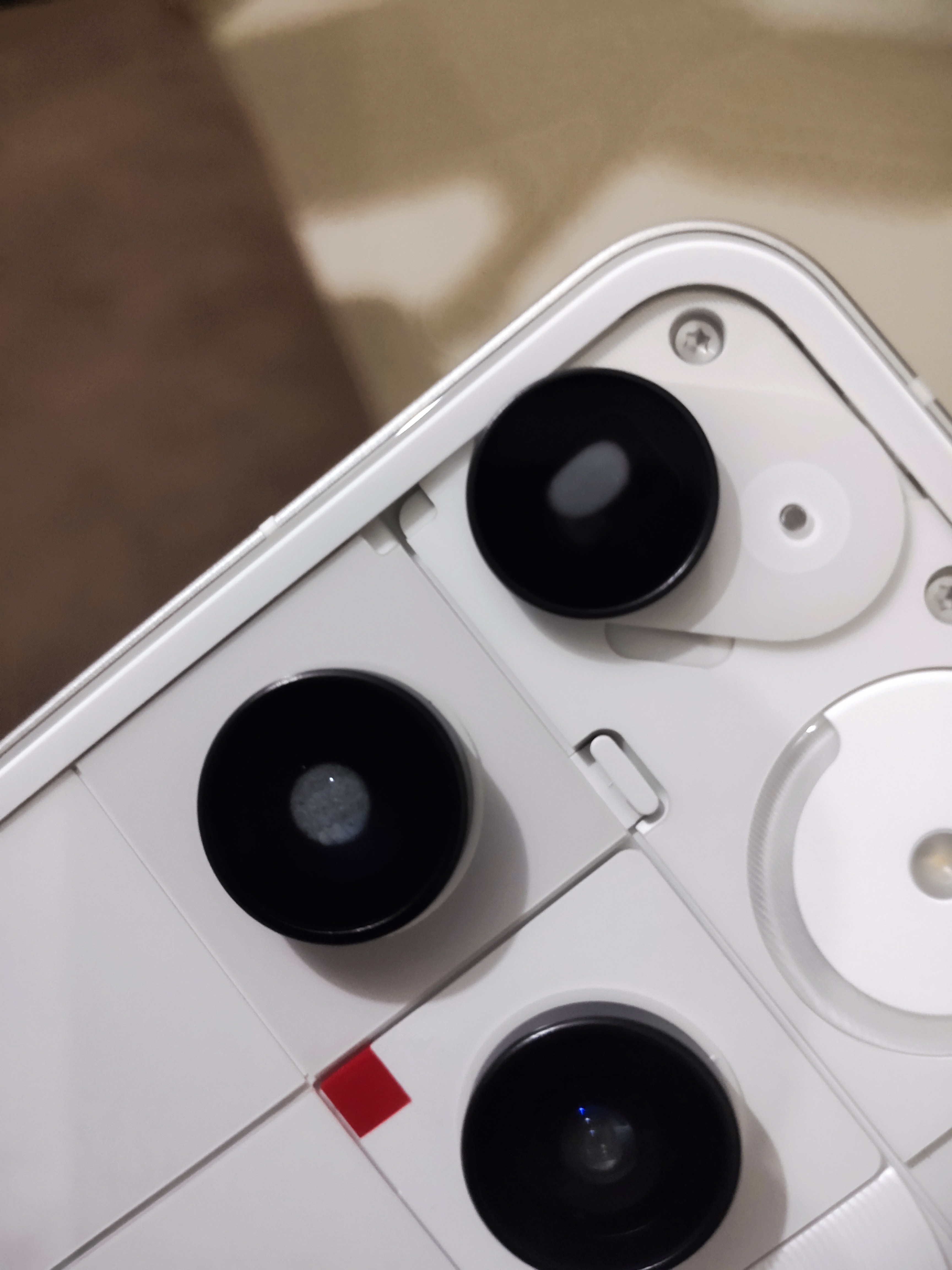
this also happens with dSLR lenses, especially if they’re not weather-sealed. using a dSLR outside in the cold winter and then moving to a warm area will cause condensation inside of the lens housings. It’s quite easy to fix as the lenses come off. It also causes no permanent damage.
I would assume that based on your user name that you’re operating in a very humid climate and that the phone acclimated to the atmospheric humidity, which is easily would as the atmosphere will exchange inside of the phone (they’re not airtight). when the phone is run hot (update), the temperature will cause the moisture in the atmosphere inside of the phone, to condense on a cold surface, which will be the external surface (inside of the lens).
It’s the opposite of taking a cold glass-enclosed beverage out of the fridge, condensation will appear on the warm surface, i.e. the outside of the glass bottle. In this case, the warm surface is the inside of the glass covering the external camera lens as the same principle applies.
did you have the phone in humid outdoors prior to the update process which will heat up the phone internals.
there really isn’t much of a solution … if outside is very humid when you heat it up this will happen.
the two alleviating steps would be to:
- control the humidity during the process as do the update in the humid area rather than inside (I assume you have AC or a dehumidifer inside
- control the tempertaure difference and put the phone in the fridge during the update so the temerpature increaese is less.
I hope that helps. My camera lenses would alway do that when I used them outside in under 0C conditions and then brought them back inside. (I was too cheap for weather-sealed lenses) and it never caused an issue as it’s simply water and would evaporate over time. This can lead to fungus growing inside the lenses over decades through.
edit: it should be noted that IP68 doesn’t not confirm that an electronic device is hermetically sealed (gases can be exchanged, including those carrying water vapour as shown by the OP).