I’m facing a strange issue on my CMF Phone 2 Pro while trying to use the IndusInd Indie banking app.
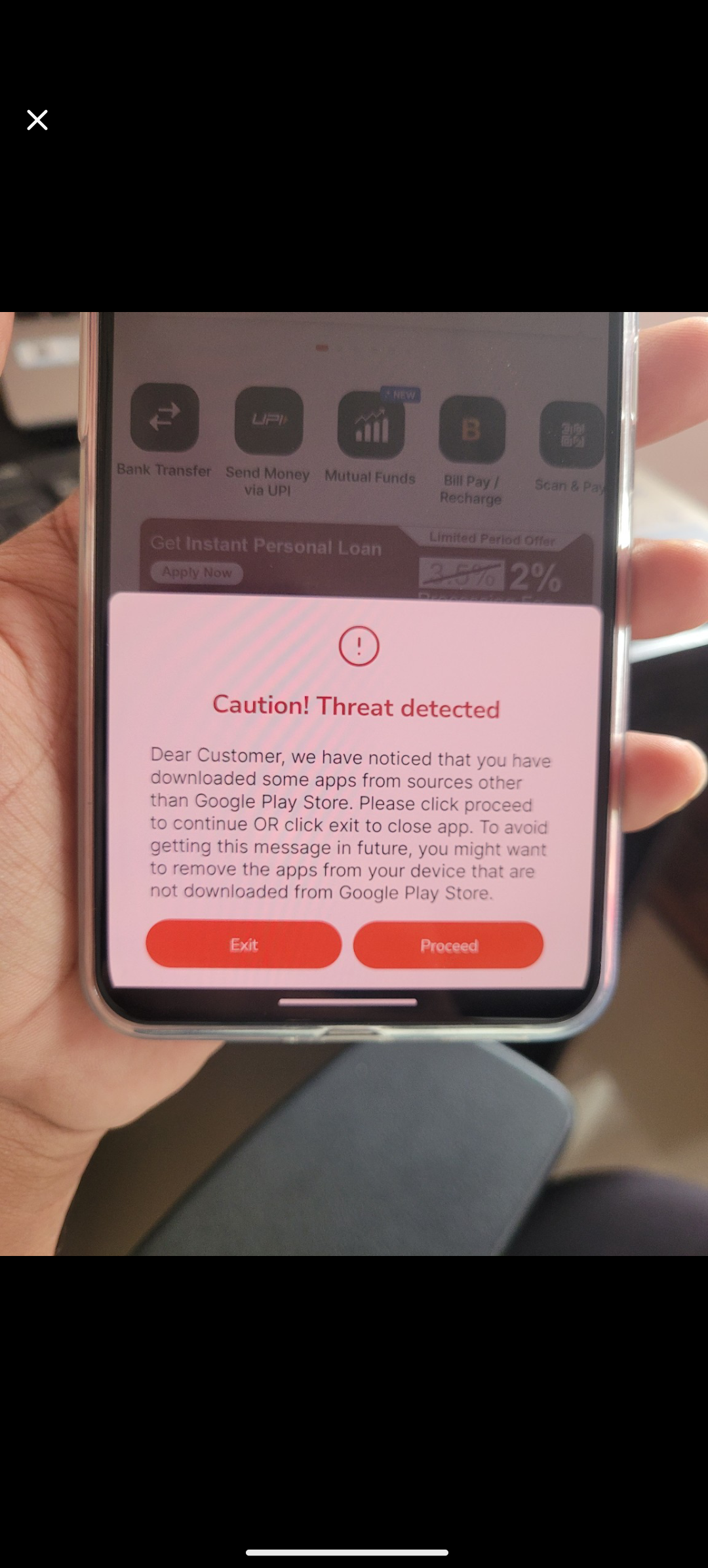
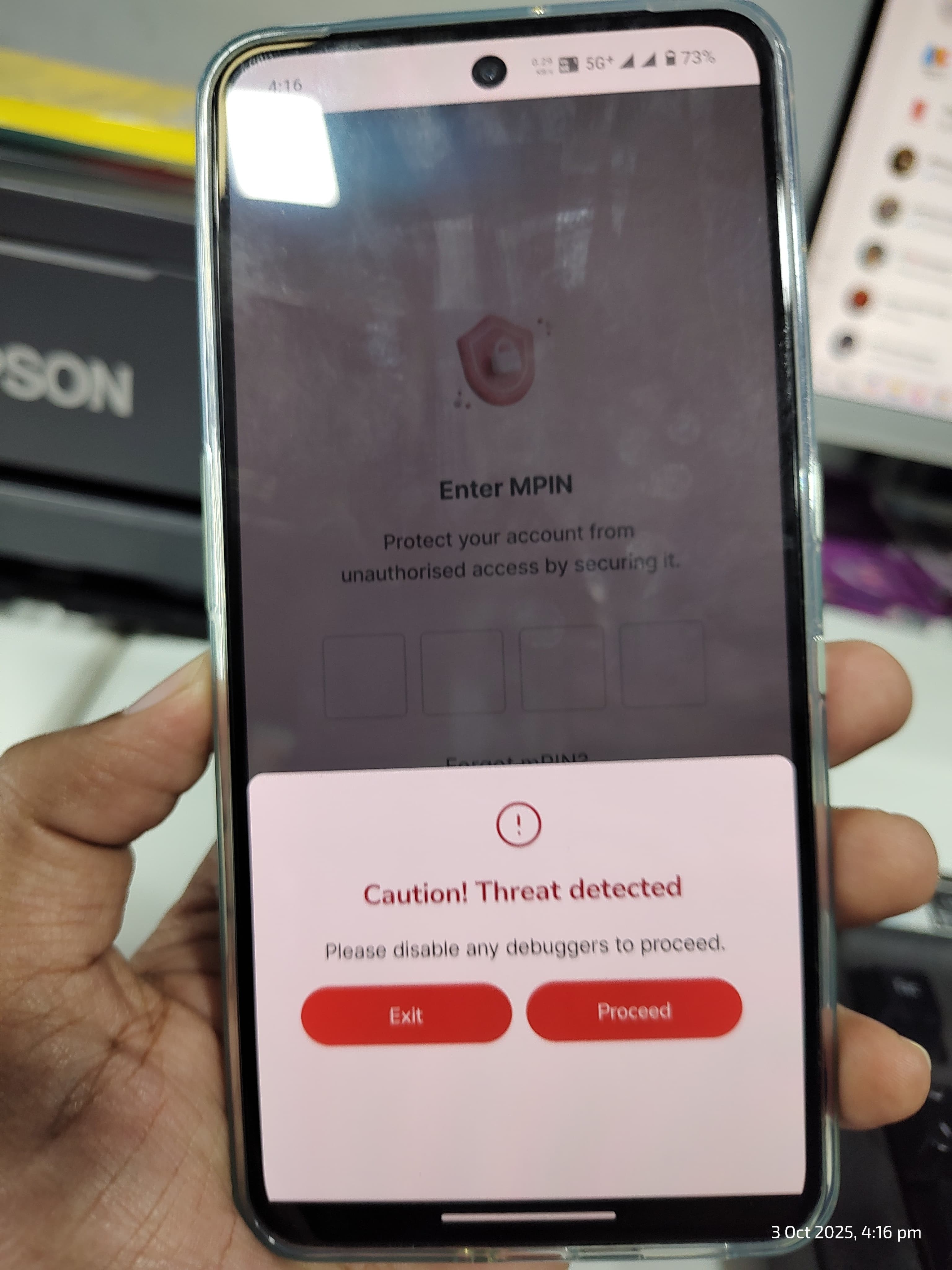
Whenever I launch the app, I get a warning message saying:
Dear Customer, we have noticed that you have downloaded some apps from sources other than Google Play Store. Please click proceed to continue OR click exit to close app. To avoid getting this message in future, you might want to remove the apps from your device that are not downloaded from Google Play Store.
However, I have not installed any apps from outside the Play Store. All my apps are verified and installed directly from Google Play. I even double-checked my installed apps, and there’s nothing sideloaded or from unknown sources.
This seems to be a false positive or a compatibility issue between the Indie app and the CMF Phone 2 Pro. It’s quite annoying, especially for a banking app where trust and security are critical.
Has anyone else encountered this on the CMF Phone 2 Pro or with the IndusInd Indie app? Any tips to fix or bypass this warning without uninstalling legitimate apps?
Would appreciate any help or insights