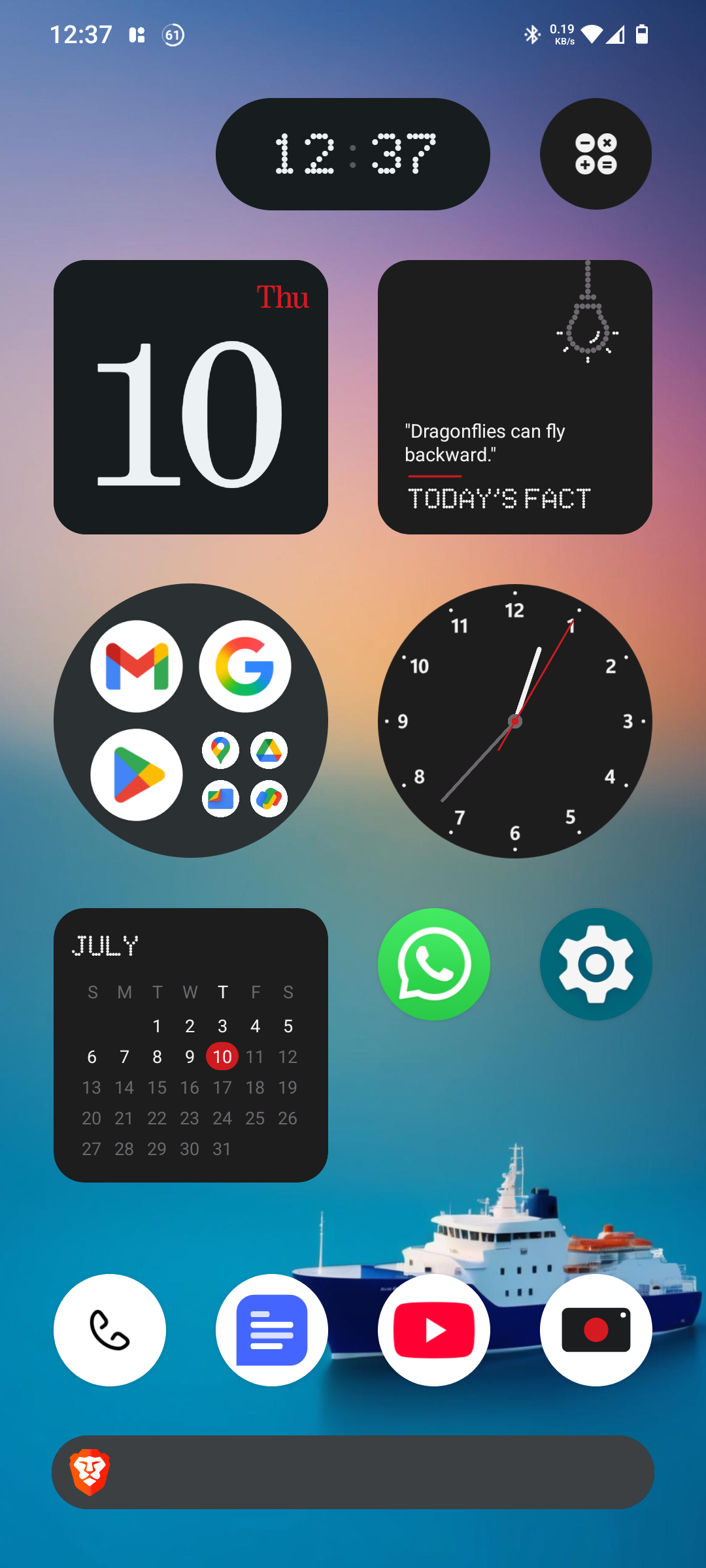
Device Used: Nothing Phones
Nothing OS Version: 3.2
Prepared By: Concerned User & Enthusiast
Purpose: To highlight areas where Nothing OS needs improvement, especially in comparison with competitors like OnePlus, Xiaomi, Pixel, and Samsung. This report also includes real-world user observations to reflect true usage experience and expectations.
---—————————————————————————–
Summary
While the Nothing Phone boasts a unique design and clean hardware aesthetics, the software experience falls behind expectations—especially for users purchasing higher RAM variants at a premium price. The current OS feels underdeveloped with a lack of animation, haptic feedback, personalization, and efficient use of RAM. These elements, when missing, reduce the sense of value in a smartphone regardless of its hardware potential.
---—————————————————————————–
Key Areas Needing Improvement
1. Lack of System Animations
- No meaningful animations in core UI (unlocking, transitions, notification shade, settings, etc.)
- System feels static and lifeless even on high RAM variants.
- No animation in volume or brightness sliders.
Suggestions:
- Add smooth unlock/app transition effects.
- Include system-wide motion effects.
- Introduce polished animation flows.
2. Lock Screen Bugs & Visual Glitches
- Clock widget sometimes stuck at top edge.
- PIN/pattern interface lingers after face unlock.
Suggestions:
- Improve lock screen UI rendering and transition timing.
3. Underutilization of 12GB RAM
- OS behaves as if built for lower RAM (6GB).
- No RAM boost/expansion features.
- Apps frequently reload, reducing multitasking efficiency.
Suggestions:
- Implement RAM boost.
- Optimize background app retention.
- Enable smart RAM management.
4. Weak Haptic Feedback Integration
- No vibration for typing, volume control, gestures, or long-press actions.
Suggestions:
- Enable haptics across system gestures.
- Add feedback for sliders, typing, errors, and swipes.
- Use custom vibration patterns for various actions.
5. Minimal UI Personalization
- No live/dynamic wallpapers.
- No advanced AOD customization.
- No animation themes.
- No custom icon size settings.
- Display scaling affects full UI—no independent control for icon size.
Suggestions:
- Add live wallpapers.
- Include AOD style customization.
- Allow granular UI scaling (icons vs. full interface).
- Provide icon shape/size control.
6. Software Updates Lack Depth
- Only minor changes in major version updates.
- Recent updates mostly affect fonts/camera.
Suggestions:
- Add impactful UI features per update.
- Maintain changelog transparency.
- Refine system visuals consistently.
7. Missing Features Common in Other OSes
- No Advance Game Mode
- No battery usage graph per app
- No edge-to-edge Gboard support (bottom gap visible)
- No “Home Screen Only” mode (apps drawer toggle missing)
- Lacks deep customization options (like Apps icon size , adaptive layout)
Suggestions:
- Add floating window mode & game tools.
- Provide edge-to-edge Gboard layout.
- Offer app drawer toggle and launcher flexibility.
- Allow removing keyboard bottom space.
- Include battery stats and permissions dashboard.
---—————————————————————————–
Conclusion
Nothing OS provides a clean and minimalistic design, but lacks in several key areas users expect in 2025, such as:
- Dynamic animations and transitions
- Haptic feedback
- Customization options
- RAM optimization
- Feature-rich updates
Without addressing these, the OS risks appearing underdeveloped despite its solid hardware.
---—————————————————————————–
Final Recommendation
As loyal users, we urge the Nothing OS development team to:
- Focus on user experience alongside minimal design
- Introduce long-requested features
- Optimize existing hardware/software synergy
- Bring UI elements to life with animations and haptics
Clean doesn’t mean empty. Simple doesn’t mean basic. Minimal doesn’t mean lifeless.