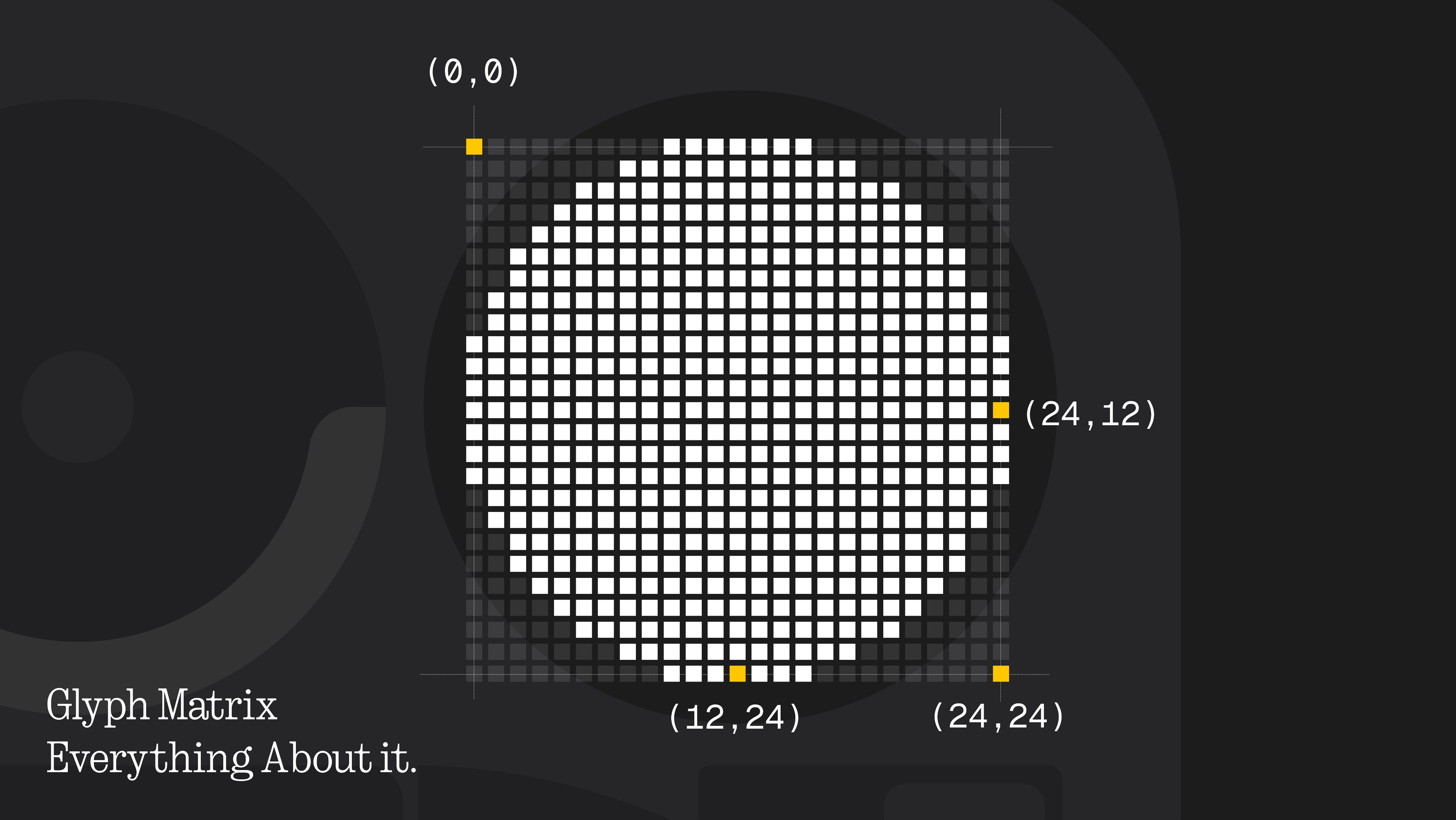
Glyph Matrix is the evolved version of the original Glyph Lights. The earlier system was intentionally limited, it could only pulse or react in a few fixed ways, which meant the experience was more about visual feedback than actual communication. Glyph Matrix builds on that foundation by replacing light strips with a pixel-style grid, making it far more flexible and expressive. With symbols, patterns, and animations instead of simple blinks, it turns the lights into something smarter, more informative, and capable of doing much more without becoming distracting. And let’s dive in deeper.
Glyph Toys
Kicking off with Glyph Toys, they are small, purpose-built experiences created specifically for the Glyph Matrix. They are not traditional widgets or full apps, but lightweight visual tools that use the pixel grid to communicate information or enable simple interactions.
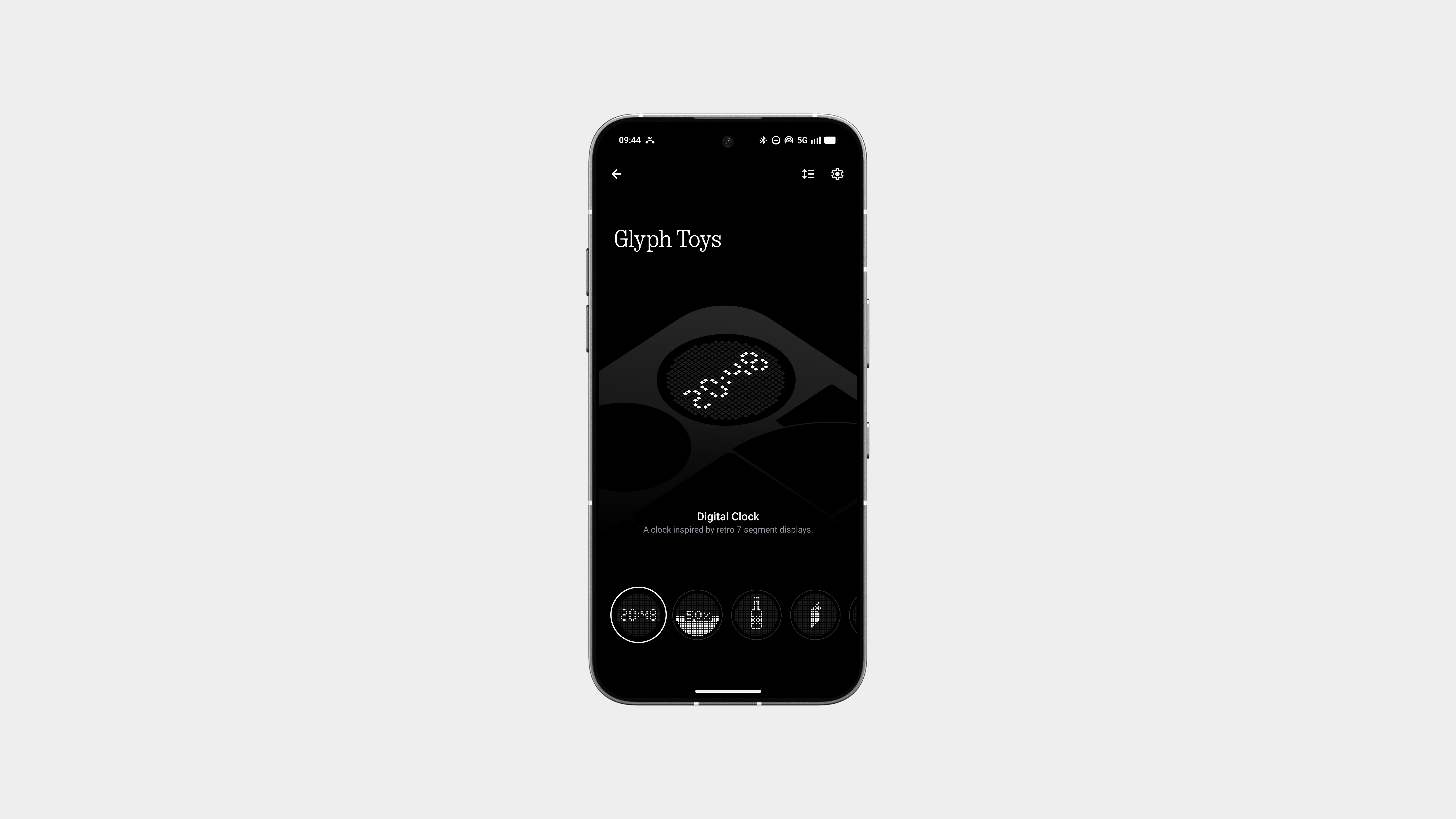
Each toy is designed around a single, clear function, whether it’s showing status, offering quick interaction, or adding a bit of personality, all while staying glanceable and low distraction. There are already some cool default toys like Feed the Fly and Leveller by @Rahul, and an even wider range of great toys that are available by default, more on Community Built one’s later in this post.
Glyph Mirror
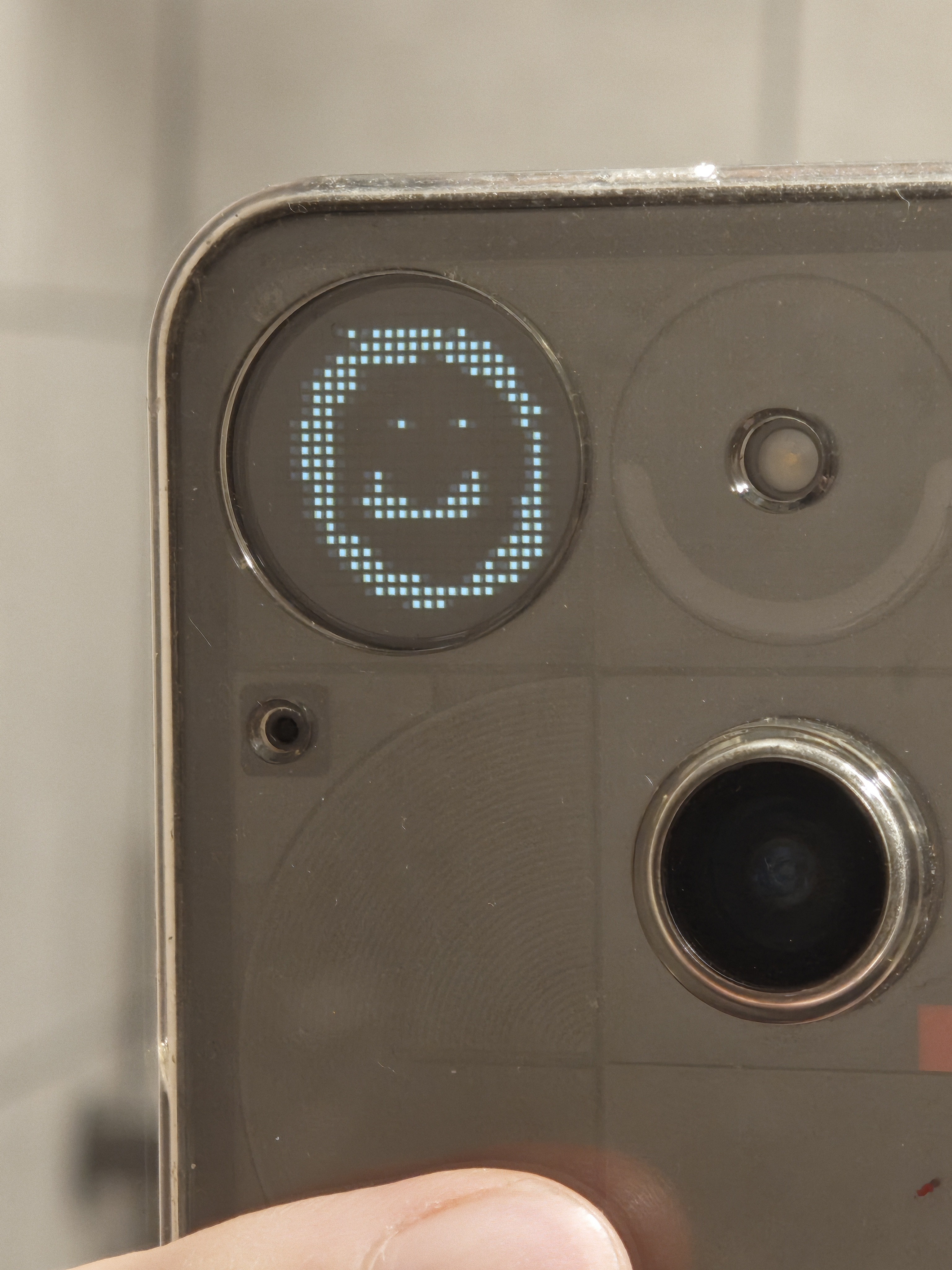
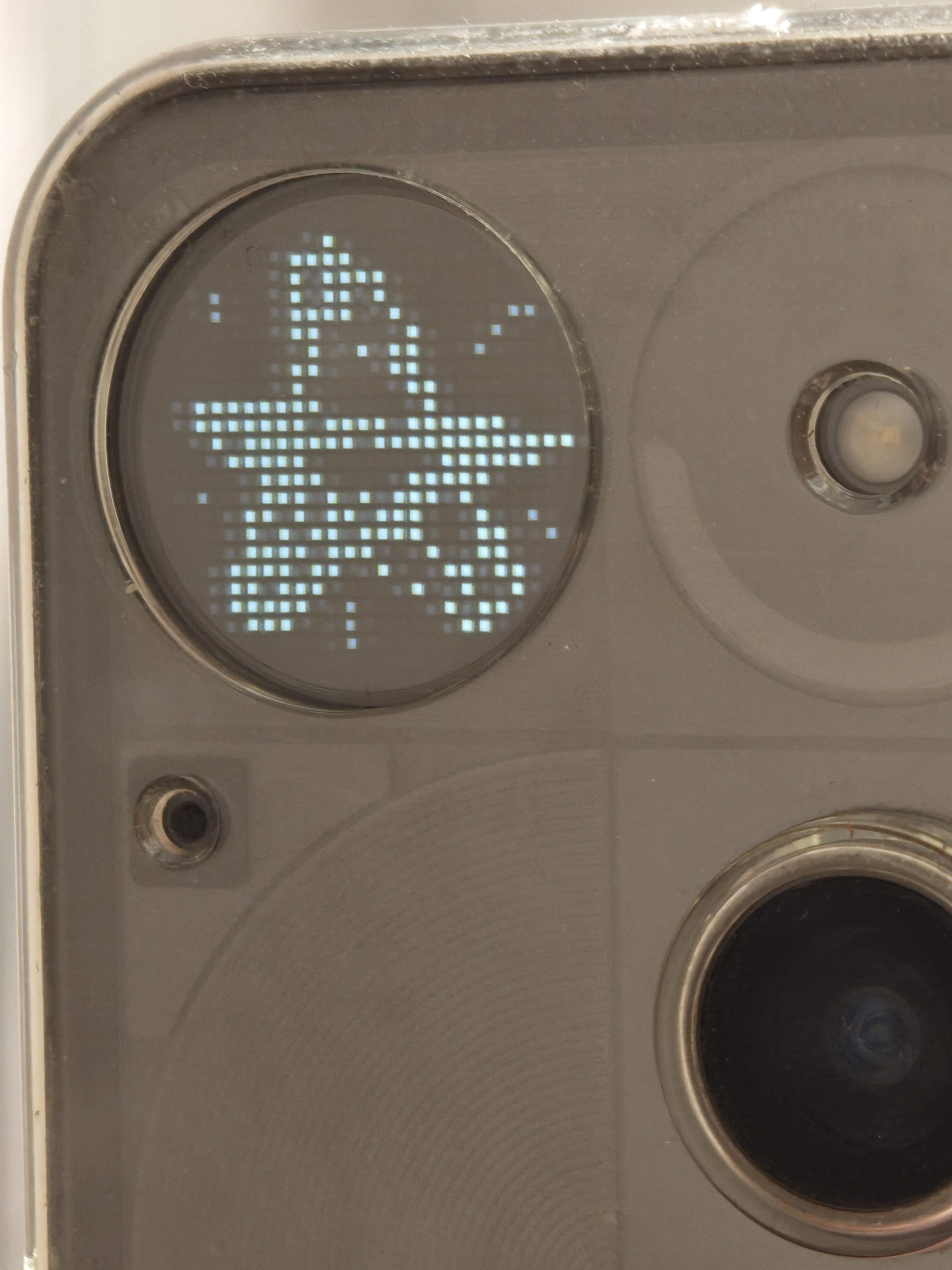
Glyph Mirror is a playful extension of the Glyph Matrix idea. It takes images and converts them into a pixel-style format that matches the dot-matrix look of the back display. You can also get regular pictures transformed into this pixelated format when using the ViewFinder toy on the Glyph Matrix, so they focus on contrast and shape instead of detail and feel native to the Glyph aesthetic.

On supported devices, the Glyph Matrix can act as a low-resolution guide when using the rear camera. This makes framing easier while keeping the experience minimal and intentional. You are not aiming for detail here, just position and balance. This is where the idea of a Glyph selfie comes in, using the rear camera while the matrix helps you line up the shot.
Don’t have a Phone (3) but still want Glyph Mirror–style, pixelated images? Check out Matrices by @Uday . It lets you generate Glyph-style visuals without needing the hardware, making it easy to experiment with the dot-matrix look and share it anywhere.
Always on Glyph
Glyph Matrix supports an always-on mode, but it’s intentionally subtle and mostly static. Instead of constant animations, it displays calm, low-power visuals that sit in the background without pulling attention. This makes the back of the phone informative without feeling alive or distracting.

Glyph Toys in this mode focus on clarity over movement. Elements like the battery indicator, clock, and sun dial rely on simple, static pixel layouts with minimal changes only when the information updates. The idea isn’t to animate, but to exist quietly.
Community-created toys follow the same rule set. They work within strict pixel and power constraints, which keeps the experience consistent and purposeful. Nothing flashy, nothing noisy, just information that’s there when you look for it.
Generative Ringtones
Nothing’s generative ringtones push the idea of personalization beyond static sounds. Instead of playing the same tone every time, these ringtones are procedurally generated, meaning they change slightly on every ring. You never hear the exact same version twice.

Ringtones like Diode and Chemical are built from modular sound elements that rearrange themselves dynamically. The structure stays familiar, so it’s still recognizable, but the variation keeps it from feeling repetitive or annoying over time.
What makes this work especially well with Glyph Matrix is the sync between sound and light. Each generative ringtone pairs with reactive Glyph patterns, so both audio and visuals feel alive without being chaotic. It’s controlled randomness, designed to feel organic rather than noisy.
Glyph Progress (with third-party app support)
Glyph Progress turns the Glyph Matrix into a quiet progress indicator instead of just a notification surface. It visualises ongoing actions like charging, timers, and live app activities using simple pixel progress rather than numbers or percentages. You don’t need exact values, just a clear sense of progression.
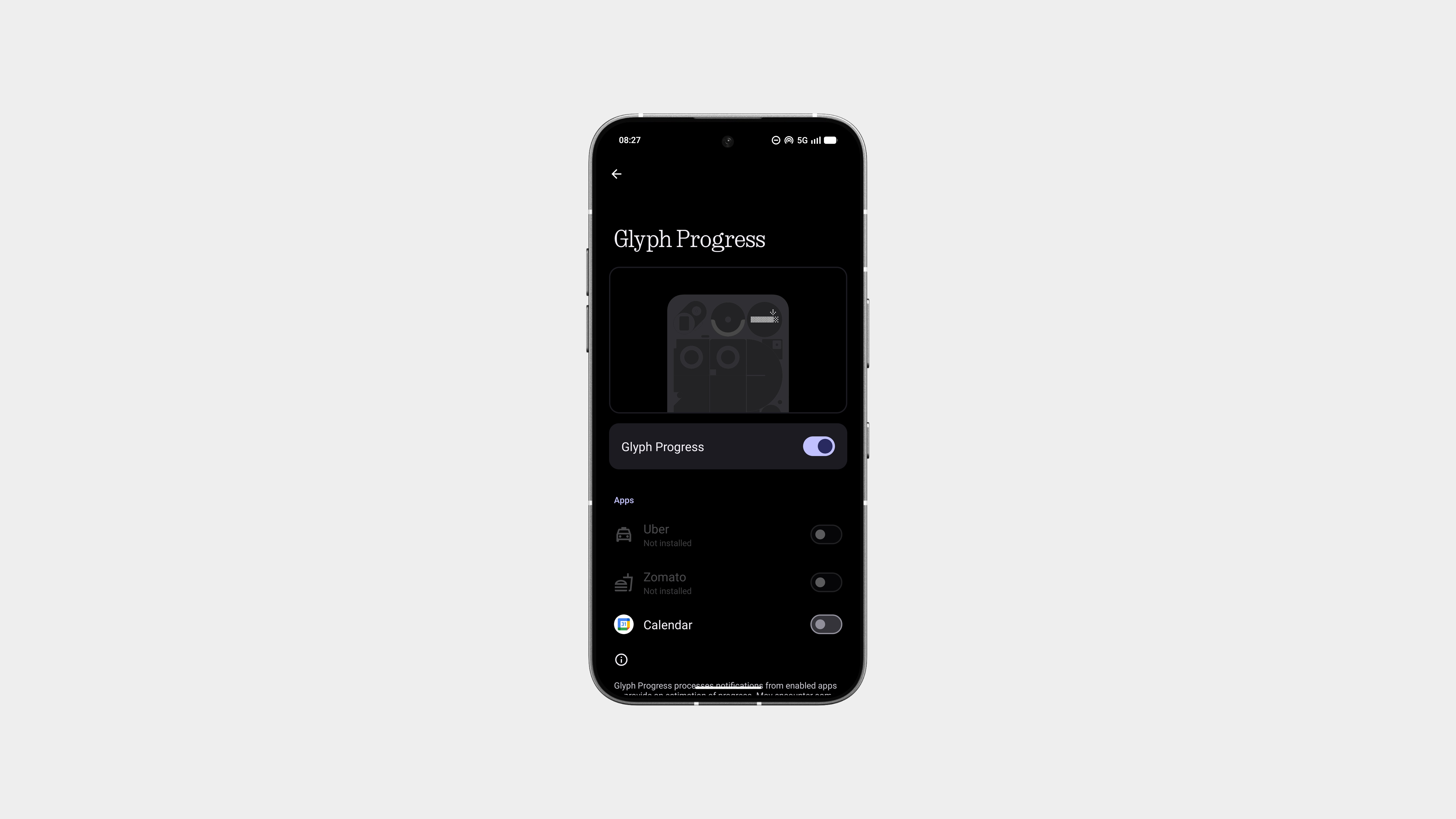
What makes this genuinely useful is third-party app support, including apps widely used in India like Uber, Zomato, and Google Calendar. Ride arrival progress, food order status, or upcoming events and reminders can be reflected directly on the Glyph Matrix, letting you stay informed without unlocking the phone.
This is where Glyph Matrix moves beyond aesthetics. It connects system functions and real-world apps, reducing screen checks while still keeping you in the loop.
Glyph SDK
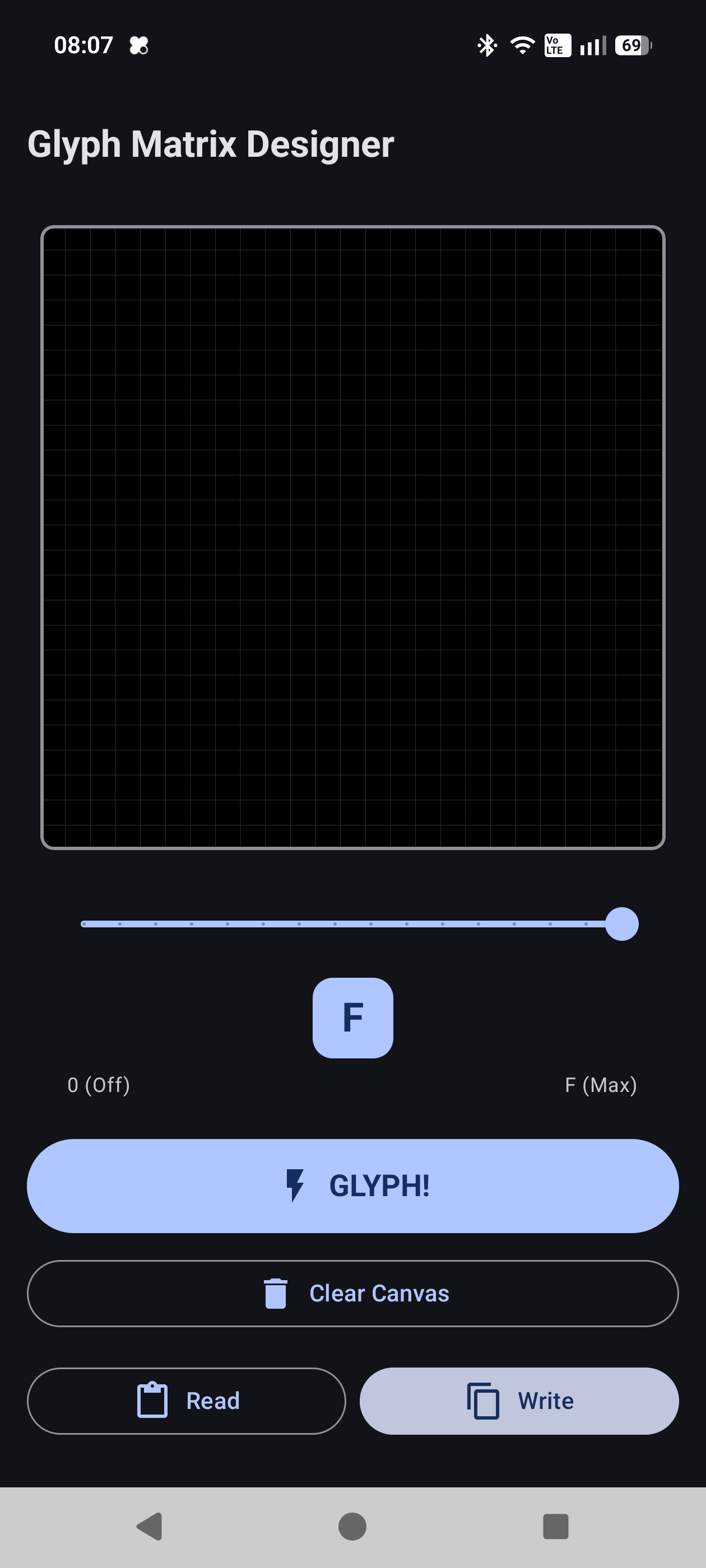
Glyph Matrix isn’t locked to system features. Nothing opened it up with a dedicated SDK, letting developers and the community build custom Glyph Toys and interactions. The SDK allows apps to render visuals on the pixel grid, respond to button presses, and control how toys behave in active or always-on states.
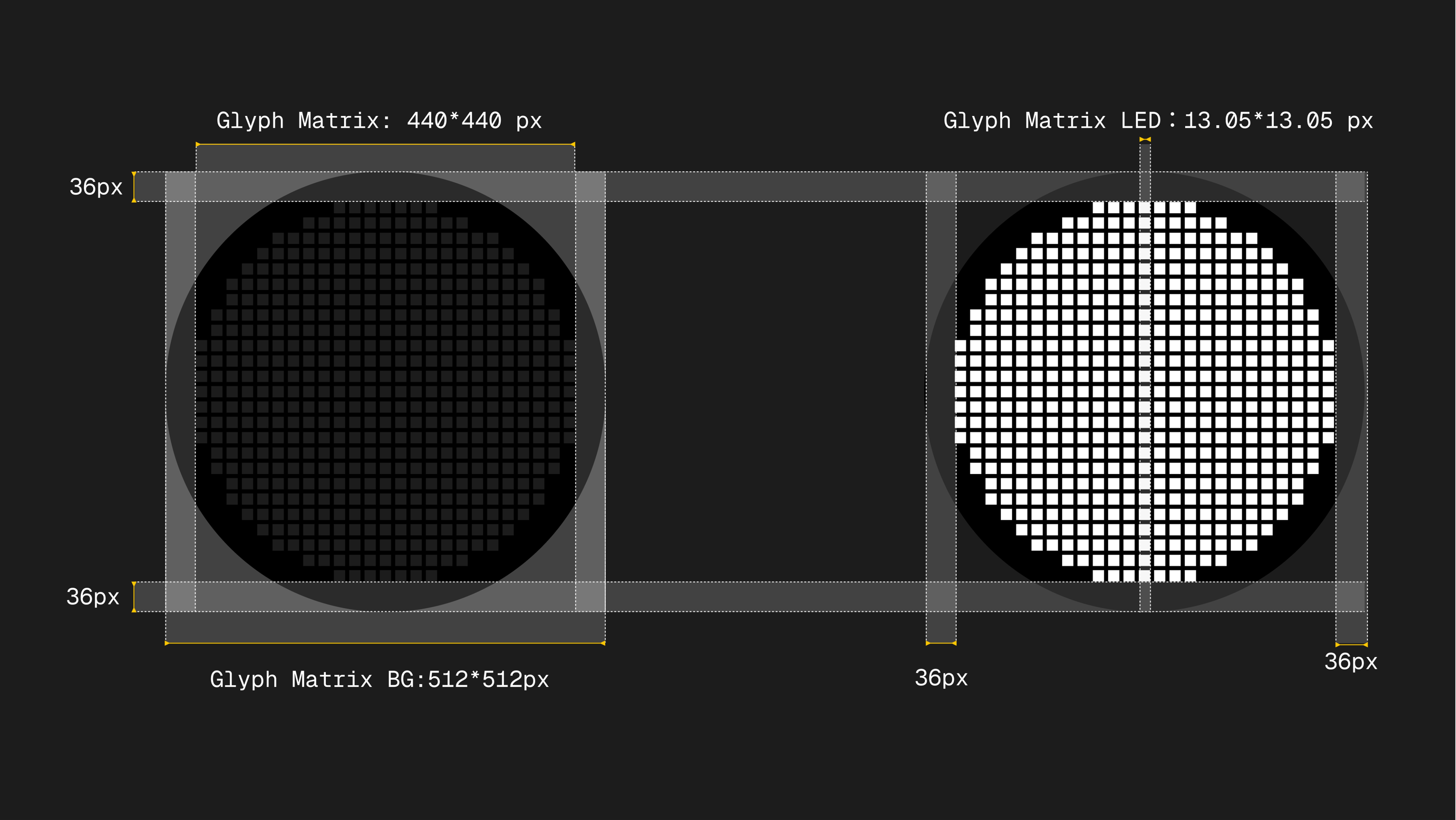
Developers can design experiences, keeping power usage low and visuals readable. Input is handled through the Glyph button, enabling simple actions like toggles, counters, timers, or mini tools without touching the main screen.
This turns Glyph Matrix from a feature into a platform, where the back of the phone becomes programmable, community-driven, and continuously evolving, while still respecting Nothing’s minimal, low-distraction design philosophy. Learn more here.
Essential Recorder
Essential Recorder doesn’t just live on the screen. It extends to the back of the phone through Glyph Matrix. While recording, the Glyph Matrix visualises audio in real time, turning your voice into subtle pixel-based movement. You can tell at a glance that recording is active, without checking the display.

The interaction is simple by design. Press and hold the Essential Key to instantly start or toggle recording, and the Glyph Matrix responds immediately. No app switching. No confirmation screens. Just a clear visual cue that something is being captured.
This is where Glyph Matrix stops being decorative and becomes functional. It acts as a silent indicator, letting you stay present in the moment while still knowing what the phone is doing. The recorder captures the content, the matrix communicates the state, and neither demands your attention.
It’s a small interaction, but it reflects the bigger idea behind Nothing OS: actions should feel obvious, feedback should be glanceable, and technology should stay in the background unless you need it.
Essential Notifications
Essential Notifications are Nothing’s attempt to fix what notifications have become. Instead of every app shouting for attention, this system lets you decide what actually matters and gives those notifications priority, clarity, and persistence.

Unlike regular notifications that come and go, Essential Notifications are designed to stay relevant. They surface important information clearly, and when paired with Glyph Matrix, they can be understood without even turning the phone over.
At the heart of the system are rules. You tell the phone what qualifies as essential, and it handles the rest.
You can create Essential Notifications based on things like:
Once a rule is met, that notification is treated differently from the rest.
How to create an Essential Notification (tutorial)
Creating an Essential Notification is simple and very intentional. You are not just toggling alerts. You are defining what actually matters.
Open Settings
Go into Settings and navigate to the Glyph Interface section.
Enter Essential Notifications
Inside Glyph Interface, tap on Essential Notifications to see existing rules or create a new one.
Create a new rule
Tap on New Rule. This is where you define what makes a notification essential.
Name the rule
Give the rule a clear name so you immediately know what it’s for. This helps when you have multiple rules set up.
Select the app
Choose the specific app the notification should come from. This ensures only relevant alerts are considered.
Add keywords or conditions
You can narrow it down further by setting keywords, message types, or specific triggers. This way, only important notifications from that app get through.
Set a custom icon
Choose an icon for the rule. This icon is used visually, including on the Glyph Matrix, so you can instantly recognise what the notification is about without reading anything.
Save the rule
Once saved, the rule runs automatically in the background.
From this point on, whenever the conditions are met, the notification is treated as essential and shown clearly through the system and the Glyph Matrix. Everything else stays quiet.
This rule-based approach is what makes Essential Notifications powerful. You are telling the phone what deserves attention, instead of letting every app decide for you.
and Much More
Beyond the features built into the system, there’s already a growing set of community-built apps that push Glyph Matrix further. These apps experiment with new interactions, smarter visuals, and ideas that go beyond the default experience. If you want to see the real potential of Glyph Matrix, the community is where a lot of it is happening.
You can check out all the community-built apps over here, and developers are constantly shipping new ideas and experiments around Glyph Matrix.
Some standout projects worth checking out are Glyph Toybox by @abhishek_lakhani and Glyph Nexus by @Vishwam . Both explore different ways the Glyph Matrix can be used, from playful tools to more functional system-style interactions.
This is what makes Glyph Matrix exciting. It isn’t a finished idea. It’s a platform that’s still evolving, shaped not just by Nothing, but by the people building on top of it.
The rest of the experience stays familiar, things like bedtime schedule and other system cues continue to work much like they did with the original Glyph Lights, just adapted to the new Matrix format.
If you made it this far, let me know if this was a good read, and comment on how glyph matrix can be better in the future.
So yeah, Until Next time
Peace ✌🏾