Hey Nothing Community,
I have developed a new utility to maximize the potential of the Nothing Phone (3) Glyph Matrix Display.
Meet Aeroglyph.
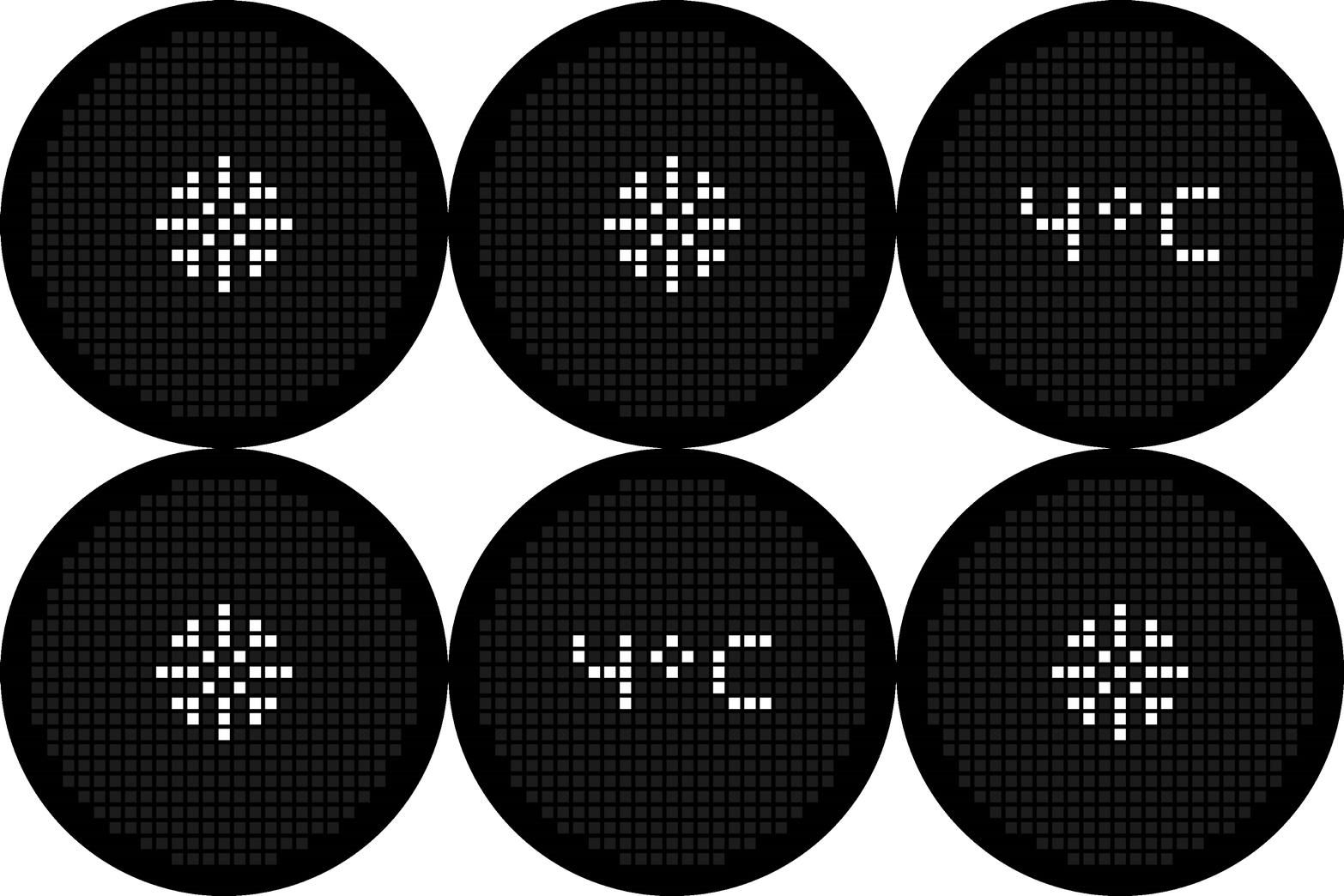
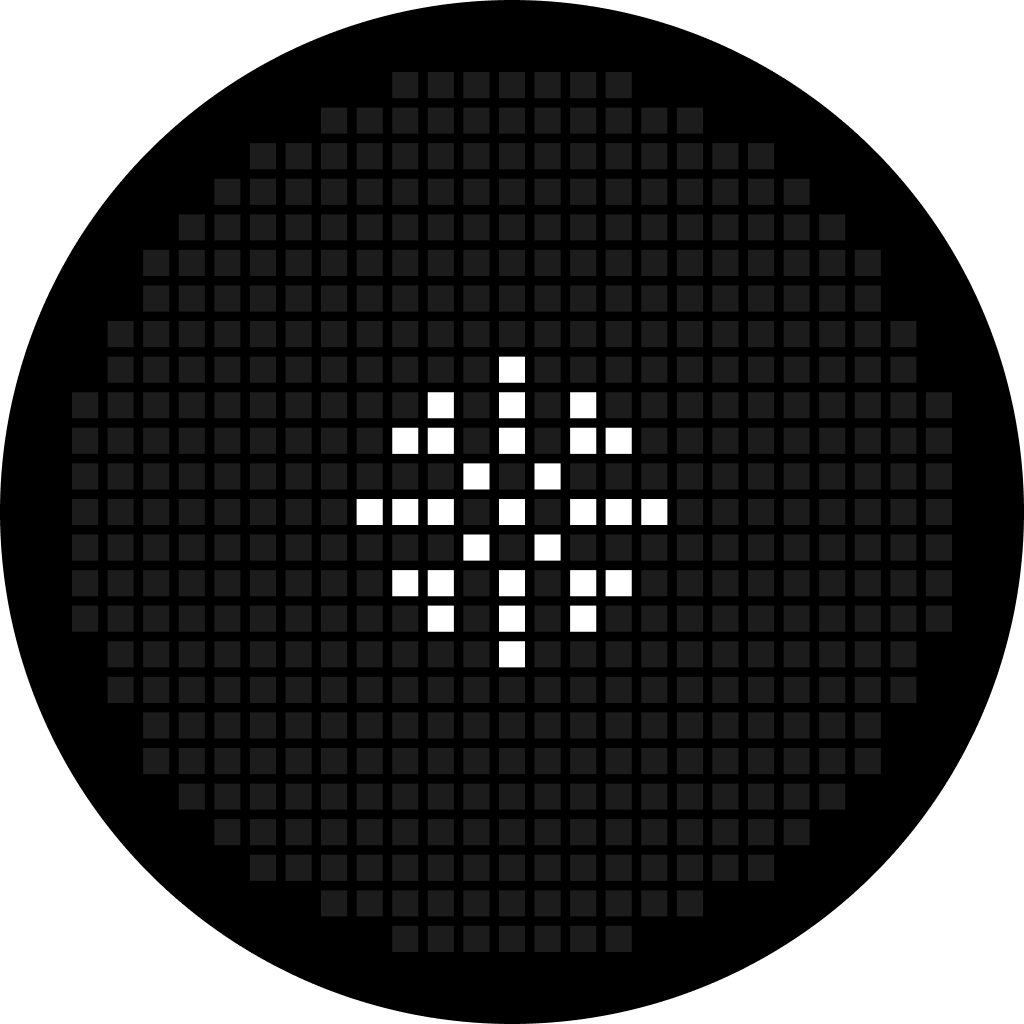
It transforms the back of your phone into an ambient weather station. No unlocking. No scrolling. It allows you to visualize your surrounding weather at a glance, right on the back of your phone. It uses the Dot Matrix display to render real-time conditions (Clear, Cloudy, Rain, Snow, Mist) in that native, retro-futuristic style.
The Concept: I wanted to create a “Glyph Toy” that actually serves a purpose. Aeroglyph pulls local weather data and renders it on the Dot Matrix Display on the back of the phone. Ideally, you can leave your phone face-down and still know if it’s raining.
Features:
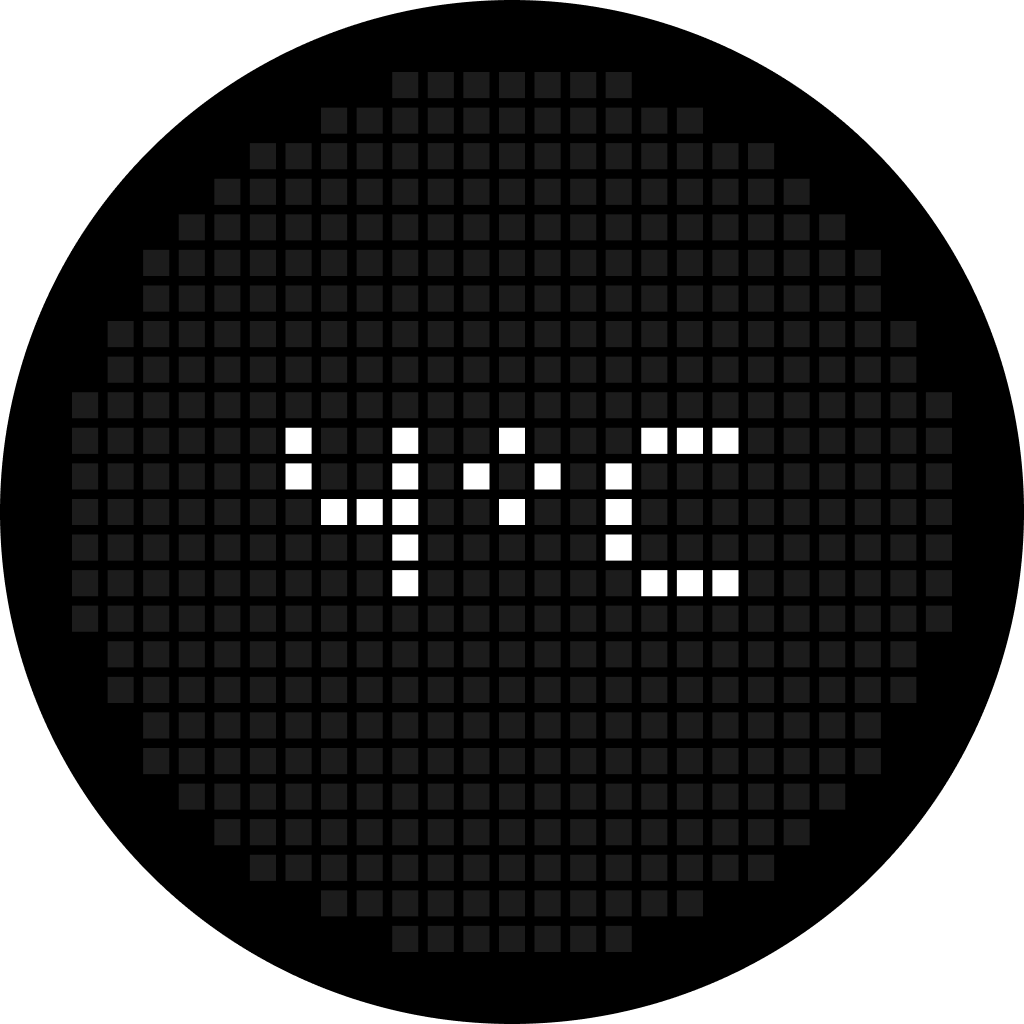
Matrix Weather Sync: Dot patterns for Clear, Rain, Clouds, Snow, and Mist, designed specifically for the Dot Matrix layout.
Real-Time Data: Accurate, hyper-local current weather conditions.
Glyph Toy Mode: Interact directly with the Matrix Display—tap to trigger the current weather condition icon or temperature and show off the hardware.
Minimalist Design: A clean, monochrome UI that seamlessly blends with Nothing OS.
Privacy First: Location data is processed only to fetch weather and is never stored, tracked, or shared.
Compatibility: Exclusively for Nothing Phone (3) (Glyph Matrix Display required).
Since this is pre-Play Store, I have uploaded the APK to GitHub Releases.
Try it out and Break it (so I can Fix it!).
Download the APK here:
Aeroglyph: Weather Glyph Toy
Note: Early Birds are requested to join as a beta tester in Google Play Store, anyone can join this group,
Aeroglyph Weather Testers Group
Let me know what you think in the comments!
Experience the weather in a new light.
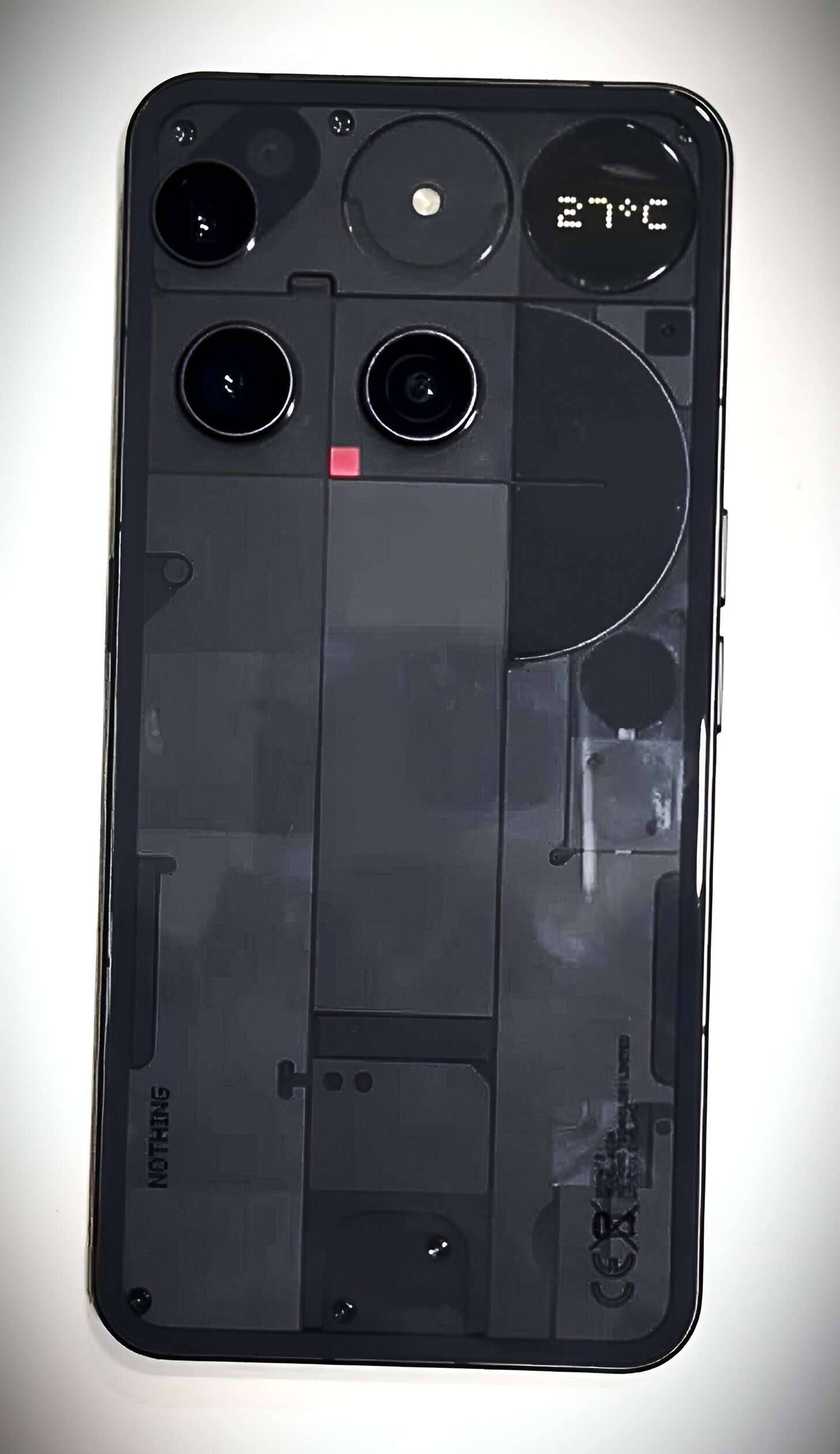
Real Image:
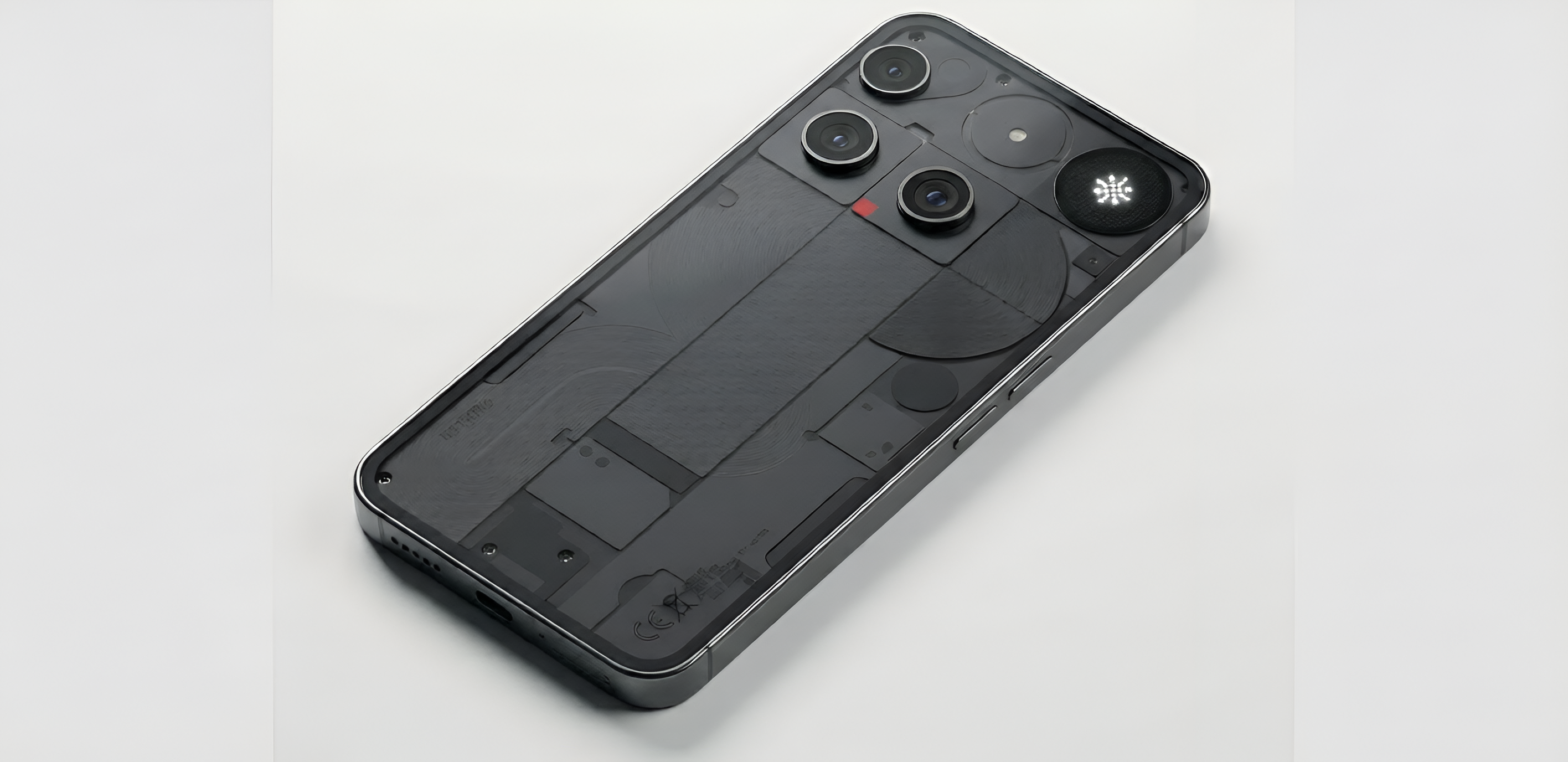
Gen AI Renders:
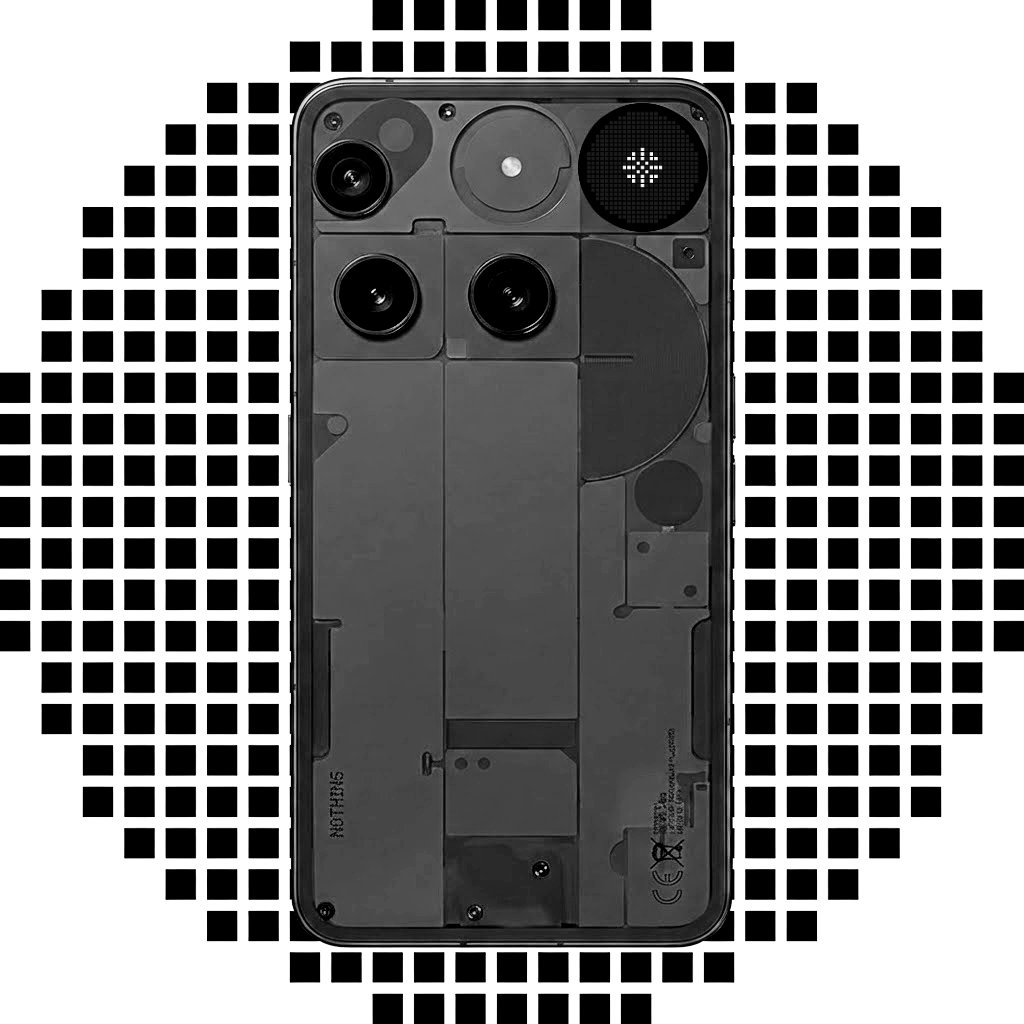
Sample Designs:
Prerequisites & Configurations:
1. Enable Location Access (To know the Location from current weather data is to fetched)
2. Enable Internet Access (To fetch the current weather data of your location from Internet)
There are other factors, which might still hinder the glyph toy’s functionality, thus you must configure them for seamless usage,
1. Disable Manage app if unused
2. Enable Background Data in Mobile Data and Wi-Fi
3. Enable Allow background usage from App battery usage & Check Unrestricted
Aeroglyph Weather Glyph Toy is also available as an Always On Glyph Toy
Installation & Configuration Video:
Aeroglyph Weather Installation & Configuration
Demo Usage Video:
Aeroglyph Demo Video
Security scans:
VirusTotal Analysis
Koodous Results
