While exploring the Essential Apps on Nothing Playground, I came across several creations that felt genuinely useful, thoughtful, and well-designed for everyday life.
Here are my Top 5 Essential Apps from the beta.
Number 5:
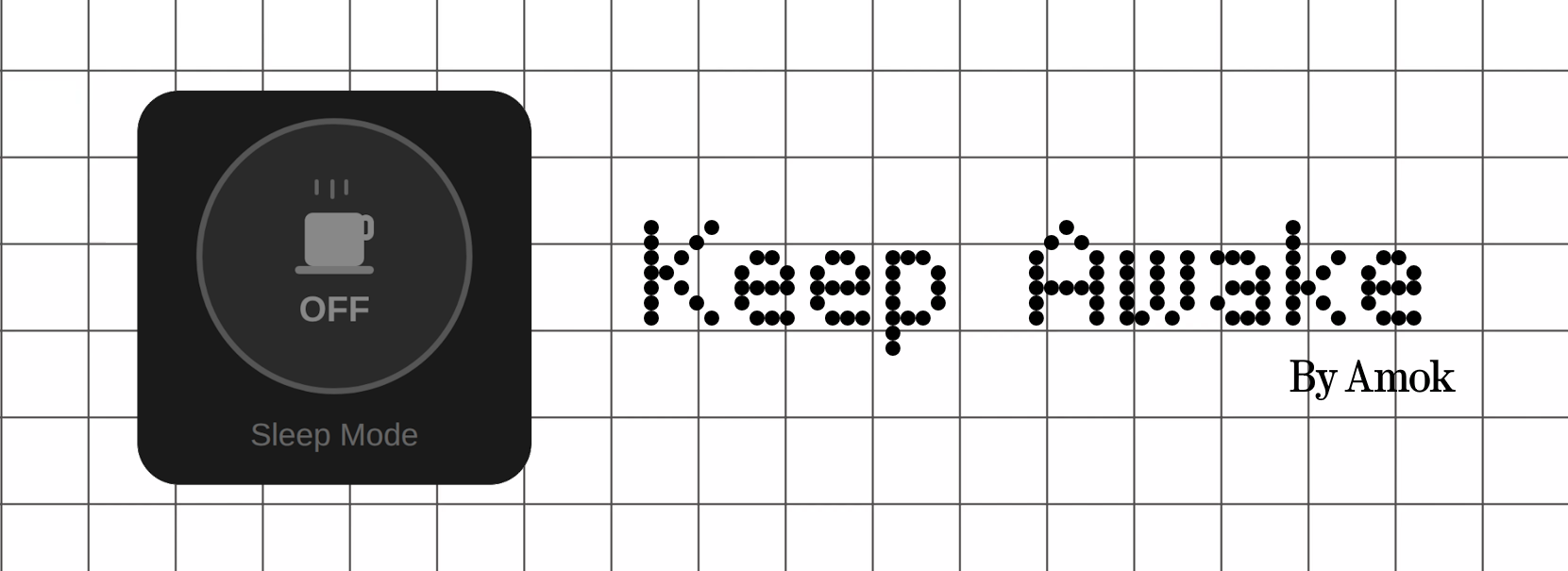
Info: Prevents the screen from turning off instantly with a single tap.
Pros: Quick access without opening settings; simple and practical for daily use.Cons: Could use a bit more visual polish to fully match the Nothing design language.
Cons: Could use a bit more visual polish to fully match the Nothing design language.
Number 4:
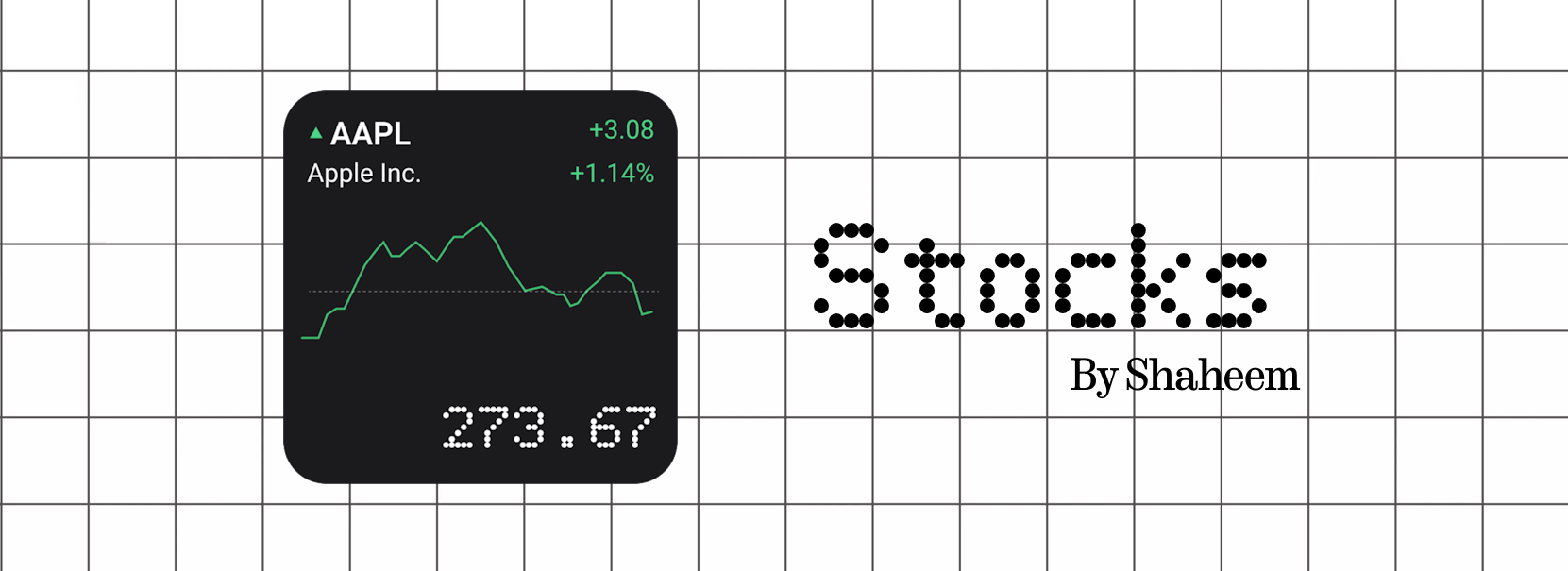
Info: Displays multiple stocks along with their key details.
Pros: Clean visuals and highly useful for people who actively track markets.
Cons: Limited stock availability; broader support would improve usefulness.
Number 3:
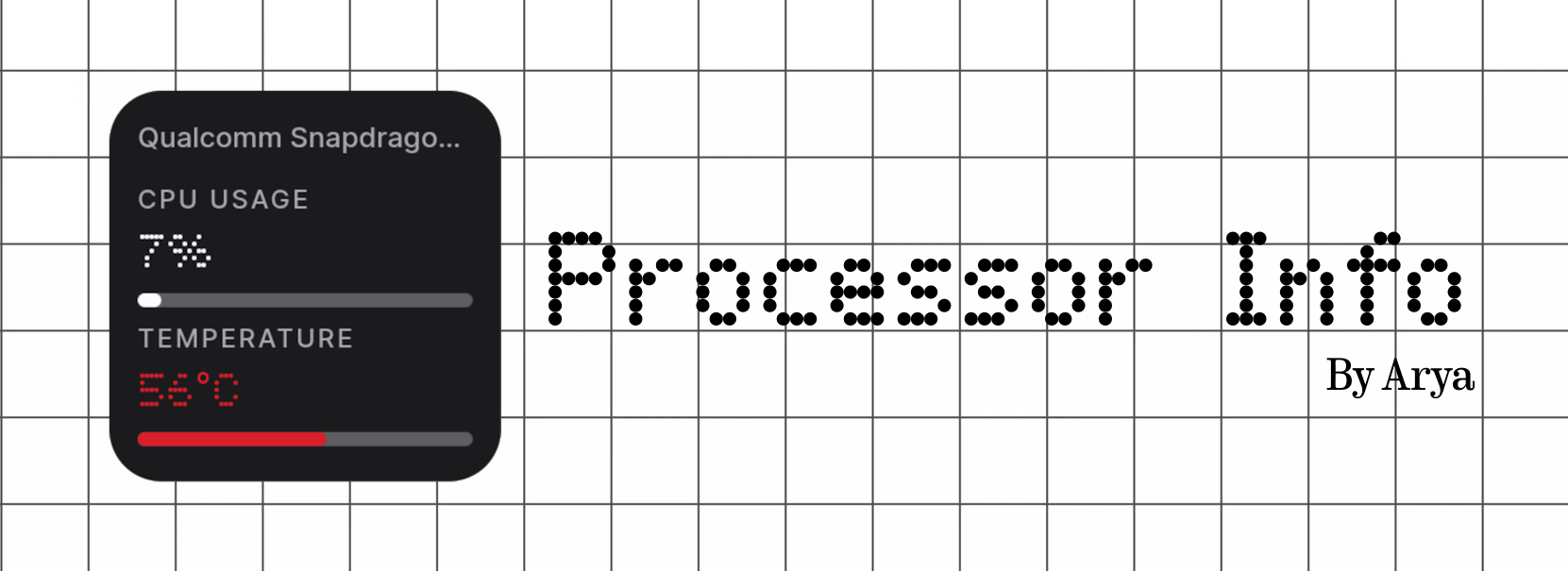
Info: Shows processor name, temperature, and usage directly on the homescreen.
Pros: Helpful real-time system insight presented in a Nothing-style layout.
Cons: Naturally niche for users who don’t monitor hardware stats.
Number 2:
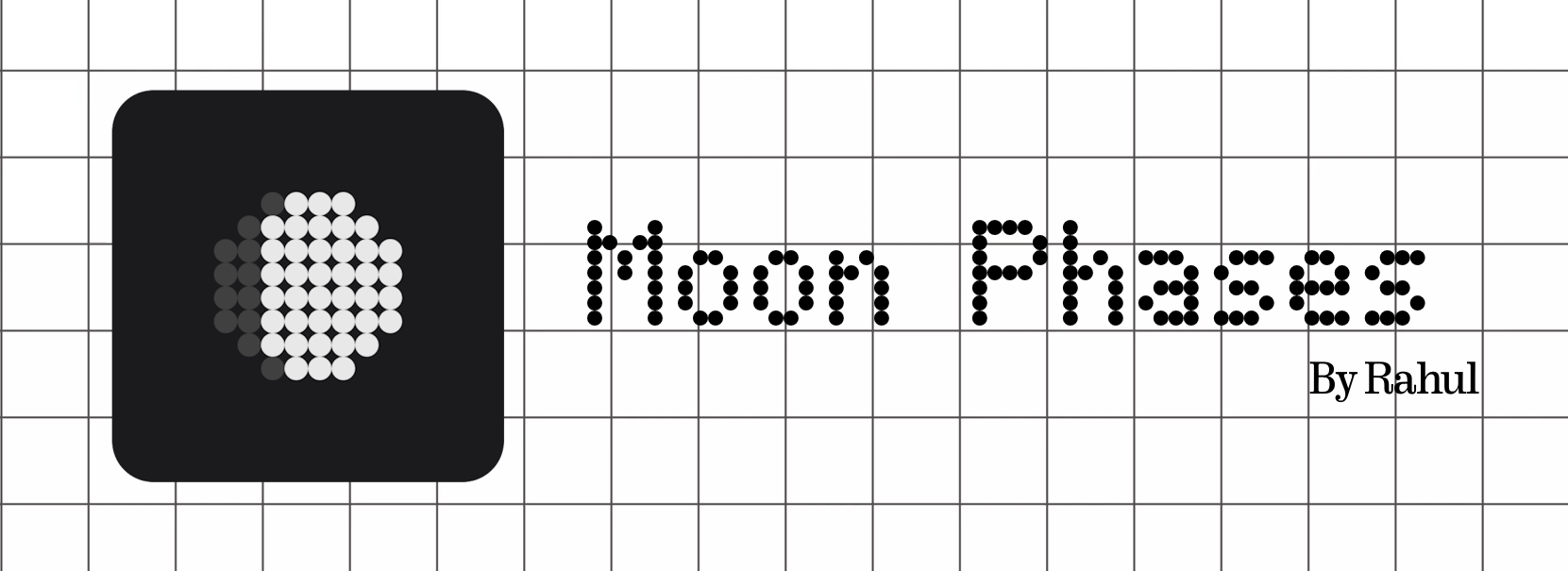
Info: Visualizes the progress of the lunar cycle.
Pros: Strong visual appeal and calming, informative presence on the homescreen.
Cons: Missing deeper data like illumination percentage and detailed metrics.
Number 1:
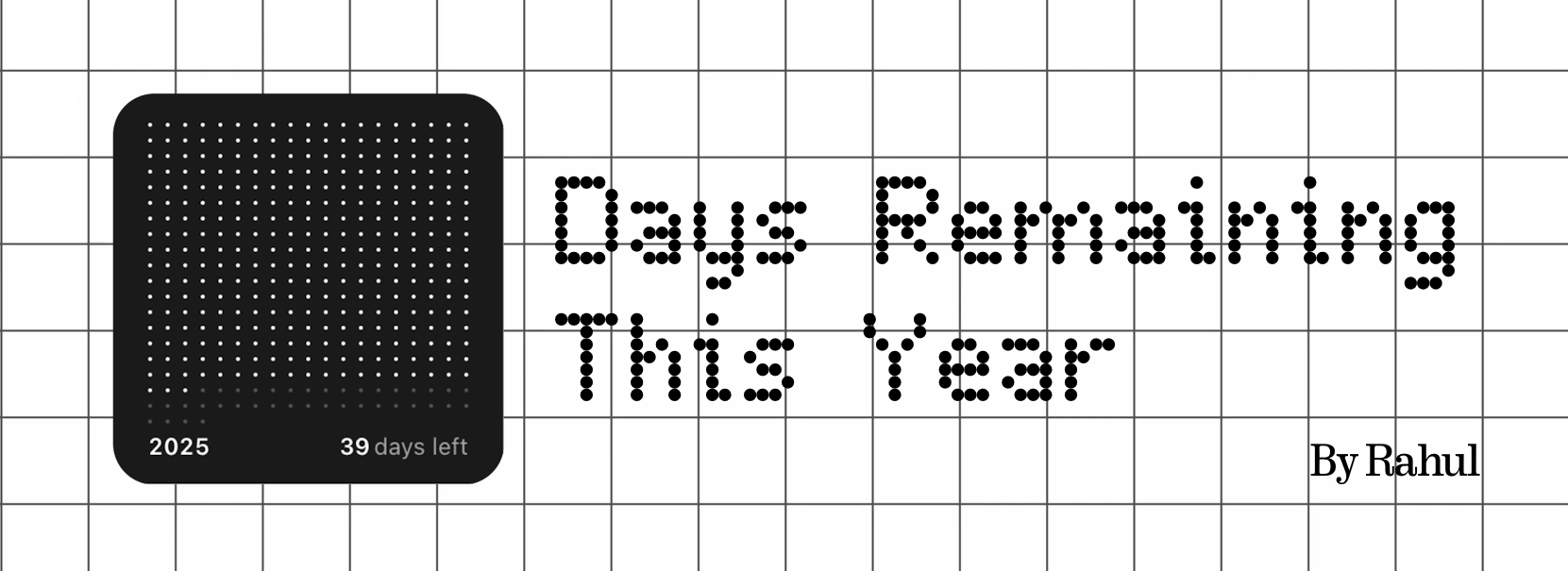
Info: A minimal countdown visualizing the full year until 31st December.
Pros: Clean, motivating, and beautifully simple representation of yearly progress.
Cons: Could benefit from deeper polish and a month-wise progress view.
