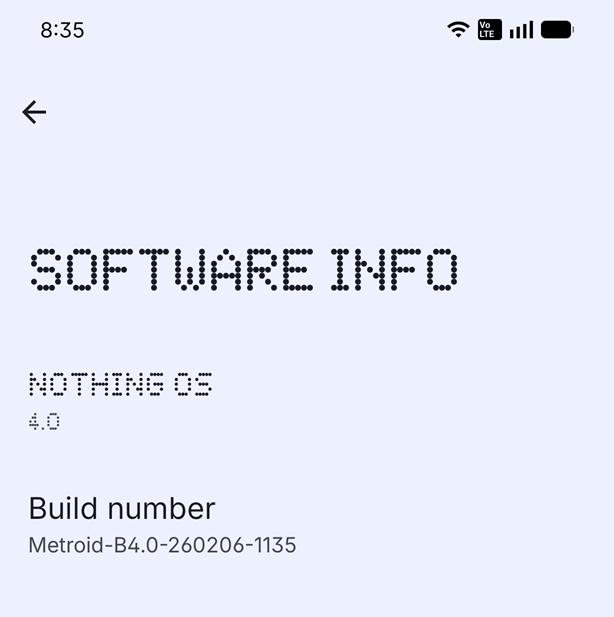
Feedback? On your device: Go to Settings -> System -> Feedback.
Firmware rollouts are usually staggered, meaning not all users will receive the update simultaneously. This approach allows us to monitor for any issues and ensure a smooth and stable deployment.
What’s New in This Update
New Features
💡 Caller and charging progress can now be shown on the Glyph Matrix by shaking your phone. To enable this, go to Settings > Glyph Interface > Flip to Glyph and turn on the toggles.
📰 Added an Essential Notifications entry in Settings for easier access. Find it via Settings > Notifications > Essential Notifications.
🪀 Essential Apps now features a recommendation section in the widget library, providing quicker access to the Nothing Playground to discover AI-powered community creations.
General Improvements and Bug Fixes
😎 Apps in private space are now available to be updated via Google Play Store.
⛅ Optimised the Weather widget location permission prompt to reduce disruption.
🔔 Optimised ringtone performance for better stability and compatibility with third-party apps.
📳 Optimised the stability of vibration and haptic feedback in certain scenarios.
🦻 Optimised the sound volume during calls with Oticon Zircon 2 miniRITE T hearing aids.
📷 Enhanced overall camera stability.
🧊 Fixed an issue where the Camera preview froze in Portrait mode when switching from Photo mode in certain scenarios.
📱 Fixed an issue where dual SIM ringtones could be mixed up in some cases.
🔉 Fixed an issue where speaker volume could be very low when switching from a Bluetooth call in some apps.
🎮 Fixed an occasional issue where game audio would not resume after returning from Recent apps.
📶 Fixed an issue where the mobile network icon incorrectly indicated no internet in certain cases.
🌐 Enhanced overall network stability.
⚙️ Enhanced overall system stability.
Notes:
Your device may use more power and feel warmer during installation. Performance will return to normal after the update is complete.