Amid the UIs which have slowly started to become iOS or OneUI clones, there are only few uniquely designed software skins left. And one of it is NothingOS 4.1. So, let’s dive into the software breakdown and my experience with NothingOS 4.1 on the newly launched Nothing Phone (4a)!
Design Language
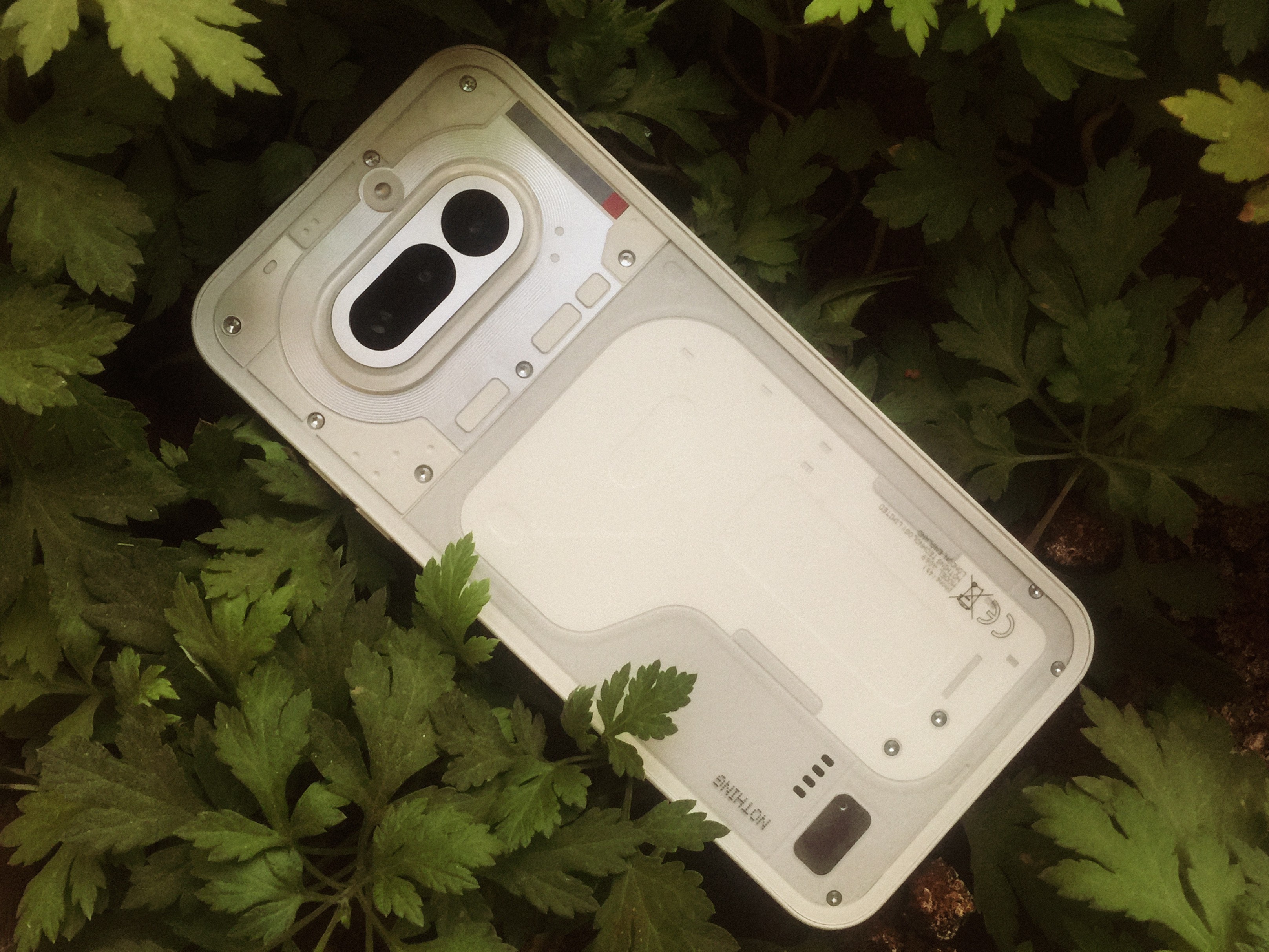
Sure, this is a personal preference. Amid the iOS-ification of most UI’s thesedays, NothingOS is the only one standing with its unique design language (other than the status bar). NothingOS 4.1 had a lot of features added but the software design language hasn’t changed much. It’s basically the classic NothingOS look most people love.
Lock-screen & Home-screen
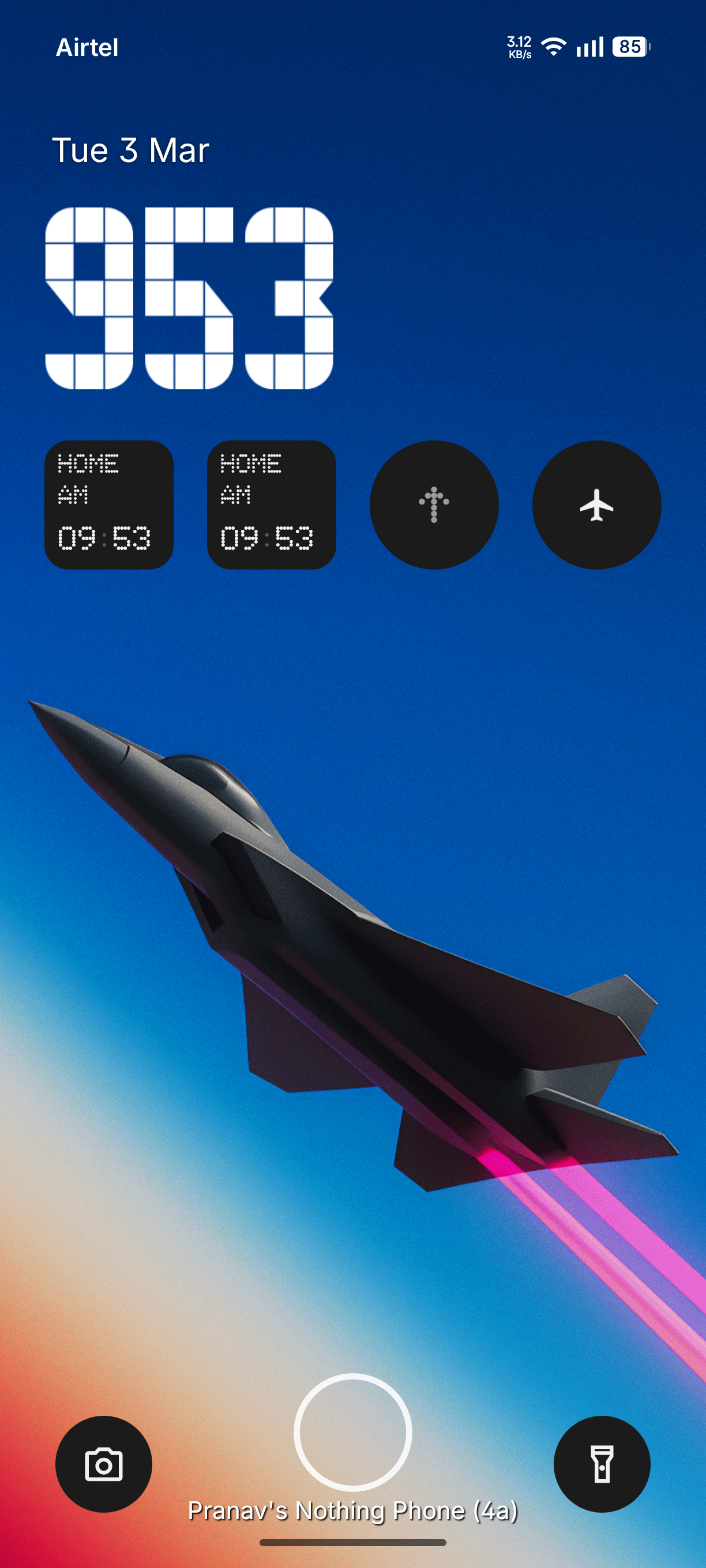
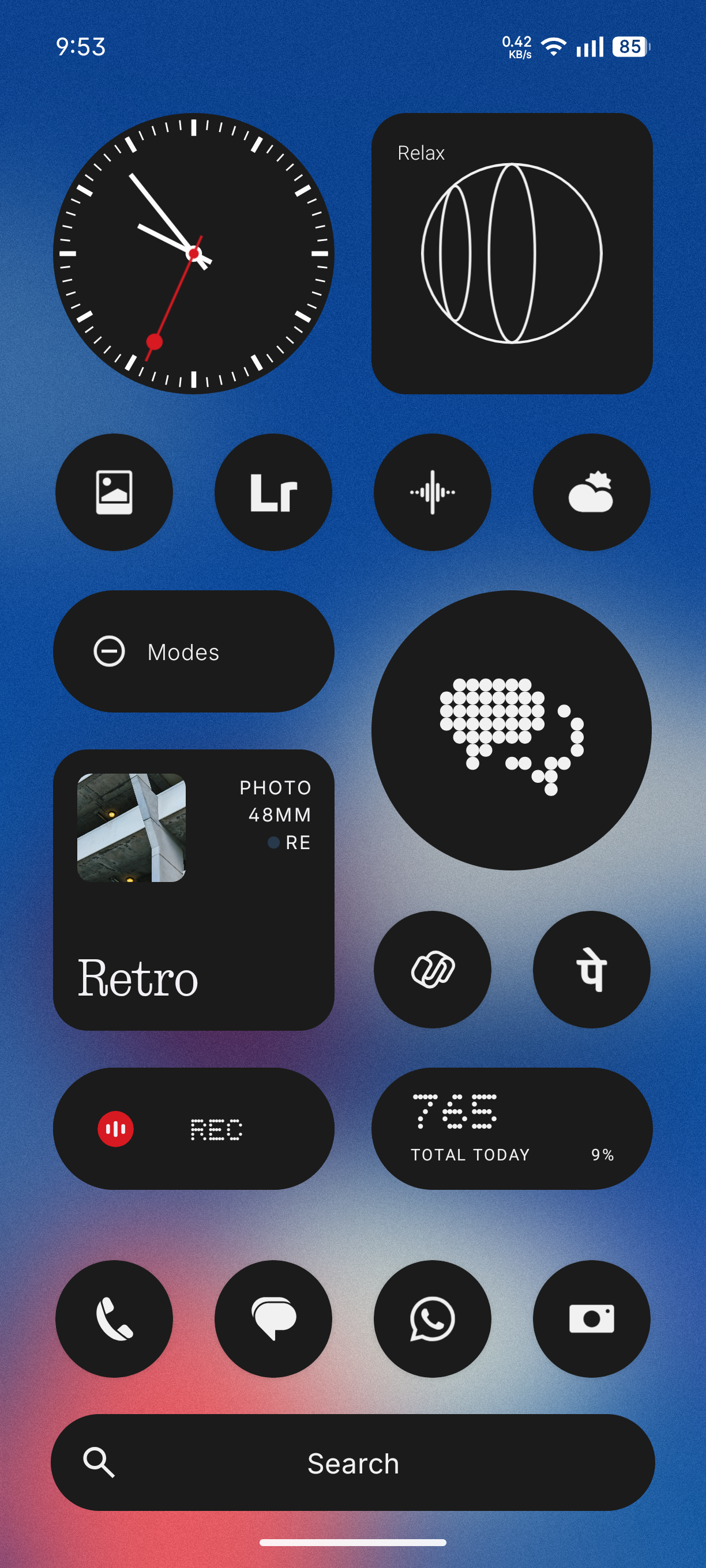
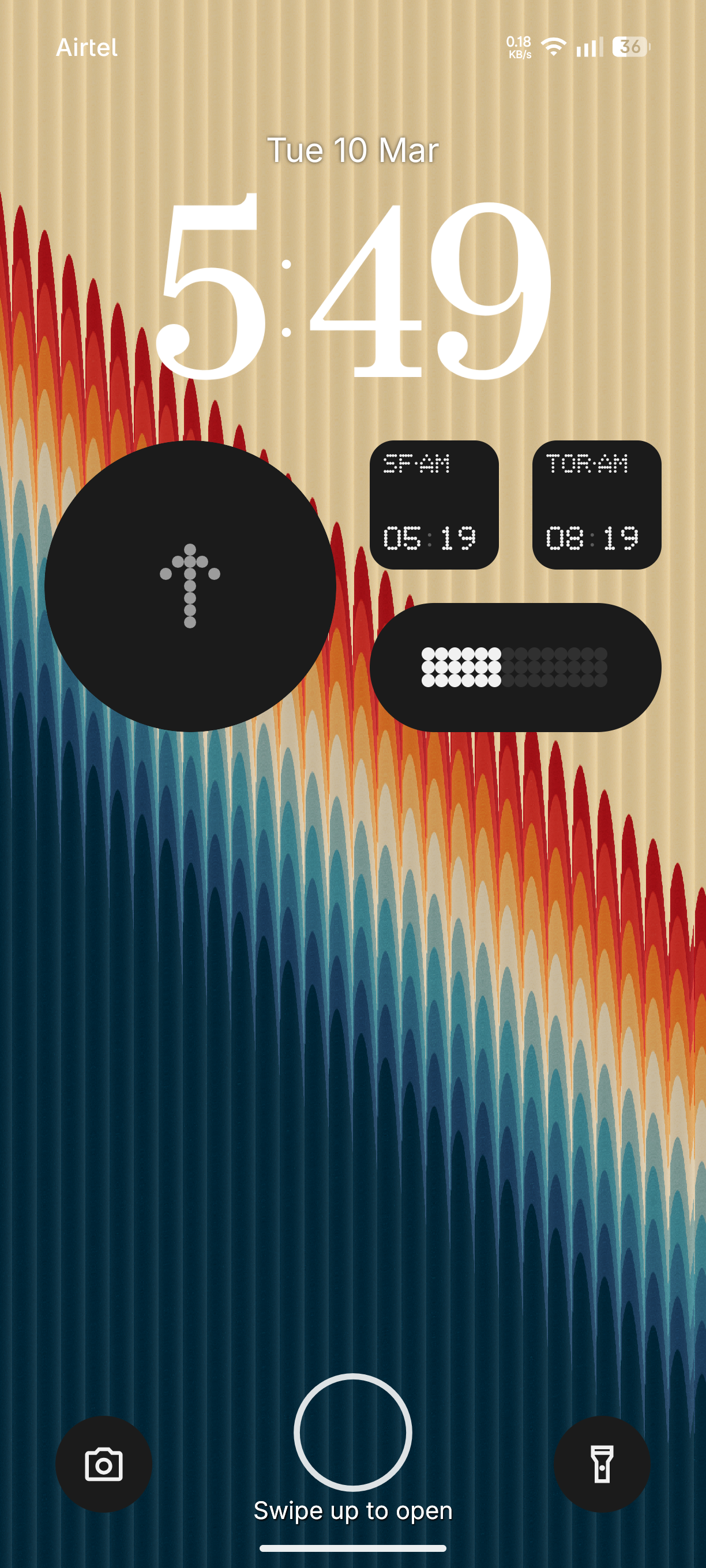
The entire layout is free for customization. You can use your own widgets and icon packs without any limitations. You have a beautiful lockscreen to homescreen with the atmosphere effect. Here are few setup inspirations 🙂
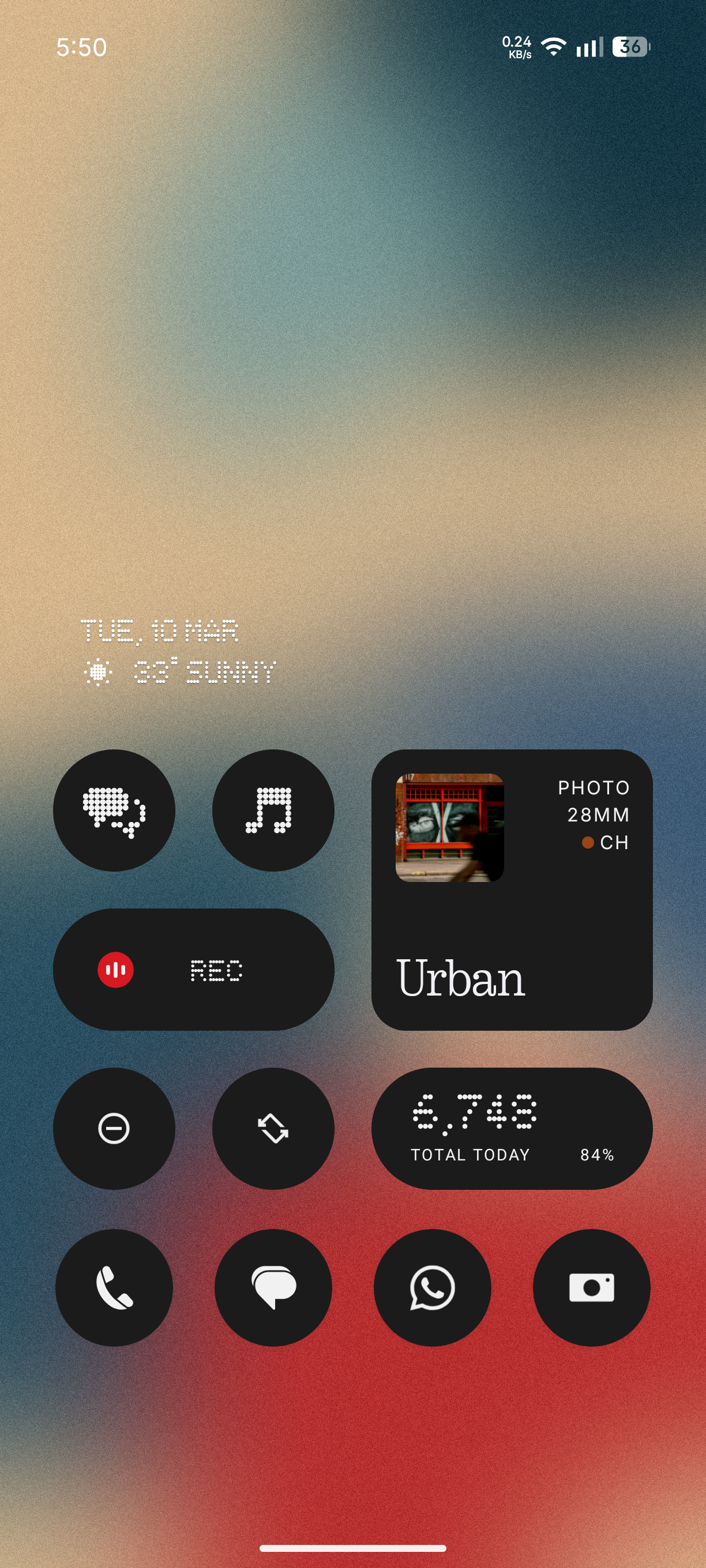
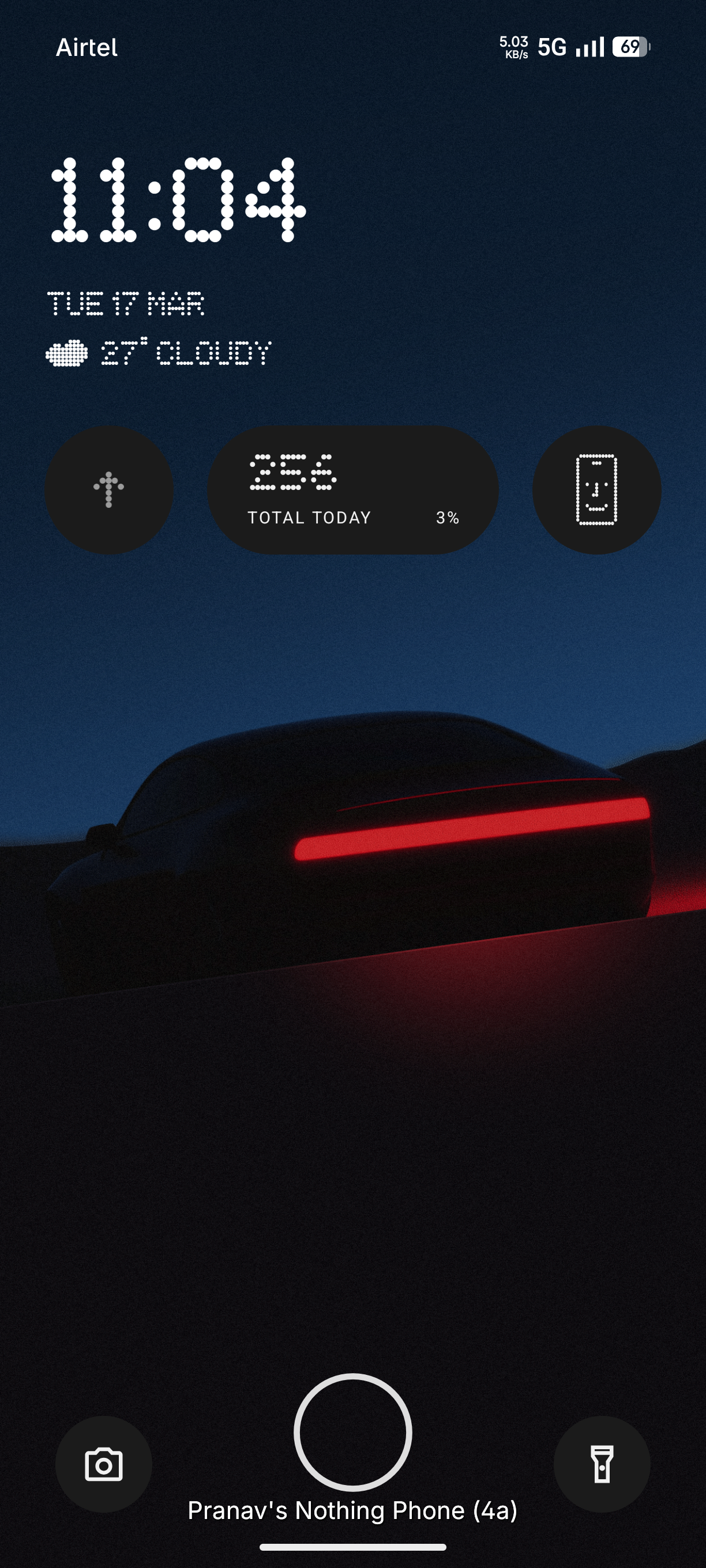
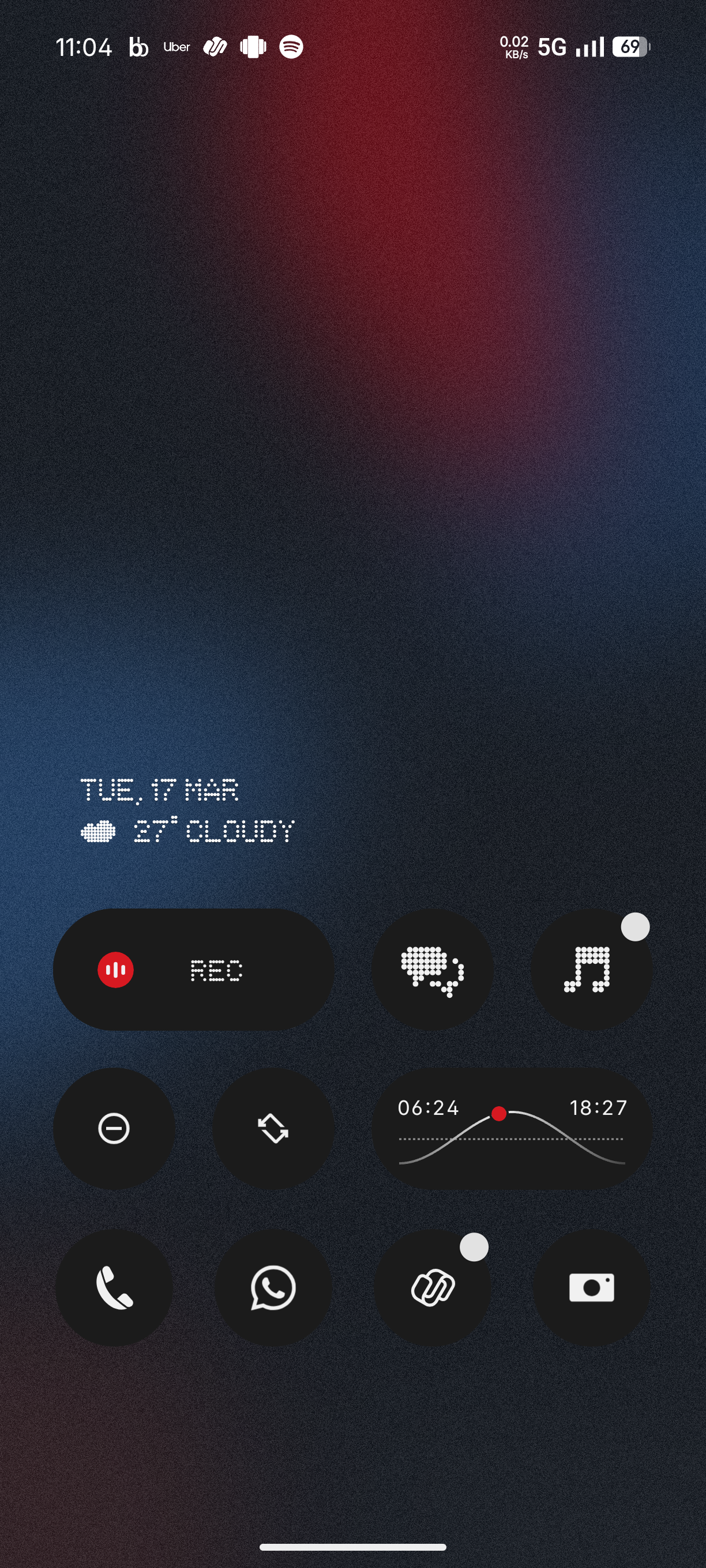
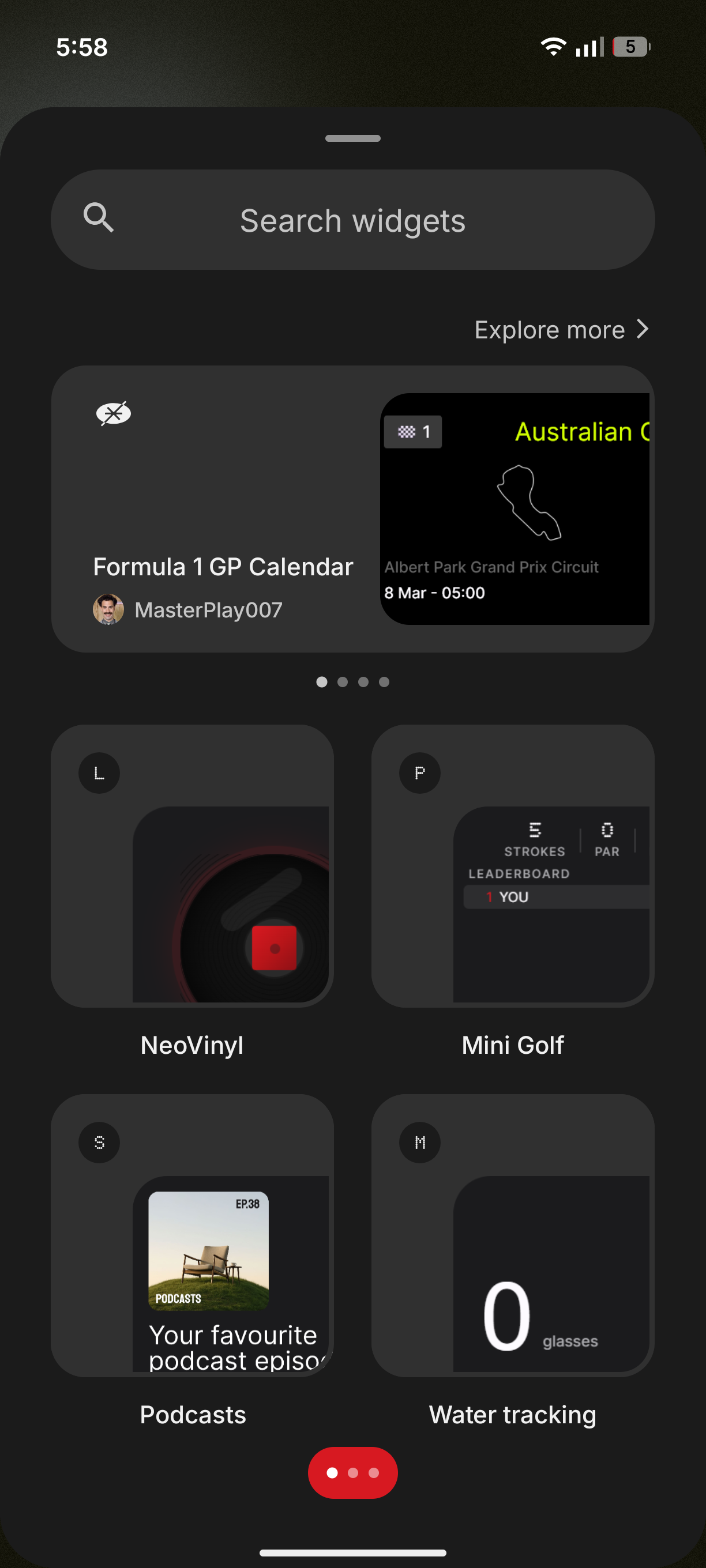
Widgets
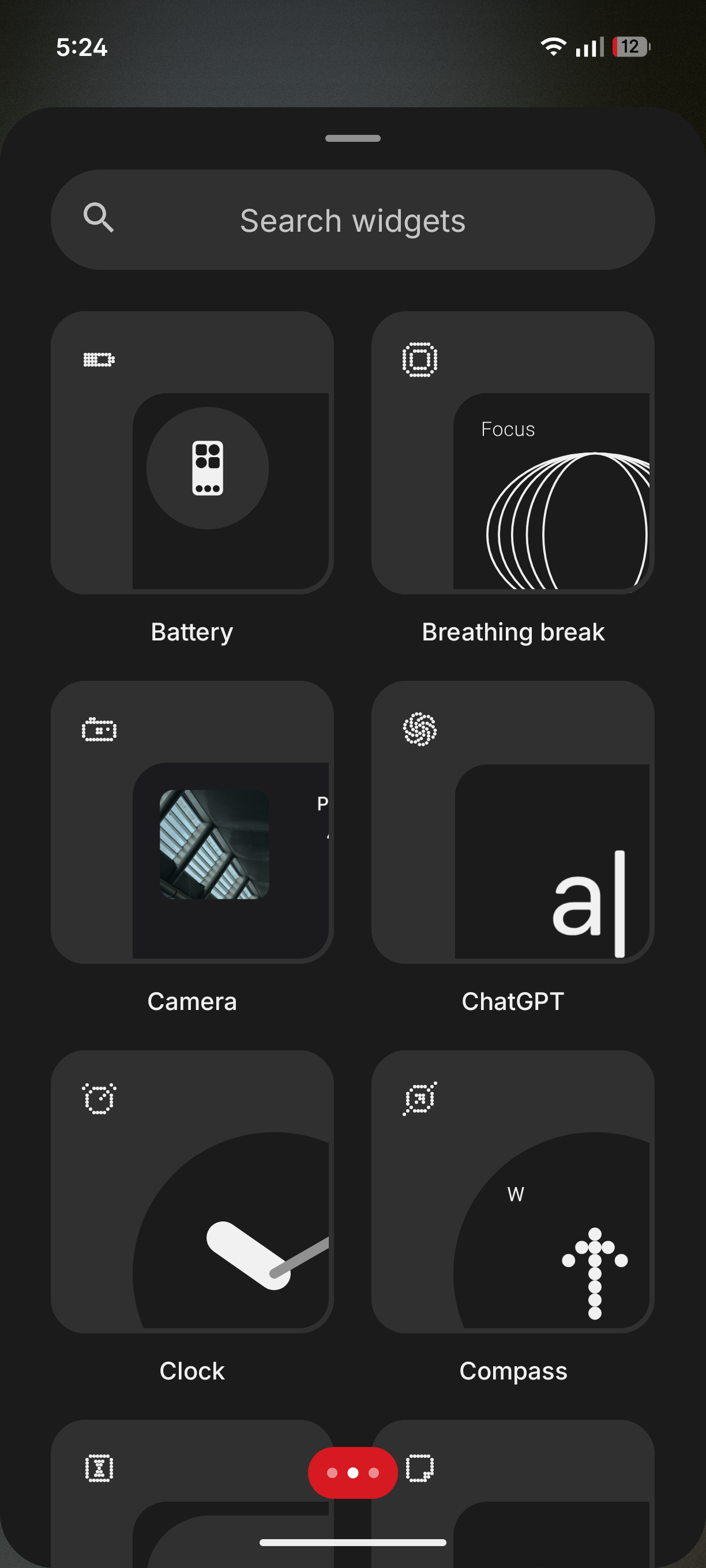
Has to be my favourite thing about NothingOS. It just looks so modern, aesthetic and clean at the same time! There has to be no competition when it comes to widgets. There are so many widgets to choose from, and not a single one looks like it’s the odd one out! Also, lets not forget about Essential Apps! Sure, anybody can make a widget using KWGT, but letting the users design their own widgets and featuring them in the community is something no other brand community does.
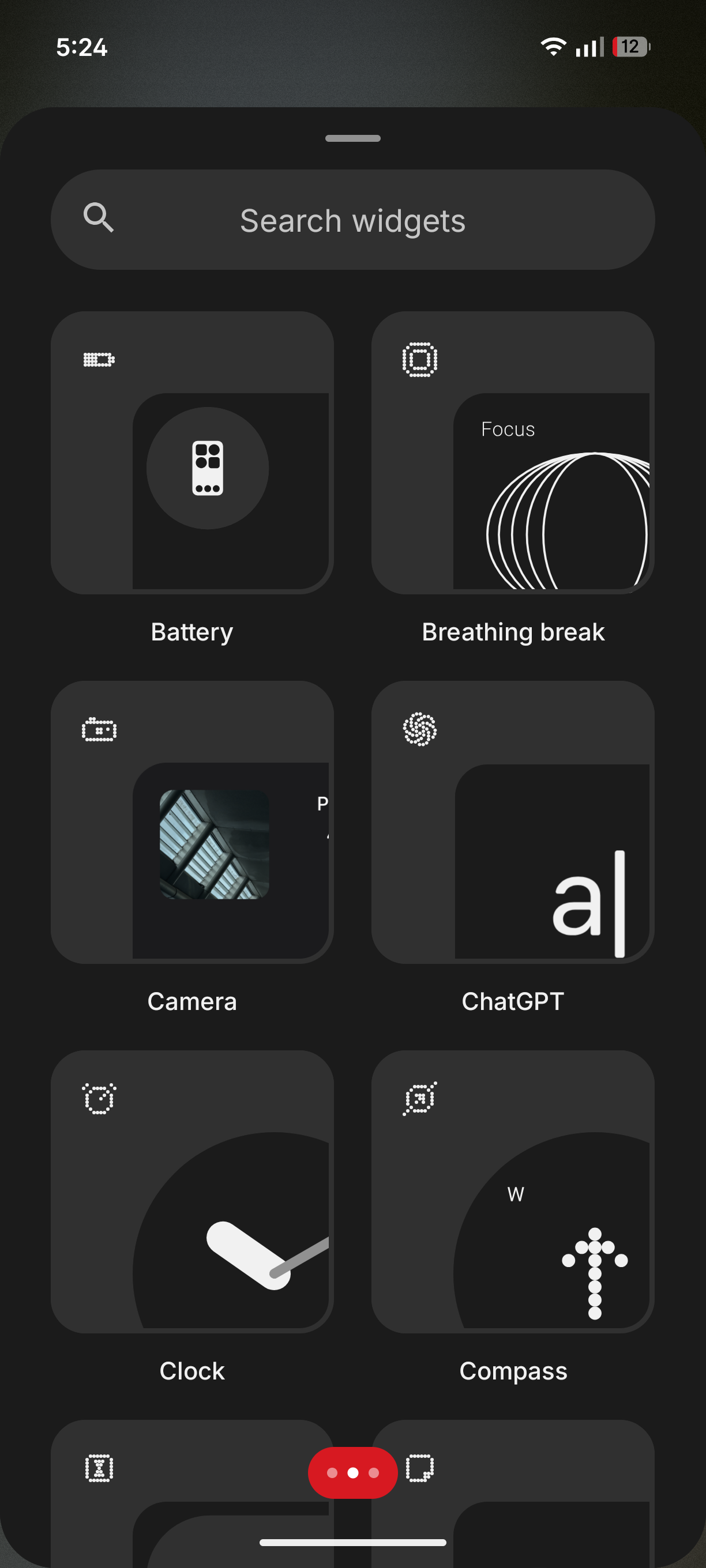
Functionality
NothingOS used to be pretty barebones like PixelUI. Right now, that’s not the case anymore! While it still lacks behind Chinese UIs such as ColorOS and OriginOS, it has a decent feature set now. There are still some weird misses, which I will discuss at the end.
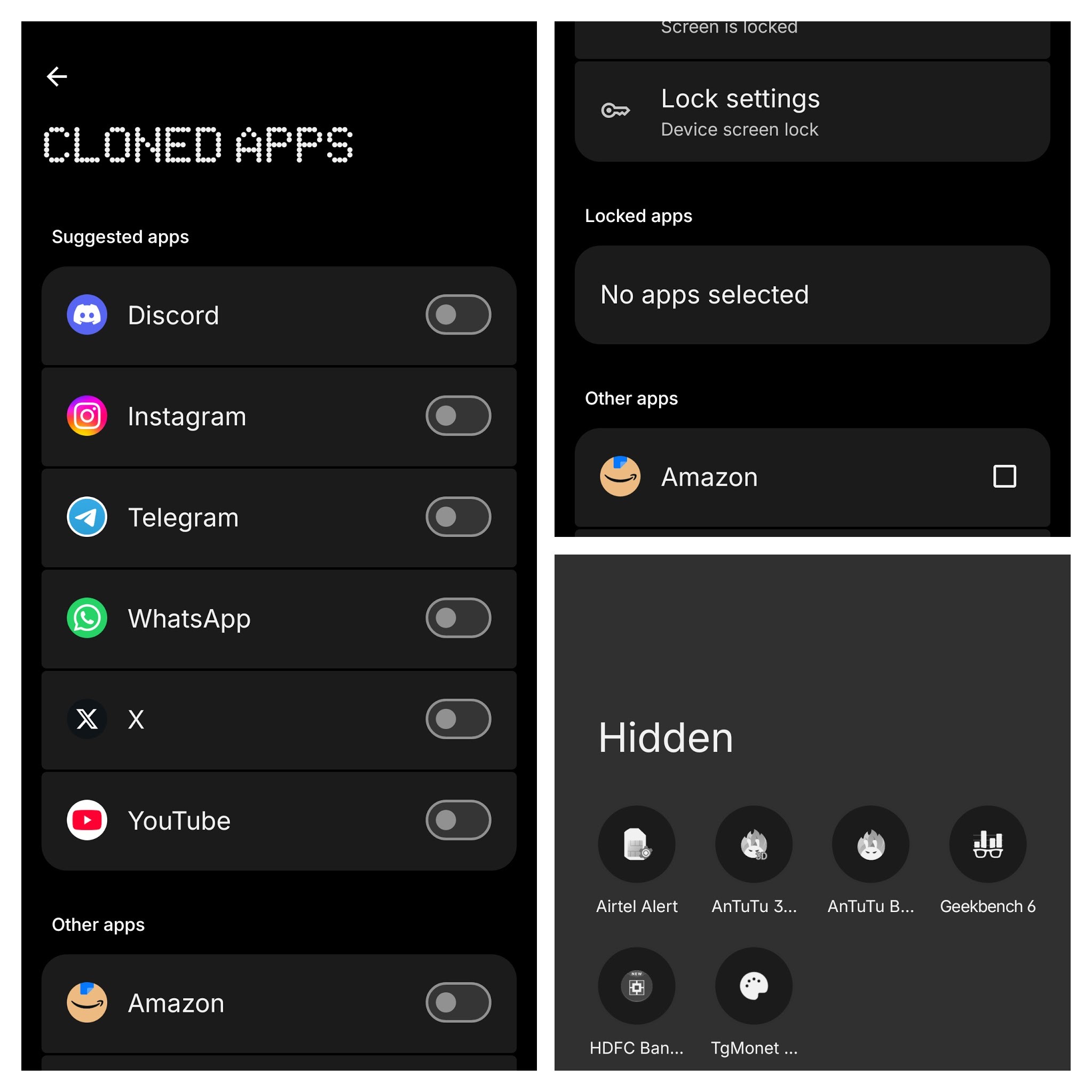
Special app features
It’s a really useful for those who maintain two or more user profiles on a single device. While I did not use these features on THIS phone extensively, I found it reliable from my experience.
AI Features
While I like to have as little as these features as possible, the ones found in NothingOS are pretty useful such as the newely improved Essential Space. With just a click/hold of a button, I can record voice notes or save screenshots for future use. The Gallery app has some image editing features, but its very barebones and you cannot rely on it at this point in time. Essential Apps can also be considered as an AI feature, because you basically vibe-code widgets. Special shout-out to Srizan (https://playground.nothing.tech/creator/42RTfsVP0ymr52dk) for the amazing Finite widget which now stays on my home-screen no matter what.
Little improvements
Like I mentioned before, NothingOS used to be pretty barebones like PixelUI. Think of it like PixelUI with custom icons, widgets and monochrome theme. But people, its not 2022 anymore! NothingOS has become much more customizable and even more unique. It’s not just a lightly tweaked AOSP based software anymore! NothingOS 4.1 in a nutshell brings up new functional widgets, better system apps, cleaned up and more customizations with Glyph Interface, better animations and aesthetic.
Stability
Personally, I have not used NothingOS for long term (more than 6 months) so you be the judge in the comments section. But from the little over a month I used the Phone (4a), it has been ever so slightly buggy. Your mileage may vary, and do lemme know if you have face(d) similar bugs currently/in the past.
Here list of bugs/issues I was able to notice:
- QS Panel freezing up after unlock.
- Depth effect has been wonky initially (it’s in Beta still), but is slowly improving!
- Camera app is glitchy, default processing tends to be unreliable at times.
- Some clock styles have alignment issues on the lockscreen when it is centered.
- Nothing Wallpaper Customization UI crashes (it’s seldom now but it’s still present)
Do note that as a reviewer who is glad to be part of the Community Review Program, I have reported all these bugs. I hope these will get fixed soon. Ya’ll in the comments be the judge and let me know if any of you are facing these issues (whenever you get the update).
Mostly unique features!
Every brand needs to have it’s own unique feature. Some brands have gimmicky ones, some have useful ones. But I’m glad that these mostly-exclusive Nothing features have been very functional for me! Here are the THREE OF THE BEST features I have found while using the Phone (4a):
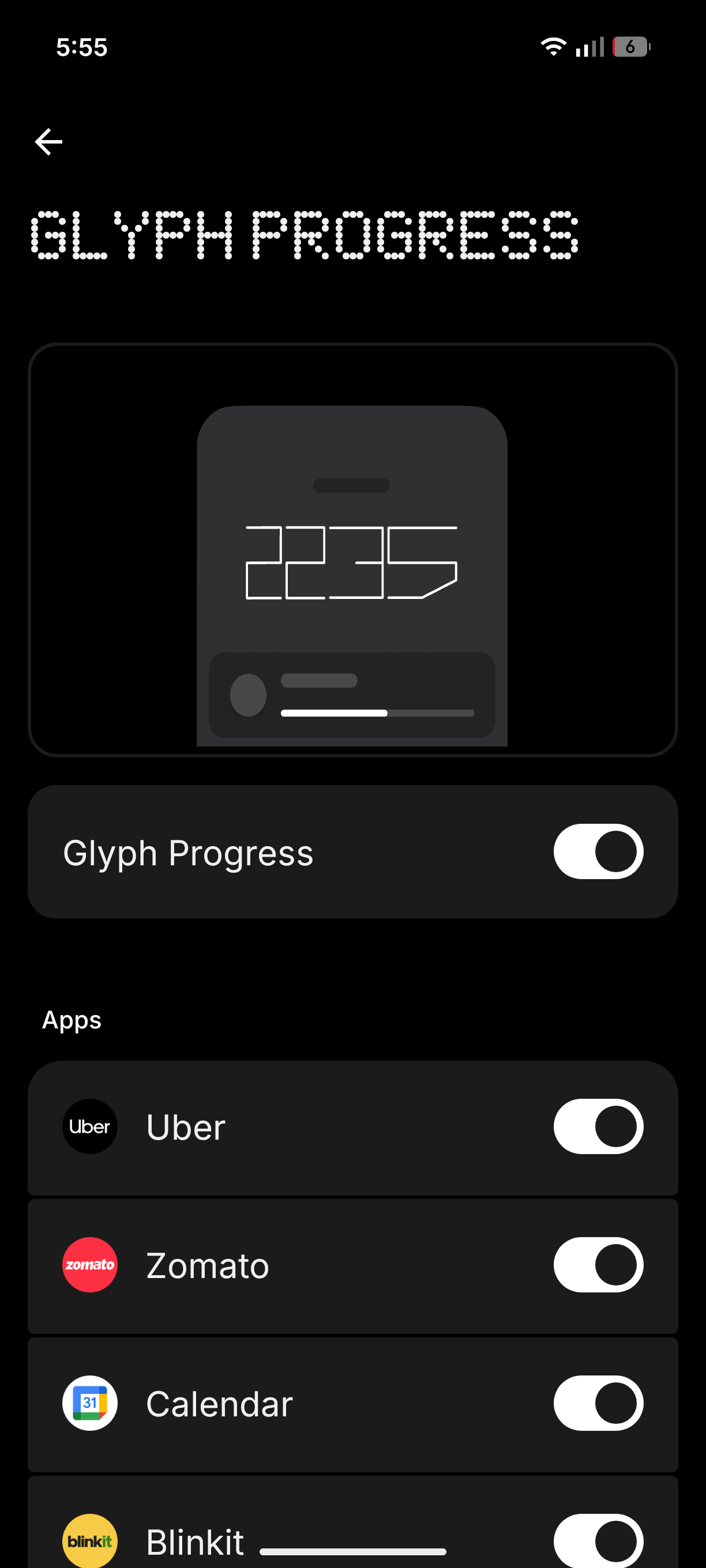
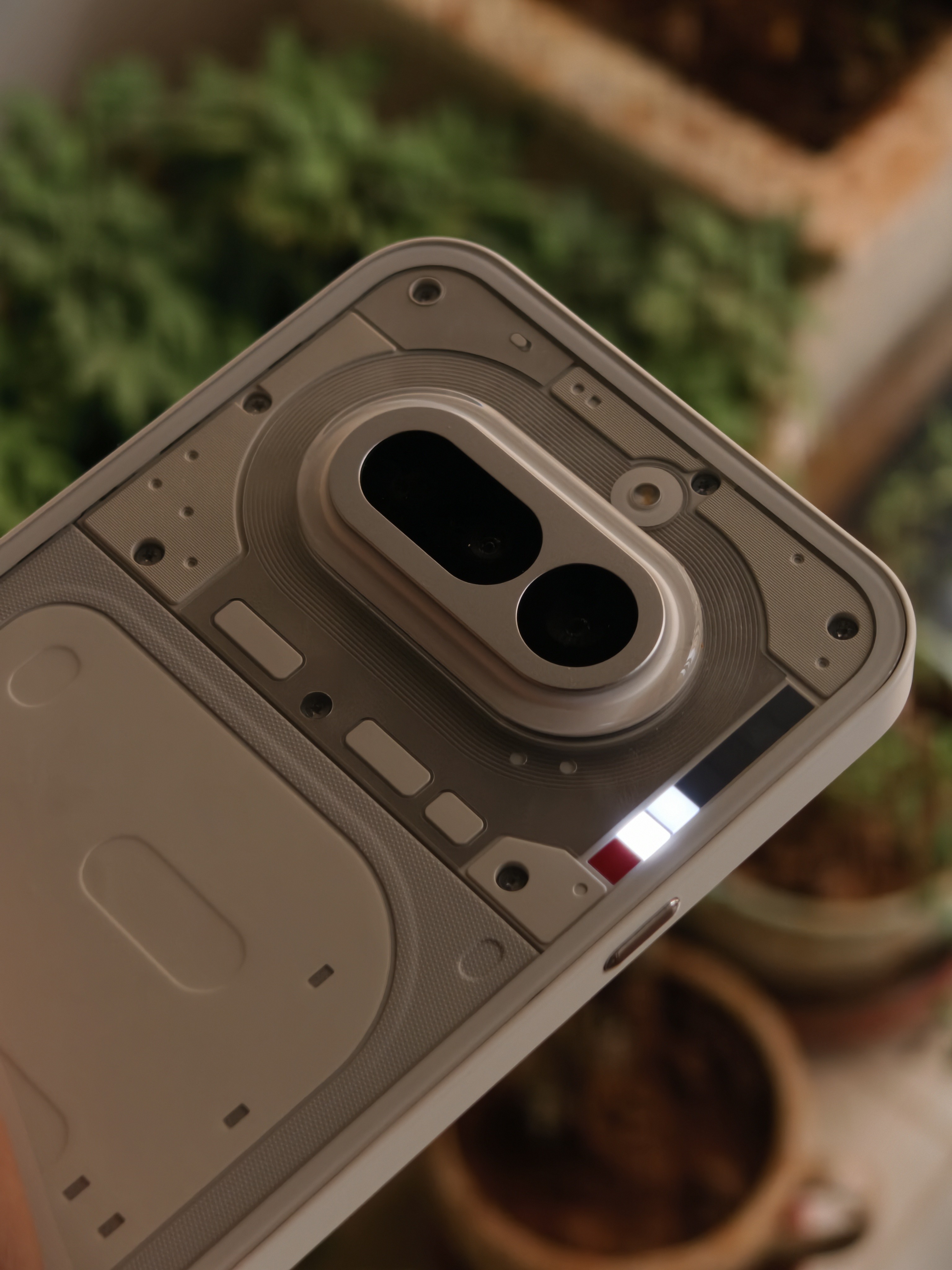
Glyph Bar
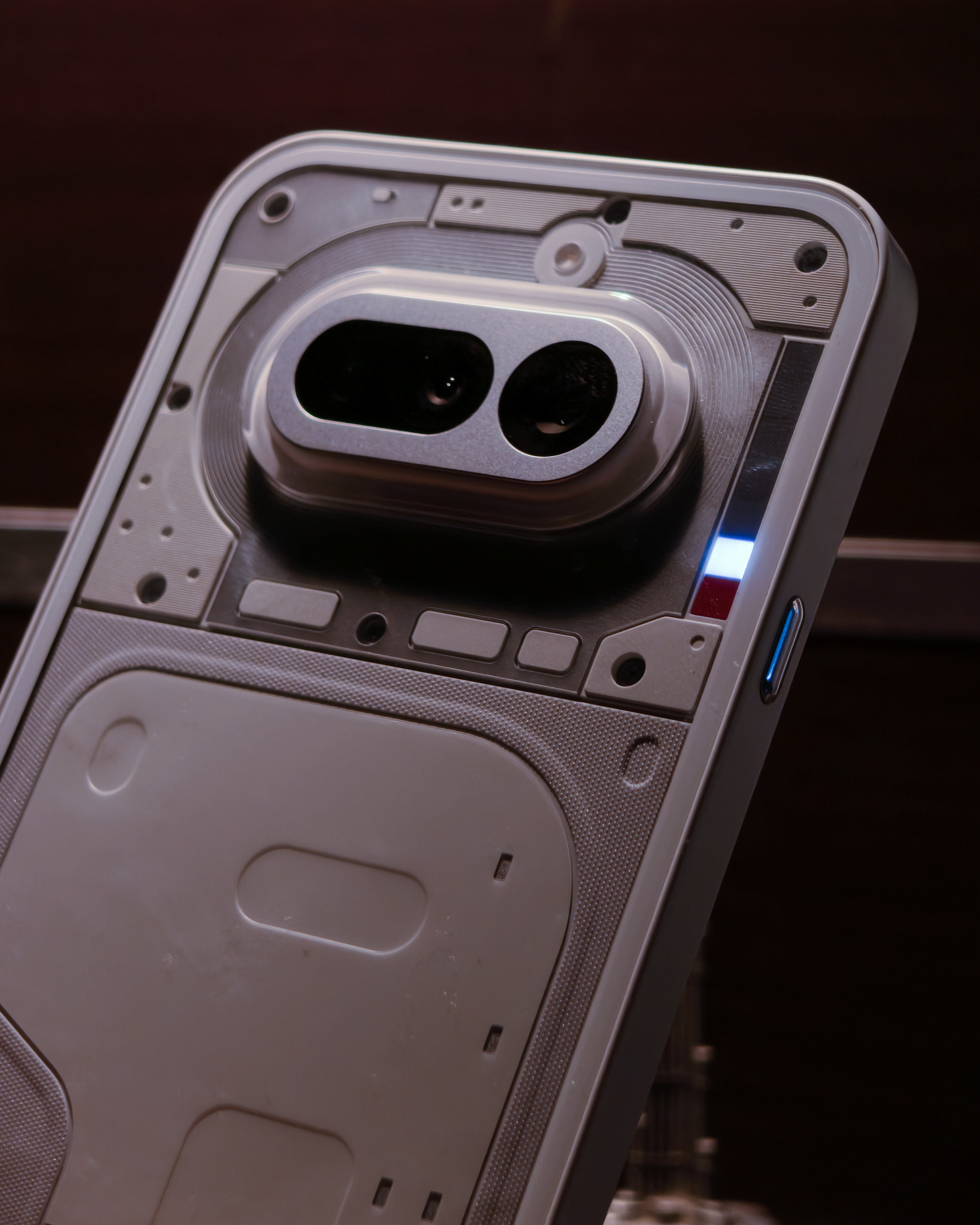
Little things make a difference. Yes, you can see more information about the tracking/order status/events if you flip to the screen, but that’s the reason why Glyph Bar is made: preventing distractions and getting the information you only need at the moment. My only critique is that more apps should be supported, not just these apps:
Essential Apps
This is a TRULY exclusive features, and in my knowledge, Nothing is the first and only brand which is bold enough to do this. Giving users a Builder Tool (essentially vibe-coding) and letting users interact with it to create unique widgets makes the community members get closer and be an actual community. And this fits the motive of Nothing:
Let’s make tech fun again!
Updated Essential Space
Yes, I brought this up again even after I mentioned it above. Sure, some brands like Google and OPPO group had this before. But what’s special about this is that you can see your saved items in the Essential Space on the web, so that you’re not dependent on your Nothing Phone all the time. This feature is expected to arrive soon, so we gotta wait for some time. Like usual, I always found this feature useful and I deeply miss it when I use my vivo X300.
[upl-image-preview uuid=188686e9-9d02-43b9-8673-21af1b5692c3 url= alt={TEXT?}
Final thoughts
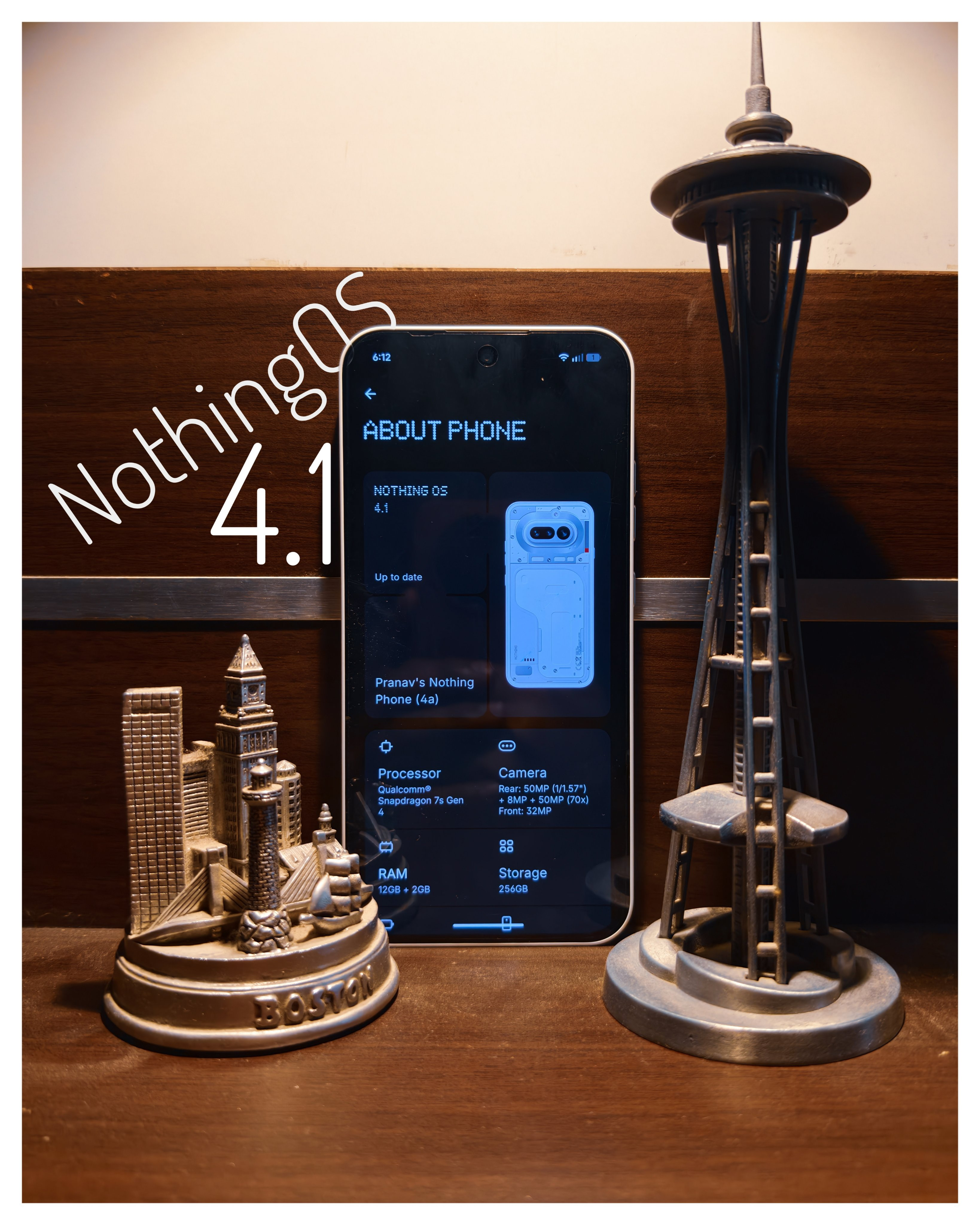
While I think NothingOS is a killer software with unique looks and is pretty light-weight, there are some drawbacks like barebone system apps and some bugs but these can be easily fixed with OTA updates. I personally think NothingOS is top 3 in my UI tier list!

AND THAT’S ALL FOR TODAY, FOLKS OF THE NOTHING COMMUNITY!
Hope ya’ll liked my small thread about this. I’m technically new here, even if I have used Nothing phones in the past. I am more active on X, and you can see my full breakdown of the Nothing Phone (4a) on X (Formerly Twitter).
