Kyle_E3ggNU6SVx
Hey there, Kyle. I’m having the same issue (I believe) with Wi-Fi, so I submitted it as a bug as the person above mentioned. If you haven’t already, please do the same so this can get taken care of. I wanted to try something different than a Pixel as my daily driver, but until this is fixed this phone is staying in a drawer.
Below is what I submitted in my bug report. If your problem is the same, again, submit your own feedback. Here’s mine:
"There is a band steering/ handoff bug that is affecting the Nothing Phone 4a Pro.
I factory reset my phone and restored nothing to perform these couple of tests within varying distances of my router. Prior to the factory reset, I still encountered this bug is Safe Mode. These two things happen with WiFi on Nothing Phone 4a Pro, March 1, 2026 Security Patch, and build number FroggerPro-B4.1-260323-1635.
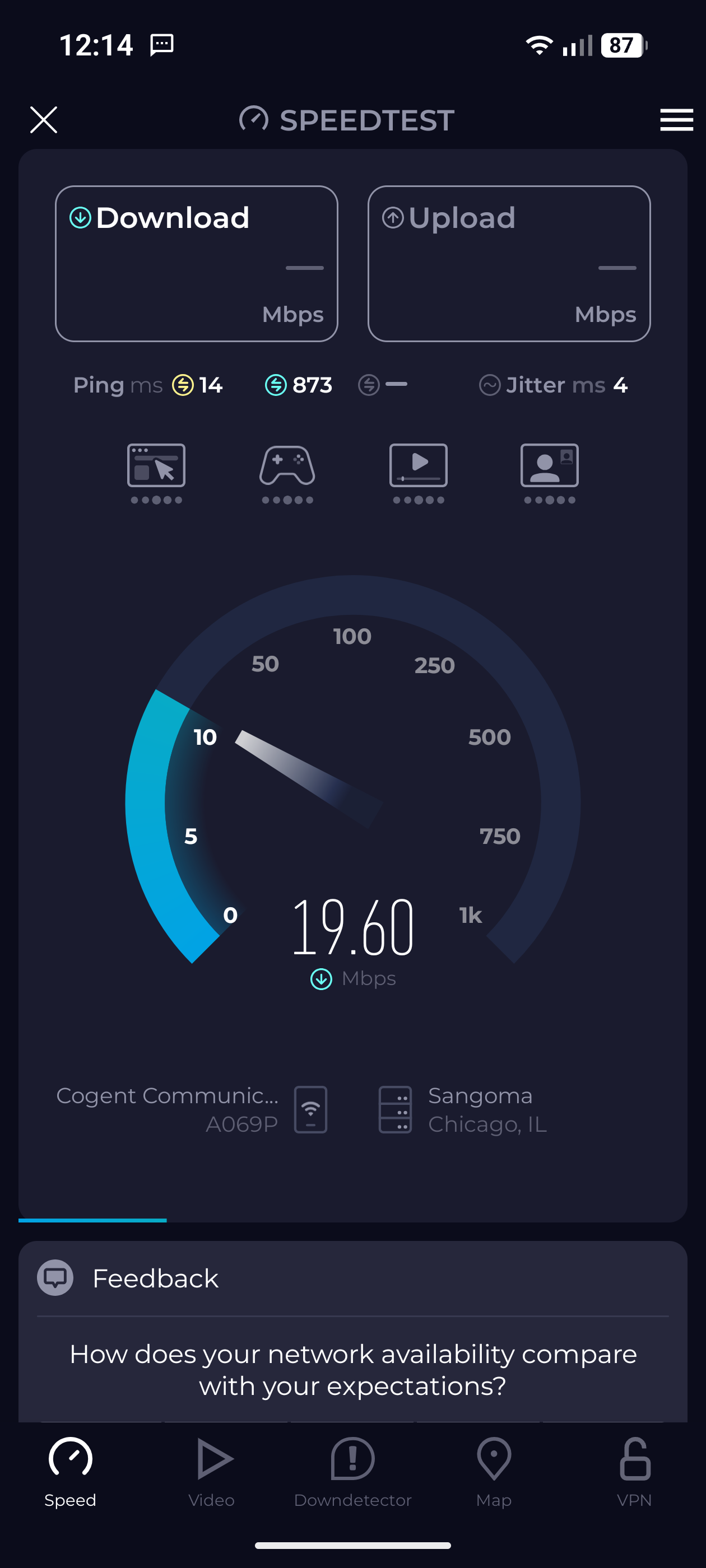
1. I turn on the Wi-Fi on my phone when in 5GHz range. I get speeds 150 to 200 Mbps. I keep the Wi-Fi on the phone turned on, but I walk into 6GHz range. The speeds drop to 30-40 Mbps. If I toggle the Wi-Fi off and then right back on while still in the 6GHz range, I get the speeds 350 to 500 Mbps.
2. I turn on the Wi-Fi on my phone when in 6GHz range. I get speeds 350-500 Mbps. I keep the Wi-Fi on the phone turned on, but I walk into the 5GHz range. The speeds drop to 4-8 Mbps. If I toggle the Wi-Fi off and then right back on while still in the 5GHz range, I get the speeds 150 to 200 Mbps.
So there is a pattern. The speeds are absolutely fine if I don’t travel between frequencies. If I do I always have to toggle Wi-Fi on off and on. I’m certain this would happen with a handoff to the 2.4GHz frequency also.
This is essentially a modem state trap. When my Nothing Phone 4a Pro moves from 5GHz to 6GHz (or vice versa), the physical radio makes the jump, but the software’s “MTU” (packet size) or “Power Save” state doesn’t update to match the new frequency’s requirements. It’s basically trying to use 5GHz rules on a 6GHz road, which is causing the data to “choke.”
End users shouldn’t have to split their SSIDs to solve this problem as it would negatively affect their home if they have many smart devices. Also toggling Wi-Fi off and on a few times when walking from one end of a home to the other isn’t Ideal. Android no longer lets you set a certain frequency as a preference and Wi-Fi scan throttling in developer options does nothing, so a fix is needed. "