The excitement with Nothing never hits a plateau. Every launch feels like a level-up, setting a new bar for what “essential” tech should look like.
When the Phone (3a) dropped, it turned heads. Then the flagship Phone (3) arrived with that polarizing design—honestly, I wasn’t sold at first. But the Community Review Program did exactly what it was meant to do: it gave me a front-row seat to the “why” behind the design. Now, I’m back for a deep dive into the 4(a) series.
Full Disclosure: I’m a Product Design Engineer. My digital footprint is tiny—less than 30 mins of social media a day. I crave a device that stays out of my way but excels in the essentials: banking, emails, and a killer camera.
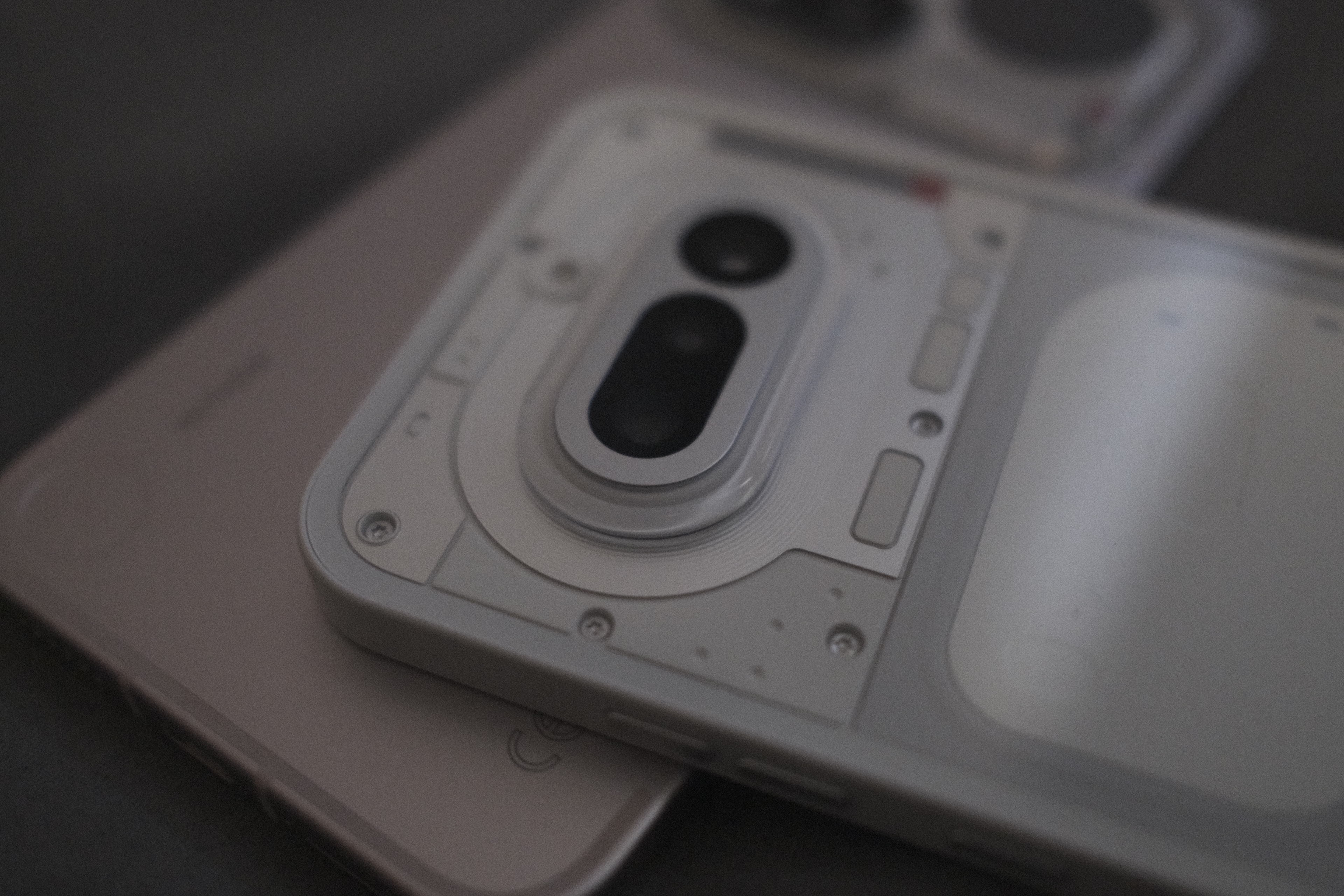
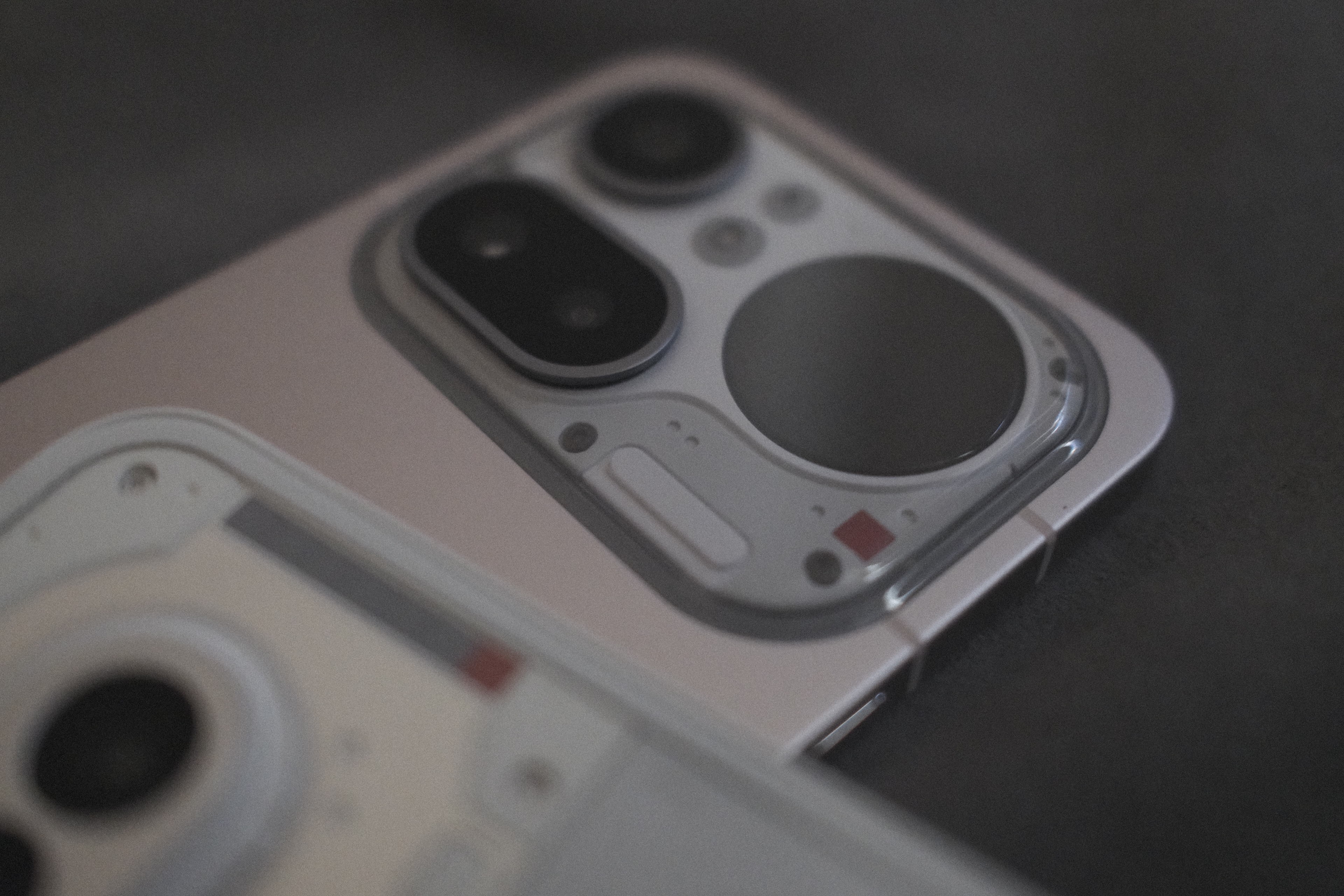
Hardware & Aesthetics: The “Artifact” vs. The “Cleaner”
Choosing between these two is like choosing a favorite child.
Phone (4a): Even though it lacks the Pro’s full-metal chassis, the 4(a) is an absolute vibe. Those minimal metallic accents paired with contrasting shades make it feel less like a gadget and more like a curated artifact.
Phone (4a) Pro: This one is a departure. It leans heavily into the Ear (3), Headphone(1) design language with a cleaner, more industrial look. If you want “Premium Minimalist,” this is your daily driver.
Ergonomics: The camera island positioning is a masterclass in Form Meets Function. One-handed use is effortless because the island acts as a natural resting point for your finger, balancing the weight perfectly.
- The Power of Co-Creation: Remember the “Essential Key” debate? In my Phone (3) review, I mentioned the positioning felt slightly “off.” Clearly, Nothing listens. The button placement on the 4(a) series is now so organic you can navigate the entire device blindly.
https://nothing.community/d/43440 ( Phone (3) Community Review )
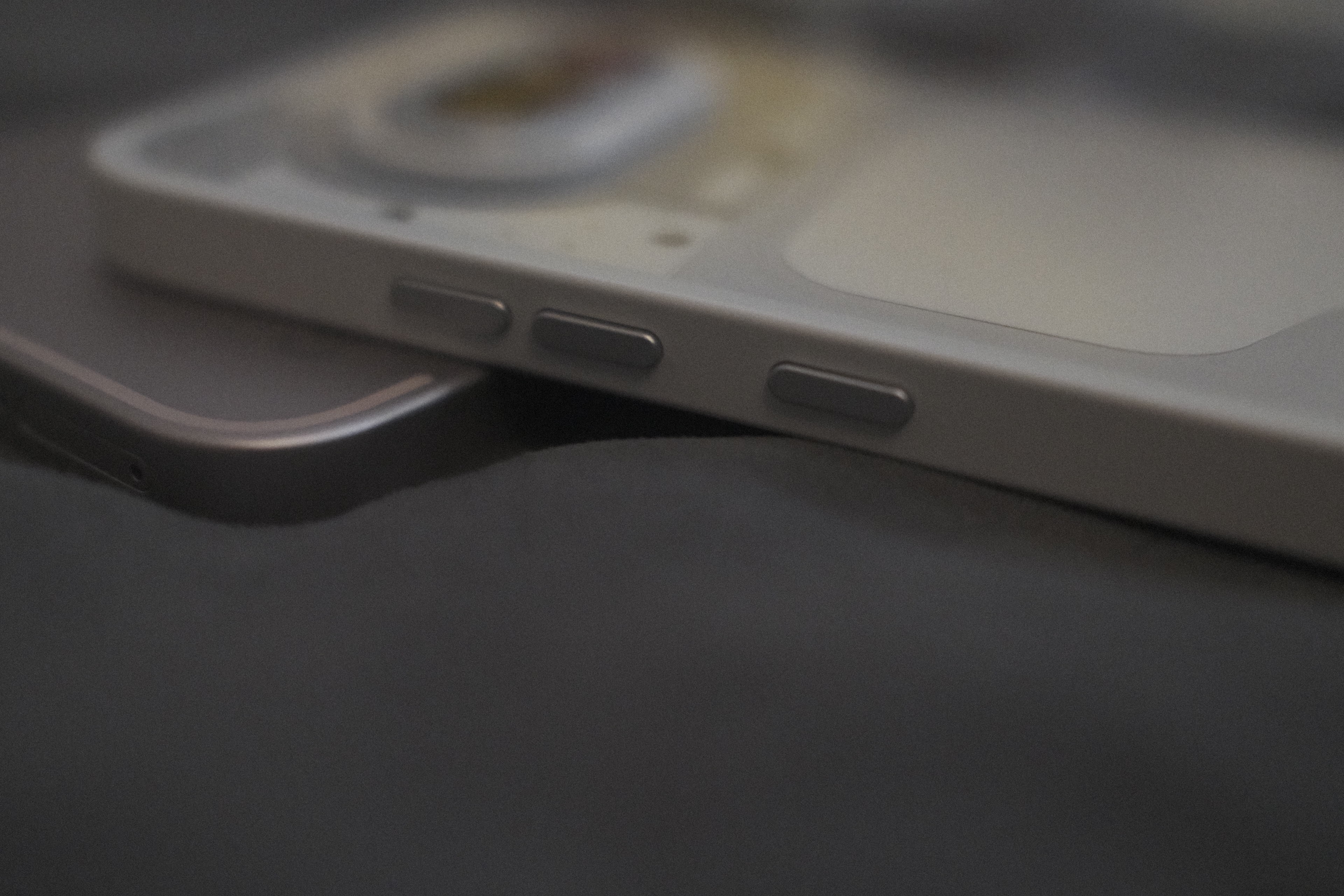
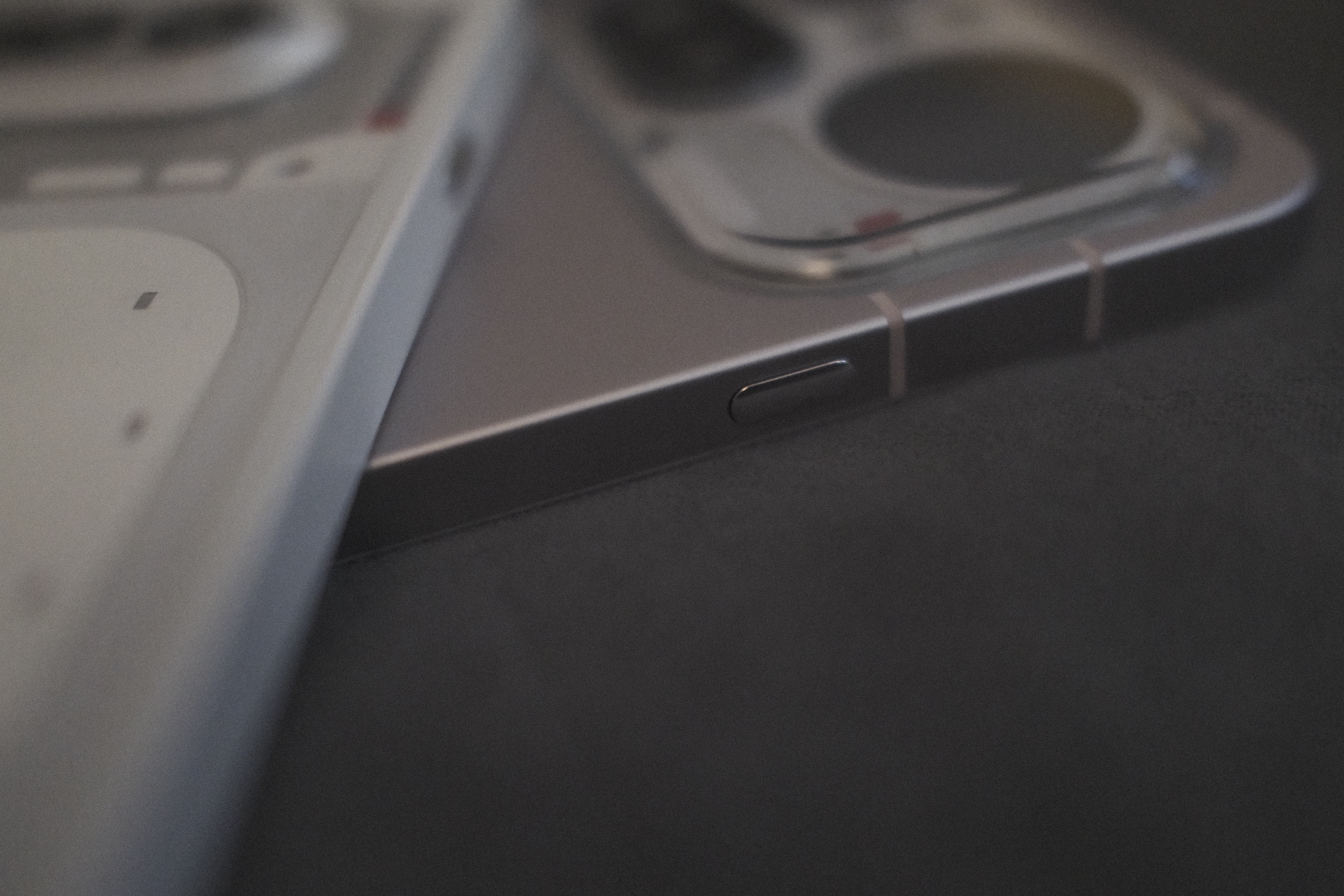
Color Choice: For the first time since my Lumia days, I’ve ditched “Stealth Black.” To truly appreciate this design, you need the brights. The White 4(a) is stunning, but the Pink 4(a) Pro (and that Silver!) is something special.
The Glyph Interface: A Masterclass in Functional Light
The design team clearly went down a rabbit hole of “attention to detail” for the 4(a) series. The Glyph Interface has evolved from a simple notification light into a complex, multi-layered communication tool.
The Glyph Bar (Phone 4a): Precision Engineering
The 4(a) features the signature refined strips, but the software-hardware integration is what’s truly impressive. Take the Volume Progress feature:
The volume control is mapped across 6 distinct light bars. Instead of a simple linear fade, Nothing uses a specific stepping logic. This creates a perfectly fluid visual sync that matches the digital volume slider on your screen. It’s a small detail, but the speaks perfection in volume.
Timer countdown; for anyone who appreciates intentional design, it’s a total “chef’s kiss” moment of synchronization.
The Glyph Matrix (Phone 4a Pro): Information at a Glance
The Pro model pushes the boundary with its new Glyph Matrix. This isn’t just about glowing; it’s about data density.
Live Tracking: While the standard bar shows a “filling” animation, the Matrix on the 4(a) Pro actually runs scrolling text.
App Integration: When I order from Zomato or Blinkit, I don’t have to touch my phone. The Matrix displays a live countdown/ETA (e.g., “12 MINS”) directly through the back glass.
Psychological Impact: Because the Matrix can convey specific information (numbers, letters, icons), it drastically reduces “screen-check anxiety.” You get the data you need without falling into the “scroll hole” of social media.
Customization & “Essential” Notifications
The strength of both setups lies in Essential Notifications. You can tag specific contacts or apps to keep a specific Glyph segment lit until you acknowledge it. In a world of constant distractions, having a “silent but persistent” reminder allows you to stay present in the real world while staying connected to what matters. It turns the phone from a noisy disruptor into a calm, ambient assistant.
—
Little Sibling Bias and The Critique
Honestly, I can’t find a single thing to nitpick about the 4(a)’s design. It’s so clean that I might actually like it more than its “look-at-me” powerful sibling. It’s that classic case where the overachiever gets all the specs, but the younger one definitely got all the looks!
A Few “Pro” Trade-offs to Consider:
The Symmetry Struggle: Our eyes naturally hunt for balance, but the corner radius offset between the phone’s body and the camera island isn’t perfectly even. For anyone who appreciates geometric precision, that slight misalignment is hard to unsee.
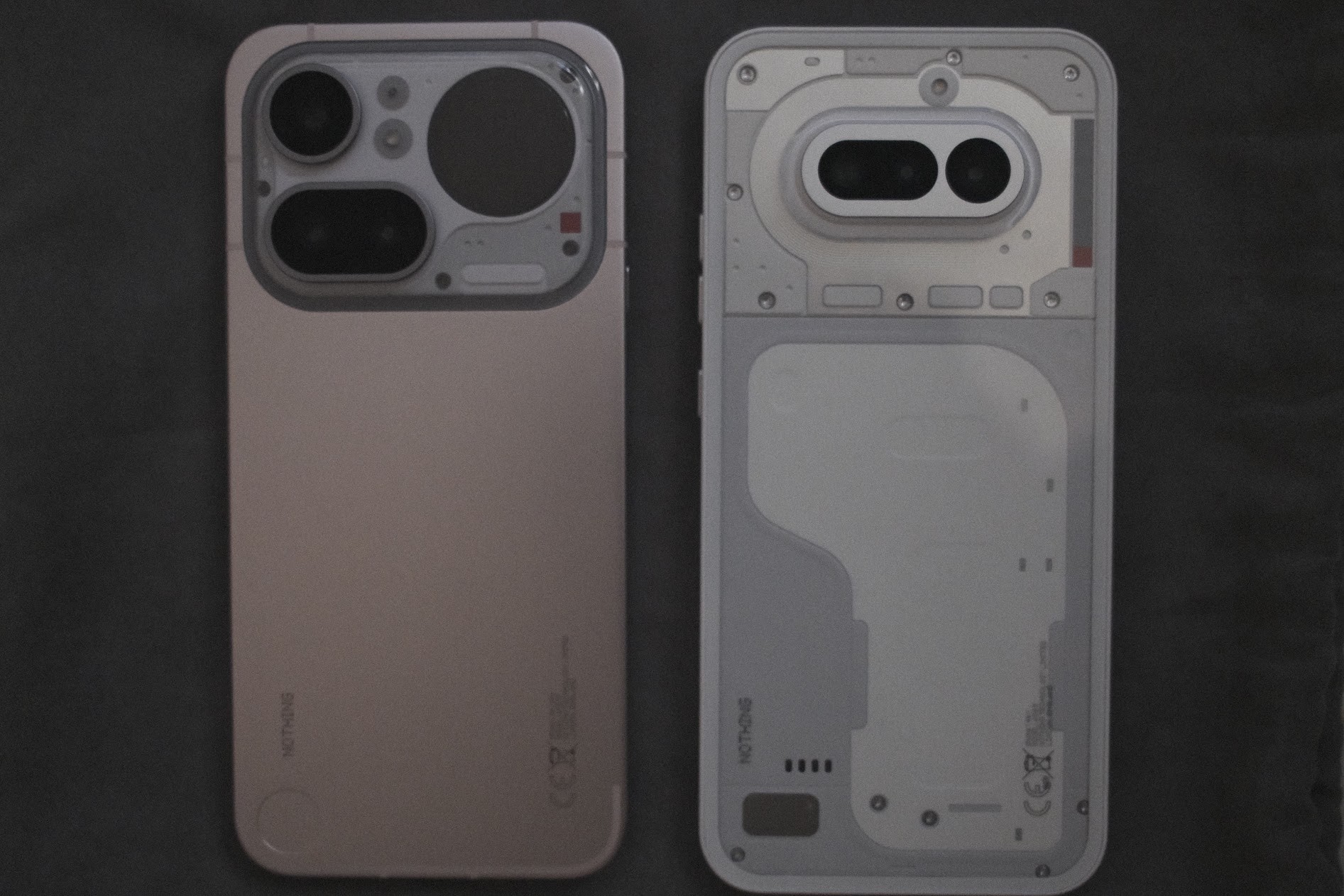
The “Rock” Factor: The lens ring on the Pro sits on a raised platform, creating a height difference between the camera and the Glyph Matrix. If you’re a “screen-up” person who keeps their phone on a desk, be prepared for some noticeable rocking when you tap the screen.
Thermal Ergonomics: I’m a purist—I prefer using my phones without a case. However, with the Pro’s premium metallic build, I do worry about the hand-feel in extreme weather. It’s a stunning design, but I’m not quite ready for “frostbite” during a cold morning hike!
The Matrix Resolution: As much as I love the utility, there’s a trade-off. To fit the larger Matrix on the 4(a) Pro, the individual LEDs are physically larger than those on the Phone (3). This means you lose a bit of that “high-definition” crispness in the icons. It’s a bit more “8-bit retro” now—which looks cool— but from a pure resolution standpoint, the Phone (3) still holds the crown for the sharpest glyph rendering.
—
Battery & Power: Efficiency Meets Endurance
While both devices pack a hefty 5,080mAh battery, the real magic isn’t just the capacity—it’s how the Snapdragon 7 series sips power. As someone who appreciates the science of efficiency, seeing these chips in action is impressive.
The Ultimate Stress Test: I’m usually a light user, starting at 80% and ending the day at 30% with ease. But I really put the standard 4(a) through the wringer by live-streaming my wedding for three straight hours! Between continuous 5G data and heavy video encoding, that’s a thermal nightmare for most phones. Yet, the 4(a) handled it like a champ, surviving until late afternoon with 15% to spare. It’s a testament to the low idle drain and the clever internal cooling that keeps the 7s Gen 4 from breaking a sweat.
Smart Charging for the Heat: Both phones support 50W Fast Charge, but it’s the “Smart Charging” curve that actually matters. Especially in a place like Chennai, you don’t want a battery cooking itself to reach 100%. Nothing’s logic focuses on longevity and thermal health, ensuring the cell doesn’t degrade even when the ambient temperature is pushing limits.
—
Nothing OS 4.1: The “Digital Detox” OS
Nothing OS has evolved from a “skin” into a full-fledged philosophy. Coming from OS 3.2 on Phone(1) to version 4.1 (based on Android 16) feels significantly more “grown-up.”
1. Mindful Design & New Widgets
The “Breathing Break” Widget: This is a highlight of 4.1. It’s a haptic-linked widget that guides you through inhalation/exhalation exercises.
Lock Screen Depth Effect: The new customization allows the clock to tuck behind subjects in your wallpaper, creating a 3-D look that feels incredibly premium.
2. Essential Space & Apps
The “Clean” Philosophy: Essential Space is where Nothing OS really shines for people like us who hate distractions. It extracts “actionable info” (like a meeting link from a screenshot or a flight detail from an email) and surfaces it only when needed.
Semantic Search: The updated search within the OS is now “context-aware.” You can search for “that receipt from yesterday” instead of just a file name, and it uses on-device AI to find it.
3. Performance & Stability
Zero Bloat: Unlike other brands, Nothing OS 4.1 remains free of pre-installed “junk” apps. Every animation, from the notification shade drop to the app-opening “spring,” has been recalibrated for the 144Hz display on the Pro.
On-Device AI Eraser: In the Gallery app, you now have an AI Eraser that runs locally. It doesn’t need the cloud to remove photobombers from your wedding photos—keeping your data private and the process instant.
Camera Comparison: Capturing the World, My Way
When it comes to the cameras, both the Phone (4a) and (4a) Pro share the same DNA, but they have distinct “personalities” once you start shooting.
I’ll be the first to admit: I’m not a professional photographer. I’ve tried those super-close-up macro shots in the past and failed miserably—it’s just not my thing! Instead, I’ve learned to play to my strengths. I love street photography, wide landscapes, and grabbing those interesting perspectives you only get while out on a hike.
The Hardware: Standard vs. Pro
Even as an enthusiast, it’s hard not to appreciate the science under the hood here.
Street Photography & The “Reach”
Both phones feature a 50MP Periscope Telephoto lens with 3.5x optical zoom. This is where the fun really starts for me.
Composition: I love using the zoom to “frame” a street scene without having to stand right in the middle of traffic. It gives you a compressed, cinematic look that feels way more professional than a standard wide shot.
The Hike Test: While I rarely need to zoom in 140x (which the Pro can do!), having that extra digital reach while hiking will be a great “utility” feature for spotting a trail marker or a distant peak.
Phone (4a): It uses a solid 50MP Samsung GN9 sensor. It’s snappy and reliable, perfect for those “run and gun” street moments where you just need the shot to be sharp and clear.
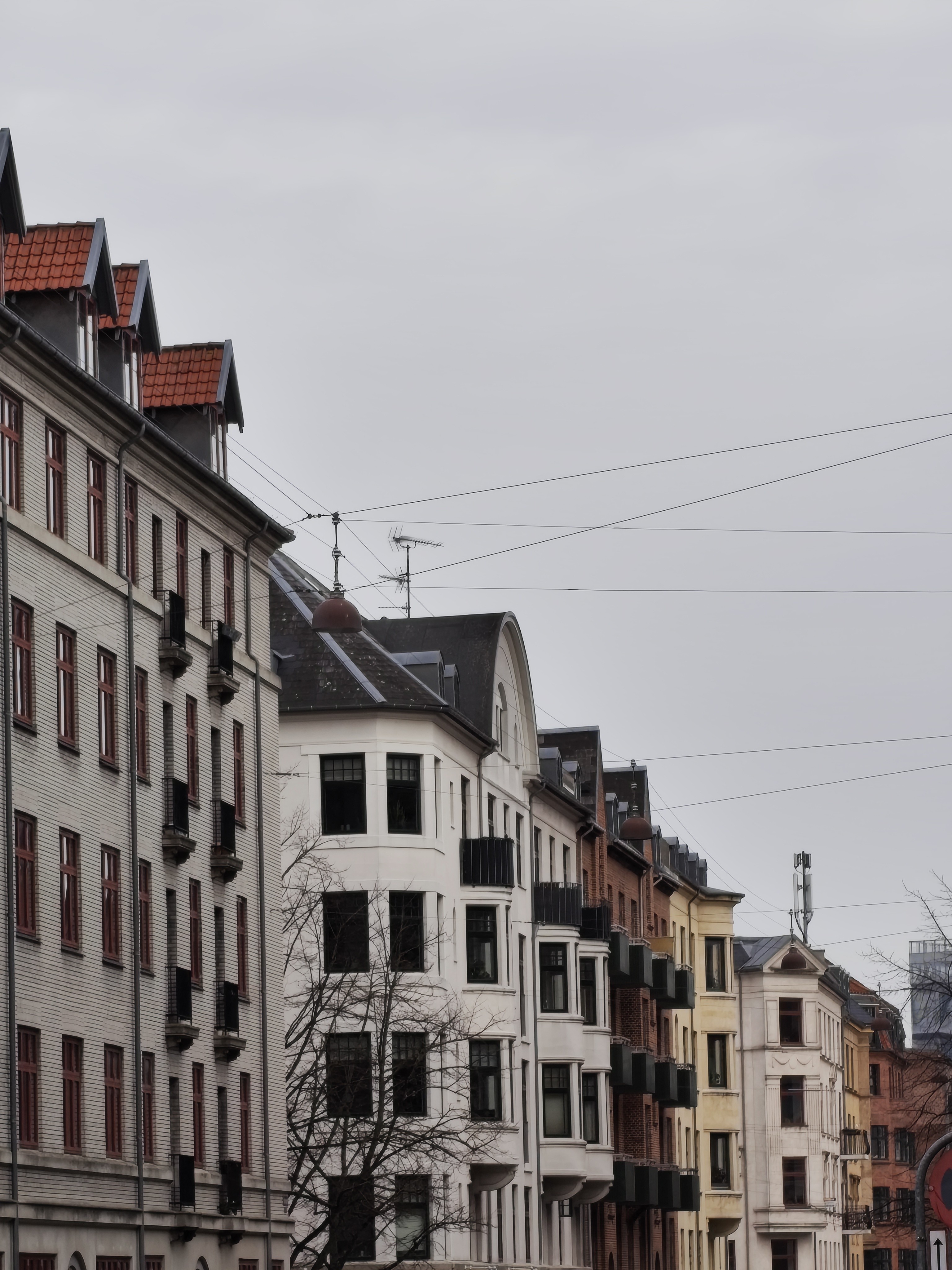









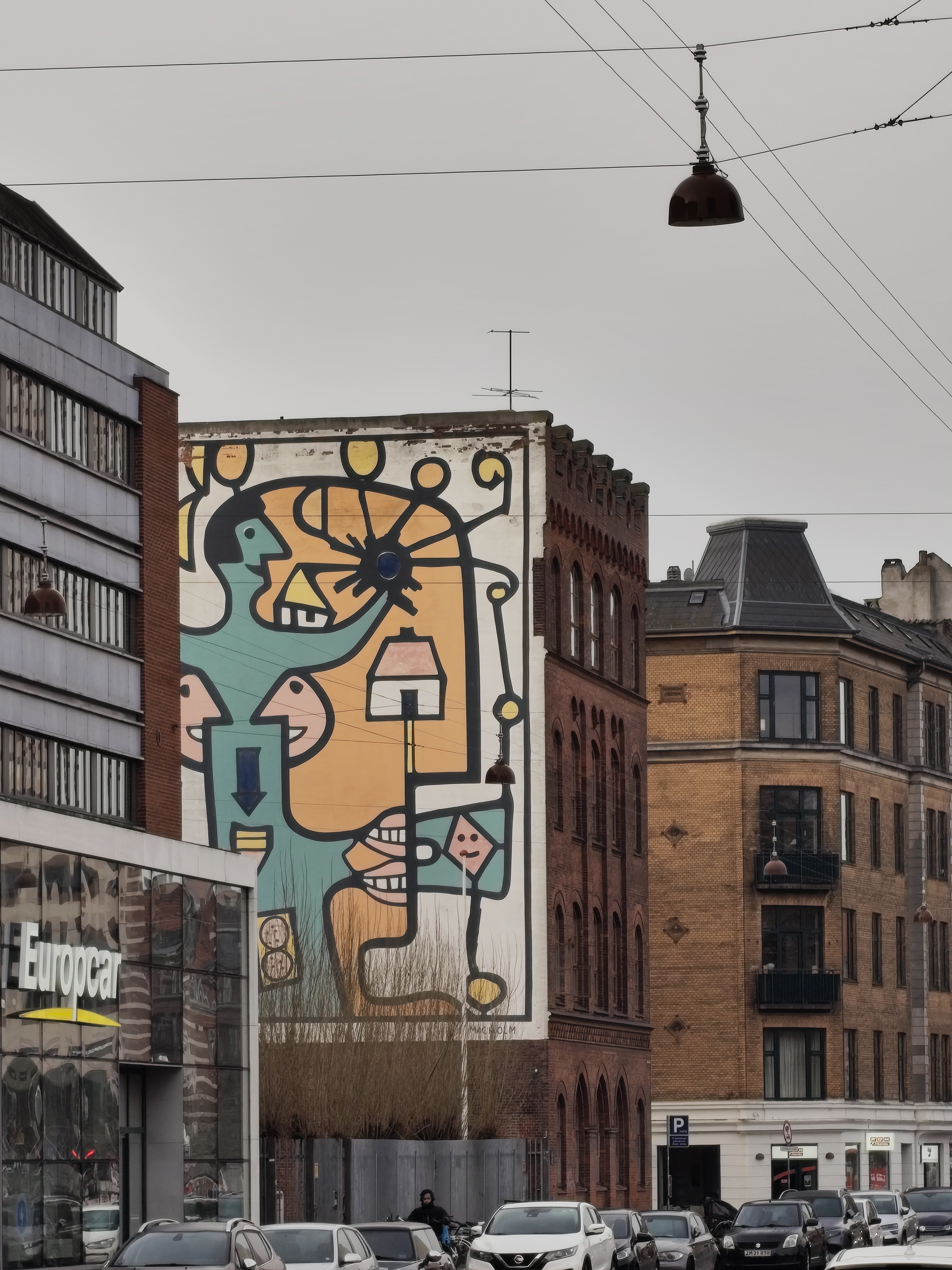

Phone (4a) Pro: This steps up to the Sony LYT700C sensor. Because the sensor is physically larger, it drinks in way more light. If you’re like me and find yourself chasing “Golden Hour” light or shooting in dim alleyways, the Pro gives you that extra bit of “oomph” and cleaner detail in the shadows. The Pro model has this Pantone Validation, which basically means the colors you see on your screen are a true match to the real world.

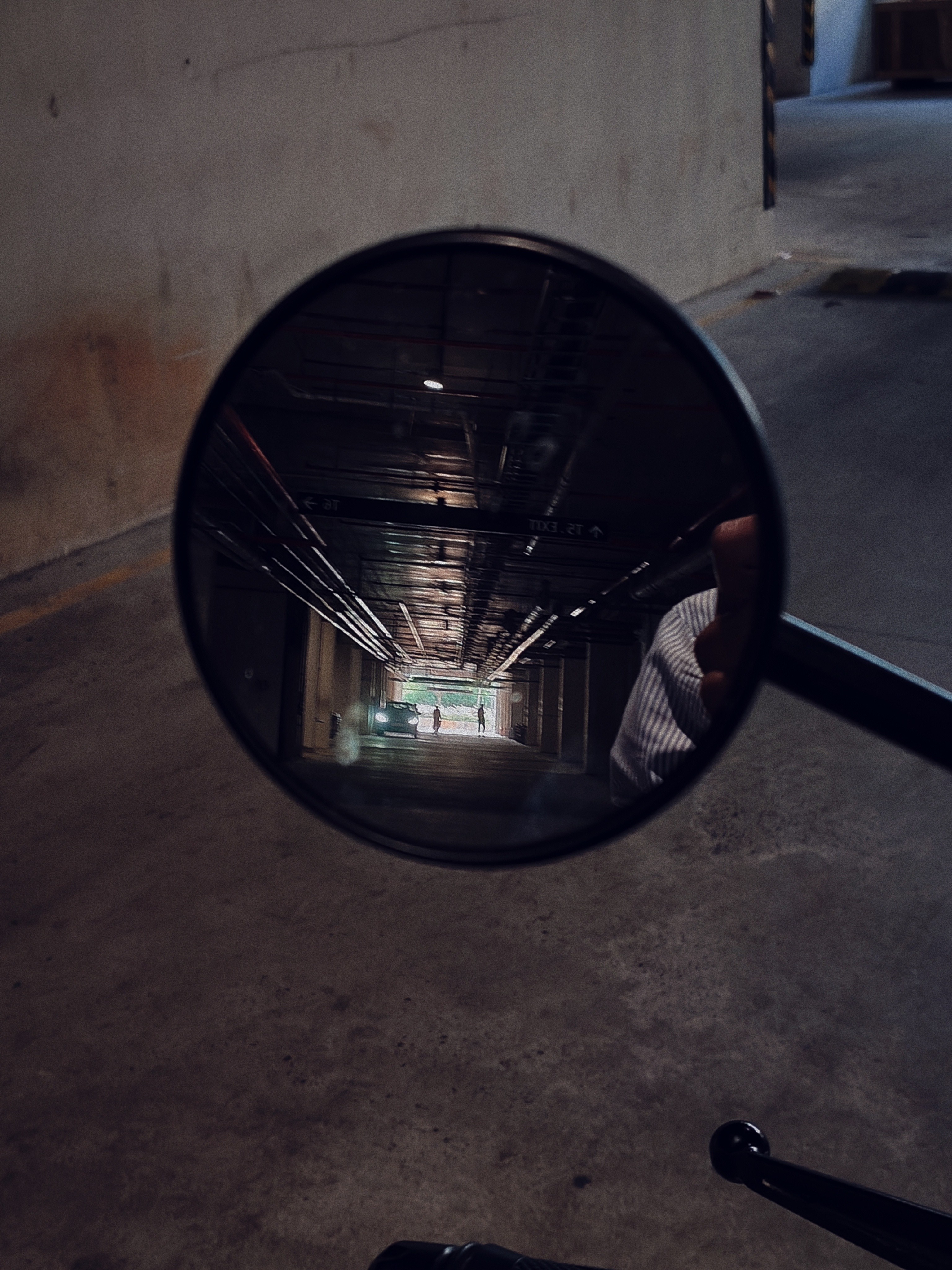
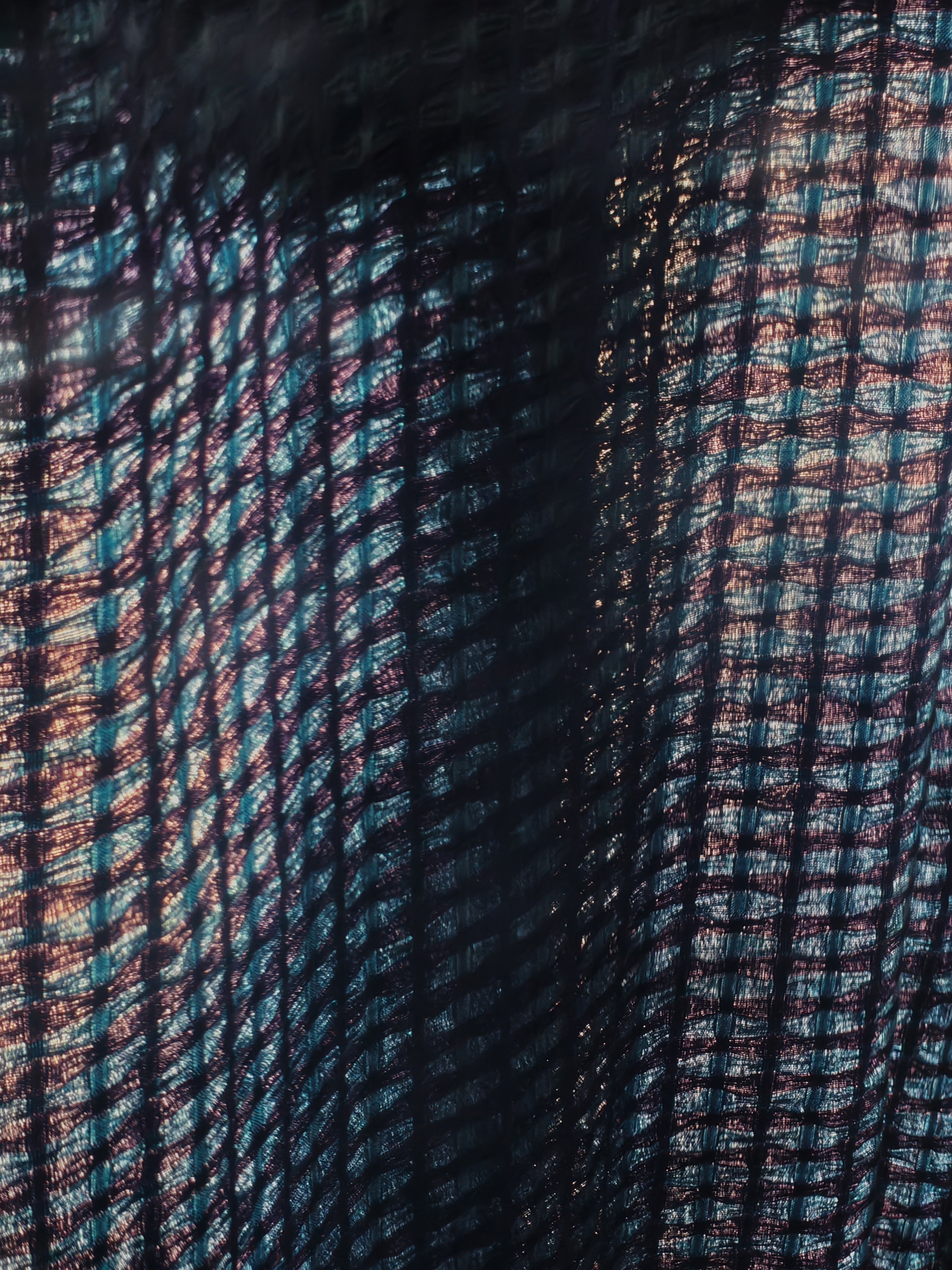

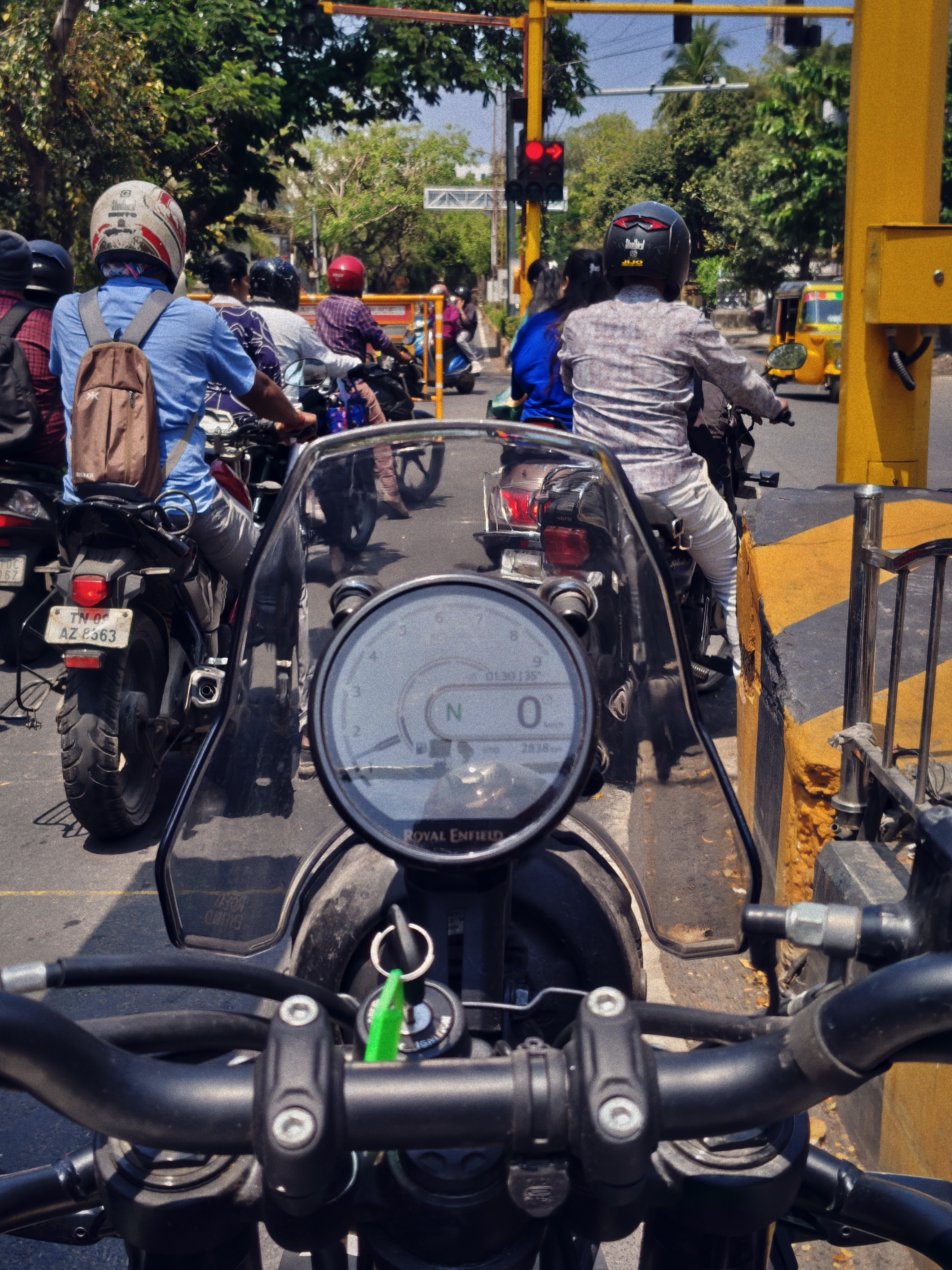

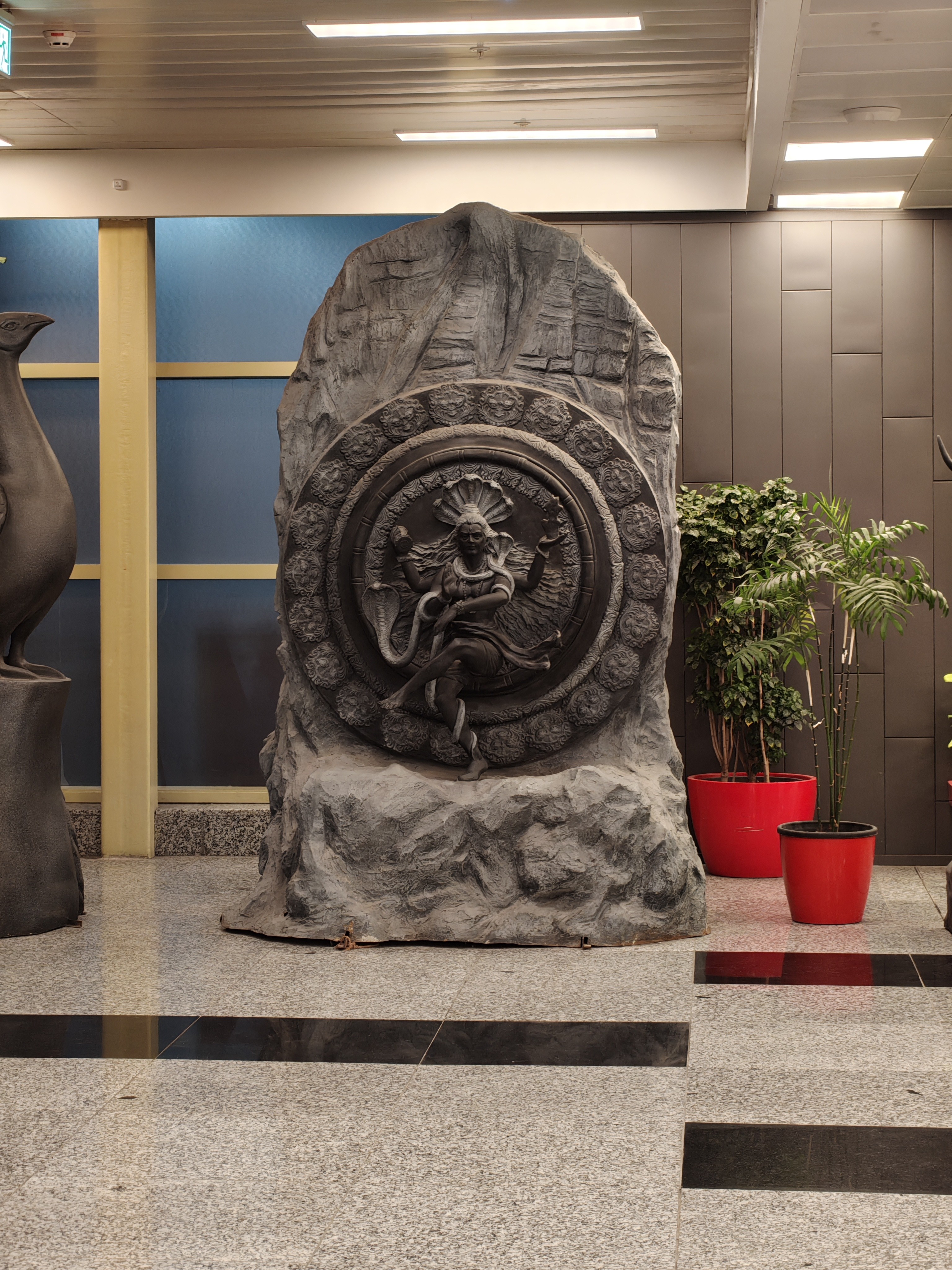

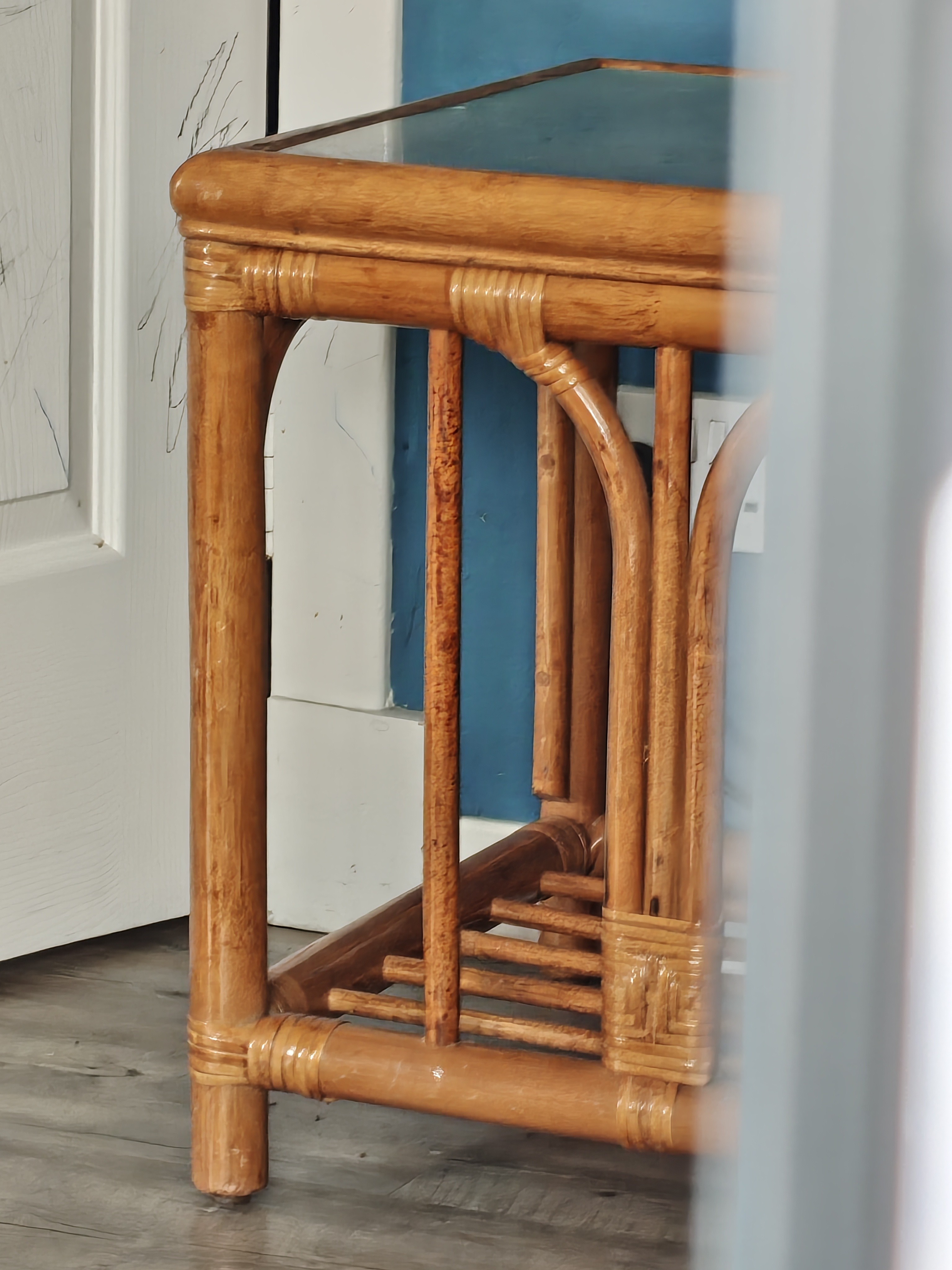


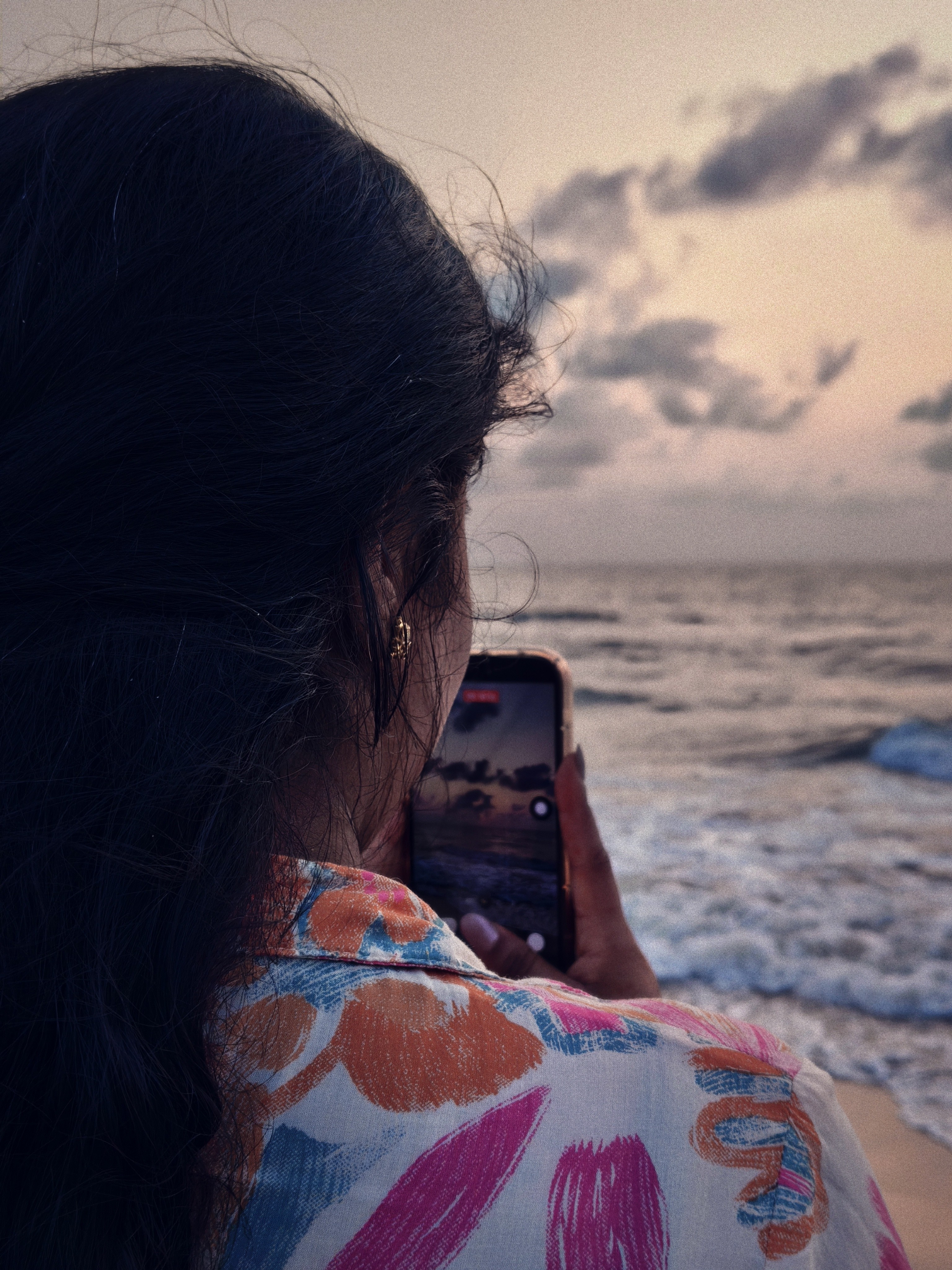




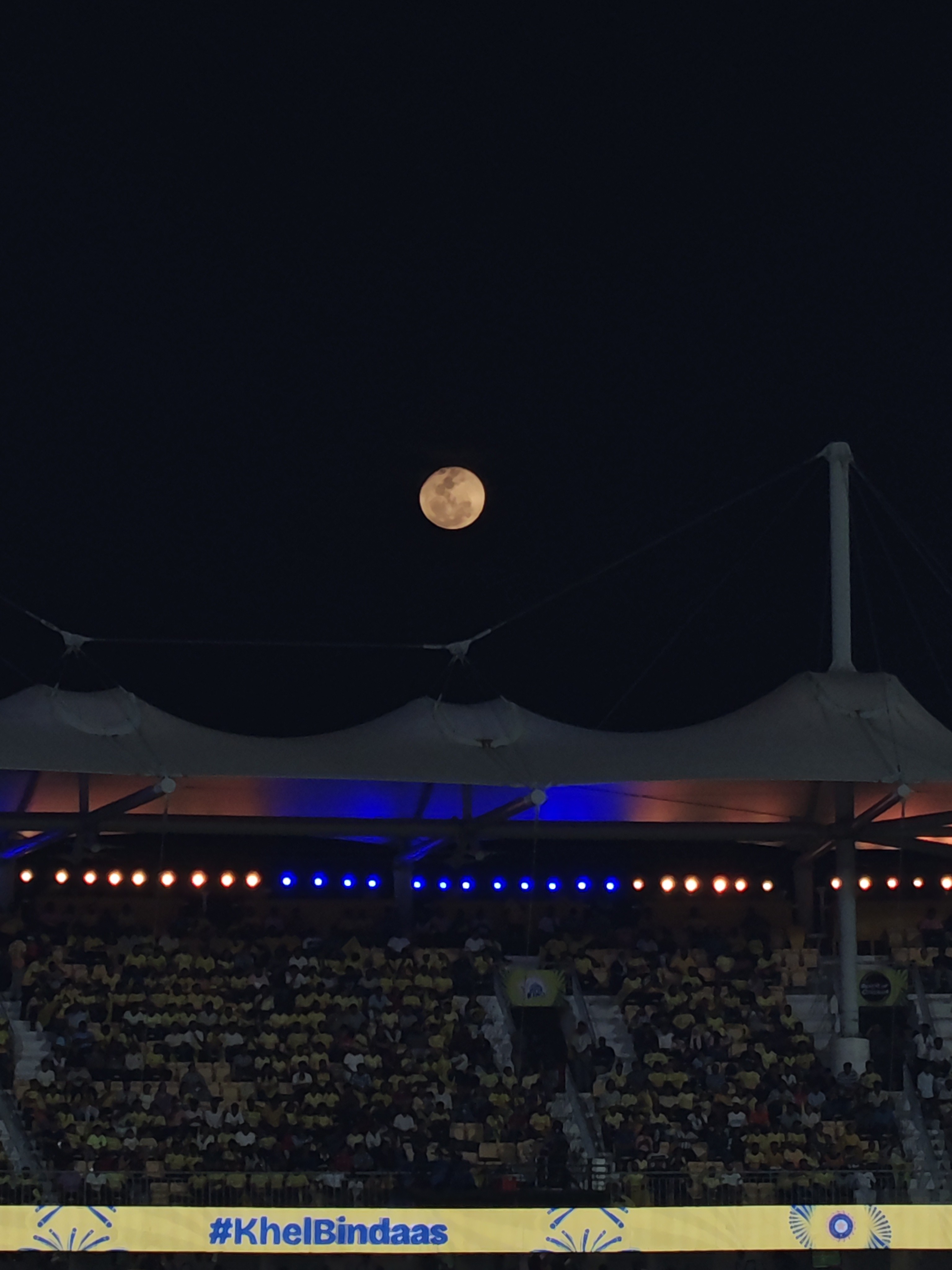
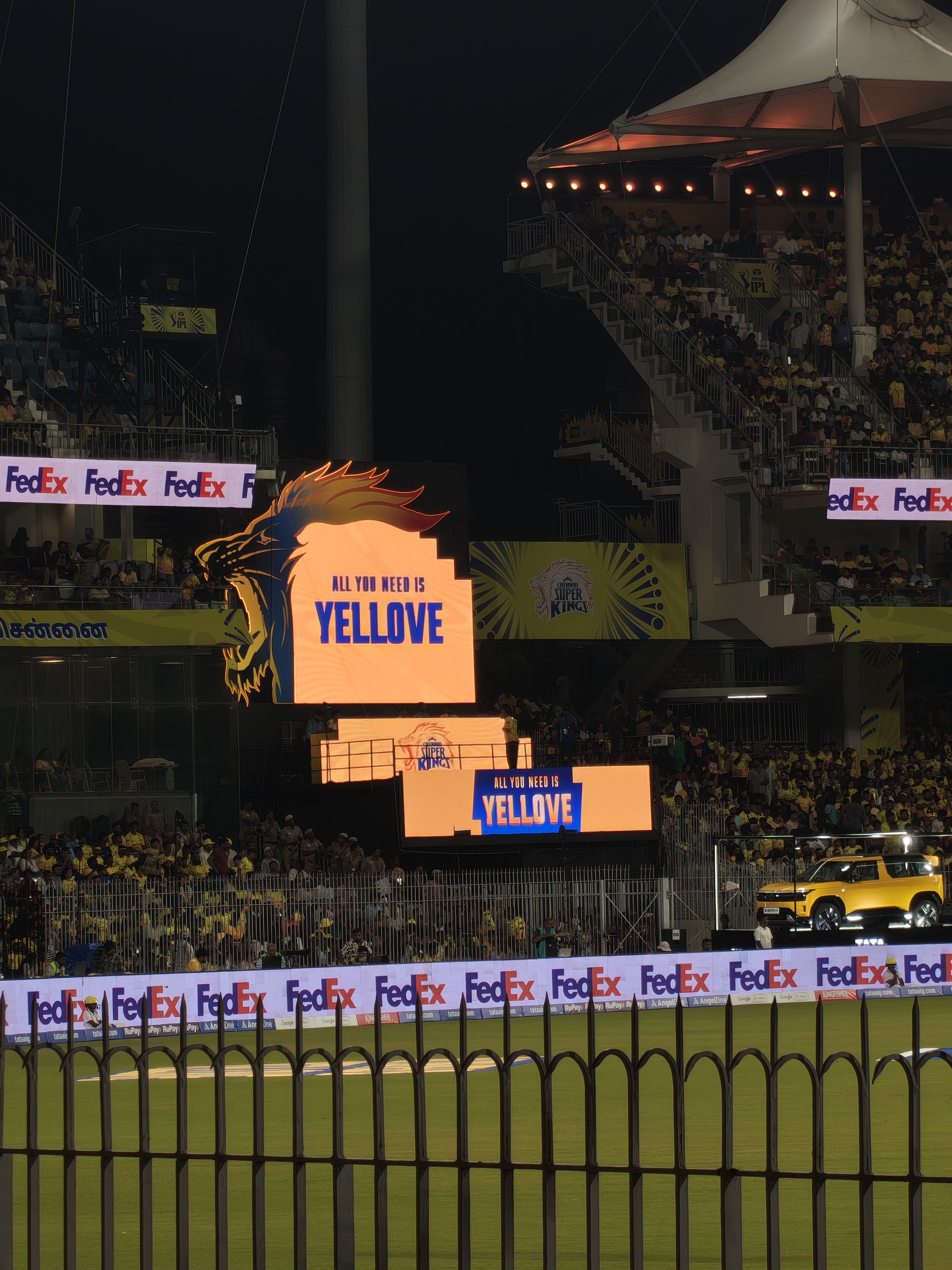
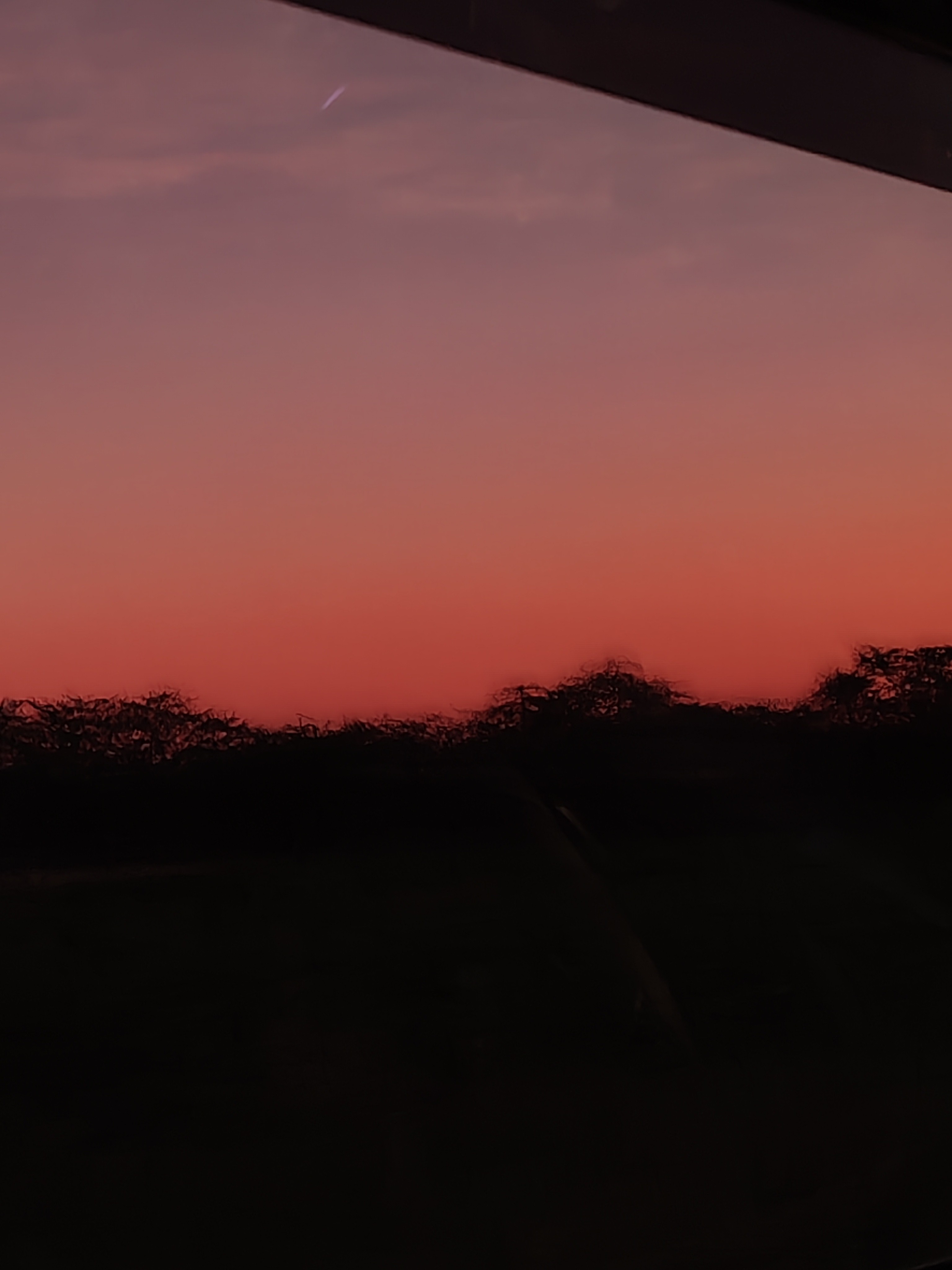
4a vs 4a Pro
I want a camera that feels like a tool I can trust.
If you want a reliable, high-quality daily snapper for your travels, the Phone (4a) is a champion.
But, if you’re like me and get a little nerdy about light quality, color accuracy, and wanting that extra “pro” edge for your evening landscapes, the Phone (4a) Pro is well worth the jump.
It’s not about being an expert; it’s about having a device that makes you want to go out and see the world through a lens. And this along with the ability to create and use presets, both devices ups your photography game.
The Verdict: A Design Stalemate
Honestly? I’m stuck. Choosing between these two is a total “Heart vs. Head” situation.
One minute I’m obsessed with the White Phone (4a) and its “futuristic artifact” vibe. The next, I’m geeking out over the 4(a) Pro’s metallic build and the fact that its Glyph Matrix can literally tell me when my pizza is arriving.It’s like trying to choose between a classic designer watch and a high-tech spaceship—both look incredible, but they serve totally different moods.
I’m officially giving up—so I’m turning to you.
Which one are you vibing with more?
Team 4(a) for that minimal, contrasting aesthetic?
Team 4(a) Pro for the extra power and that massive Glyph Matrix?
Drop your pick in the comments and tell me why. Help me break this tie!

