Feedback? On your device: Go to Settings -> System -> Feedback.
Firmware rollouts are usually staggered, meaning not all users will receive the update simultaneously. This approach allows us to monitor for any issues and ensure a smooth and stable deployment.
Nothing OS 4.1
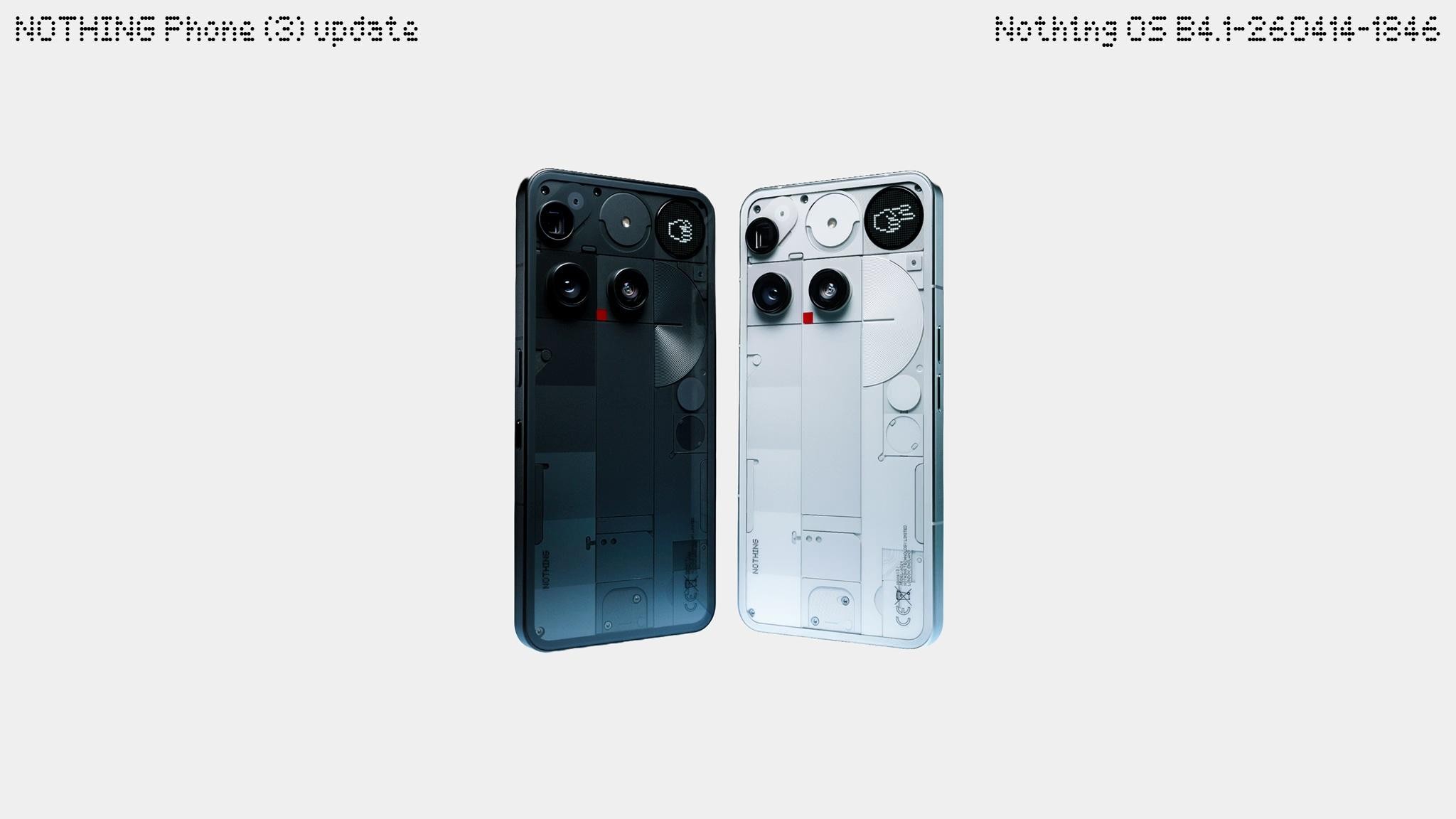
Hi there. You’re now upgrading to Nothing OS 4.1, powered by Android 16. We’ll be rolling out even more features for Nothing OS 4.1 in the future, so please stay tuned.
Take a look at what’s included in this update:
Essential Voice
Essential Voice, a new AI-powered speech-to-text feature, lets you focus on your ideas efficiently. Tap the icon on the keyboard or long-press the Essential key when using the keyboard to start. Key features include:
🎙️ Cleans up transcriptions by filtering out interjections, filler words, and repetitions, while intelligently handling your self-corrections.
🔡 Translates on the fly by detecting your translation intent and inserting the translated text directly.
🗃️ Allows you to store personal phrases, like email addresses, and automatically inserts them when triggered by corresponding speech.
📑 Formats the text automatically by converting speech into structured lists, steps, or bullet points when identifying those contents from the speaker.
Notes:
For more details about Essential Voice, please go to Settings > Intelligence toolkit > Essential Voice.
New Features
⏲️ Introduced the lock screen clock face from Phone (3a) Community Edition, co-created with the community member Jad Zock, featuring an exclusive typeface style and unique waking-up effect.
📡 Live Updates now work across various scenes, such as the lock screen, notification panel, and Glyph Interface, tracking real-time progress from apps, like Google Maps, just at a glance.
💬 Essential Notifications settings UI has been reworked with a cleaner look and descriptions for easier use.
🫧 Notifications that are frequently interacted with may be suggested to be set as Essential Notification.
Notes:
Live Updates compatibility with apps depends on local availability and specific app integration.
General Improvements and Bug Fixes
📖 Optimised the prompt instructions when activating eSIM for better clarity and usage.
🤳 Enhanced video call stability to prevent stuttering when using certain third-party apps.
📱 Fixed some display errors in the notification panel and Quick Settings.
⚙️ Enhanced overall system stability.
🛡️ Updated to April 2026 security patch.
Notes:
Your device may use more power and feel warmer during installation. Performance will return to normal after the update is complete.


