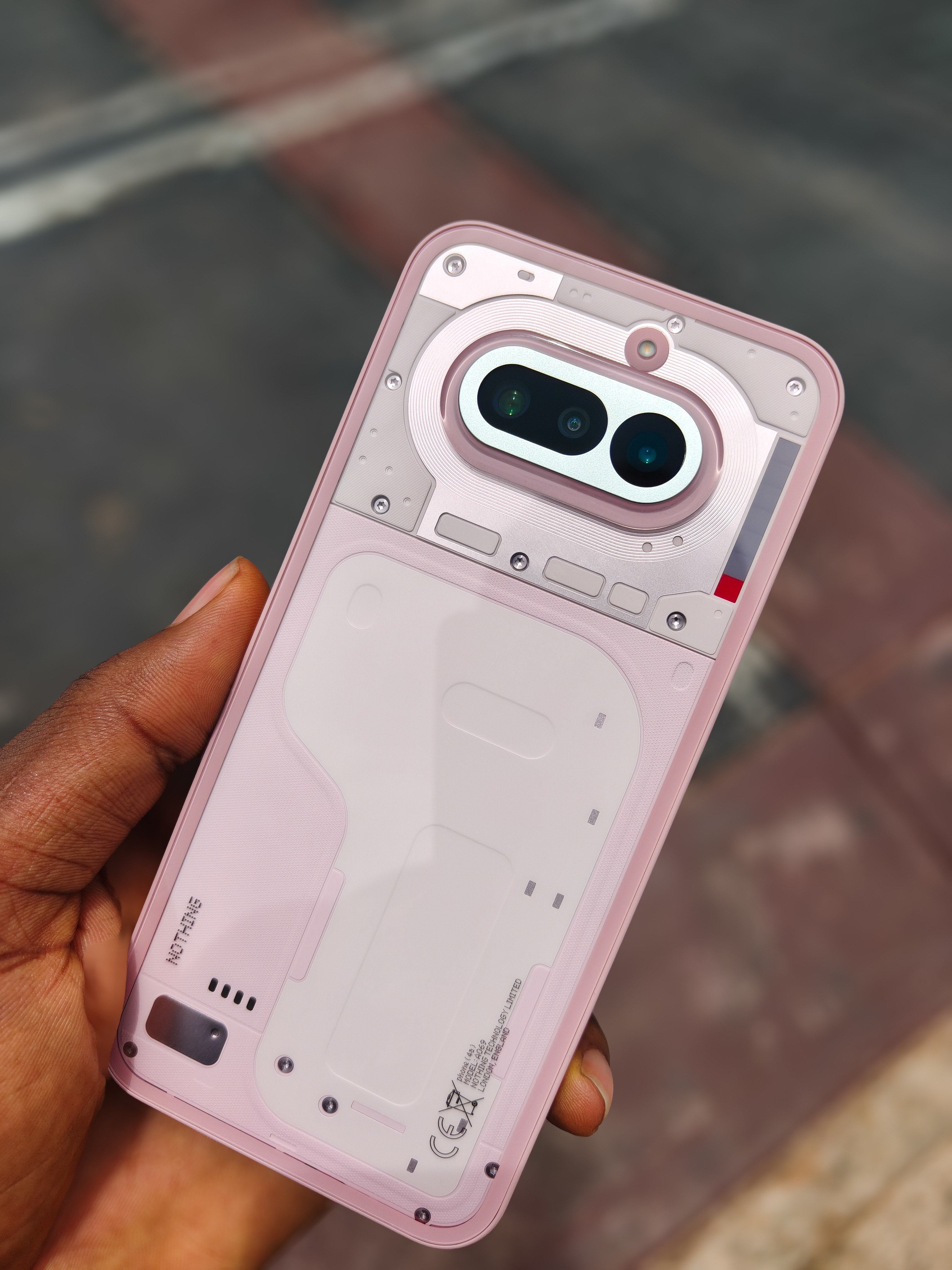
Nothing Phone 4a.
Good display, 120Hz dynamic refresh rate, bright colors, Glyph Bar, capable cameras, minimal software.
That was pretty much my first impression about this phone.
Well, it’s been about a month of using it. Time flies, I know.
But right now, I have some thoughts.
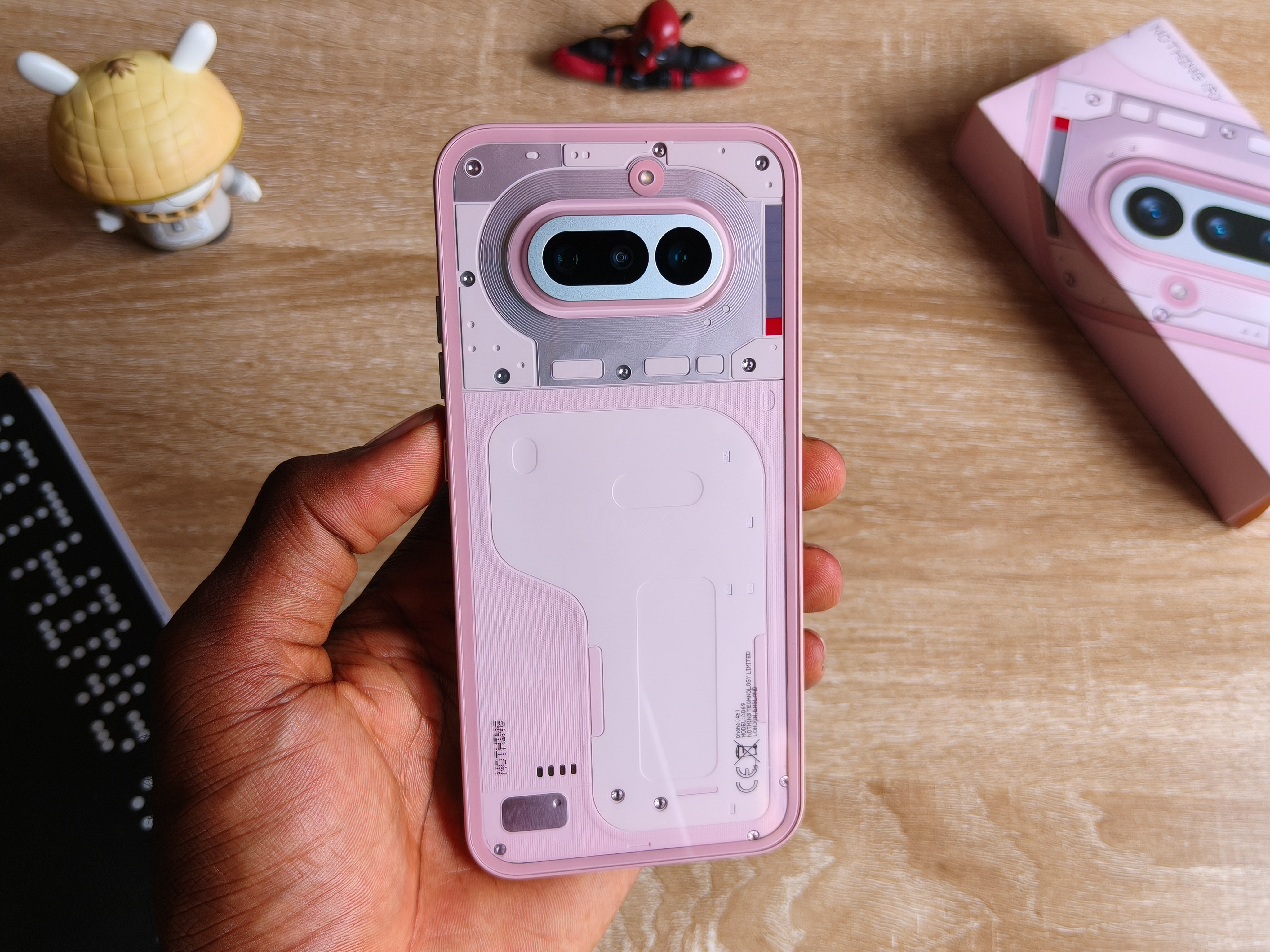
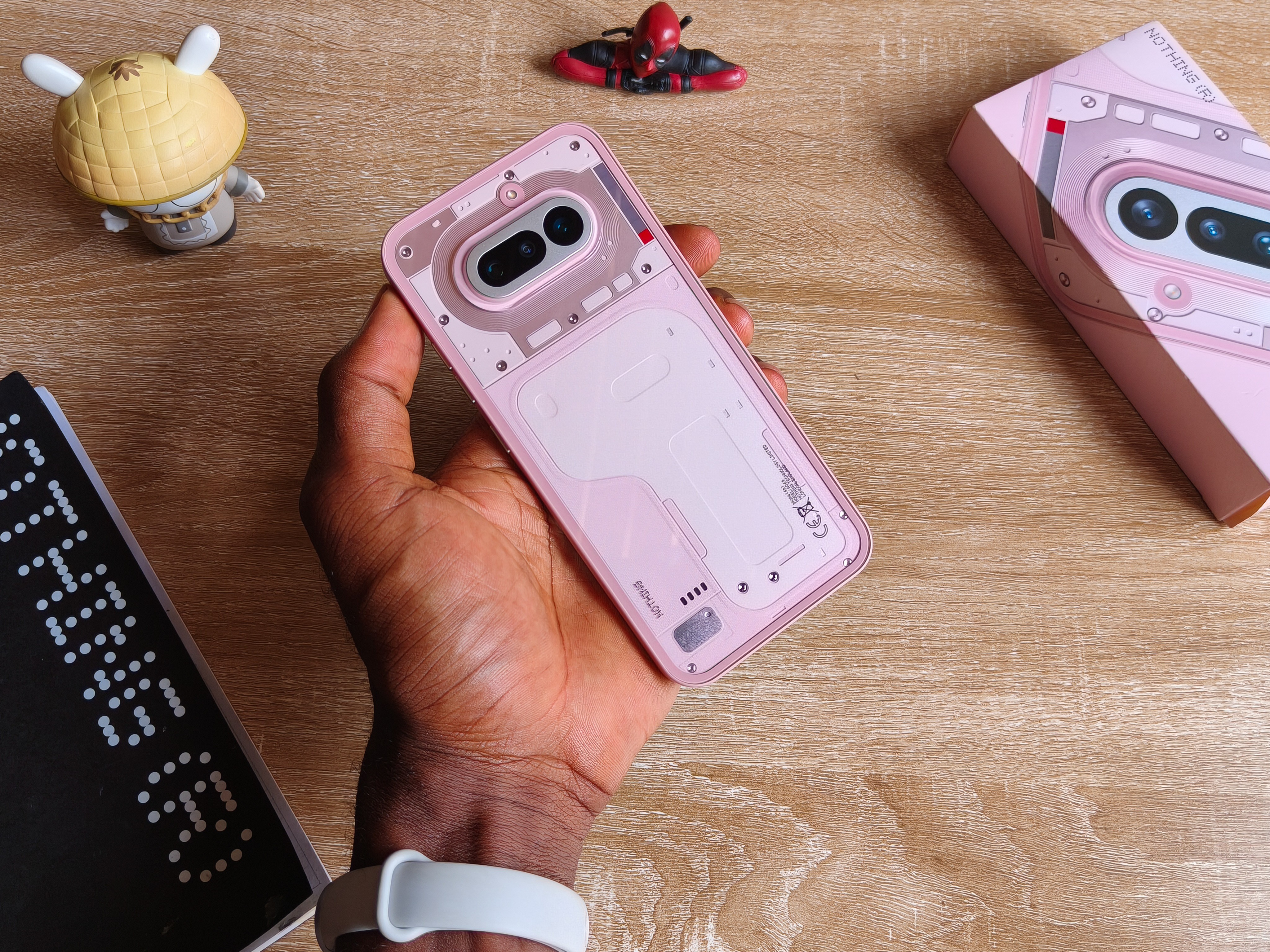
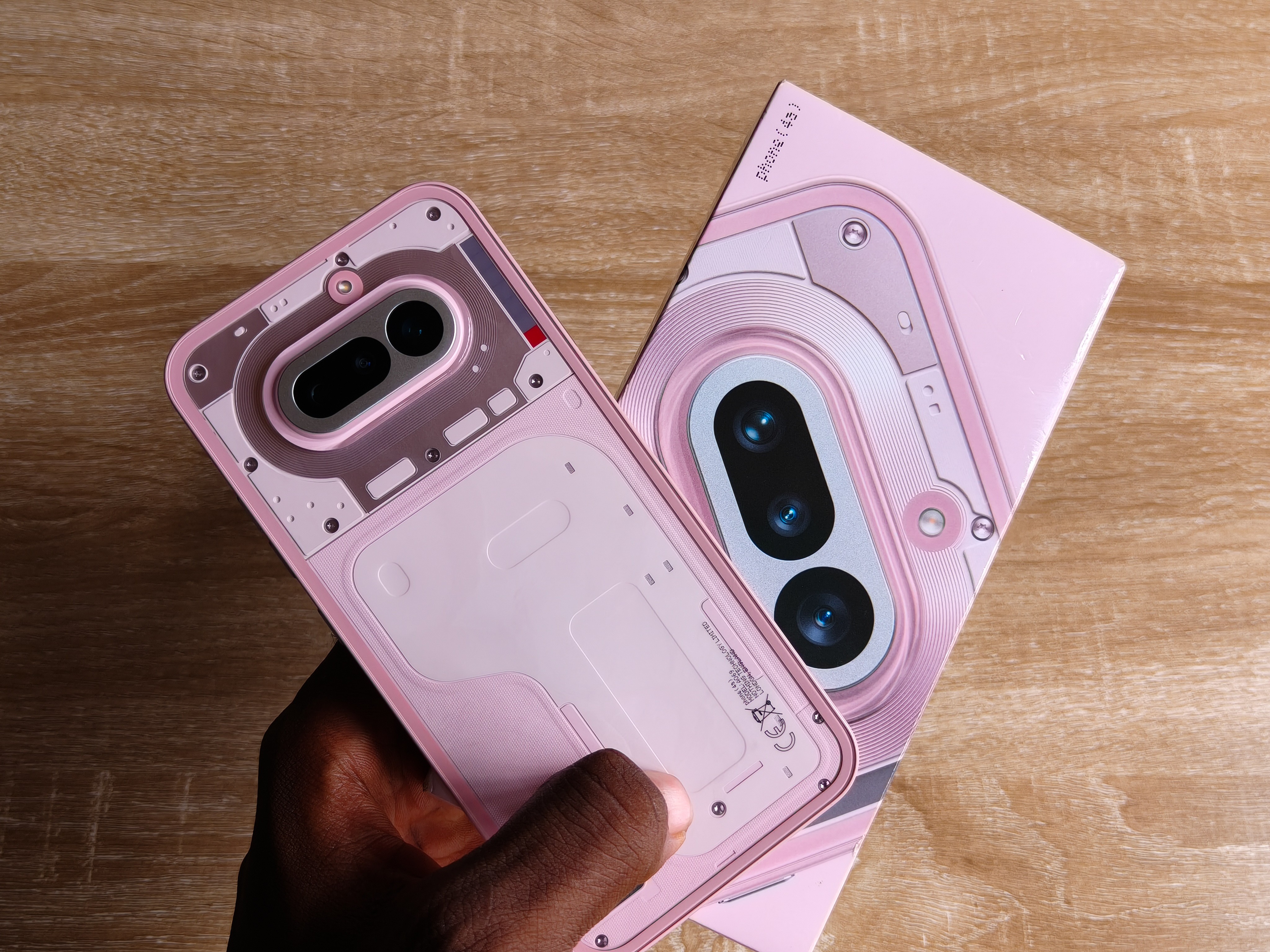
Right here is one of two of the latest smartphone products from Nothing, the successors for the Nothing A series lineup.
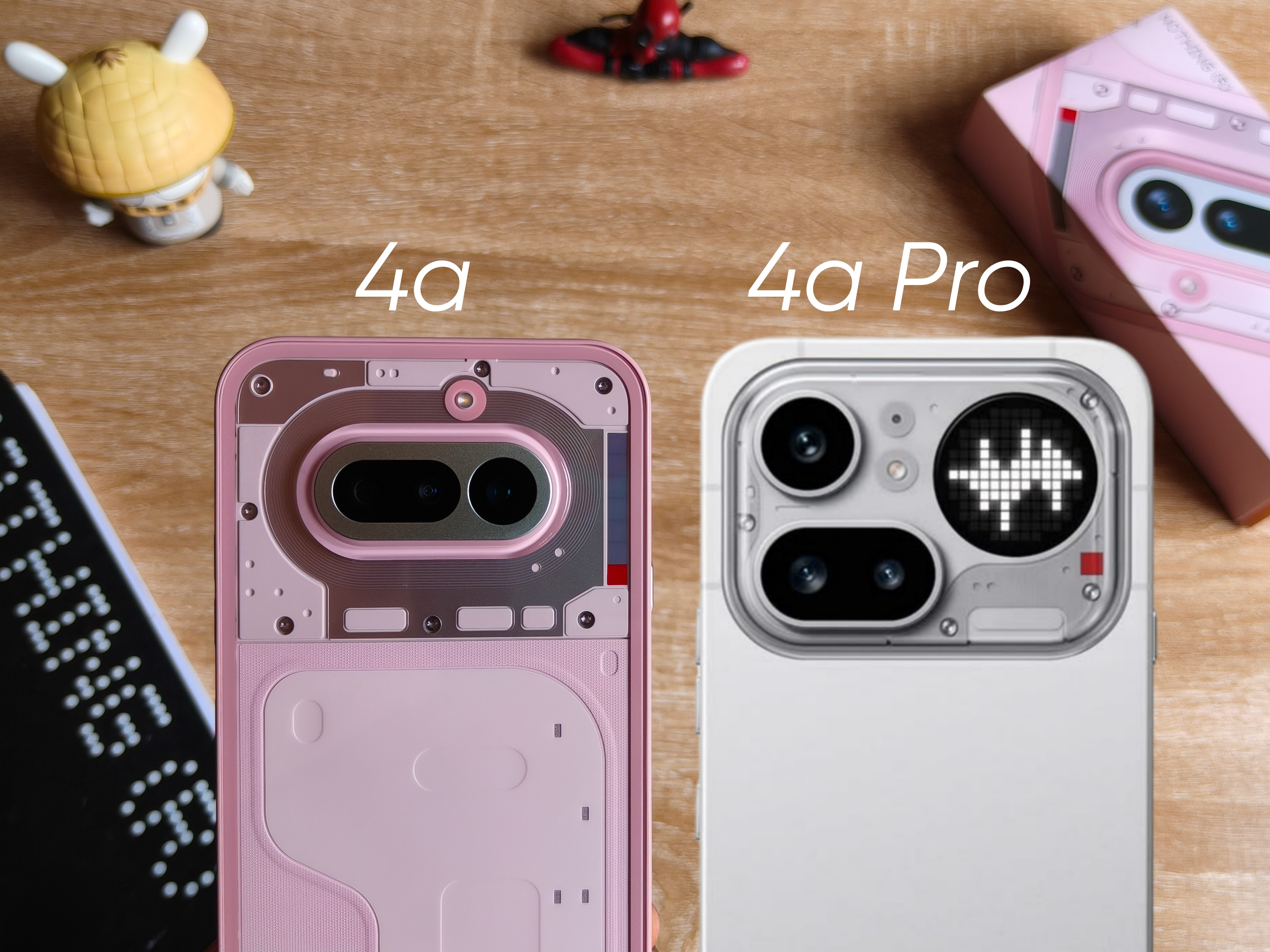
That is this and its Pro sibling.
These phones because the “comeback” nobody expected.
Should I call it their proudest creation?
For this year, yeah, it might make sense to say so being that they have barely any public plans on releasing something after this, at least not a successor flagship to their Phone 3 as disclosed.
So, I’ve been using this phone for what? Roughly three weeks. Started since the ending of March and up to this point.
It assumed as my daily driver at some point, at some point it wasn’t because technically I do not like migrating my WhatsApp and important social media everywhere.
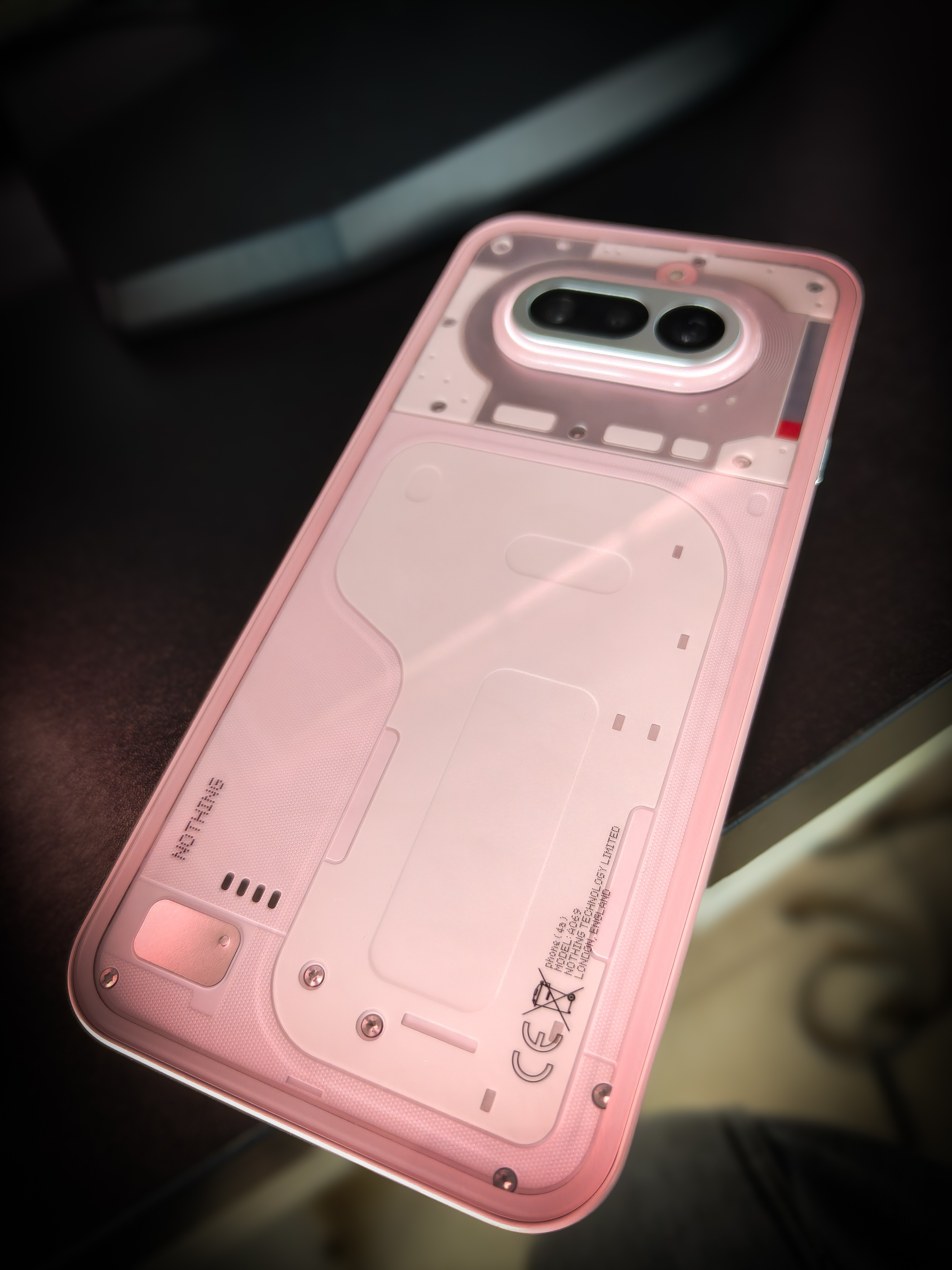
But typically, I’ve been putting this new phone to the use as any regular user, and I believe three weeks is enough time to be sure of what I’ll talk about.
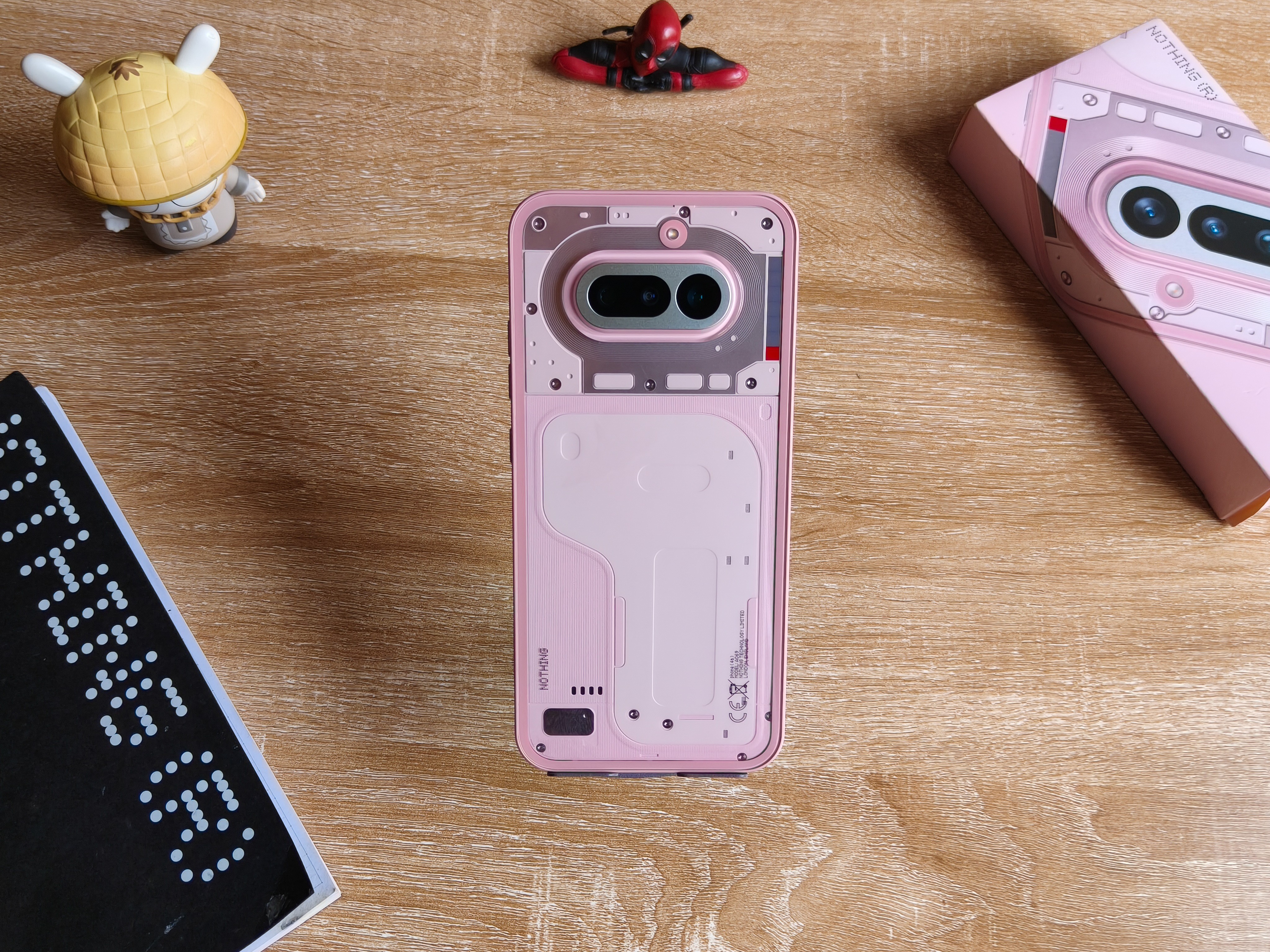
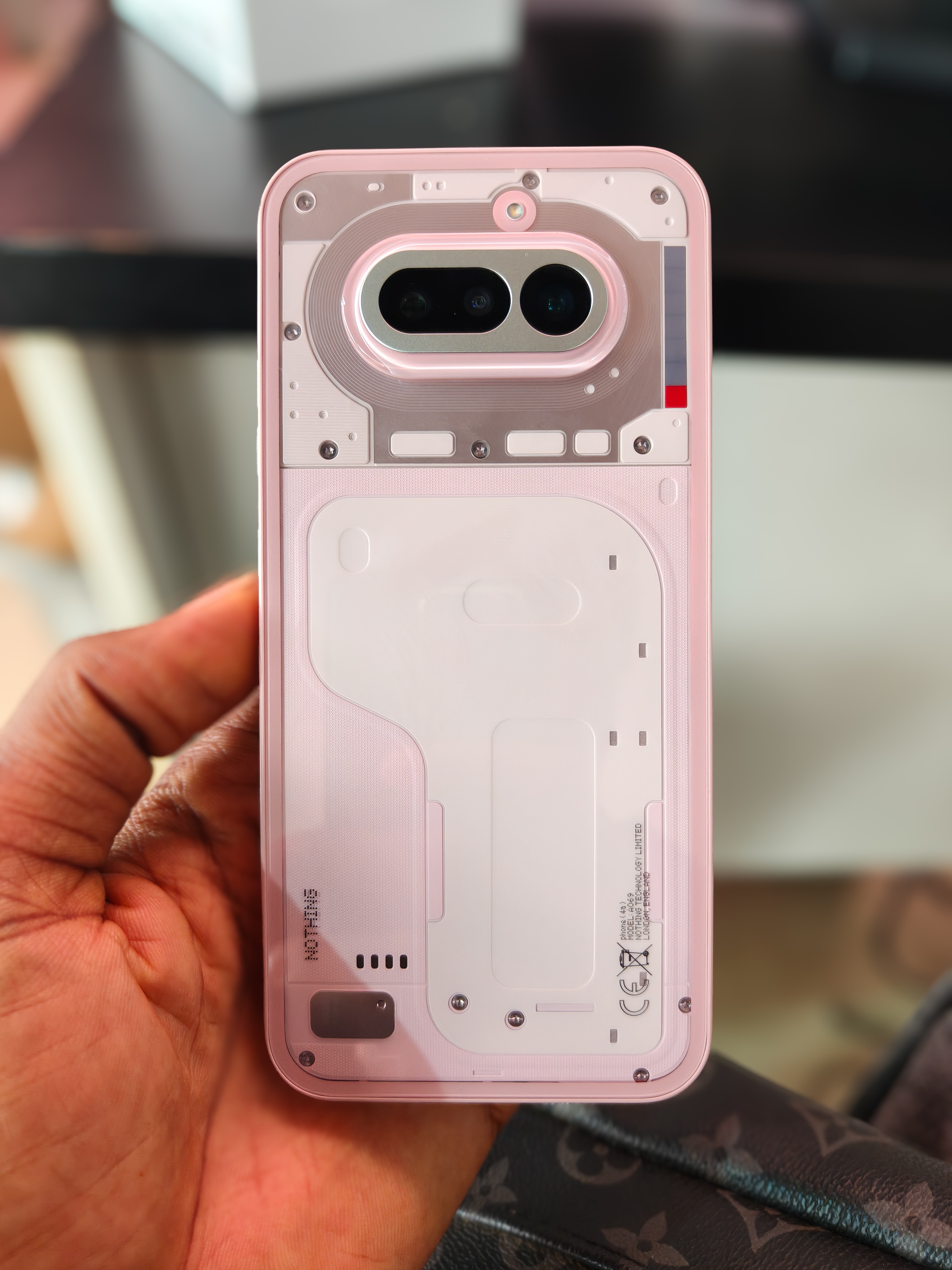
The design has always been what makes the first impression for any phone at all, even more for a controversial lineup like this.
And of course for a controversial brand, users would always anticipate “What is Nothing doing with their next product?”.
But this right here is a banger.
I think it’s safe to say Nothing executed their redemption arc perfectly after how much backlash they’ve so far received for conceptualizing the design of the Phone 3.
I mean, even though I had a different take because I love weird things, no surprises, that phone right there was called the pinnacle of how bad smartphone designs could get.
Nothing really did their homework and somehow birthed something they knew would restore their glory.
And it’s crazy because everyone, well I mean at least 95% of people I’ve come across so far love this design.
It’s so hard not to commend the team behind this, the design feels inspired and at the same time original.
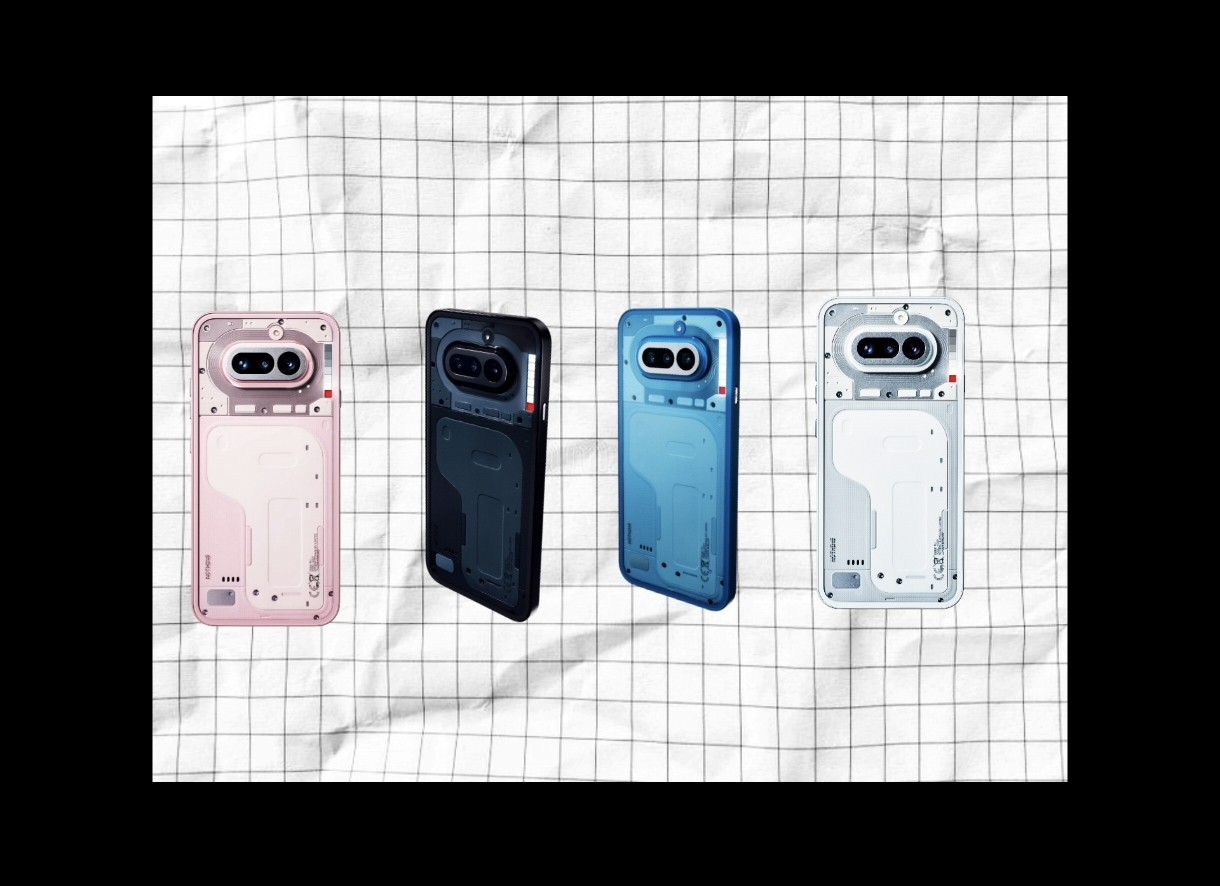
Ultimately, the best part about this is you can get to experience the phone in four (4) different colors, so definitely you must find something that strikes your chord.
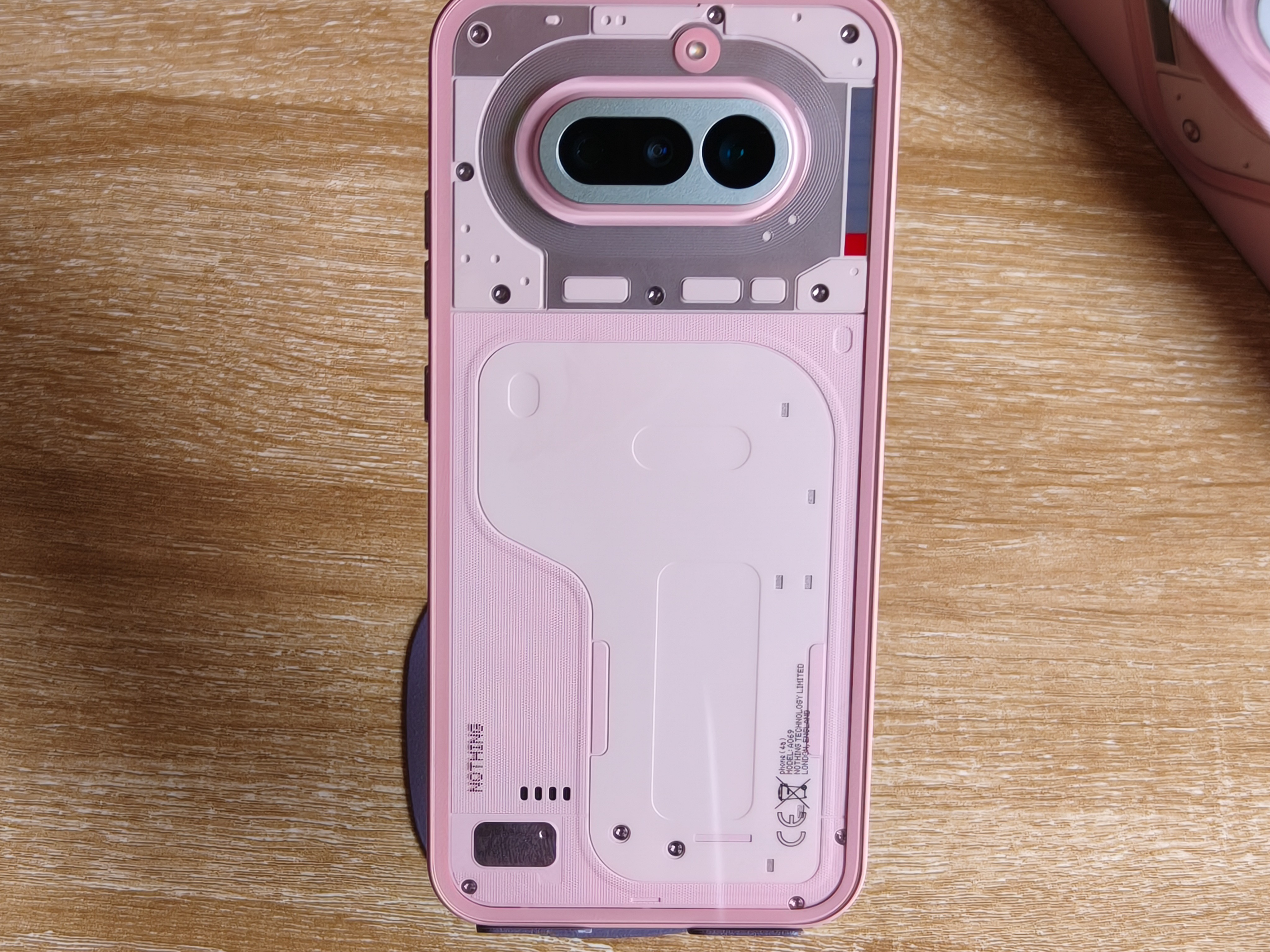
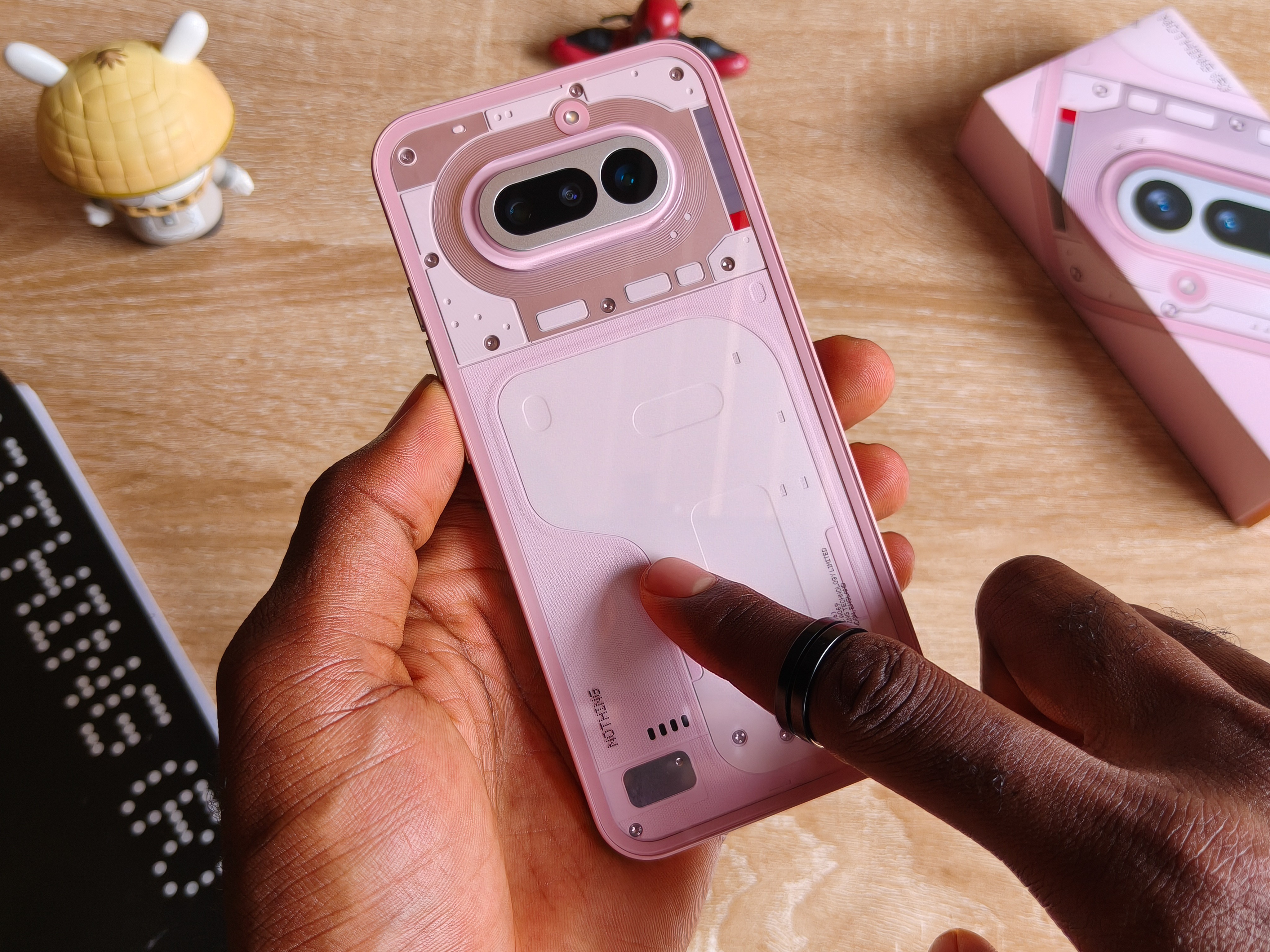
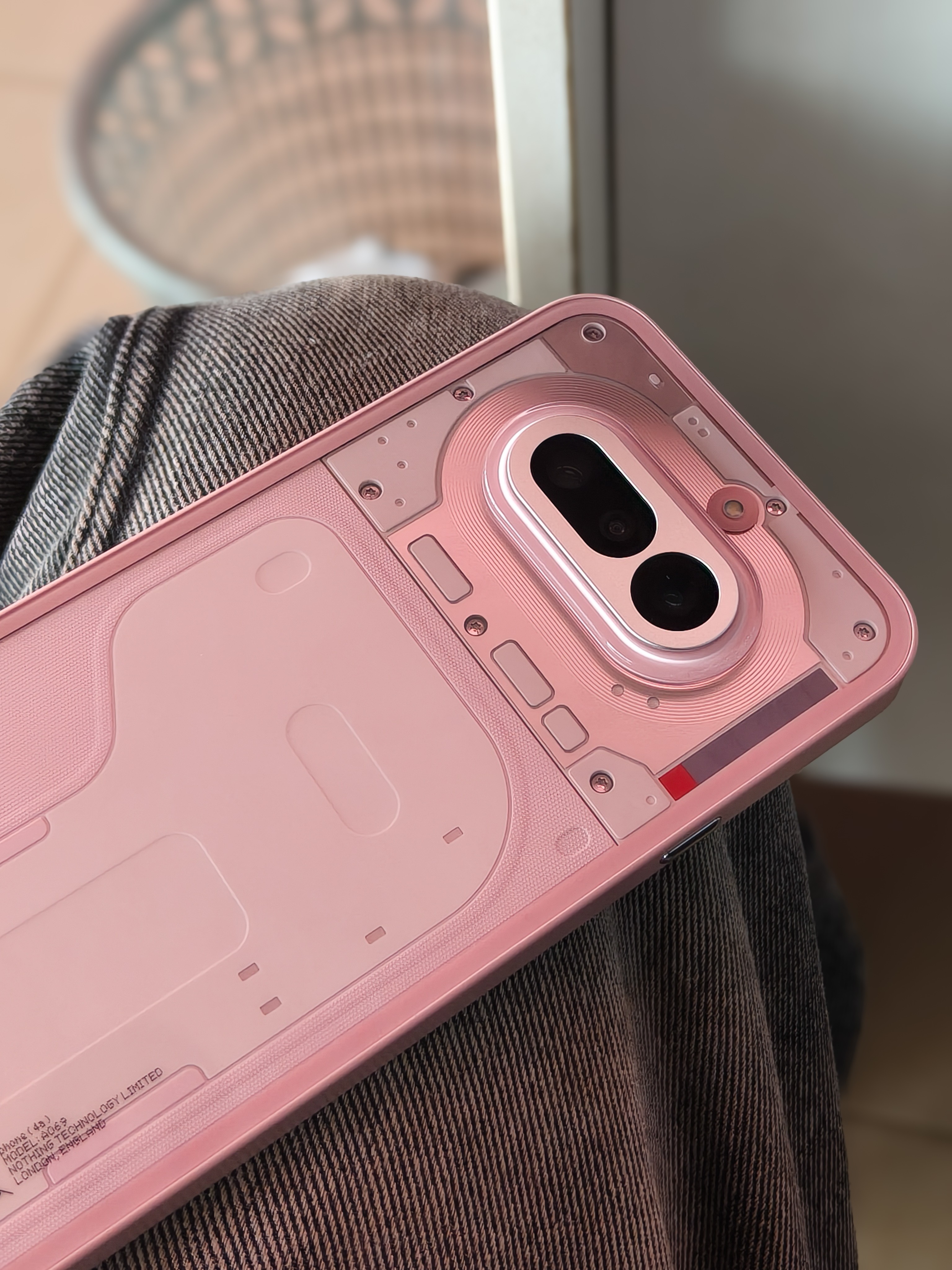
We get this raw look like a render of its internal components under a glass material.
Probably my only difference about it because carrying this type of phone around naked is a requiem for destruction. So far I’ve been using the transparent case, It’s transparent, so it doesn’t steal the spotlight.
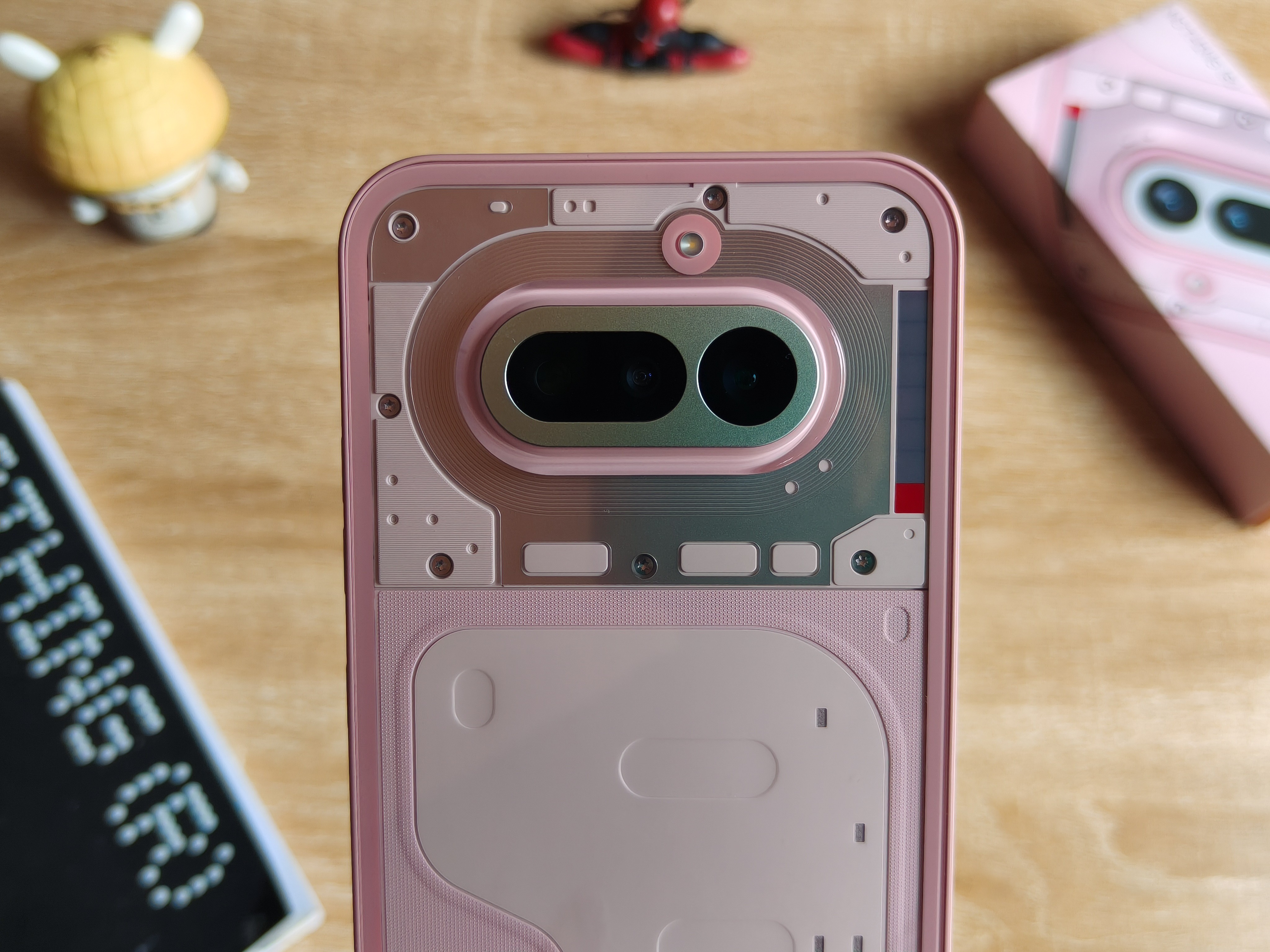
I really wish smartphone camera modules were more like this, flat, minimal and aesthetic while serving its function. But we’ll get to the camera talk at the end.
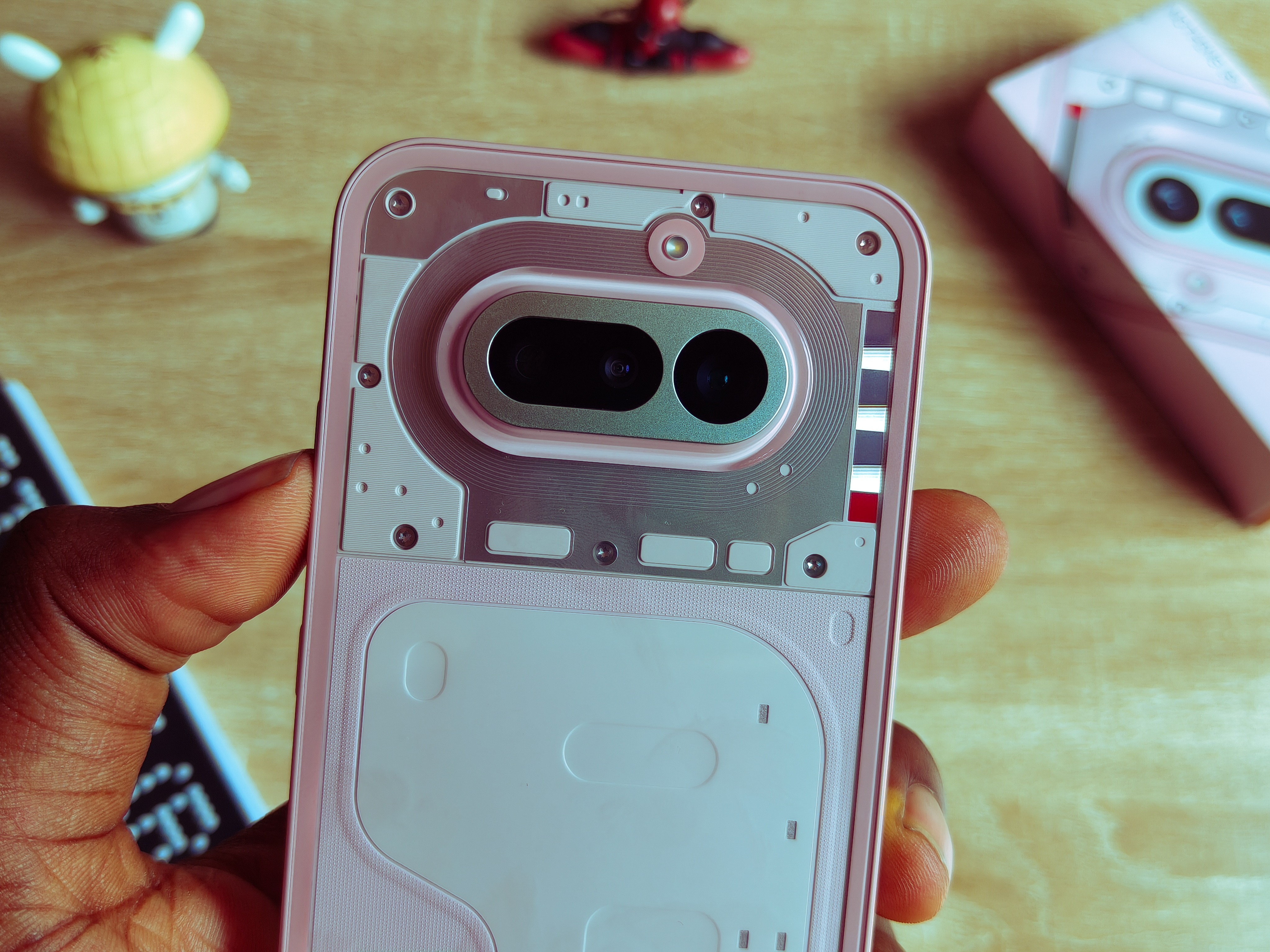
Just close to the module, you can already see a secondary point of attention.
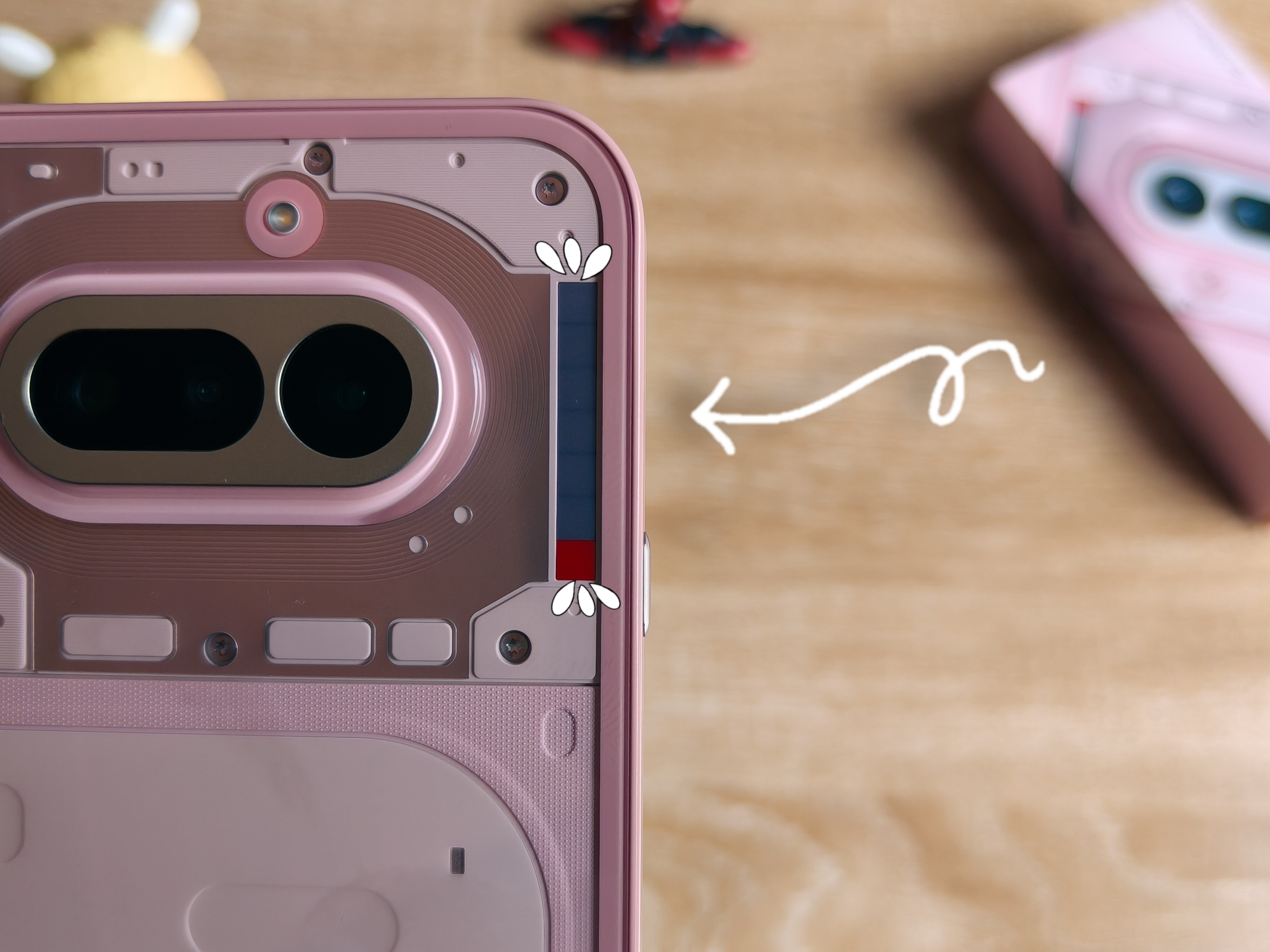
This bar line at the right is Nothing’s first iteration for their new Glyph feature, they call it the “Glyph Bar”.
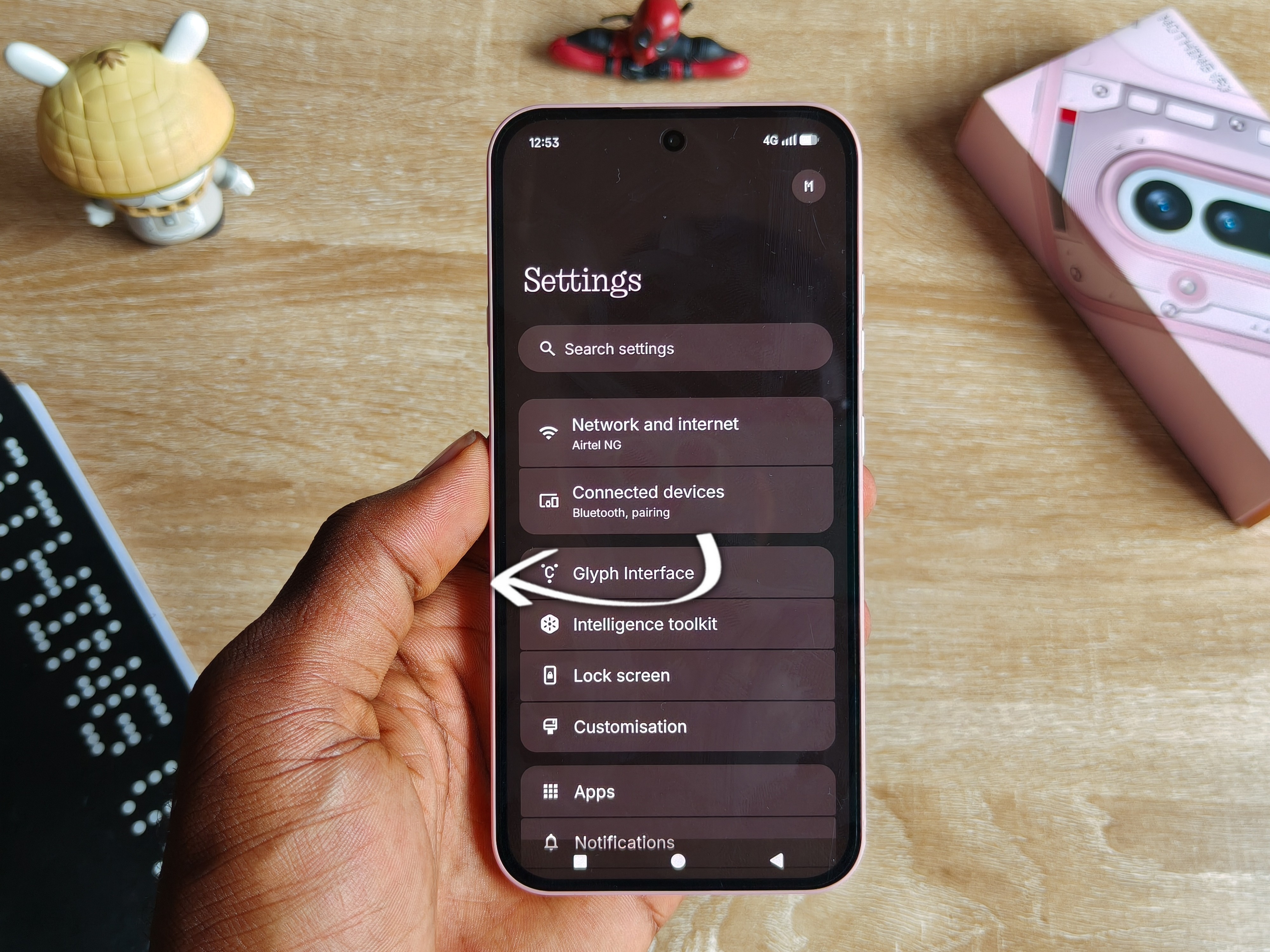
So basically it works like every other Glyph that has been invented so far, just the usual interpretation at a smaller scale. It does a couple of things, or alerts you about a couple of things.
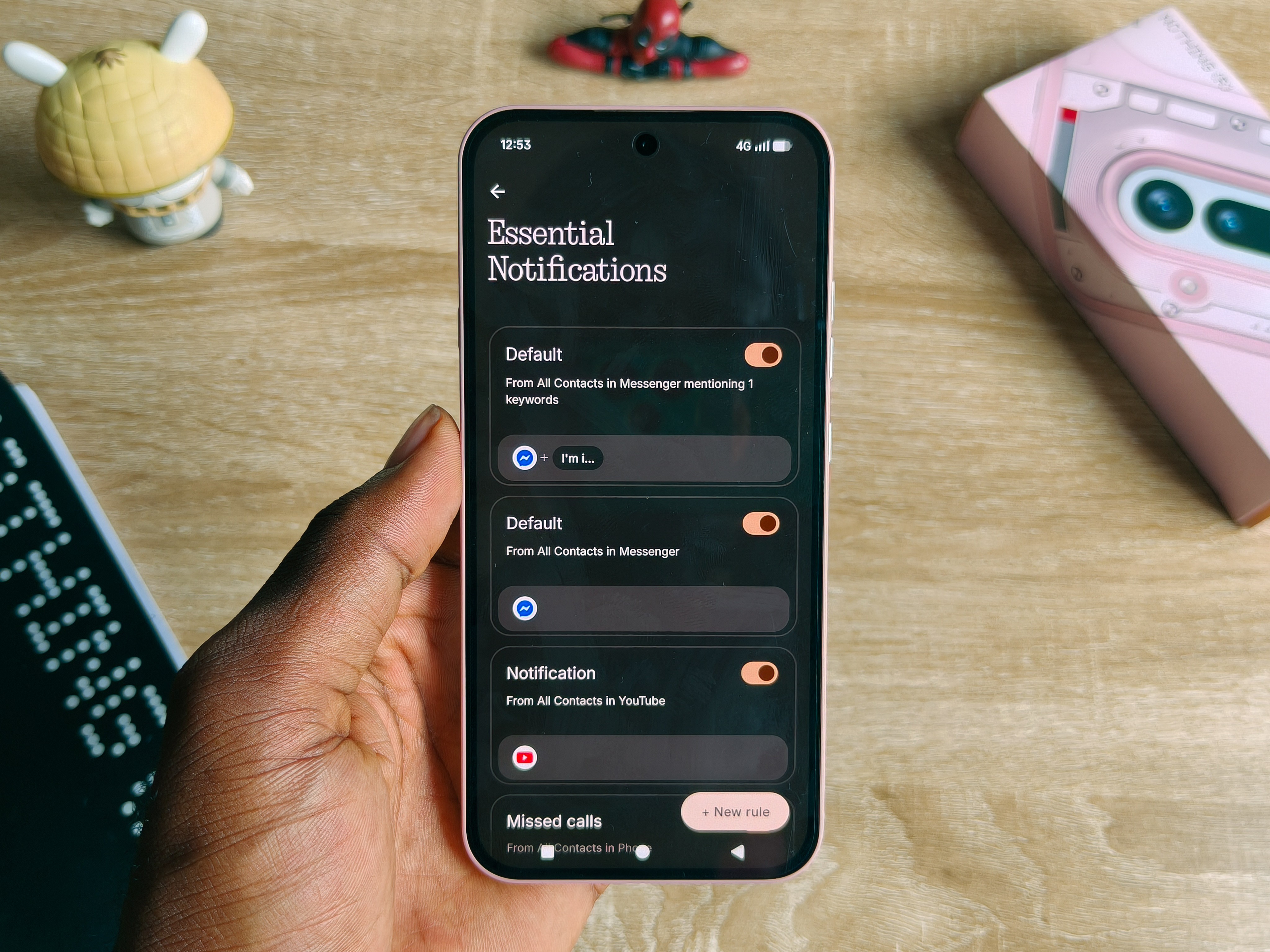
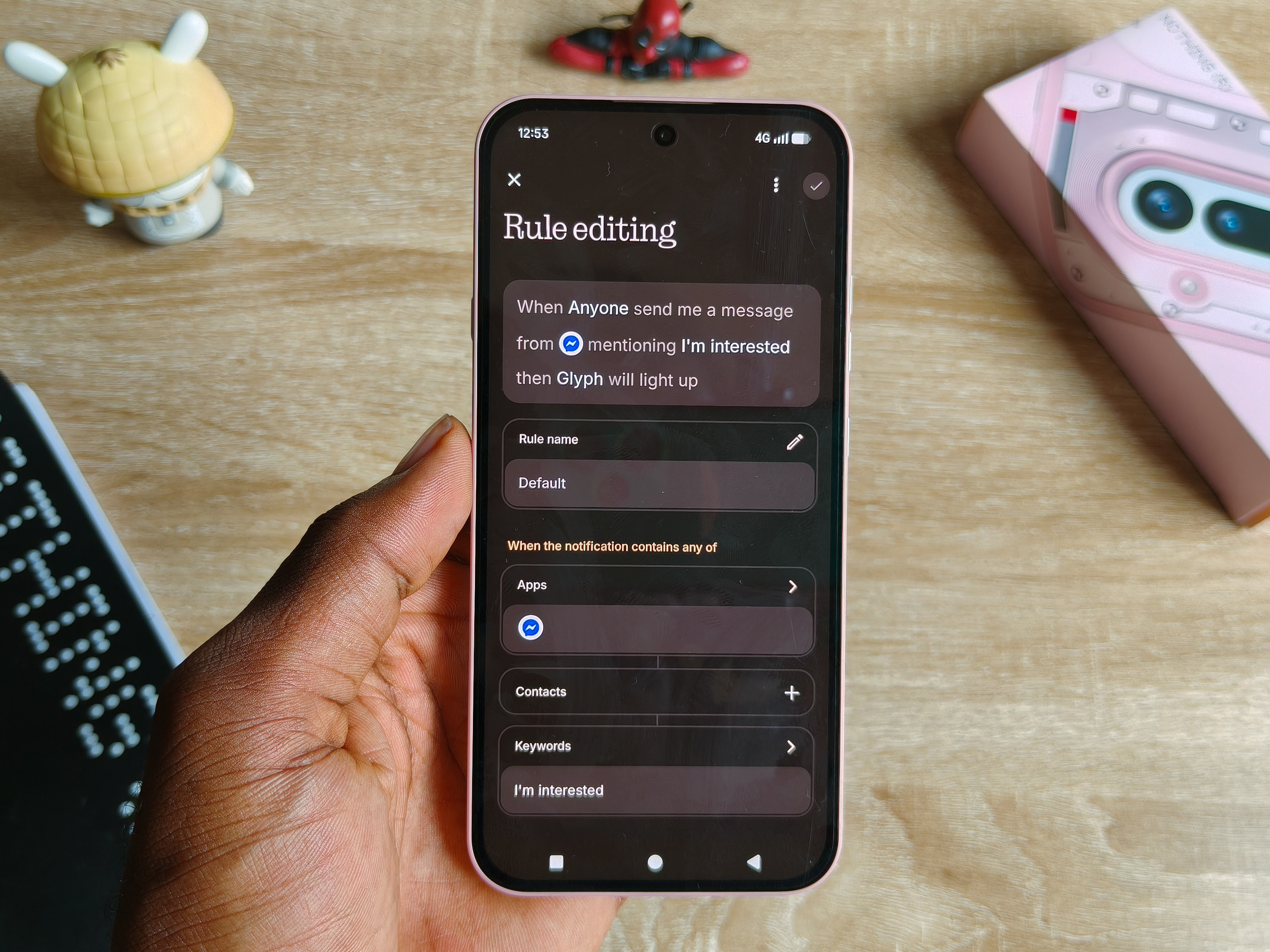
First is notifications.
You can customize it with different apps. Like personally, I allowed every messenger notification, so like this when I receive a message from the app, it does its thing. It’s also compatible for assigning specific keywords only, and when a message comes in carrying that keyword, you immediately get a flash.
It even mimics the volume keys between adjusting ranges.
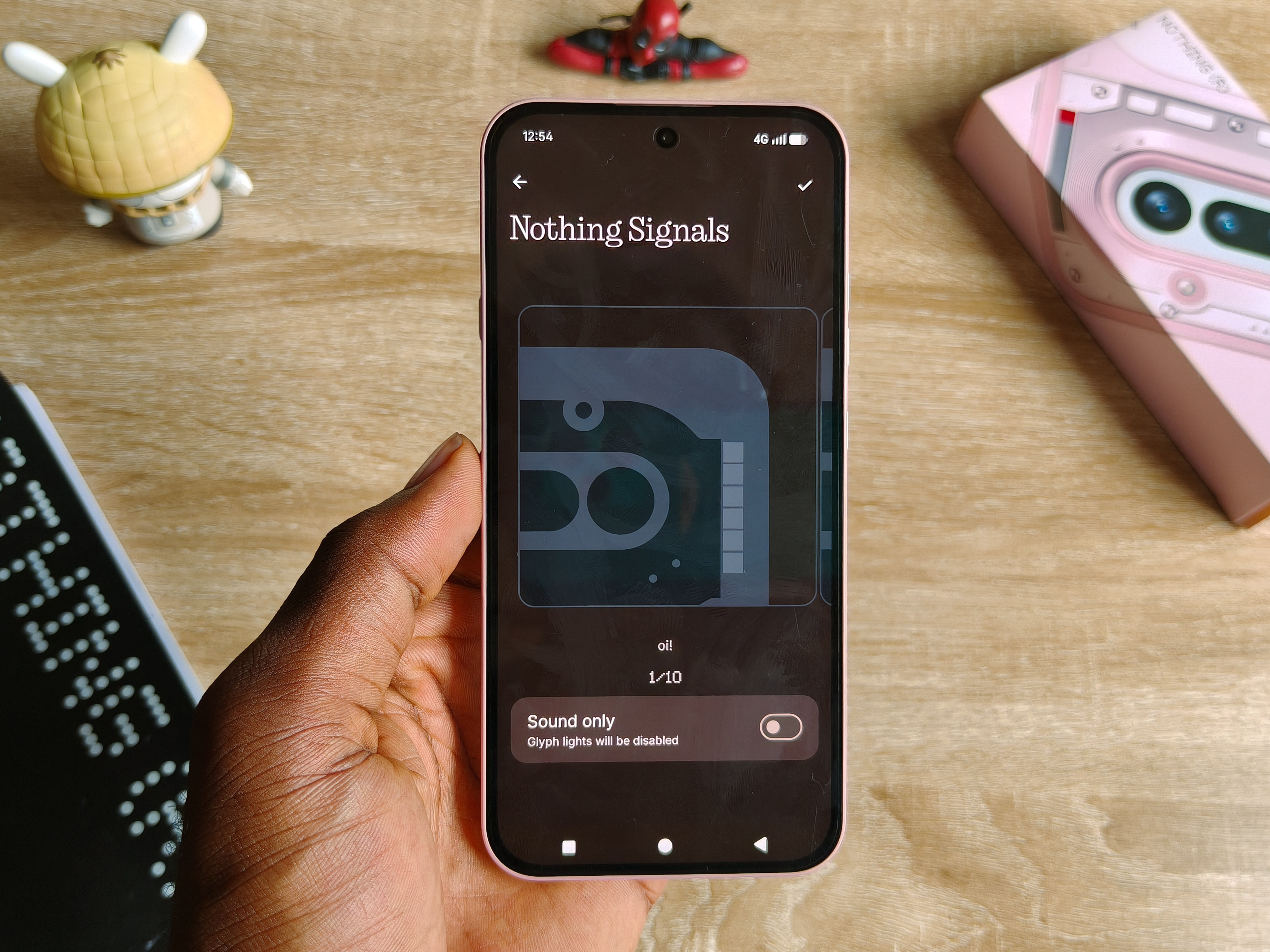
The idea behind the whole Glyph thing has always been to curb screen time.
So if you’re the type that wants to remain tapped in and accessible but only for the important things, this looks like something you’d like.
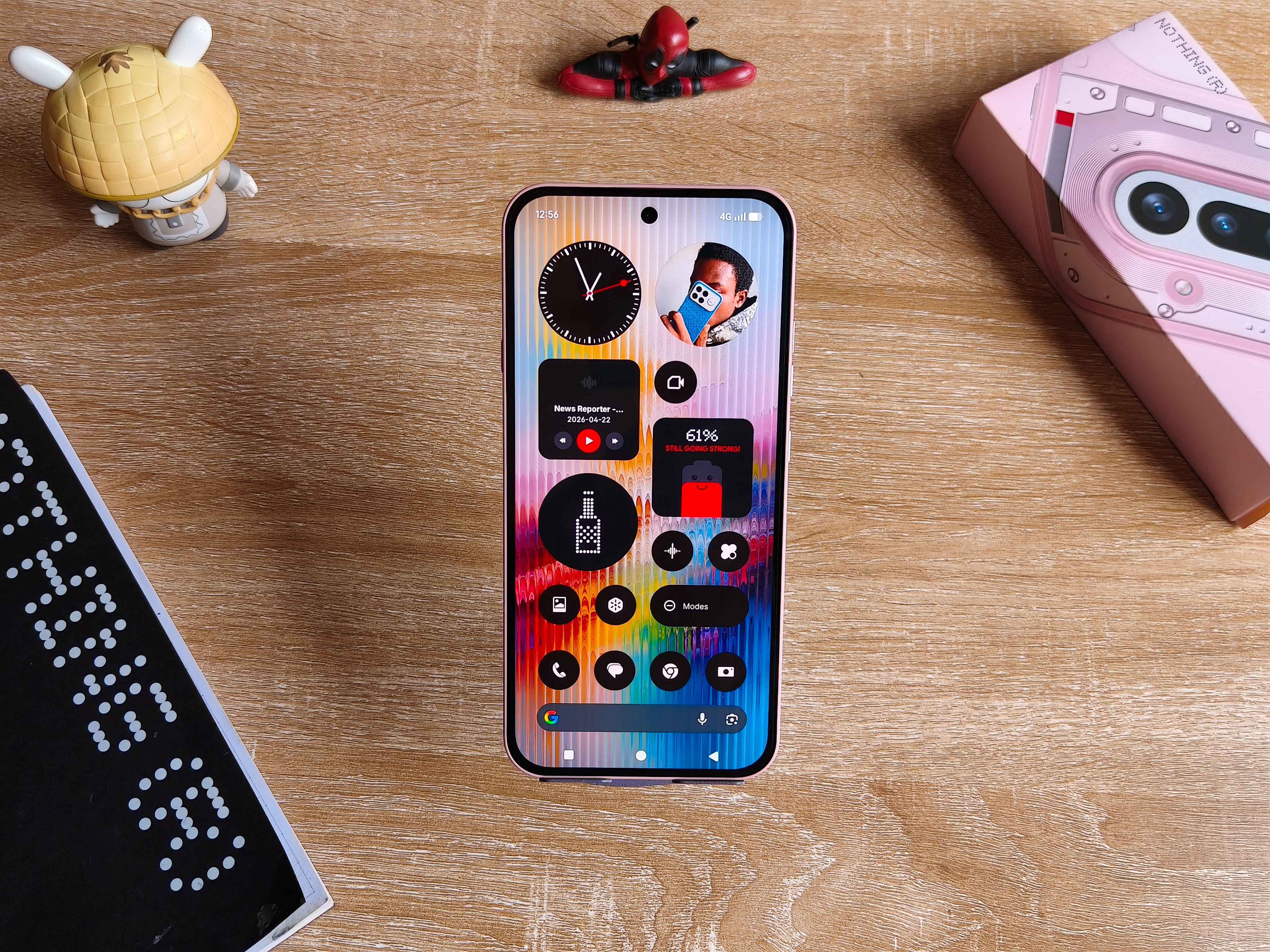
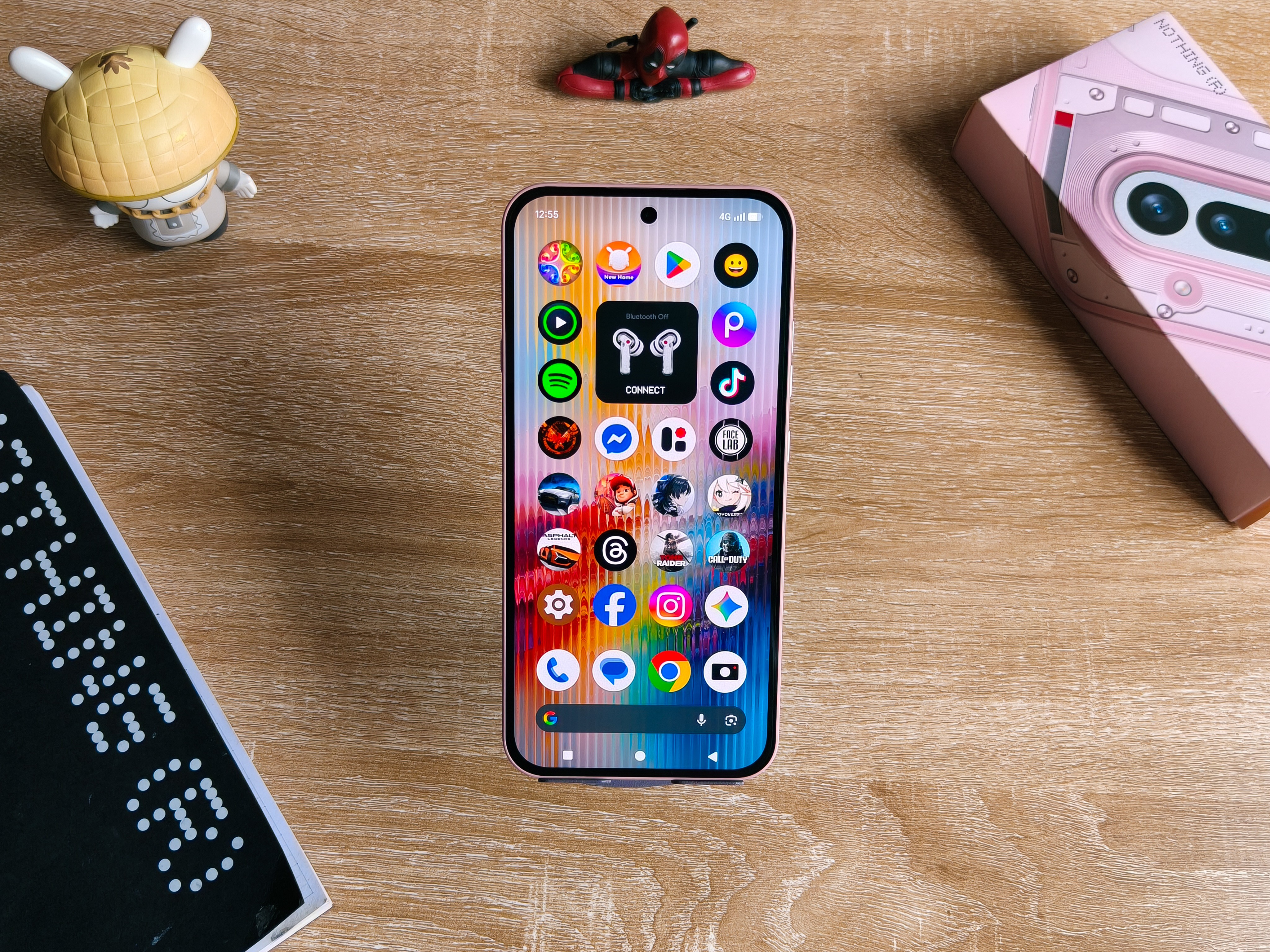
The display on this phone has had some few comments here and there, and most of that is explicitly about its bezels. Without denying, this is thick and covers more portion of the screen than it should.
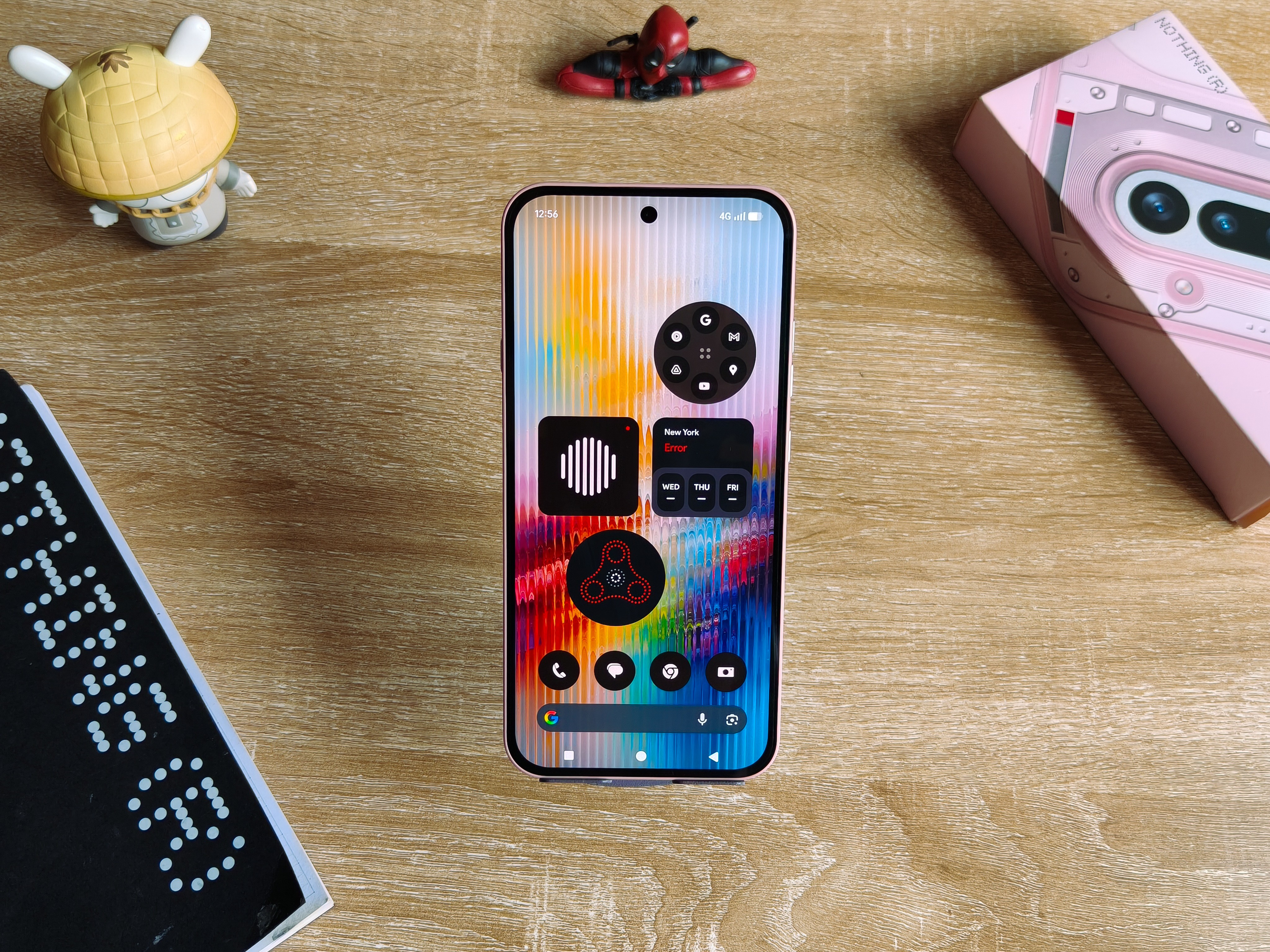
But hear me out, it doesn’t come between anything.
It in fact blends in into the Nothing black and white UI aesthetics, and holding the phone just feels like you’ve got everything under control because of how minimal it wraps the experience.
But if bezels are a turn off for you, feel free to ignore.
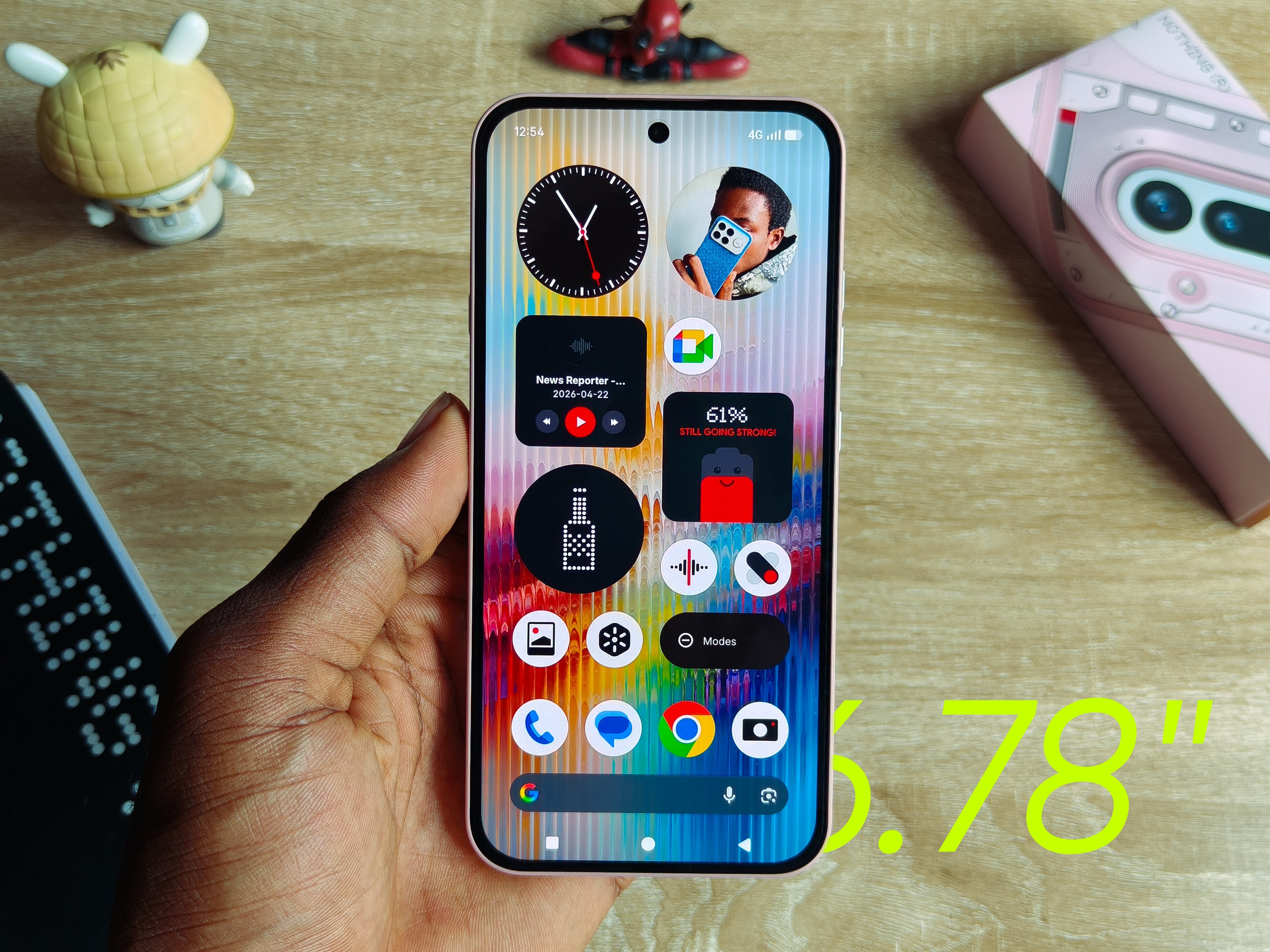
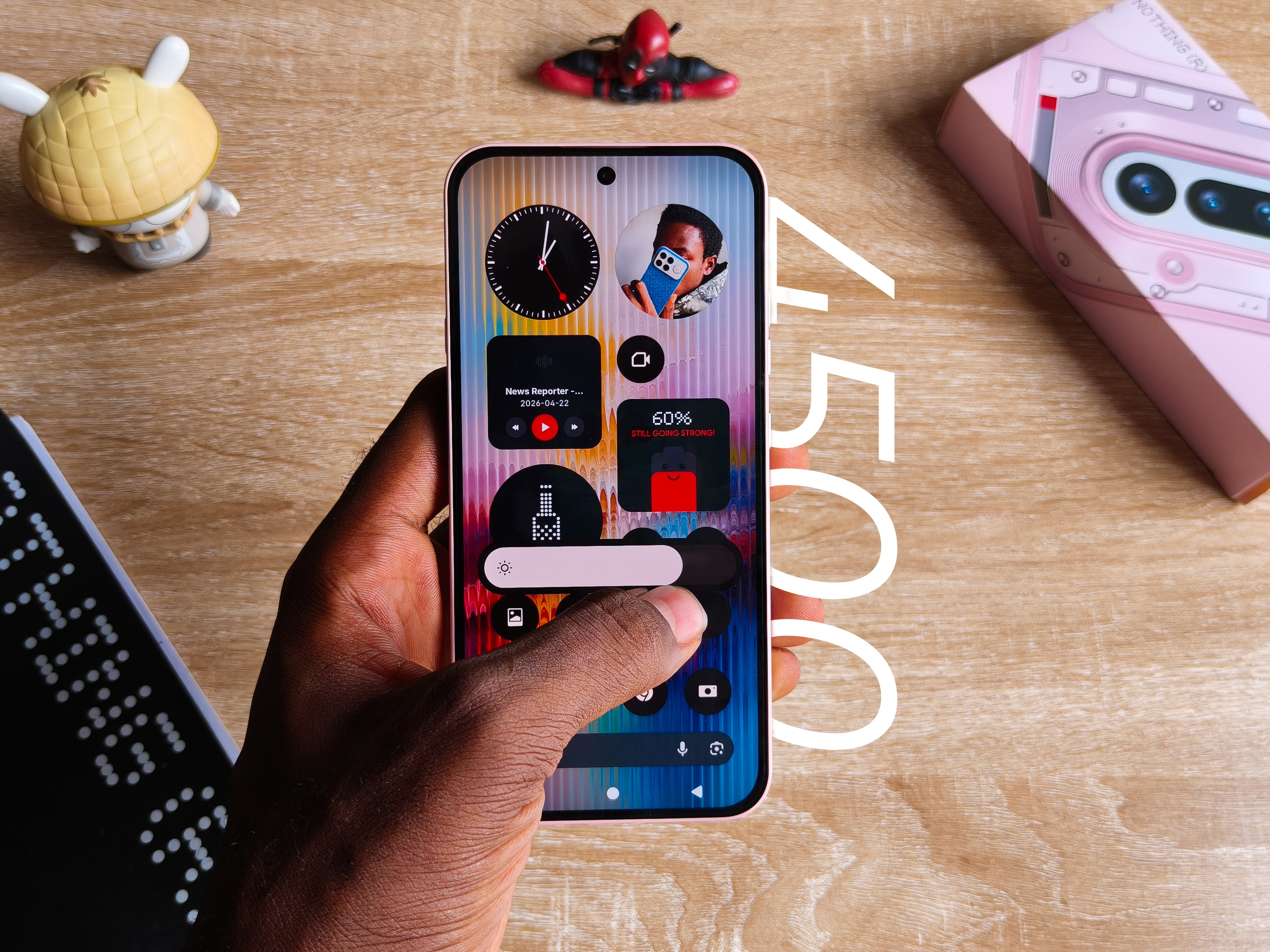
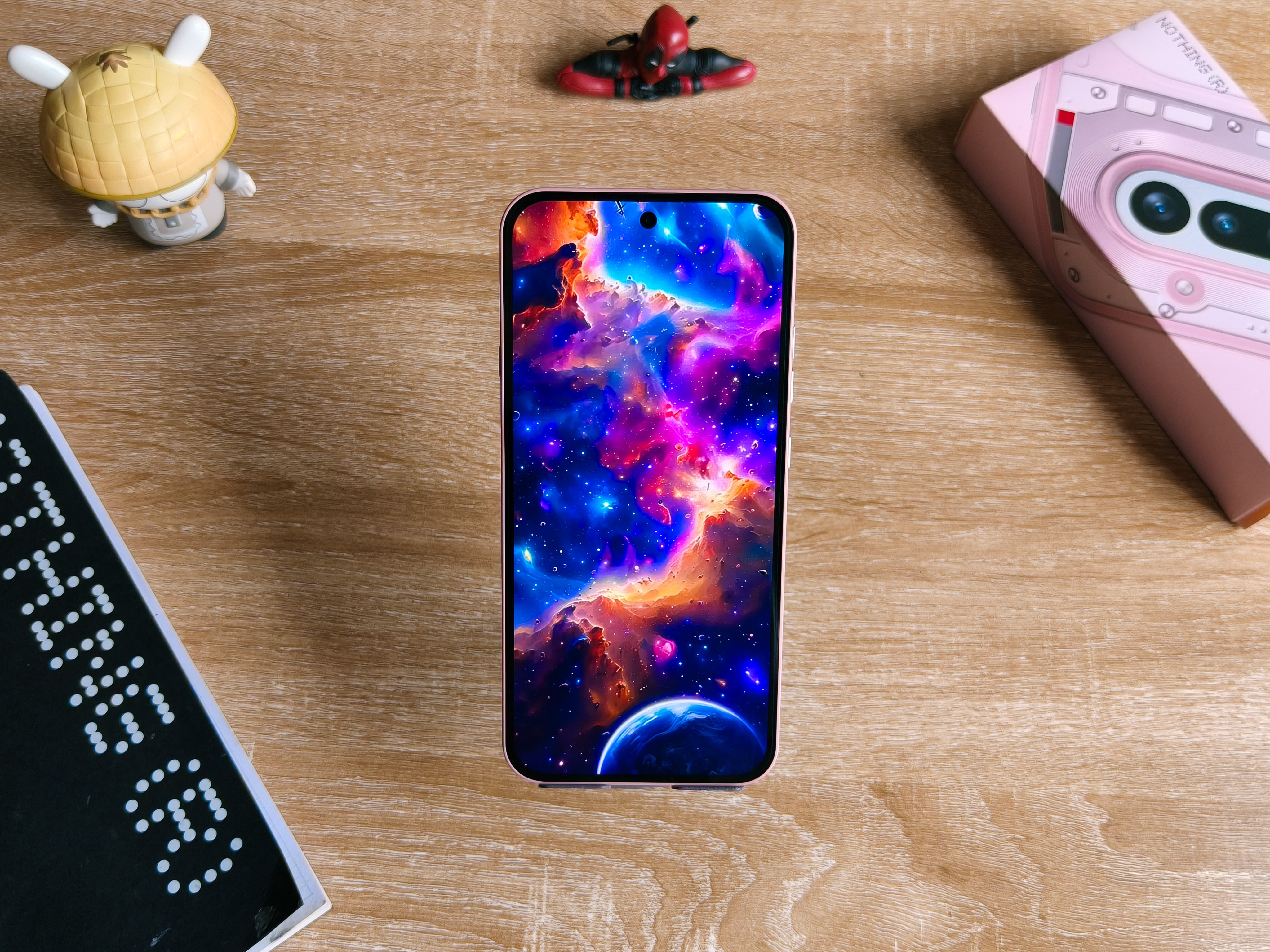
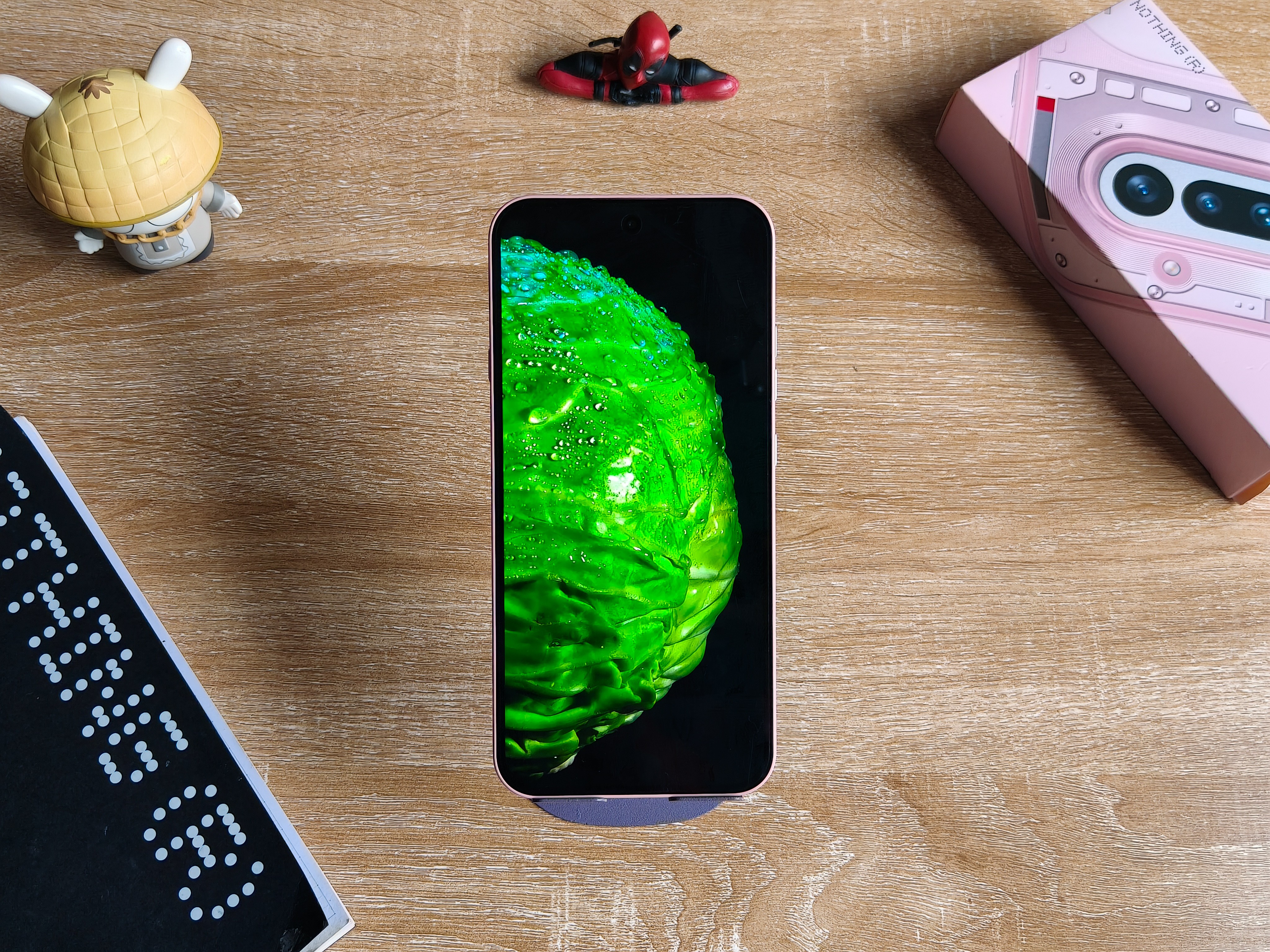
The specs remain standard for this day and age, enough to not have you wishing you were using your neighbor’s phone.
6.78″ 120Hz AMOLED with HDR10+, 1 billion colors, and 4,500 nits of peak outdoor brightness under direct sunlight.
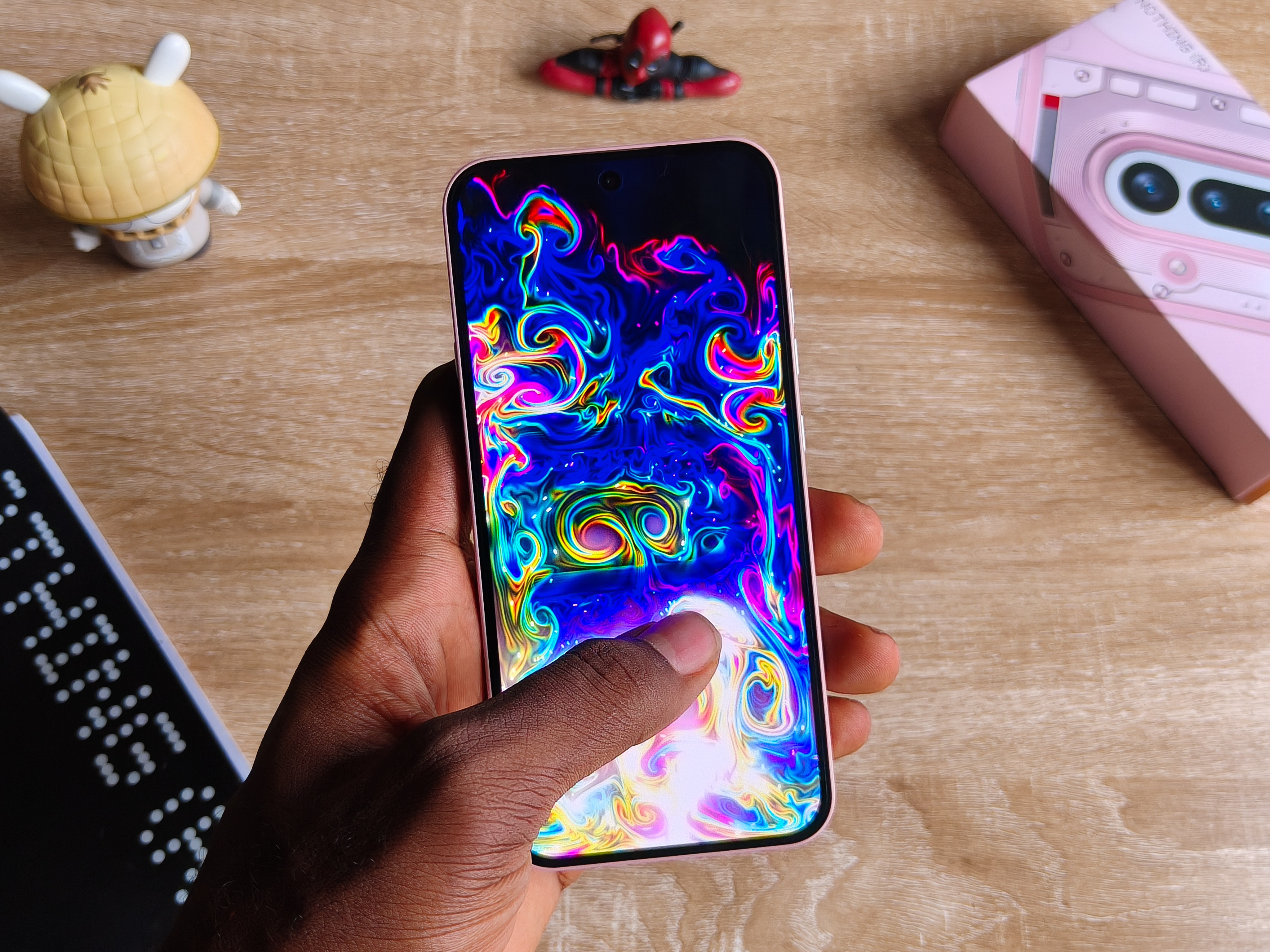
And honestly, the phone is bright.
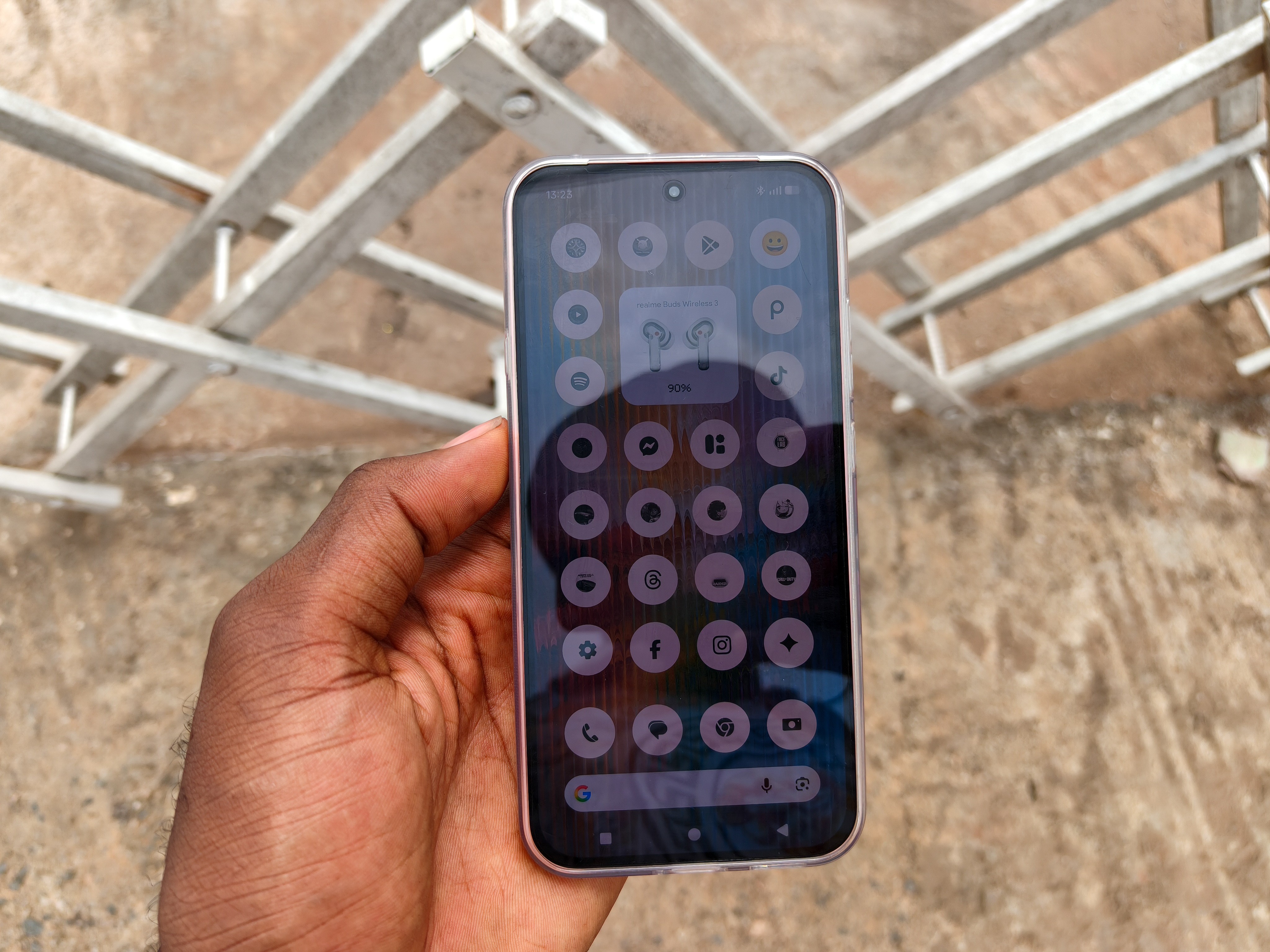
So far I’ve been carrying it around, and it’s enough to interact with my Spotify playlist and just scroll around the interface outdoors.
Though I noticed you get better readability with White mode in this condition.
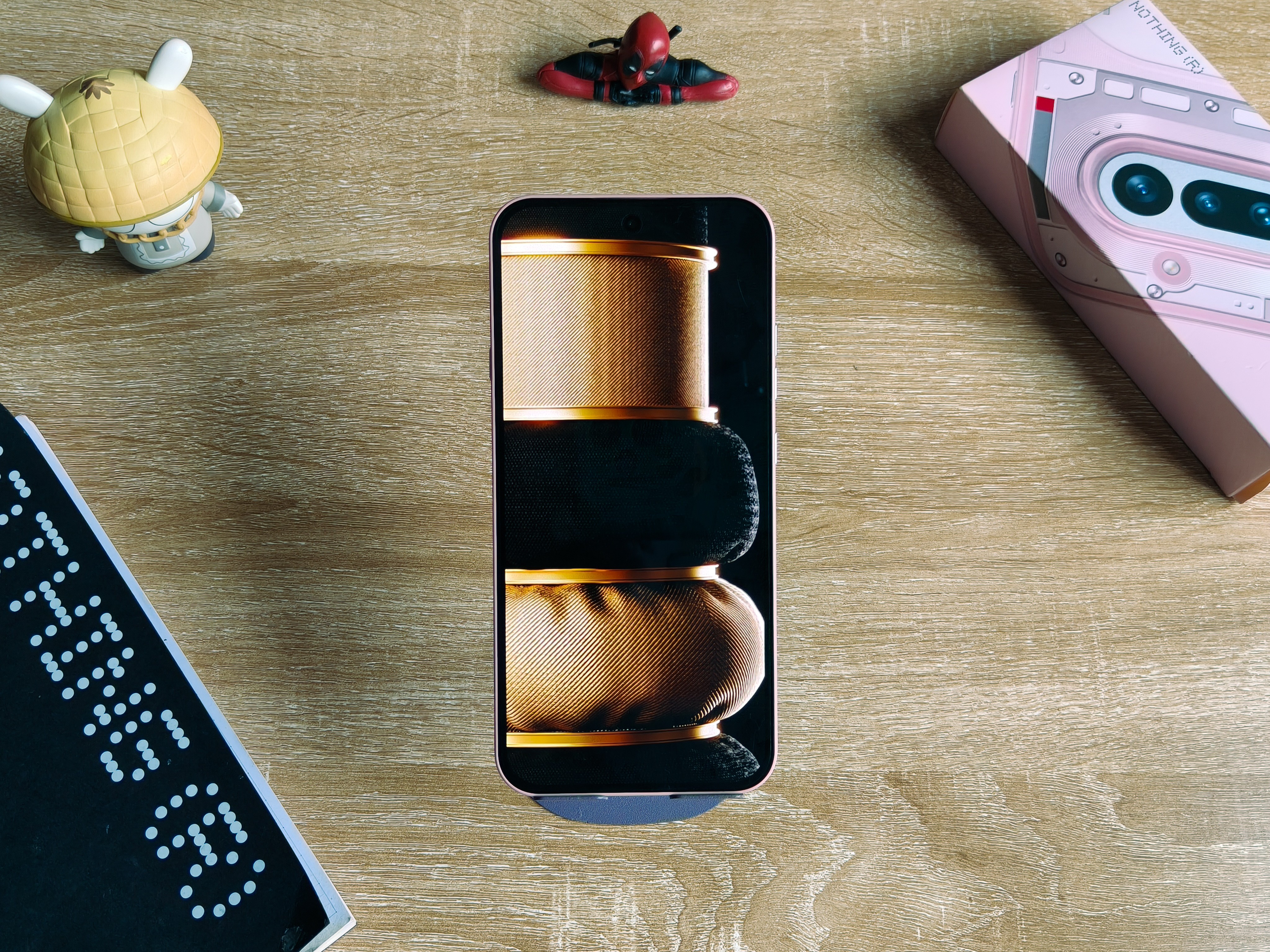
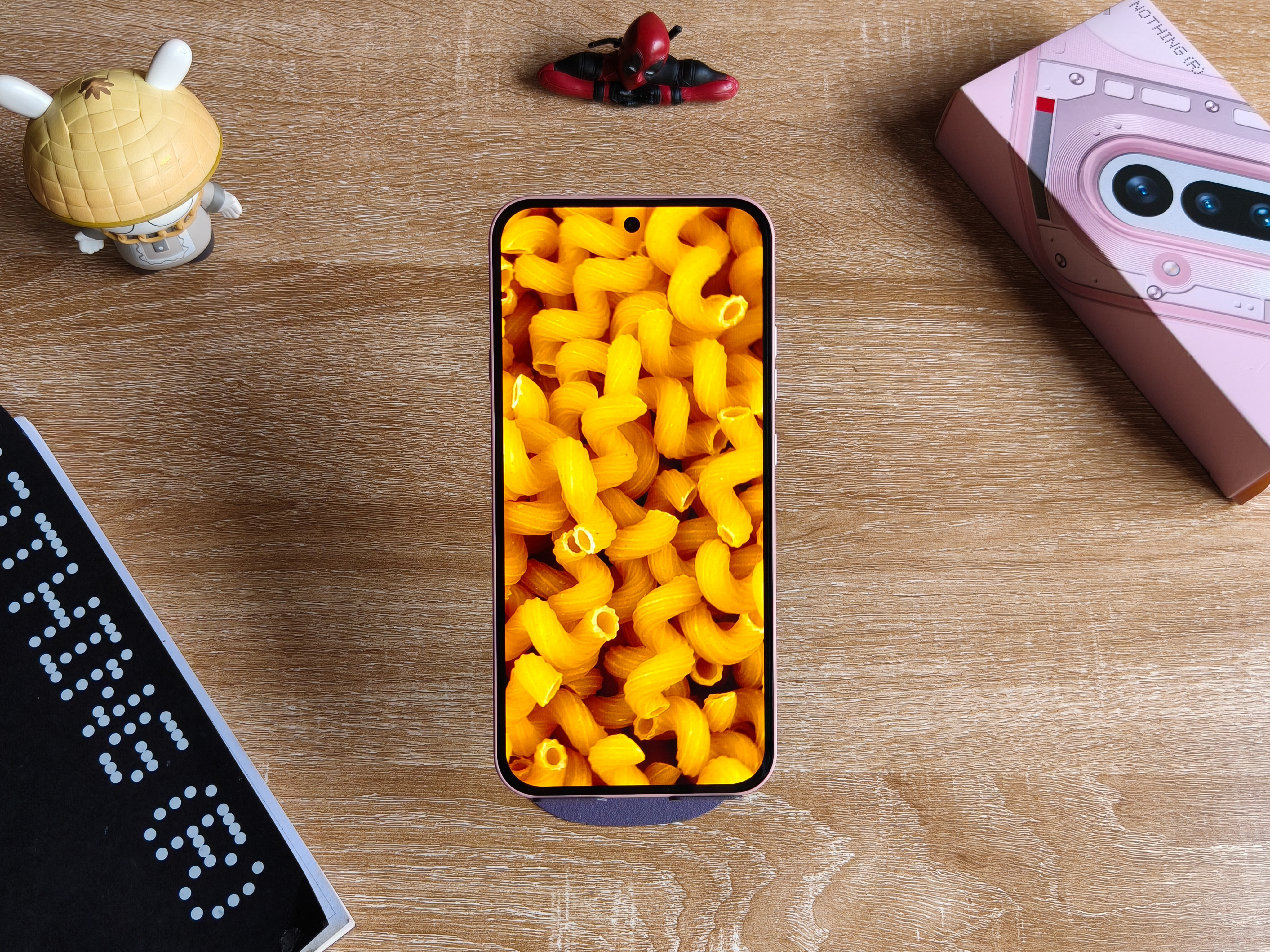
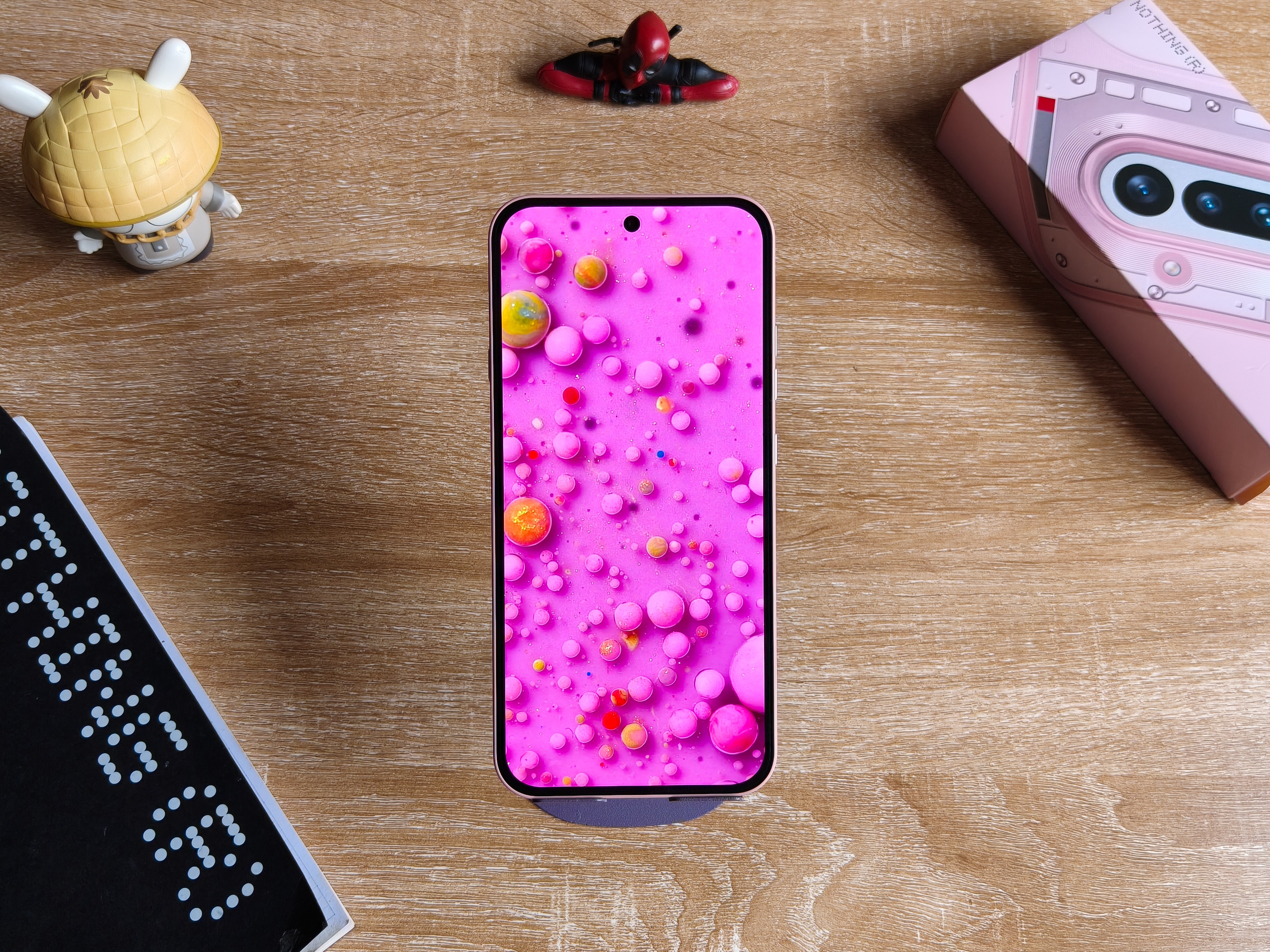
On calmer scenarios, the color renditions are pretty vivid and up to taste.
The color physics do not offend me, probably because I hardly criticize displays.
Like it’s so easy to satisfy me, just make sure you don’t have green lines and make sure to pop that RGB to its fullest.
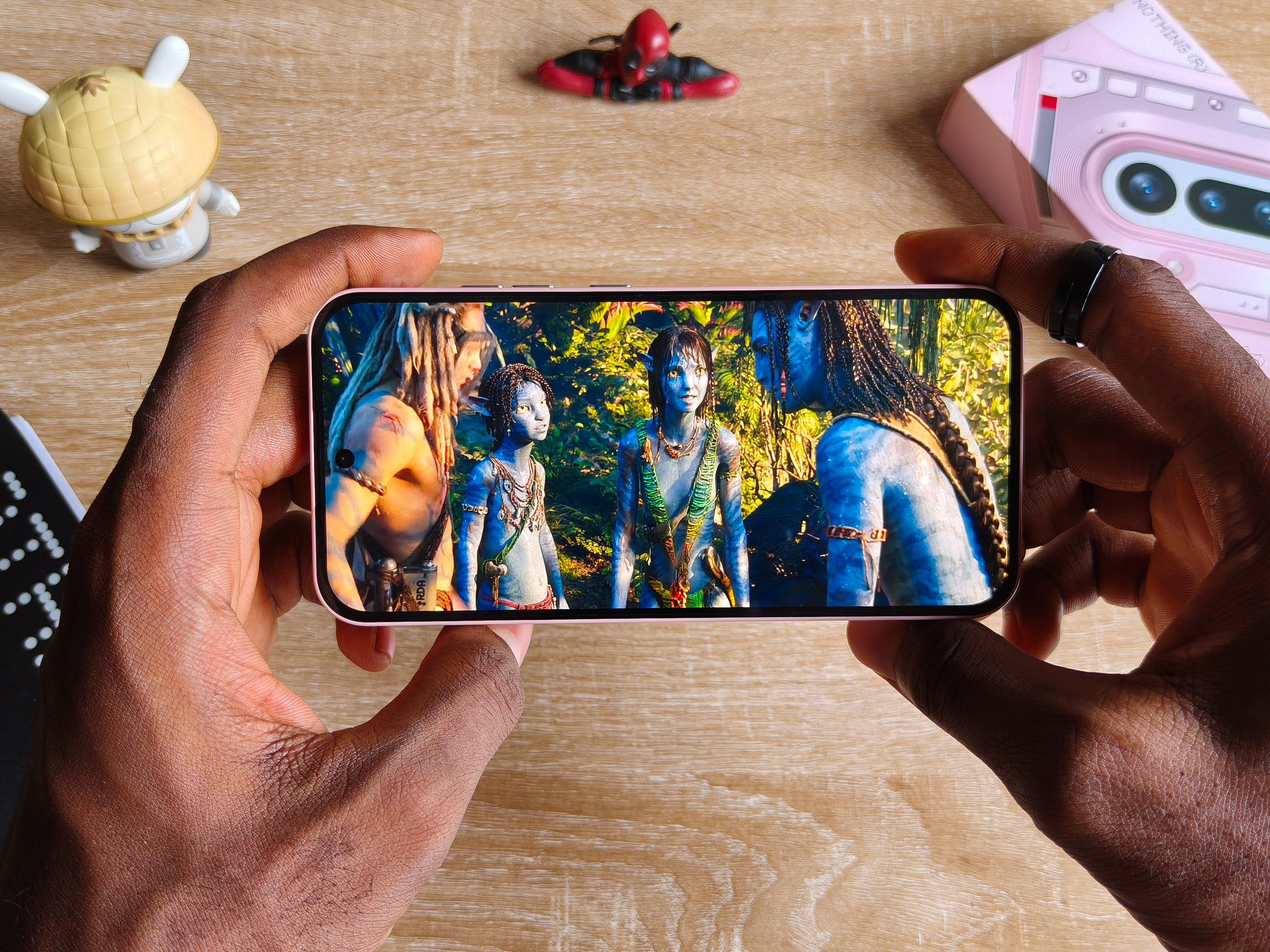
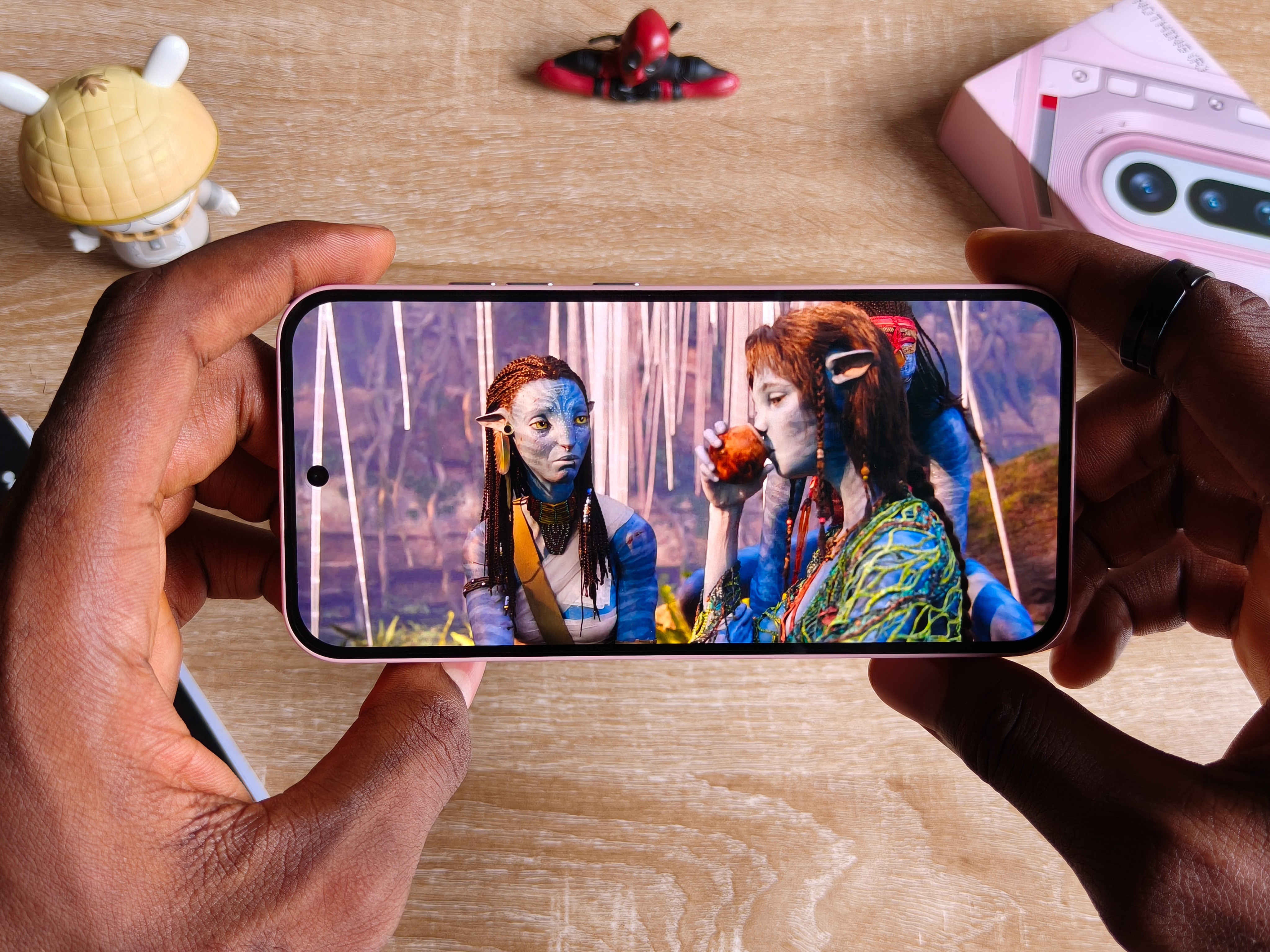
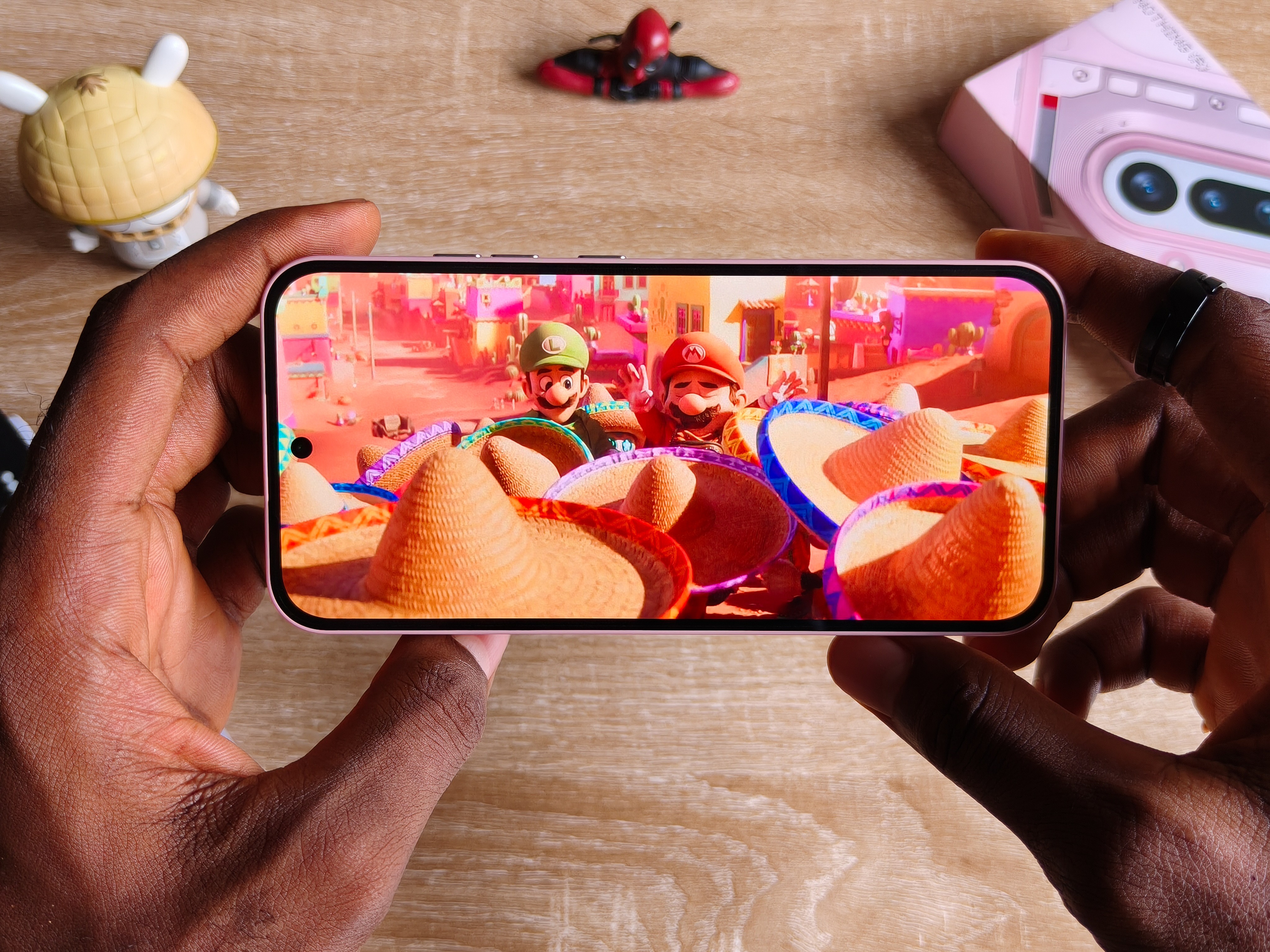
So I’ve been quite using this for entertainment and all sorts of media, it definitely bangs.
On top of all of this is a Gorilla Glass 7i protection, same thing used on the Phone 3, which sort of put them both on par in many ways. But back to that soon.
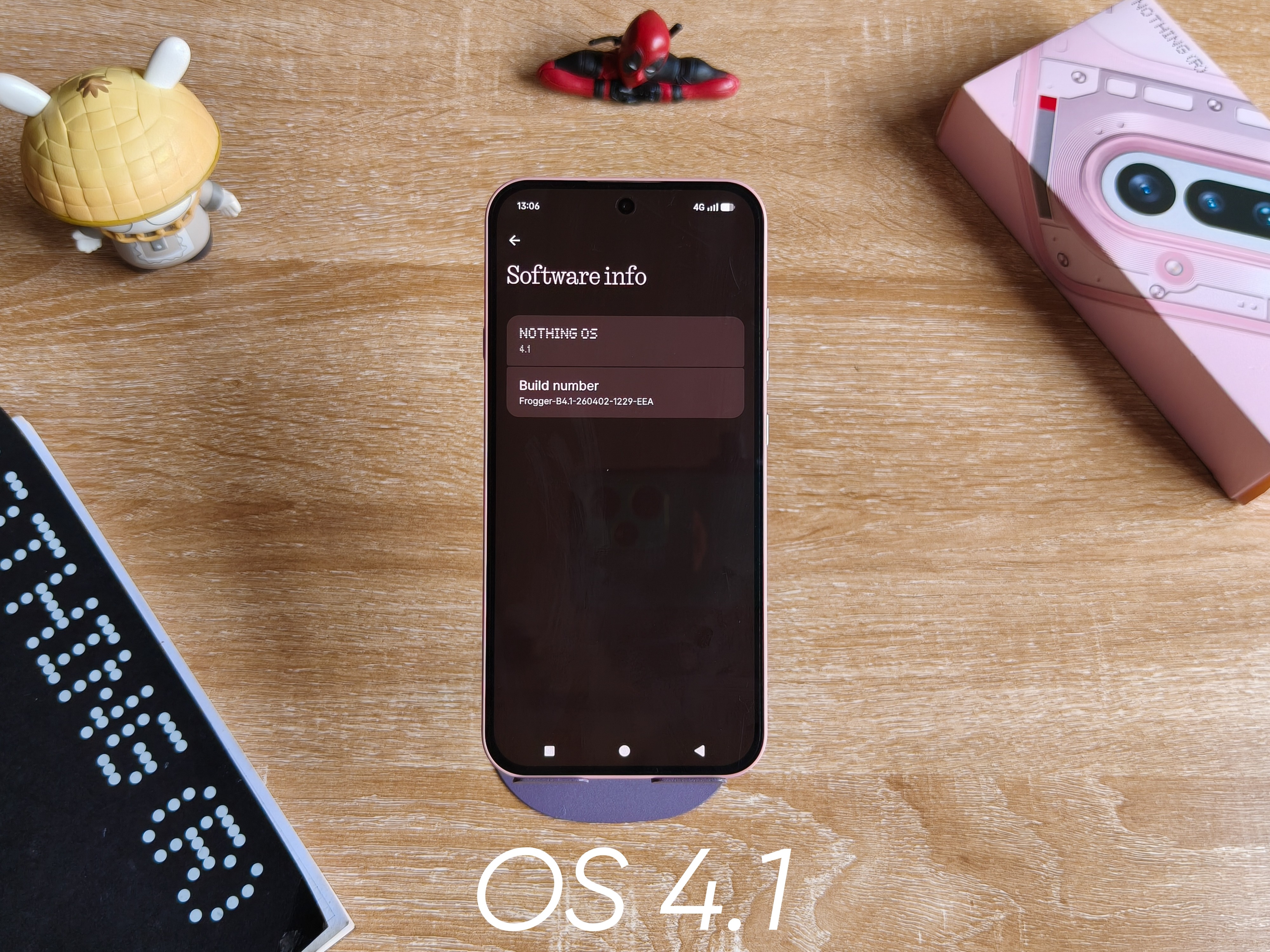
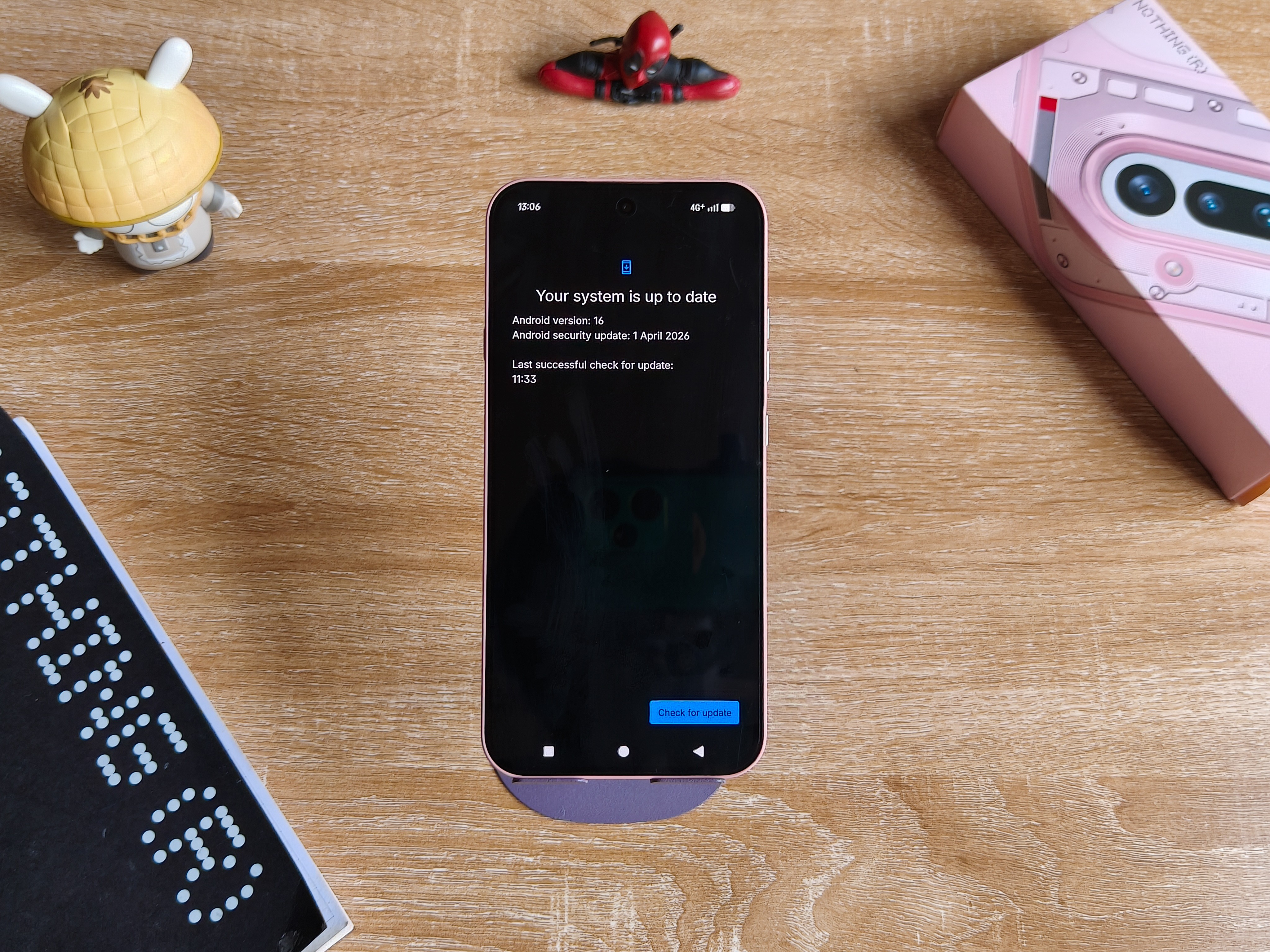
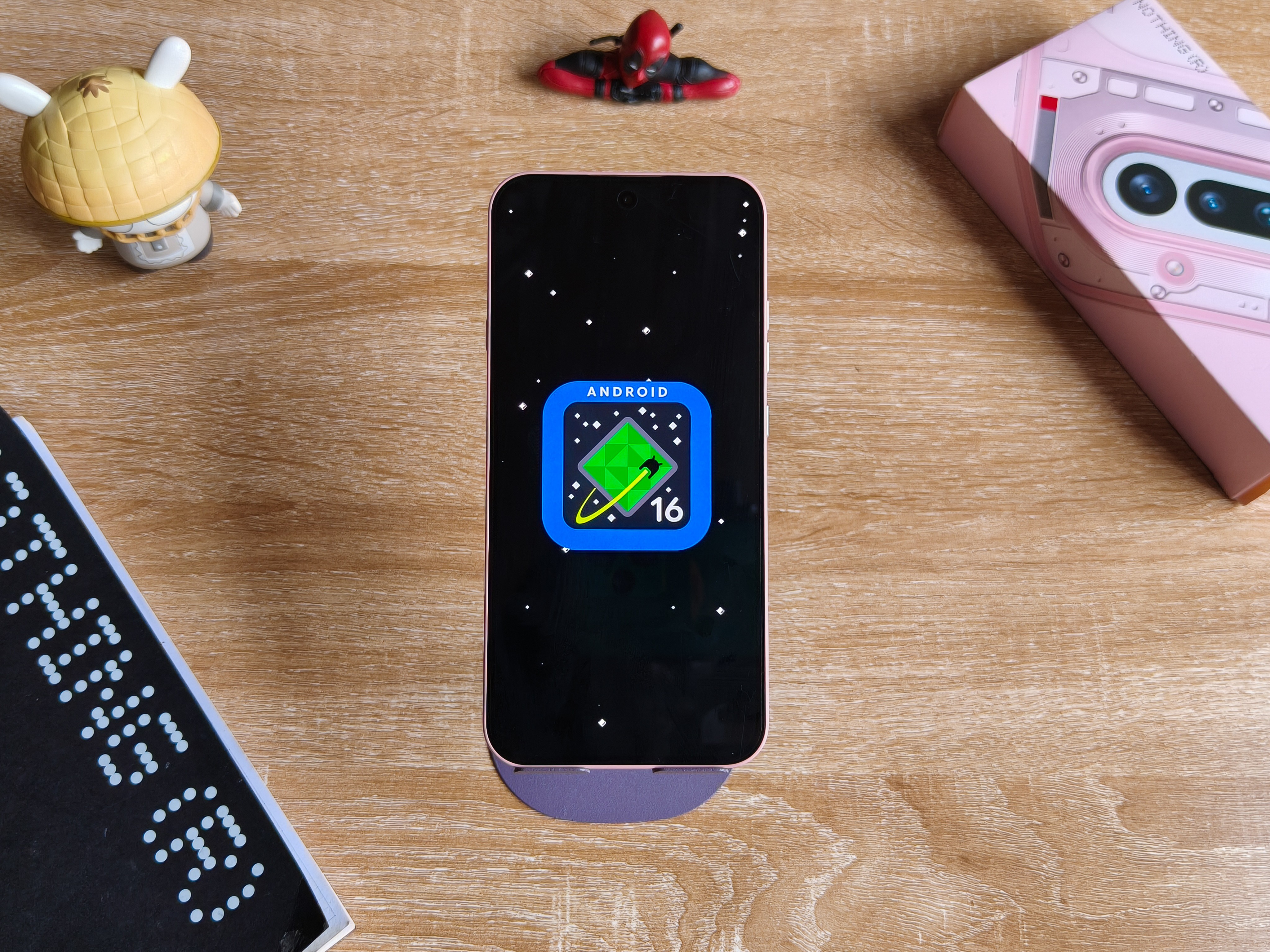
Running outside of the box is the Nothing OS 4.0 under Android 16, and after the immediate update during initial setup, you can get the phone running the latest OS 4.1.
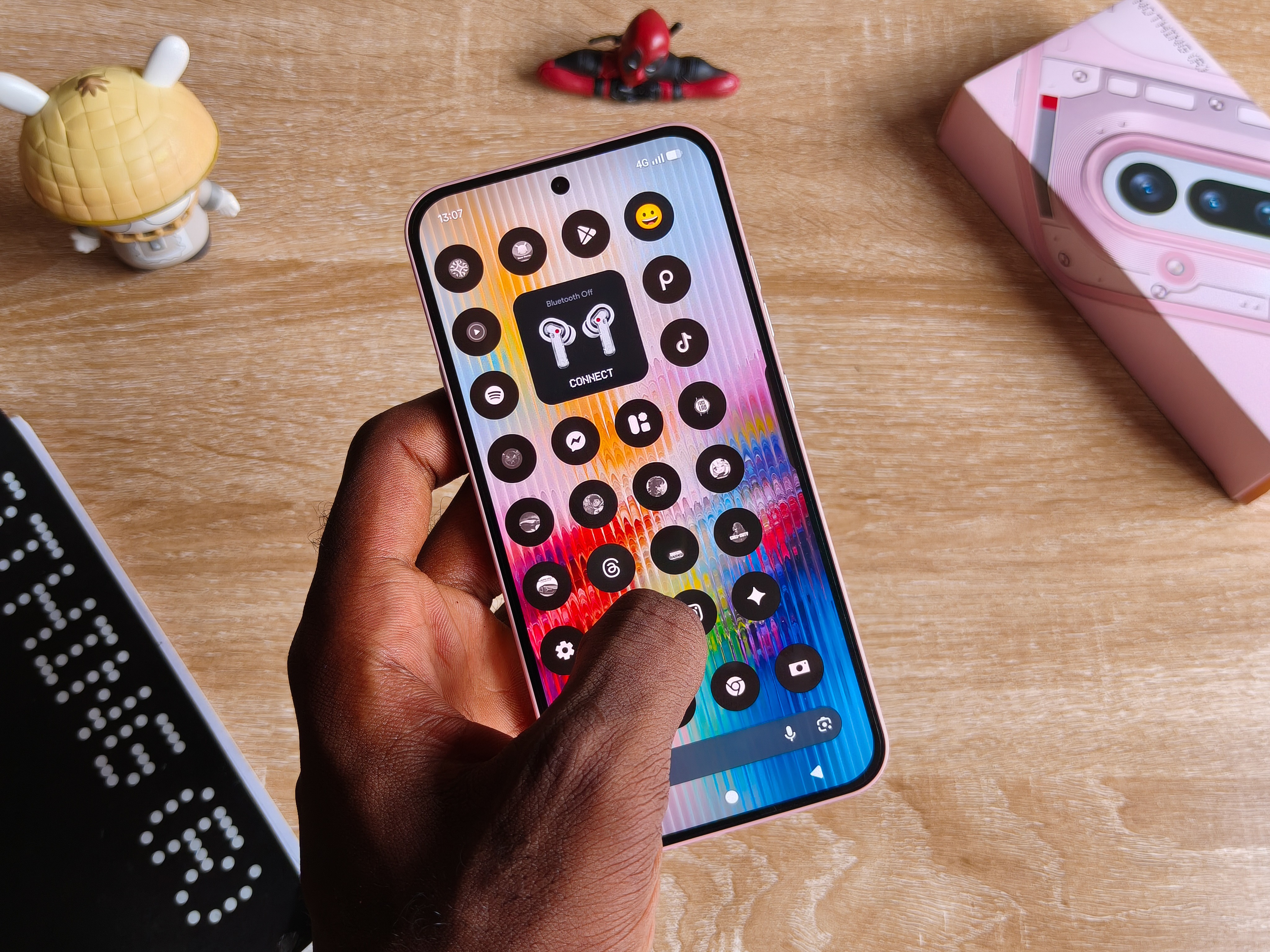
Amongst so many things that could make anyone buy a Nothing device, I think the software experience is always one of them.
You see in a market crowded with a lot of noises, clones, and so many factors that end up compromising the user experience, Nothing somehow chose to do less, but doing less became doing more.
Somehow, this has become one of my favorite Android skins because of how tied to the roots it is.
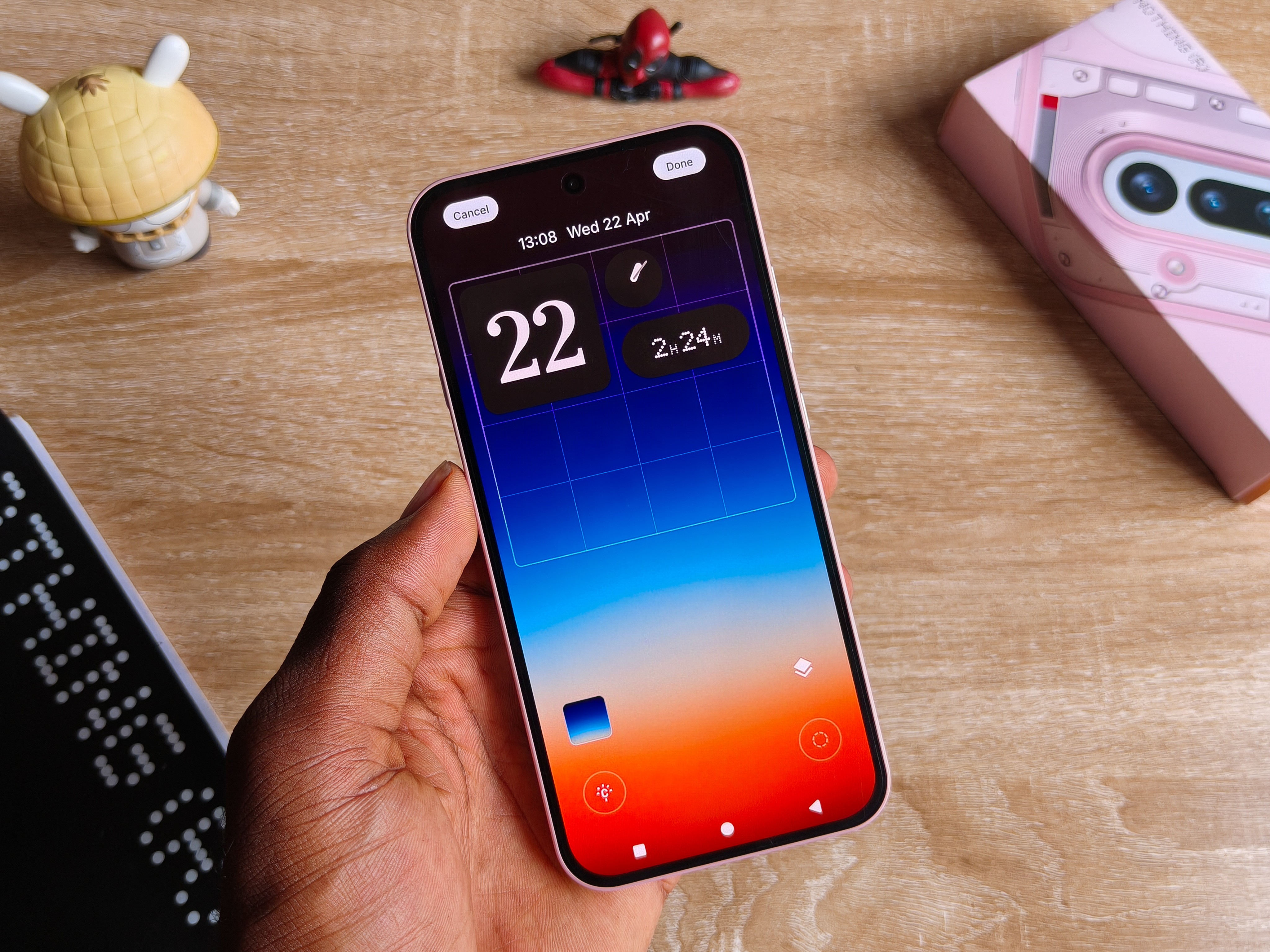
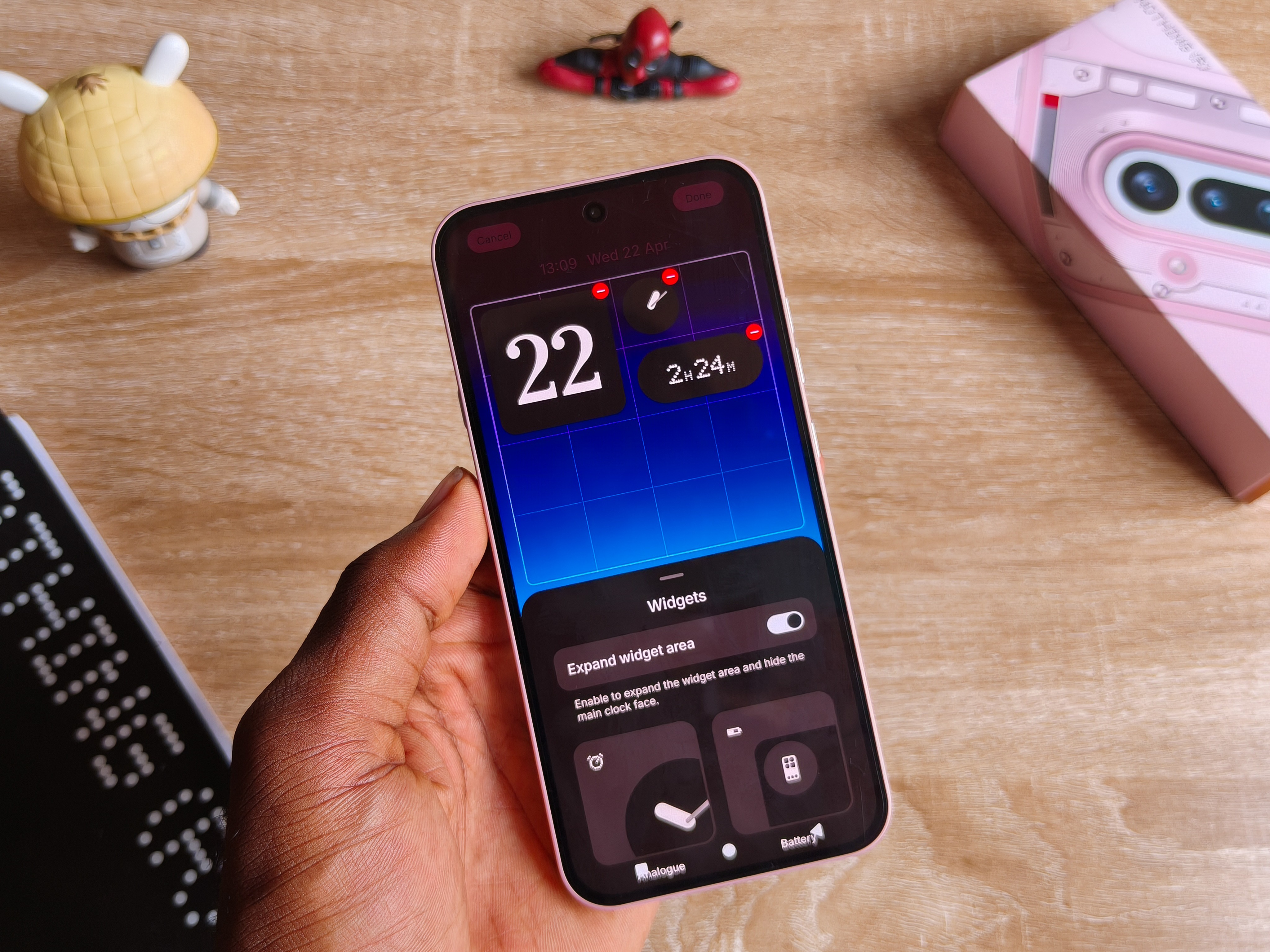
Nothing OS preserves the minimality of the Android experience while offering flexibility as well, from customizing your own widgets to entirely designing your home feed.
There is so less going on with nothing at all coming in-between the experience. You can revamp and add some personal touches like I’ve done.
Through all of it, it still remains one of the cleanest software experiences.
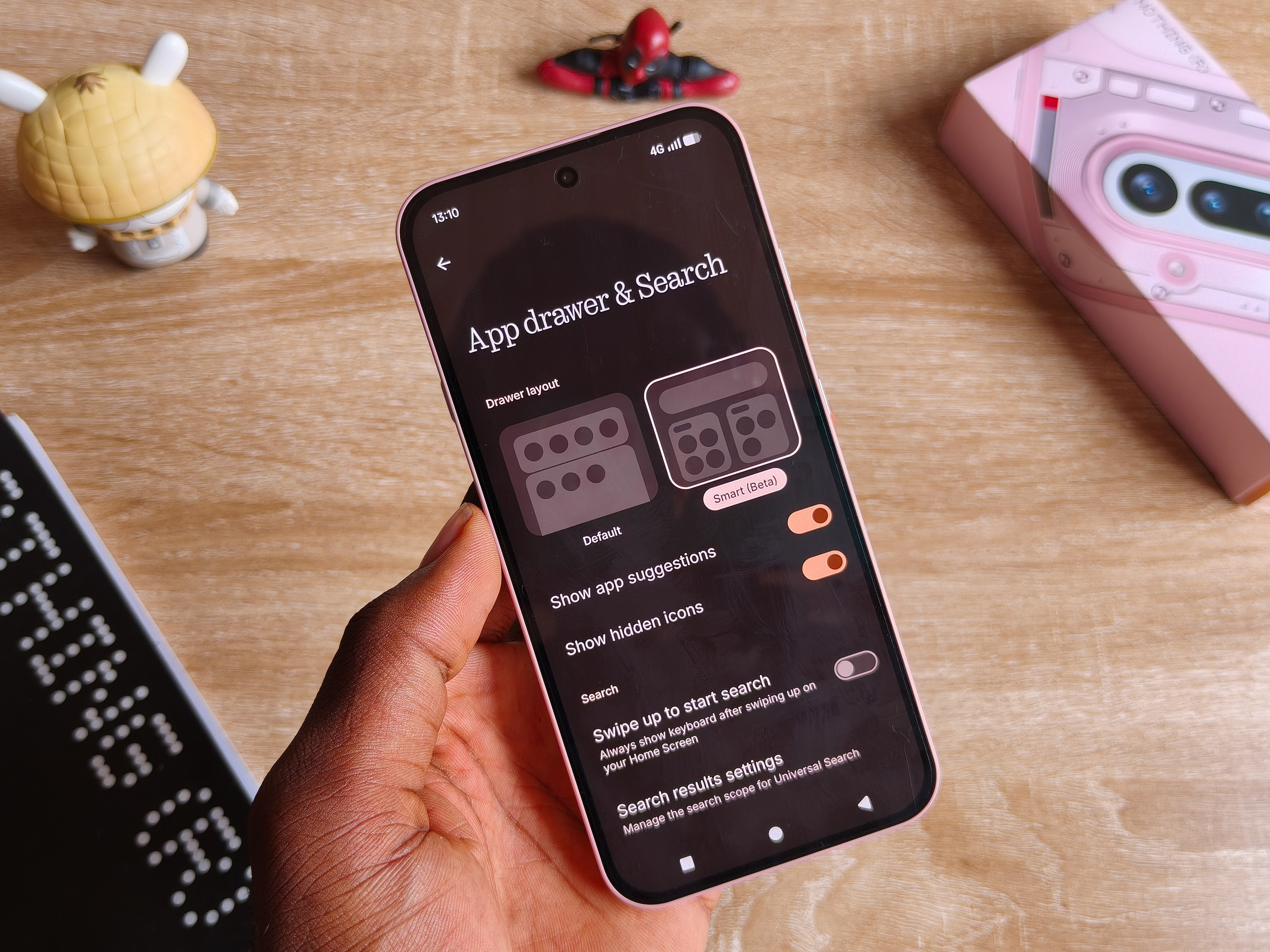
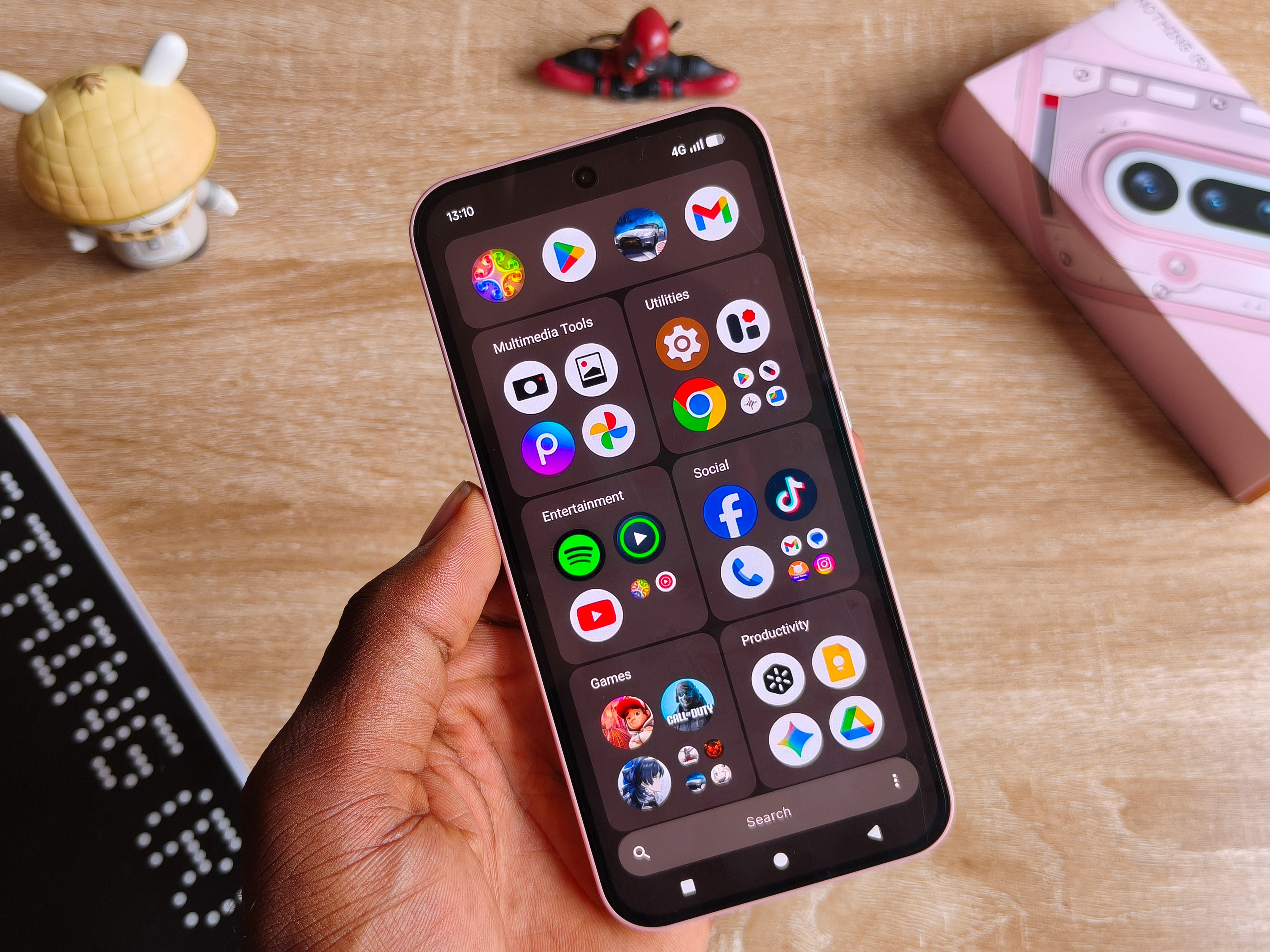
Categorizing the app drawer also adds some touches to how minimal things can get.
For the kind of people who like to have many apps installed, you can still make it organized.
This feature is still in its beta stages, so I hope the finalized version has something that could allow creating custom categories where I just push apps that I want into.
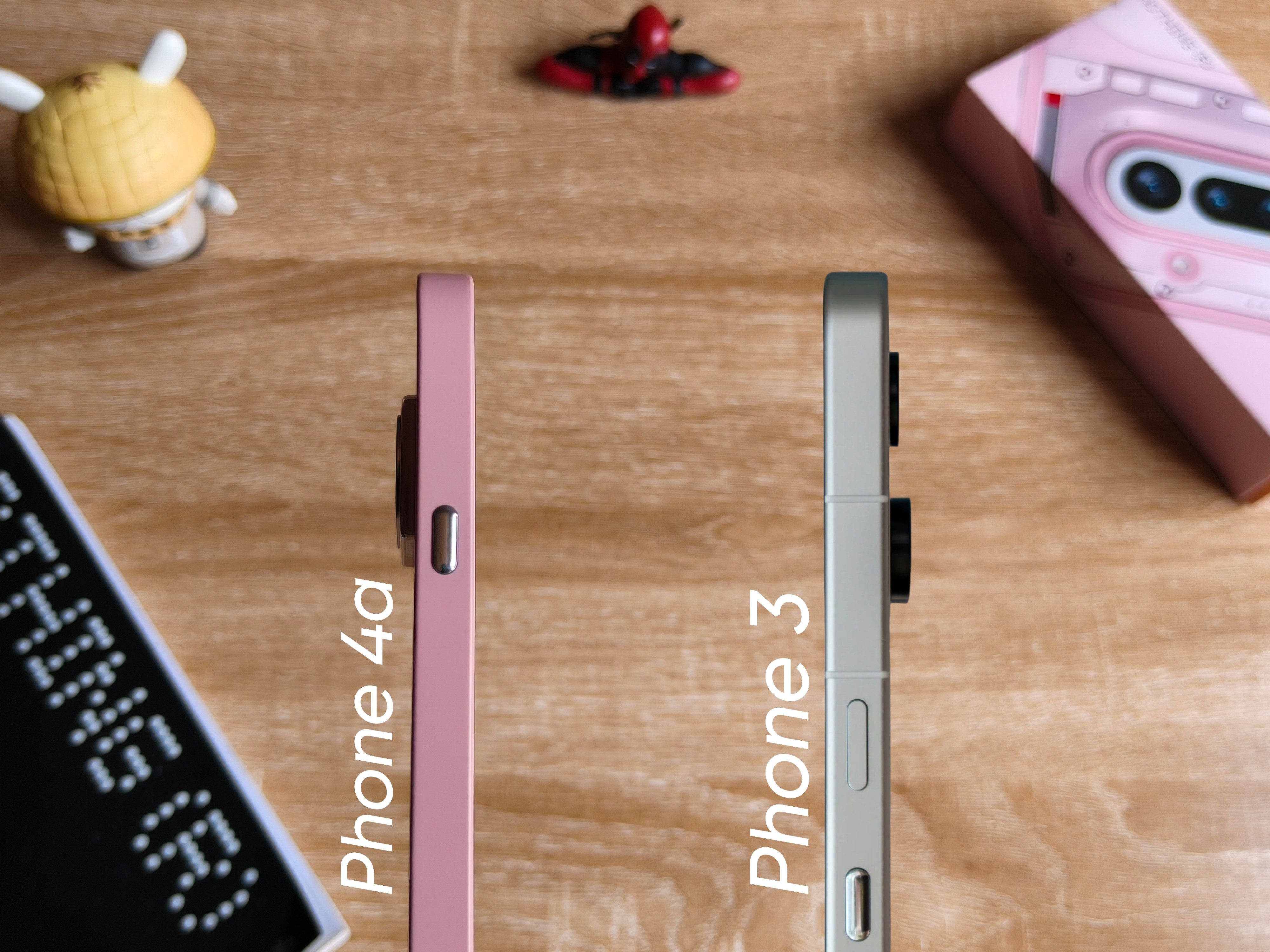
After the Essential Key got famous with the Phone 3 with the amount of feedback received, Nothing implemented a progress with the new 4a series.
“And what was the problem?”
The button was located just at the same side and directly below the power button, and so by default, by trying to interact with the power key, you end up messing with the essential button, which just gets frustrating over time.
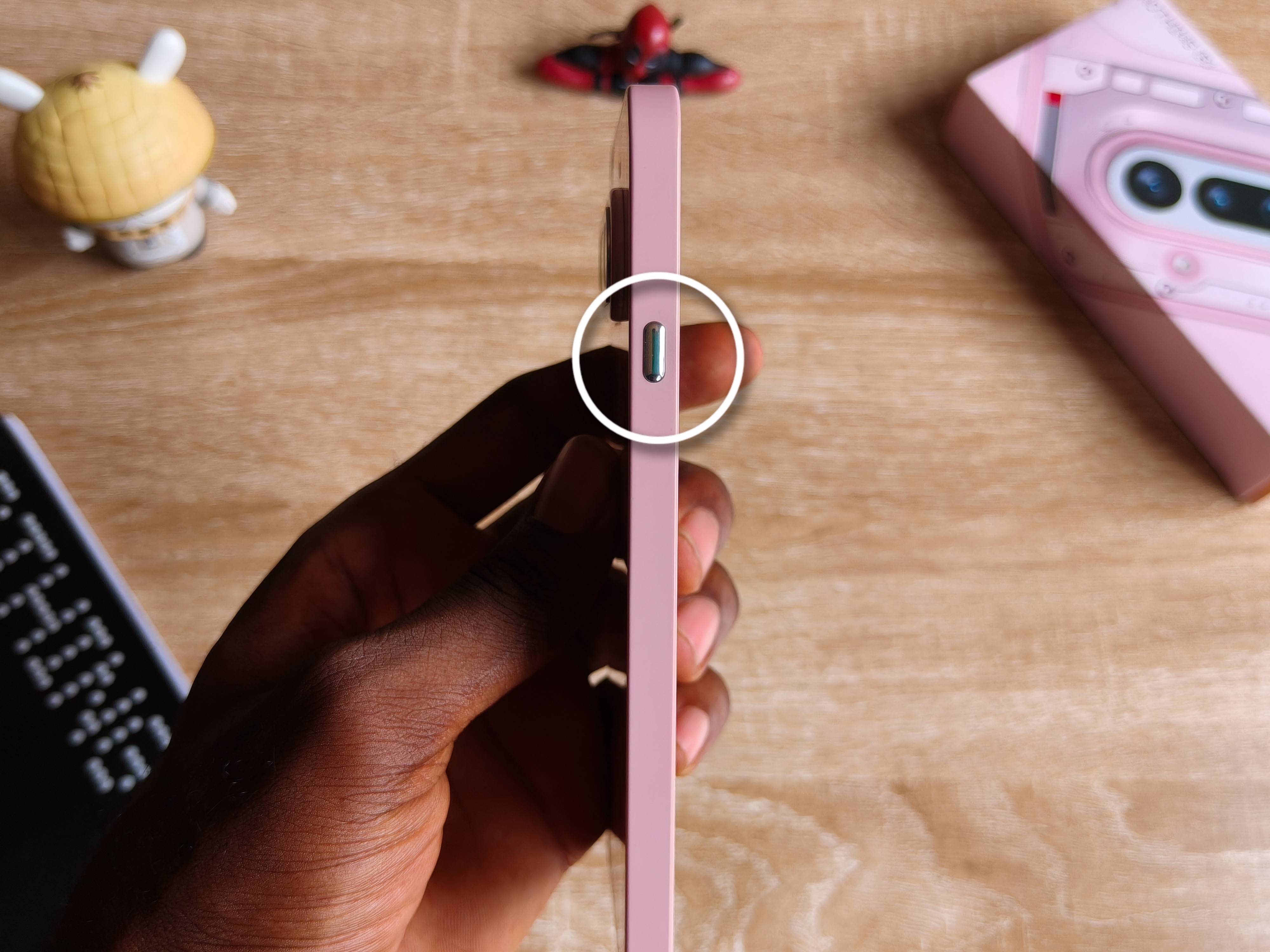
But on the Phone 4a, it’s been remapped to the left side as the only independent button, meaning, no annoying presses. But there is still quite an issue.
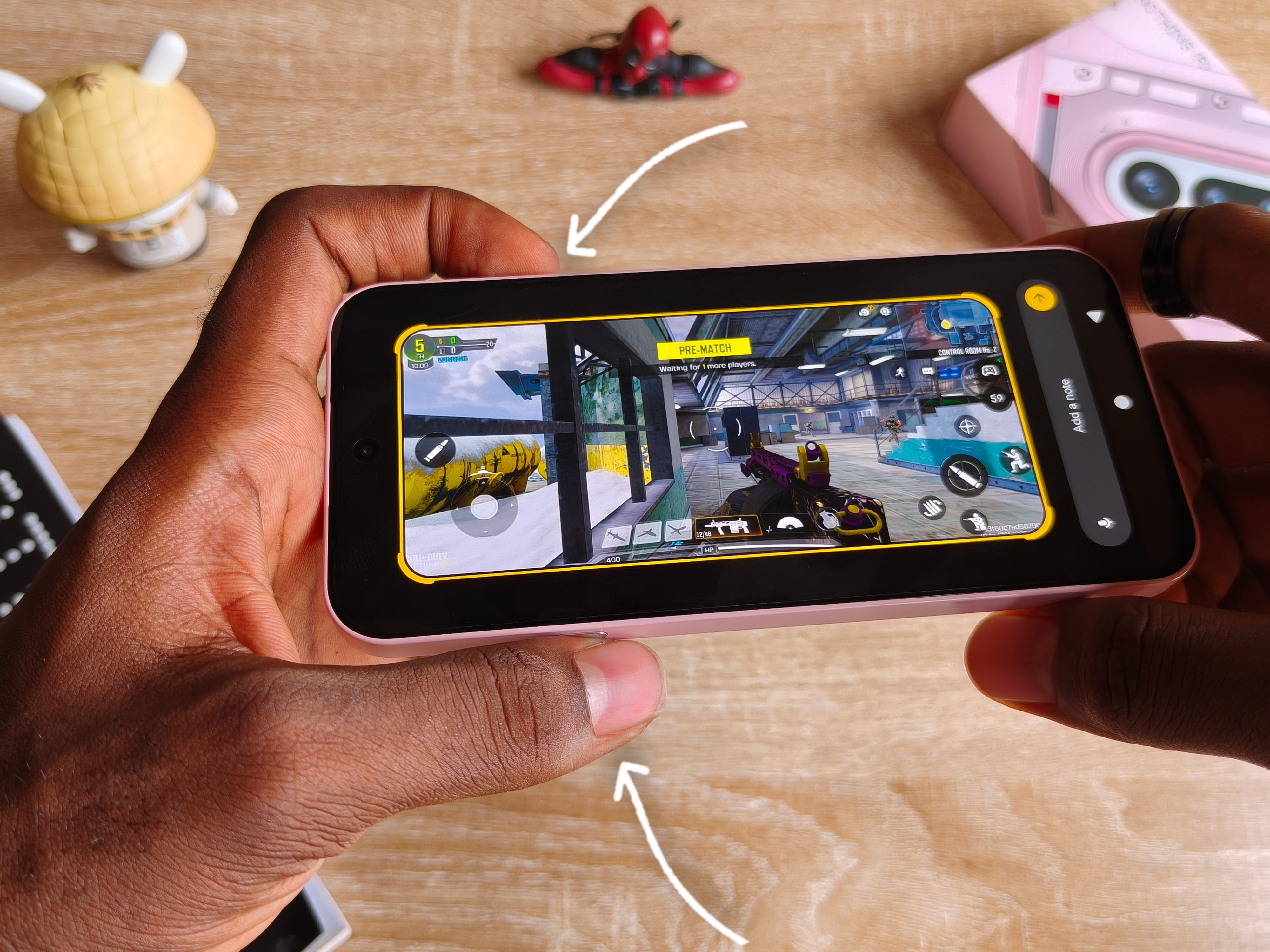
You see, whenever I’m like in a game and trying to constantly adjust volume, I forget there is a button just at the opposite side, and naturally holding onto a volume button means exacting some sort of thumb pressure at the other end, which happens to be the same spot as the essential key.
And that’s how it ends up interrupting my gaming and just takes a screenshot or rudely transfers me to the essential space.
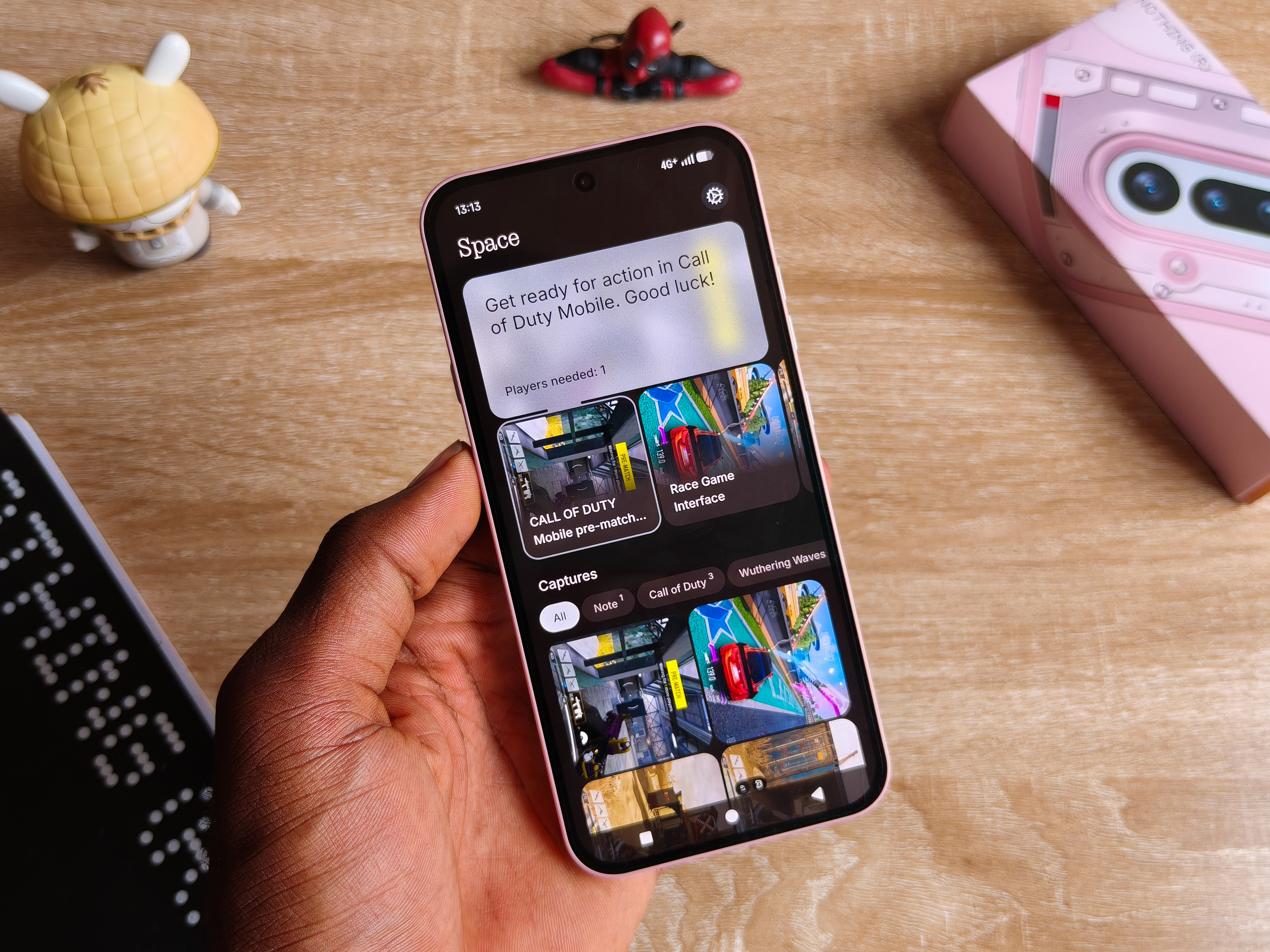
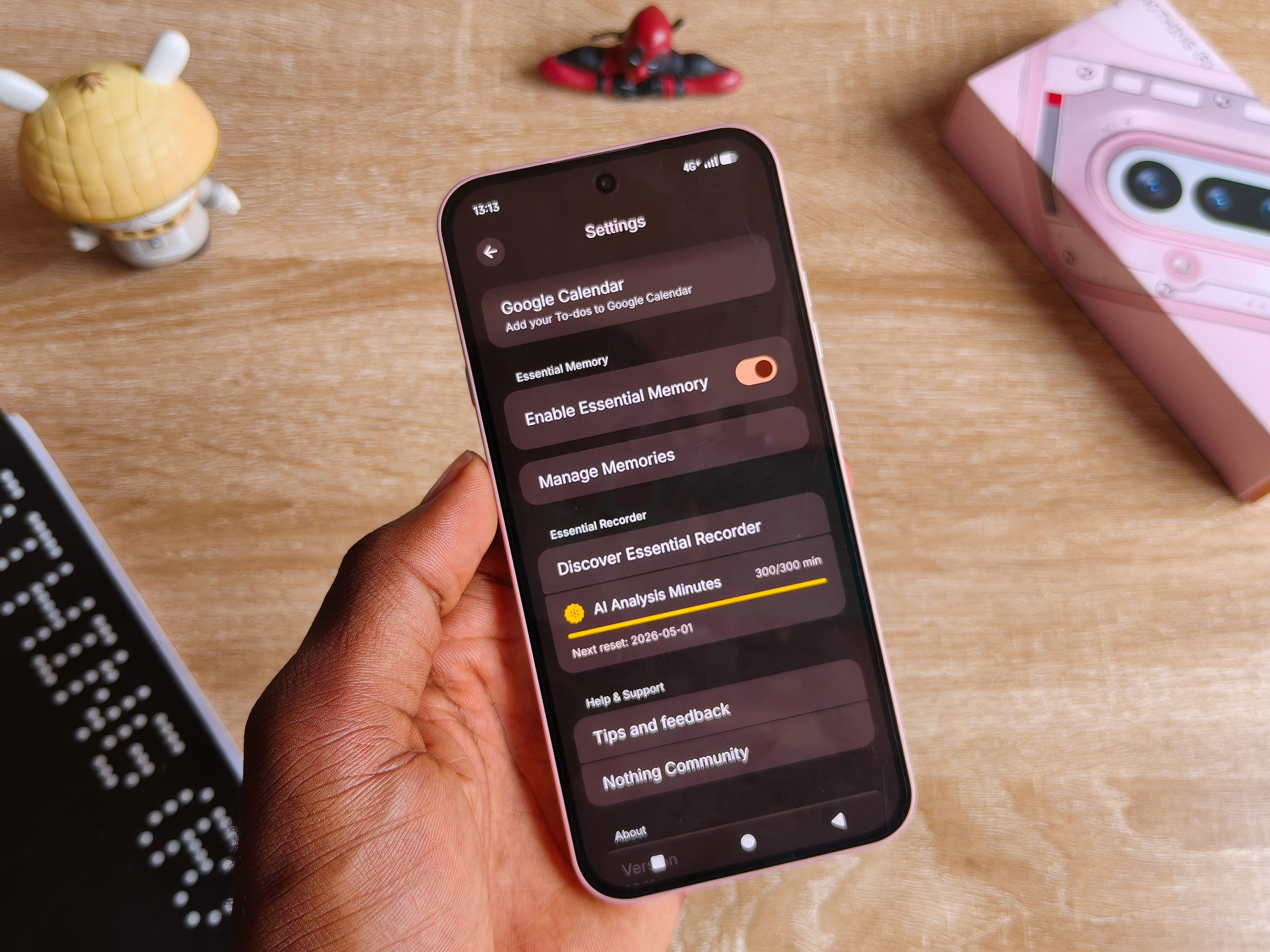
I really feel this whole stuff is not for me. I mean, the idea behind the Essential space is really cool, some sort of hub where you just throw in things you’d probably never revisit like screenshots, notes, or added voice notes, and with the help of AI, it just designs these cohesive subgroups for each file found there.
But I’m not right there where I’d appreciate this feature and what it brings. So for now, it’s safe to say the key remains a redundant add-on that you just have to learn to avoid accidentally pressing.
There are also some few AI features, but not as much and marketed as other phones from the major brands.
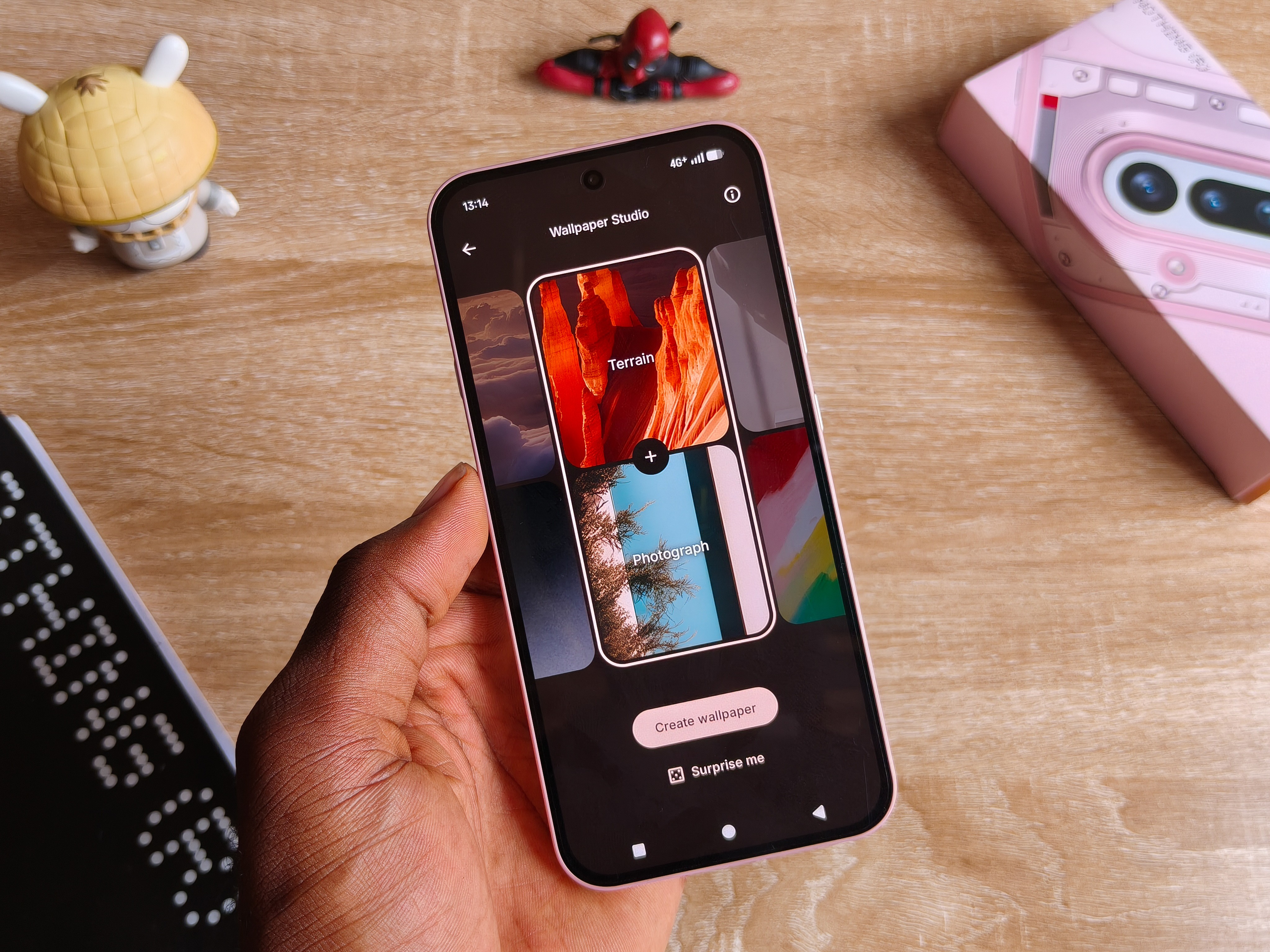
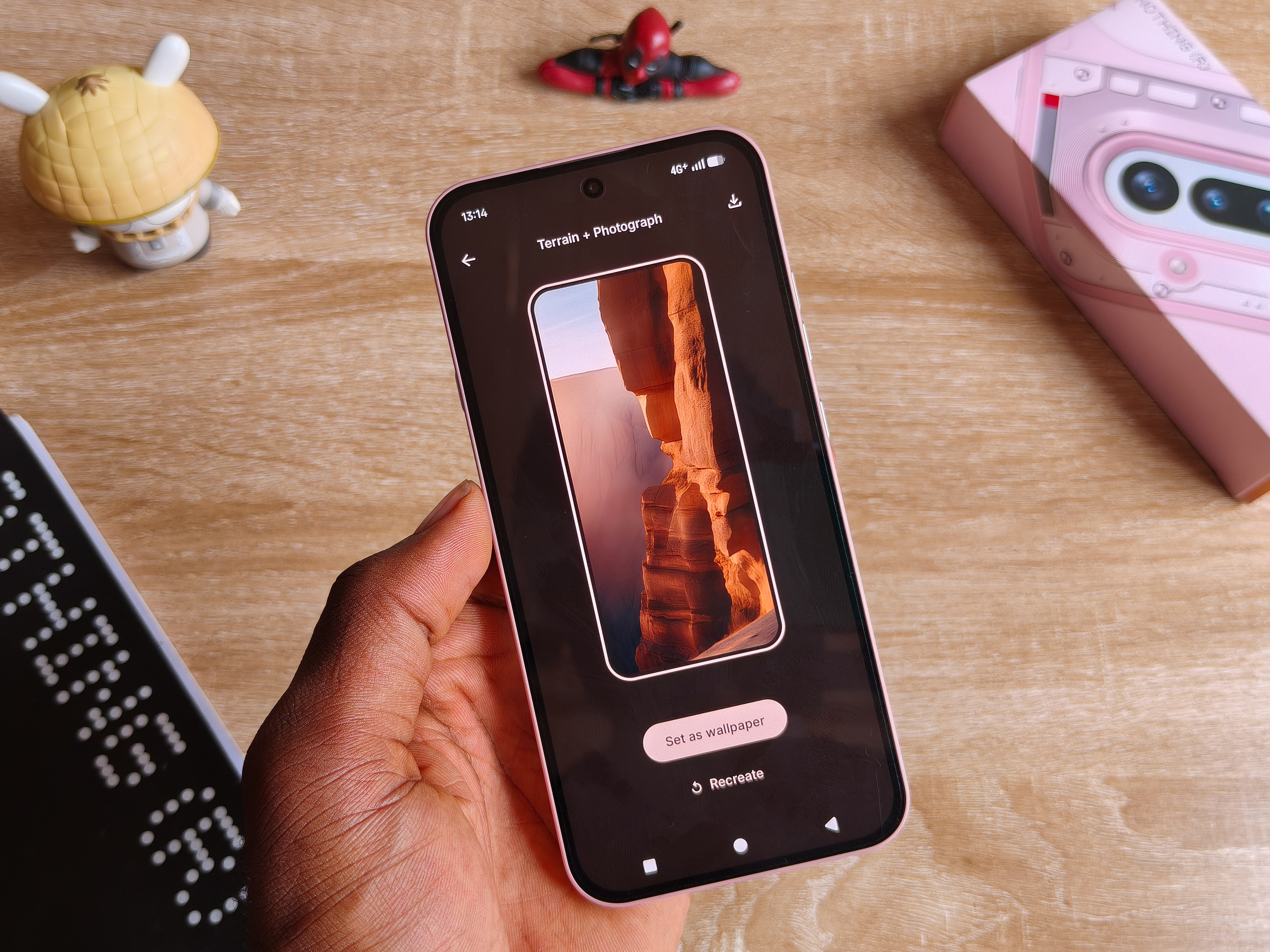
The Wallpaper Studio is one of the fun ways to get creative in creating your wallpaper by merging multiple elements.
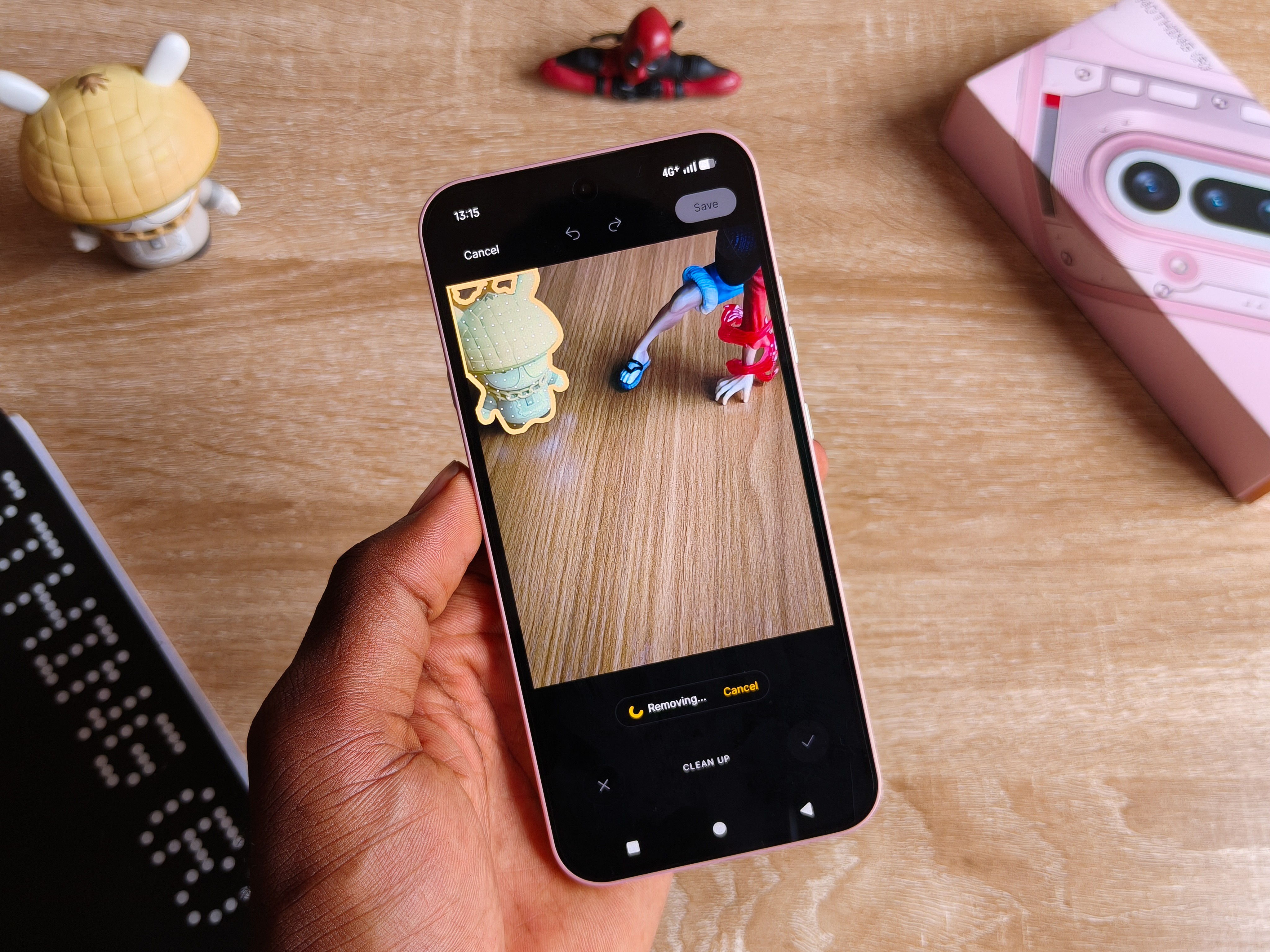
AI Eraser is included in the Nothing Photos app, and this feature has generally been the most useful AI feature for me in every device since the AI rollouts.. except it is horrendous on Nothing OS.
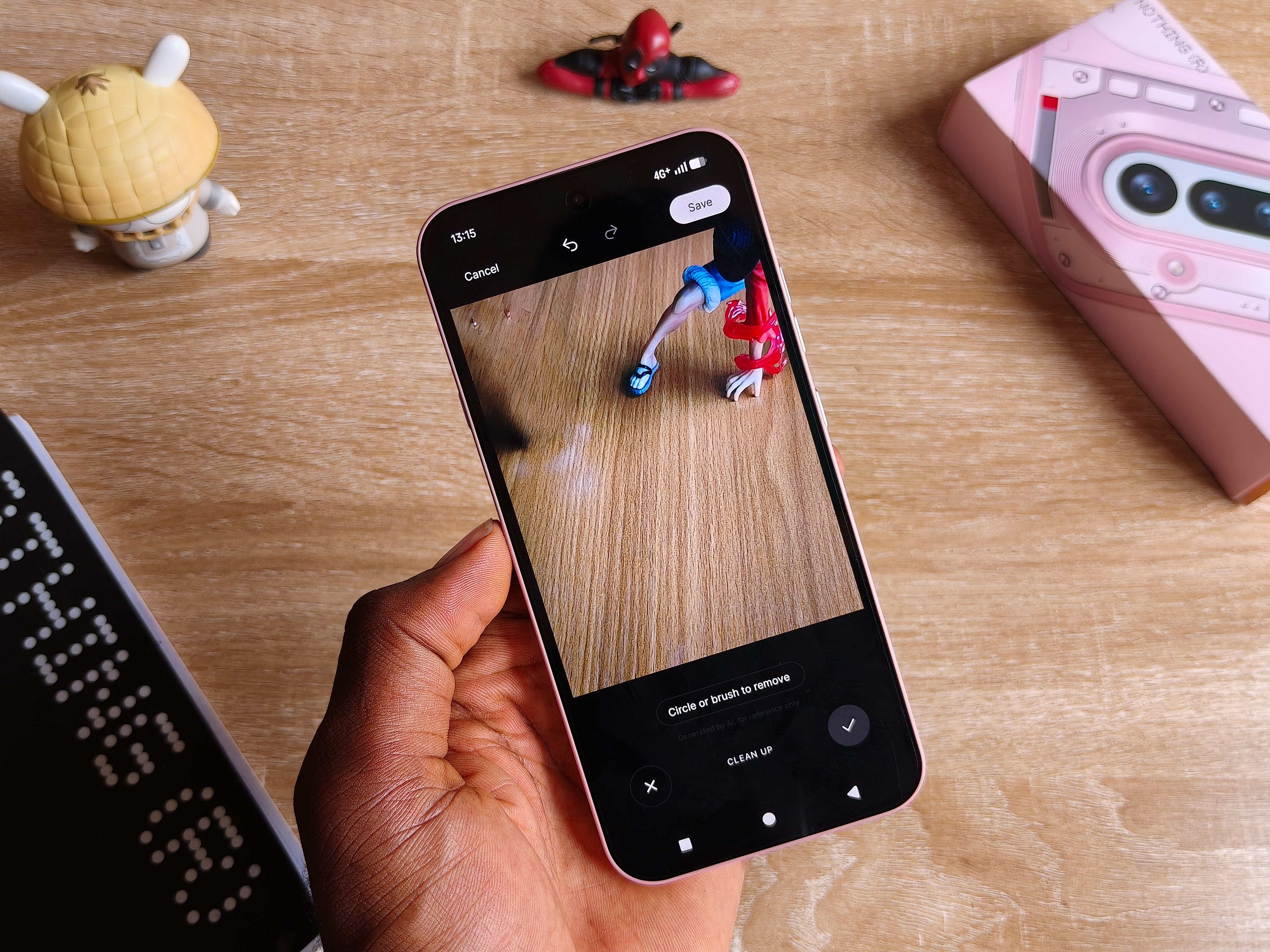
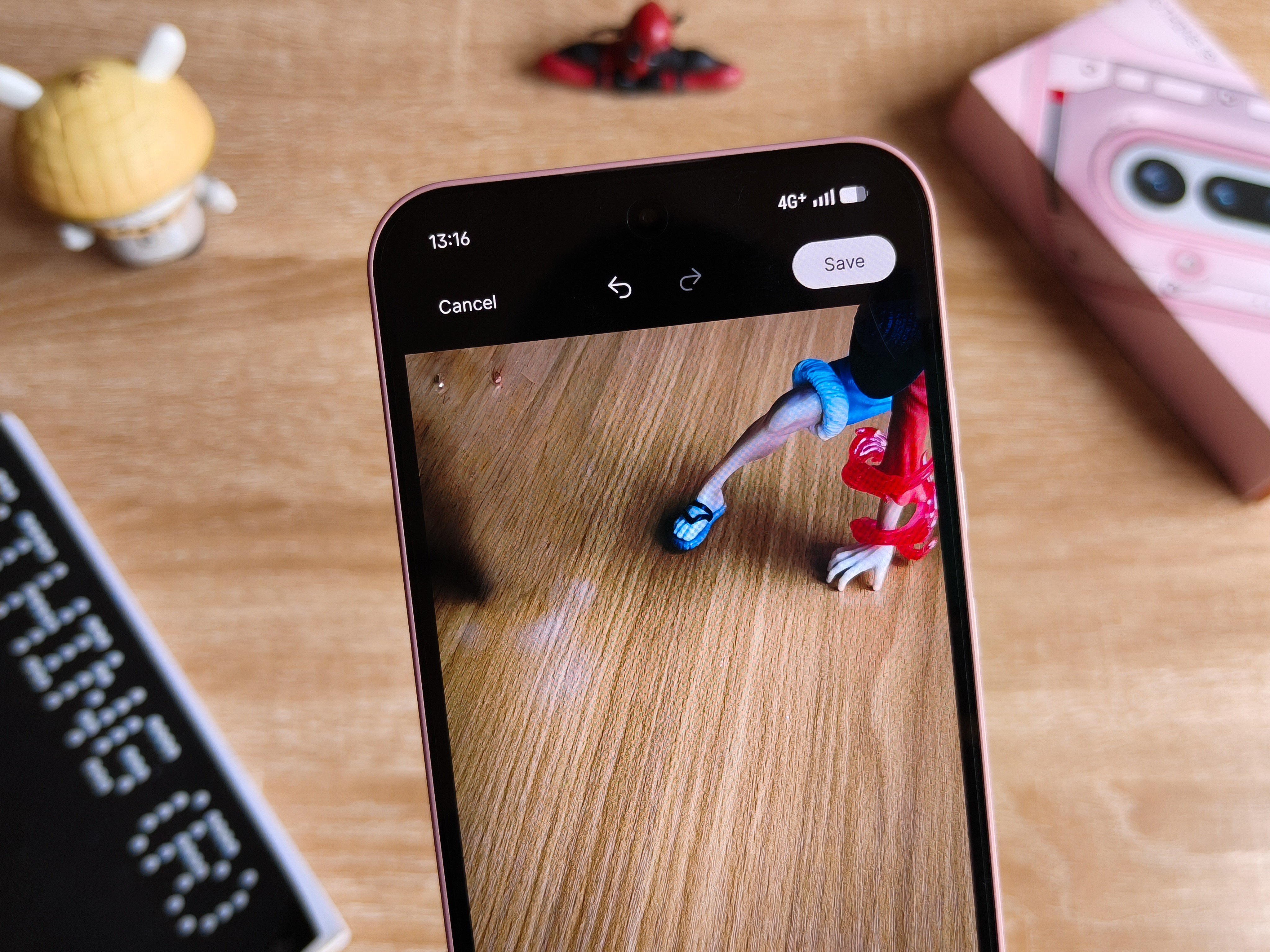
The feature here works like it’s centuries away from being a finished product. I hope the Nothing software team optimizes this better.
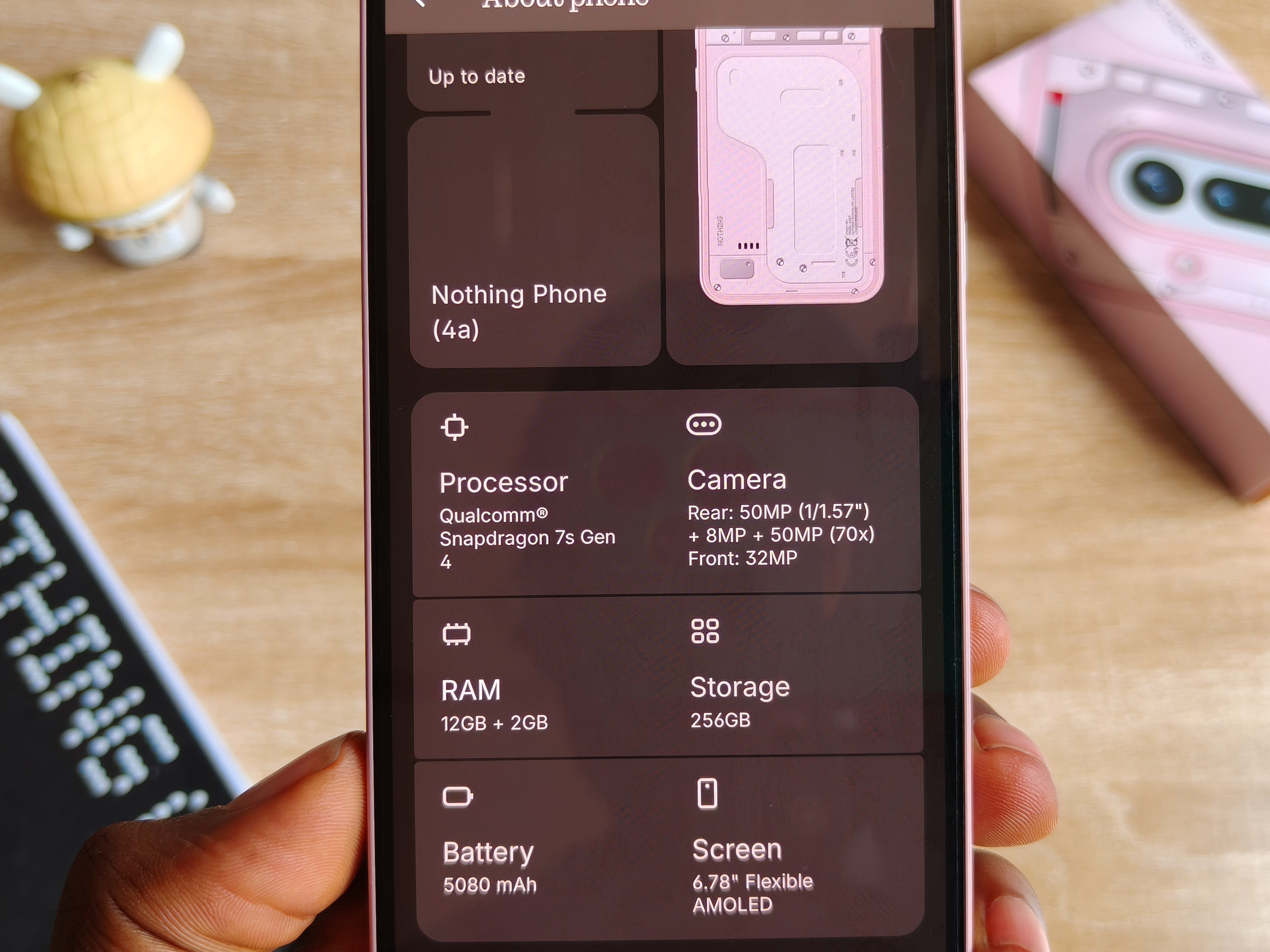
Snapdragon 7s Gen 4 is what we get here, and I believe this is good enough for anyone who’s probably been transitioning across the Nothing A series of smartphones because they tend to stay grounded around this hardware level.
You are not getting the hottest architecture in the market, but you are also not getting something that’s underperforming or will make you regret your bucks.
Holding ground with the likes of the Redmi Note 15 Pro+ and the Infinix Note 60 Pro in this department, I can hold your hand and tell you it handles operational activities seamlessly.
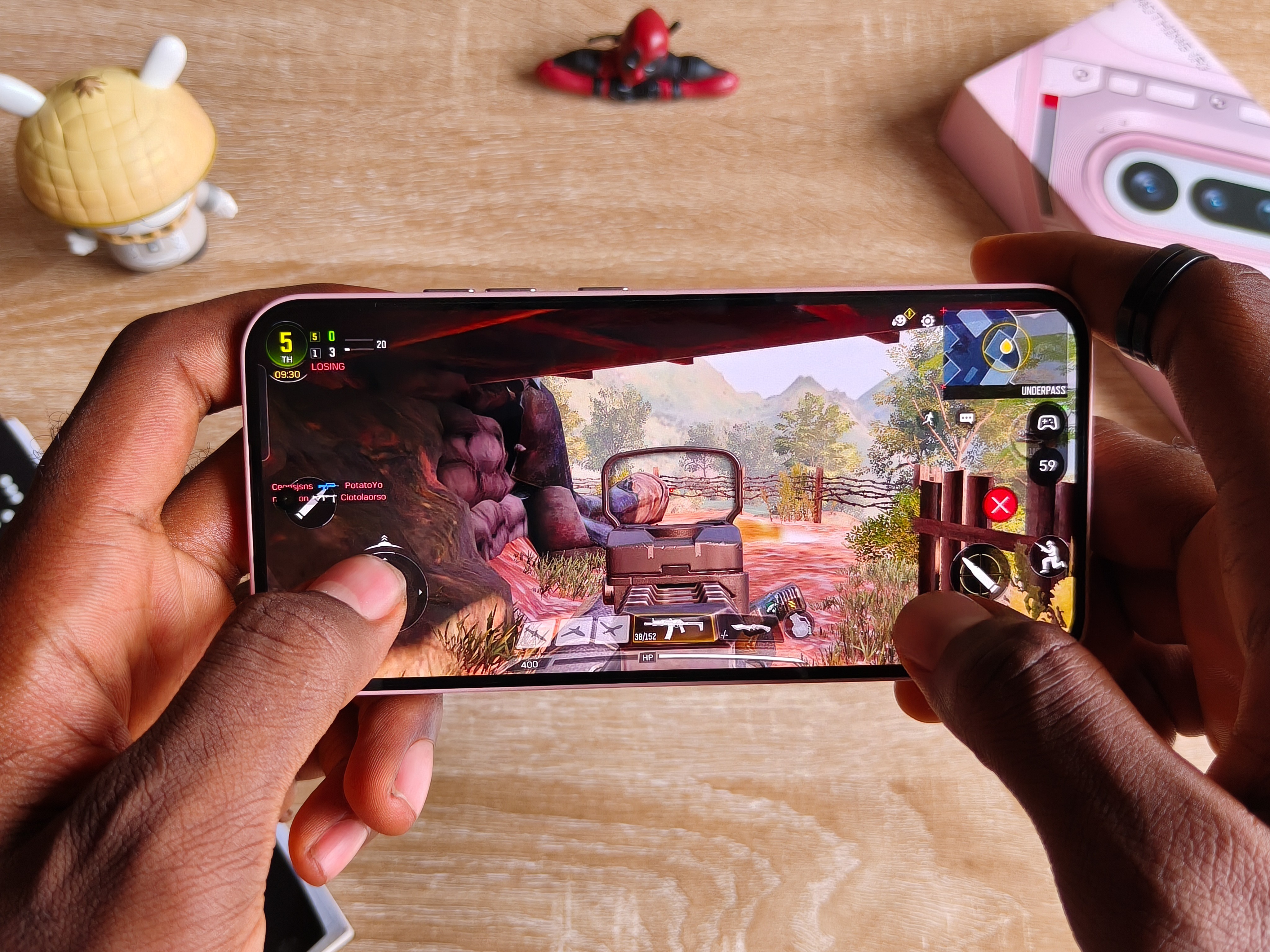
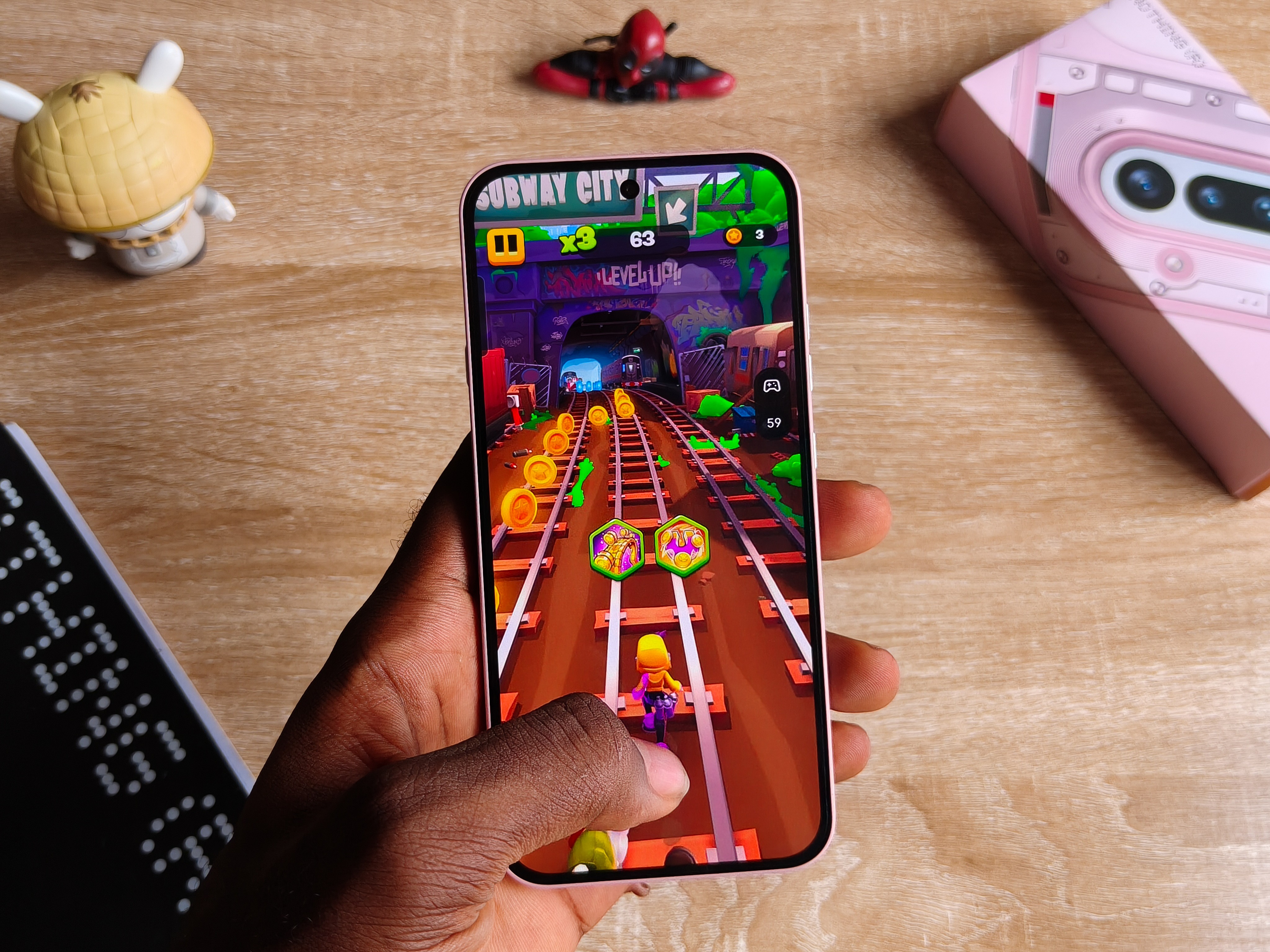
With gaming as per my experience, it launches every one of the most popular and recent Play Store games while handling the titles at different frames and graphic levels.
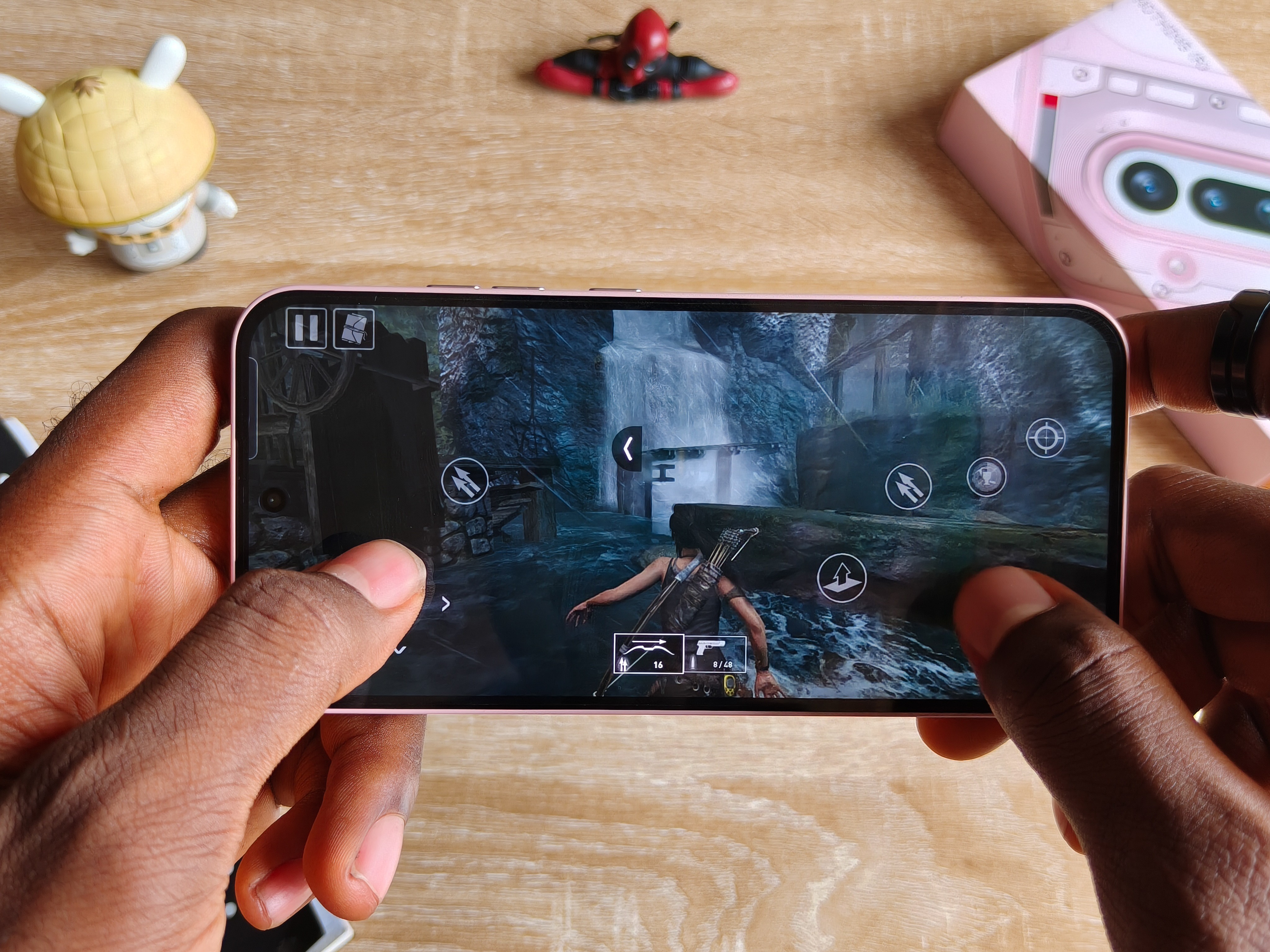
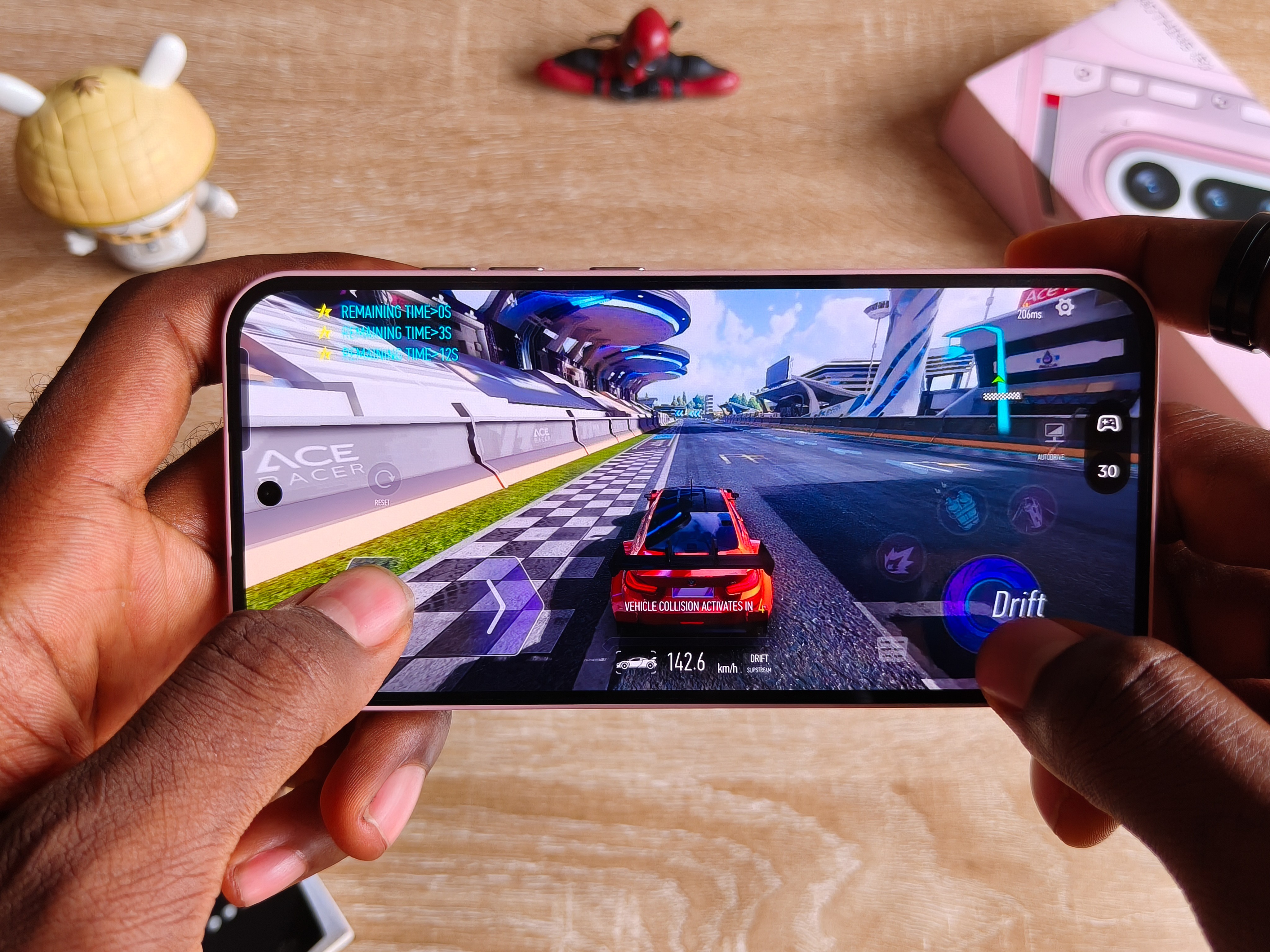
I’m really impressed playing the likes of Tomb Raider, the latest Division game, and others in the segment that’s known to be power demanding.
So for the average gaming experience, you can find solace here.
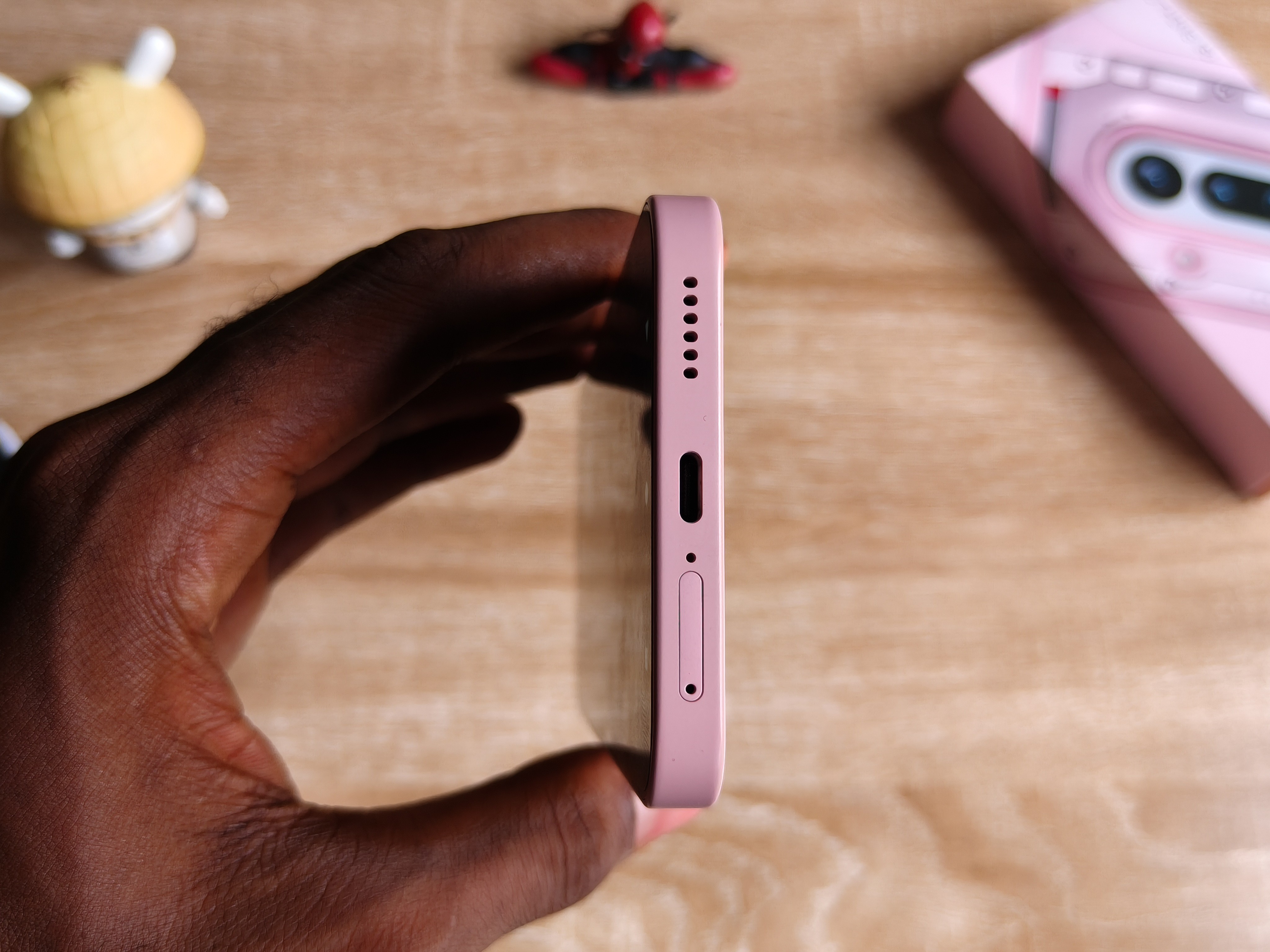
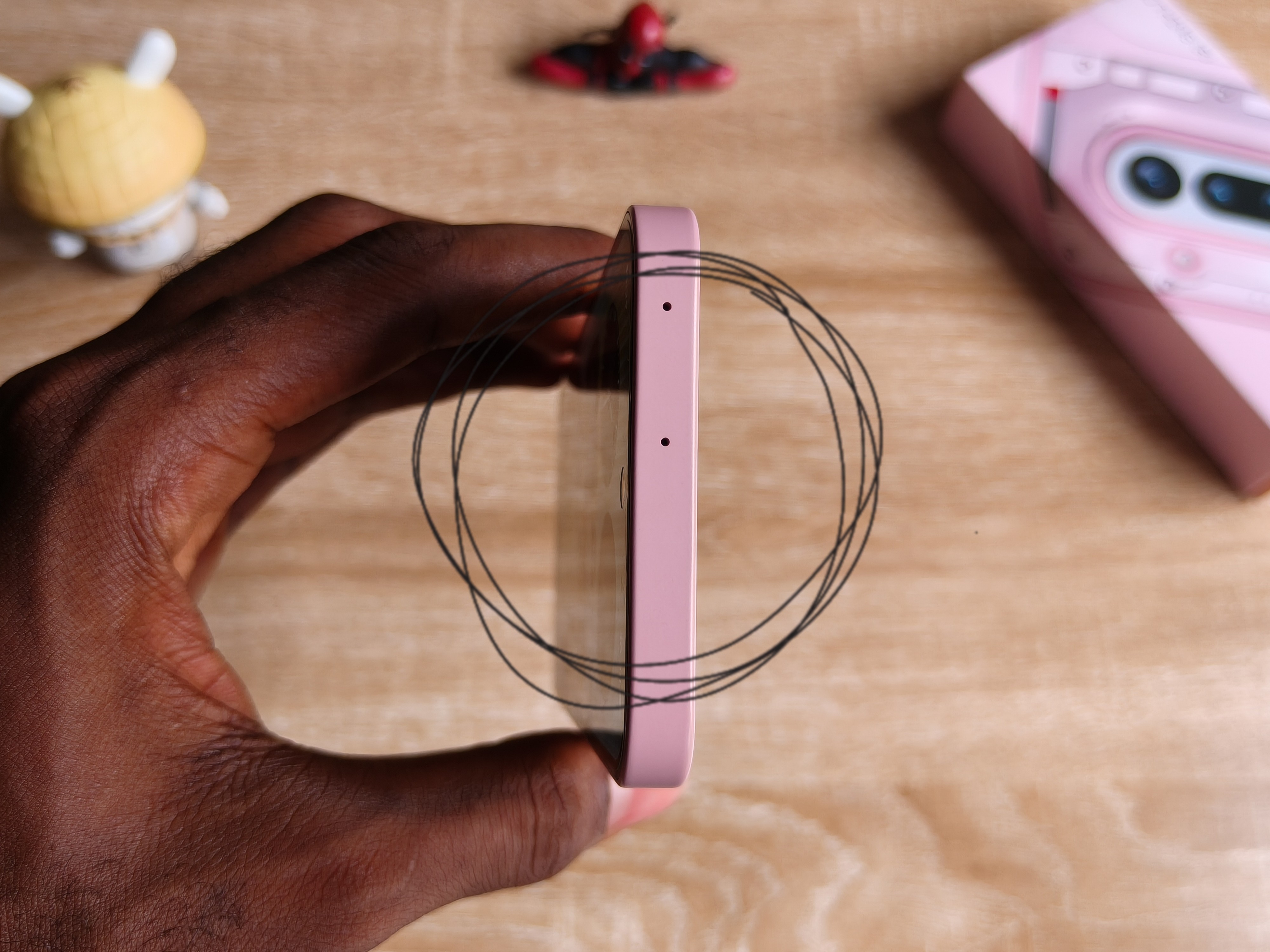
For the speakers, it’s nothing that impressive comparable to other existing devices from my experience.
They could’ve done well on this part, like they had the whole of the top for a proper grill, so I don’t know what happened.
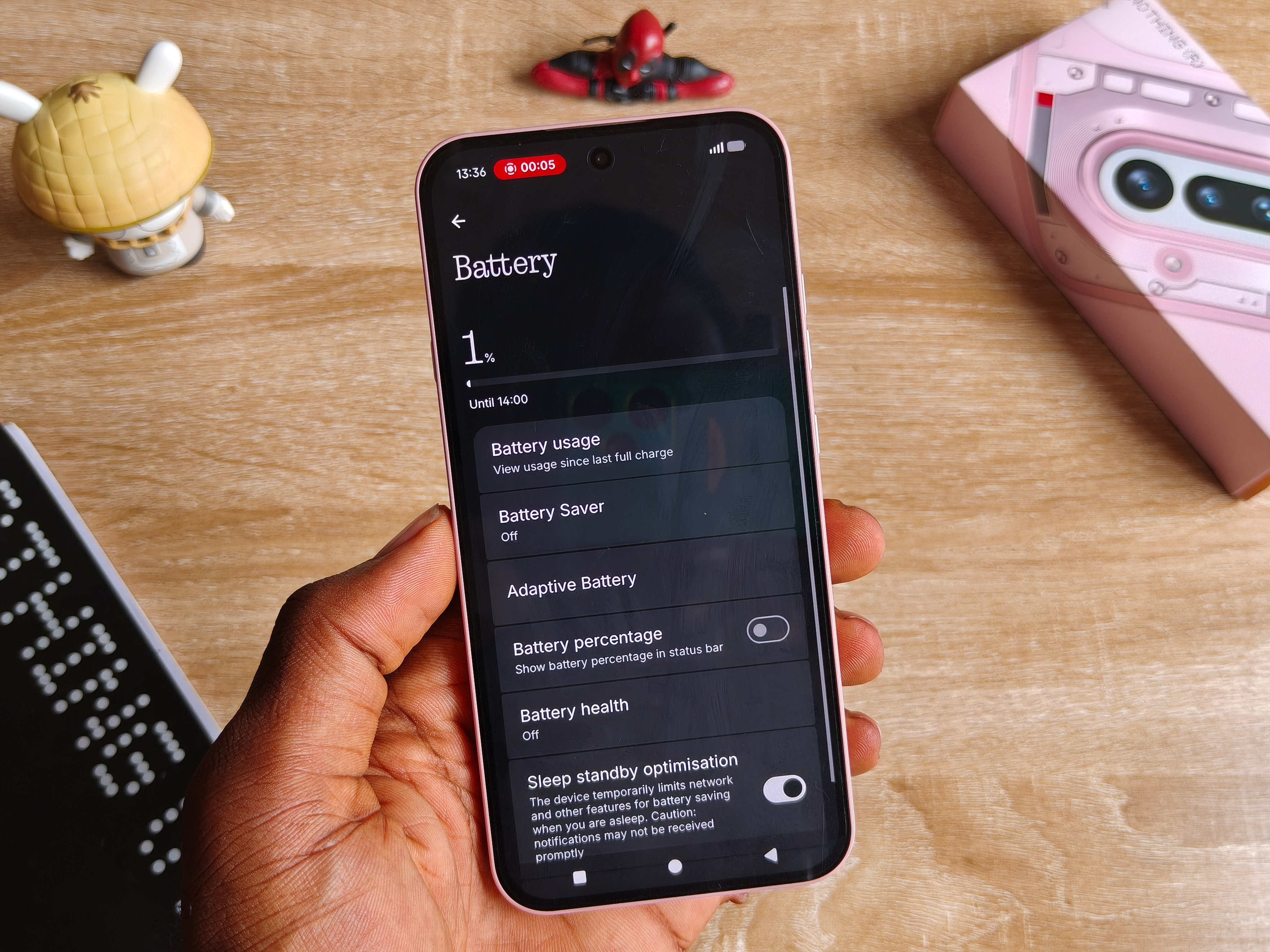
Battery life sits in the middle ground for me, It’s not the most lasting, but that’s pretty expected for its 5,080mAh capacity, further capable of charging at 50W.
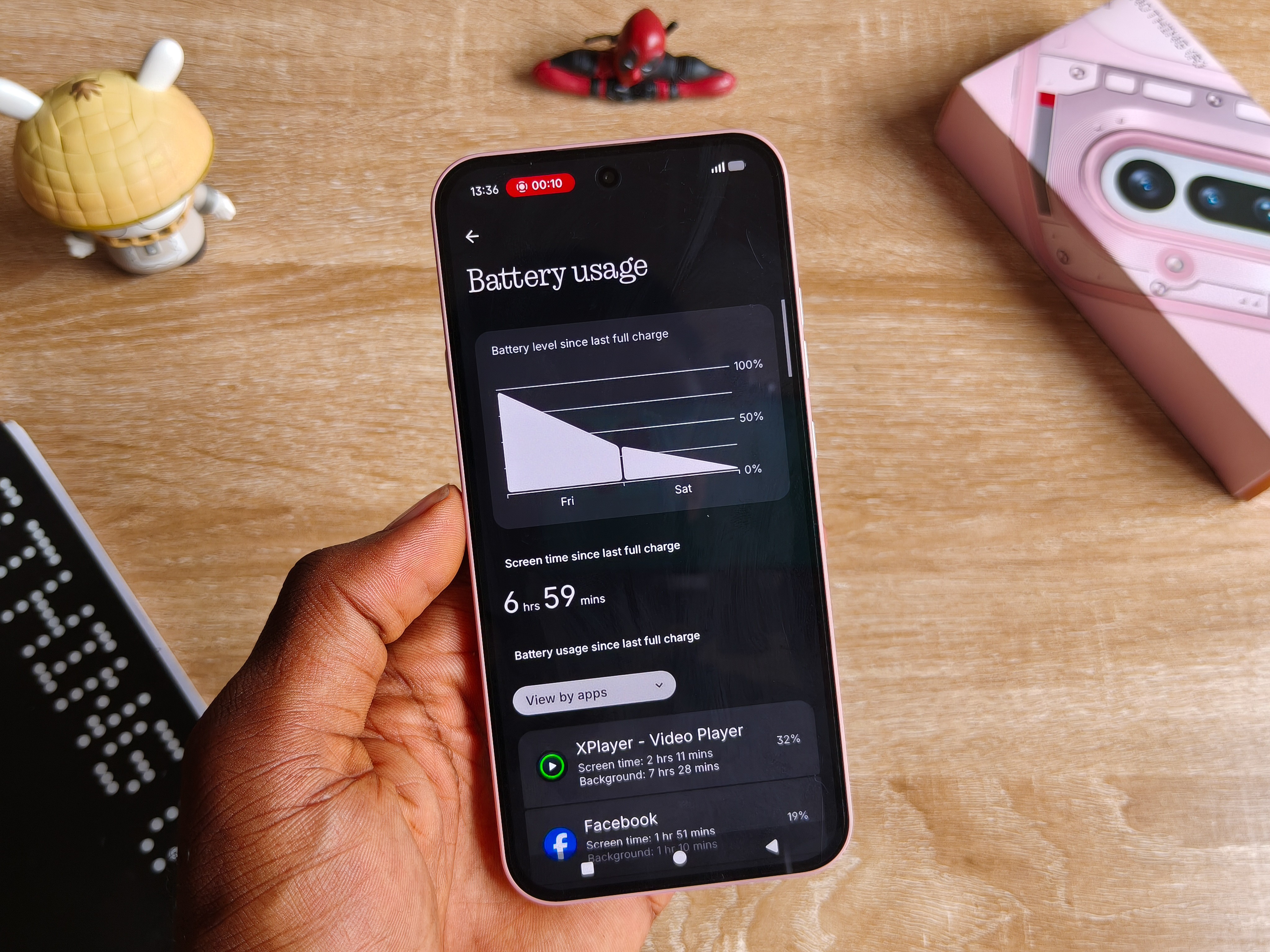
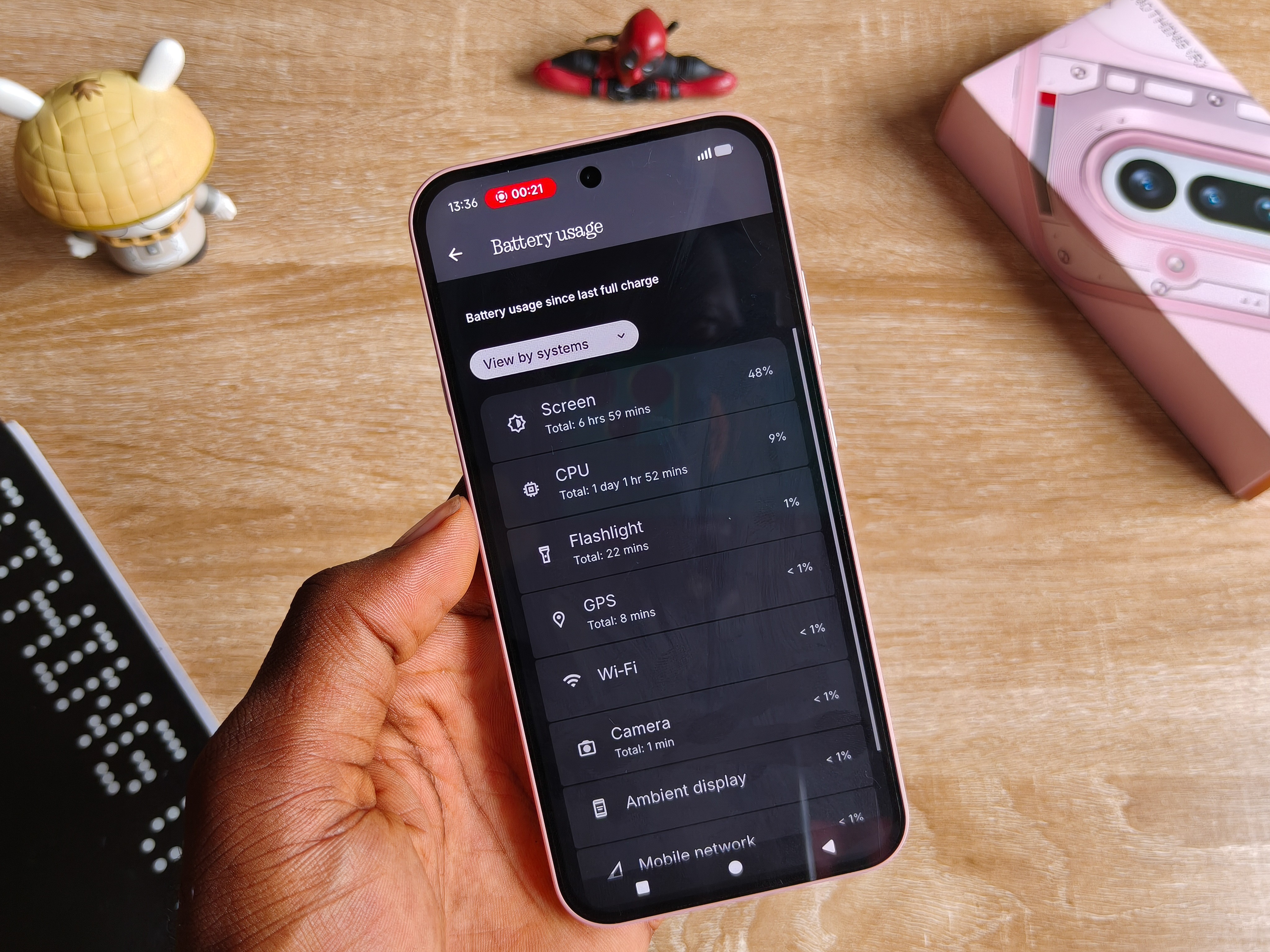
I intentionally monitored the draining after a single charge on one of my regular days. And that included some social media, watching media, listening to Spotify, playing games, and occasional idleness in between, with Always On Display turned on throughout. It continued into the next day and eventually shut down during morning hours, lasting almost 7 hours in total.
That’s on average usage, and that should already give you an idea of how much it’ll last you as the average type of user.
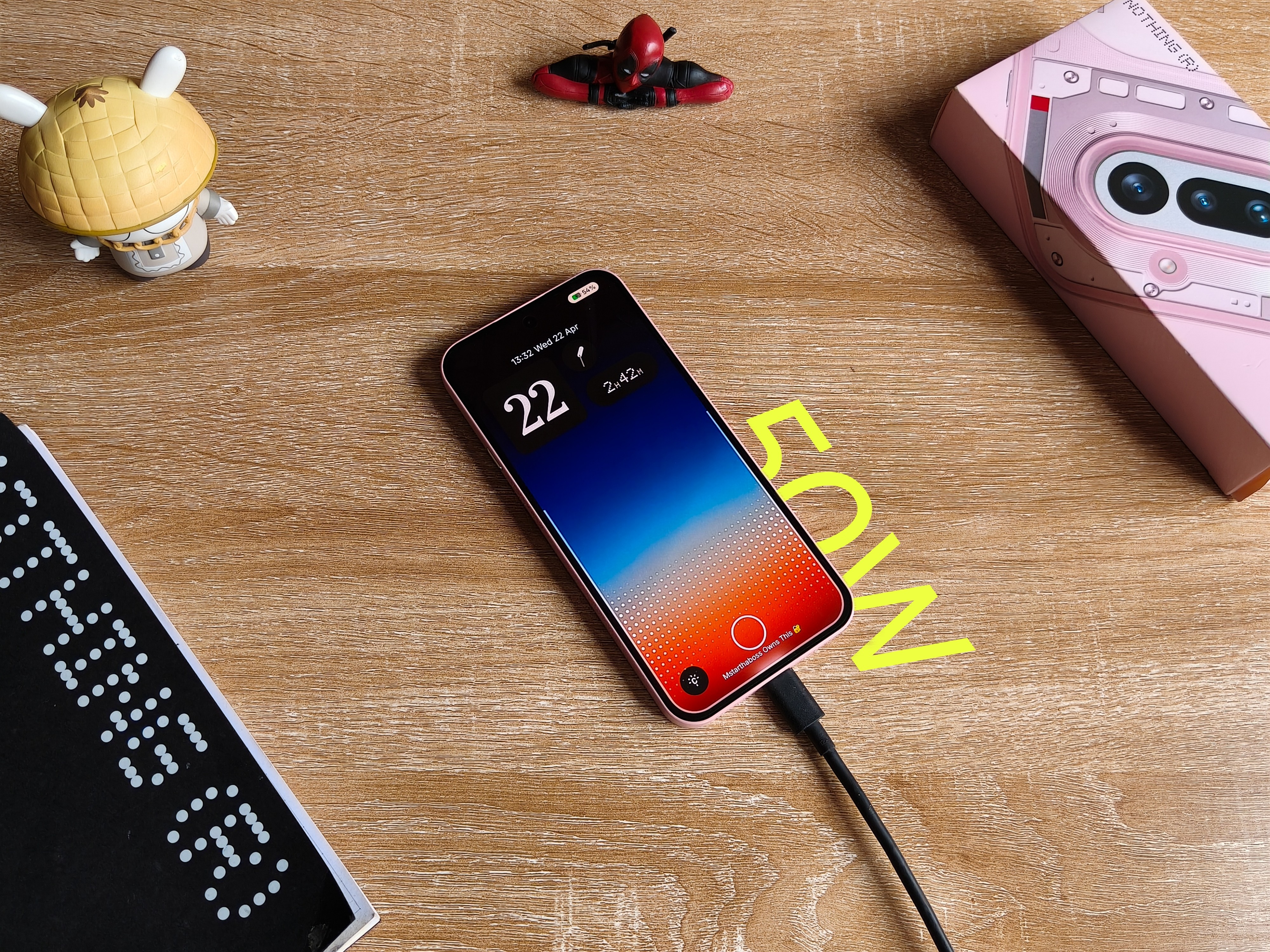
With 50W, you get full percentage in an hour and 10 minutes top.
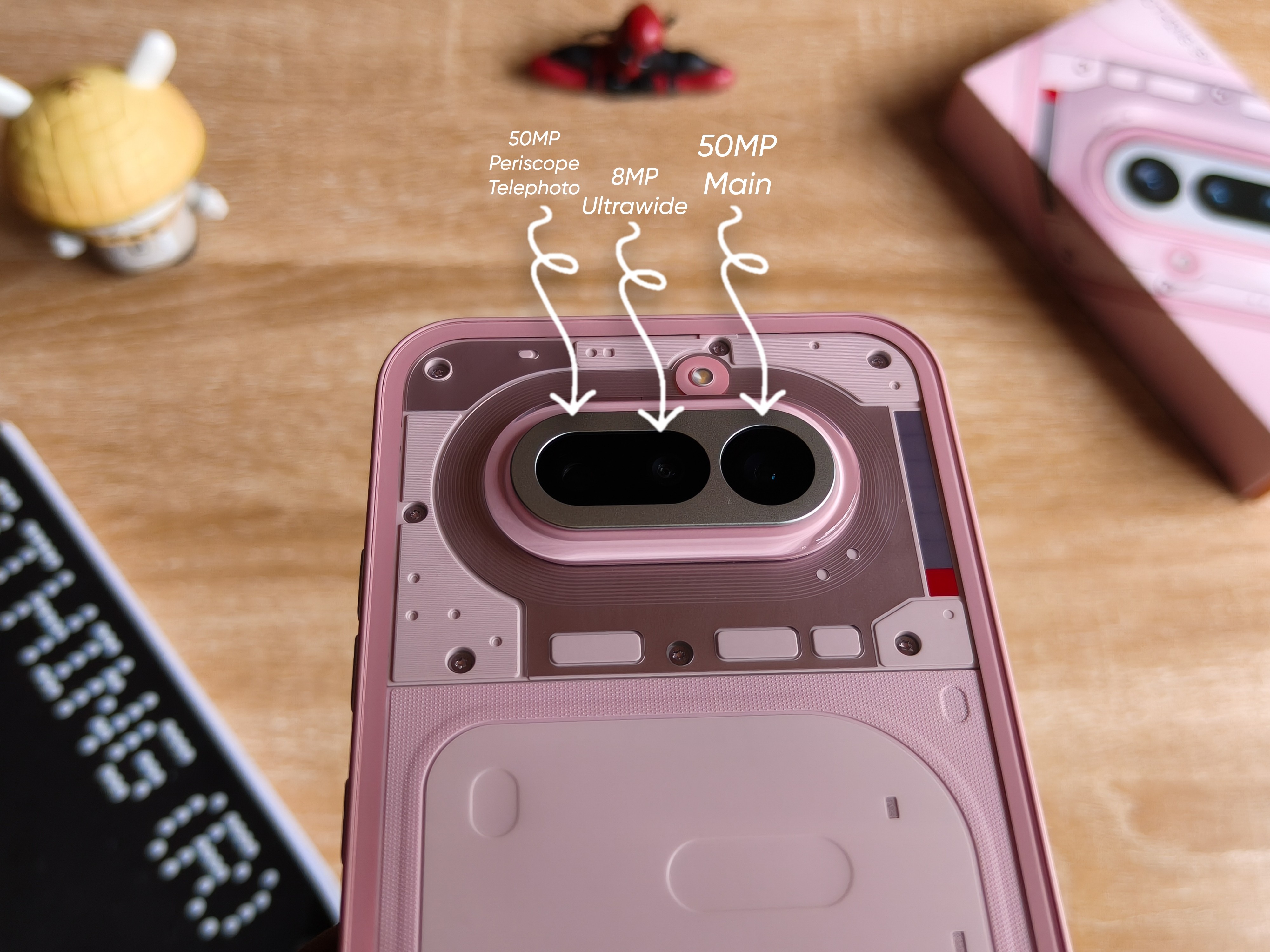
Boasting a triple rear camera setup consisting of a 50MP main, a 50MP periscope telephoto, and an 8MP ultrawide, it’s undoubtedly one of the best experiences I’ve had from a phone at this level.
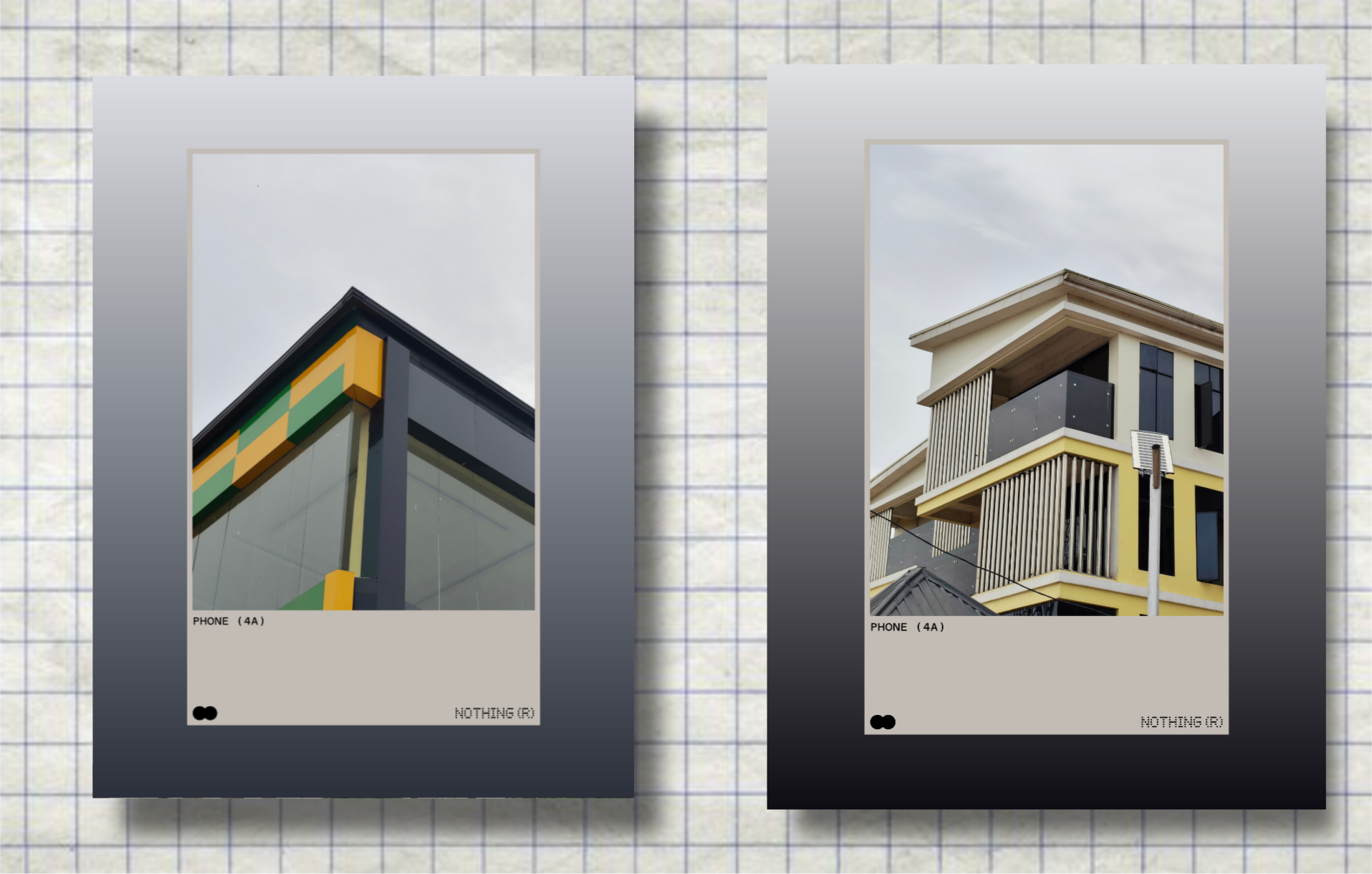
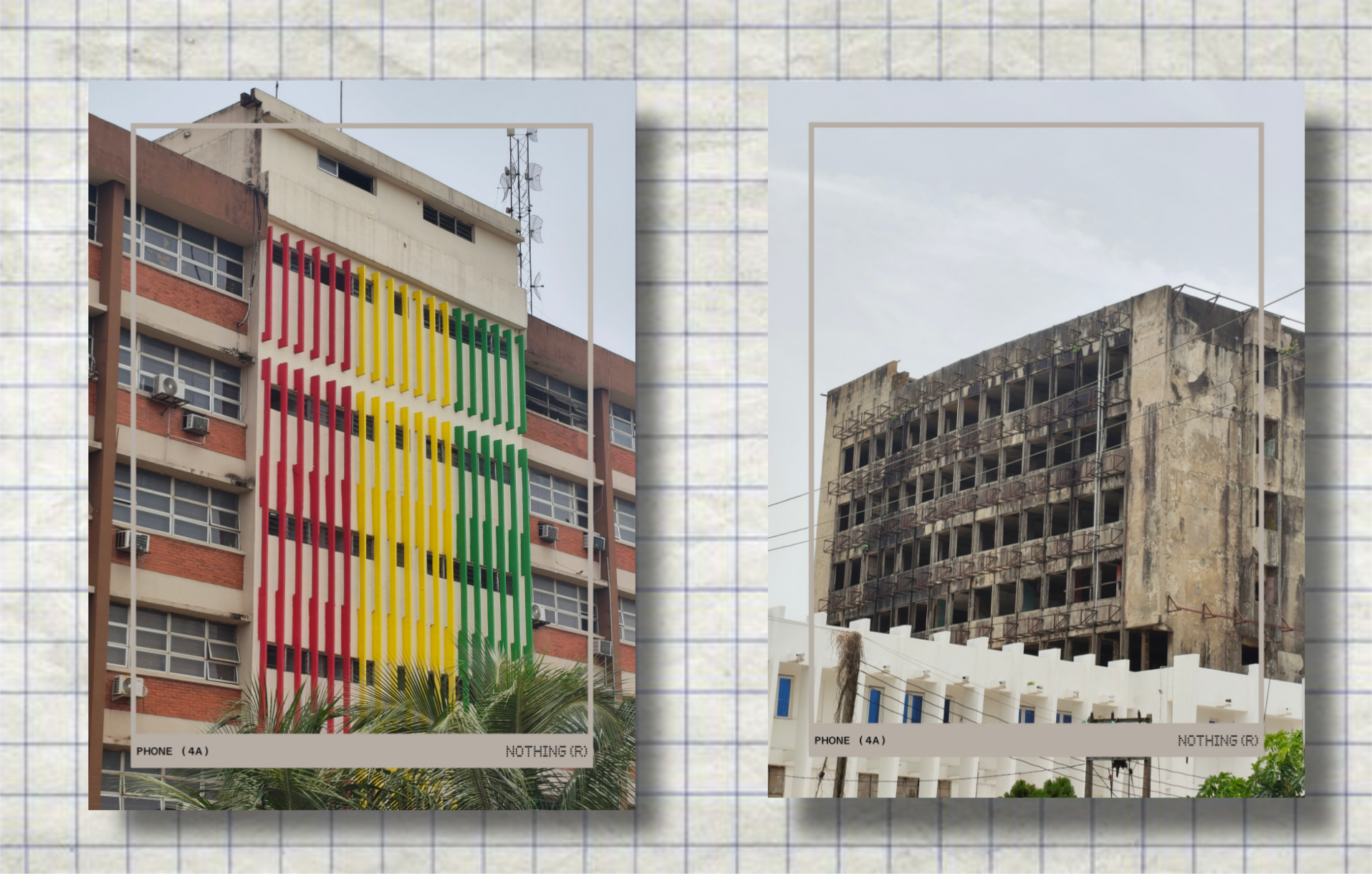
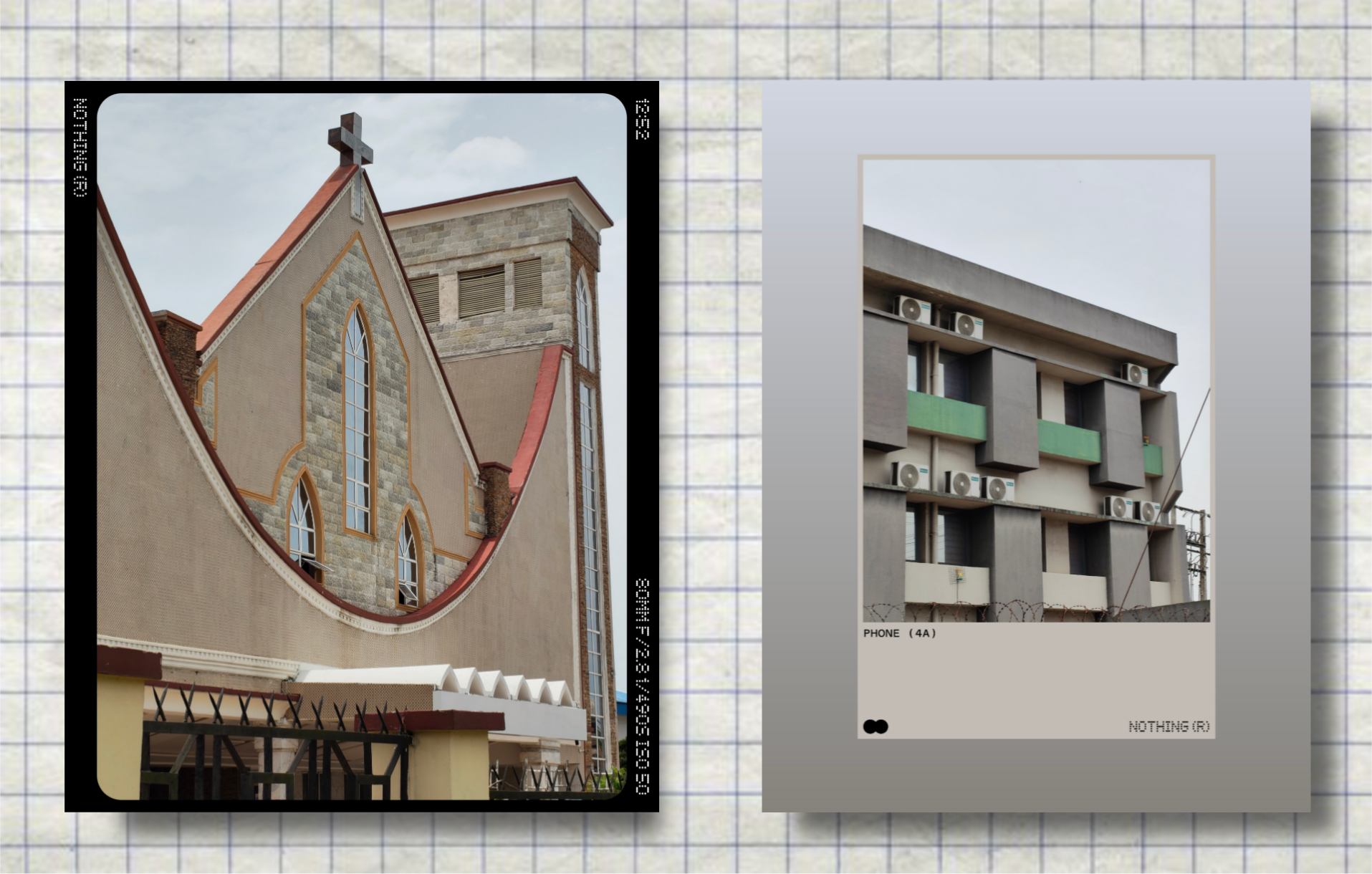
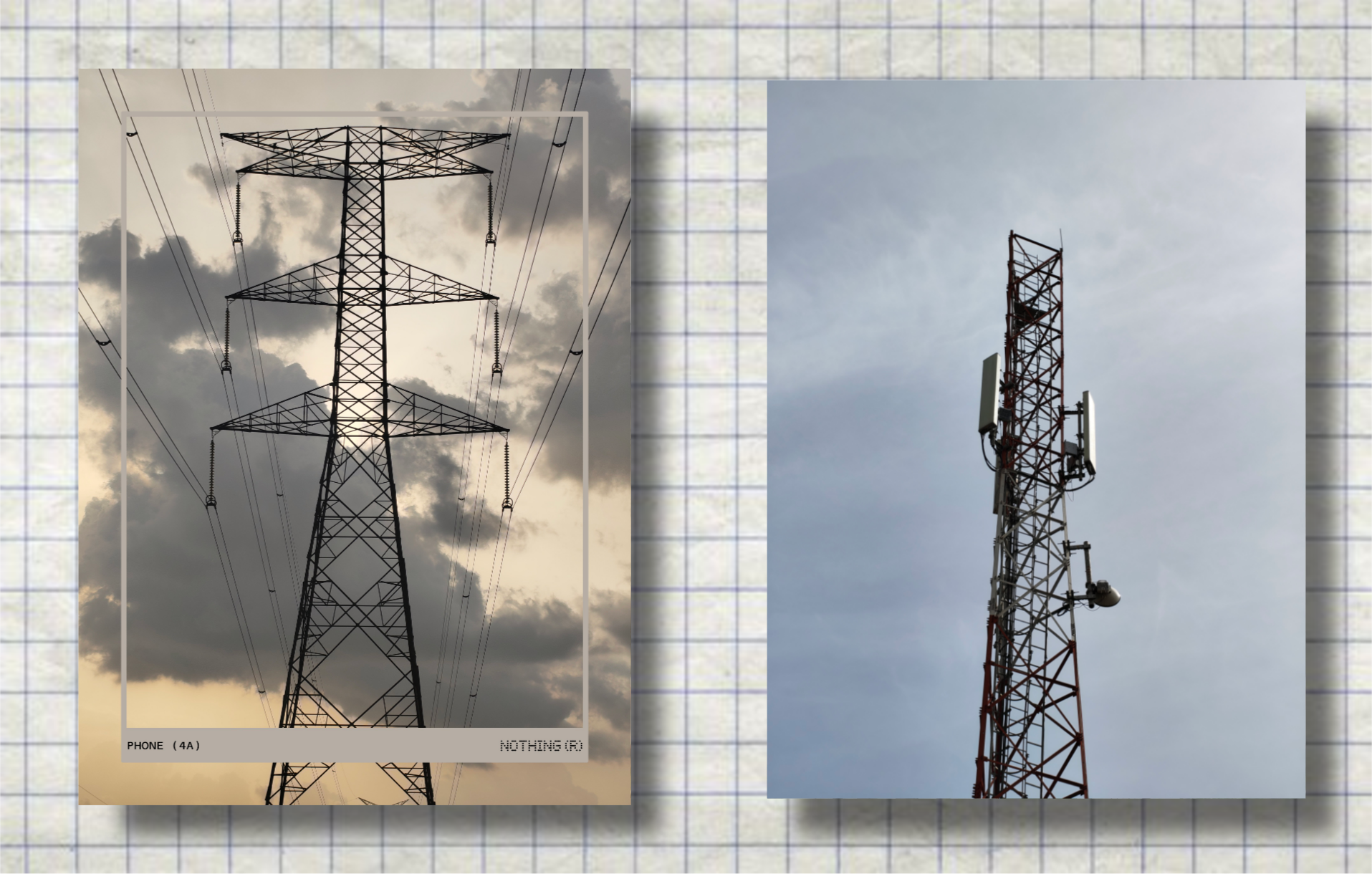
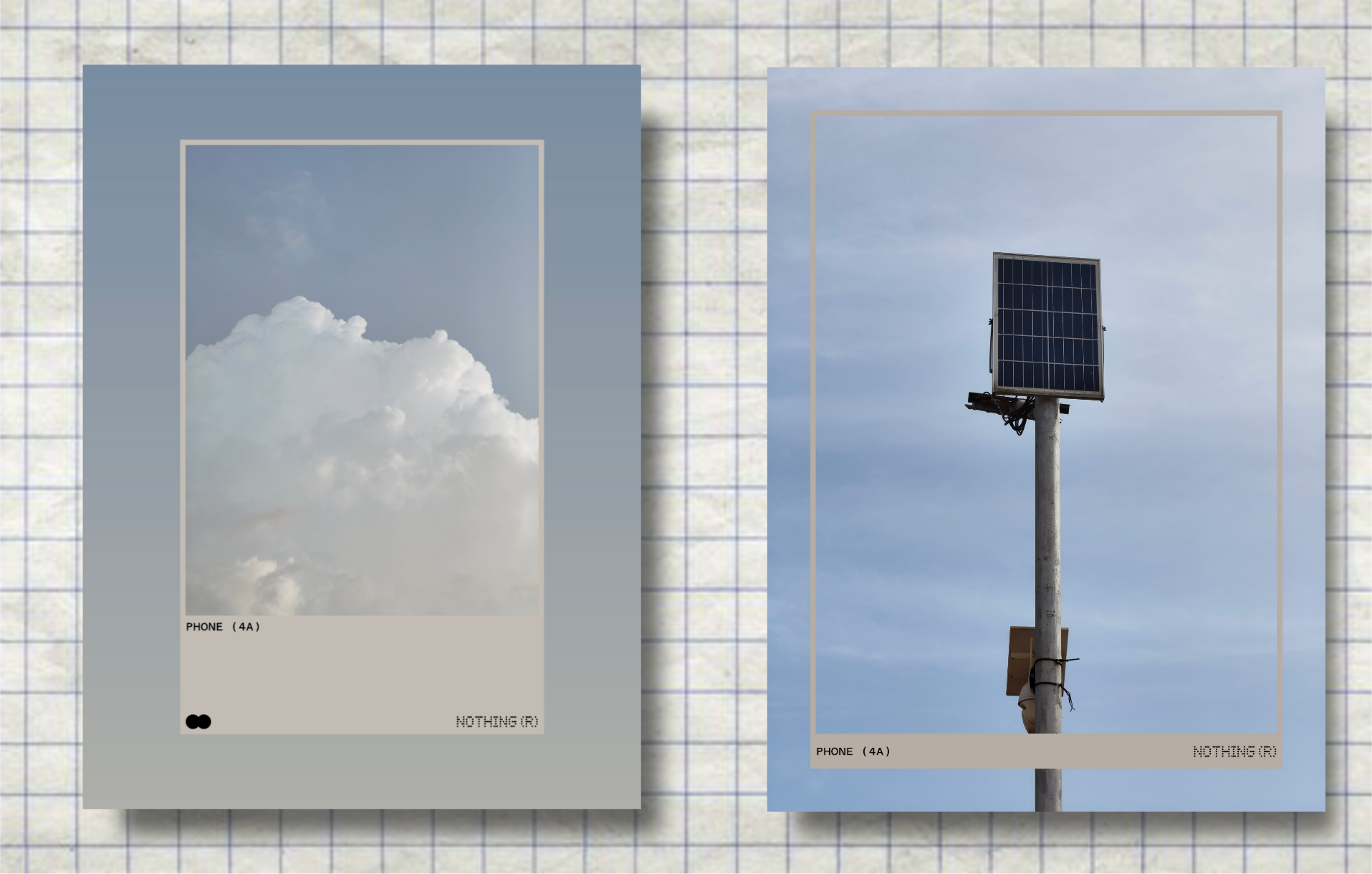
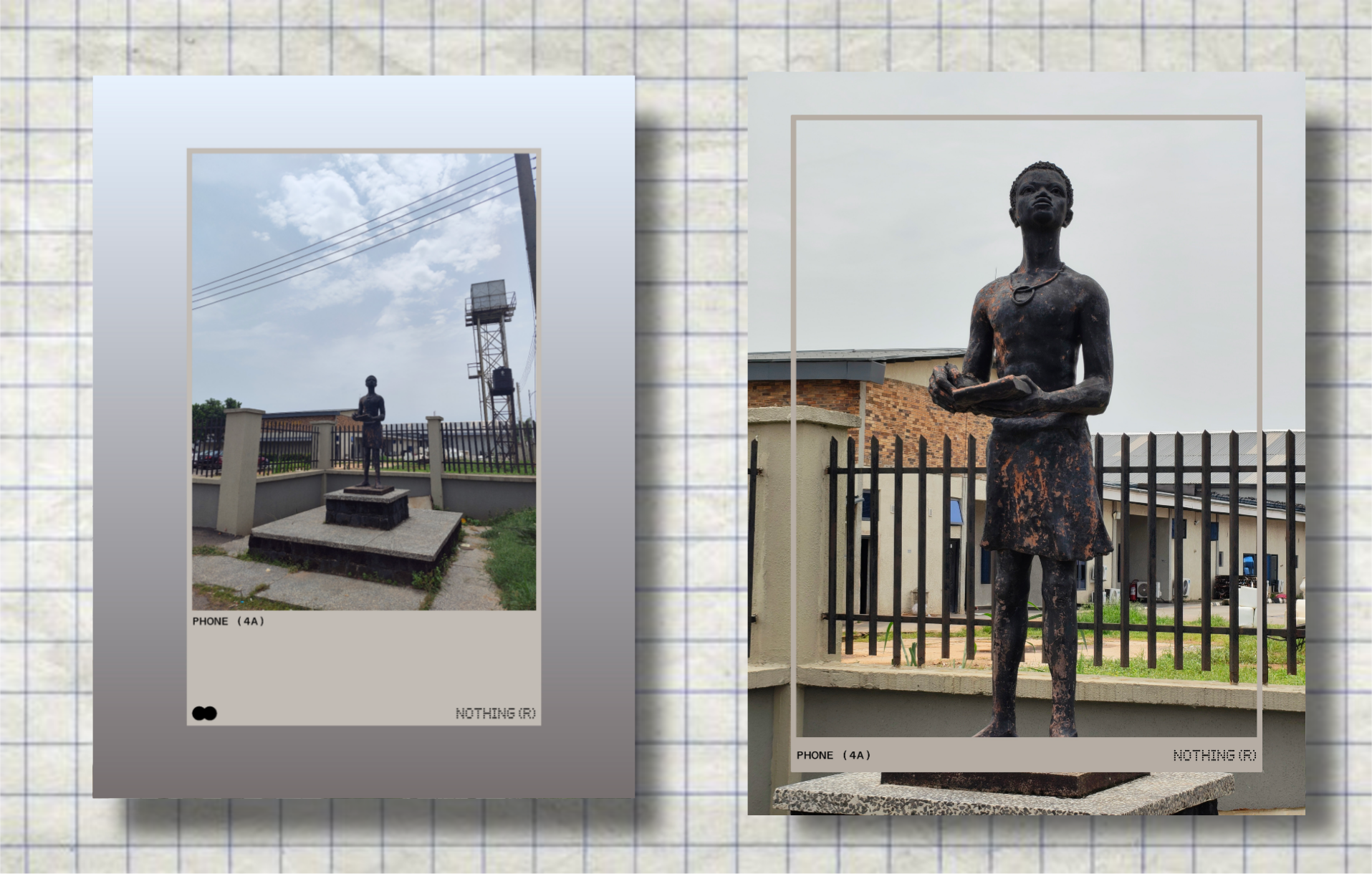
The main lens does its best at giving you desirable outcomes in the best conditions. For my daylight ventures, the results are nothing to complain about.

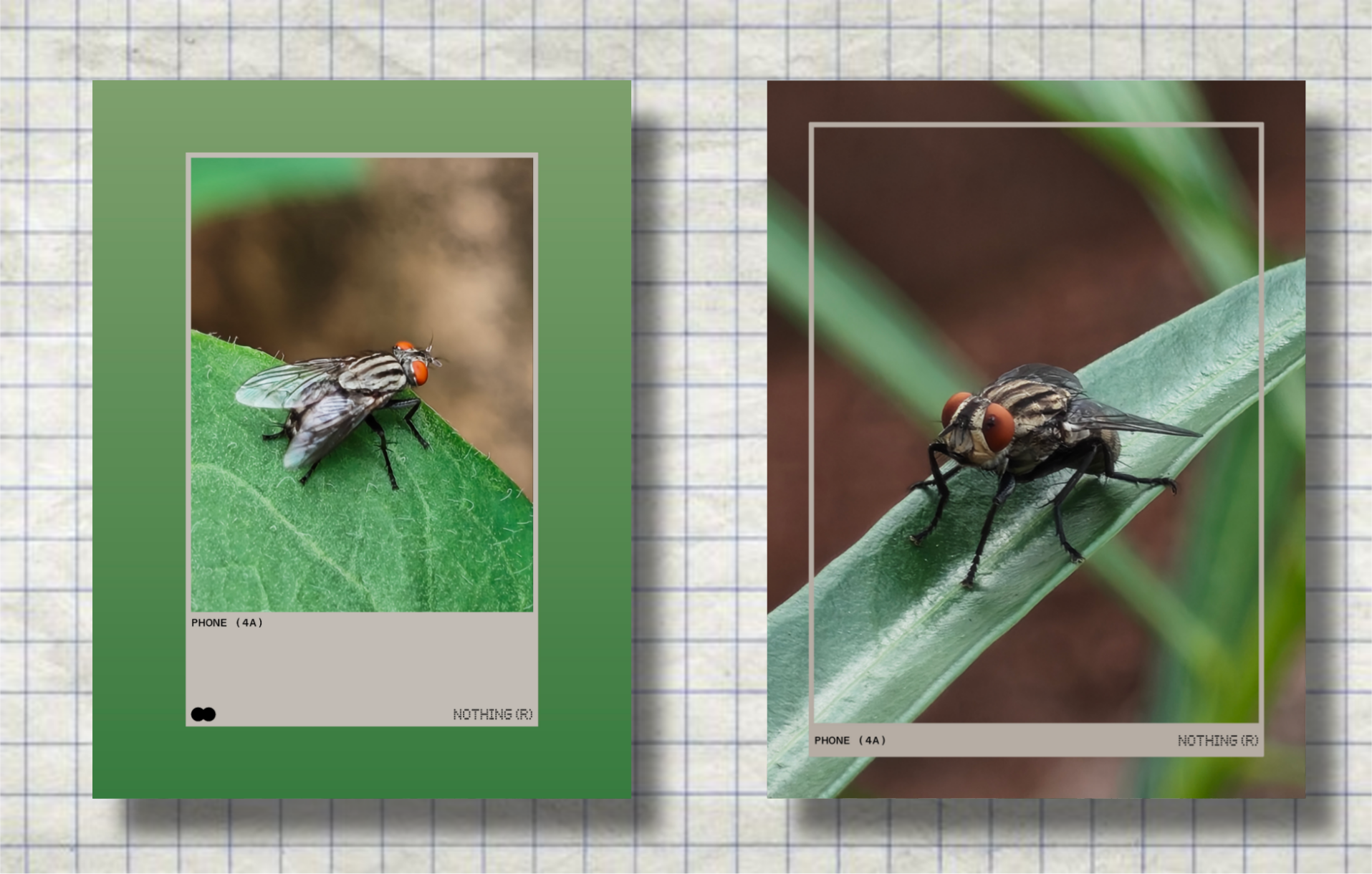
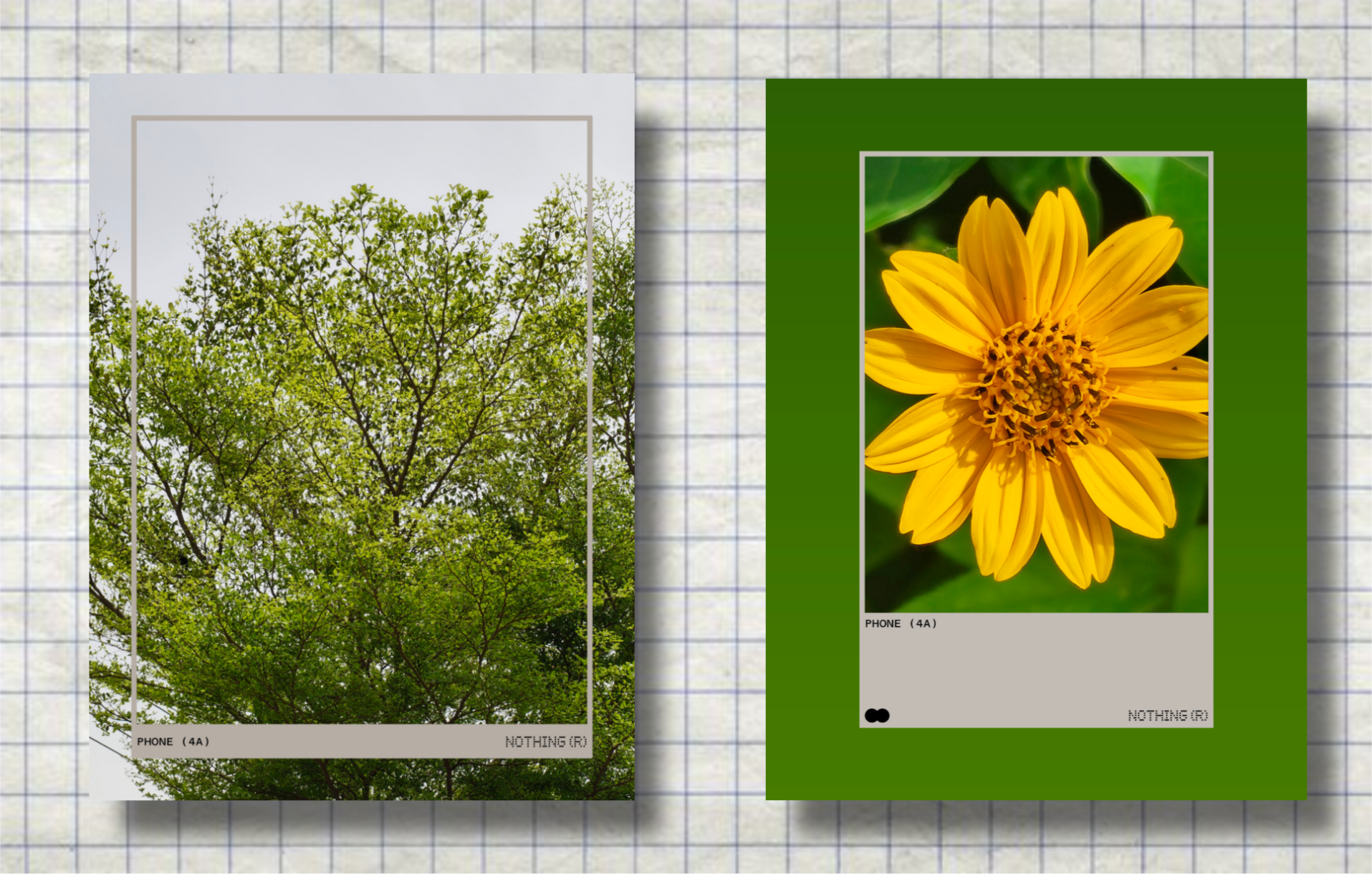
With the 3.5x optical zoom lens and for portrait, it really brings out the true details in regular shots and closeups, including perfecting the edge detection for subjects.
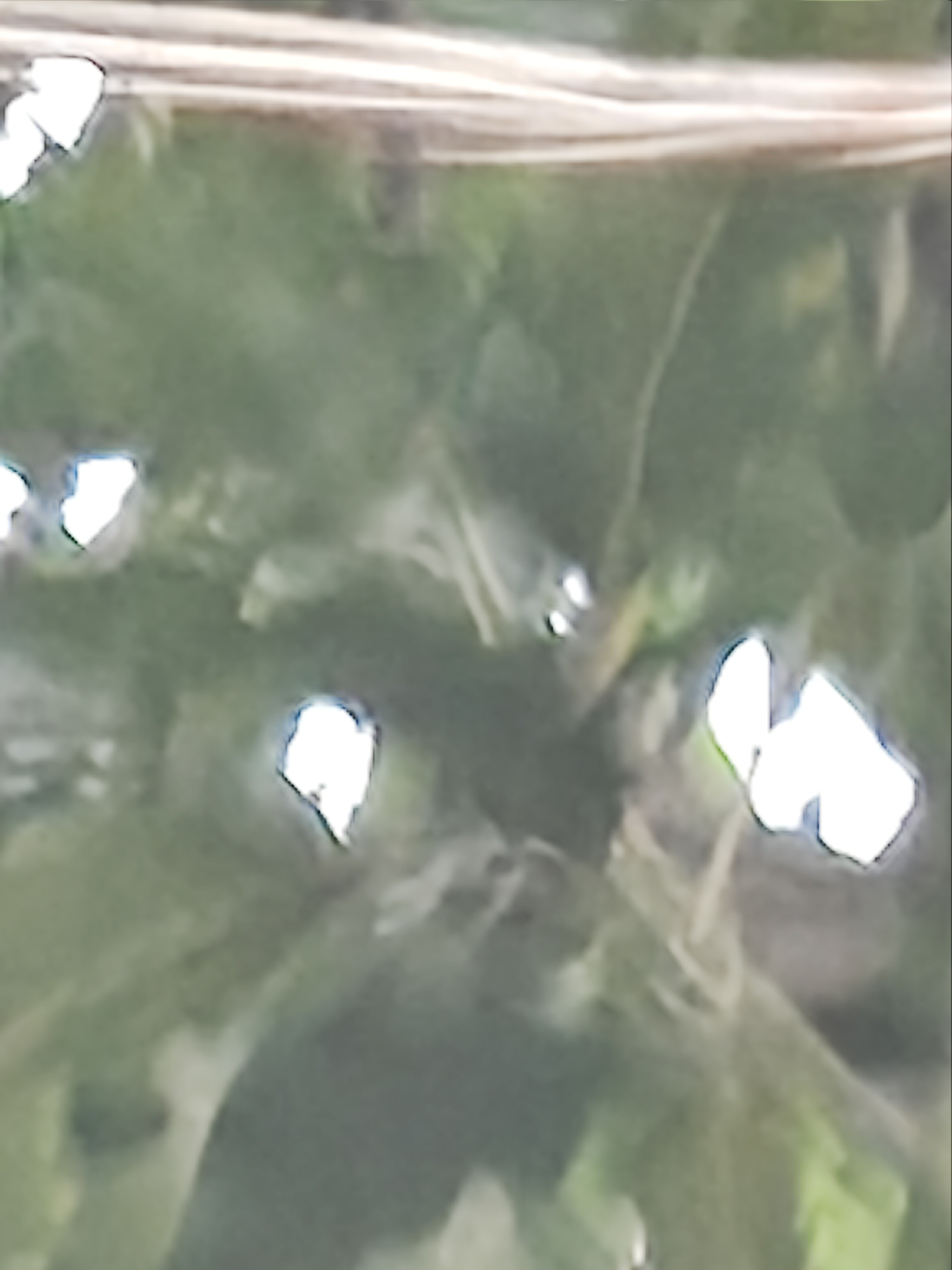
And with its up to 70x of max zoom, you can find something to flex about, though not necessarily useful as you end up with pixels that could best be as good as deleted.
I’d like to point out a slight inconvenience with the lag between viewing shots immediately you capture them because it has to excuse some seconds in processing the photo.
It’s probably not a major issue right now, but you know, there are those fleeting moments when you just want to tamper with what you’ve captured almost immediately.
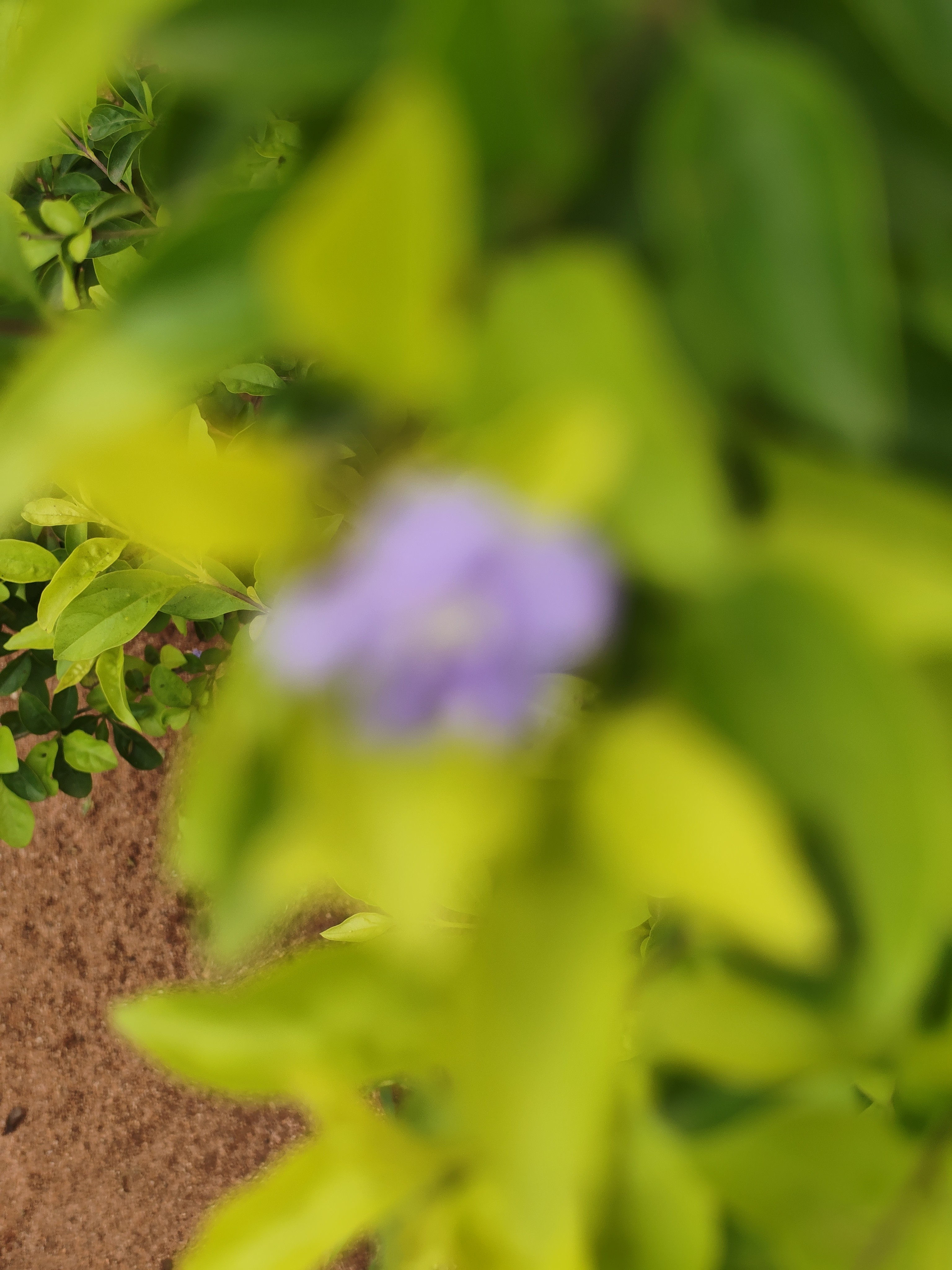
I also have issues with auto focusing when trying to pan onto smaller subjects.
It’s honestly hectic, so Nothing, please resolve this.
Overall, if you’re getting this phone for camera and you already know your expectations with a midrange, I think you’d be blown away, in my opinion.
That about wraps it up on my experience with Nothing’s latest A device.
The 4a is really a phone I don’t mind abandoning my flagship for for a while. The software, design aesthetics, and overall feel is just something really tempting even for a phone in this segment.
Are you tempted?
Let me know what you think.
