Hello community, I’m Pinak a B.Tech CSE student at KIIT University, Bhubaneswar, and a passionate photographer on the side. As it happens, I’ve been home in Kolkata for my semester break this whole time, so I spent the last 30 days using the Nothing Phone (4a) Pro as my primary device right in my home city photo walks through familiar streets, late-night editing sessions, and everything in between.
Here is my Instagram & X / Twitter
Here’s my honest take: what works, what doesn’t, and whether it’s worth your money at its current price.
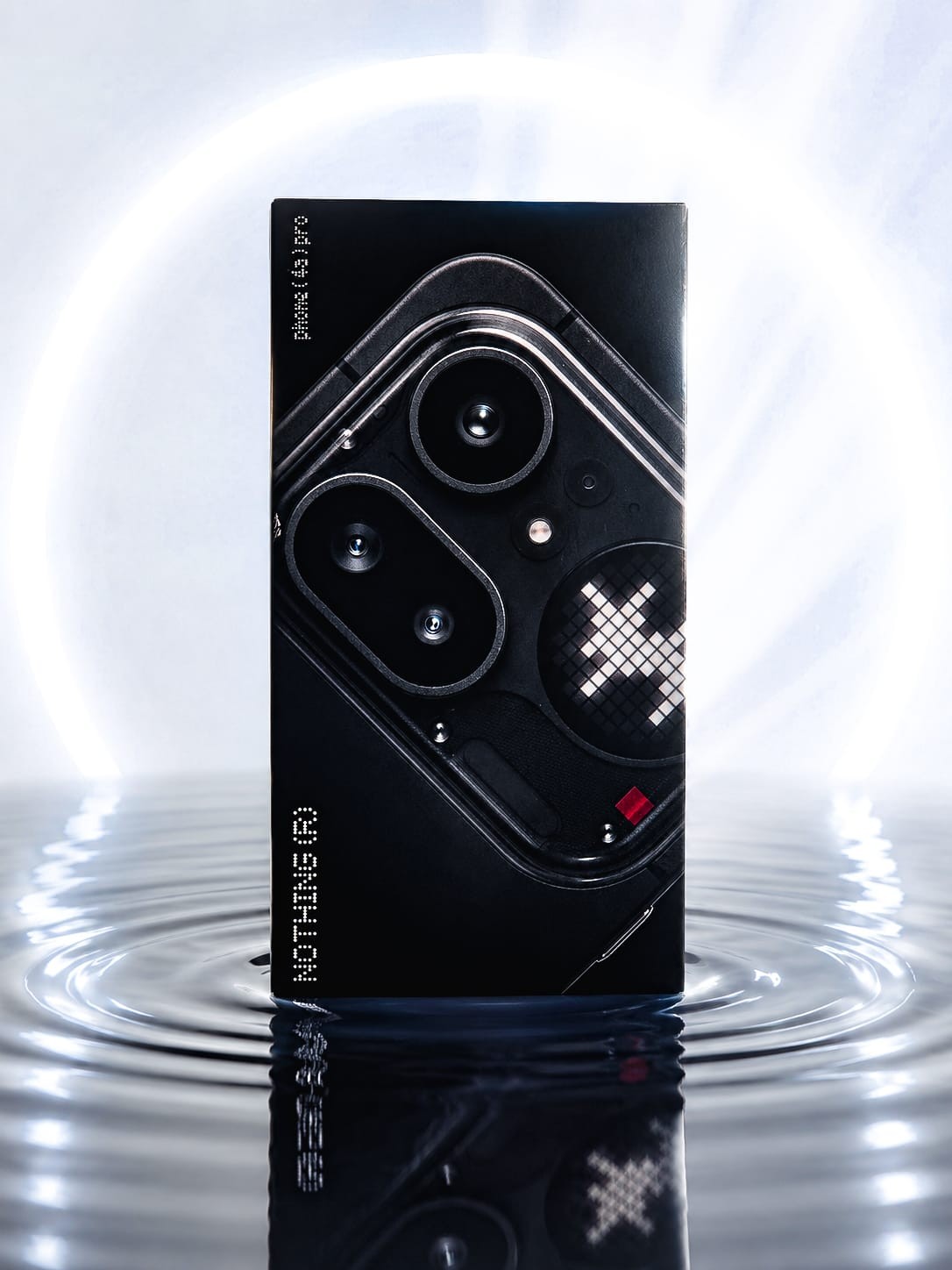
Thank you so much @Deepanshu_Saini_ @Akis @Carl for trusting me with this device and for giving me the platform to be honest about it …
Unboxing & First Impressions
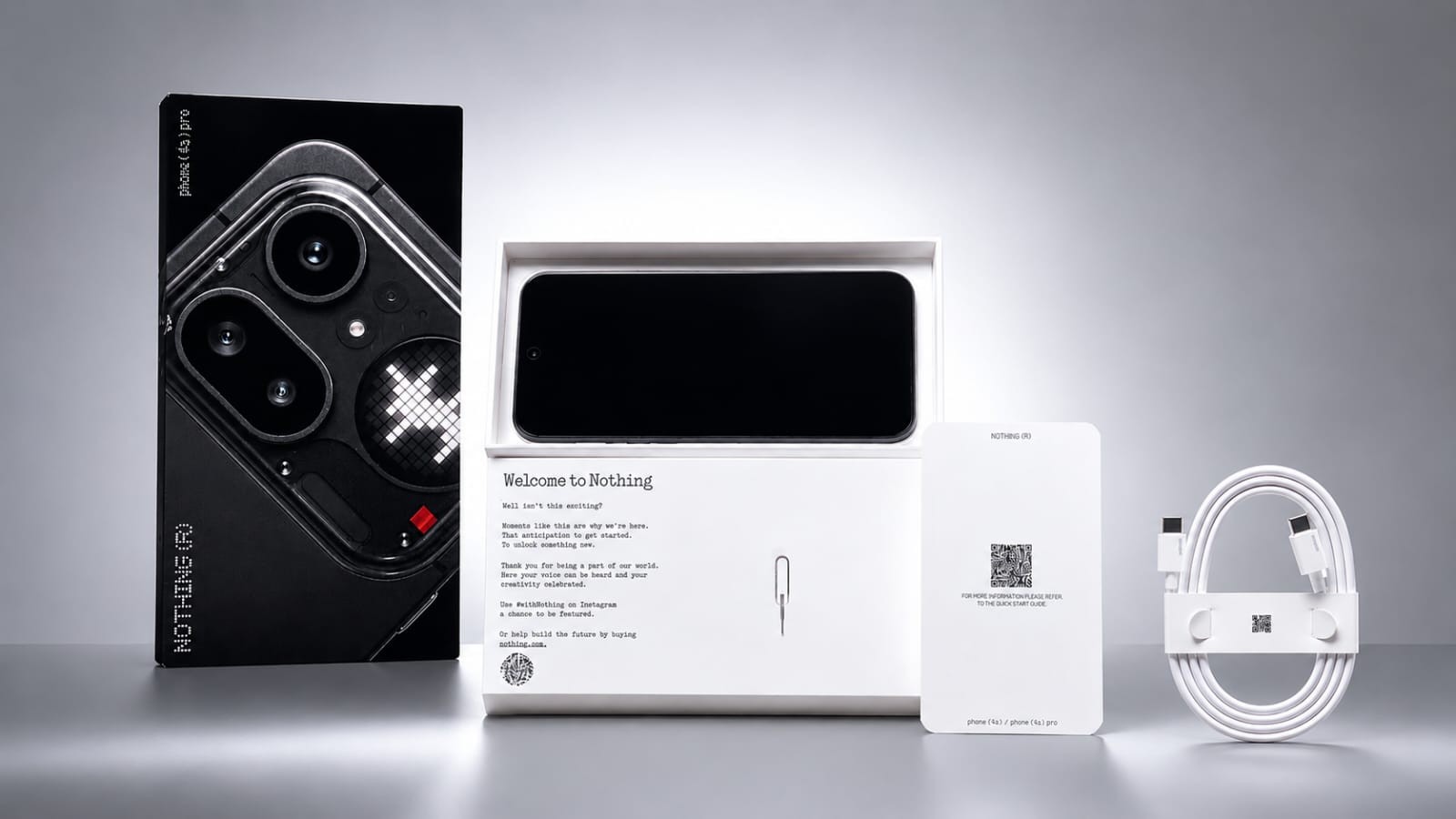
The unboxing is still classic Nothing — minimal packaging, a SIM ejector tool that doubles as a little design flex, a Type-C cable, and the quick start guide. Nothing in the box screams “budget phone,” and that feeling continues the moment you pick the device up.
Design & Build
This is the biggest departure Nothing has made from its own identity, and I have mixed feelings about it. The 4a Pro swaps the brand’s signature transparent back for a matte aluminum unibody. In the hand, it genuinely feels premium - there’s no flex, no creak, and at 210g with an 8mm profile it sits comfortably even during long photo walks. The IP65 rating gave me real peace of mind shooting around Kolkata - near the ghats by the Ganga and during a couple of unplanned monsoon drizzles.
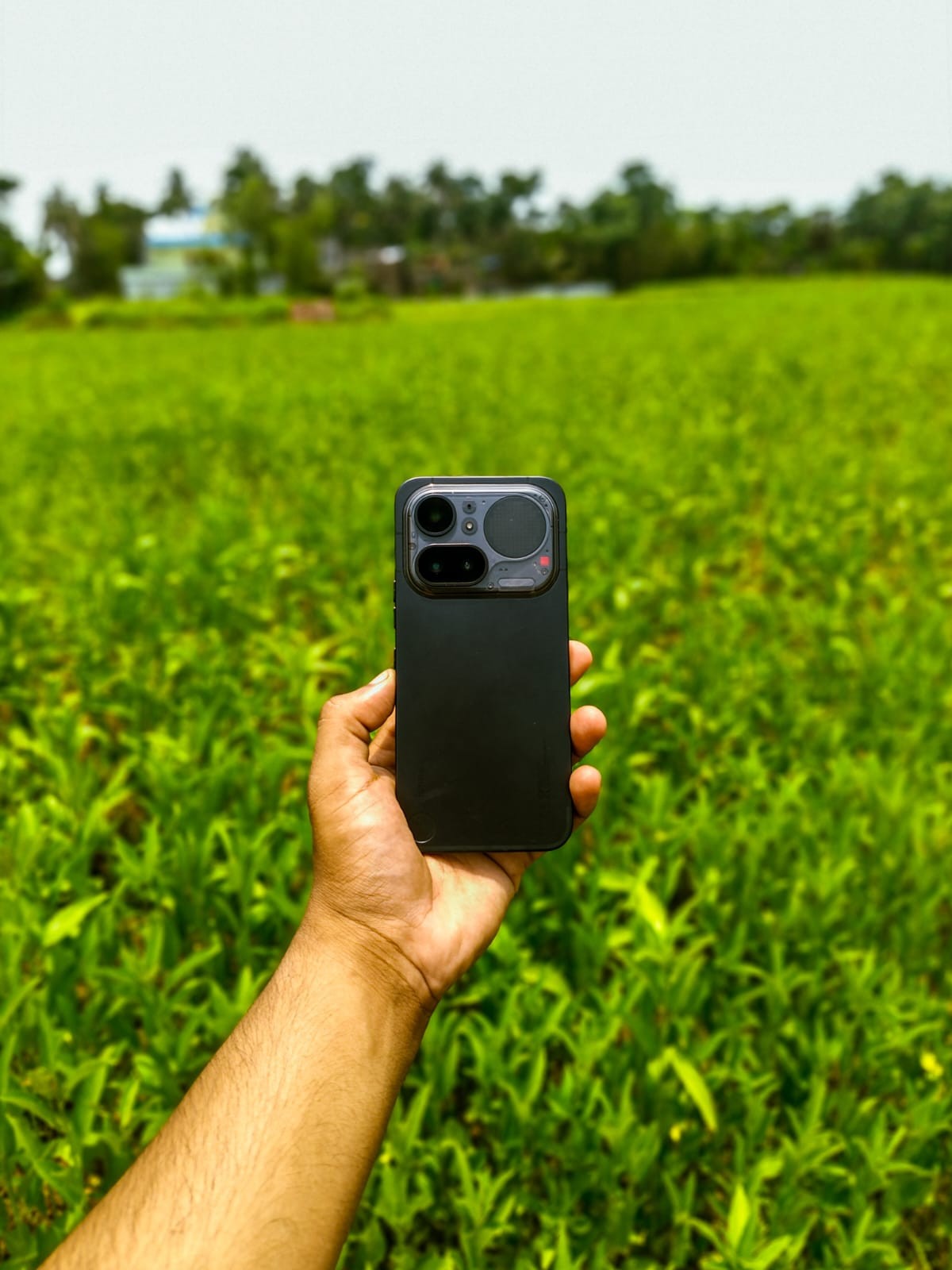
But - and this is where I have to be honest - if you bought into Nothing because of that “different from everyone else” transparent design language, the 4a Pro doesn’t give you that anymore. It looks excellent. It just doesn’t look like only Nothing could have made it the way the 3a series did. The Glyph Matrix on the back is the one element that still makes people stop and ask “what phone is that?” - more on that below.
Verdict : Genuinely one of the best-built phones at this price. Just don’t expect the same head-turning factor as older Nothing phones if you’re coming from one.
Glyph Matrix
The 137-LED Glyph Matrix disc is, for me, the most “Nothing” thing about this phone now that the transparent back is gone ; and it’s matured into something properly useful rather than just a party trick. I used the camera countdown timer constantly for self-portraits during photo walks, the battery glyph saved me from unlocking the phone just to check charge level, and the custom contact icons are a small but genuinely delightful touch.
Verdict: Functional, not just decorative. One of the clear wins of this phone.
Essential Key & Essential Space - The AI Feature I Didn’t Expect to Actually Use
This is the one area where I went in skeptical and came out genuinely converted, so I want to give it the space it deserves.
The Essential Key sits on the left edge of the phone this generation (a smarter placement than before — I never once confused it with the power button, which I’ve heard was an issue on older Nothing phones). What it does is simple on the surface but genuinely well thought out underneath ;
- Single press grabs a screenshot of whatever’s on screen and lets you scribble a quick note on it before it’s filed away.
- Long press if your keyboard is up, this triggers Essential Voice, Nothing’s natural-language dictation tool. If the keyboard isn’t up, it instead takes a screenshot and lets you annotate it.
- Double press opens the Essential Space app directly, where everything you’ve captured lives, searchable through a little hourglass icon.
As a CSE student, this turned out to be far more useful in daily life than I expected. I used Essential Voice constantly to dictate quick notes between revision sessions, and the difference from regular voice typing is real - it strips out the "um"s and "uh"s, auto-formats what you say into clean paragraphs or lists, and works system-wide across basically any app with a keyboard, not just Nothing’s own apps. It’s powered by Gemini 3 Flash on the backend, supports over 100 languages with automatic detection, and Nothing’s claim is that your audio isn’t stored on their servers after the text is generated — only sent back to your device, which matters if you’re recording anything personal.
Essential Space itself has quietly become my dumping ground for everything I don’t want to lose track of screenshots of articles I want to revisit, travel booking details I screenshot once and never have to dig up again, and lecture notes I’ve dictated on the go. It auto-summarizes whatever you feed it and even pulls out event details automatically if you screenshot something with a date or time in it. For a phone at this price, having something this genuinely useful baked in — rather than a half-baked AI gimmick bolted on for the spec sheet - was a pleasant surprise.
My one honest note here, in the spirit of not sugar-coating anything in this review: Essential Voice’s transcription speed wasn’t always consistent for me , sometimes it kept pace with my speech instantly, other times there was a noticeable lag before text appeared. Minor in the grand scheme, but worth flagging since I’m being thorough.
Verdict: Genuinely one of the best reasons to pick this phone over a generic Android device at the same price. This isn’t a marketing checkbox — it’s a feature I built a habit around in just a month.
Display
The 6.83-inch AMOLED panel is sharp, the 144Hz refresh rate makes everything feel buttery smooth while scrolling or gaming, and color reproduction is vivid without looking artificial indoors.
Here’s my honest gripe, and it’s a real one: Nothing advertises this display at up to 5,000 nits peak and 1,600 nits in high-brightness mode. In actual outdoor shooting conditions - which, as a photographer, is where I live , I found visibility noticeably weaker than I expected going in, especially compared to how confident the spec sheet made me feel before I started using it. It’s usable, but it’s not the sunlight-crushing panel the marketing implies. HDR content on YouTube and in the Gallery app also looks dimmer than it should , a software tone-mapping issue rather than a hardware limitation, but a real one all the same.
Verdict: A great panel for everyday use, let down by a brightness claim that doesn’t fully hold up outdoors and HDR tuning that needs another pass.
Camera — The Section That Matters Most to Me
This is where I have to be the most honest, because photography is genuinely my thing, and this camera system gave me both some of my favorite shots of the year and some of my most frustrating moments with any phone I’ve used.
What’s genuinely good ;
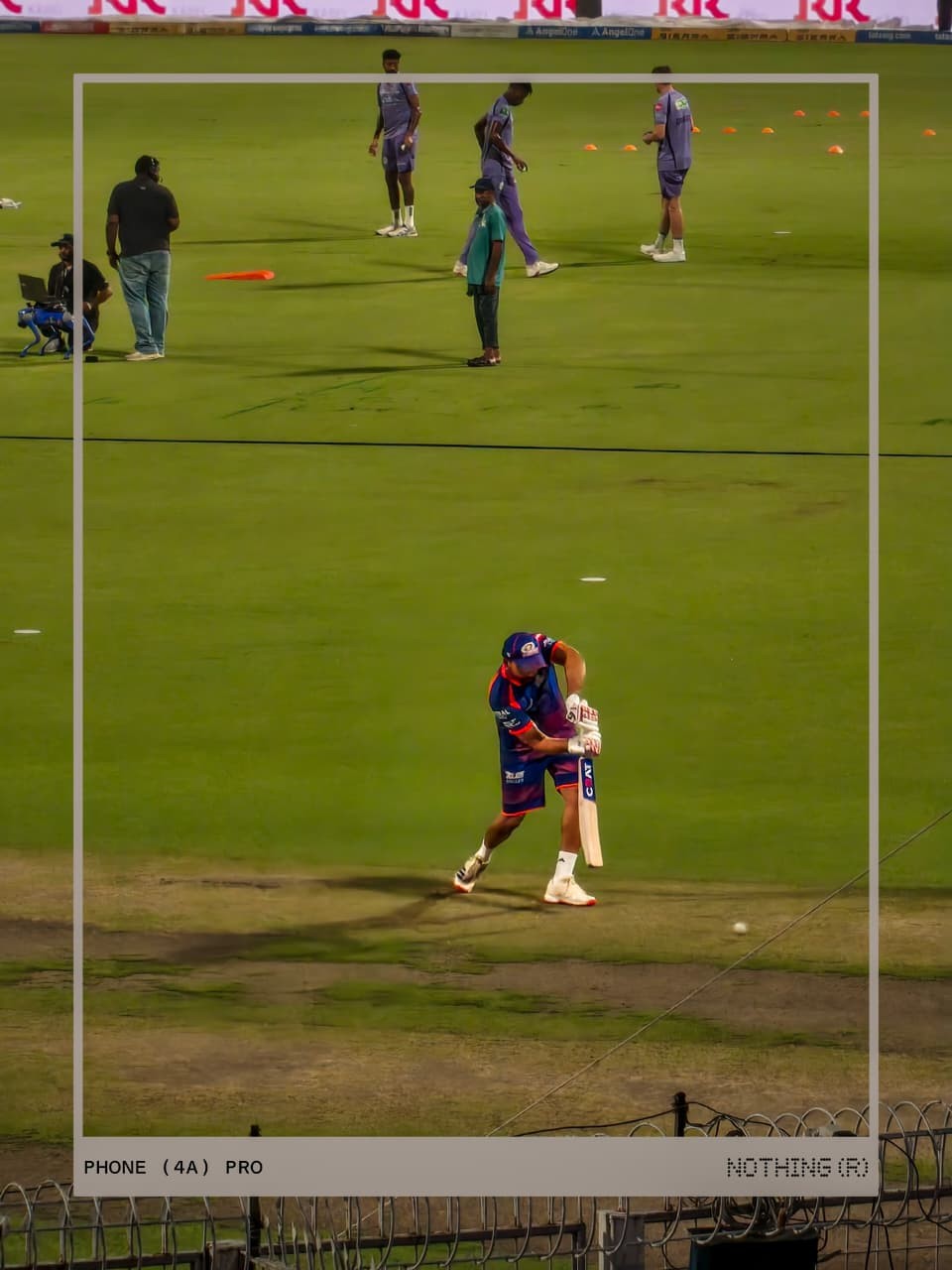
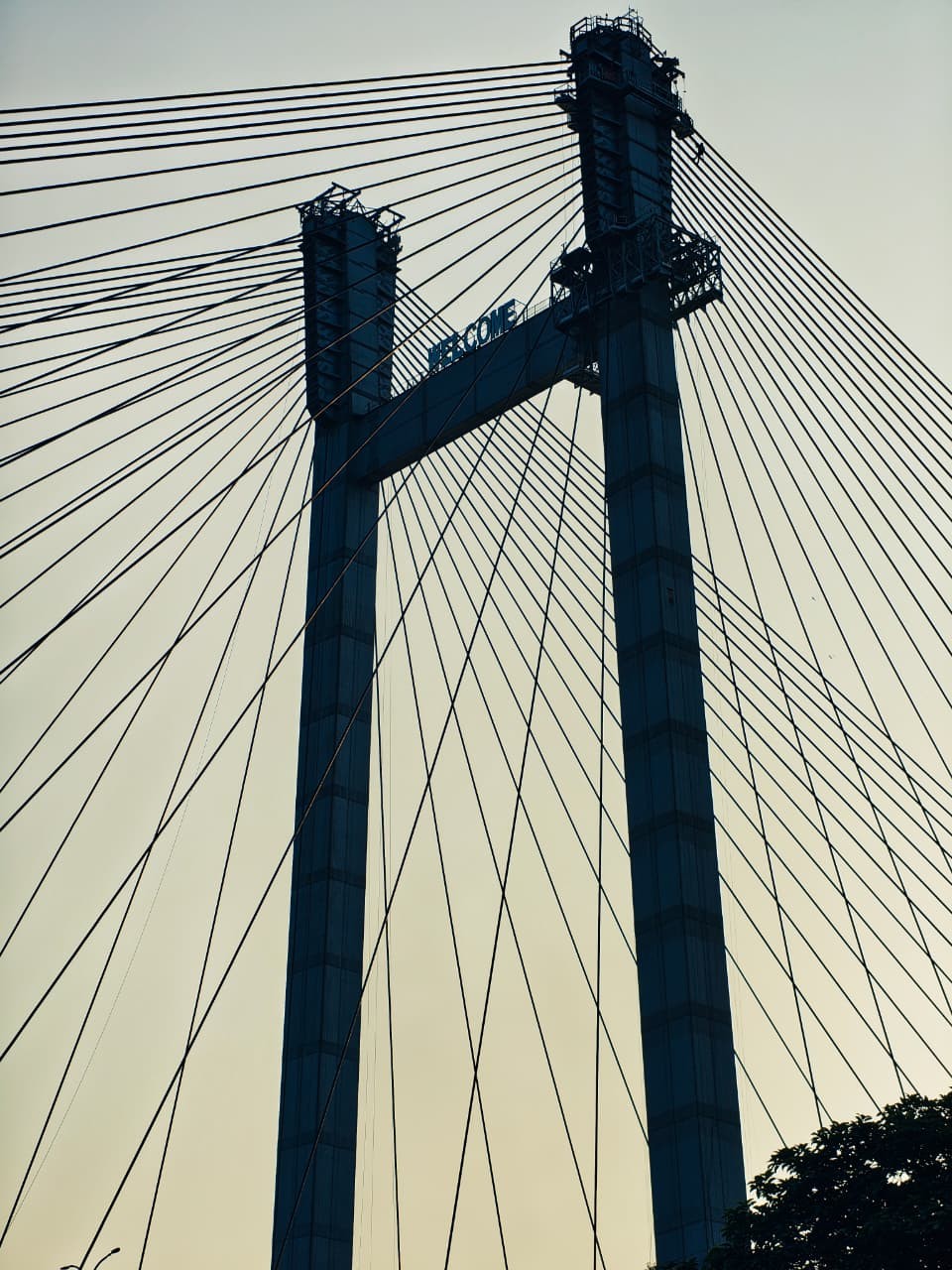
The 50MP main sensor with OIS produces sharp, detailed images in good light, and I’ll say it plainly — the HDR handling and overall image quality on this sensor impressed me. Skin tones in portraits came out natural, and dynamic range in tricky lighting (think golden hour during my photo walks around Kolkata) held up better than I expected for this price segment.




The 50MP periscope telephoto with 3.5x optical zoom is a genuinely rare feature at this price point, and when it nails a shot, it nails it.







What needs real, honest attention
I’d be doing you a disservice as a reviewer if I didn’t flag these clearly, because I personally ran into every one of them over a month of daily shooting :
Gallery “Cannot show the photo” error. This happened to me repeatedly - a shot lands in the gallery as a thumbnail, and when you tap to open it, it just won’t load. For street photography, where you often want to check a frame immediately to know if you got the moment, this is genuinely disruptive. I lost confidence in being able to instantly review captures.
Shutter lag during extended sessions. After using the camera for a while - especially shooting 4K 60fps video - I noticed the shutter/record response getting noticeably delayed, to the point where the record button itself sometimes wouldn’t engage at all. This isn’t a one-time glitch; it happened consistently enough that I started planning around it.
Burst mode is unreliable, Sometimes it fires off a clean burst sequence, sometimes it tells you burst shooting isn’t currently available, and in certain filters and presets, it isn’t offered at all. For anyone shooting action, kids, or street candids, this inconsistency costs you shots you can’t get back.
The moon-focus blackout. This one is oddly specific but completely reproducible on my unit — try to focus on the moon and the preview goes fully black with nothing captured. Shift focus away and the preview returns to normal instantly.
Background apps get killed during camera use. I listen to music while shooting, almost every time. Spotify gets force-closed mid-session often enough that I’ve stopped relying on it during photo walks. The camera app itself also visibly jitters when this happens, which tells me it’s a RAM-management decision, not a coincidence.
Heating during extended sessions. Long shooting sessions especially in Kolkata’s summer heat visibly warm the phone up enough that I noticed real performance dips in the camera app itself, not just discomfort holding it.
Need to improve Low Light Performance , as it loose lots of details and come up with colour noise in the picture and videos as well , it near impossible to get low light portraits sometimes
Verdict: The hardware here genuinely competes above its price. The software around it does not yet trust itself to deliver consistently, and as someone who shoots for the moment, that inconsistency is the single biggest thing holding this camera system back from being excellent rather than just good.
Performance & Software :
Day-to-day browsing, note-taking while prepping for next semester, casual gaming the Snapdragon 7 Gen 4 handles everything smoothly. Where I noticed real strain was in two places: sustained gaming sessions where frame rates dipped more than I expected from the spec sheet, and the same RAM-management aggressiveness mentioned above bleeding into general multitasking, not just camera use.
Nothing OS 4.1 still looks and feels distinct from every other Android skin out there, which I appreciate. But a few rough edges are worth flagging honestly: I occasionally noticed home-screen icons briefly disappearing when returning from an app, and Quick Settings panel elements getting visually cut off while swiping down. None of these are dealbreakers on their own, but they add up over a month of daily use.
Battery & Charging :
This is genuinely one of the more inconsistent parts of my experience, and I want to be fair about that rather than overstate it either way. Some days I got excellent screen-on-time with healthy charge left by night. Other days, especially right after a software update, drain felt noticeably worse before settling back down over the following day or two. 50W charging itself is fast and reliable — no complaints there, and the phone doesn’t get uncomfortably warm while charging.
Network & Connectivity :
I’ll be straightforward: I’d like to see network reception get a dedicated tuning pass. It’s serviceable for calls and data day-to-day, but I noticed it isn’t always as confident in weaker-signal areas as I’d want it to be something I’ve also heard echoed by other Nothing users across different models, not just this one.
Price & Value — Where This Really Matters
The Nothing Phone (4a) Pro launched in India at ₹39,999 for the base 8GB/128GB variant. Since launch, pricing has moved up - partly tracking the broader RAM/component cost increases hitting the whole industry - and current street pricing sits meaningfully higher than that launch number depending on retailer and variant. That matters for an honest review: at ₹39,999, this phone is an easy recommendation for the design, display, and camera hardware on offer. At the higher prices it’s drifted to since, you’re paying closer to flagship-adjacent money for a phone whose software still has real, reproducible bugs to iron out. That gap between launch price and current price is something I think buyers deserve to know before they decide.
Final Verdict :
What I loved 👍️
- Premium, durable build quality that doesn’t feel like a compromise
- The Glyph Matrix is genuinely useful now, not just a light show
- Essential Key + Essential Space/Voice — genuinely useful AI, not a gimmick
- Main camera sharpness, HDR handling, and image quality in good light
- A rare periscope telephoto at this price point
- Fast, reliable 50 W charging
- Nothing OS still has real personality compared to every other Android skin
What real & Honest Fixing
- Gallery photos that sometimes refuse to open right after capture
- Shutter lag and an unresponsive record button during extended 4K 60fps sessions
- Burst mode that works only some of the time
- Background apps (music, especially) getting killed during camera use
- A specific, reproducible moon-focus blackout bug
- Real-world brightness and HDR tone-mapping that don it match the marketing
- Network reception that could use a confidence boost
Thanks for reading — and if you’ve faced any of these same issues, I’d genuinely like to hear about it in the comments.
Here is my Instagram & X / Twitter
