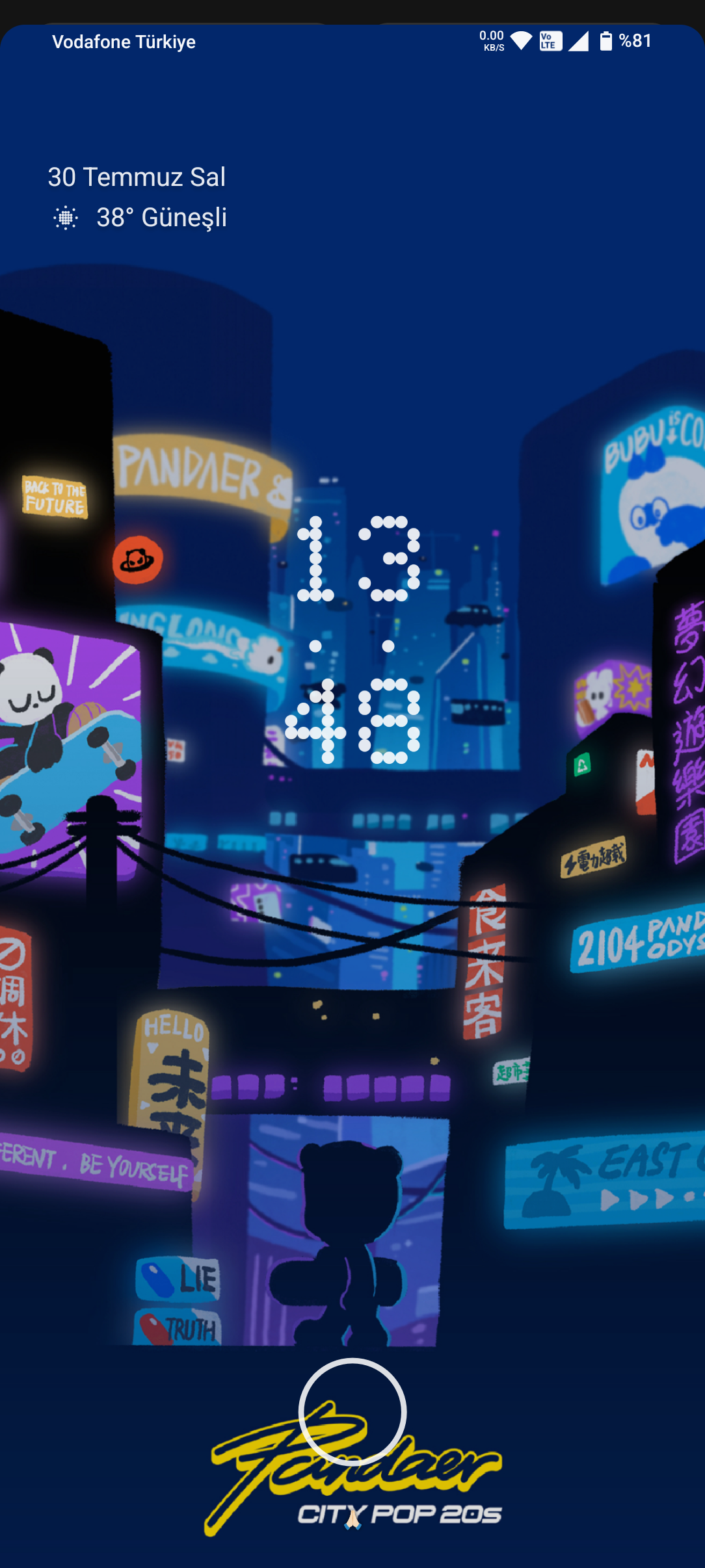
avicarpio I would like to top-center the default clock and date but I don’t find the option. Isn’t that possible neither?
wxoliver_runner Hi there! do you know if there is anyway to center the time and the date in the lockscreen? I have this wallpaper and really annoys that it isn’t centered
Derren wxoliver_runner Hey 👋 Your only option currently is to enable double line clock. When there are no lockscreen widgets or notifications, it will appear as below.
Perryer Please can I just get rid of the dotted clock, I like stock android look so why would you force this? It makes no sense this is not an iOs or nOs this is android.
MostafaTarek We need more customisation for the lock screen clock, such as Samsung’s one ui 5.1 & 6 and also IOS 16
ArpitSharma_JCQsSWSQ5Z Can we get a black theme on the time and date as well ? Beacuse my wallpaper is white
FatihAksoy Hı, if you use Lock screen widgets Not use Check for wigdet settings > Lock Screen > (square) Lockscreen Wigdets you can delete and add some widgets.
gauravsp278 Is there a way to change the lock screen clock color to black? The white one does not go with my wallpaper.
CaiStrickland Yeah this is a bit silly, are there any plans to fix this? I want to look at an analogue clock with always-on display not a digital, but it’s impossible to have only the analogue :/
Armaan_yUxInZGYOu If the navigation back gesture is so much optimised to a point where it can automatically detect the background and change colour accordingly, then I’m pretty sure the lock screen clock can change the colour from white to black too for white background