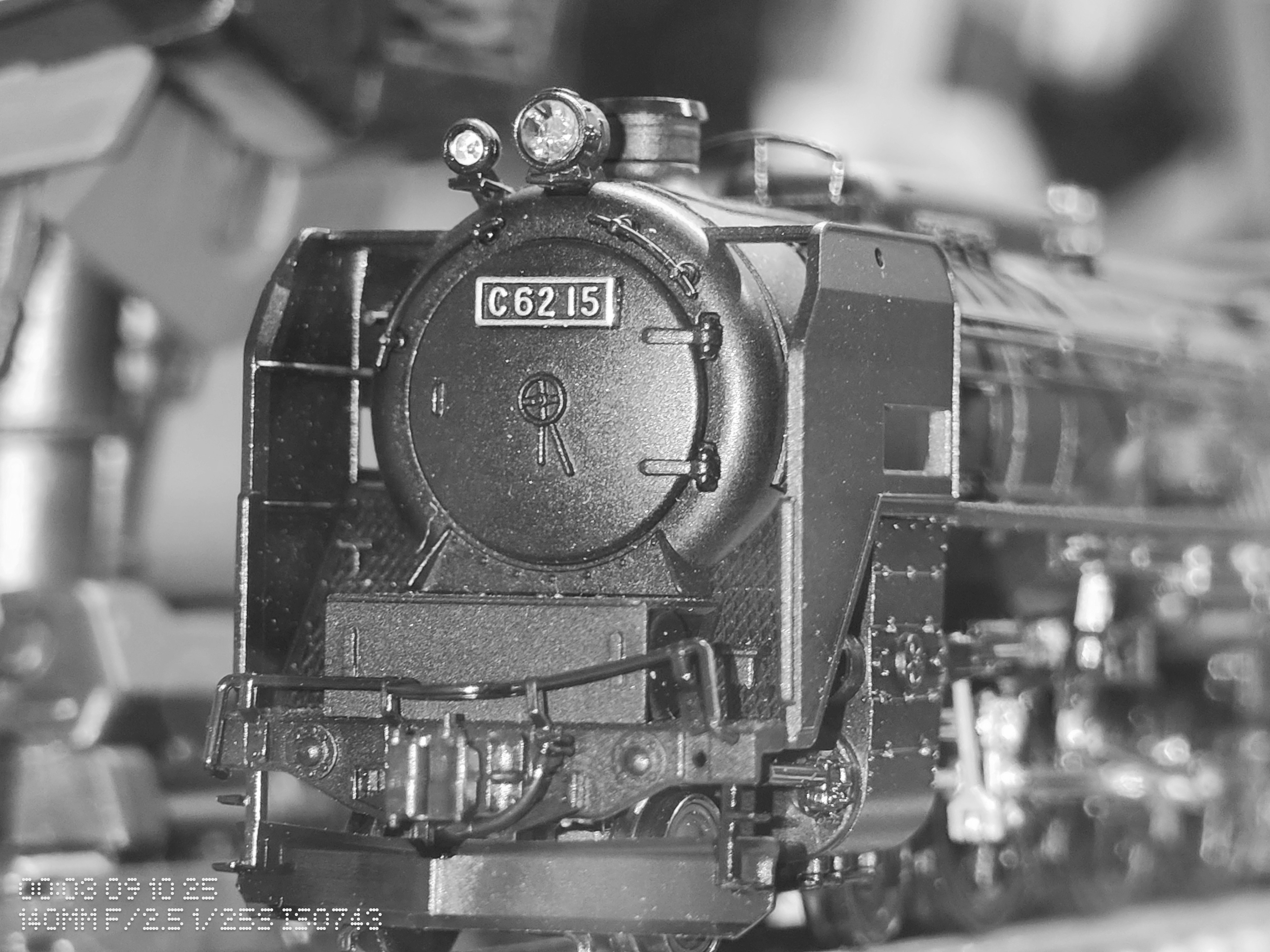
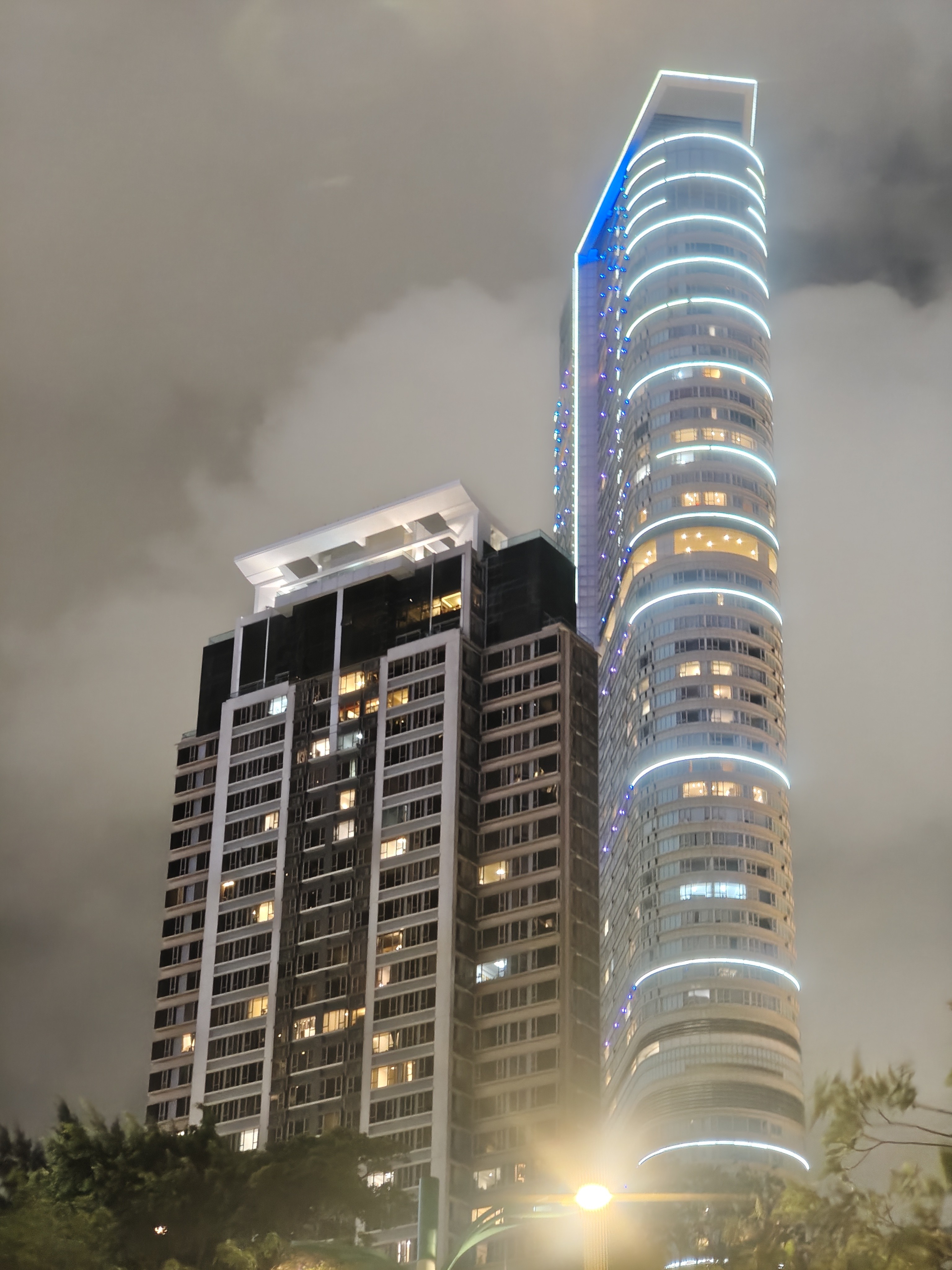
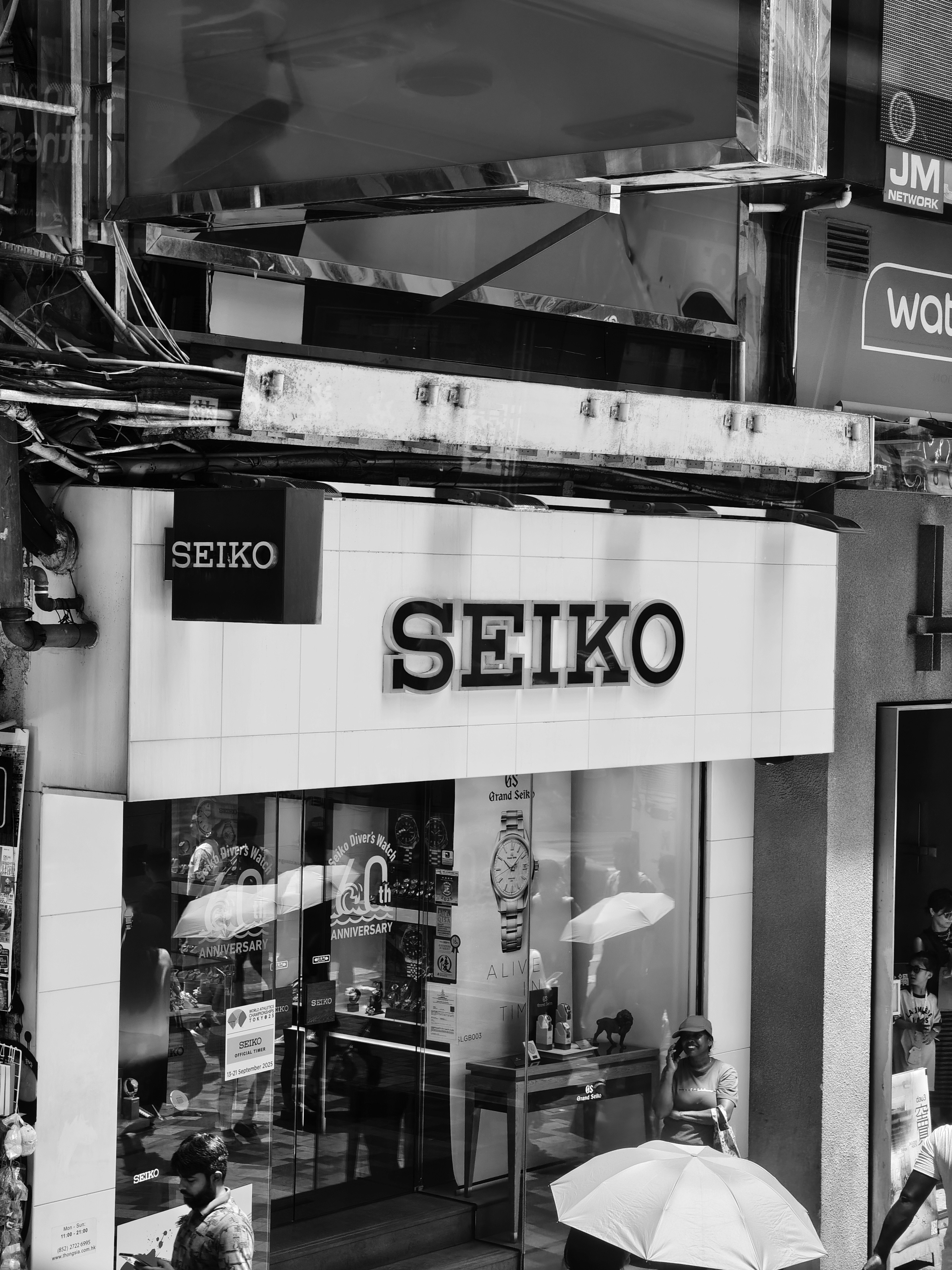
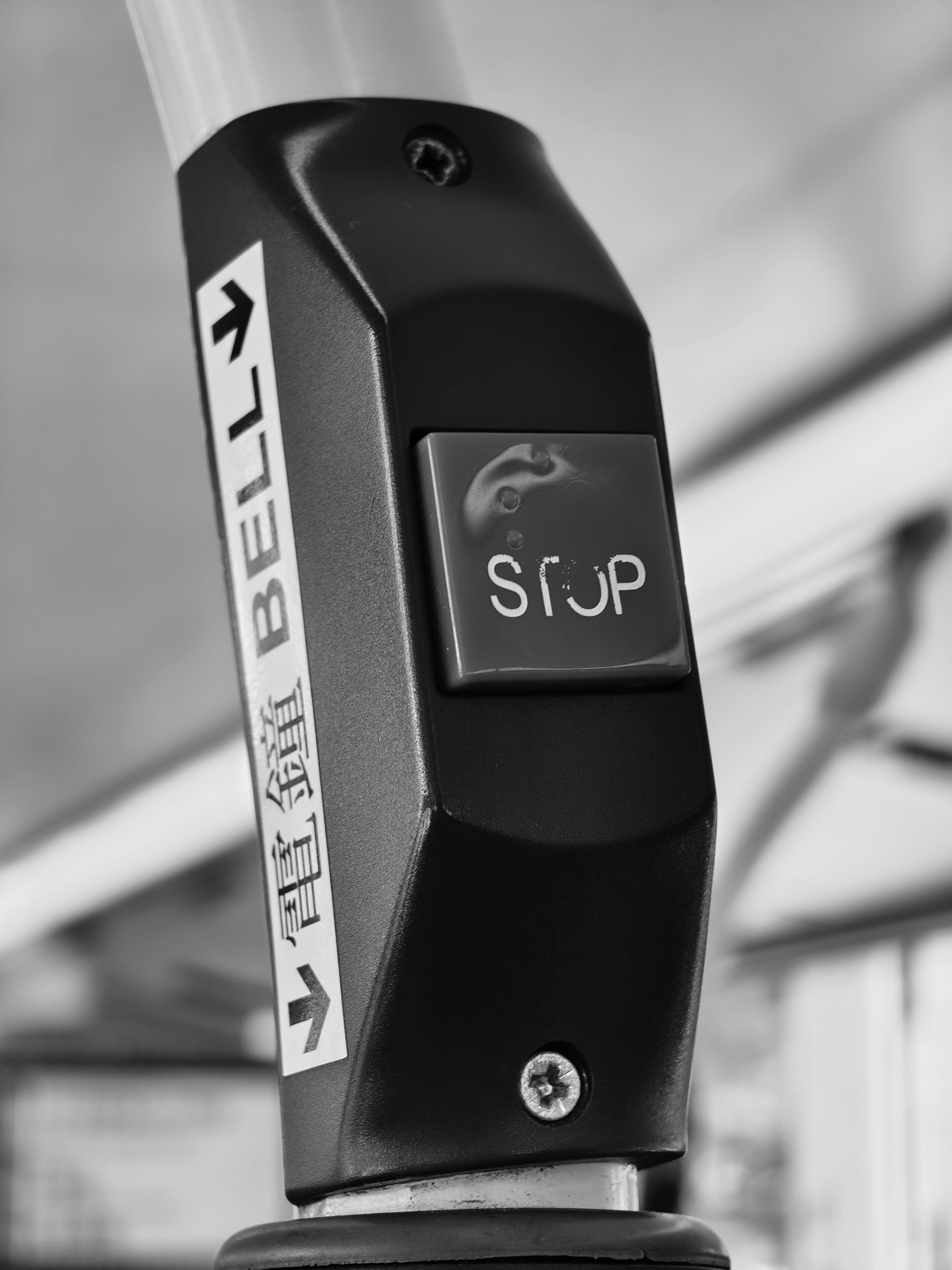
MuhammedMuhammedijas Use GCam, or use Expert mode with the default camera.
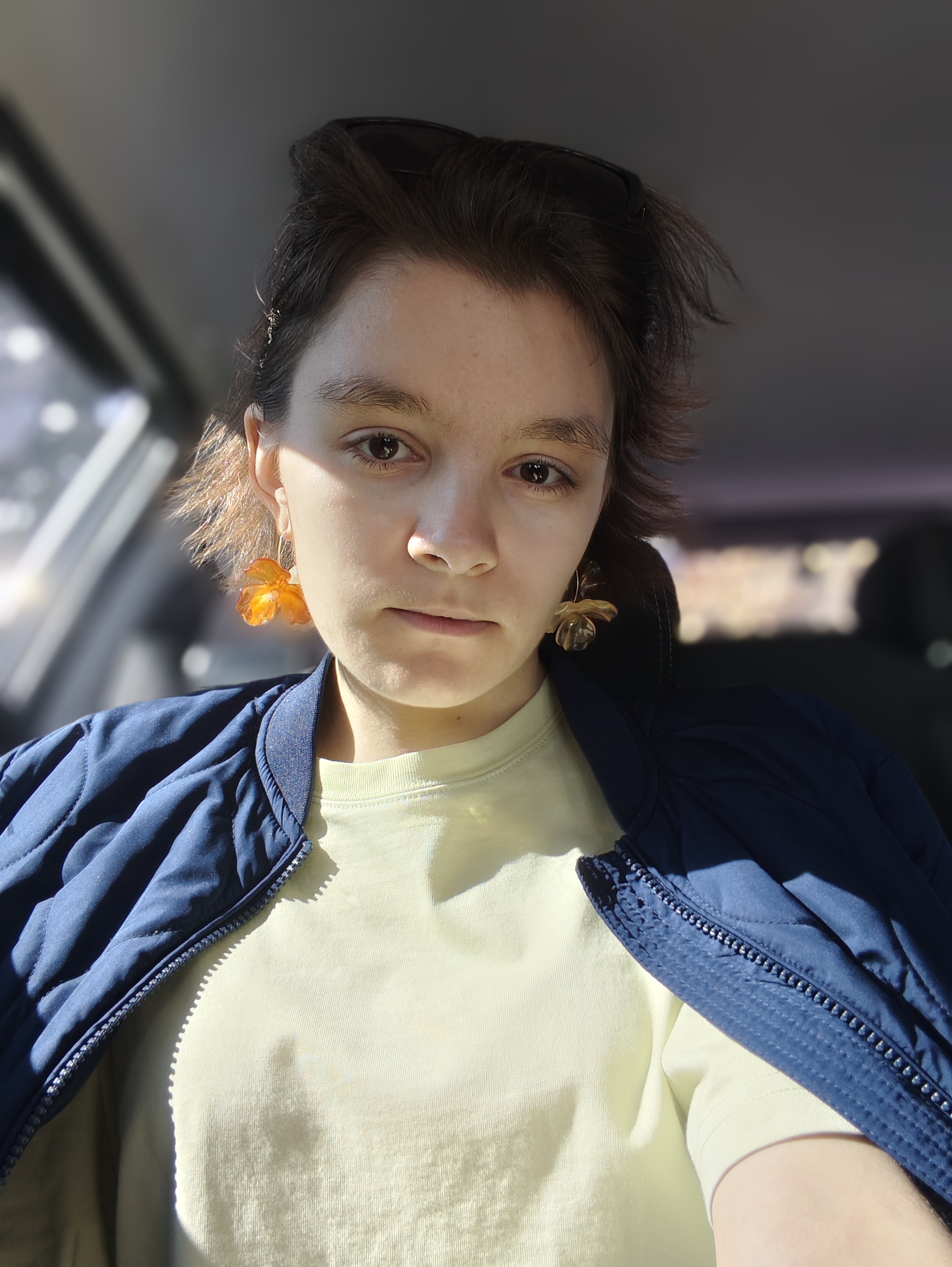
Not much else you can do because those guys at Nothing are apparently using 45% NTSC (55-ish % sRGB) TN displays at work so they can’t see colours properly, which is why they went absolutely bonkers with insane levels of oversaturation (skin gets orange because of it) and extreme highlights for photo post-processing. There is no any other explanation (except that they are, perhaps, totally colour-blind so they can’t see properly).
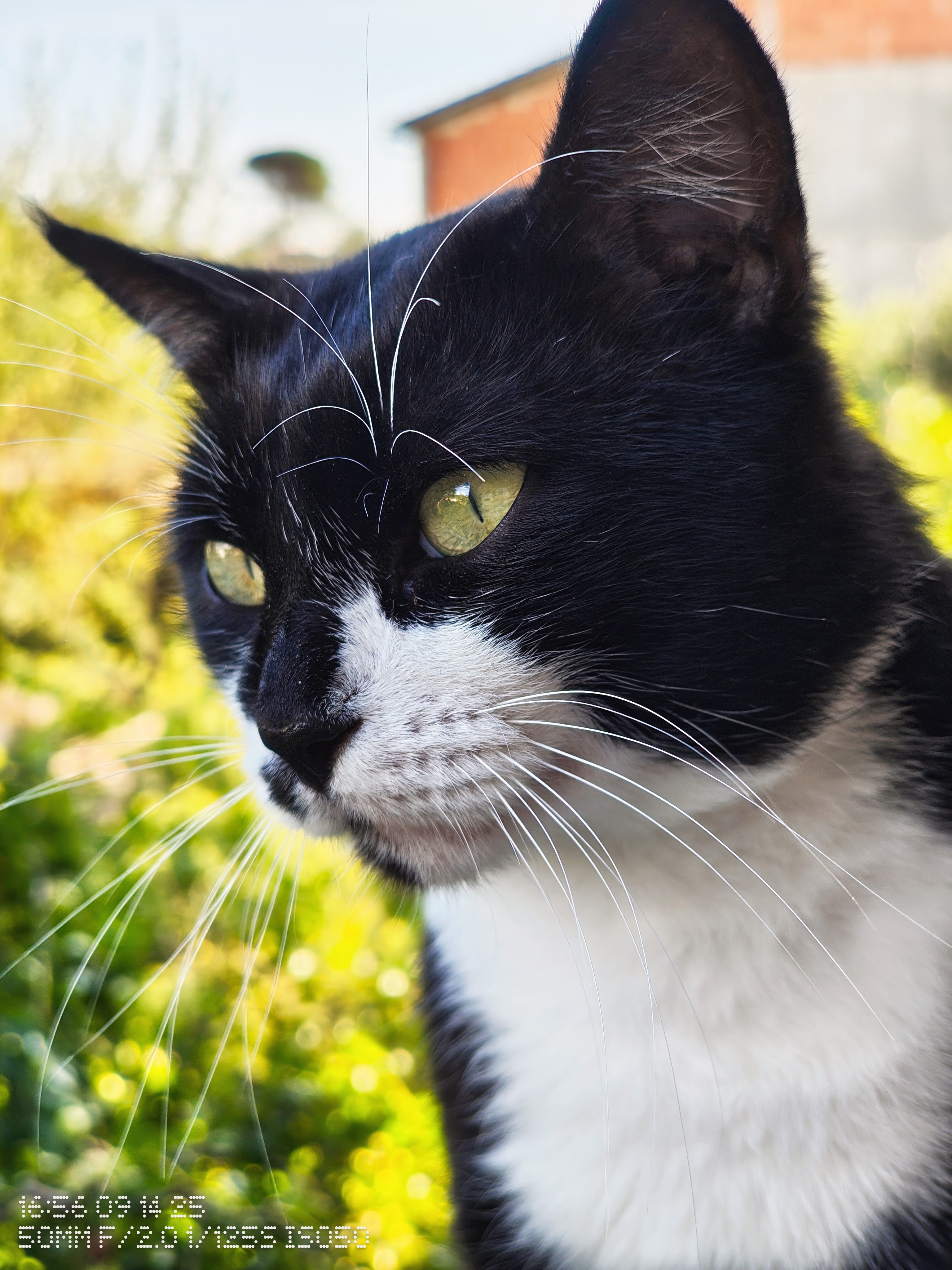
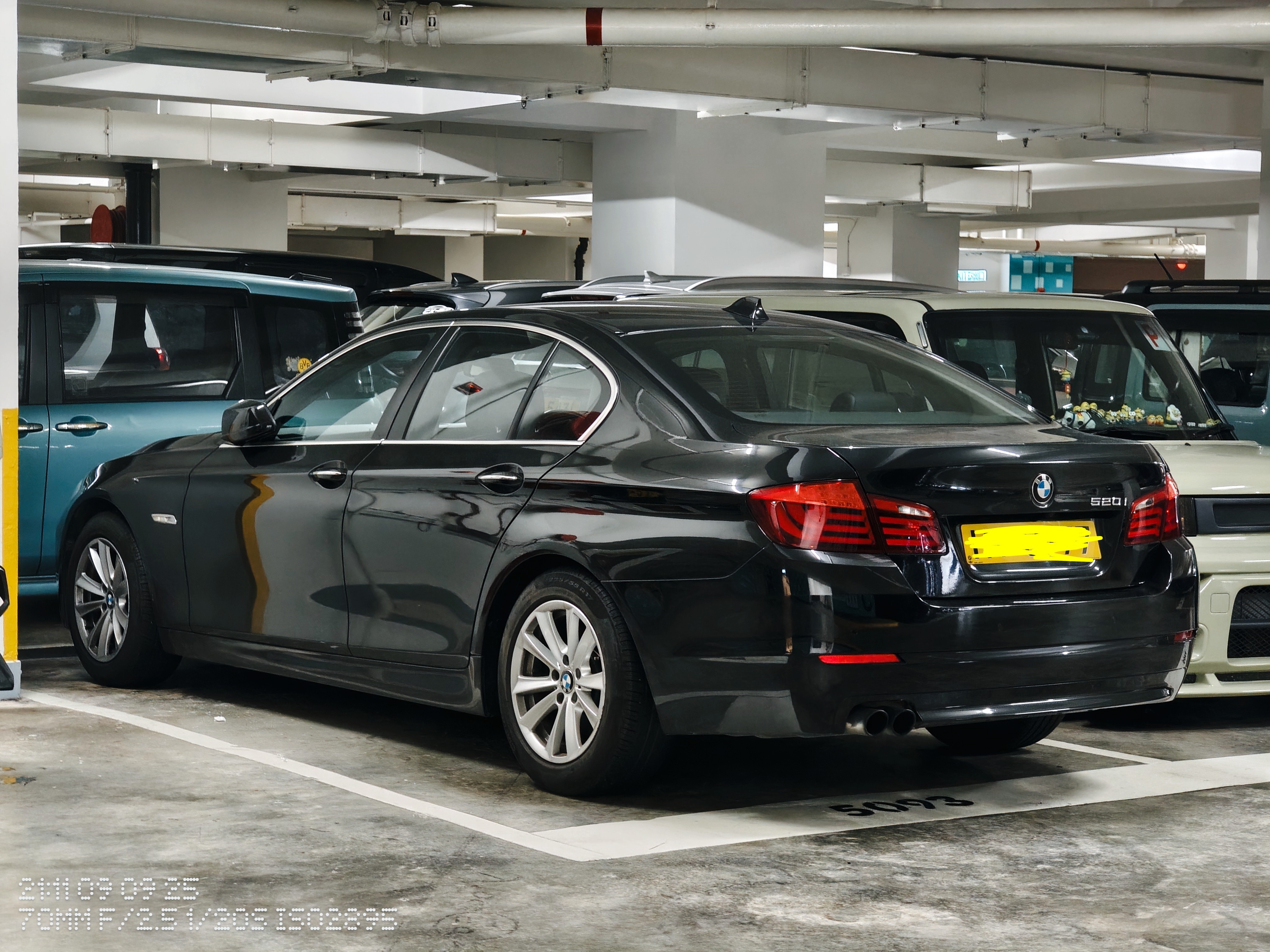
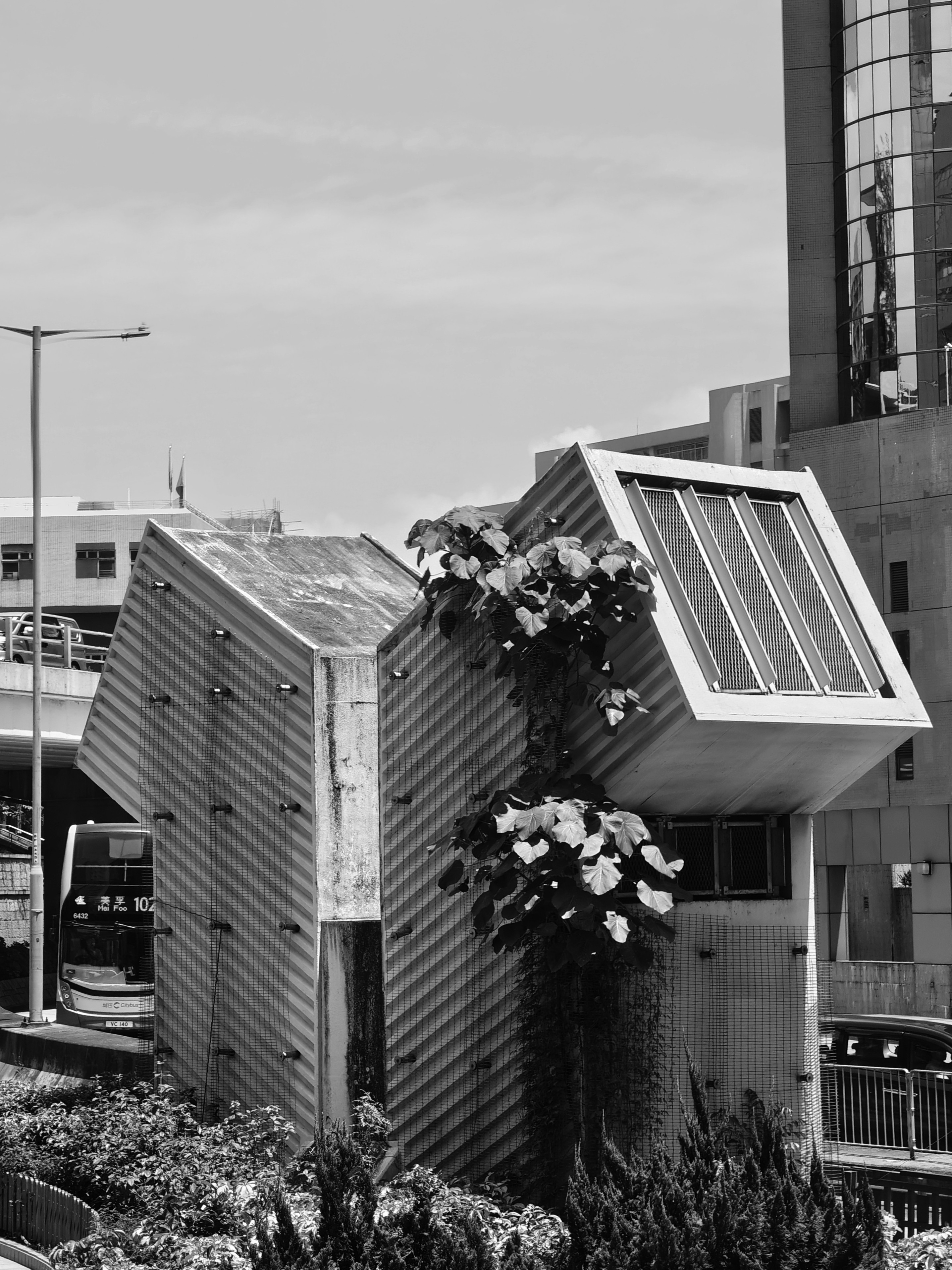
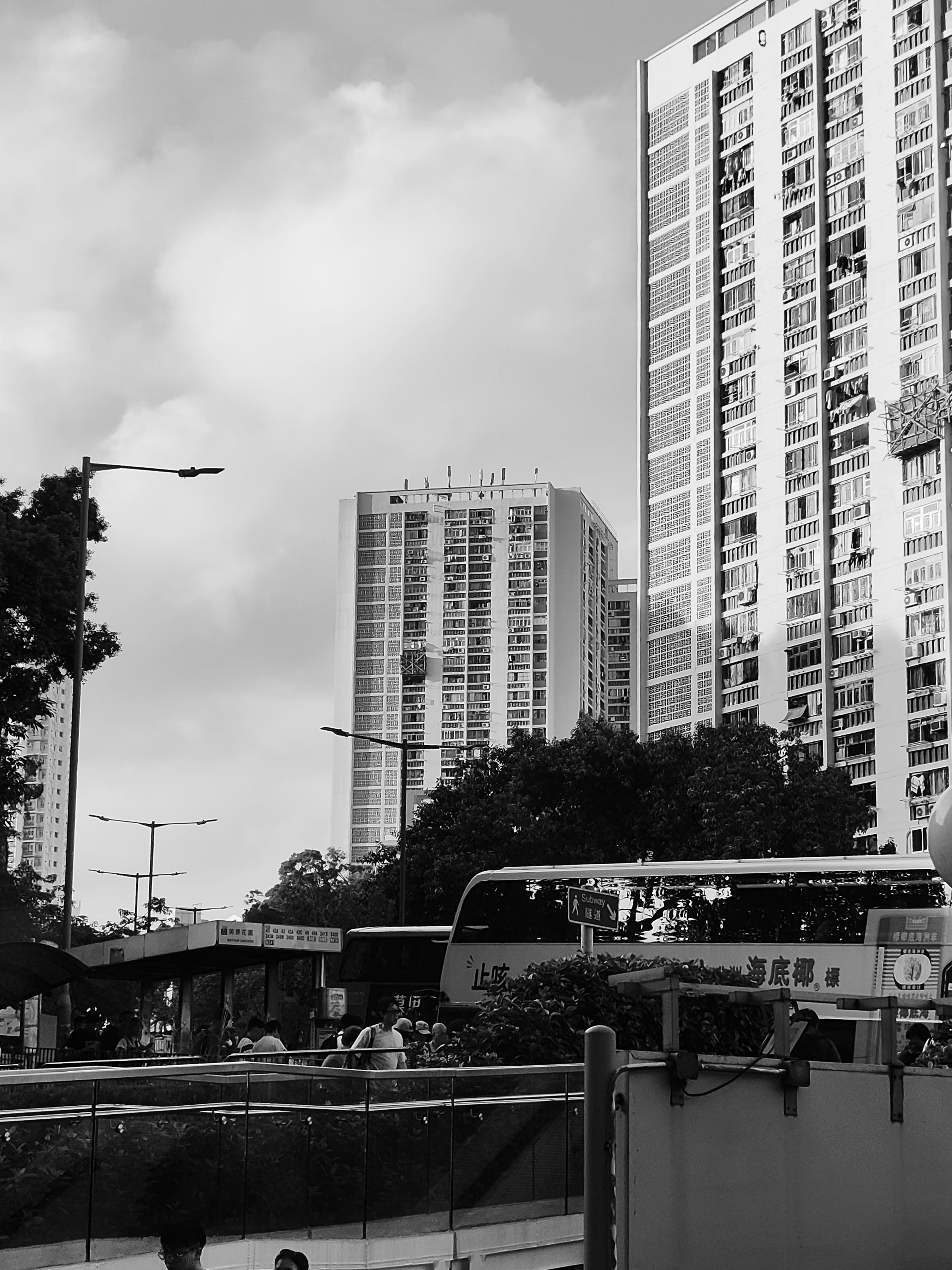
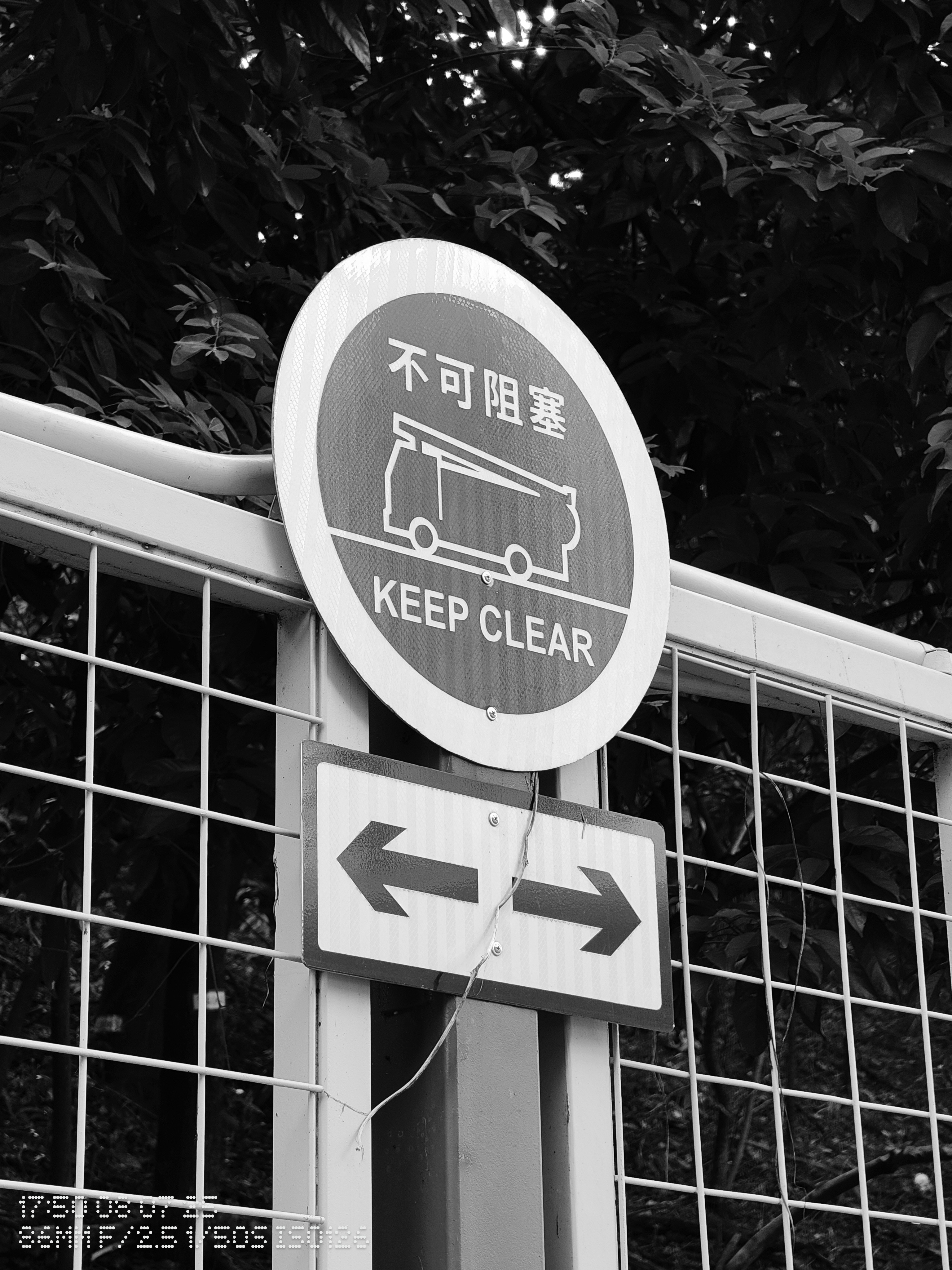
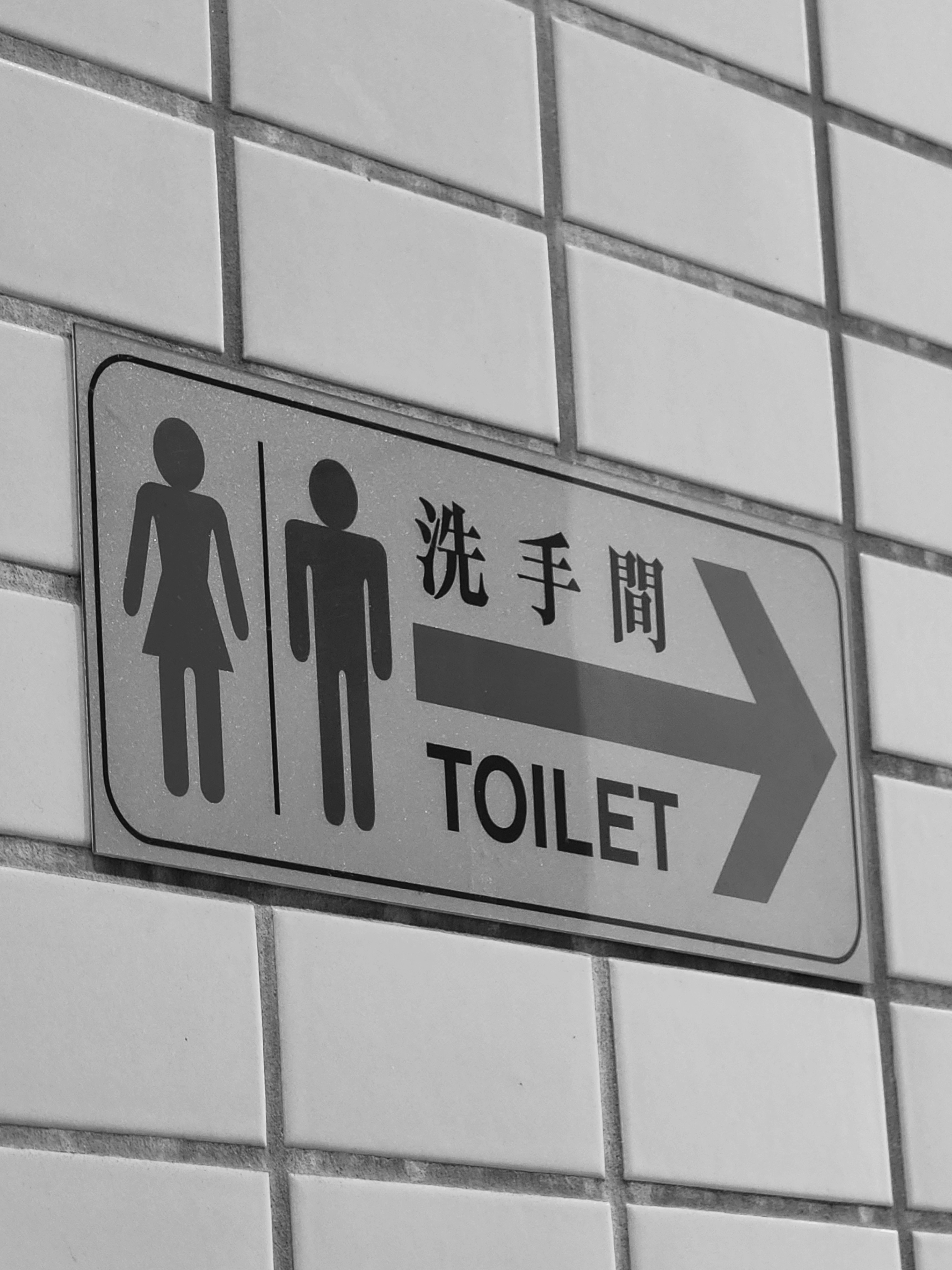
We can just hope that this month’s update is going to bring improvements to pretty damn capable hardware (with terrible camera software). Until then GCam and/or Expert mode… Or just desaturate every photo you take to make it normal. My today’s example on this matter:
(3a), “Photo” default mode, untouched by me
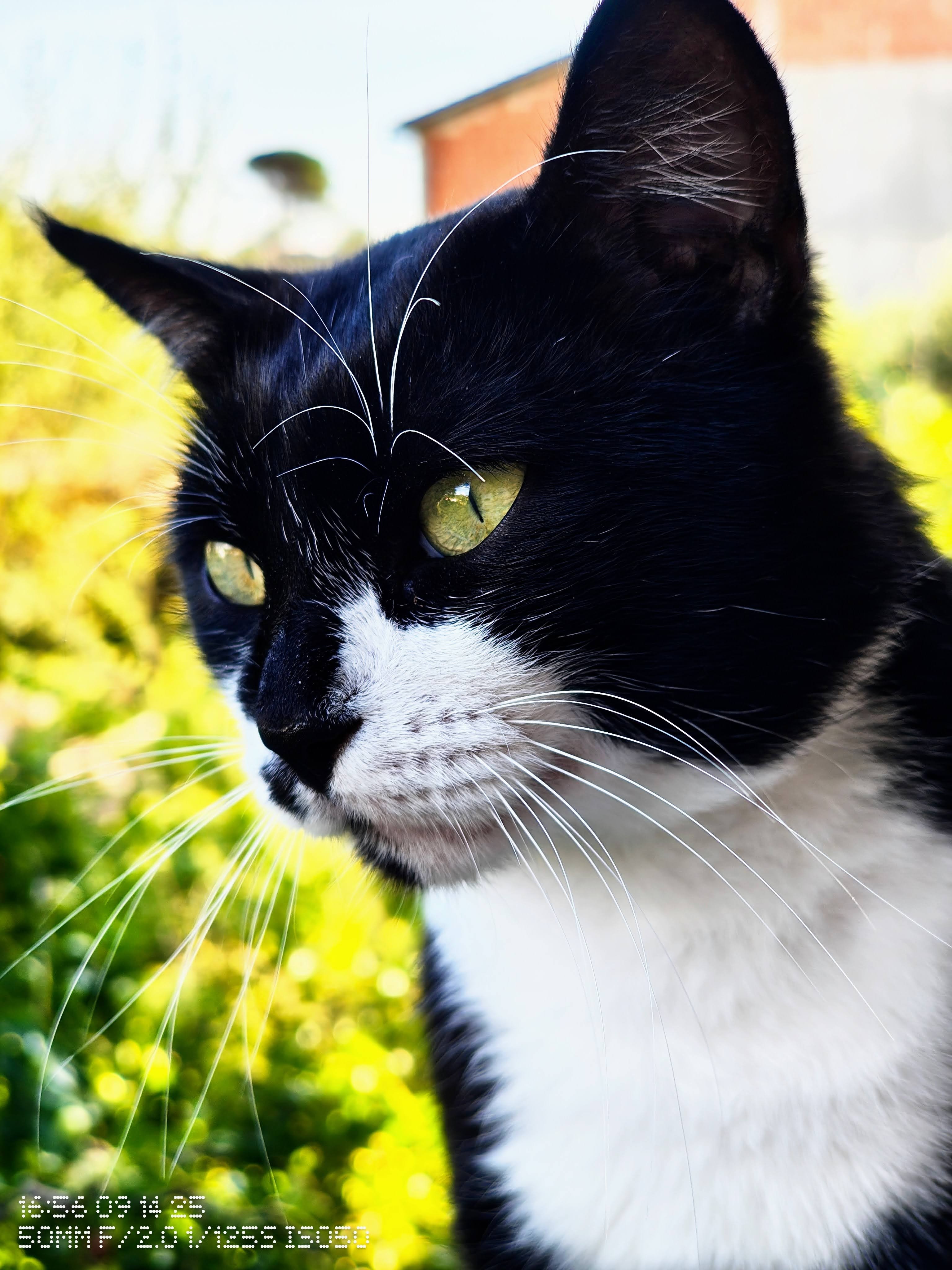
What is that?! 😂😂😂 Then I had to desaturate it and lower highlights to minimum to make it look normal: