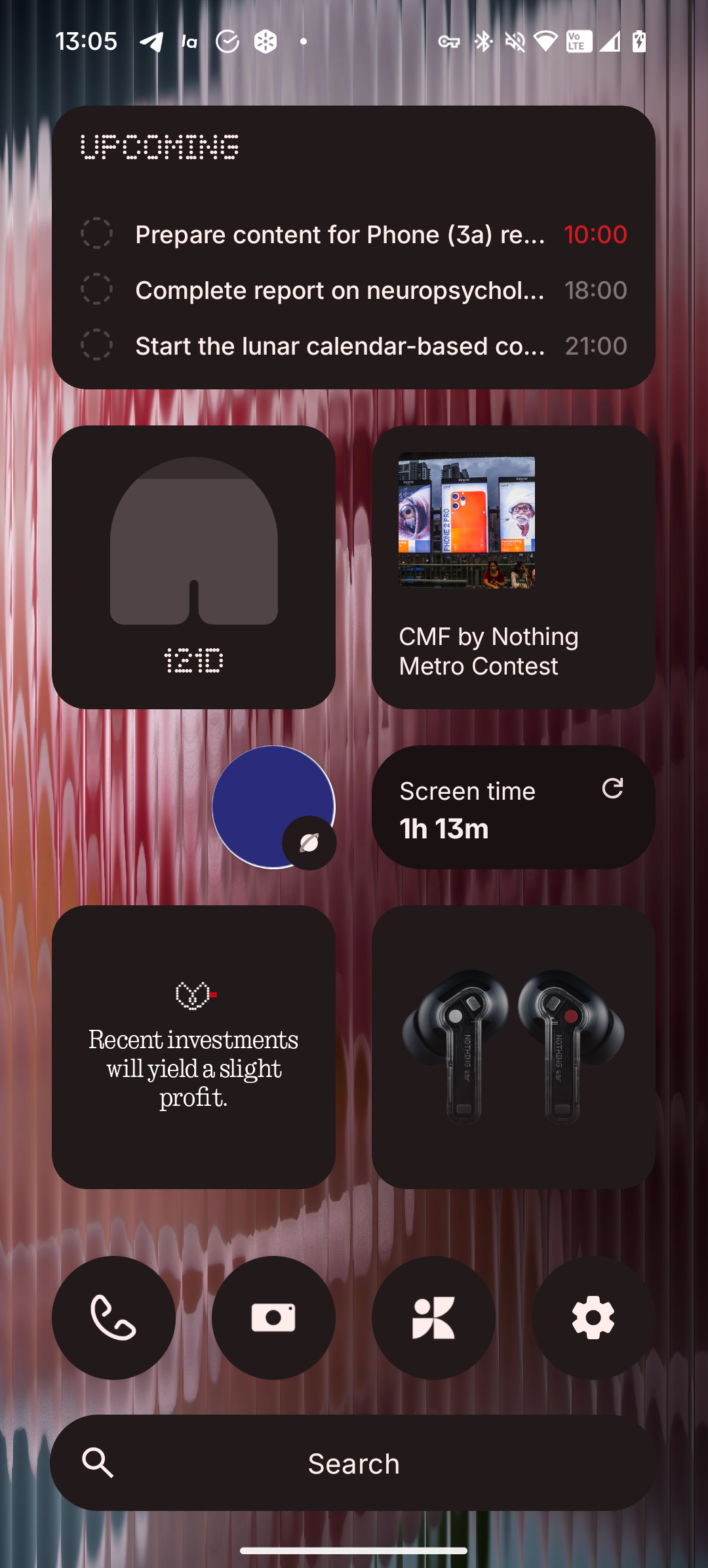
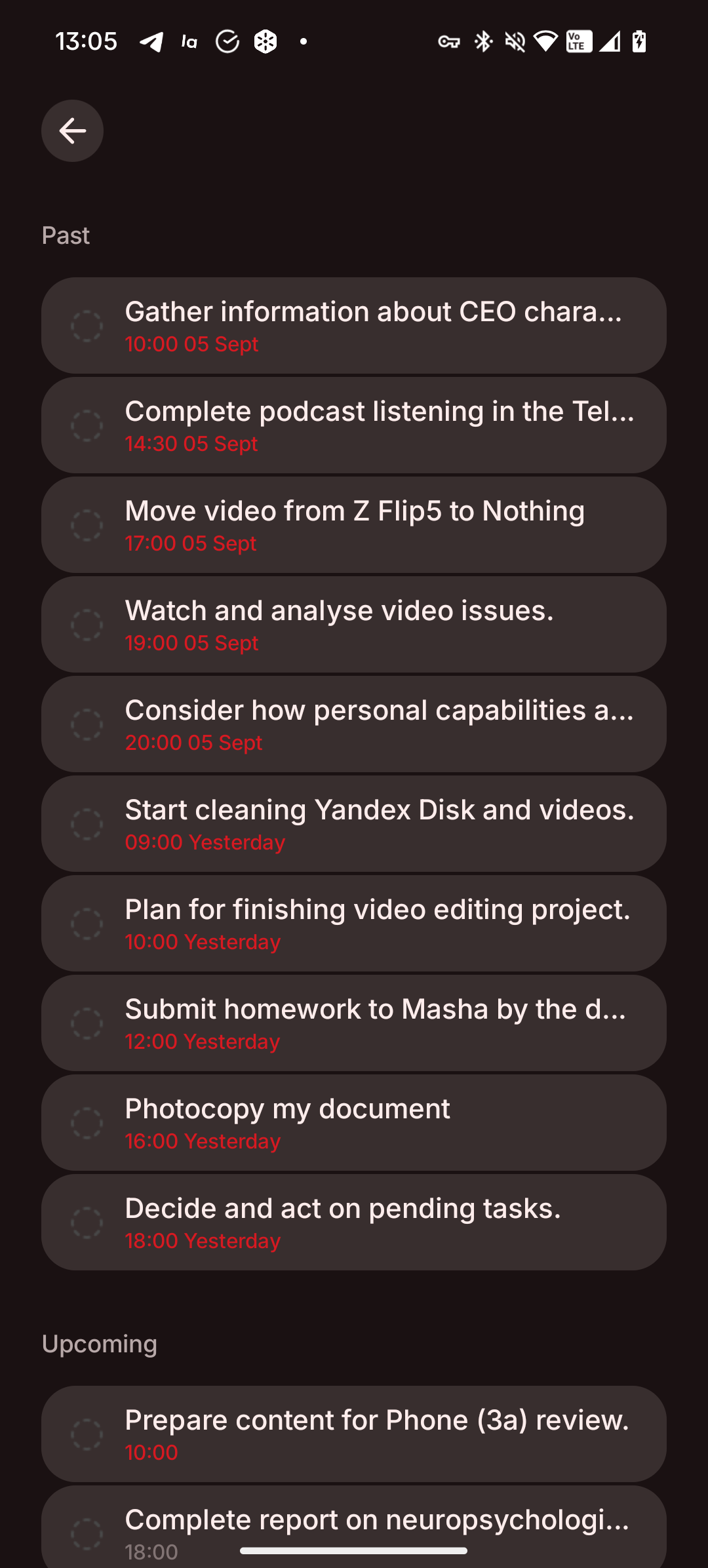
Having received my NP3 recently upgrading from NP2 I was excited to try Essential Space. Until now Google Keep has been my go to for grabbing and saving articles, web links, photos, screen shots - so how does Essential Space compare?
Well… it’s erm…well… kinda meh. I mean the convenience of the button is fantastic but it’s still sort of a sh*t show when you try and then find anything.
I can already make notes by holding down my power button and using gemini (which puts the notes in Keep) and I have a Keep photo button on my home screen (hopefully can add this to lock screen at some point but that’s another conversation). Yes I know Keep doesn’t use any AI to summerize my caputre… YET.. but I don’t doubt Google will be adding Gemini within Keep in the near future it’s only a matter of time.
Key Features I feel are missing:-
Search.
Why is there no option to search my Essential Space? I’m taking lots of notes and screenshots and photos some that I’ll need months from now?
Option To Move Items
I have so many items at the top of the page, it would be nice to move these out of this space into collections and/or memories.
The whole space is a bit of mess and needs rearranging.
Screenshotting a webpage.
When I screenshot shot a webpage why can’t the AI capture the web link and include it within the memory for easy access. Yes I can copy and paste it but it’s a clunky process.
Screenshot to capture off the page
When I screenshot shot normally I’m able to capture more than what’s on my screen but with Essential capture there’s no option to do this - why not?
Share To Essential Space
We need an option under Share (which currently gives options such as WhatsApp, Messages and of course Keep) to share to Essential Space.
That’s it for now. I appreciate it’s a Beta product and honestly think it has the potential to be amazing, but at the moment I’m sticking with Keep foe my “essential space”. If I’m missing any tips or tricks I’d love to hear!