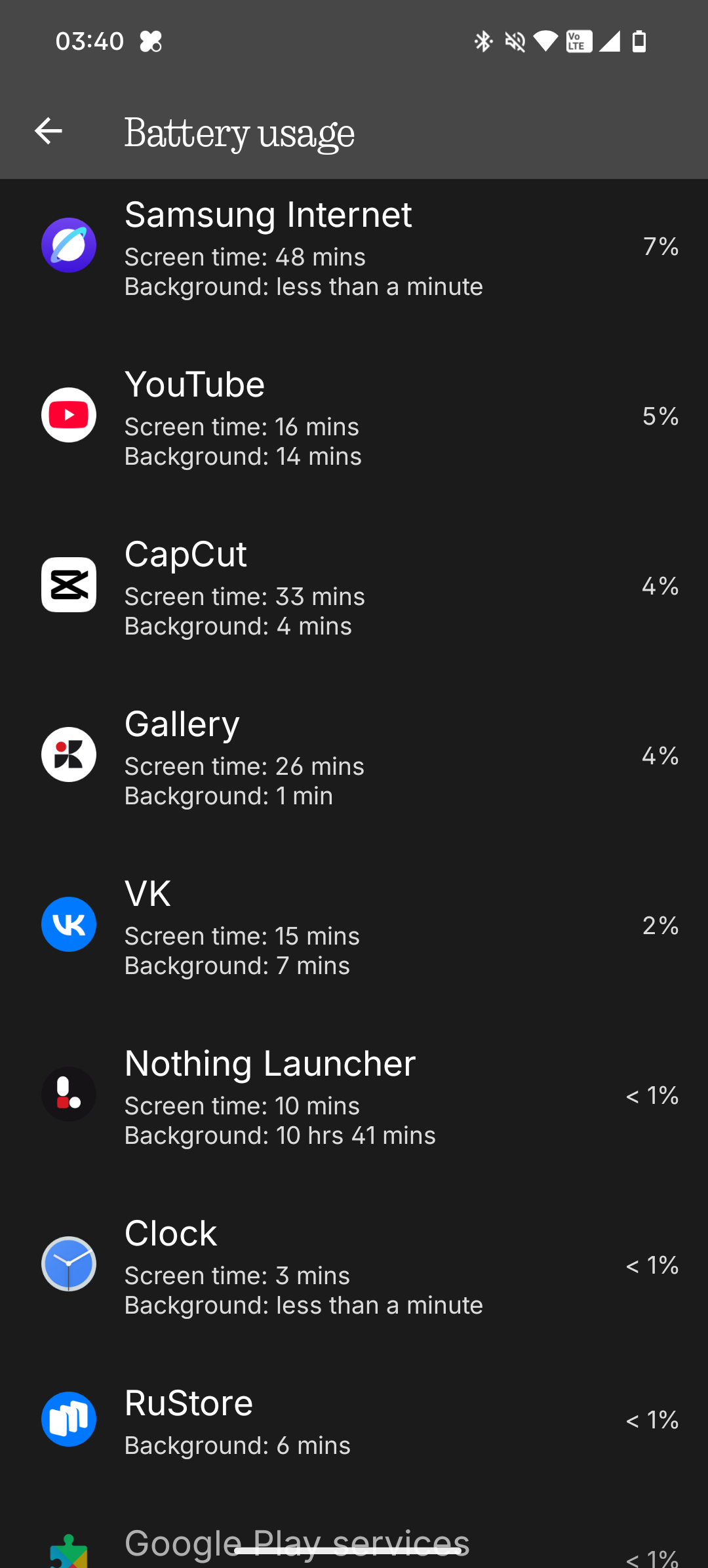
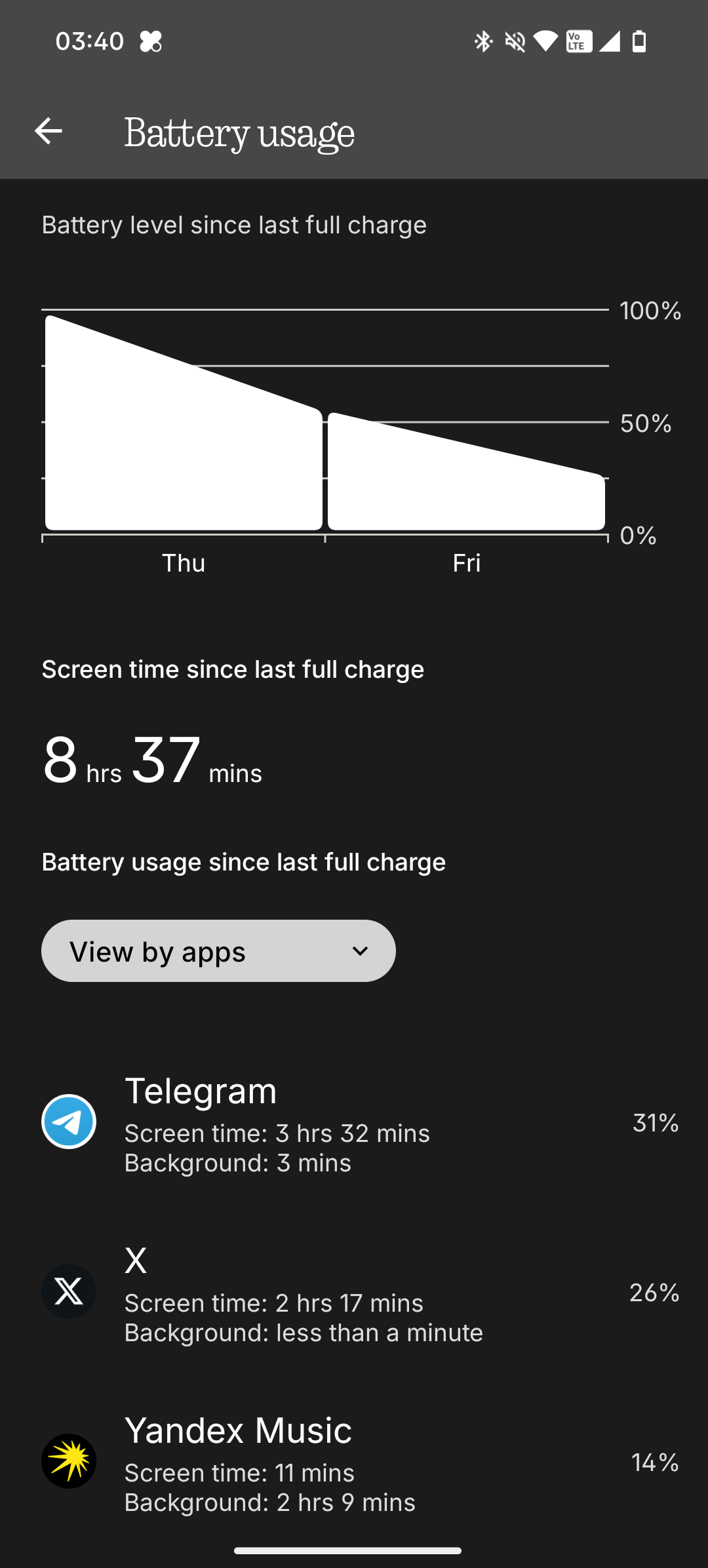
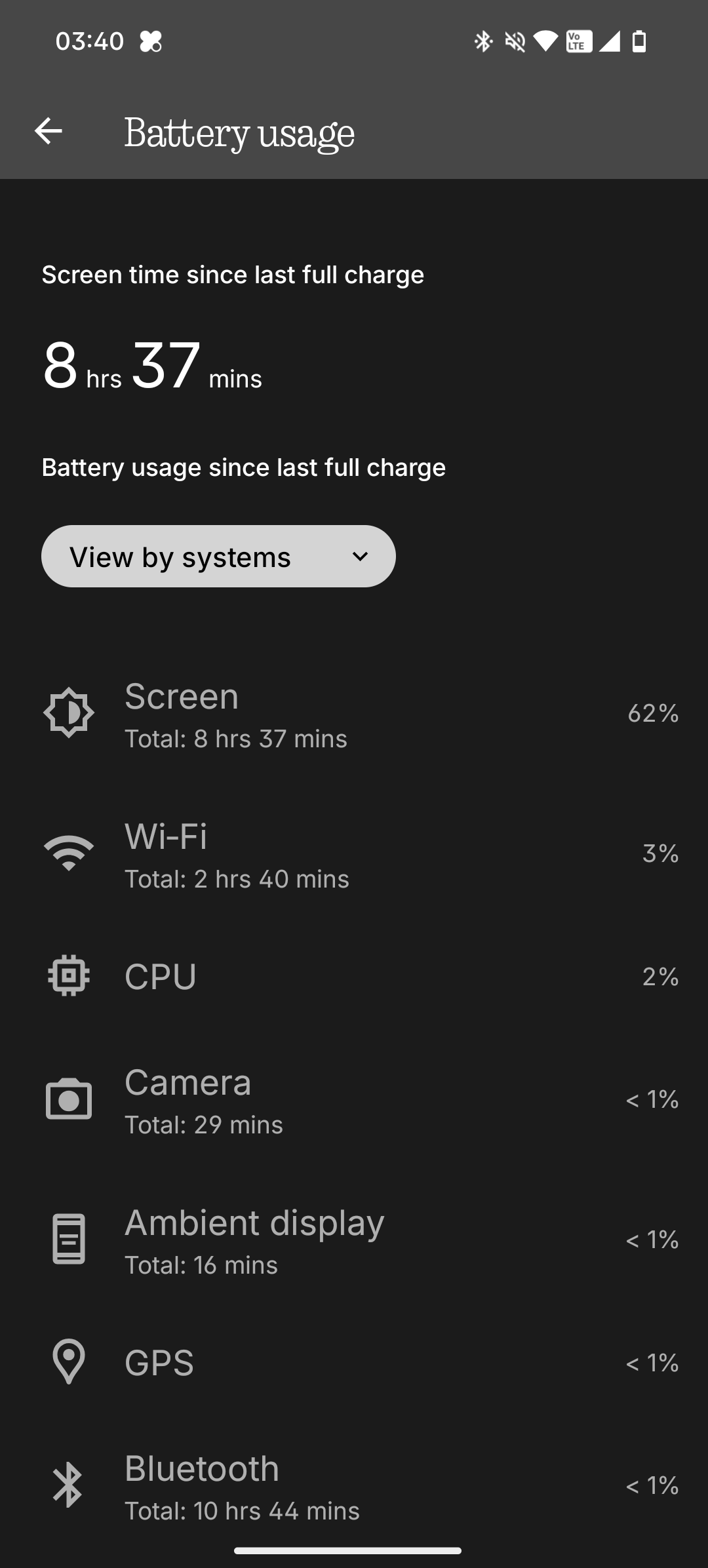
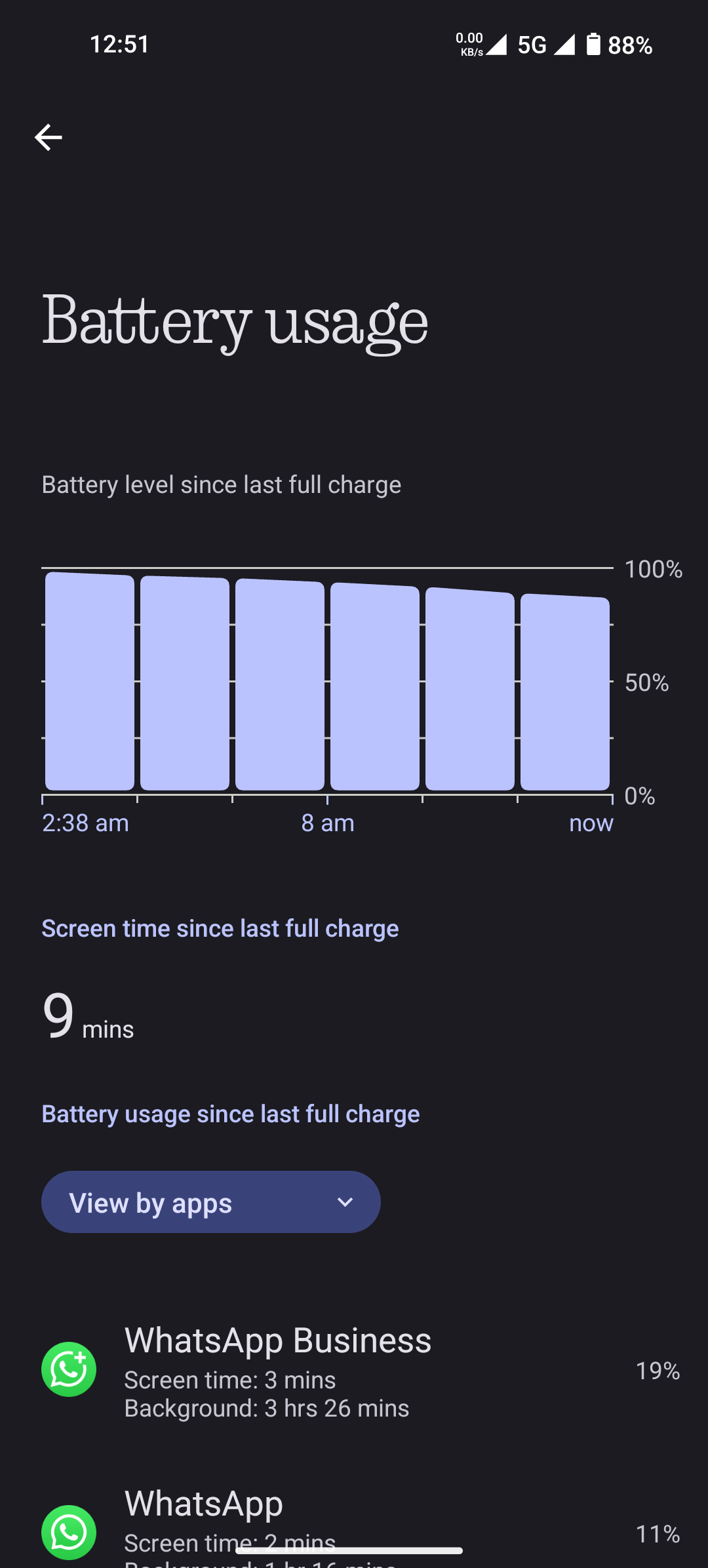
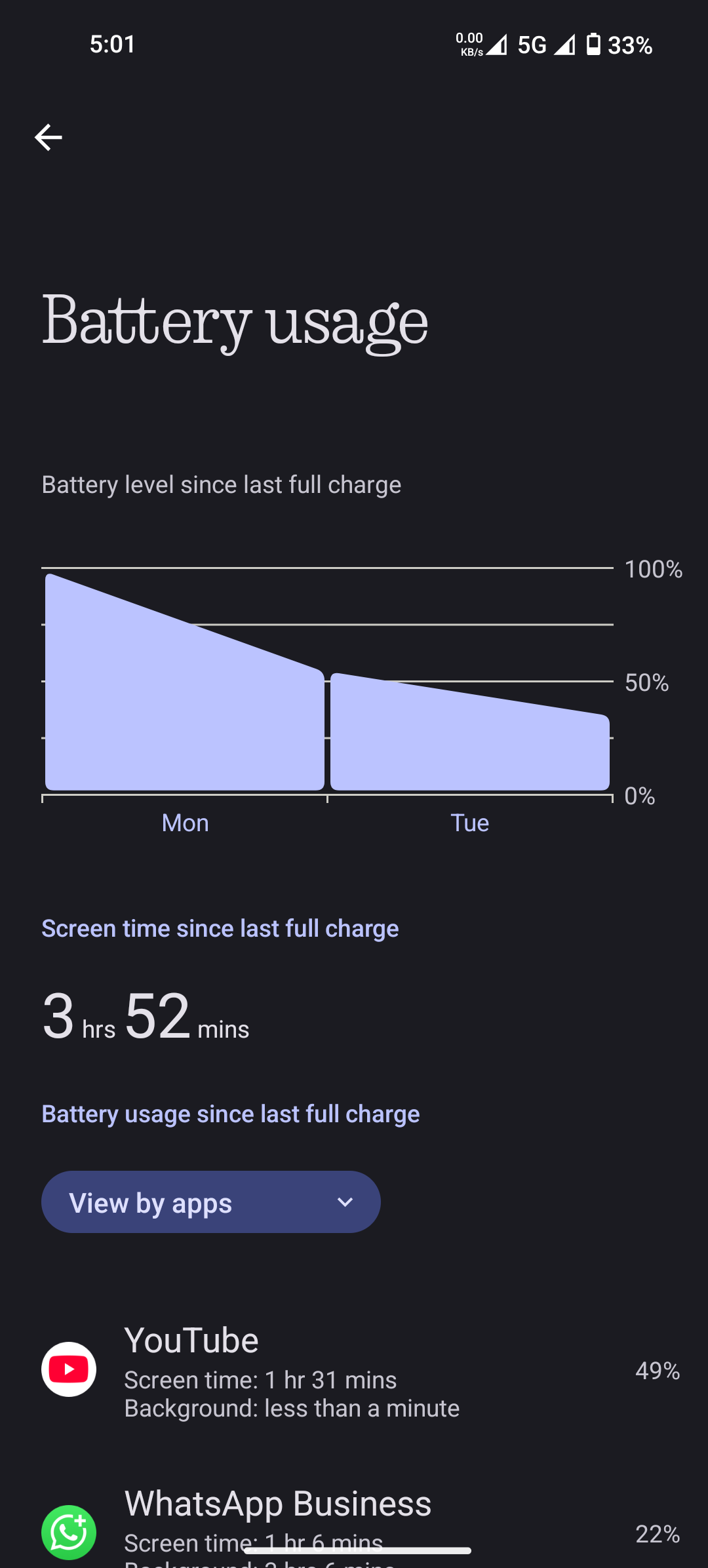
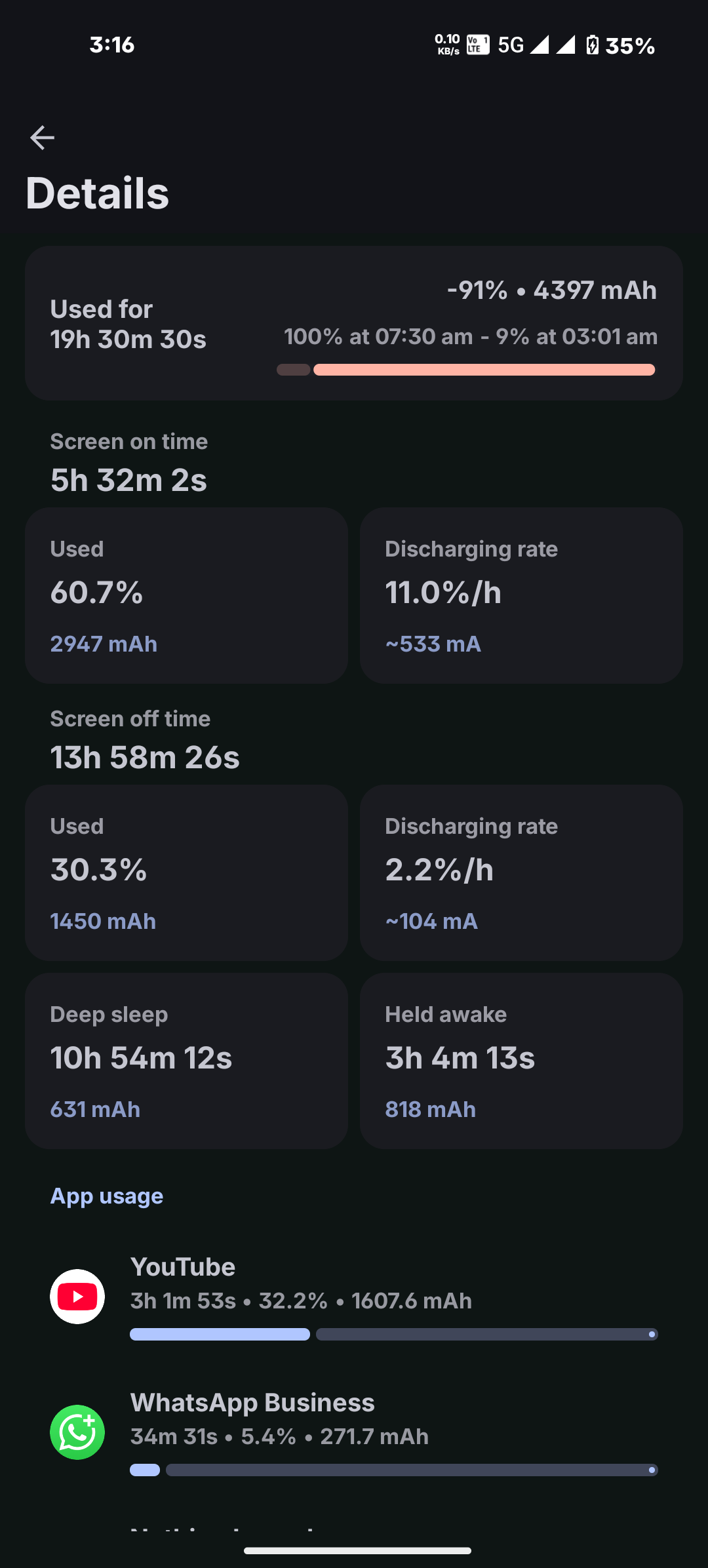
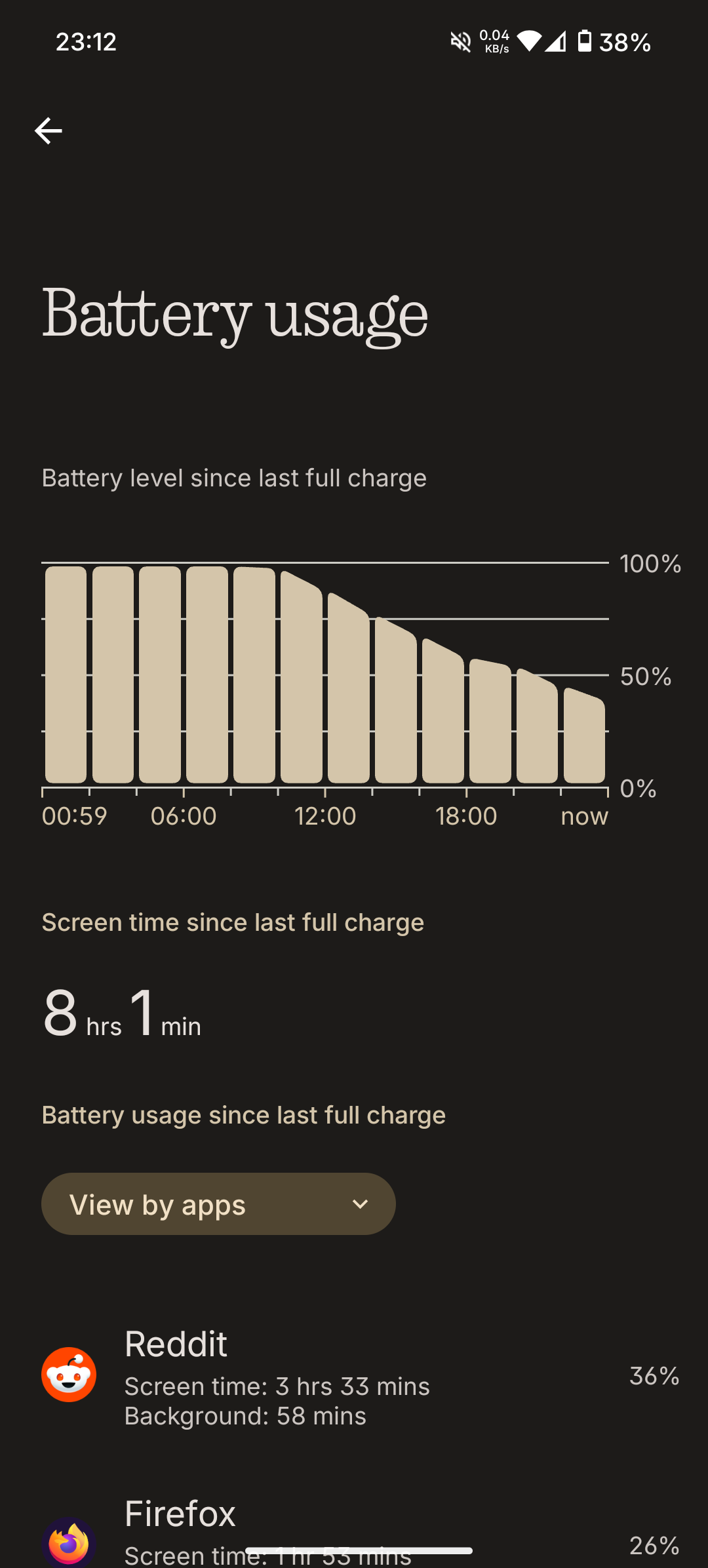
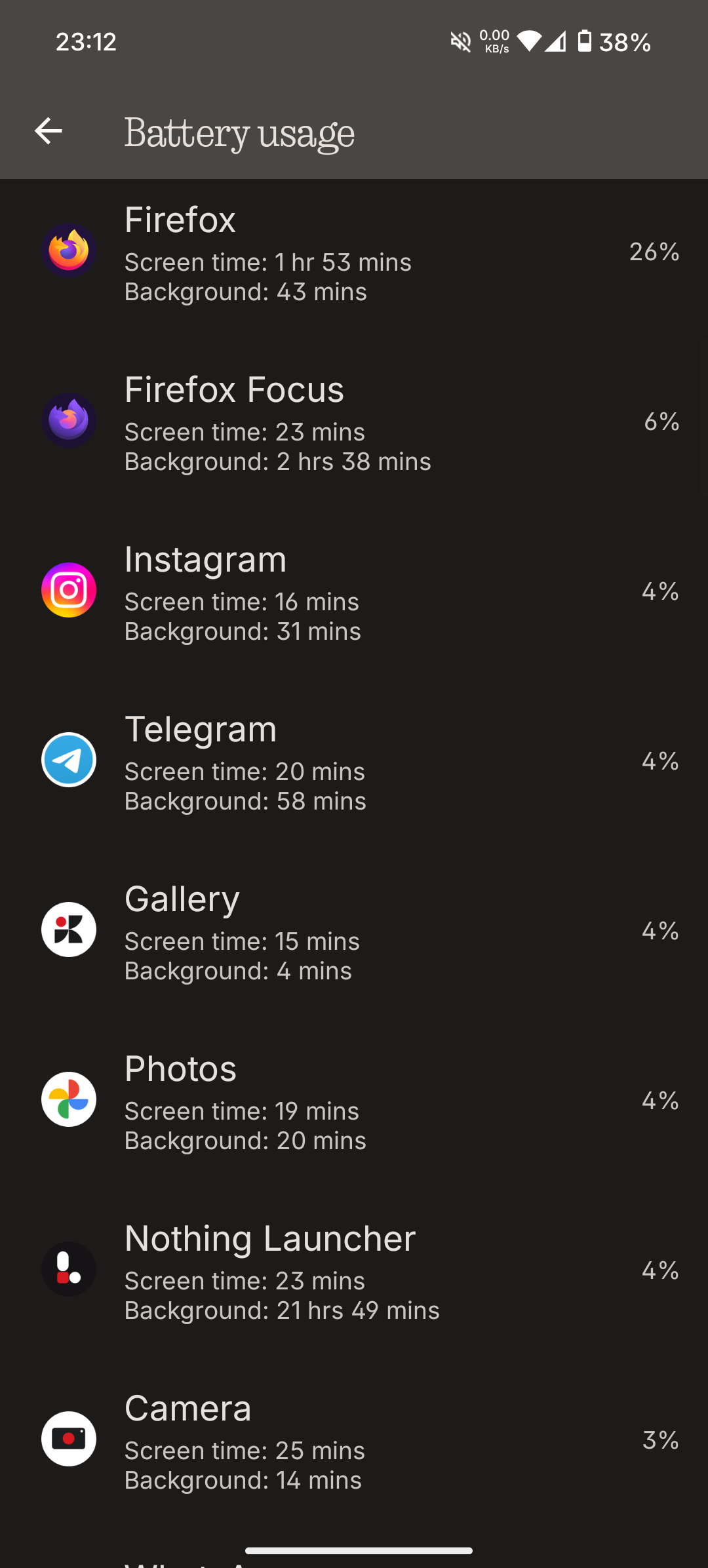
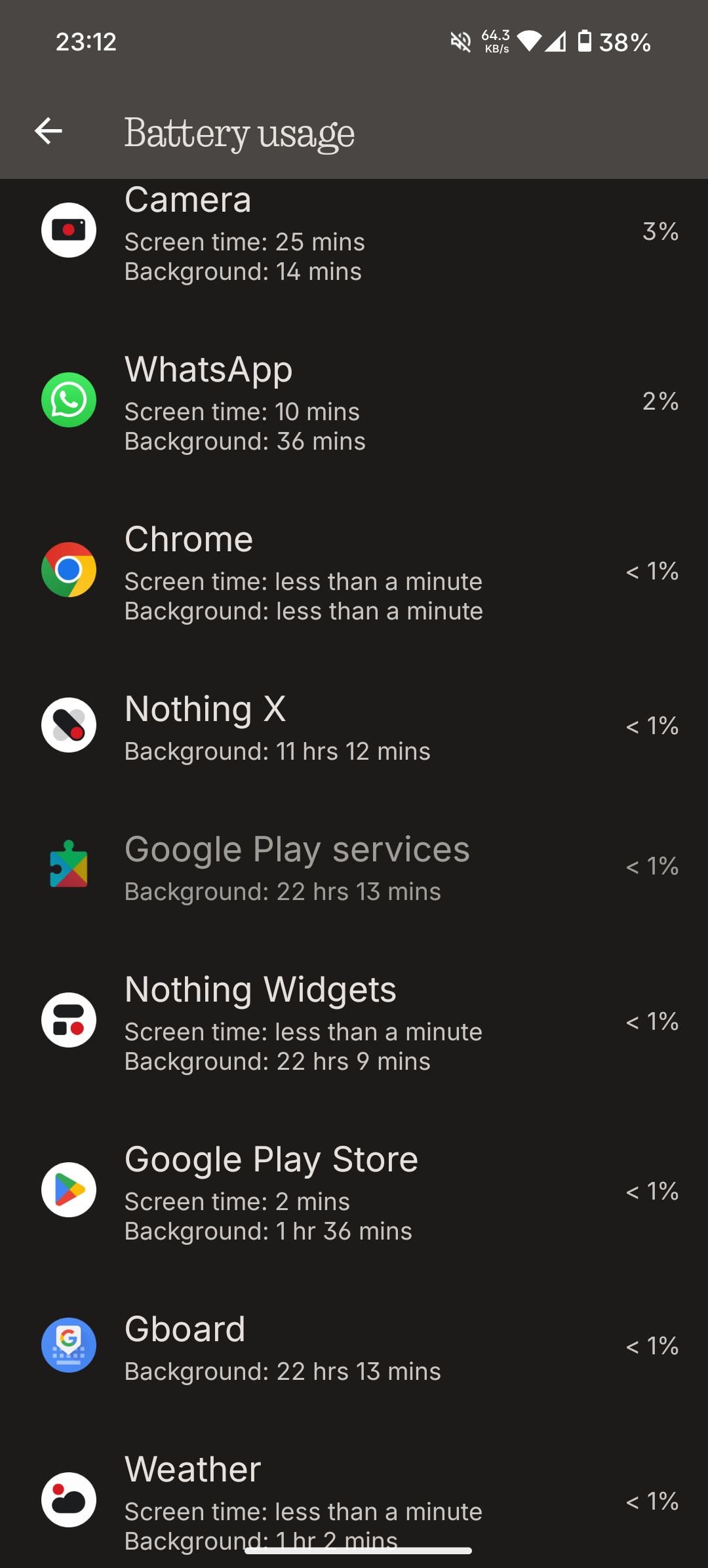
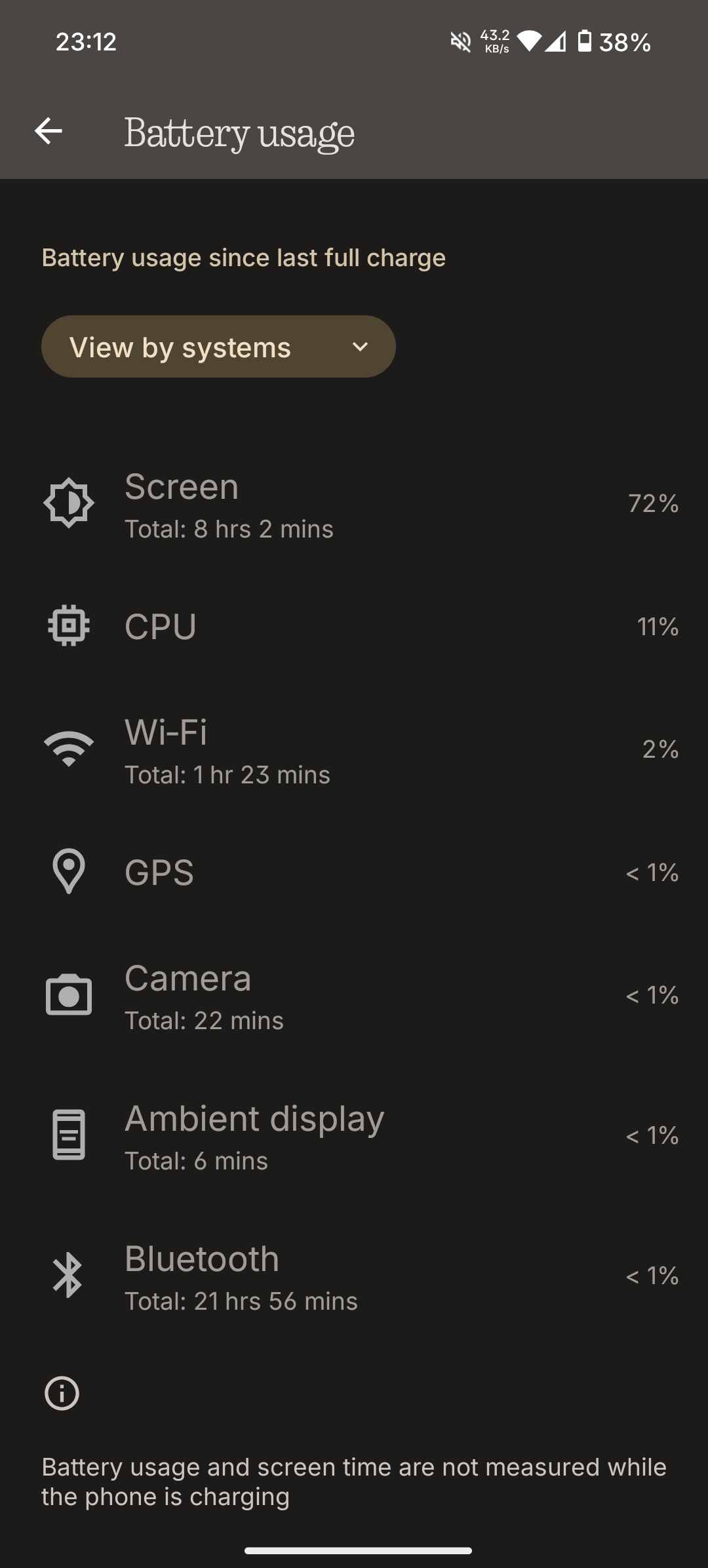
krizxjr 14-16 is a stretch without that automatic battery saver, it would be 13-ish without it, but it toggles itself on at 20% so with that (and without Redditting so much) it would push 16 hour, yeah.
I usually charge to 80%, that’s where the limit is, but I knew I’ll be outside the whole day yesterday so I charged it to 100% but didn’t immediately unplugged it, actually I forgot completely that it’s still plugged in so unplugged it before going to sleep, set alarms and such and went to a zzz mode. Some 7 hours later when I woke up it was at 100% where I left it.
That being said, I do not use any “optimisations” nor I optimise any app sans disabling media autoplay everywhere because that 💩 is extremely annoying, especially on Reddit where everything automatically plays as you scroll around the app 🙄
The only real way to optimise apps is to disable or uninstall them. You can kill them, they will start again in the background, each time they start that’s a few extra CPU cycles, so the CPU has to do extra work, meaning it’s taking extra battery juice. In theory it’s great to disable this, that, optimise app A, app B, app C…
In reality it’s totally counterproductive because you are constantly fighting against the system (not the government but the Android OS); the system is trying to optimise it as it needs to for ideal performance and battery life, but you are continuously messing up with its optimisations but forcing your own ways, then the system “fights back”, the CPU works again back and forth and all that is taxing your phone battery. In return you get less battery life (and a lot of your own time spent doing Don Quixote’s work).
Tl; dr - don’t install unnecessary trashy apps that are poorly optimised, if you have those then uninstall whatever you don’t need nor use, and other than that just let the system do its job.