AyushKumar_JZuatP7eh3
follow some steps
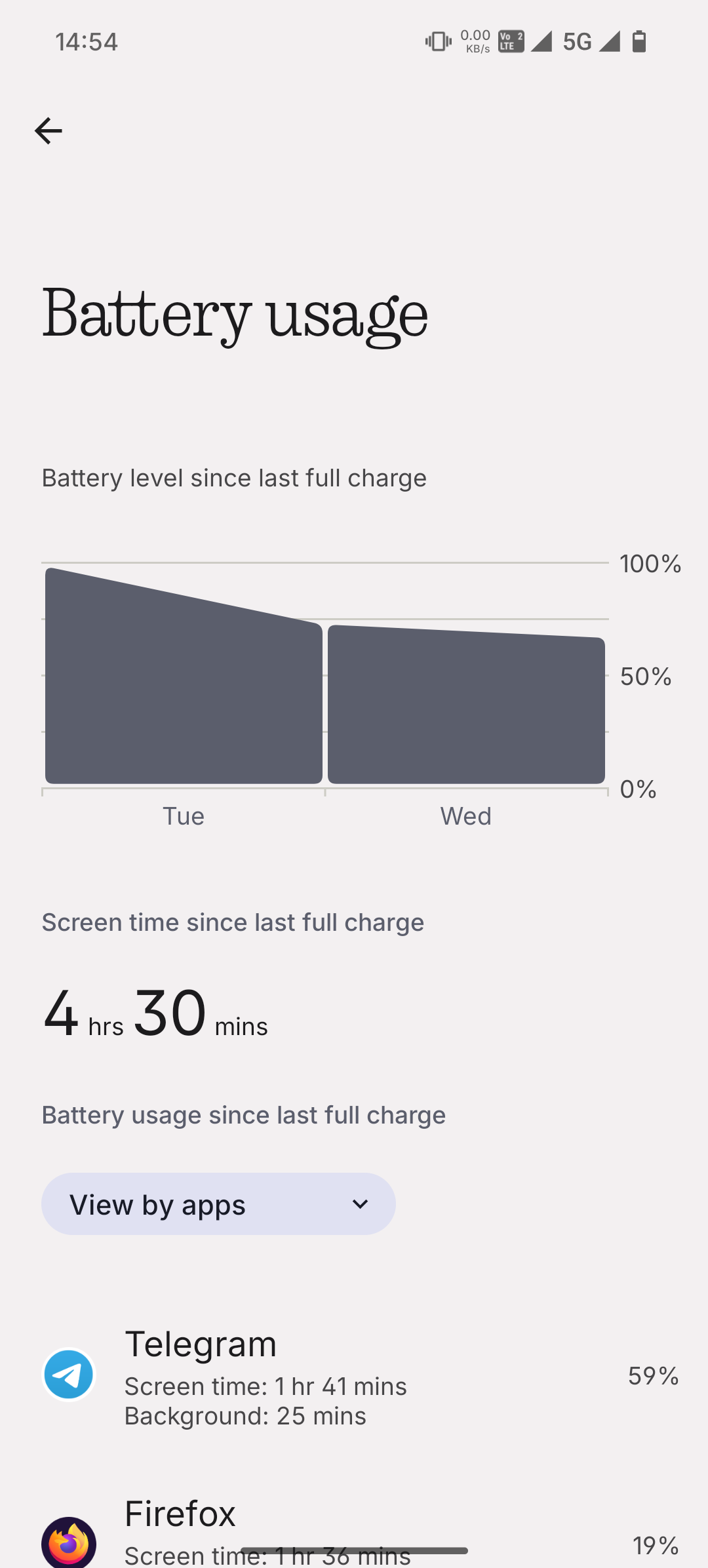
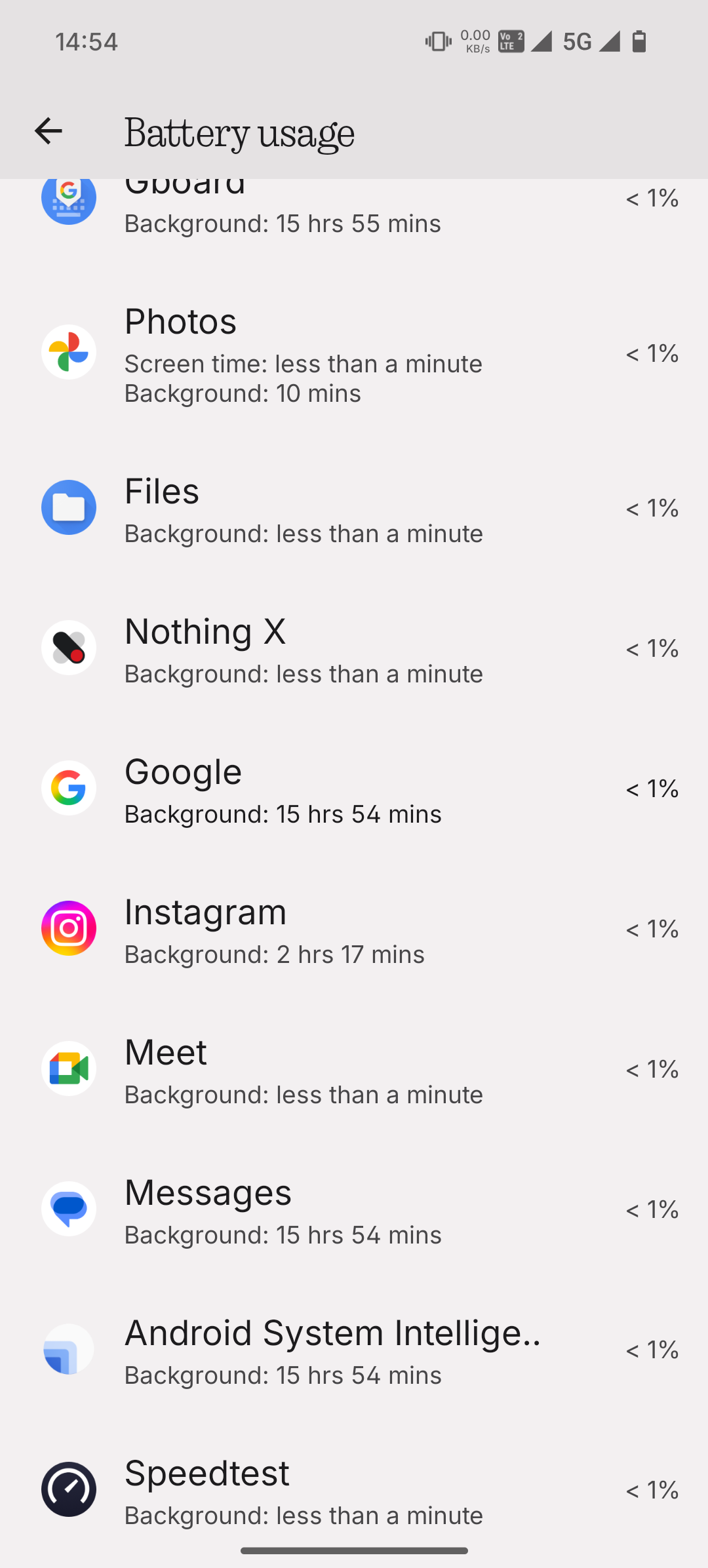
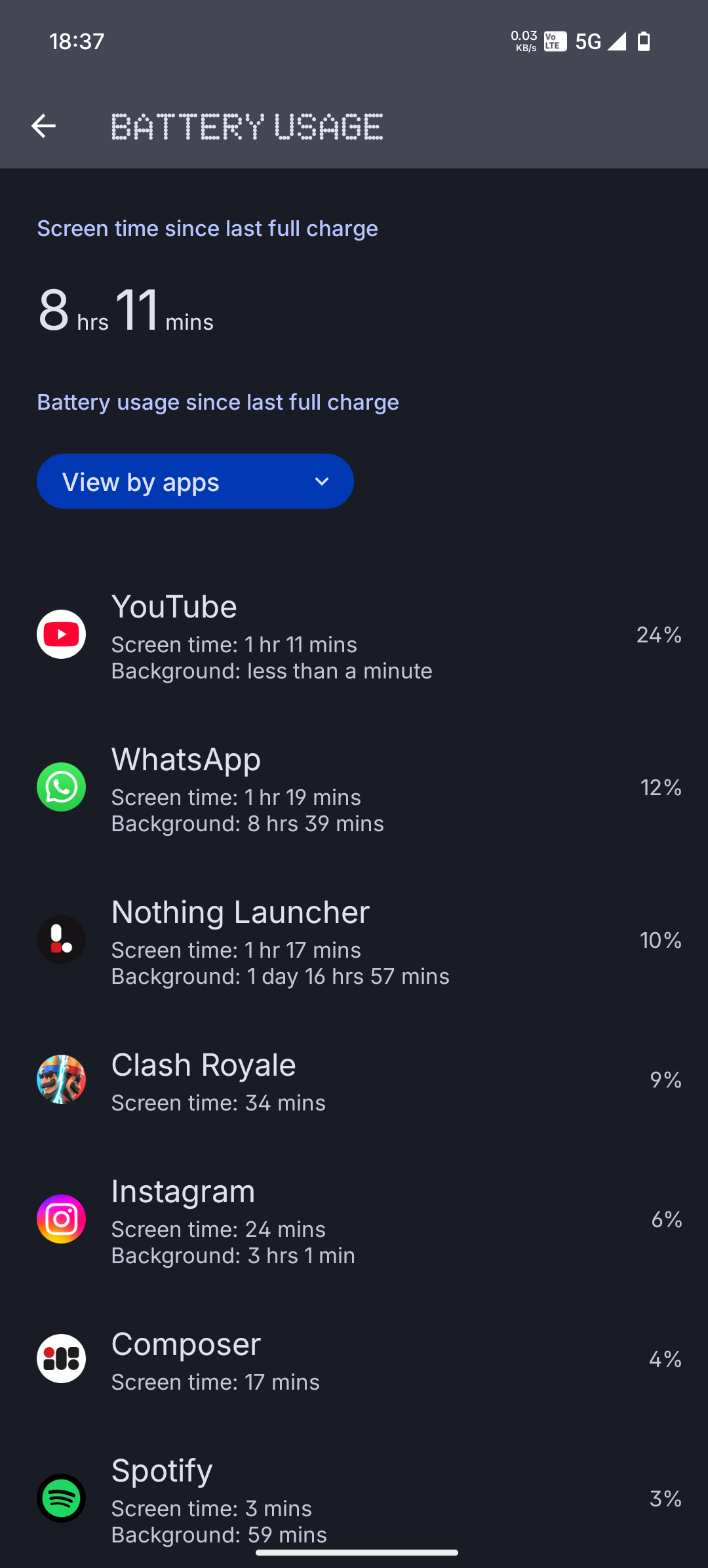
Close Unnecessary Apps
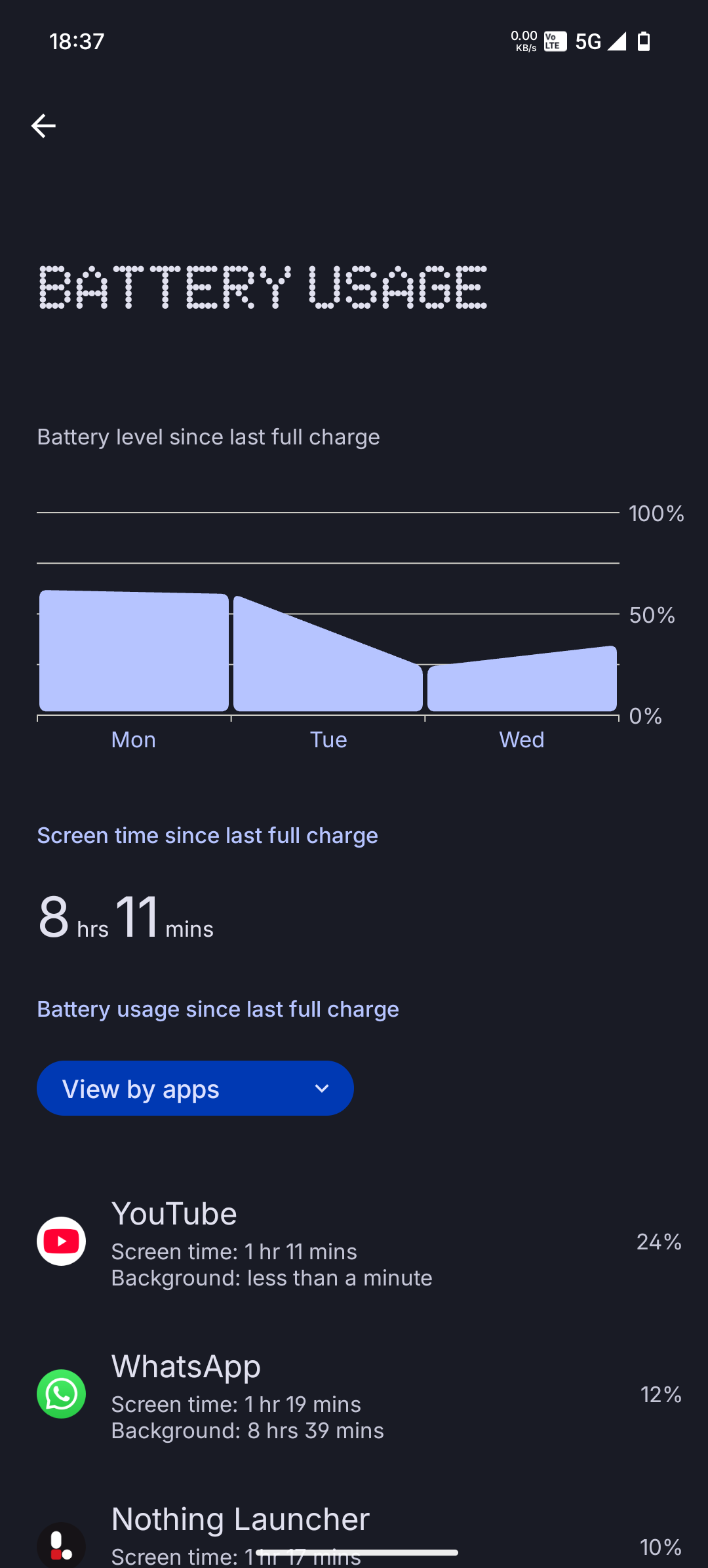
Ensure that there are no background apps running that may be consuming excess power. You can close apps manually by accessing the recent apps menu and swiping away any apps you are not currently using.
Clear Cache
Sometimes, accumulated cache data can cause performance issues. Please go to your phone’s Settings > Storage > Cached data, and clear the cache.
Update Software
Check if your device has the latest software updates installed. Go to Settings > System > Software Updates and ensure you are running the latest version of the software. Updates often include bug fixes and performance improvements that could help with overheating.
Disable High Power Features
Features such as location services, high-brightness mode, and Wi-Fi or Bluetooth scanning can increase power consumption and contribute to heating. Try disabling them when not in use.
Use Airplane Mode in Low Signal Areas
If you are in an area with poor network coverage, your phone may be working harder to maintain a connection. Switching to Airplane Mode in low signal areas can help reduce strain on the device.
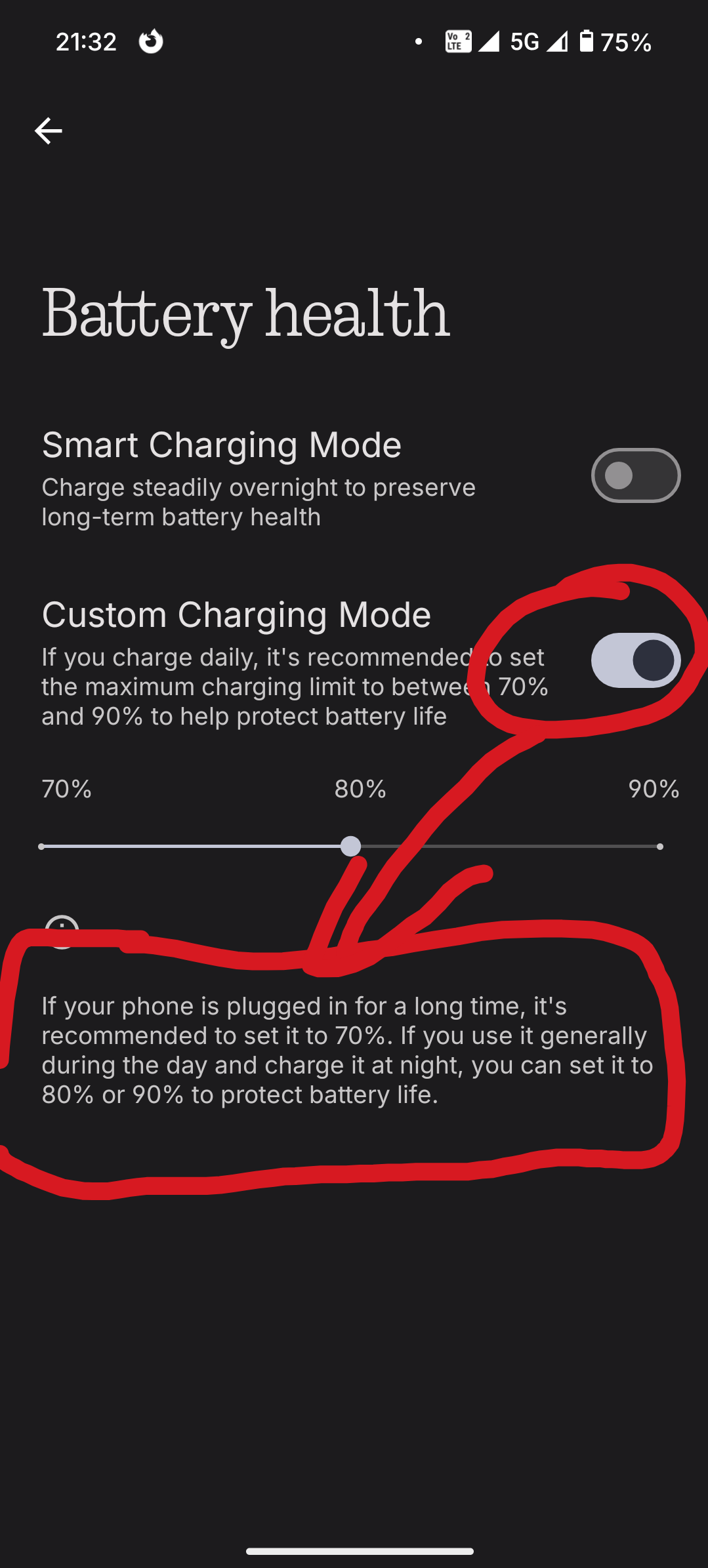
Avoid Using the Phone While Charging
Using the phone while charging can generate extra heat. We recommend avoiding heavy use, such as gaming or video streaming, while your phone is plugged in.