ShresthaSuraj Dear Sir/Mam In my Nothing Phone(2A), I insert two SIM Card in my phone then I have some issue in N Dial all function are working properly, when I am going to dial USSD code at that time no one option show to chose SIM Card either not running USSD code so any one please help me.
Ali Fakhruddin ShresthaSuraj Hello. To select the preferred SIM card you can choose that from settings directly. As for the ussd, we noticed that some work and some don’t. We are currently working on it and it’ll be available in the final build.
AbhijitMandan Ali Fakhruddin very good app but contact picture enlarge looks so blurr and the logo off the app dose not match plus no dial pad sounds
Ali Fakhruddin AbhijitMandan the pictures fetched from Google will be blurred due to their compression. As for the keypad sounds, we don’t have one. May be haptics.
Maseruki Hello I’m using n dial as my default phone app, I have the problem that when I ask Google to call a contact, it sends N-dial to call, but N-dial doesn’t do anything. Is there a solution for this? Thanks you
Ali Fakhruddin Maseruki Try using the Open Beta version. It has less bugs than Stark. Also, the new update is coming soon which will fix more bugs.
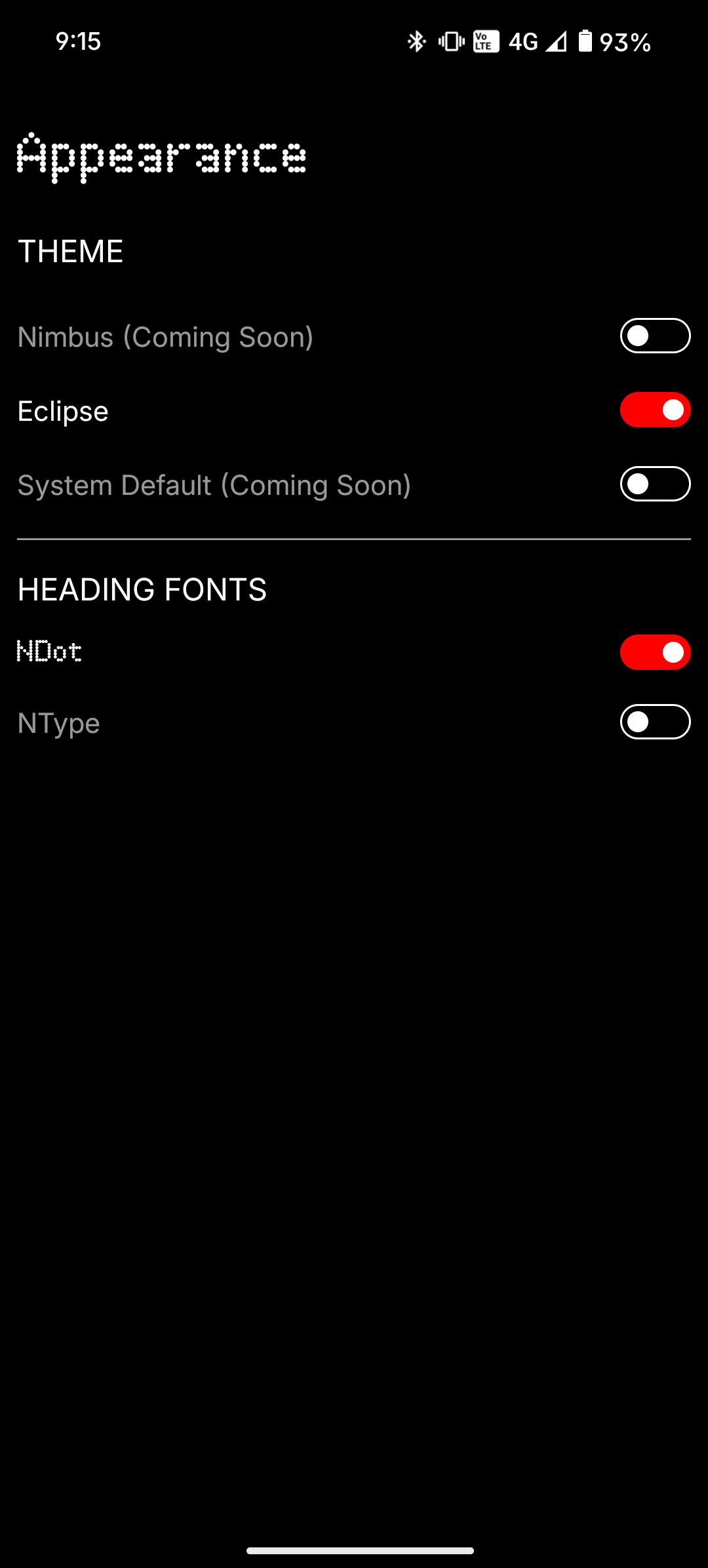
Ali Fakhruddin N Dial Nimbus Mega update is here: Mega Update: New UI for Recents, Dialpad, Contacts and Favorites New UI for Contact card New UI for Calls New Light Theme (Nimbus) New Navigation bar Added haptics for scrolling and dialpad Added individual call logs for each contact Added option to delete individual call entries Added profile picture in contacts Added albums view option in Favorites Added call logs limit for better performance Removed popup for incoming calls, now stays in notification panel Added external links Added quick notes as optional in ongoing calls Improved animations Bug fixes & Performance boost Fixed proximity sensor issue Fixed Bluetooth issue with smart watches Improved quality of images in contact card