Device Information:
Device: CMF Phone 2 Pro Issue
Category: Camera / Image Post-ProcessingProblem
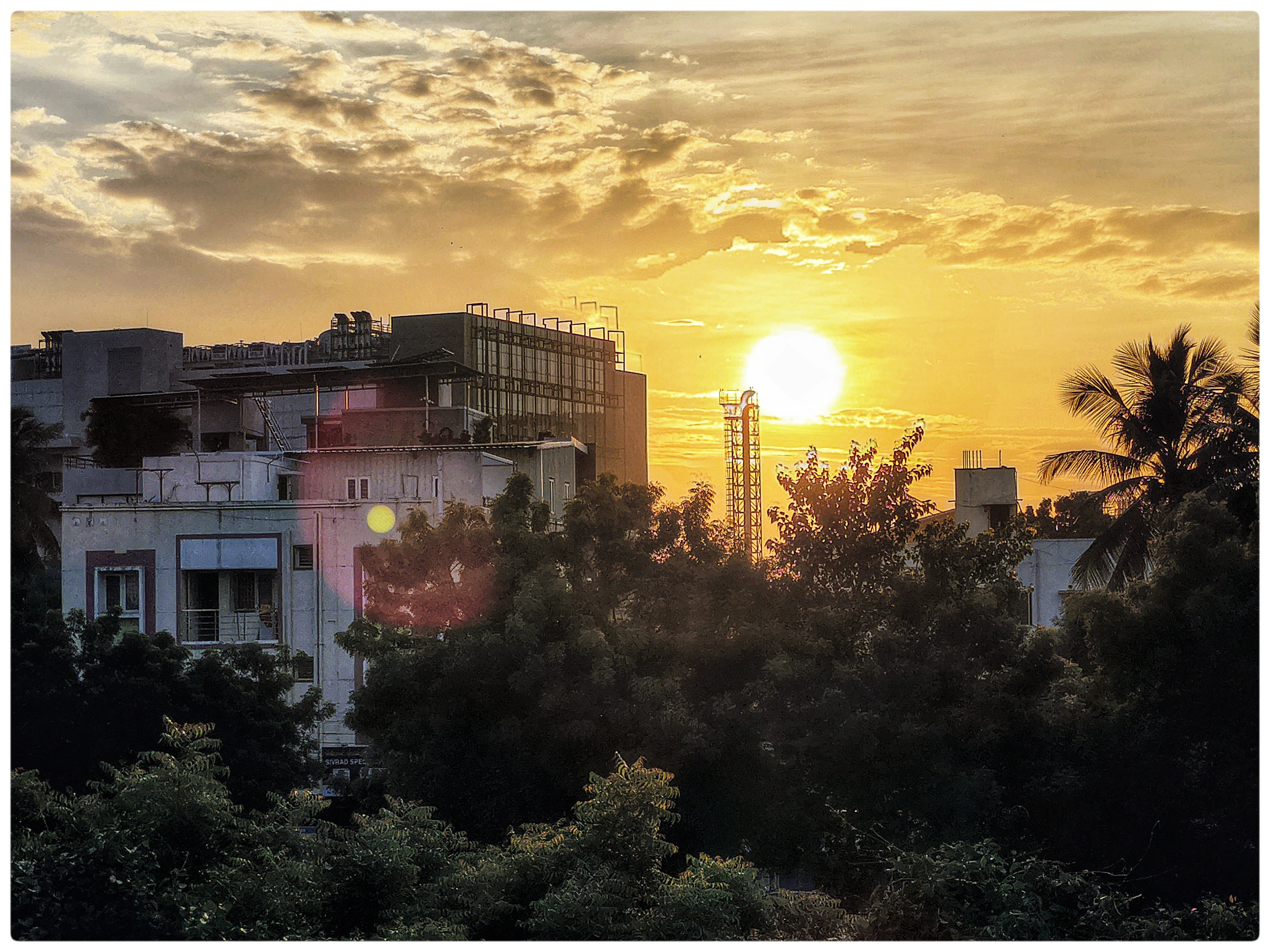
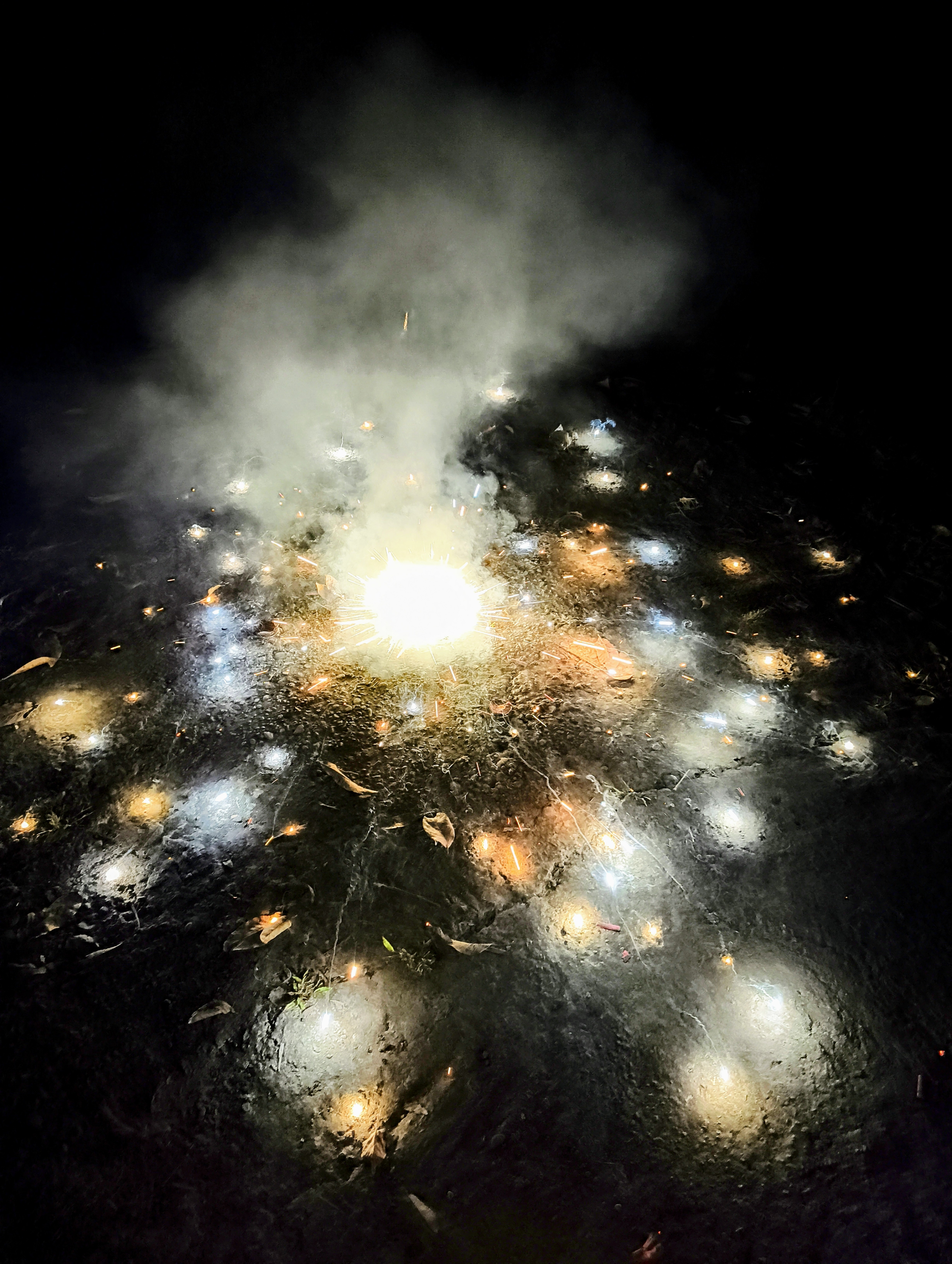
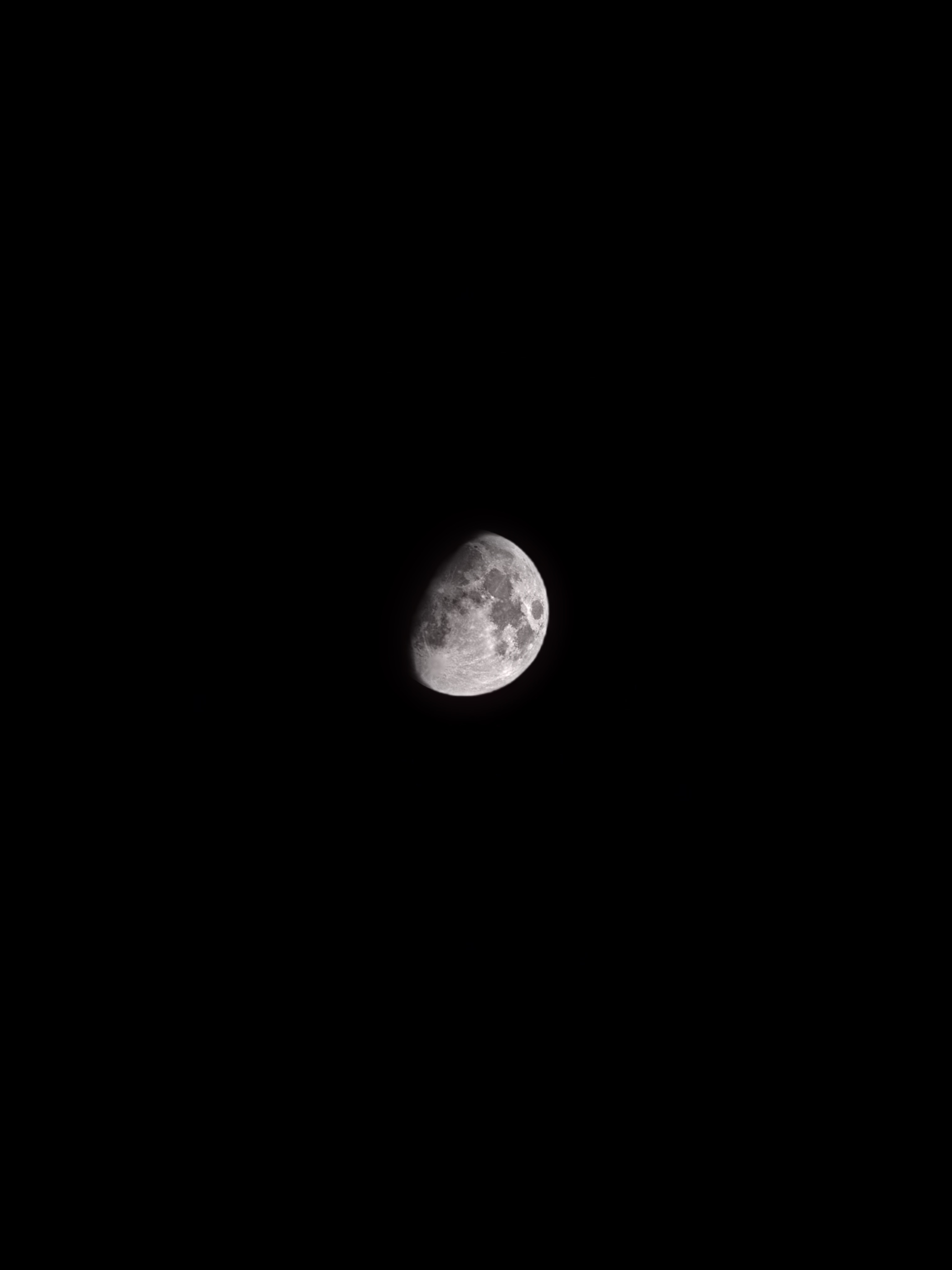
Description:The camera is applying aggressive automatic post-processing that darkens and blackens photos immediately after capture. When framing a shot, the camera preview shows correct brightness and exposure. However, the moment I tap the shutter button and the photo is captured, the resulting image is significantly darker or completely blackened compared to what was shown in the preview .
This makes the camera unusable for regular photography as the final images do not represent the actual scene or what I saw in the viewfinder.
Troubleshooting Steps Already Attempted😃isabled all available retouch and enhancement settings.
Searched for Vivid/Natural mode toggle - Does not exist on CMF Phone 2 Pro (unlike Nothing phones)Searched for AI Scene Optimization toggle - Does not exist as a separate setting on CMF Phone 2 ProDisabled HDR - Set to OFF instead of AutoDisabled Auto Tone - Turned off via arrow menu in camera appDisabled Motion Photo - Turned offAttempted to disable Ultra XDR - Checked in More SettingsReset camera settings to default - Issue persists after resetRoot Cause:After extensive troubleshooting, I discovered that the CMF Phone 2 Pro has AI Vivid Mode and scene recognition (detecting 20+ scenes) built into the "True Lens Engine 3" camera system, with no toggle to disable it in standard photo mode ��.
This AI post-processing cannot be turned off unless I switch to Expert mode and shoot in RAW format, which is not practical for everyday photography.Impact:Cannot use standard photo mode for regular photography.Photos are unusable due to extreme darkening. issue that prevents normal camera usage
Please help