Nothing OS 4.0 Open Beta
[Update: OS4 Beta downloads have now ended for all devices. Enrolled testers are encouraged to continue sharing feedback!]
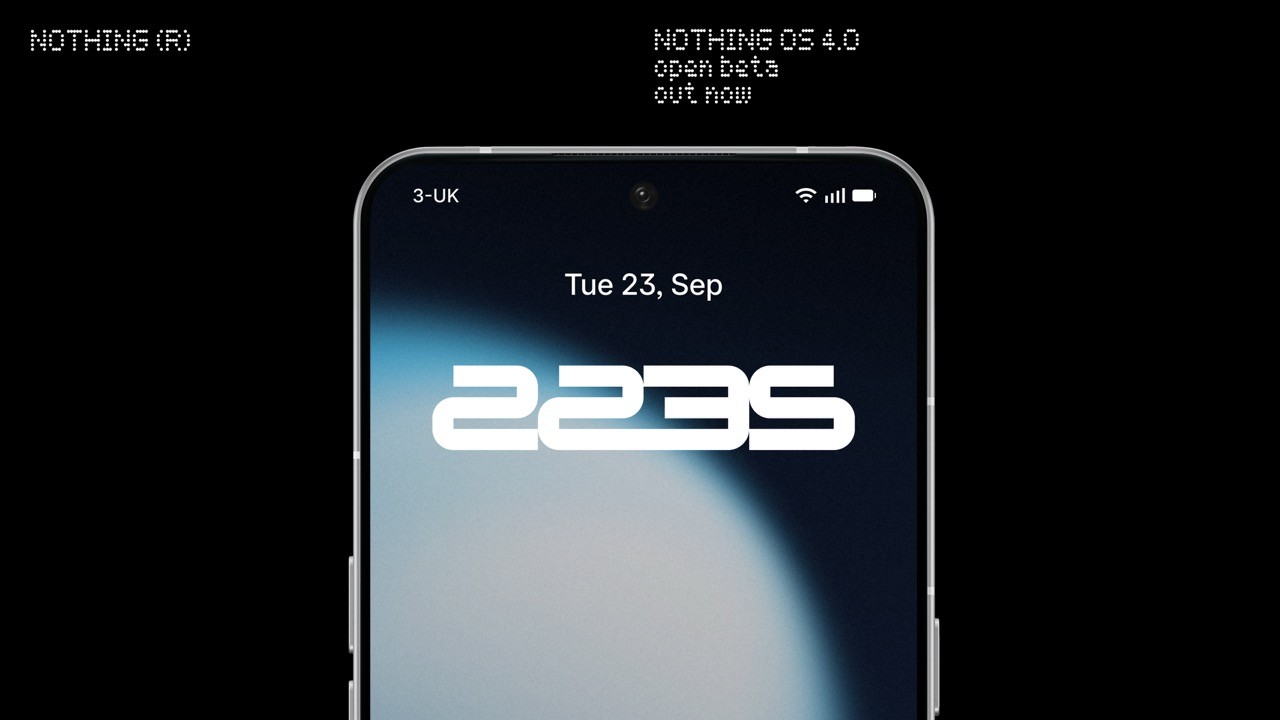
We’re excited to bring you the Nothing OS 4.0 Open Beta. This is your chance to try out the newest features from Nothing OS alongside Android 16 before the official release.
Here’s what you can expect with Nothing OS 4.0 Beta:
📱 Phone (3)
Phone (3) introduces the AI usage dashboard in Essential Space, giving you greater transparency over large model activity. This update also includes general improvements and bug fixes, with better lock screen and AOD performance, optimised brightness behaviour, enhanced camera stability, improved Bluetooth stability and compatibility, stronger Wi-Fi connectivity and network stability, and overall system stability enhancements.
📱 Phone (2), (2a) & (2a) Plus
These devices now include the “Stretch” Camera preset, created with photographer Jordan Hemingway, which enhances photos with rich shadows and extended highlights for a more distinctive look directly from the Camera app. In addition, this update brings system-level app optimisation to improve startup speed, available under Settings > Apps > App optimisation.
Other new features
🟢 Pop-up View with two floating icons for faster switching
⏱️ Two new lock screen clock faces
↔️ 2×2 Quick Settings tile support
🌑 Extra Dark Mode (Settings > Display > Dark theme > Extra dark mode)
-
✨ Essential Apps & Playground
Essential Apps are now live. You can create widgets with AI and share them in Playground alongside Camera Presets and EQ Profiles. With Nothing OS 4.0, Phone (3) supports up to 6 widgets and other models up to 2, a temporary limit set to keep performance smooth. Learn more in our Essential post.
-
Notes
- Please back up your data (photos, call logs, contacts, etc.) before installing any of our Betas.
- Your device may temporarily heat up and consume more power after updating. This will return to normal shortly after installation.
How to join:
Make sure your device is on the latest stable build, go to About phone > banner. You need to have the following versions installed to take part:
Phone (3): Metroid-V3.5-250911-2112
Phone (3a): Asteroids-V3.2-251013-1406
Phone (3a) Pro: Asteroids-V3.2-251013-1406
Phone (2): Pong-V3.2-250917-1451
Phone (2a): Pacman-V3.2-250904-1648
Phone (2a) Plus: PacmanPro-V3.2-250904-1704
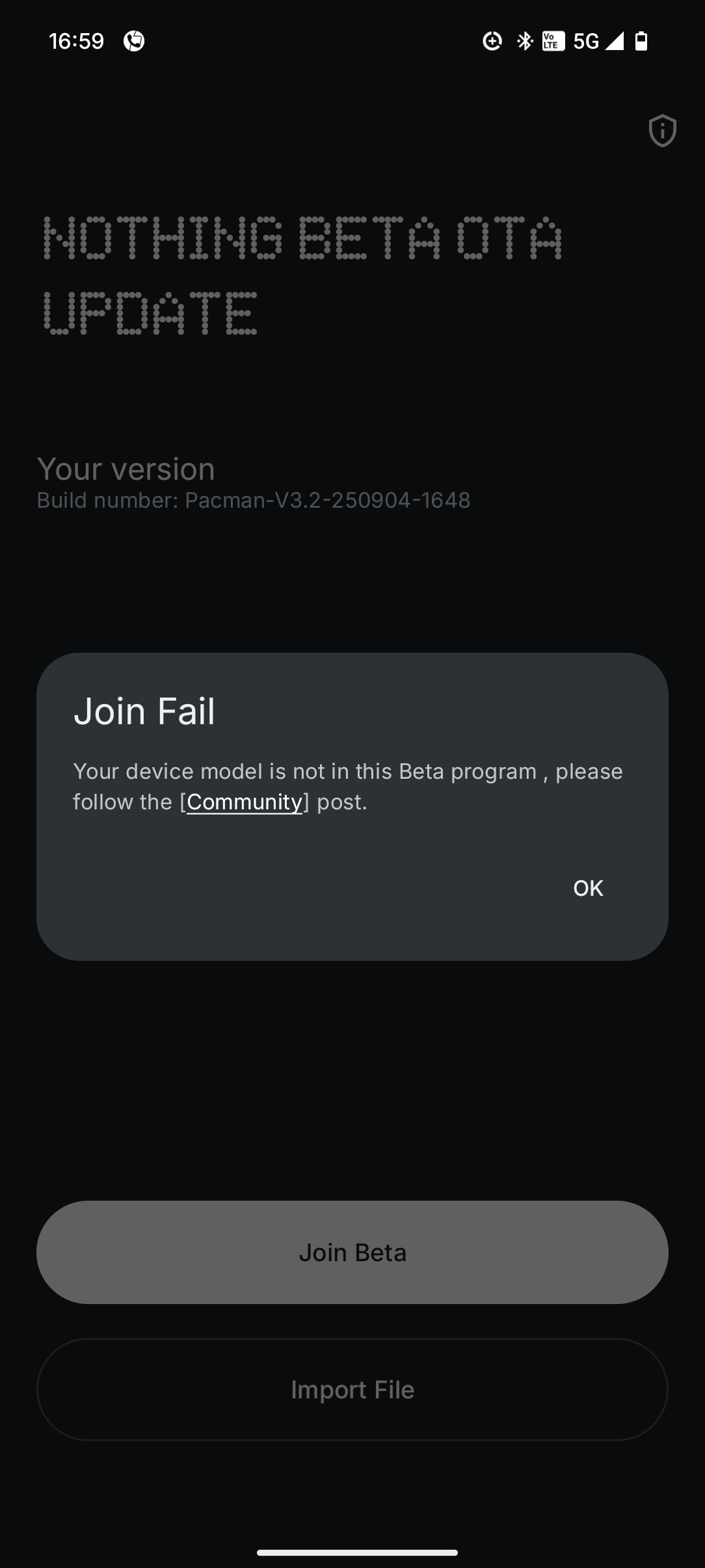
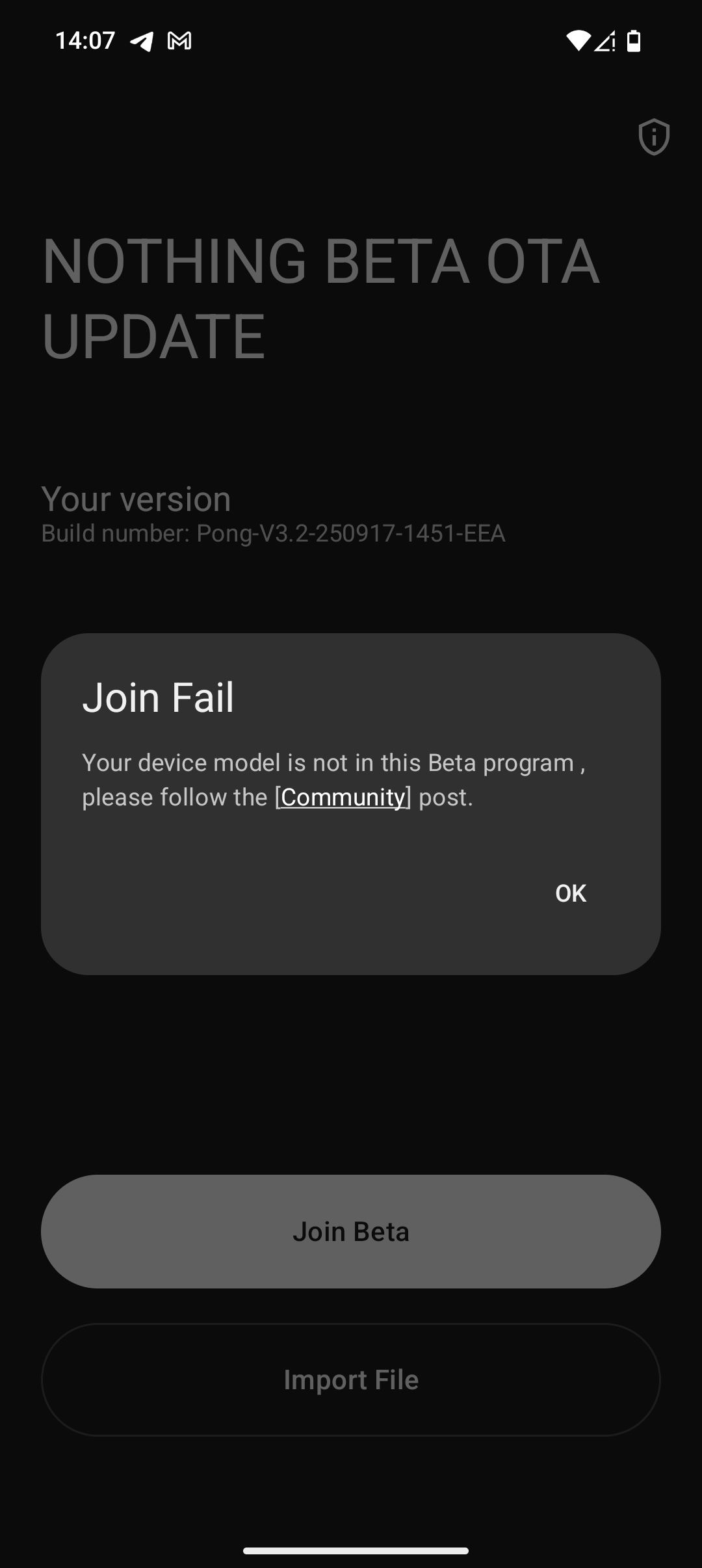
⚠️ Disclaimer: Our Open Beta OTA servers have now closed for Phone (2), (2a), (2a)+ and (3). (3a) and (3a) Pro downloads are still available here.
Then:
Download our Beta Updates Hub .apk and install it from your Downloads folder.
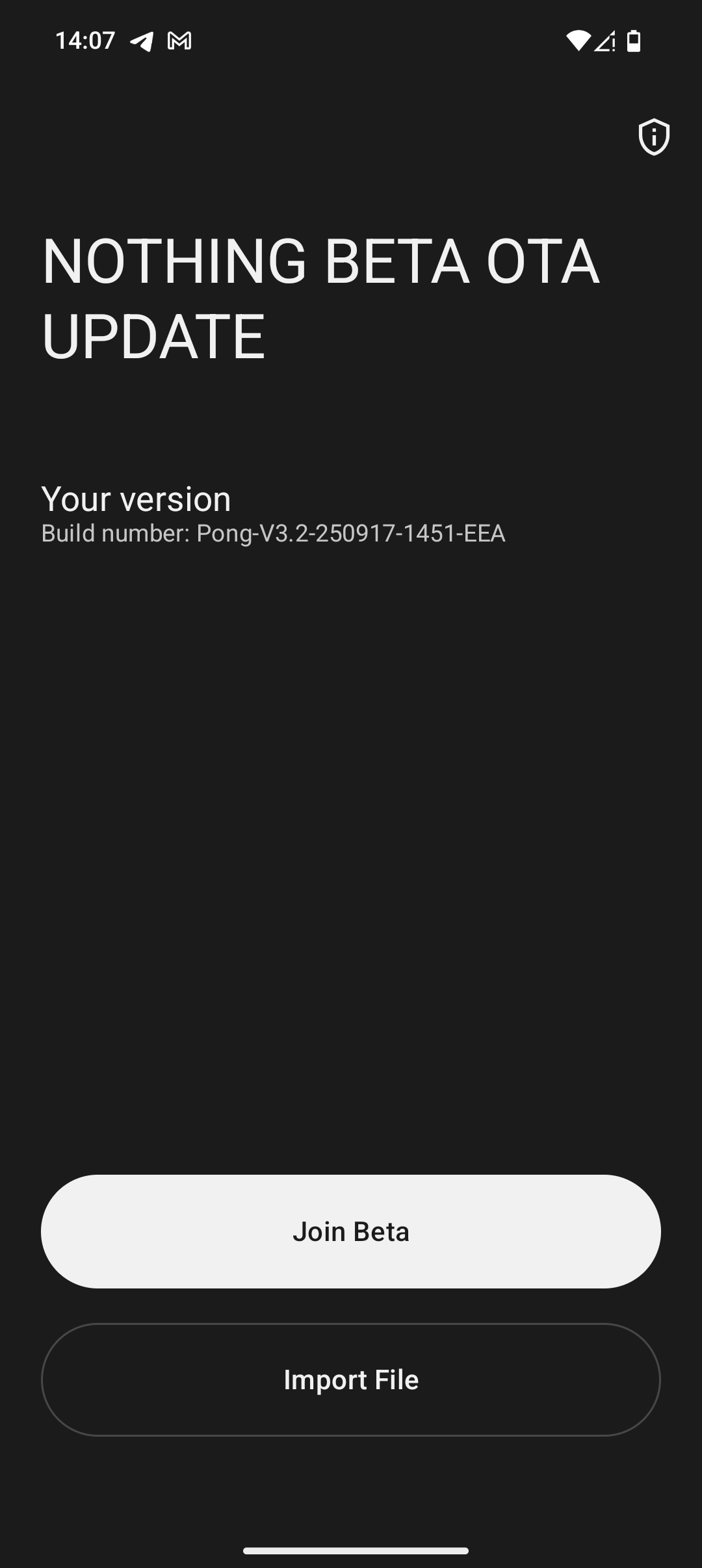
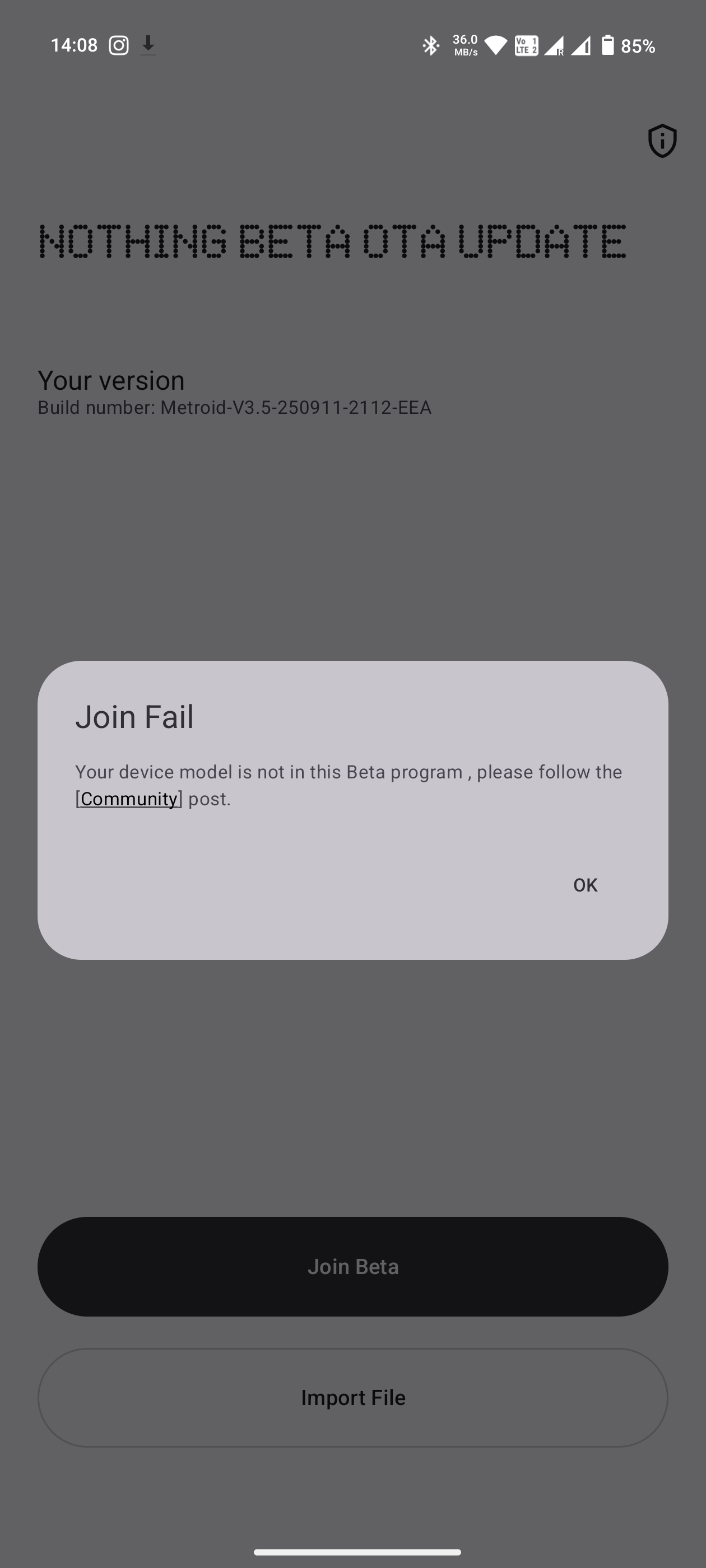
Go to Settings > System > Nothing Beta Hub.
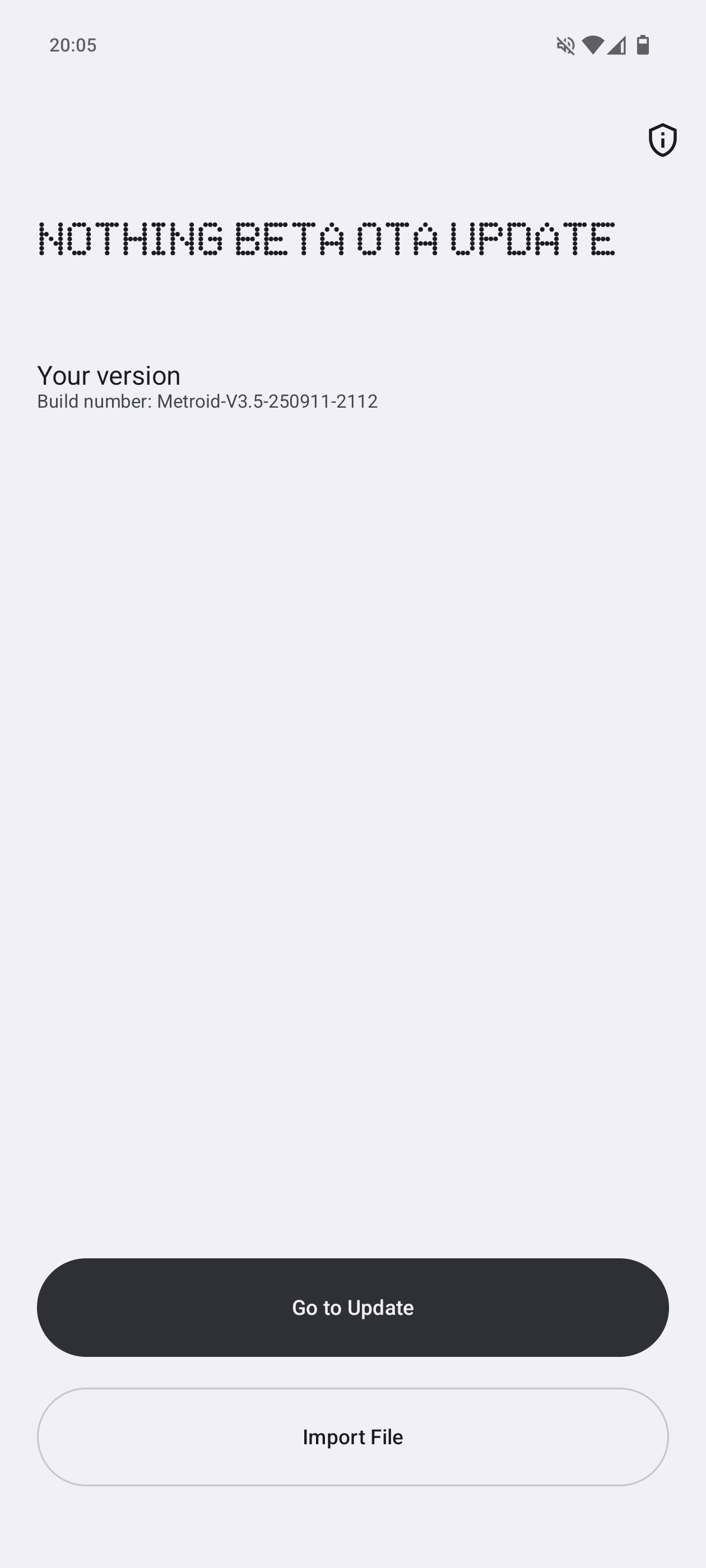
Tap "Join Beta" to sign up. After successful registration, Tap "Go to Update" to upgrade.
Tip:
- If tapping "Go to Update" fails, check manually by heading to Settings > System > System updates and check for updates.
Once installed:
- We encourage you to share your feedback to help us continue to refine the experience.
- Your feedback can be shared via Settings > System > Feedback, or join the discussion here on nothing.community via our dedicated threads.
⚠️ Disclaimer: This is Beta software and may interfere with your data. It could also require a factory reset. Please back up your data before updating.
-
Rolling back to Stable
If you need to return to Nothing OS 3.5 for any reason, follow these steps:
- Download the relevant rollback package:
Phone (3)
Phone (3a)
Phone (3a) Pro
Phone (2)
Phone (2a)
Phone (2a) Plus
Go to Settings > System > Nothing Beta Hub
Tap Import file and select the package.
Follow the on-screen instructions.
Tip:
- If you see an error, create a folder called Documents in Internal Storage and try again.
⚠️ Disclaimer: Rolling back will factory reset your device and erase all data due to Google’s rollback rules. Please back up everything before proceeding. Nothing cannot accept responsibility for issues caused during rollback. For help, contact customer support.
Other Open Beta Release Dates
The Open Beta for Phone (3a) Series has now arrived, read more about it in this dedicated post.