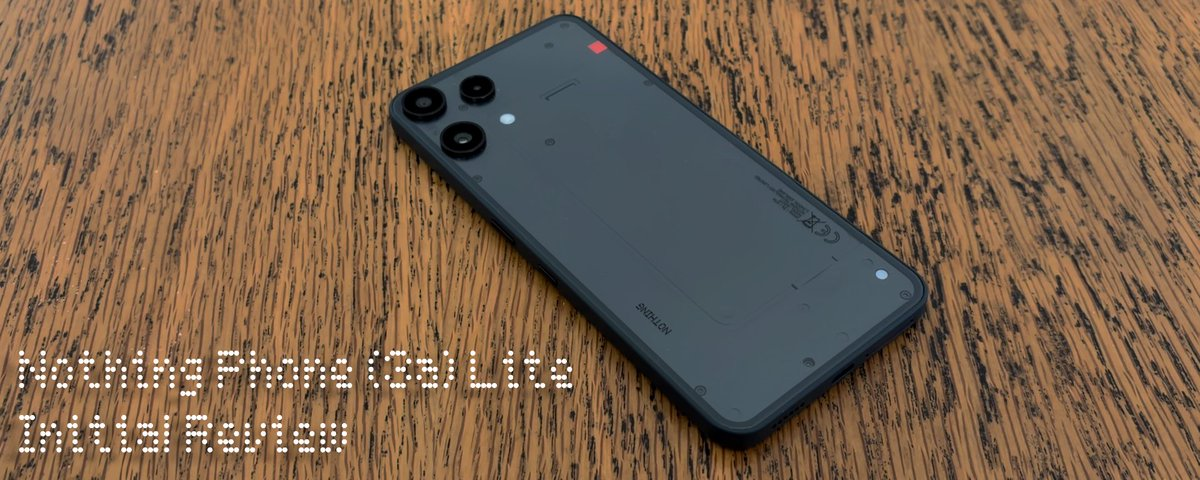
I’ve received the Nothing Phone (3a) Lite review unit through the Community Review Programme. After spending a few days with it, I’m here to share my first impressions and initial review. Before we begin, here’s a my short unboxing video and a quick look at what’s inside the box.
—
In the box
Nothing Phone (3a) Lite
Nothing cable (c-c) 100 cm
Clear case
Pre-applied screen protector
SIM tray ejector tool
Safety information and warranty card
—
What I Liked
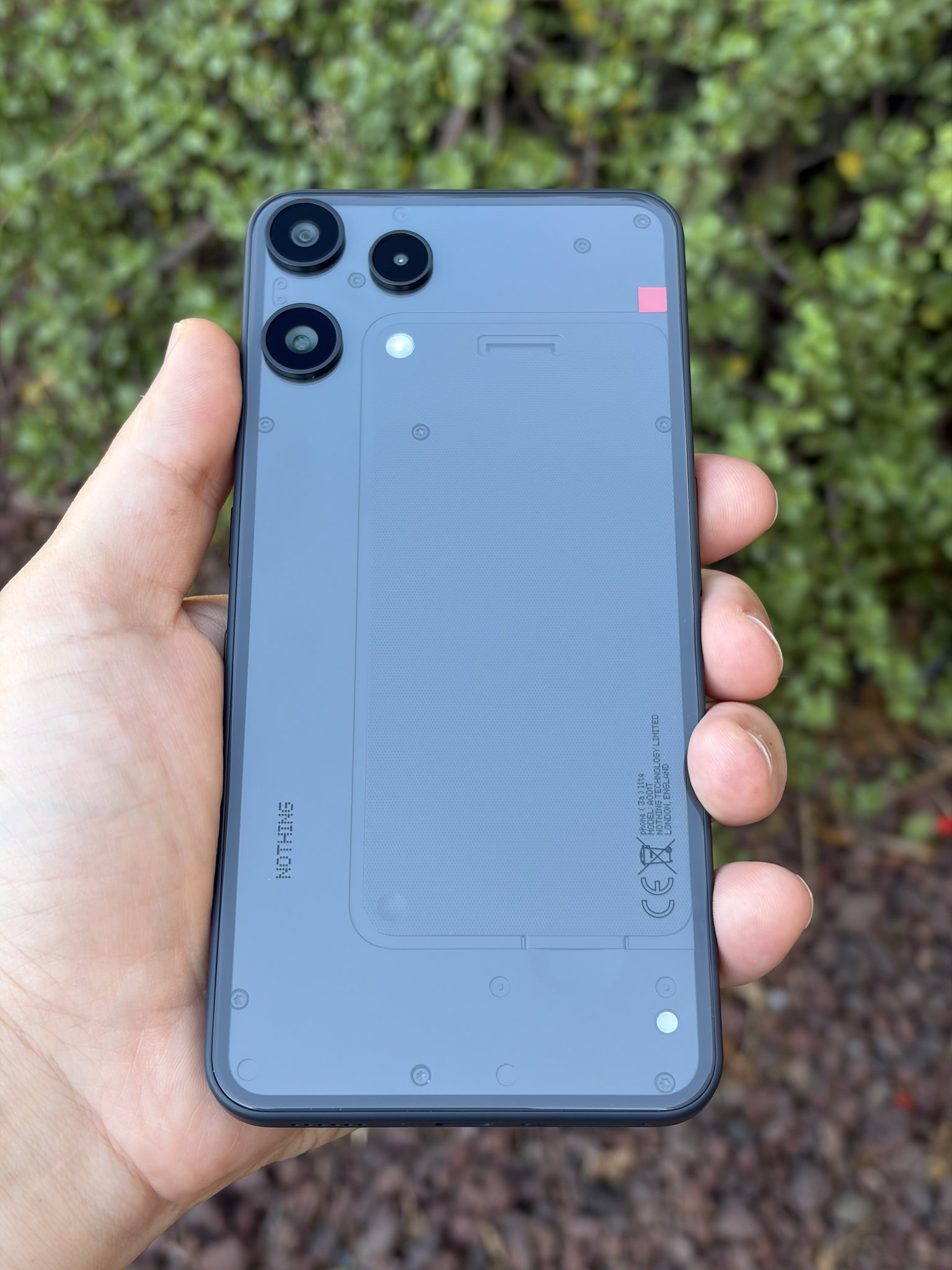
Design and Build Quality - The Phone (3a) Lite follows Nothing’s iconic design language with a glossy back that feels sturdy and well-built. I got the black unit, which looks great, though after seeing the white one, I think that version has a bit more visual pop and it’s the one I personally prefer.
Display - With its 6.77-inch flexible AMOLED display, I really can’t think of a negative point - especially when you consider the price tag and what the competition in this range has to offer. In direct sunlight, it’s also perfectly usable, which isn’t always the case in this price bracket.
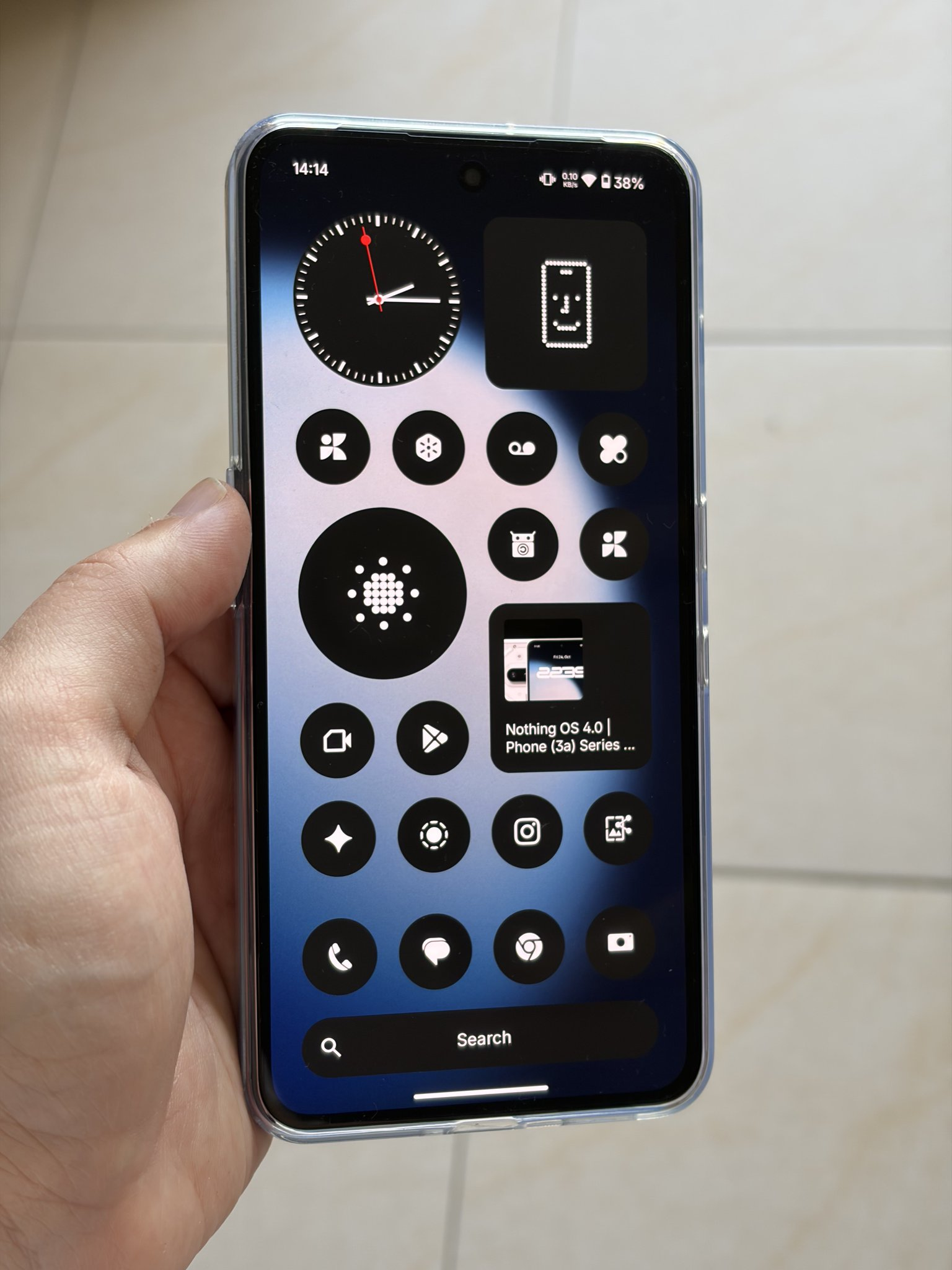
Software - Nothing OS has quickly become my favourite Android-based OS, and the Phone (3a) Lite is no exception. I really like the philosophy behind it - it actually encourages you to use your phone less. The monochrome icons and clean layout make everything feel calmer, and the built-in widgets are honestly the best I’ve used on any Android device, blending perfectly into the home screen and actually being useful. The ability to share widgets with your loved ones is a nice little bonus too.
Essential Space and Essential Search are genuinely useful features that keep getting better. The AI part of Essential Search isn’t available in my region yet, but the system-wide search is still excellent - being able to quickly find SMS, calendar events, contacts, photos, and more is incredibly convenient.
With Phone (3a) Lite, Nothing introduces pre-installed apps and the Lock Glimpse service. I’m not a fan of it personally, but I do understand the reasoning behind it - more on that in the “What I Didn’t Like” section.
Glyph Interface - The Glyph Light is Phone (3a) Lite’s take on the iconic Glyph interface - a single light that brings features like Flip to Glyph and Essential Notifications to this device. There’s also a camera countdown feature, which acts as a visual timer and comes in handy for group photos. Because it’s so minimal - just a single “dot” of light - it really takes me back to the old notification LEDs on older Android phones.
This is honestly my favourite form of the Glyph to date.
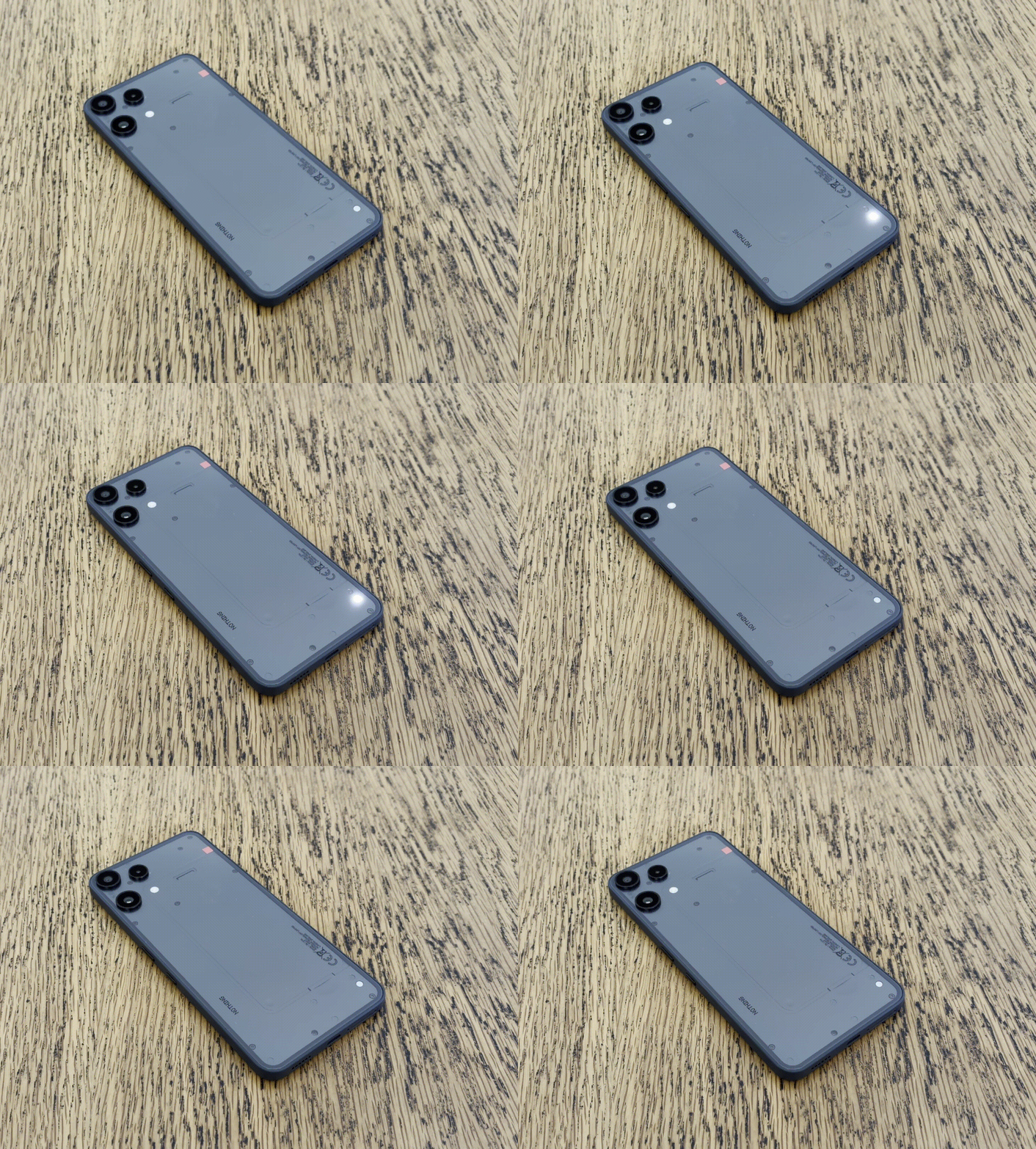
Due to GIF compression, colours may appear slightly off from how they look in real life.
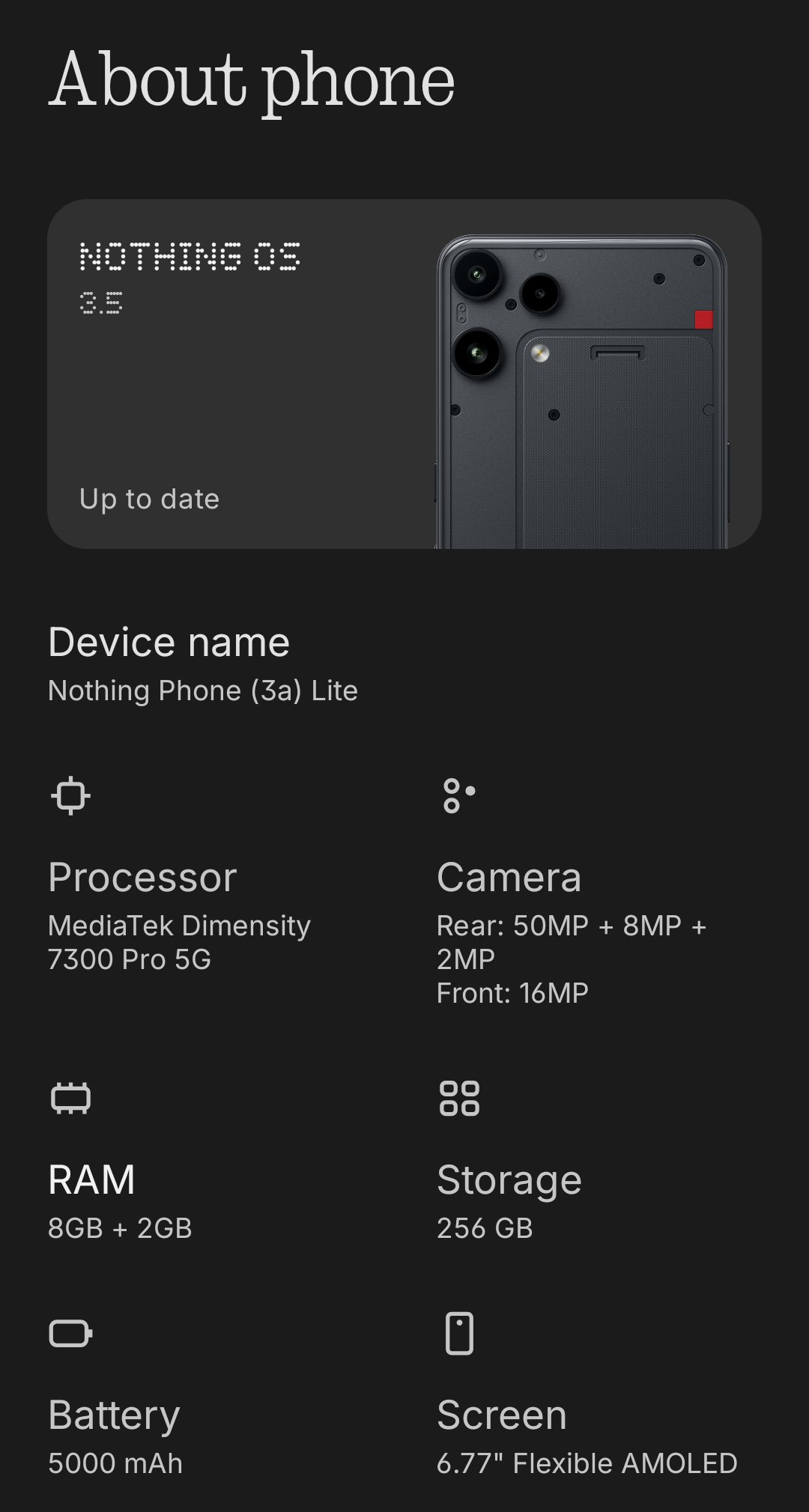
- Performance & Battery - There’s nothing particularly flashy to mention here - Phone (3a) Lite is equipped with a MediaTek Dimensity 7300 Pro 5G and a 5000 mAh battery with 33 W fast charging. It gets the job done reliably, handling daily tasks without any issues.
Haptic feedback - Normally, I wouldn’t include a section about haptic feedback and the vibration motor, but I had to mention it here - it’s really, really good, especially for this price range. Honestly, it’s amazing, and if you get a chance to try it in a store or at a friend’s, you’ll feel what I mean.
—
What I didn’t like
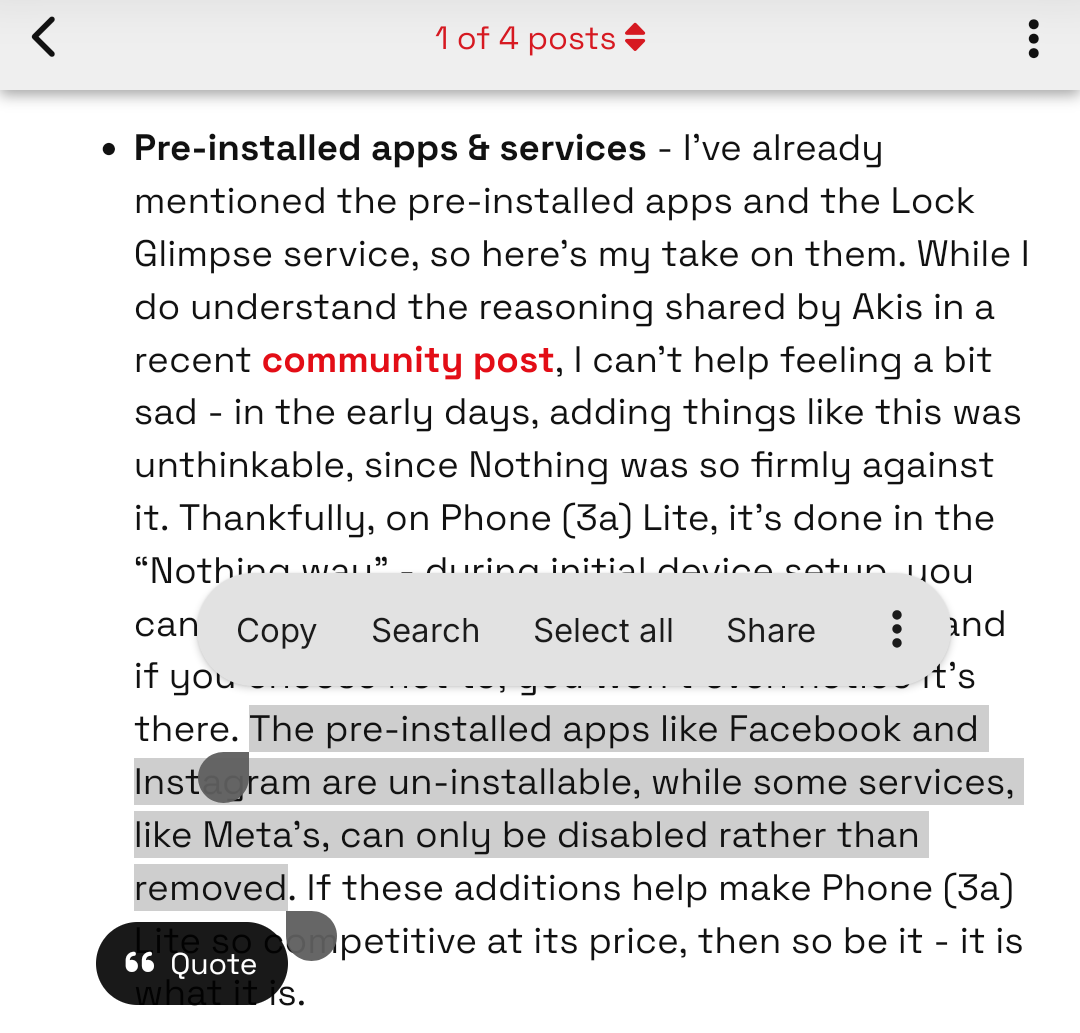
Pre-installed apps & services - I’ve already mentioned the pre-installed apps and the Lock Glimpse service, so here’s my take on them. While I do understand the reasoning shared by Akis in a recent community post, I can’t help feeling a bit sad - in the early days, adding things like this was unthinkable, since Nothing was so firmly against it. Thankfully, on Phone (3a) Lite, it’s done in the “Nothing way” - during initial device setup, you can choose whether to enable Lock Glimpse, and if you choose not to, you won’t even notice it’s there. The pre-installed apps like Facebook and Instagram are un-installable, while some services, like Meta’s, can only be disabled rather than removed. If these additions help make Phone (3a) Lite so competitive at its price, then so be it - it is what it is.
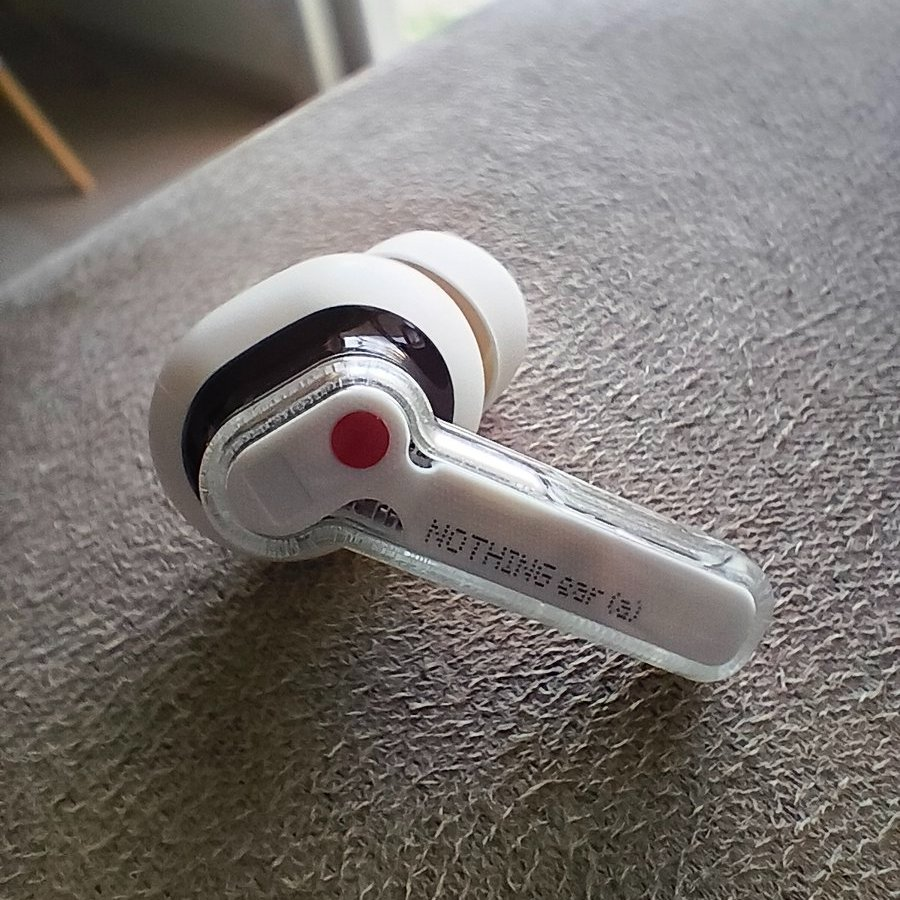
Macro Camera - Not sure why, but I just can’t seem to get good photos in Macro mode. I’m not a huge photographer, honestly, I’m a pretty bad one, so I don’t really care much about the rear cameras on my phone, but this macro camera is just… odd. You can see my best attempts at this mode below.

—
Cameras
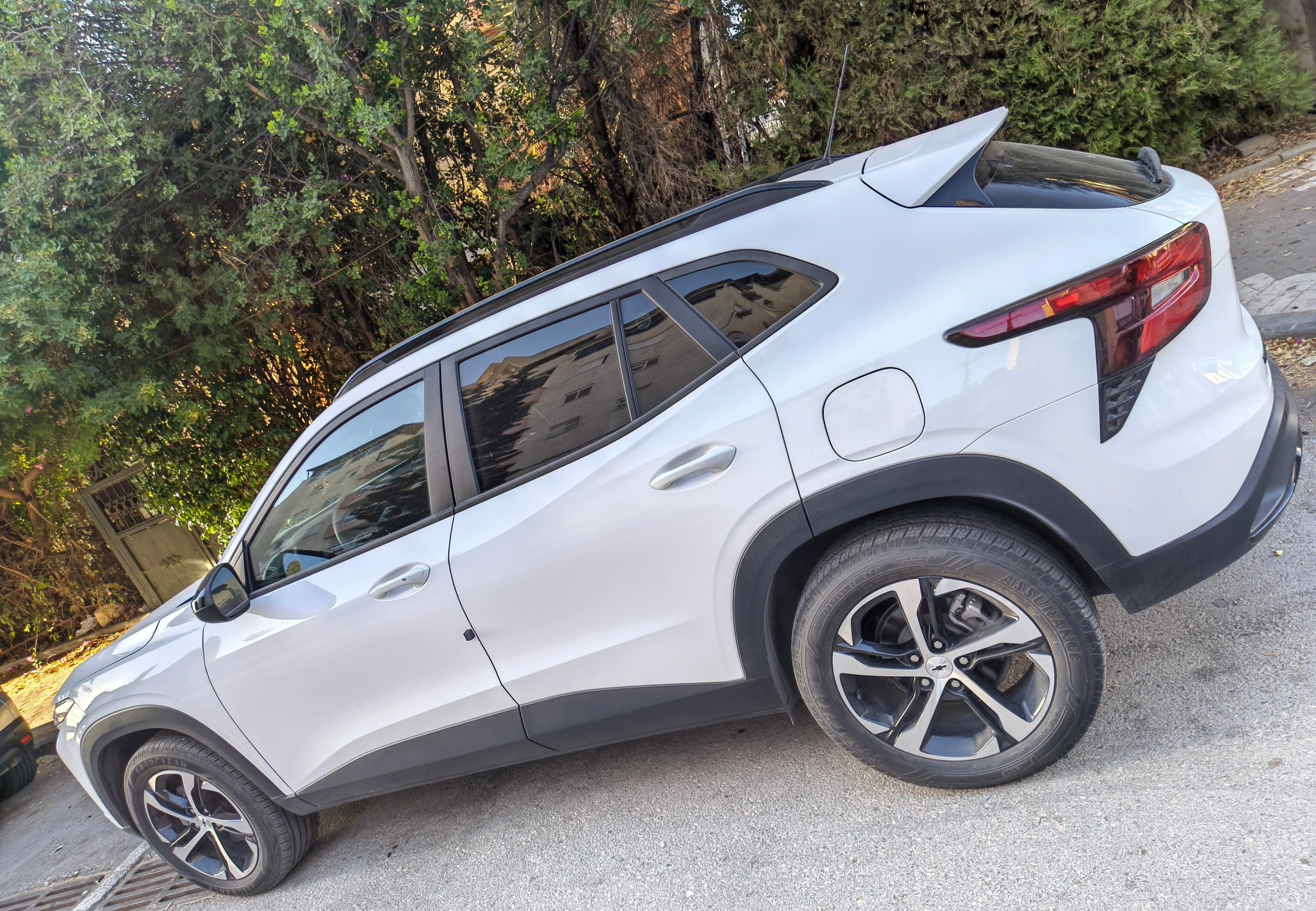
As I’ve mentioned before, I’m not a photographer, so I can’t really give a detailed opinion on the camera performance, but I’ve included some sample photos below that I think look pretty good.




—
Final verdict
Overall, I really like Phone (3a) Lite for what it’s designed for - a solid, well-built device with thoughtful software and features that make daily use enjoyable, especially considering its low price tag.
If you’re looking for a solid, stylish phone at a great price, maybe for a parent, a kid, or a relative, the Phone (3a) Lite is definitely one to consider.