Wassup Community,
Been running the new OS 4.0 stable build for a while now, and honestly, this feels like the moment Everything comes together. The whole system feels refined to the core - smoother animations, faster responses, and zero rough edges.
Nothing really locked in the polish this time.
Here’s the full breakdown 👇
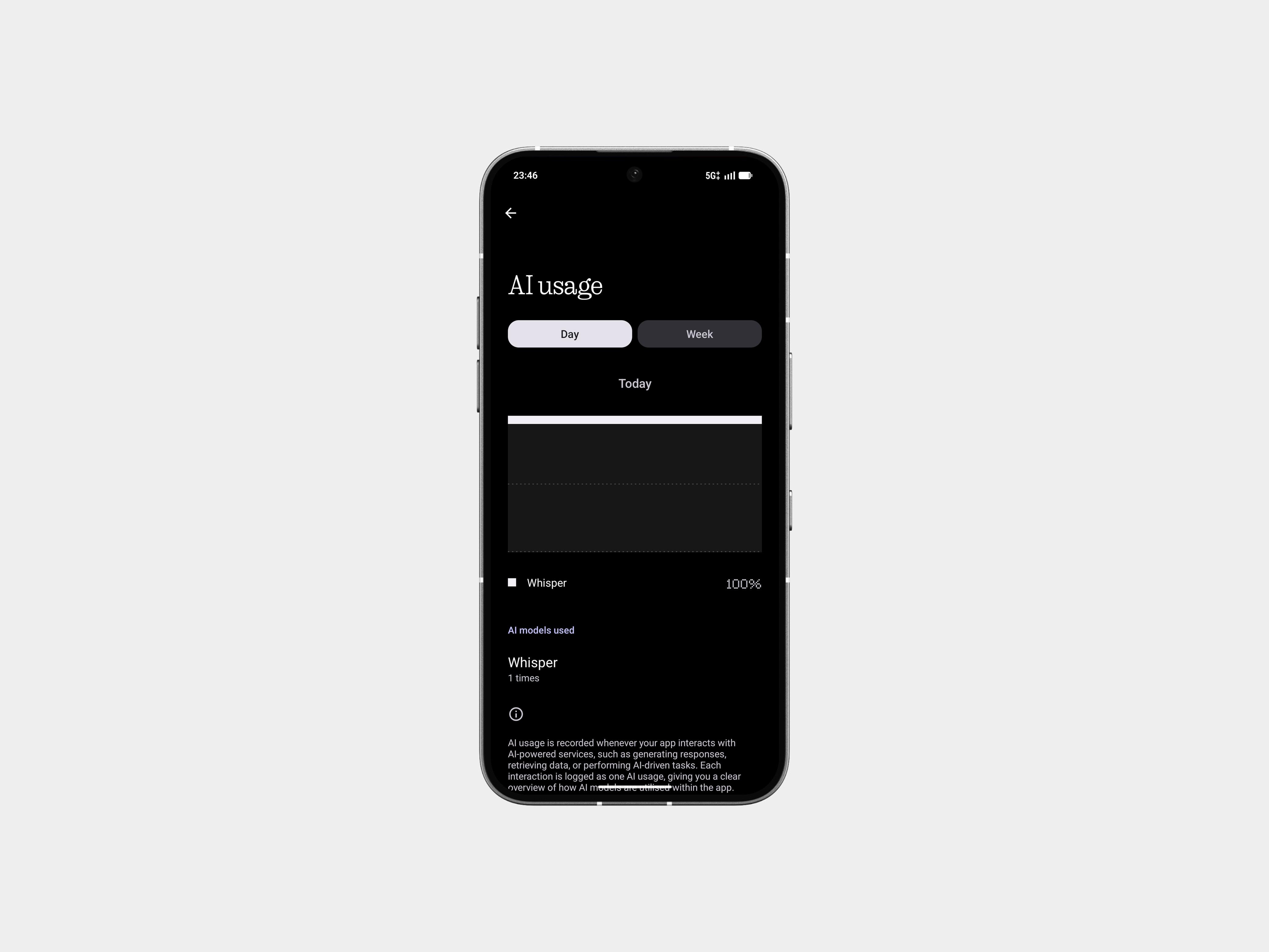
🤖 AI Usage Dashboard
Essential Space now shows exactly how much of the large-model AI your phone is using. It’s simple, clear, and actually useful if you care about what’s happening behind the scenes.
Settings → Intelligence toolkit → AI usage
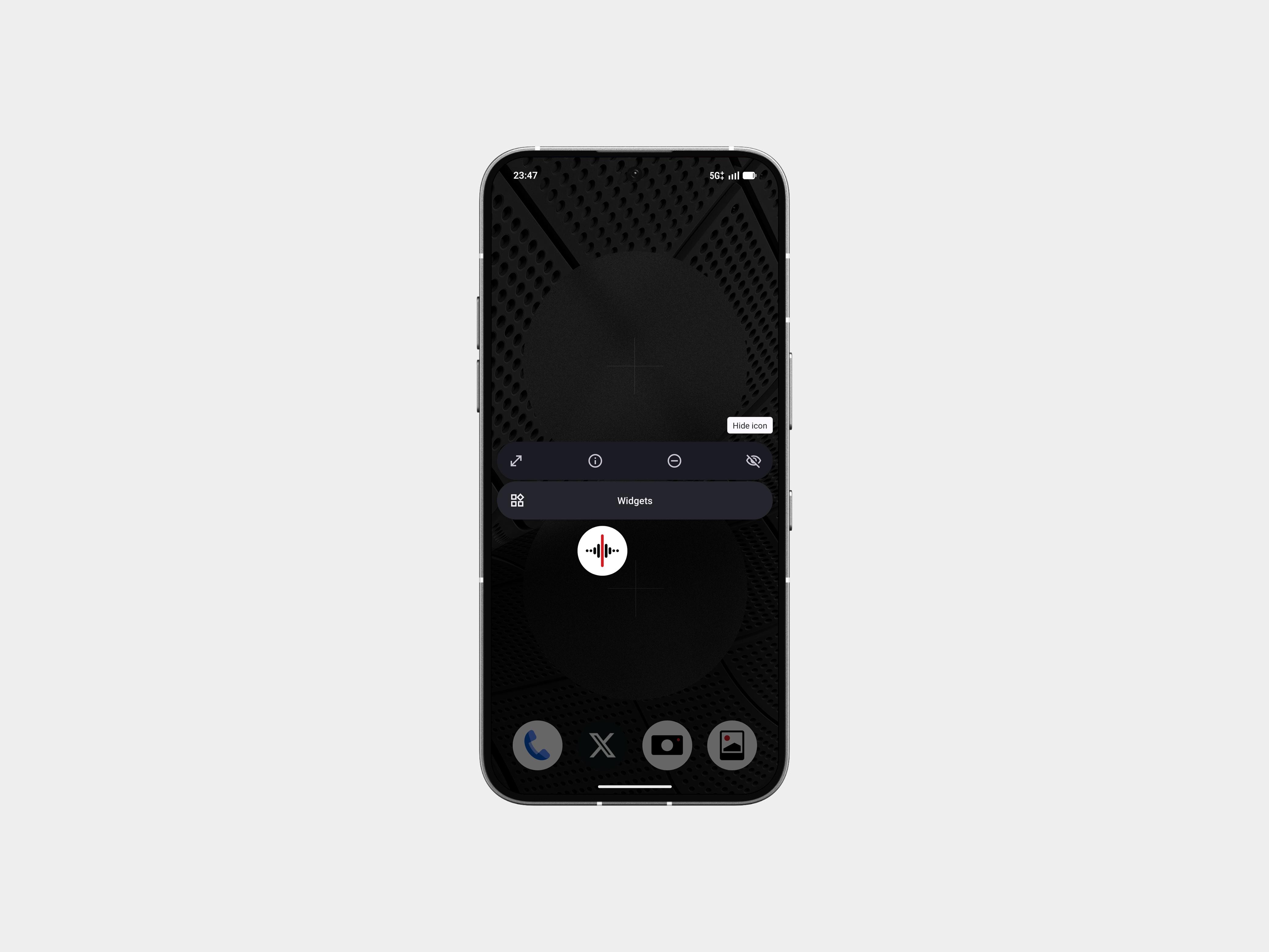
🙈 App Hiding, Done Right
You can now hide apps directly from the home screen or the app drawer. No extra menus, no workarounds.
All hidden apps sit under: App drawer → Hidden icons.
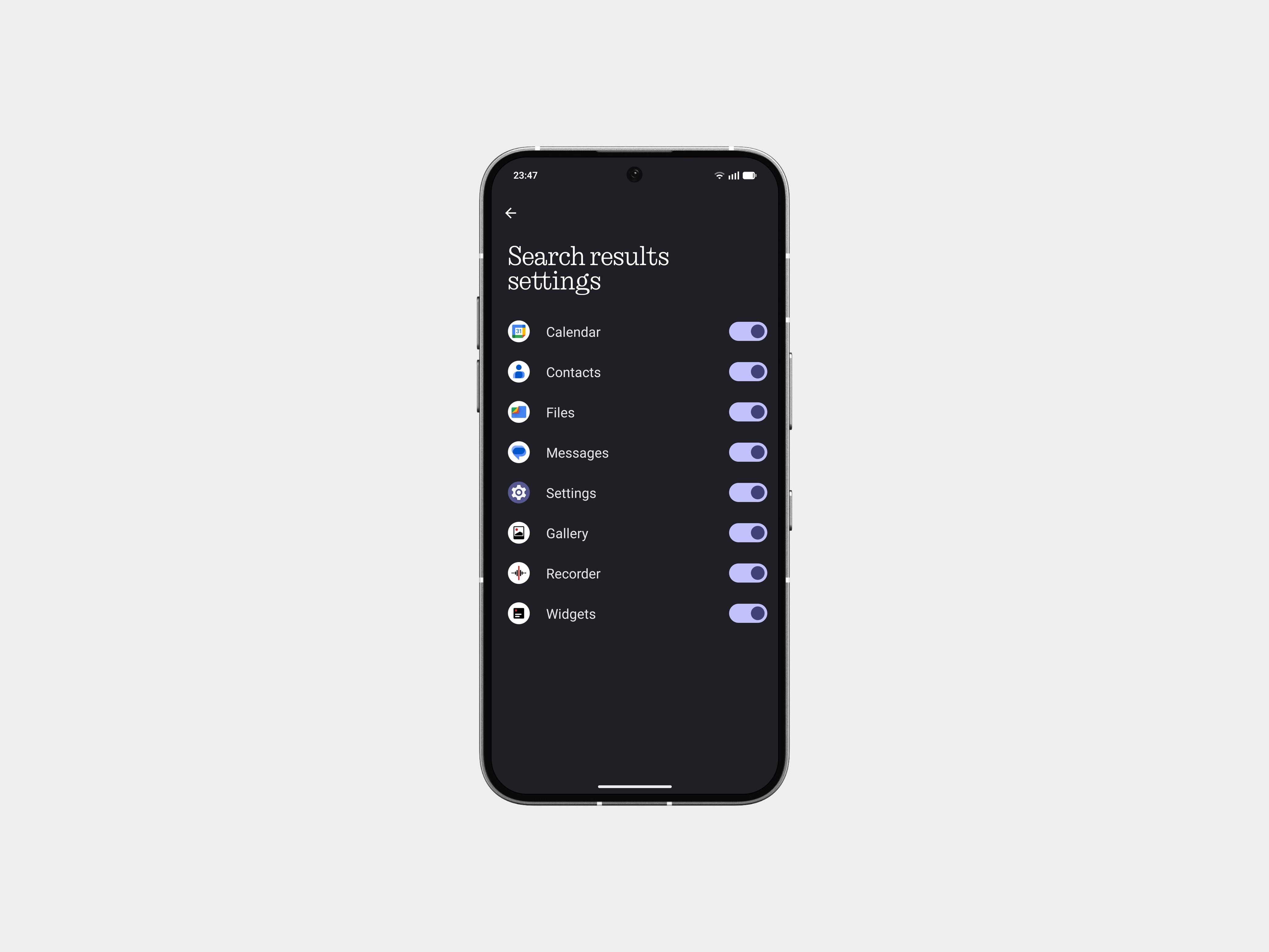
🔍 Scoped Search in App Drawer
Search got smarter. You can now control what the app drawer searches through - apps only, contacts, settings, or all.
Makes searching way less cluttered.
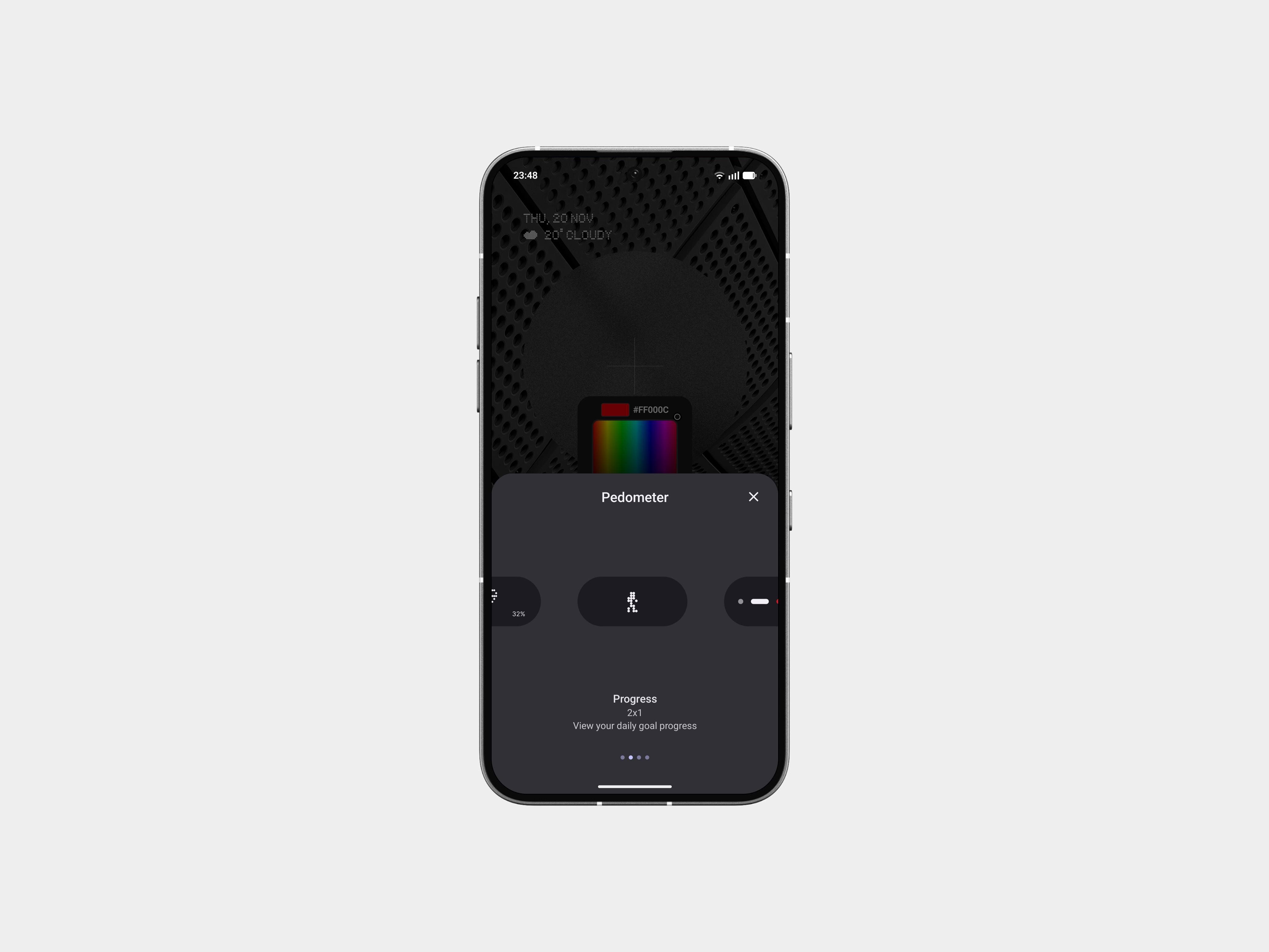
📏 Expanded Widget Sizes
Weather, Pedometer, and Screen Time widgets now have more size options. Good for cleaner setups and tighter layouts.
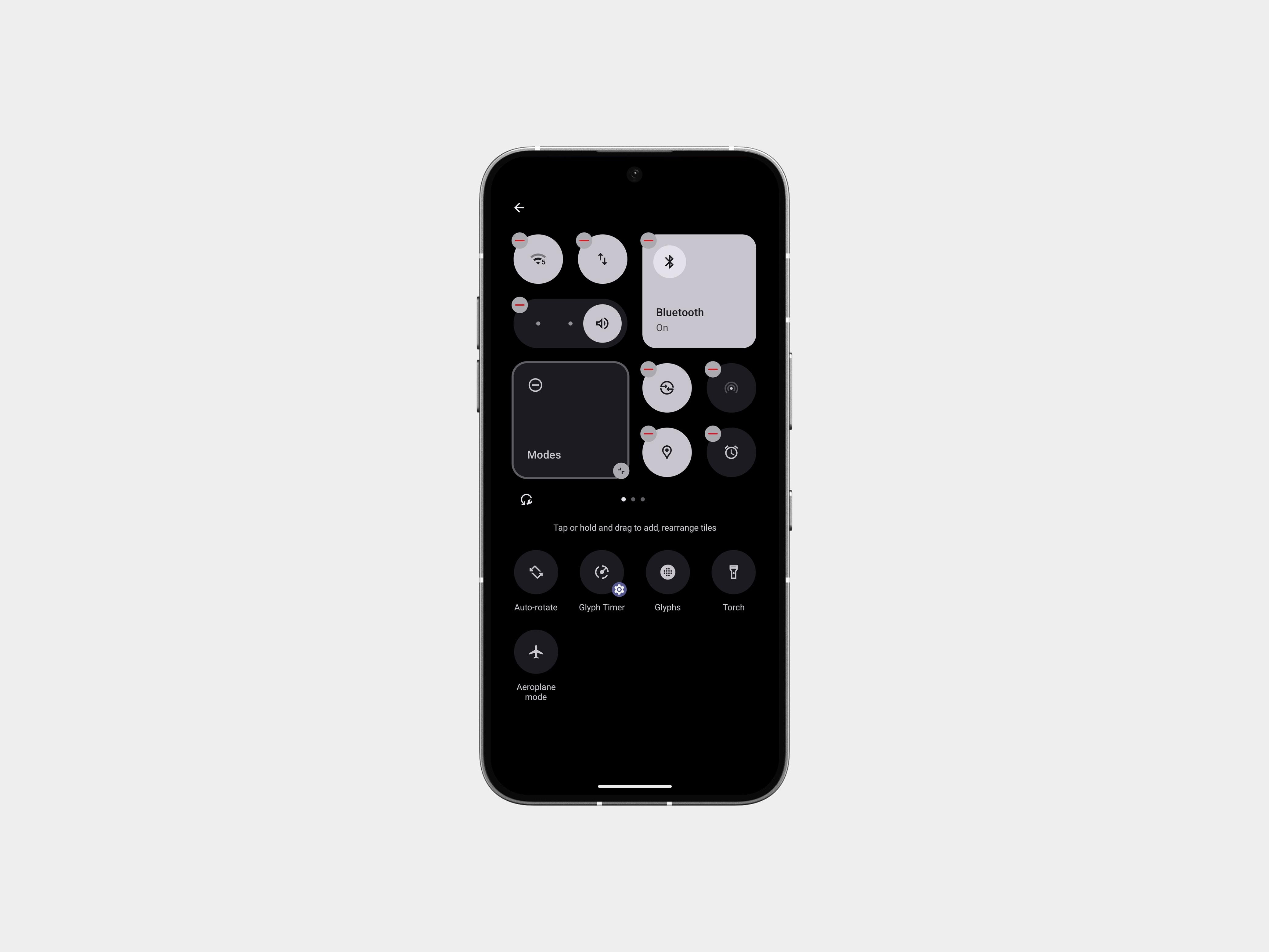
🟩 2×2 Quick Settings Tiles
Most Quick Settings tiles now support 2×2 format. Helps you stack essentials without scrolling through the whole shade.
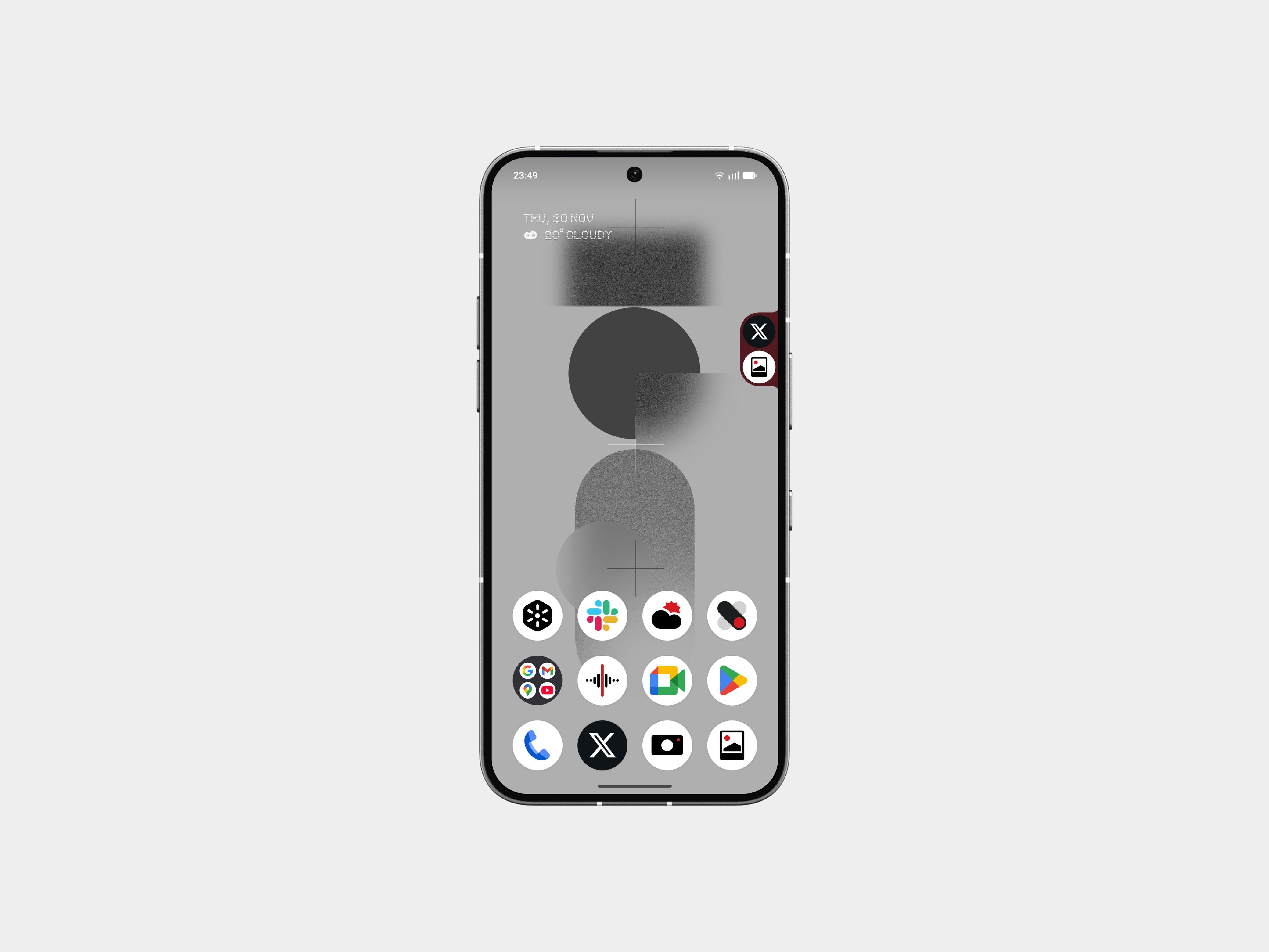
🟢 Pop-up View Upgrade
Pop-up view now supports two floating icons. Switching between apps feels instant - especially handy for messages, notes, music, and tools.
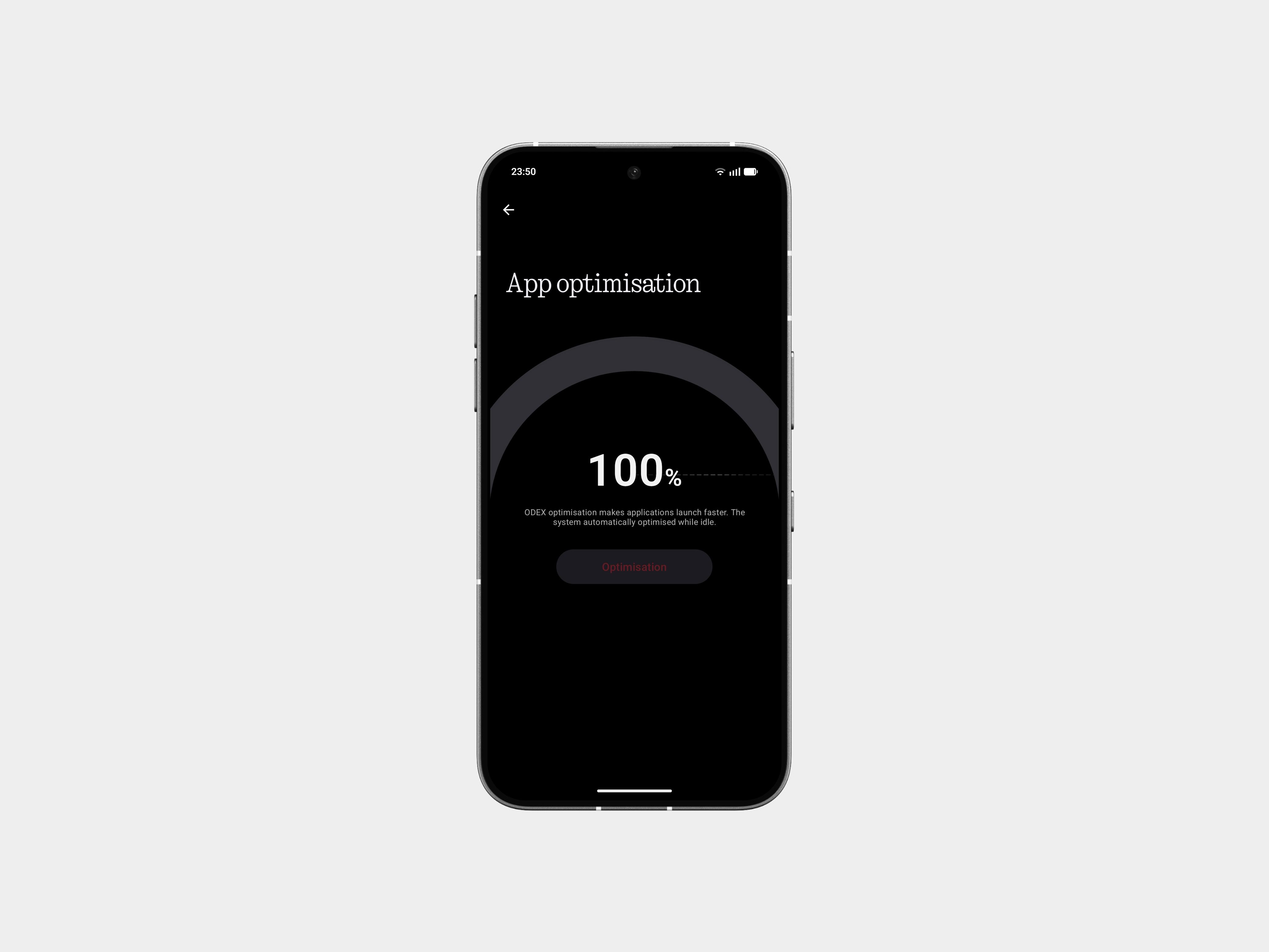
⚡️ System-Level App Optimisation
Apps open faster. Animations respond quicker. The system preps your frequently used apps in a smarter way.
Settings → Apps → App optimisation
🎡 Playground (Alpha)
A new corner of Nothing OS for community-built experiences: Essential Apps, Glyph Toys, Camera Presets, EQ Profiles and more.
This is where the fun starts.
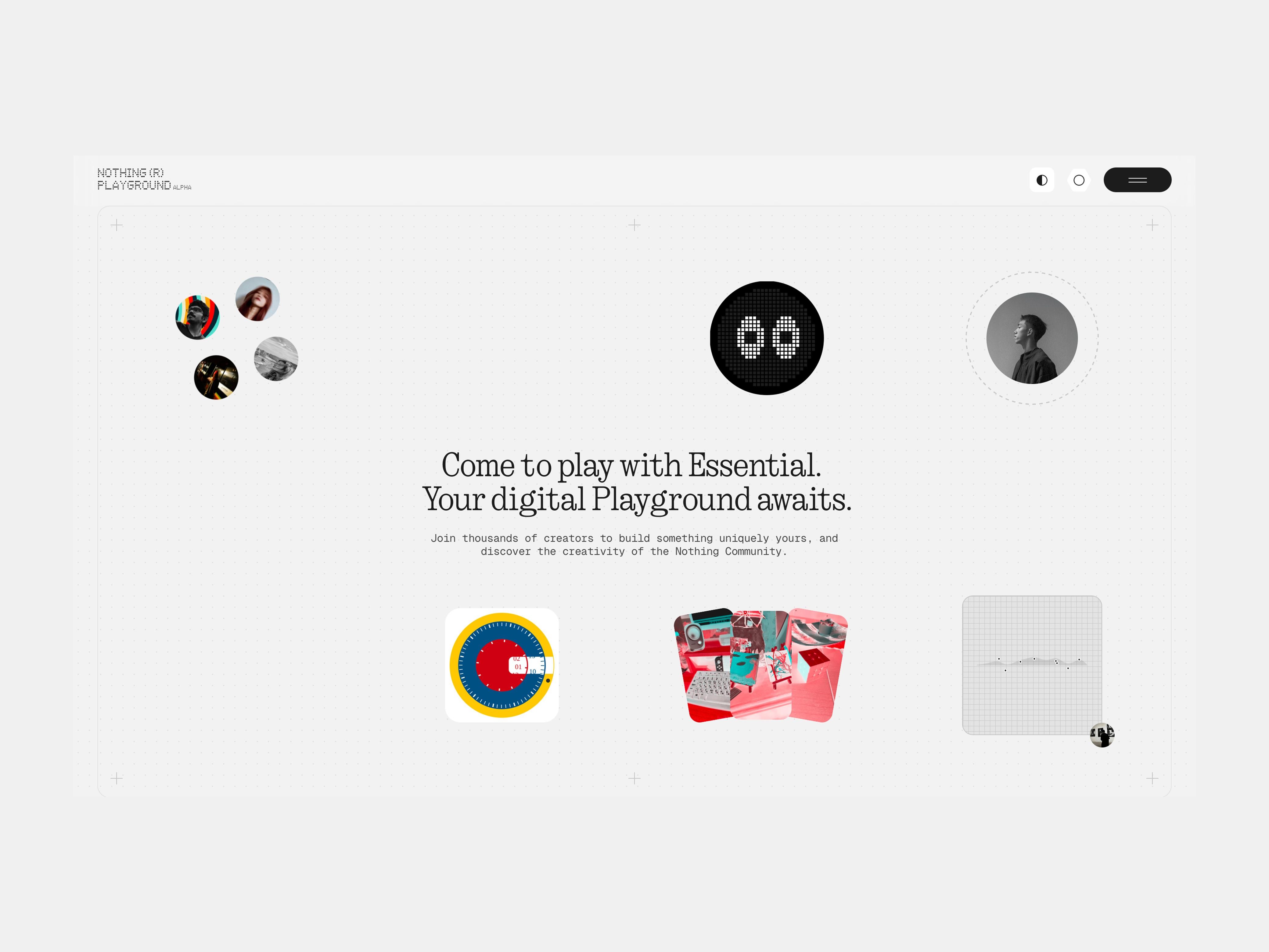
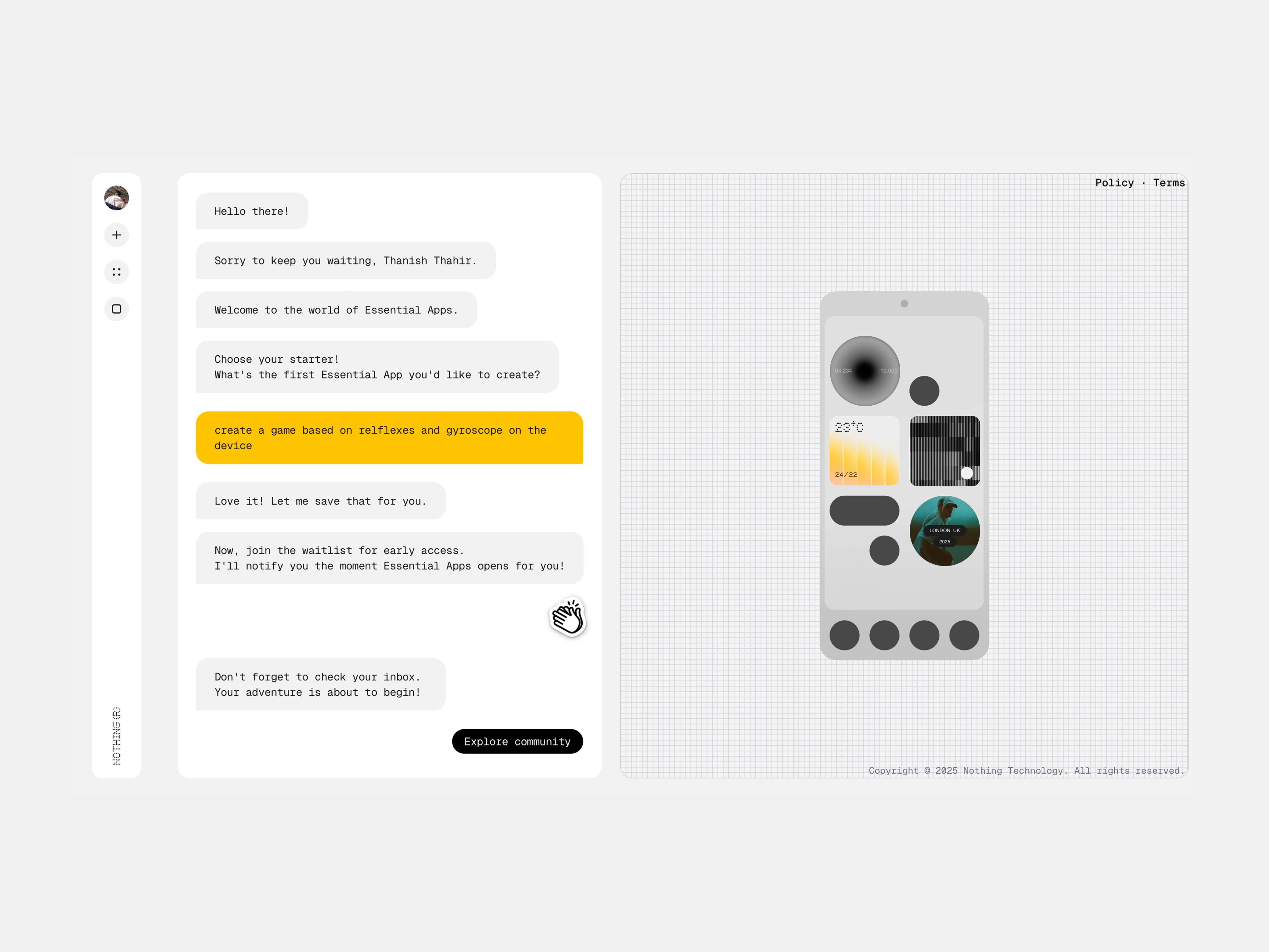
🧪 Essential Apps (Alpha)
Mini utilities powered by AI and created by the community itself. Light, helpful, and surprisingly polished for an Alpha rollout.
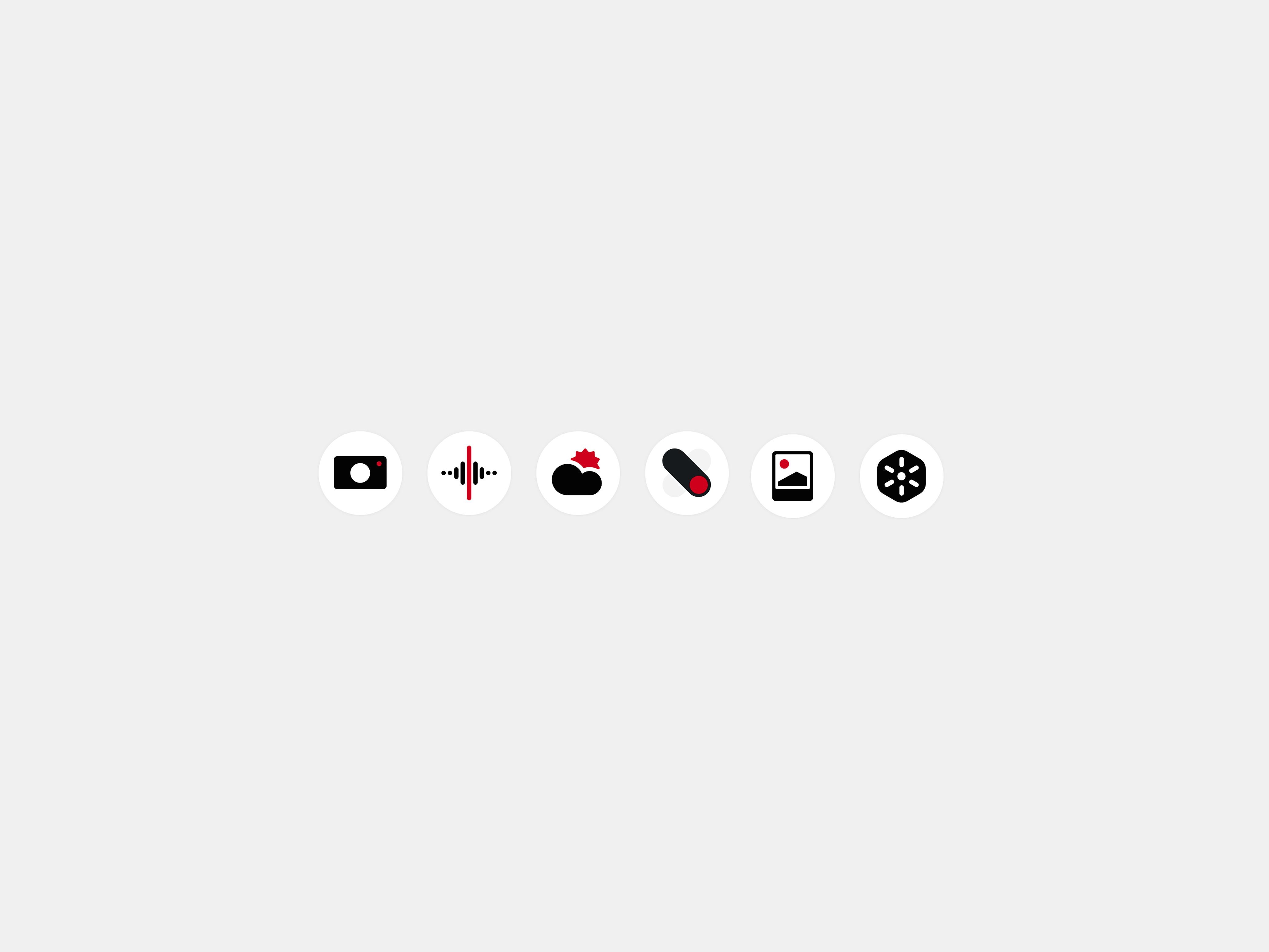
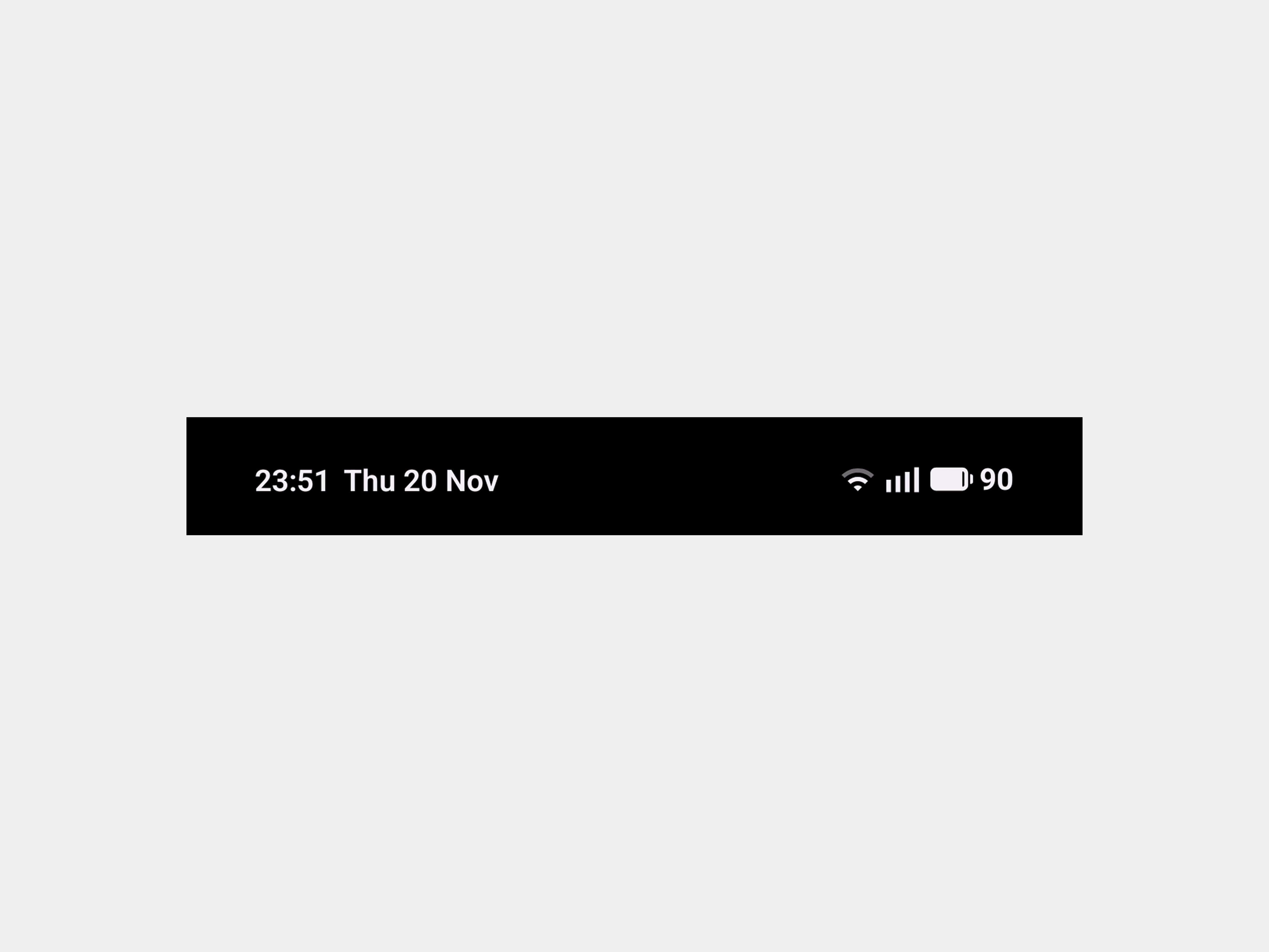
🎨 Visual Refresh Across the System
New Nothing app icons
Cleaner status bar icons
Lock screen password blur
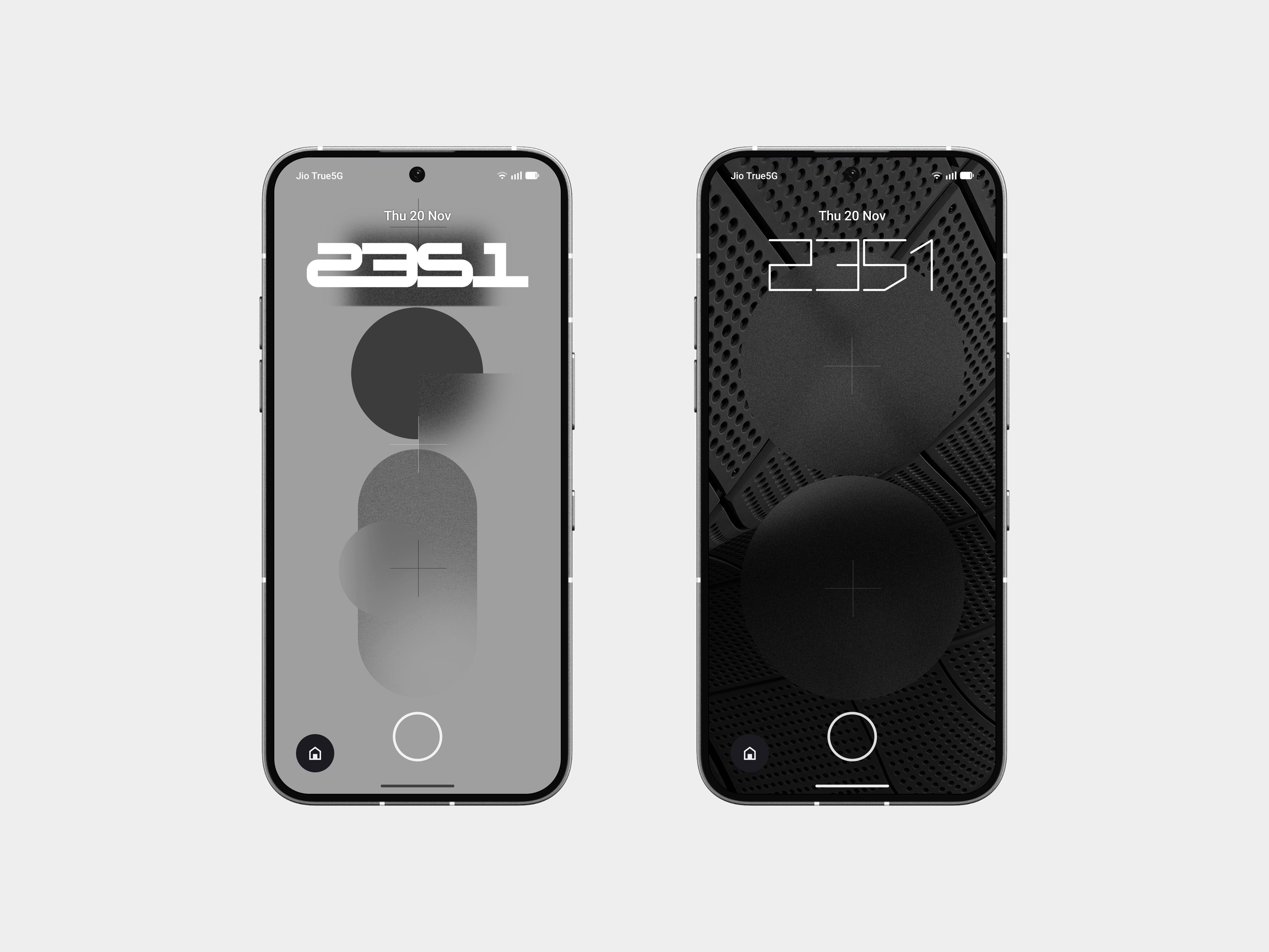
Two new clock faces
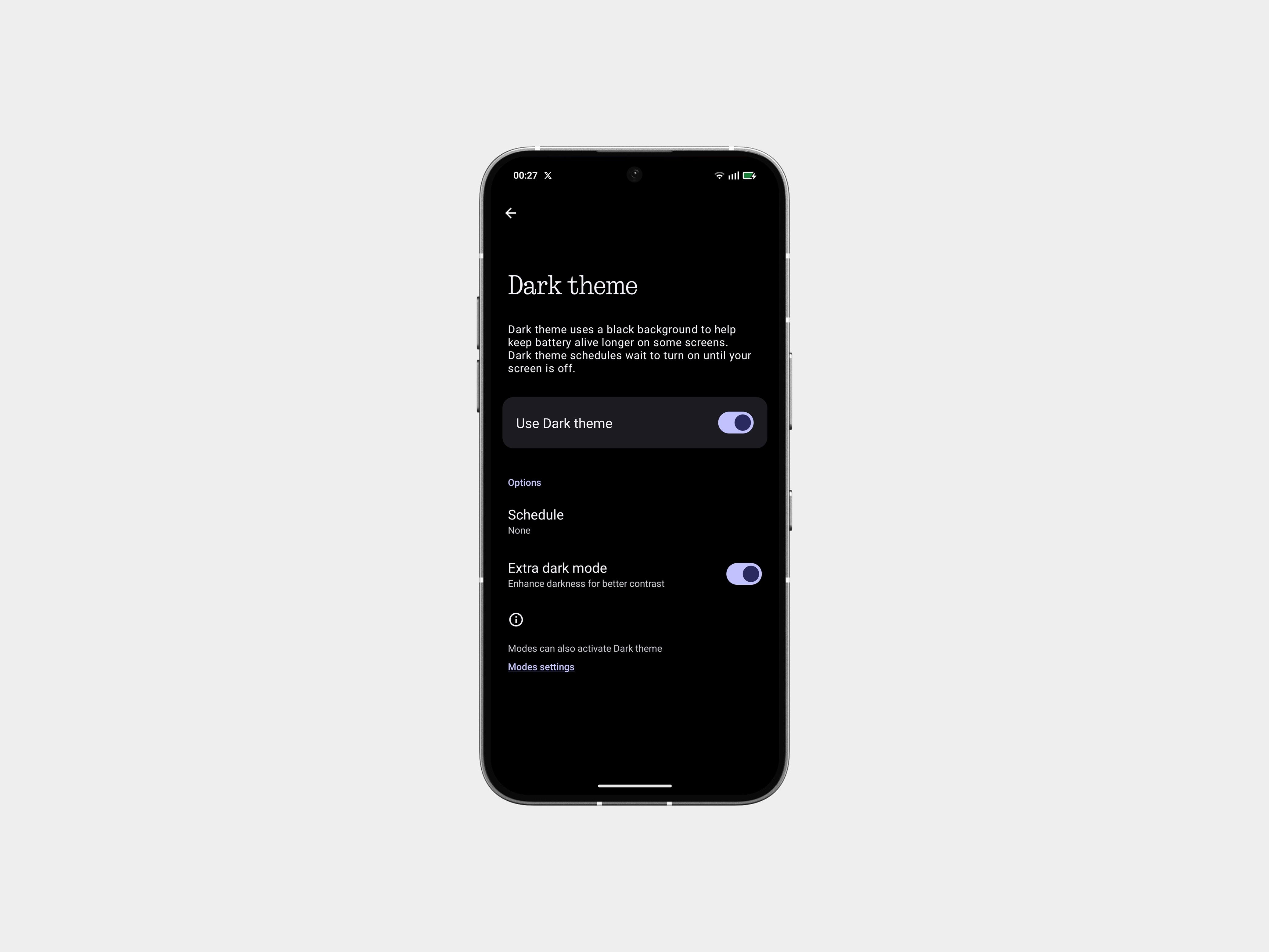
Stronger Extra Dark Mode
Smoother transitions
Everything feels tighter and more consistent.
GLYPH INTERFACE
🔄 Flip to Glyph - Smarter Logic
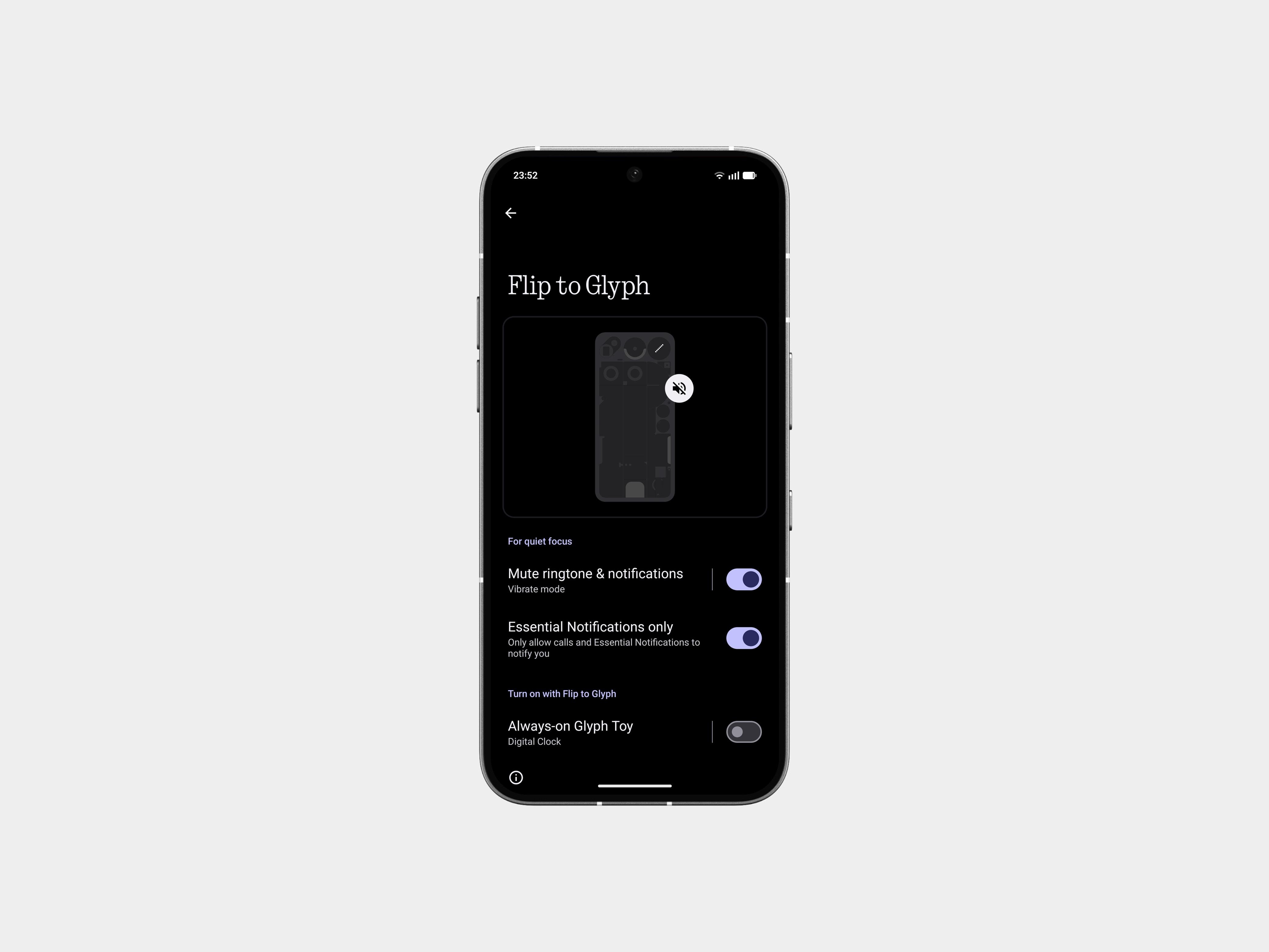
Always-On Glyph Toys no longer appear on their own. They now trigger when you flip your phone - predictable and intentional.
Plus, you pick whether flipping puts the phone on Silent or Vibrate. Your call.
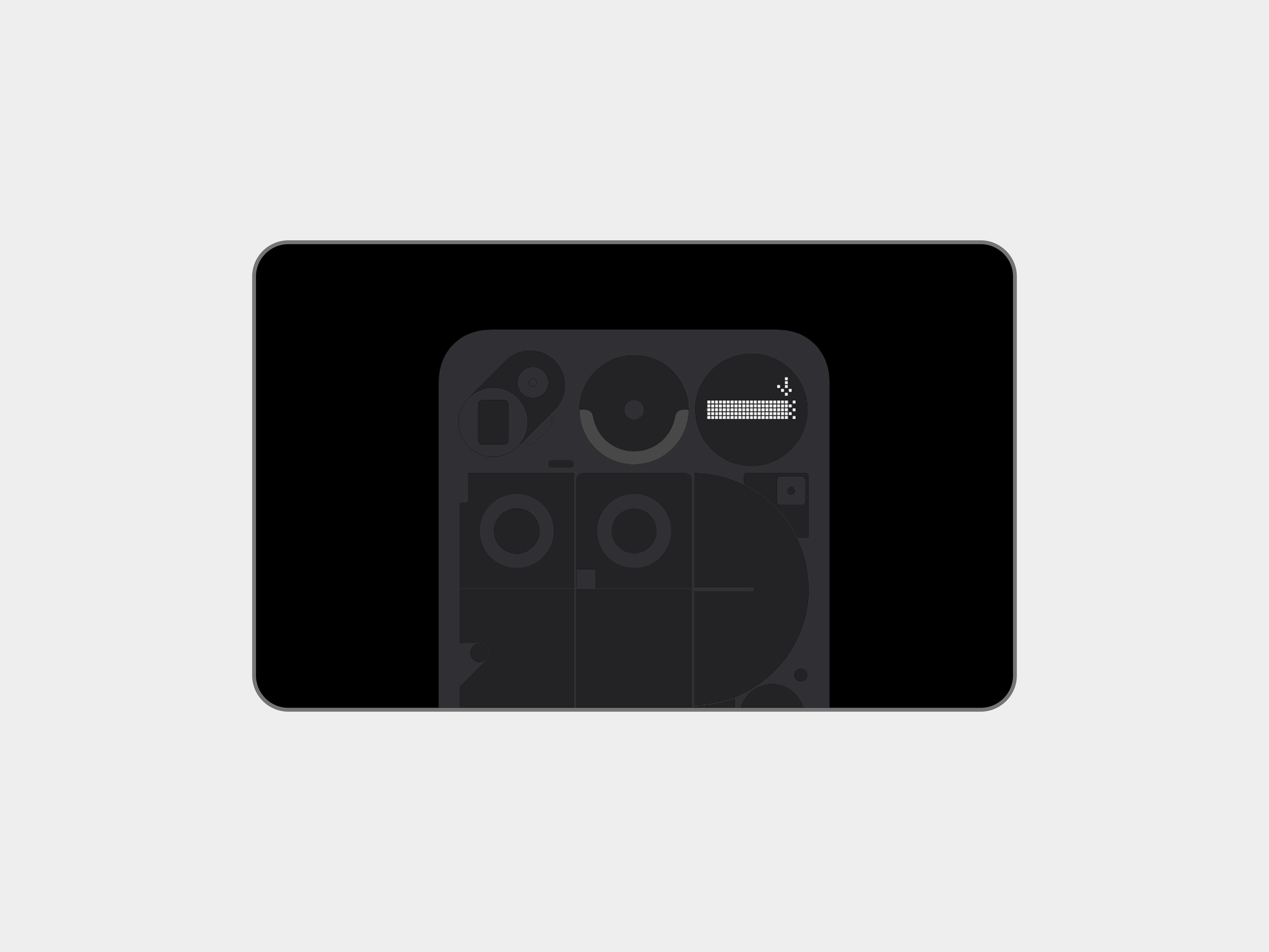
⚡️ Charging Shake Gesture
One of my favourites.
In Flip to Glyph, while plugged in, give your phone a small shake - you get an instant charging status readout. Quick and clean.
⏳ Glyph Progress is Back
Now using Android 16’s Live Update system. So as more apps support Live Updates, you’ll start seeing progress bars lighting up on the Glyphs more frequently.
Settings → Glyph Interface → Glyph Progress
⏱ Glyph Timer Returns
New animation, smoother countdown, easier controls.
Add as a Quick Settings tile or through the Glyph settings directly.
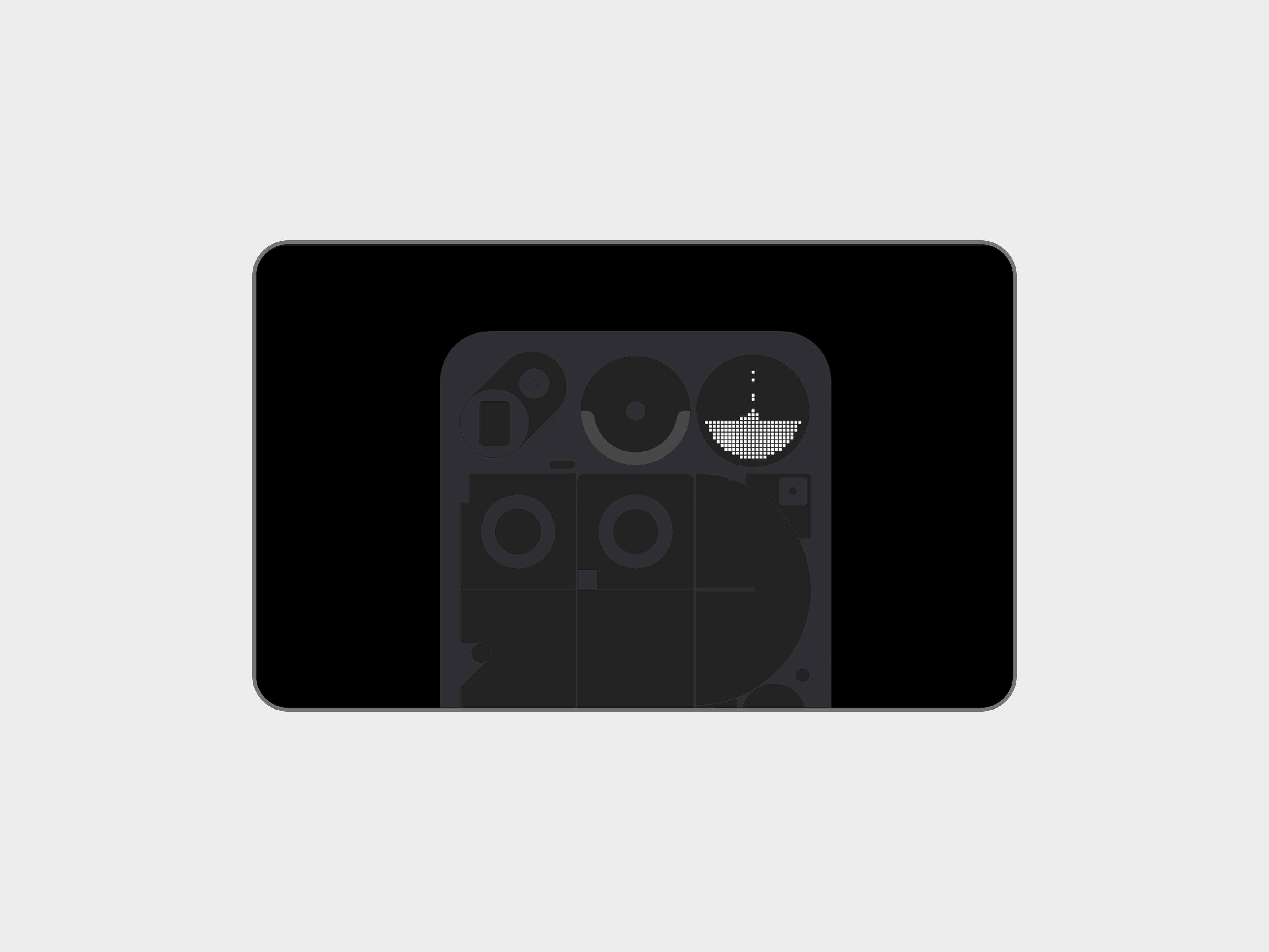
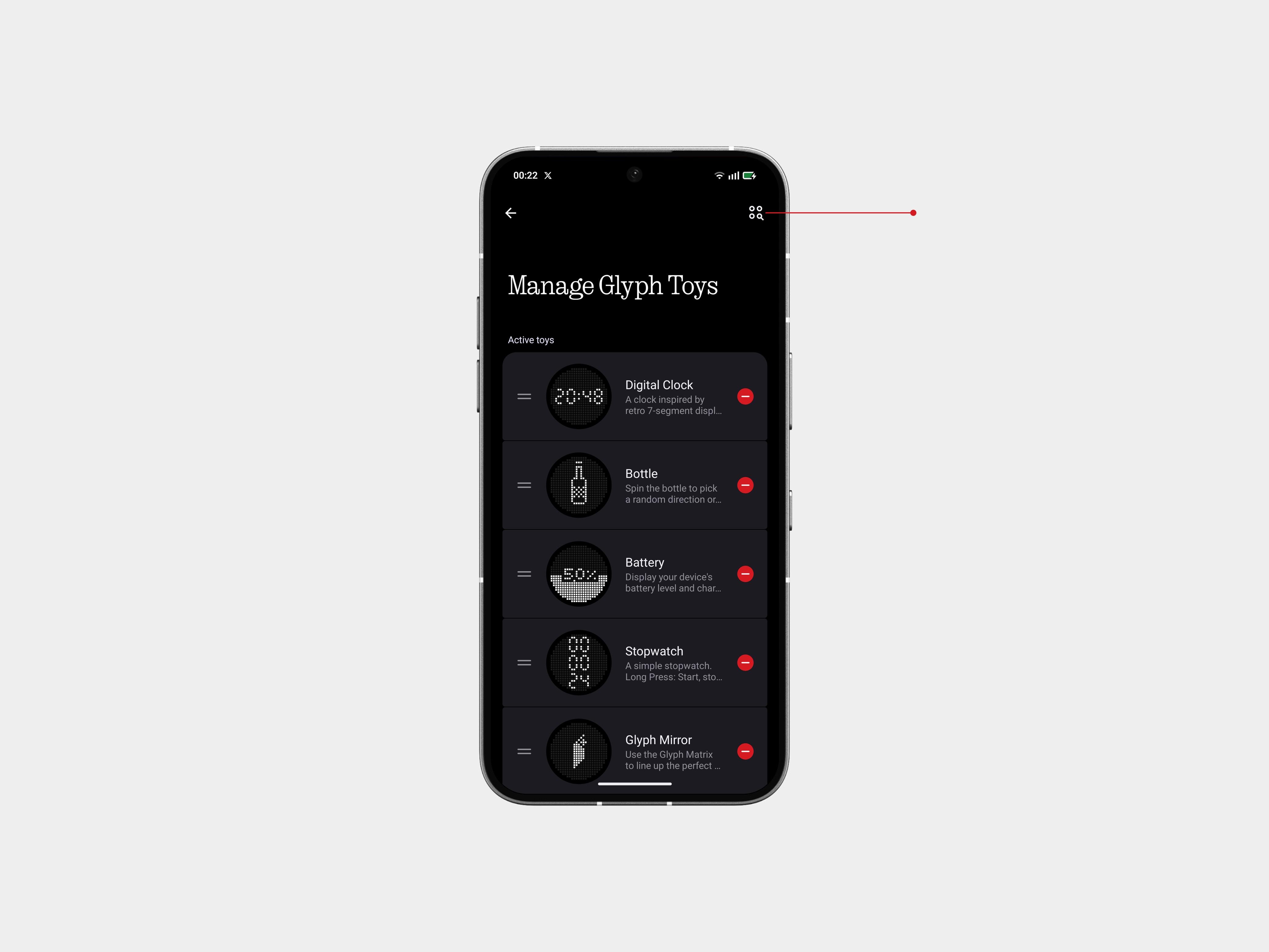
🌙 Moon Phase Toy
Shows exactly how the moon looks tonight. Simple, visual, and honestly just cool to check.
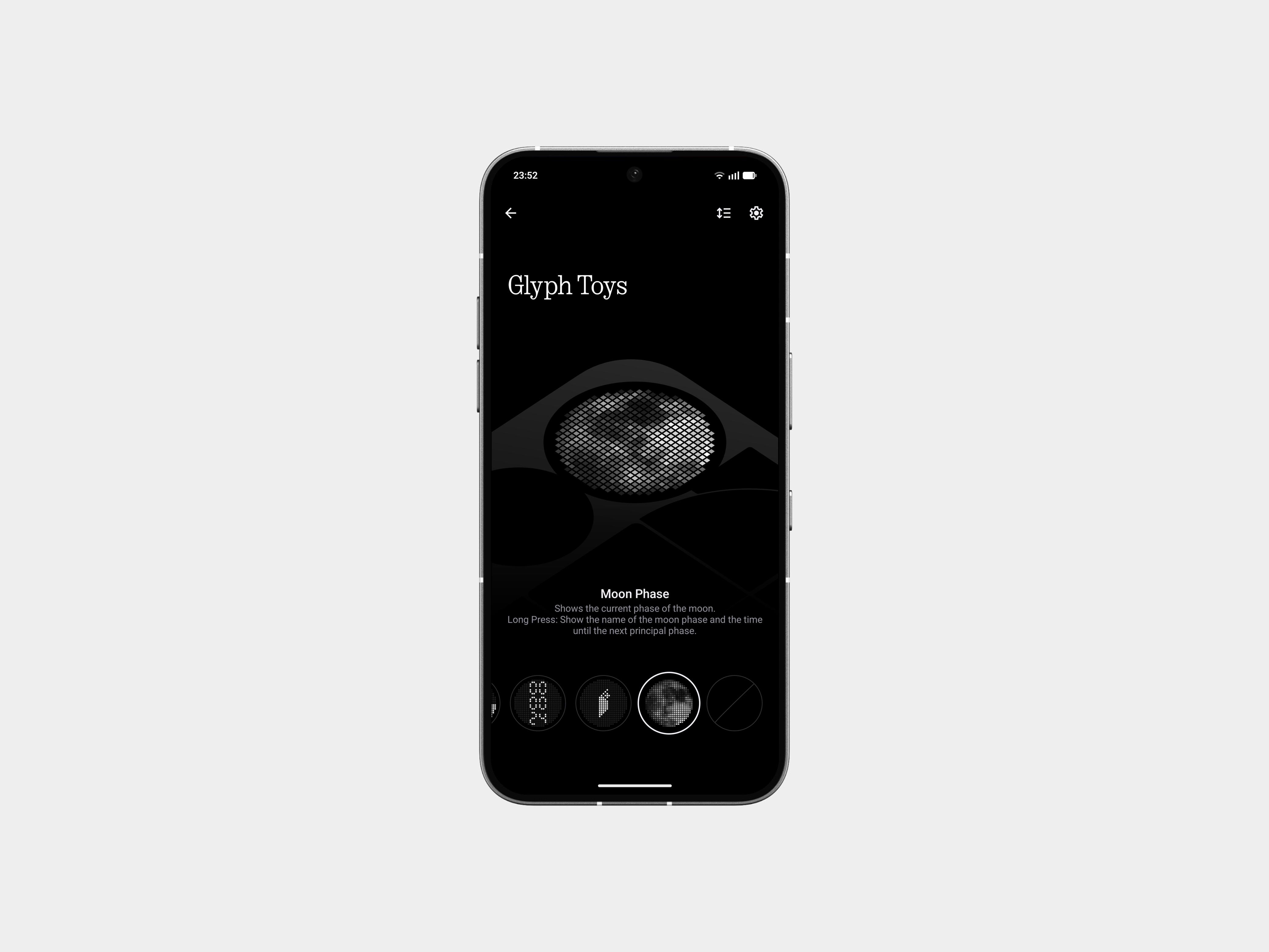
🧩 Shortcut to Community Toys
Inside Manage Glyph Toys, you now get a direct shortcut into Playground’s Toy collection.
New toys = always fresh vibes.
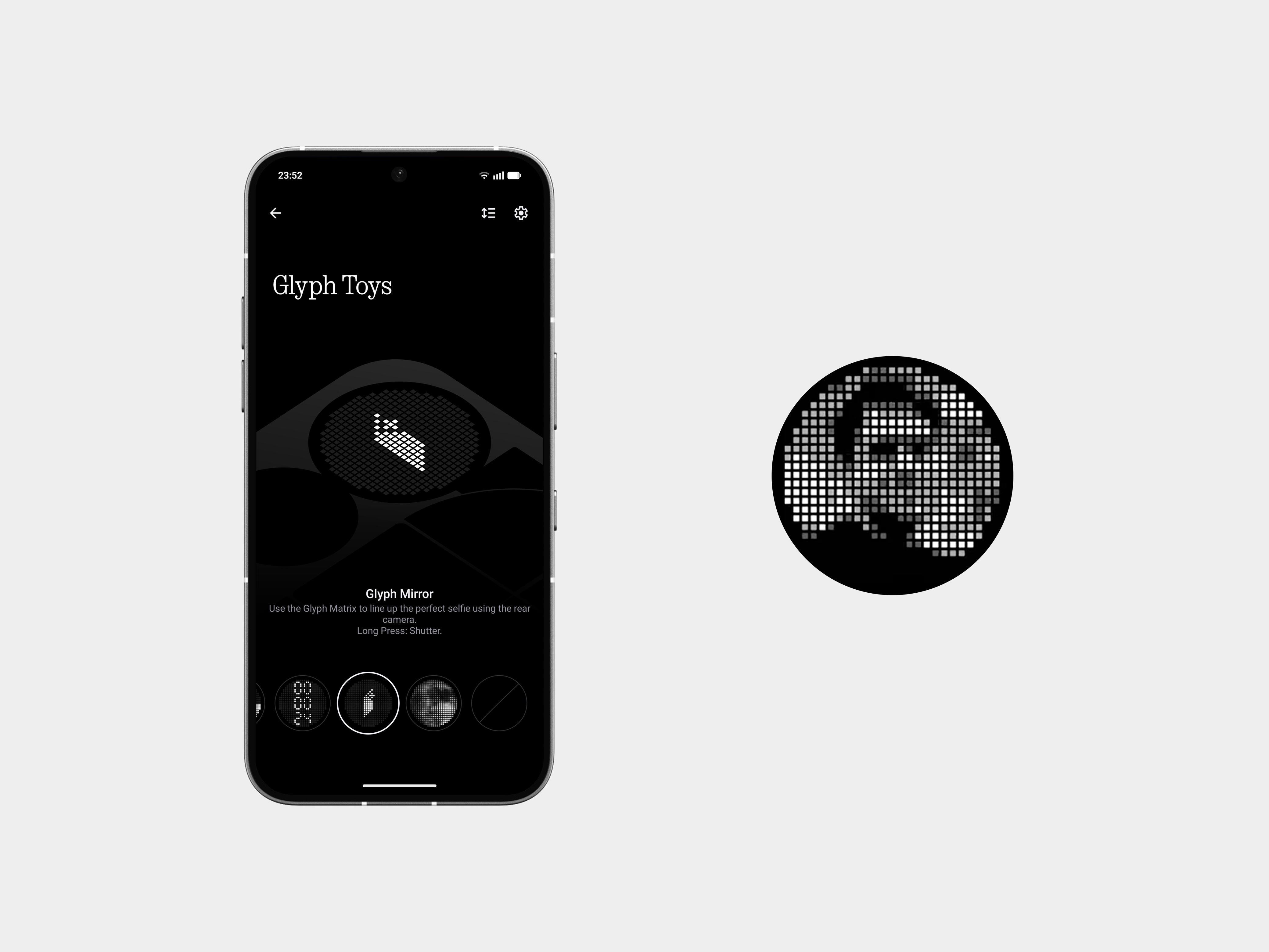
📸 Glyph Mirror Upgrade
It now saves a matrix-styled photo along with the mirror preview.
Feels very Nothing.
👖 Pocket Mode Fix
Pocket Mode now shuts the Glyph Interface off entirely. No accidental glowing through your jeans. Good call.
And My Take After Using It,
I’ve been on Nothing OS 4.0 stable for a while now, and here’s the truth: this update feels done right.
Everything is tighter. Animations don’t wobble, apps open quicker, and the whole system finally feels like it’s running at the speed the hardware deserves.
It’s the most refined version of Nothing OS so far - not loud, not trying to show off. Just clean, smooth, and built with intention. If you’re updating, you’ll feel the difference immediately.
If you’re new to Nothing OS, this is the version that makes the experience click.
More polished. More consistent. More… Nothing.
Until Next Time,
peace out!
