
I’ve been testing the Nothing Headphone (1) extensively, the brand’s first over-ear headphones, a product Nothing provided me through their review program. In this review, I’ll go over both what I liked most and the aspects that, in my opinion, could still be improved. Before I begin, I want to thank Nothing for the opportunity and emphasize that they always encourage us to be completely free and honest in our reviews.
A different and industrial design
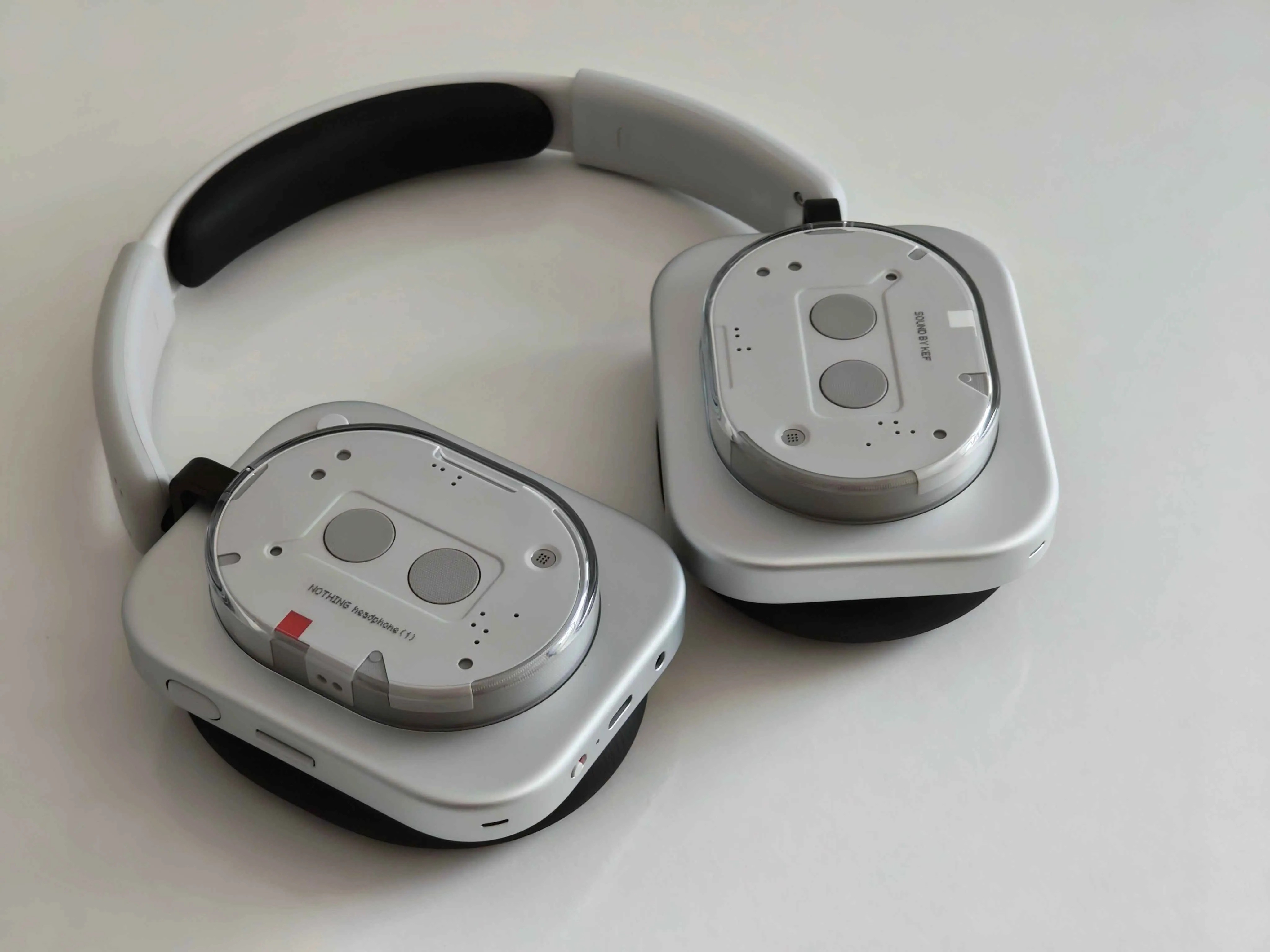
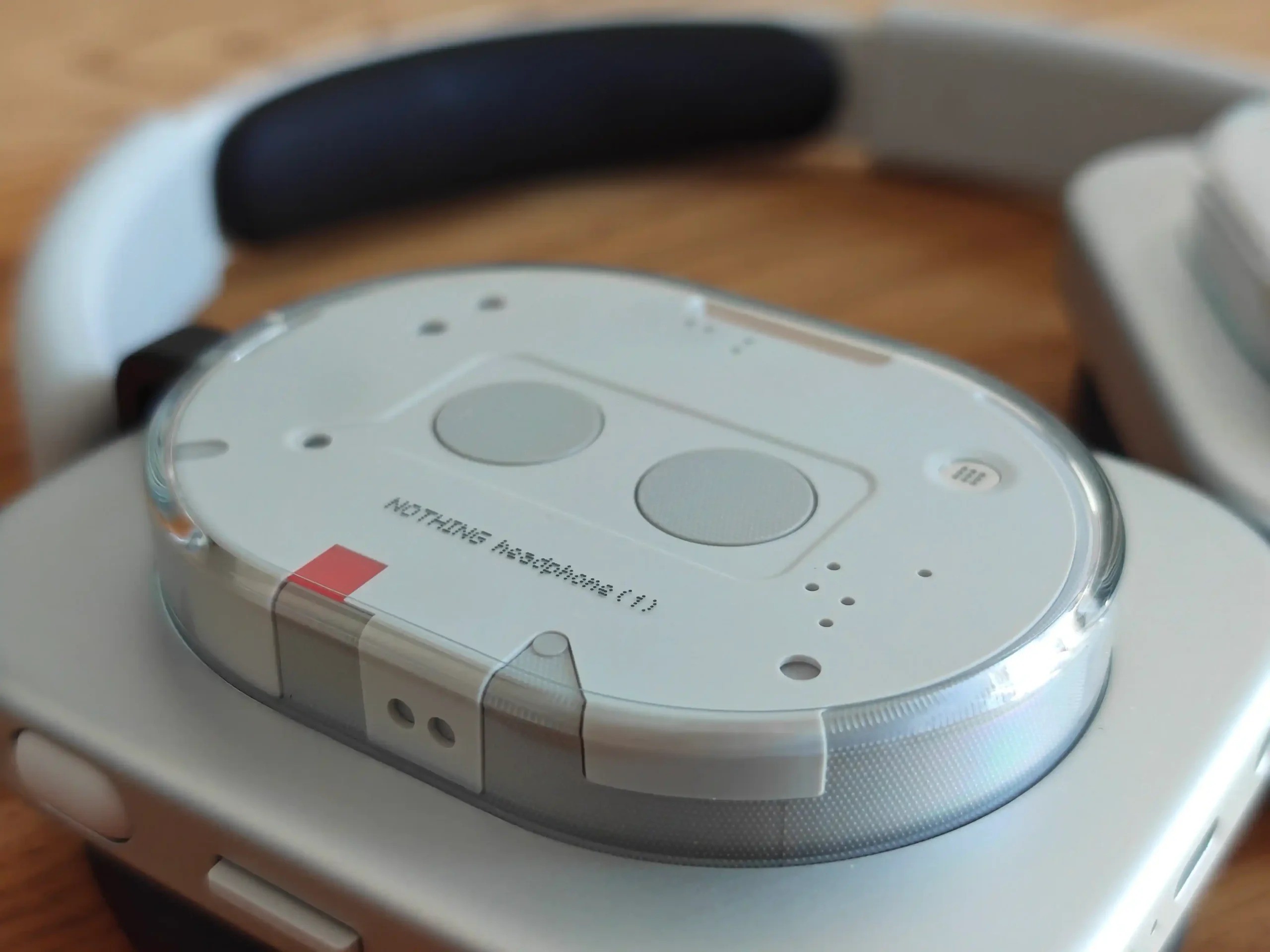
There are very few headphones on the market with such a strong personality. The first thing that catches your eye is their square shape and bold look, mixing retro with futuristic vibes. It’s hard to categorize them into a single style. I’ve probably said this a thousand times, but you know the saying—“to each their own.” You either love them or hate them. From my point of view, in terms of aesthetics, these headphones are simply spectacular. As Nothing has said before, it’s not just about technical quality, but about the experience of wearing them and having fun while using them.
I love putting them on because of their design, and I also like seeing people’s surprised faces when they take a closer look. You won’t find anything like them, and while many users might not care, for me it’s a key point: standing out, and doing so successfully. It may sound strange, but… I actually enjoy taking a closer look at them every time I take them out of the case.
Very comfortable in long sessions with glasses
When it comes to comfort, they surprised me—they’re outstanding. Their square look might seem rough at first sight, but don’t let appearances fool you. Behind those two square earcups are very comfortable oval-shaped polyurethane cushions. I wear glasses and after 3 or 4 hours of continuous use, I don’t feel any pain in my ears or pressure from the temples of the glasses. They also don’t feel heavy, even during long sessions.
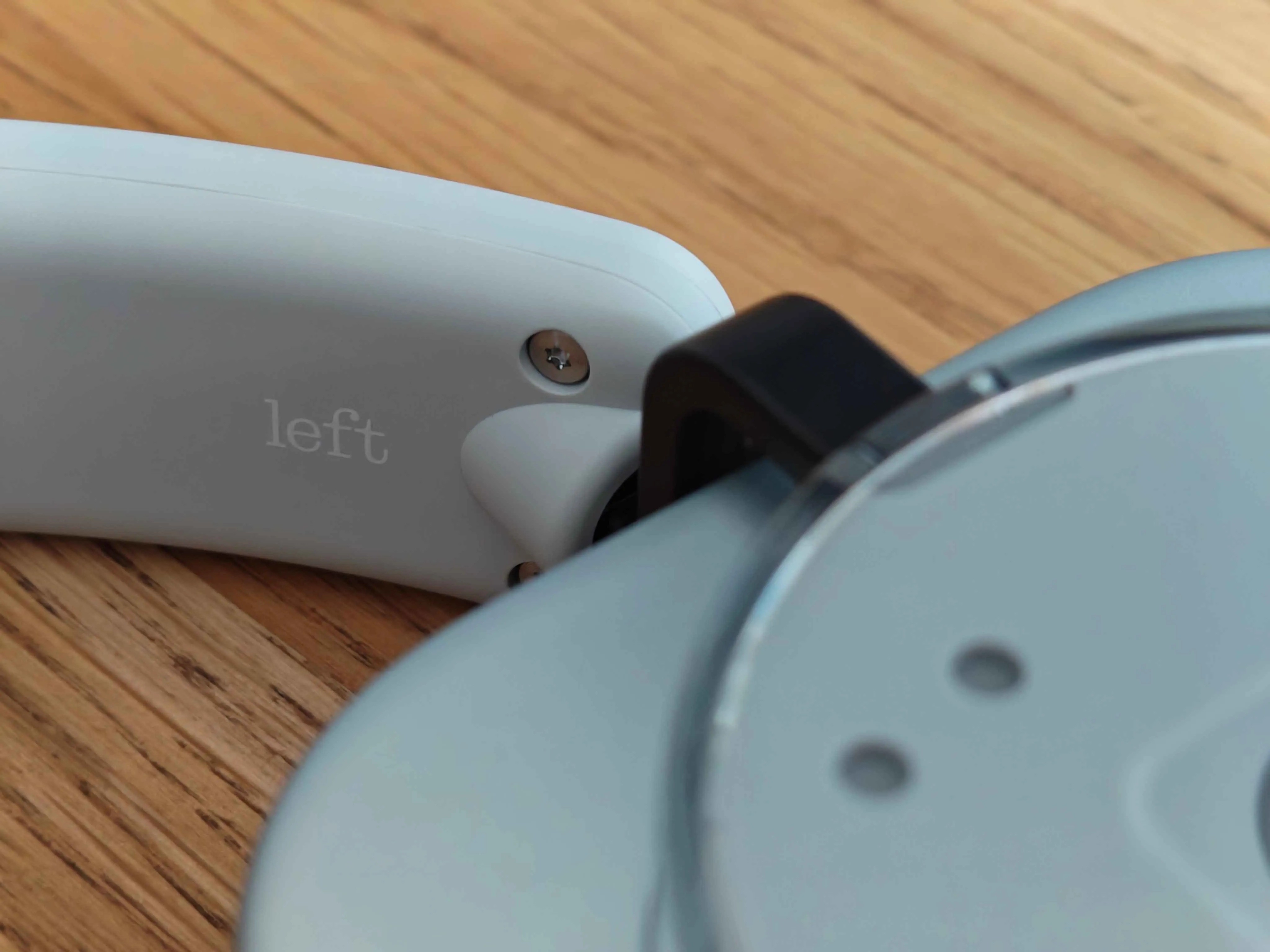
The cushions, which are quite spongy and pleasant to the touch, fully cover my ears (and believe me, that’s not easy—I’ve got pretty big ears!). The headband also feels well built: it slides smoothly when adjusted but with the right firmness. They never felt flimsy or bendy—the build quality comes through as robust. Both my partner, who has a rounder head, and I, with a longer head shape, found them very comfortable, so I think they adapt well to almost any head type.
When do I recommend using them?
In my opinion, these are not headphones for long sessions in summer. With temperatures around 30 degrees, the cushions and my ears are sweaty within minutes. And while this isn’t an issue exclusive to these headphones, I also don’t find them suitable for running. The bounce with each step creates an unpleasant effect in my ears.
For me, they’re perfect for home, the office, public transport, or walking around the city. If you do high-impact exercises or activities where your head moves quickly, I’d recommend going for in-ear models or the Nothing Ear (Open). Yes, I know I’m being repetitive, but I’m still in love with that model.
Sound quality and EQ options
First impressions and equalizer
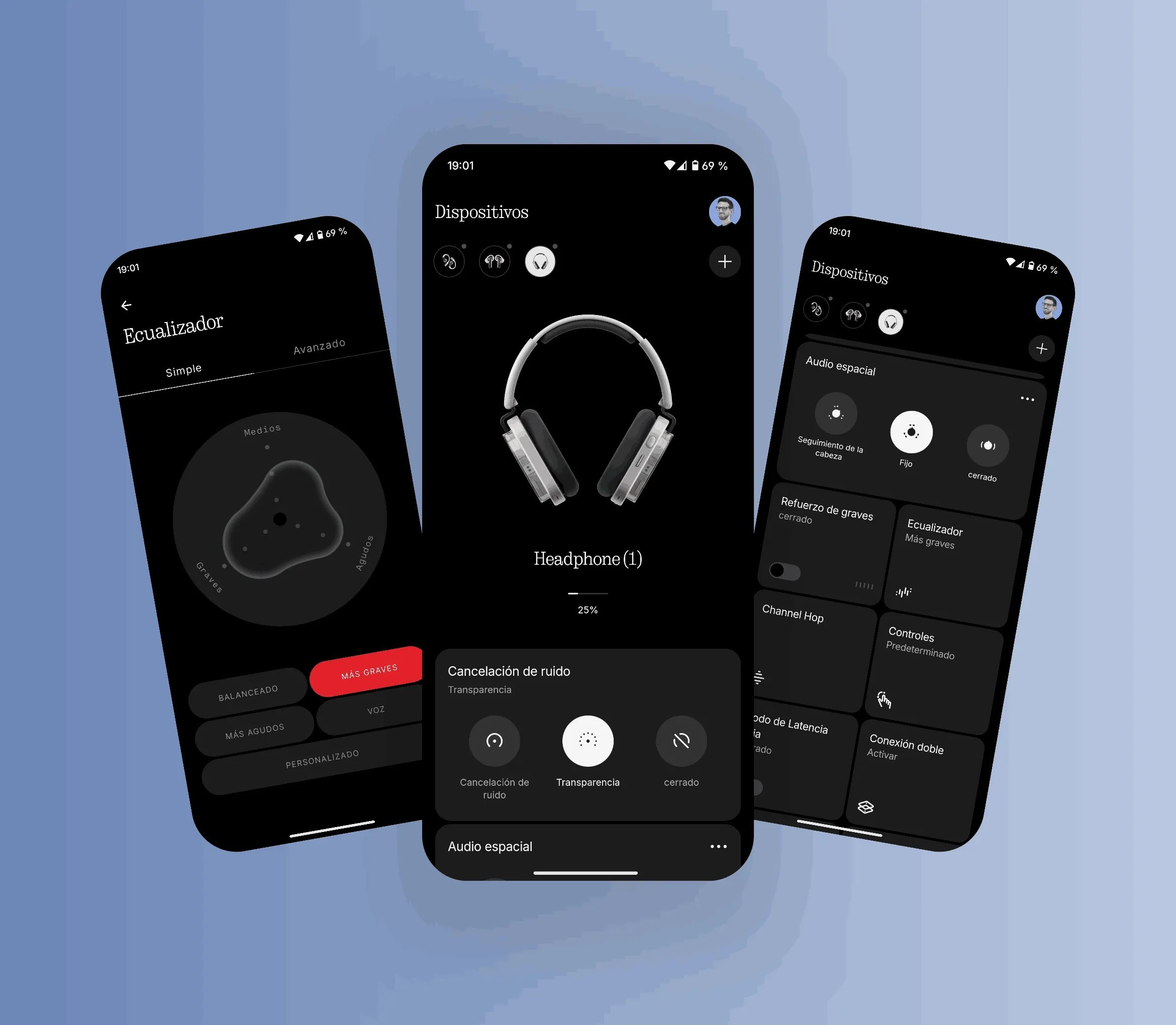
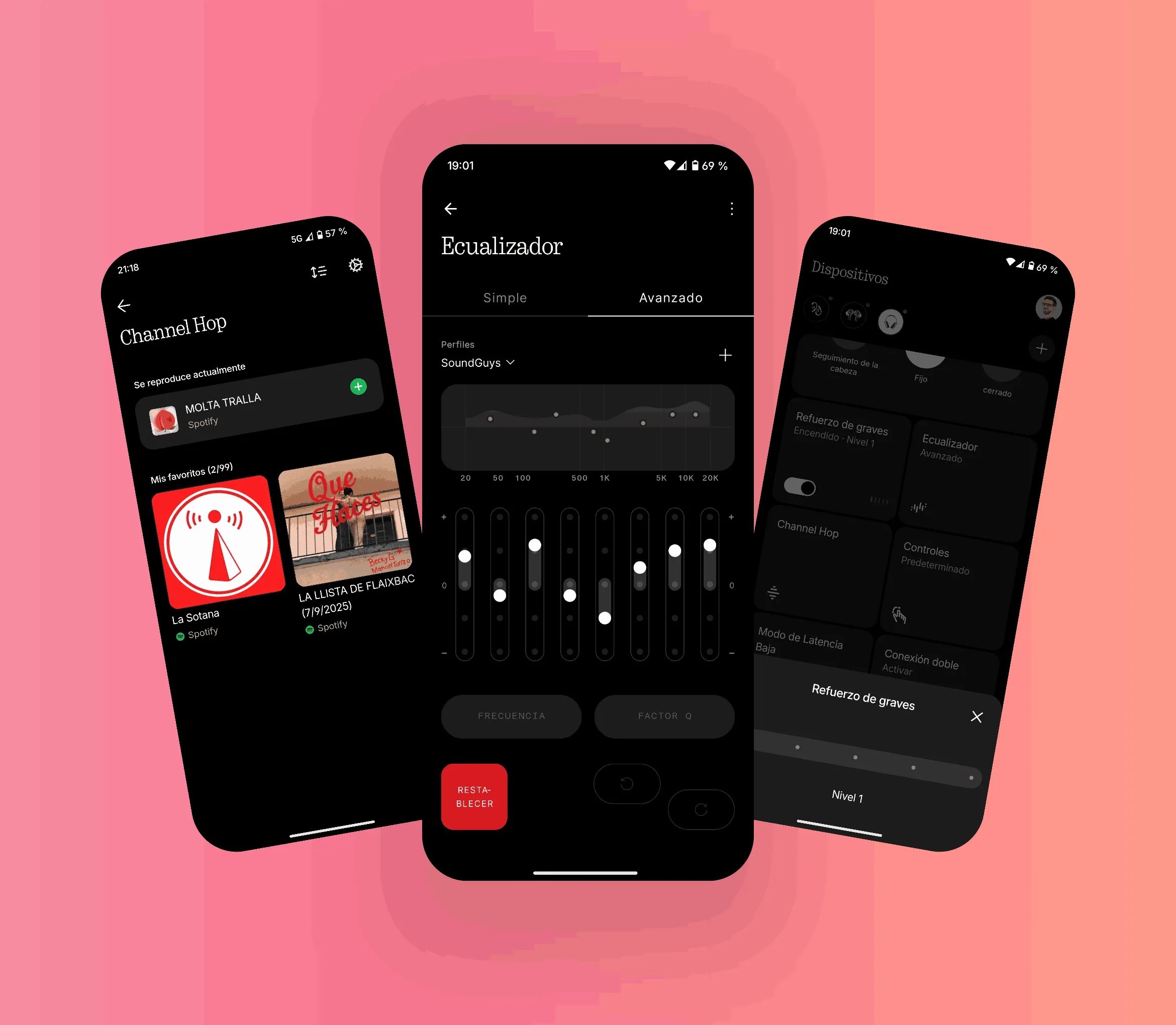
My first minutes with them were a bit disappointing. Some highs felt underdefined, and the bass seemed weak and slightly distorted with certain songs. However, all of this changed once I started using the Nothing X app. Unless you’re a real audiophile, the simple equalizer will be enough to get the sound to your taste in under a minute. I created a custom setting boosting both bass and treble, and the result is a delight for podcasts and almost any type of music.
Voice and instrument separation
I don’t consider myself an expert, but I’m very picky with details, and these headphones make me enjoy music much more than the Nothing Ear. The Headphone (1) don’t aim to be studio-grade headphones, they don’t provide a neutral sound, but they do have character and successfully separate vocals and instruments. They tend to play mainstream music very well, capturing voices and nuances in a satisfying way. For the general public (myself included), their sound quality is more than enough.
Community presets
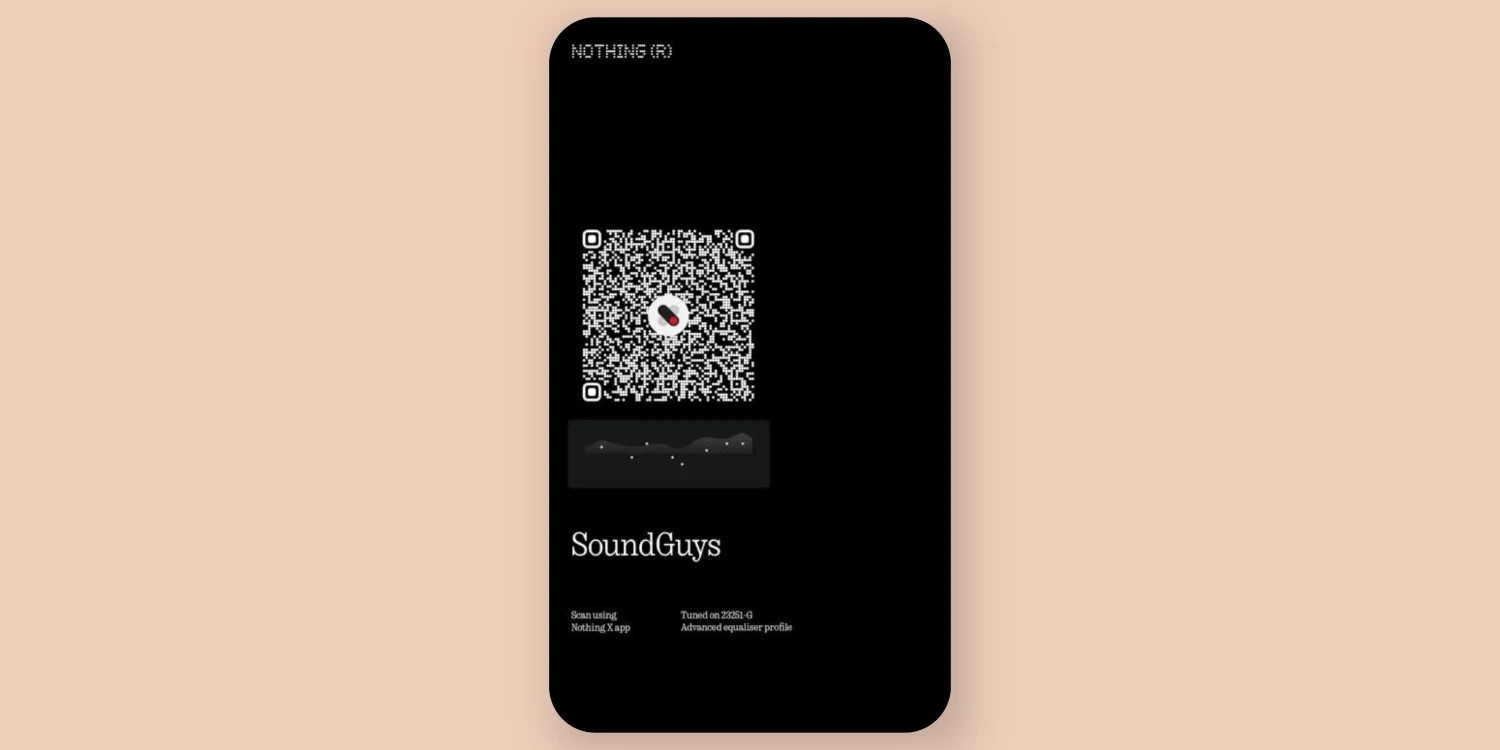
I also tried a community preset called “SoundGuys,” which I really liked. It balances bass very well without overshadowing the vocals. And if you’re not an expert in EQ, you can always browse community presets and test different options until you find your favorite.
Audio power
As for volume, keeping it between 50% and 75% is more than enough for walking around my town, which isn’t very noisy. I’ve read that some users find the maximum volume too low, but personally, I think going to 100% is uncomfortable due to the sharpness of the highs. The cushions also isolate very well, so the sound barely leaks out. Only in an extremely quiet environment could someone near you hear anything.

Noise cancellation
The ANC is remarkable. By far the best of any Nothing product I’ve tried. The cushions already isolate a lot on their own, but once ANC is on, it’s a whole new level. For example, with my ceiling fan running at full speed, I could barely hear it without music, just with ANC. With music playing and ANC on, it was completely gone. Another example: with my wife talking on the phone a few meters away, I could rarely hear her with music at 70% and ANC active.
Transparency mode
Transparency mode is a bit of a mixed bag. Setting aside the Nothing Ear (Open), the Headphone (1) deliver the best transparency representation of all Nothing devices. I can hear my surroundings clearly at low or medium volume. However, when I talk, I still notice that “clogged ear” effect, where my own voice sounds slightly distorted or deeper. It’s acceptable and doesn’t bother me as much as with the Nothing Ear, but it’s still not on par with Apple headphones in this regard. And of course, if your volume is very high, transparency mode won’t help much—you’ll struggle to hear someone talking to you.

Buttons and features
Physical buttons and roller
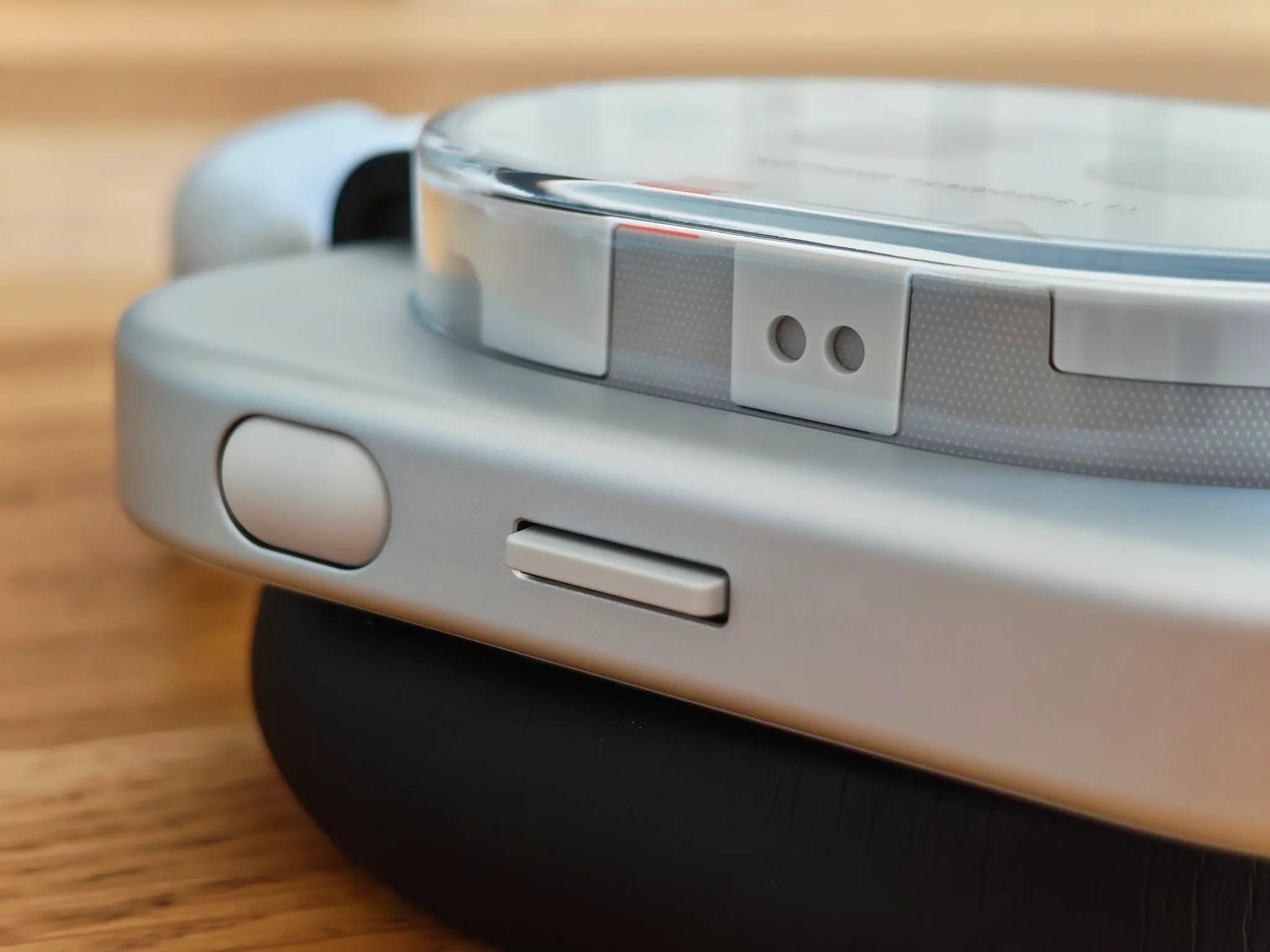
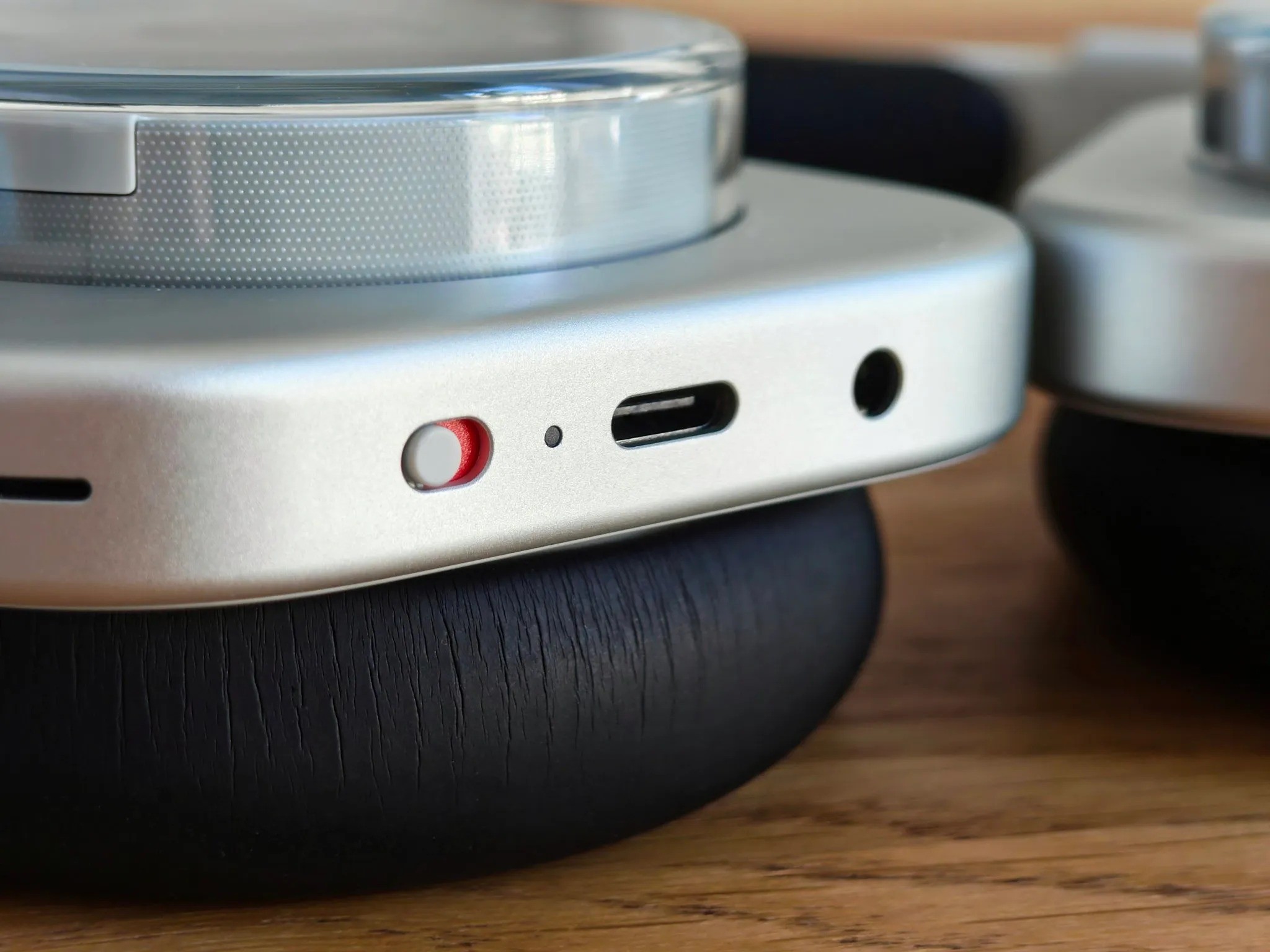
No touch controls—and I think that’s a win. All controls are physical and located on the right earcup. The power button is a slider on the bottom. The most satisfying one is the volume wheel, called the “roller”: adjusting sound quickly with its slightly rubberized texture is a delight. Being used to spending several seconds raising or lowering volume on the Nothing Ear or Ear (Open), with these I felt like I’d reached heaven. It has a nice feel and great sound feedback. If I had to nitpick, you don’t get a sound cue when hitting maximum or minimum volume, something I hope Nothing adds in a future firmware update.
Paddle and button
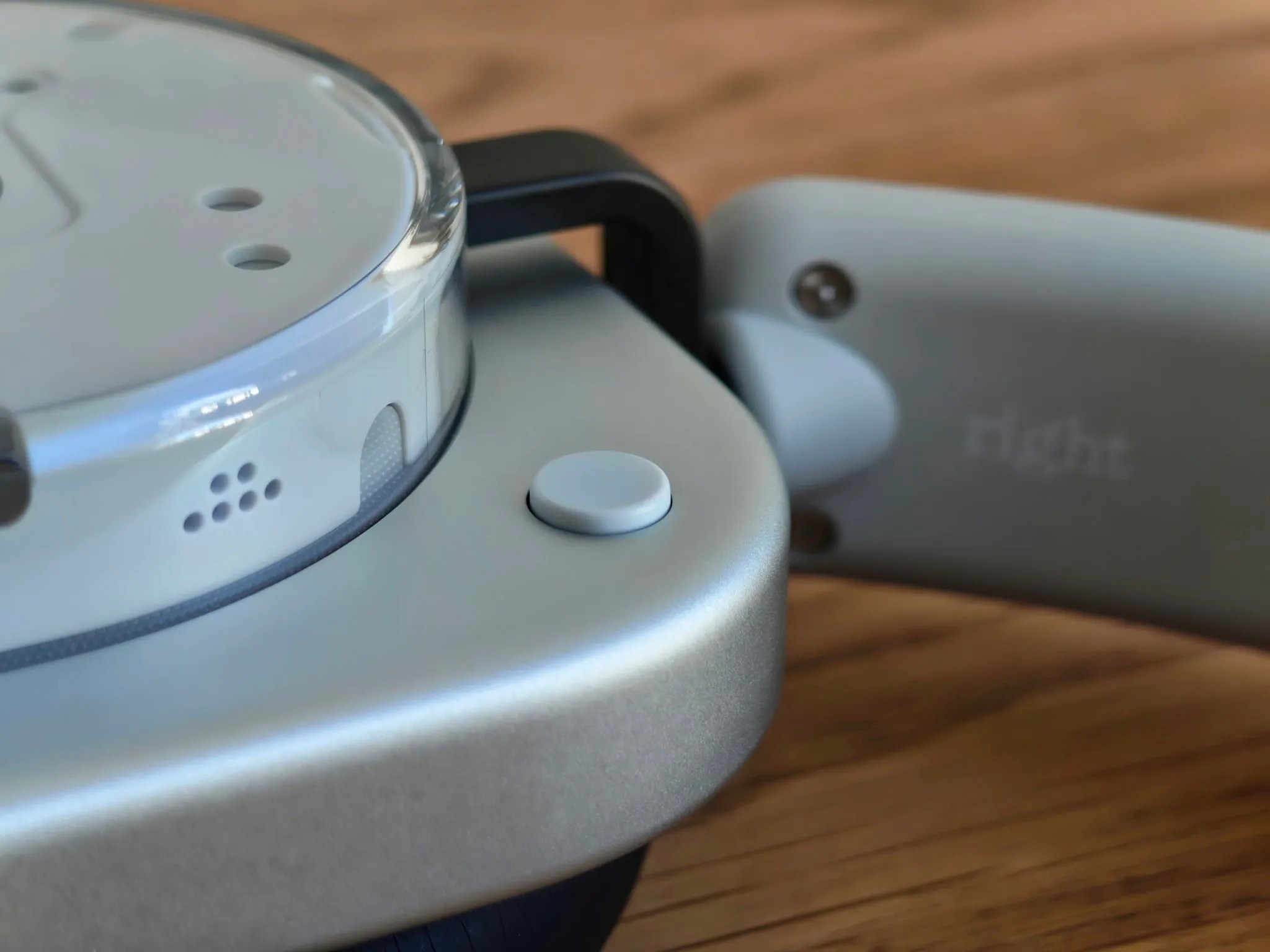
There’s also a slim, narrow lever with resistance called the paddle, which lets you skip tracks with a tap or rewind/fast-forward if held down. Works perfectly in Spotify, but didn’t work for me in YouTube or browsers like Brave. In addition, there’s a small clicky button on the front that defaults to Channel hop, which so far I haven’t found very useful. If you hold it down, it activates the AI of your choice.
Sync button and remapping
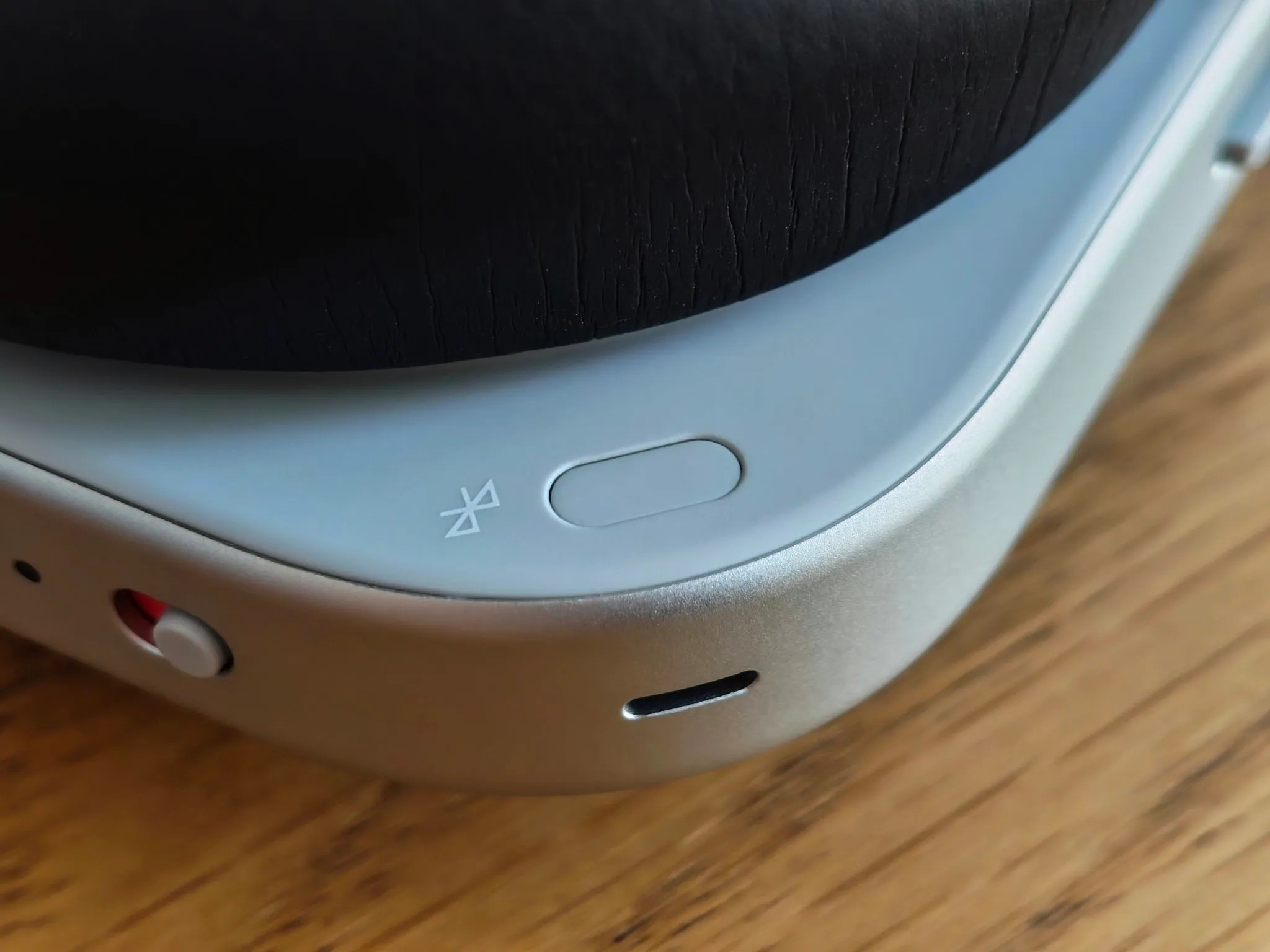
Lastly, on the inner side of the right earcup, there’s a flat button for quick Bluetooth pairing. It works smoothly and reliably. The good part is that if, like me, you find some default functions less useful, you can remap the buttons quite freely in the Nothing X app. For example, you can assign functions like muting the mic, enabling spatial audio, or switching between EQ profiles.
Jack for analog devices
I don’t want to skip mentioning the 3.5mm jack. Some may find it unnecessary nowadays, but being able to connect the Headphone (1) to older devices without Bluetooth is a great touch. That said, you still need to power them on and have battery for them to work.
Dual connection, spatial audio, and excellent call quality
As for connectivity, dual connection (listening to audio from your phone and PC at the same time) works flawlessly. You can switch between devices every few minutes and it always works on the first try. Head tracking spatial audio is a very interesting feature for getting immersed in a game or movie. It’s not perfect, but while watching a show on my PC, if I turn my head to the right, the left earcup receives almost all the sound, making it feel like the audio is coming from the computer, not the headphones. It could be a bit quicker to reset back to normal when you face forward again.
Finally, about calls, everyone told me I sounded clear without issues, although I still notice that slight “clogged ear” effect, which can get annoying if you’re picky like me. To wrap up, a detail worth mentioning is the battery: it feels endless. You could easily listen to music for two straight days without ANC. It has more than enough battery for daily use.
The case and other areas for improvement
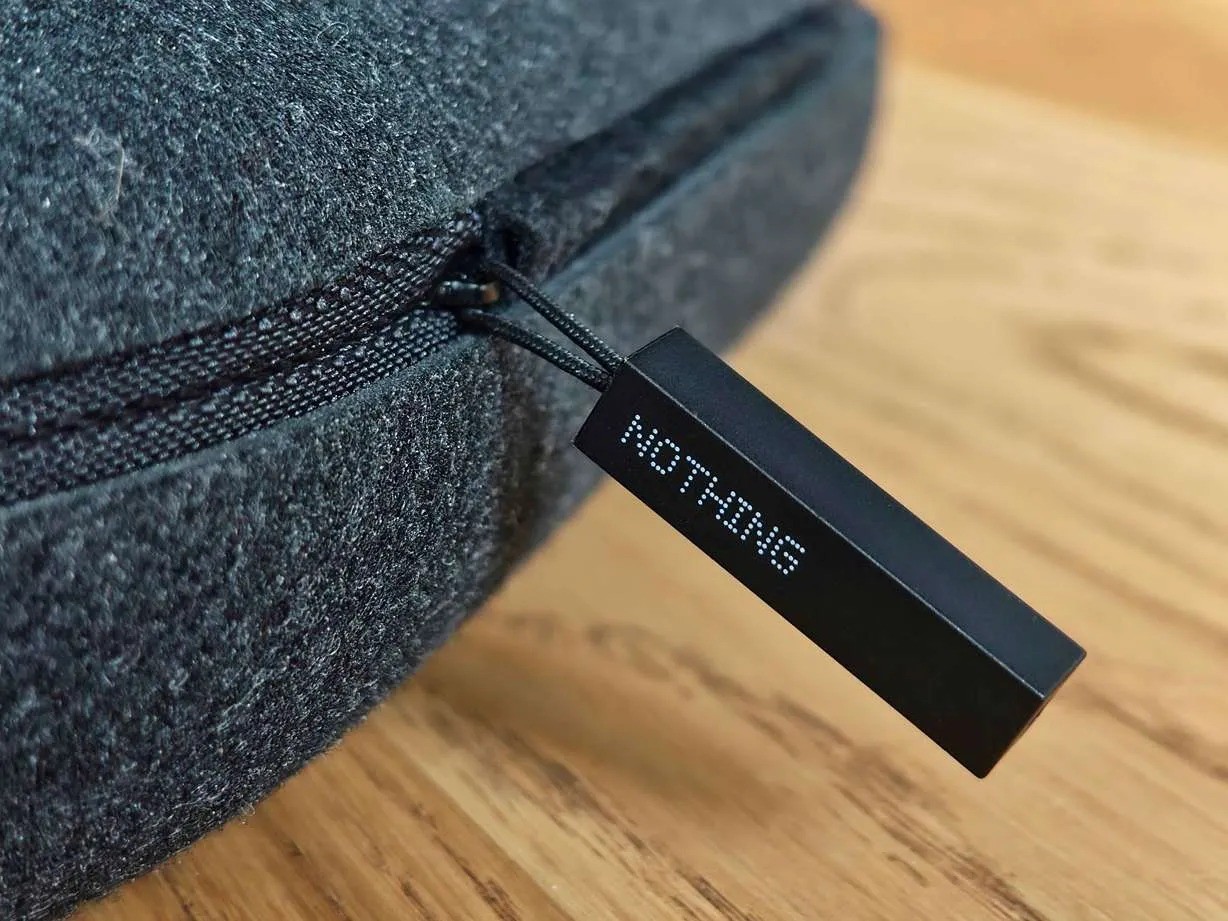
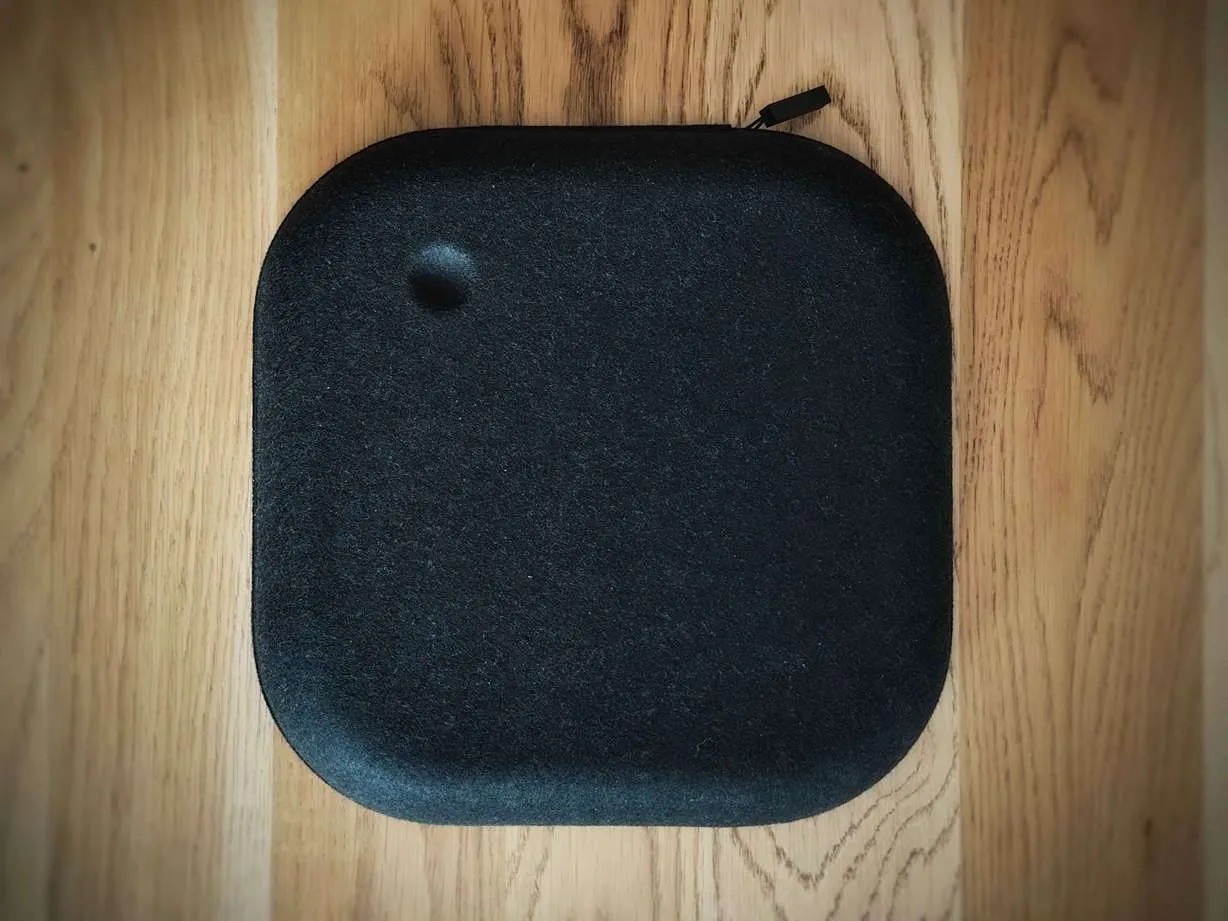
Although the overall experience has been very satisfying, there are areas for improvement. Luckily, these are not about the headphones themselves. The case, for example, feels mediocre compared to the quality of the headphones. It should be better built and have the Nothing branding engraved on the front. It’s too big and surprisingly plain and impersonal coming from Nothing. During unboxing, I opened the case upside down because at first glance (unless you look closely) it’s not clear which side is the front or back, and the zipper often gets stuck when closing.
Another thing that annoys me a bit is that to store them inside the case, I need to set the headband to its minimum size, which is uncomfortable when you have to readjust it every time you take them in or out. Another concern is that when worn around the neck, the earcups knock against each other, and I think this could eventually cause cosmetic damage.
Despite having some areas to improve, the Nothing Headphone (1) are, in my opinion, a success and a very solid first attempt from Nothing. They offer a unique design and premium build, are surprisingly comfortable, and deliver a very enjoyable sound experience for most users thanks to the equalizer. On top of that, ANC is effective, and the physical controls are an absolute joy to use. In short, Nothing debuts with headphones that don’t aim to be studio gear, but to set a style and deliver a great experience for the average user. And in that, they succeed with flying colors.

