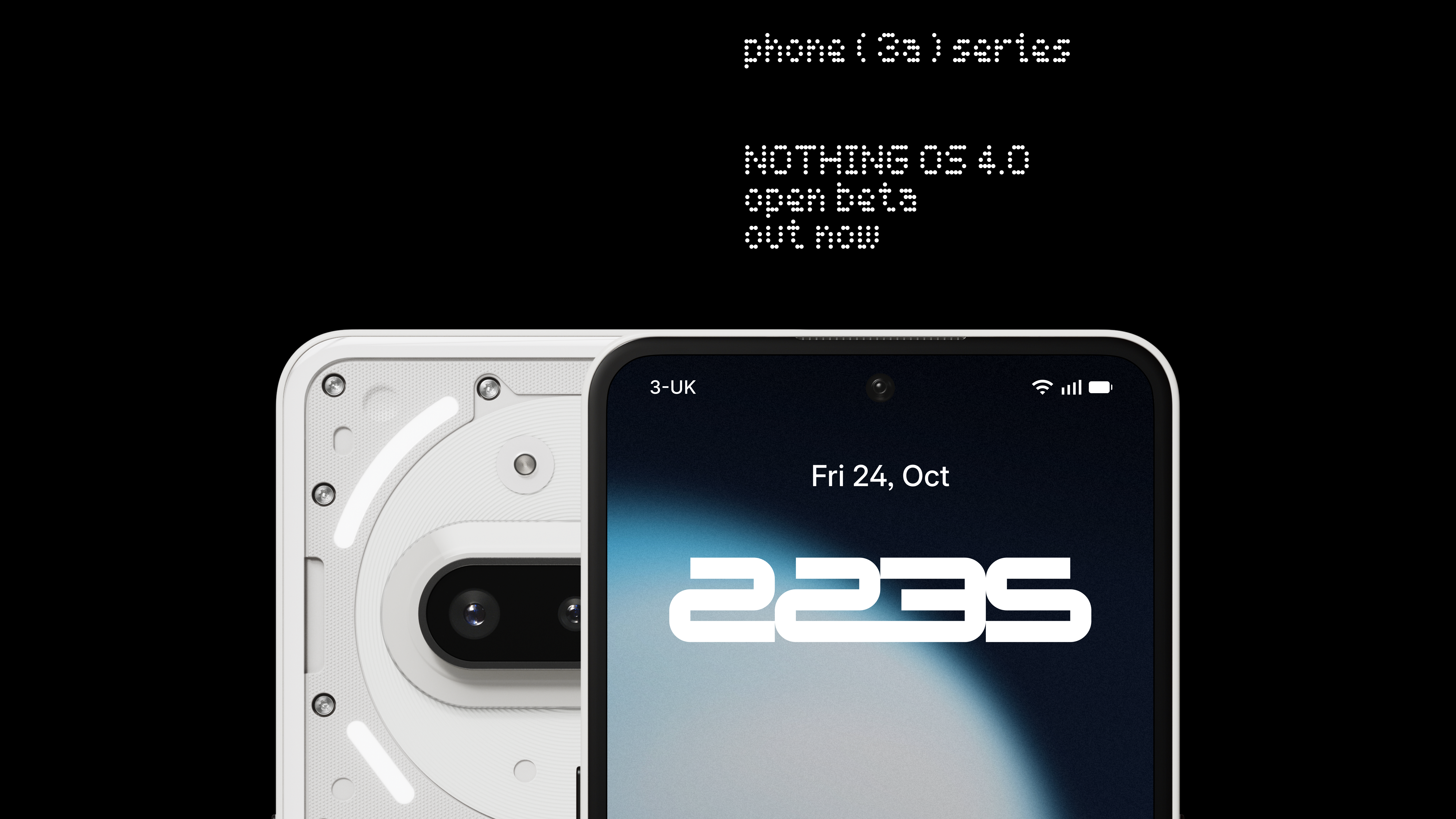
The Open Beta for Nothing OS 4.0, powered by Android 16, is now available for the Phone (3a) Series.
This update lets you experience the latest version of Nothing OS ahead of the official release and share your feedback to help us refine the final build.
What’s New
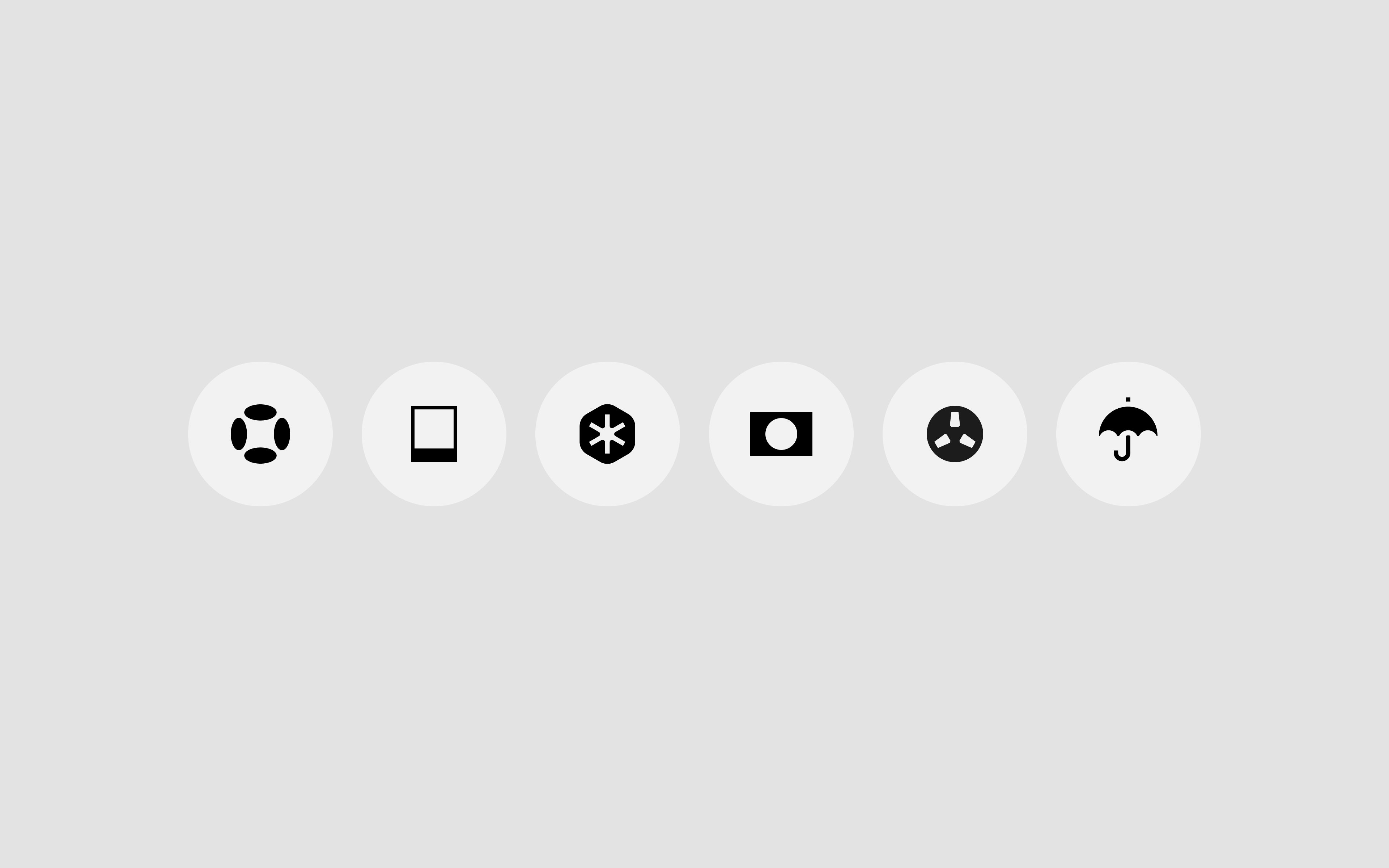
📱All-new Nothing icon design
A refreshed visual language that’s lighter, more refined, and uniquely Nothing. Expect further improvements based on your feedback.
📸 “Stretch” Camera preset
Developed in collaboration with photographer Jordan Hemingway, this preset enhances photos with deeper shadows and extended highlights for a distinctive, cinematic look straight from the Camera app.
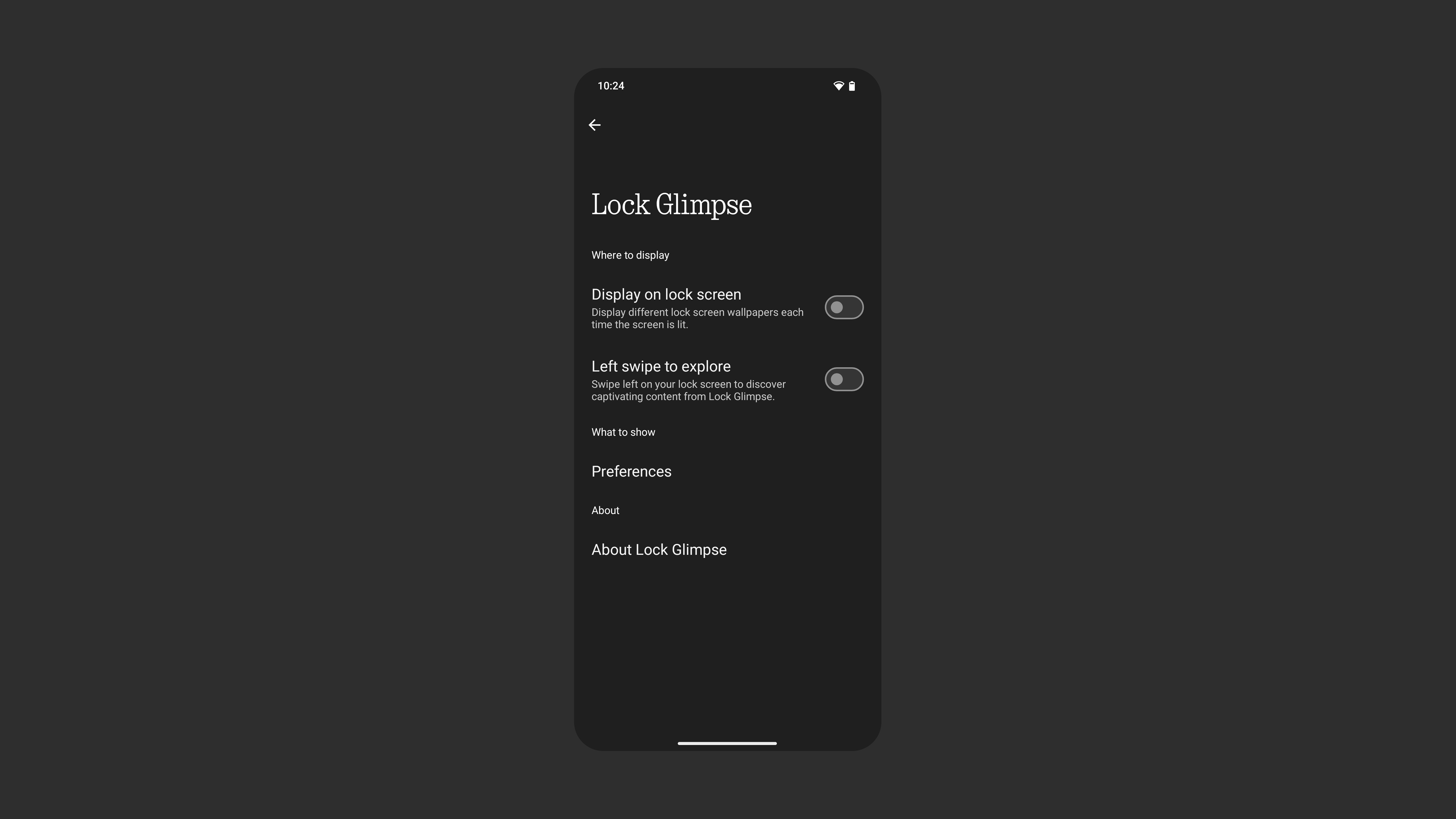
🖼️ Lock Glimpse
Lock Glimpse brings fresh, high-quality wallpapers to your lock screen, curated to your taste across nine categories. It can also surface timely updates and useful content designed to enhance your experience.
The feature is turned off by default. You can enable it anytime in Settings, refresh wallpapers, adjust your preferences, or choose to access it only by swiping left. Everything stays in your control.
Built with privacy in mind, Lock Glimpse will soon let you display your own photos on the lock screen, replacing all other content and making every unlock uniquely yours.
⚡All other features remain the same as in the previously released Nothing OS 4.0 Beta.
Notes
Please back up your data (photos, call logs, contacts, etc.) before upgrading. The device may temporarily heat up and consume more power after updating. This will return to normal shortly after installation.
How to join
Make sure your device is on the latest stable build, go to About phone > banner.
- Phone (3a): Asteroids-V3.2-251013-1406
- Phone (3a) Pro: Asteroids-V3.2-251013-1406
- Open Beta OTA terminals will be closed on November 7, meaning you will not be able to join the Beta after this date.
Download the Beta APK and install from your downloads folder.
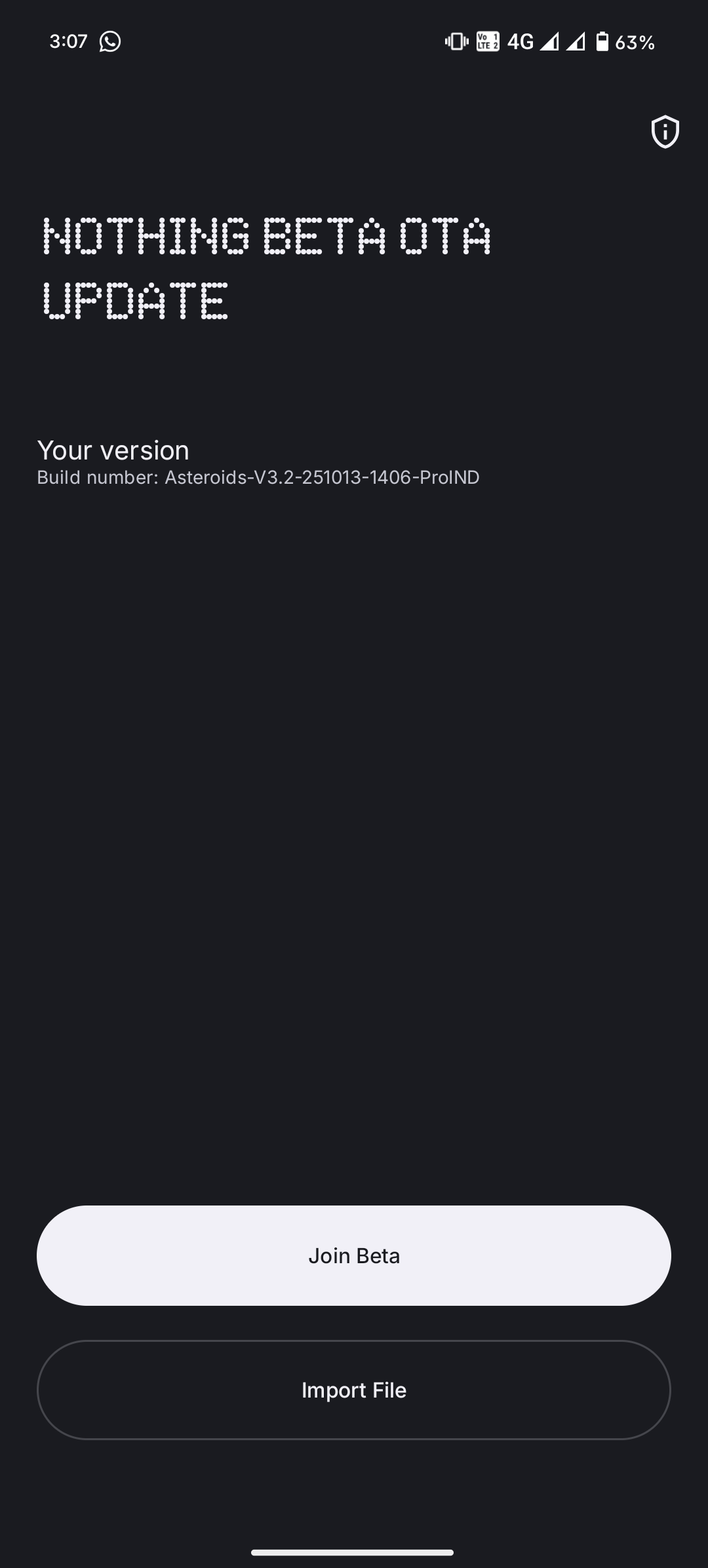
Go to Settings > System > Nothing Beta Hub.
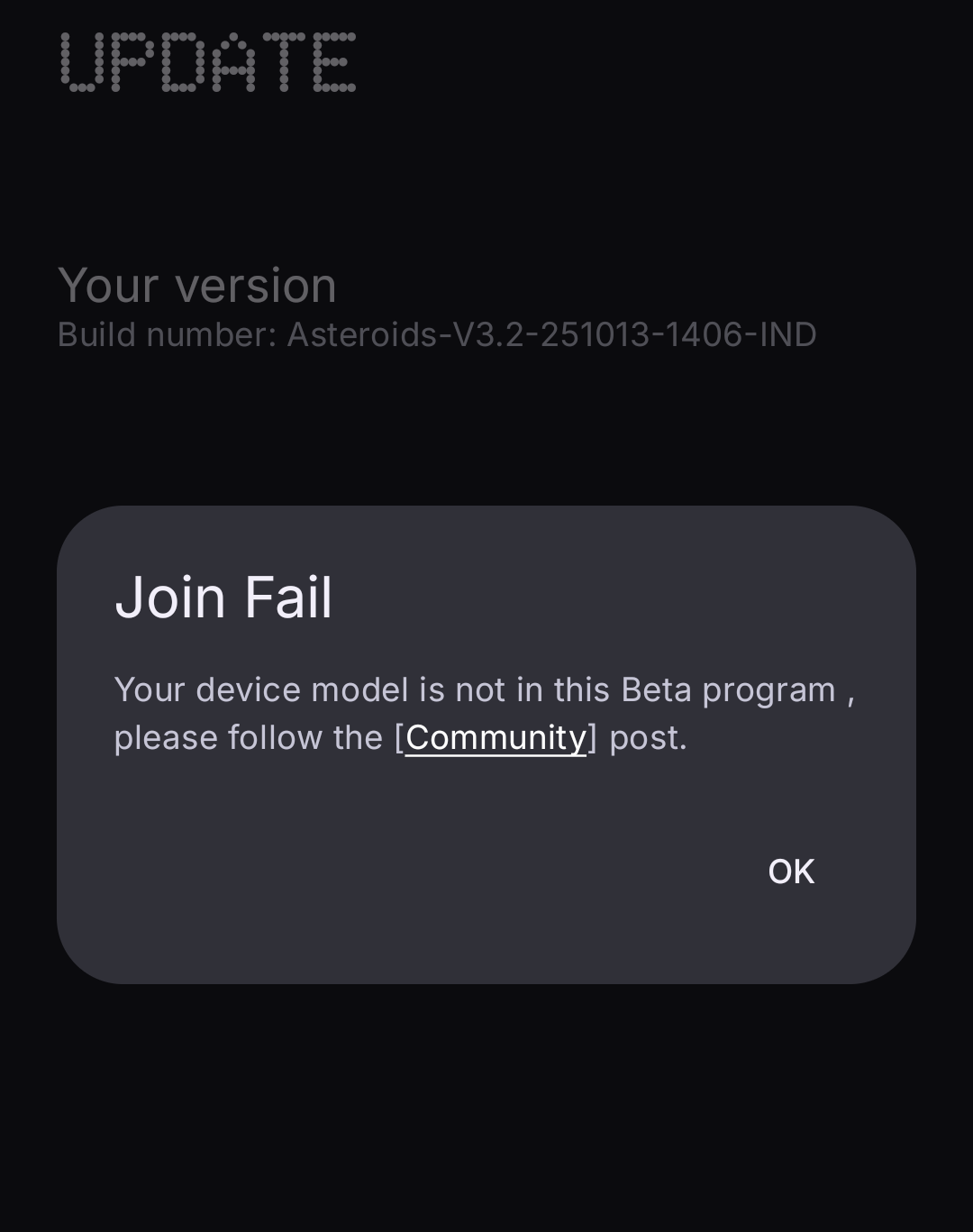
Tap "Join Beta" to sign up. After successful registration, Tap "Go to Update" to upgrade.
Note: Tap "Go to Update". If the redirection fails, please manually go to Settings > System > System updates and check for updates.
As this is a Beta, it isn’t the final version. We encourage you to share your feedback as we continue to refine the experience.
Your feedback can be shared via Settings > System > Feedback, or join the discussion on nothing.community.
⚠️ Disclaimer: This is Beta software and may interfere with your data. It could also require a factory reset. Please back up your data before updating.
Rollback to Stable
If you need to return to Nothing OS 3.2:
Download the rollback package
Phone (3a)
Phone (3a) Pro
Go to Settings > System > Nothing Beta Hub.
Tap Import file and select the package.
Follow the on-screen instructions.
💡 Tip: If you see an error, create a folder called Documents in Internal Storage and try again.
⚠️ Disclaimer: Rolling back will factory reset your device and erase all data due to Google’s rollback rules. Please back up everything before proceeding. Nothing cannot accept responsibility for issues caused during rollback. For help, contact customer support.
[UPDATE] - 31 OCT - OBT2
Nothing OS 4.0 Open Beta 2 is now available for the Phone (3a) Series.
This update includes general improvements and bug fixes to enhance overall performance and stability.
Users already on Open Beta 1 can detect and install the update directly from their phones. The Beta APK is not required.
Rollback to Stable:
If you need to return to Nothing OS 3.2:
From OBT 1 (Asteroids-B4.0-251021-1539), download the relevant rollback package:
Phone (3a)
Phone (3a) Pro
If you’re on OBT 2 (Asteroids-B4.0-251027-1838), download the rollback package
Phone (3a)
Phone (3a) Pro
Go to Settings > System > Nothing Beta Hub.
Tap Import file and select the package.
Follow the on-screen instructions.
💡 Tip: If you see an error, create a folder called Documents in Internal Storage and try again.
⚠️ Disclaimer: Rolling back will factory reset your device and erase all data due to Google’s rollback rules. Please back up everything before proceeding. Nothing cannot accept responsibility for issues caused during rollback. For help, contact customer support.